
- Build in the crate
- 2026.05
- Made by the team at
- Safari Pedals
- Menu languages offered
- English
- How you pay for it
- k'ed by GUISEPPE
- macOS it plays on
- macOS 11 or later
- CPU it runs on
- Apple Silicon, Intel 64-bit
Screenshots

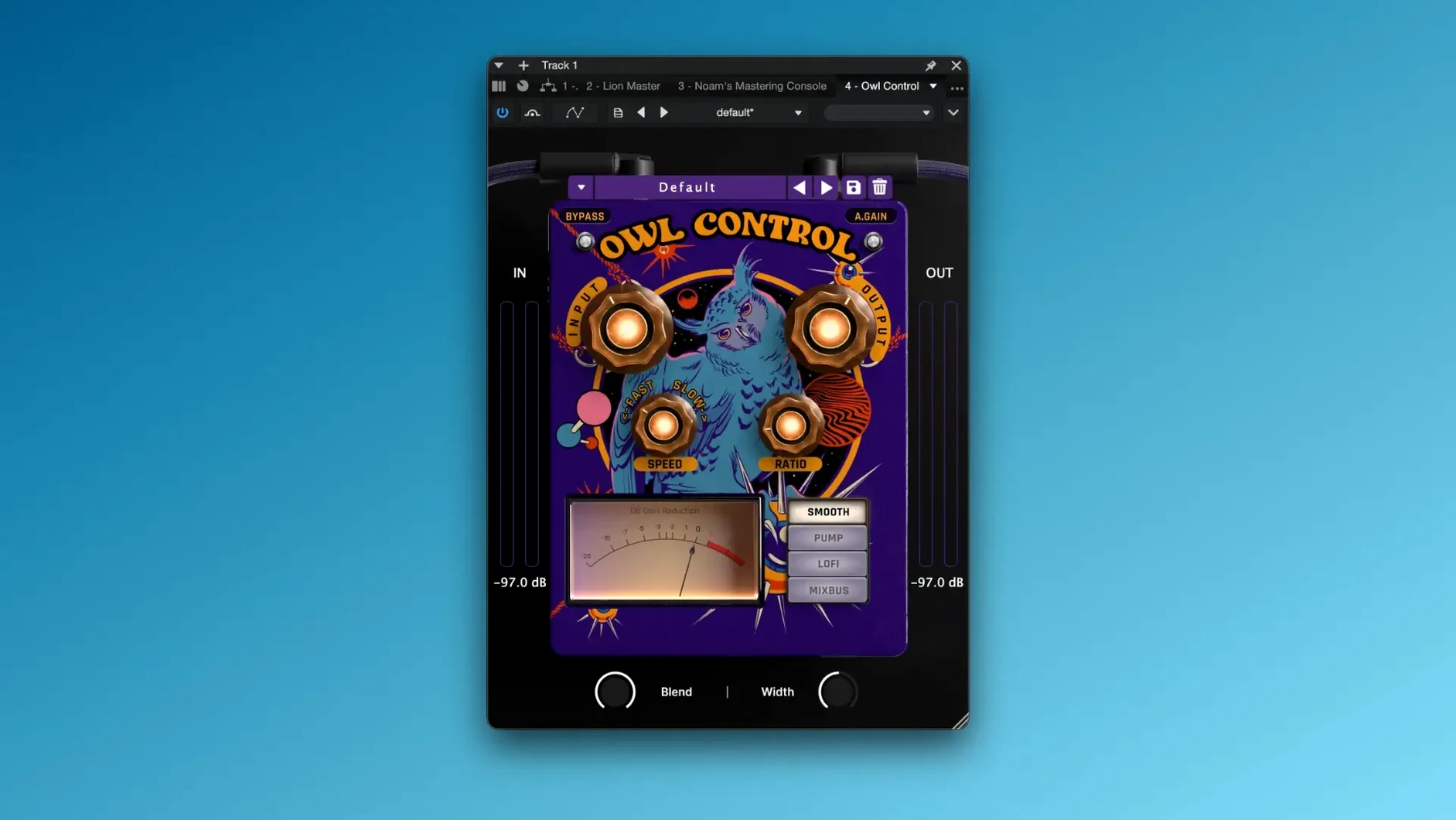
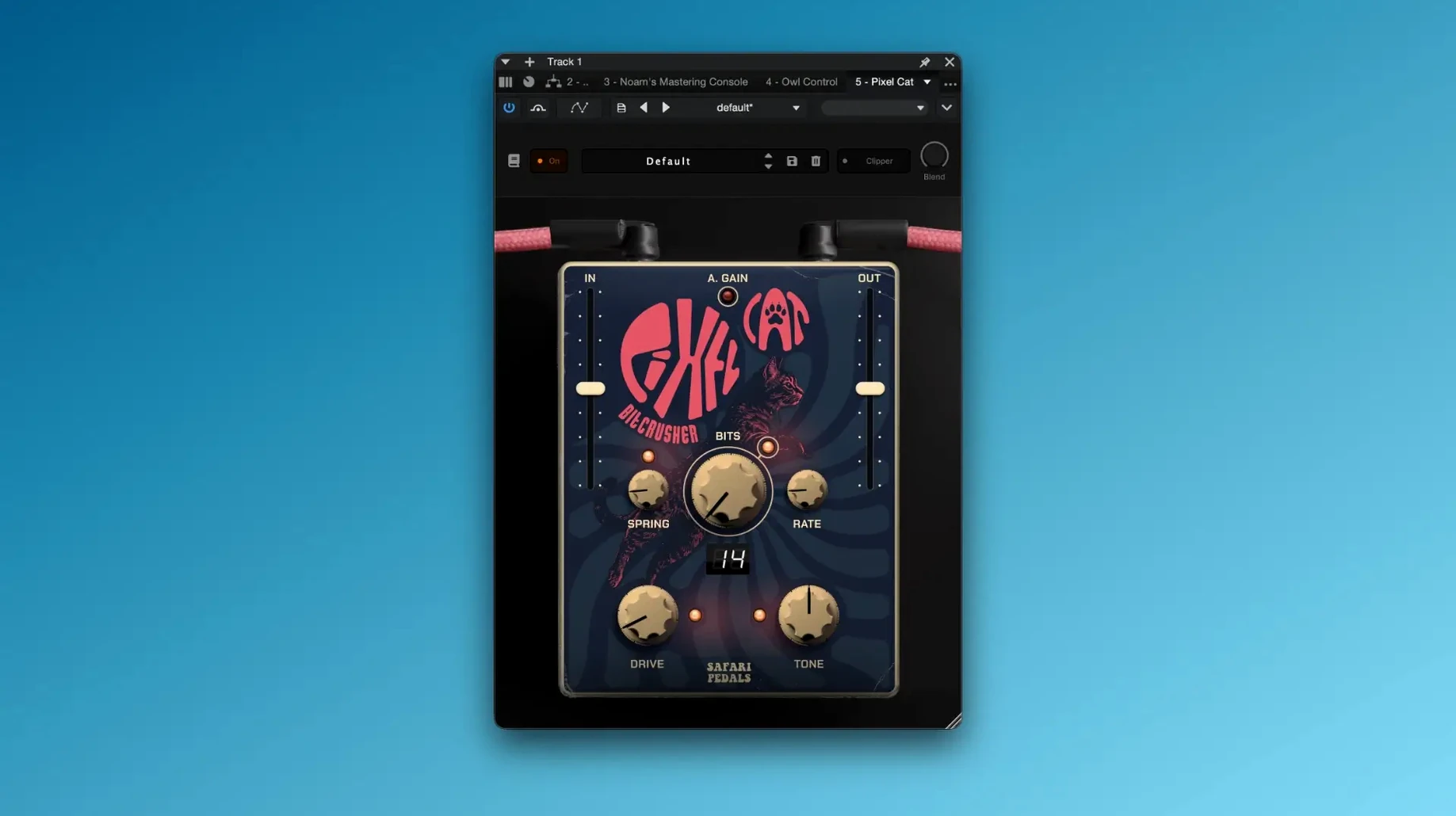
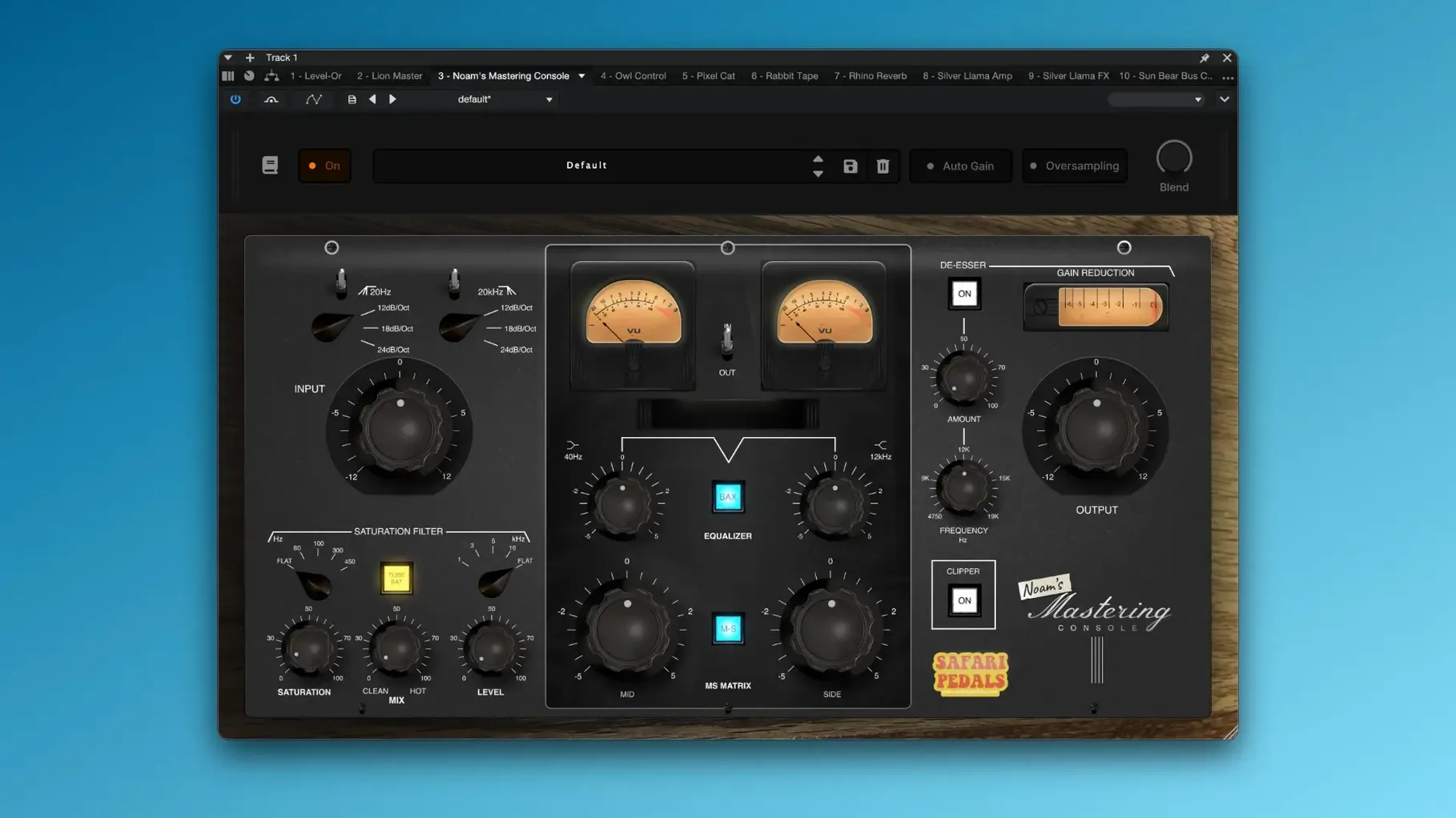
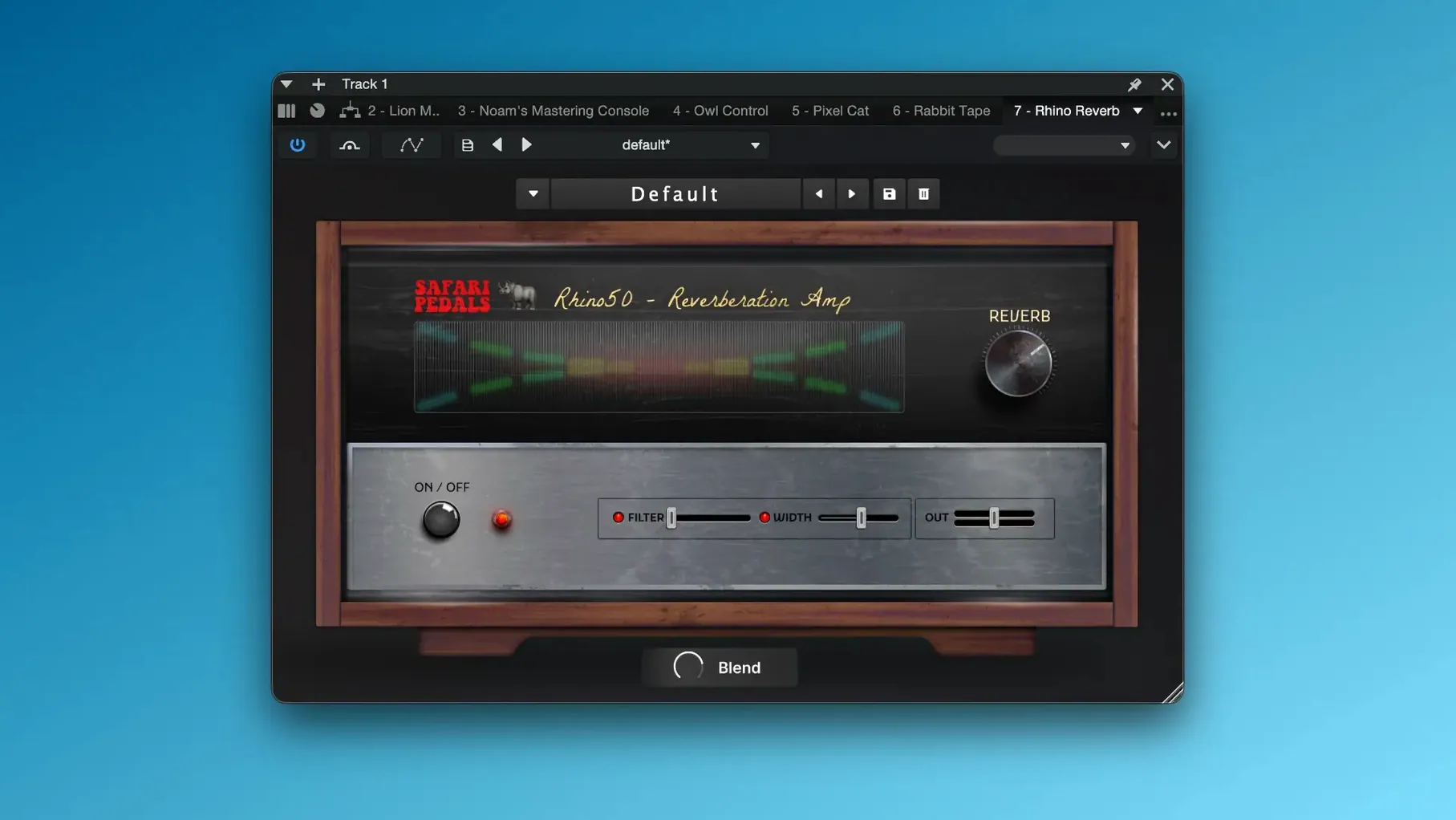
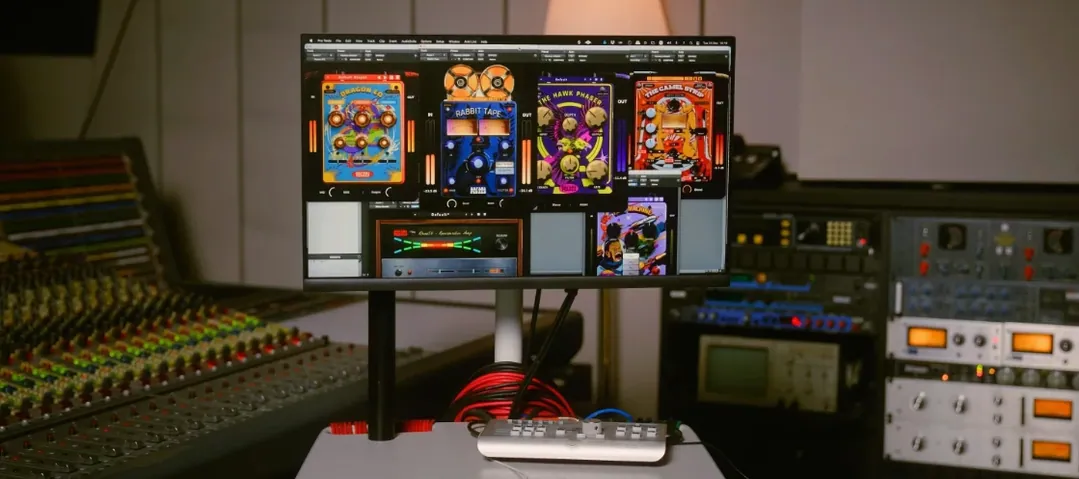
The 2026.05 update of Safari Pedals Everything Bundle brings Cassette Bunny into the fold. That makes the collection even more complete for anyone working on a Mac — from early track shaping to final bus processing.
| Detail | Info |
|---|---|
| Version | 2026.05 |
| Developer | Safari Pedals |
| Format | VST3, AU, AAX |
| macOS | macOS 11+, Apple Silicon / Intel |
| Language | English |
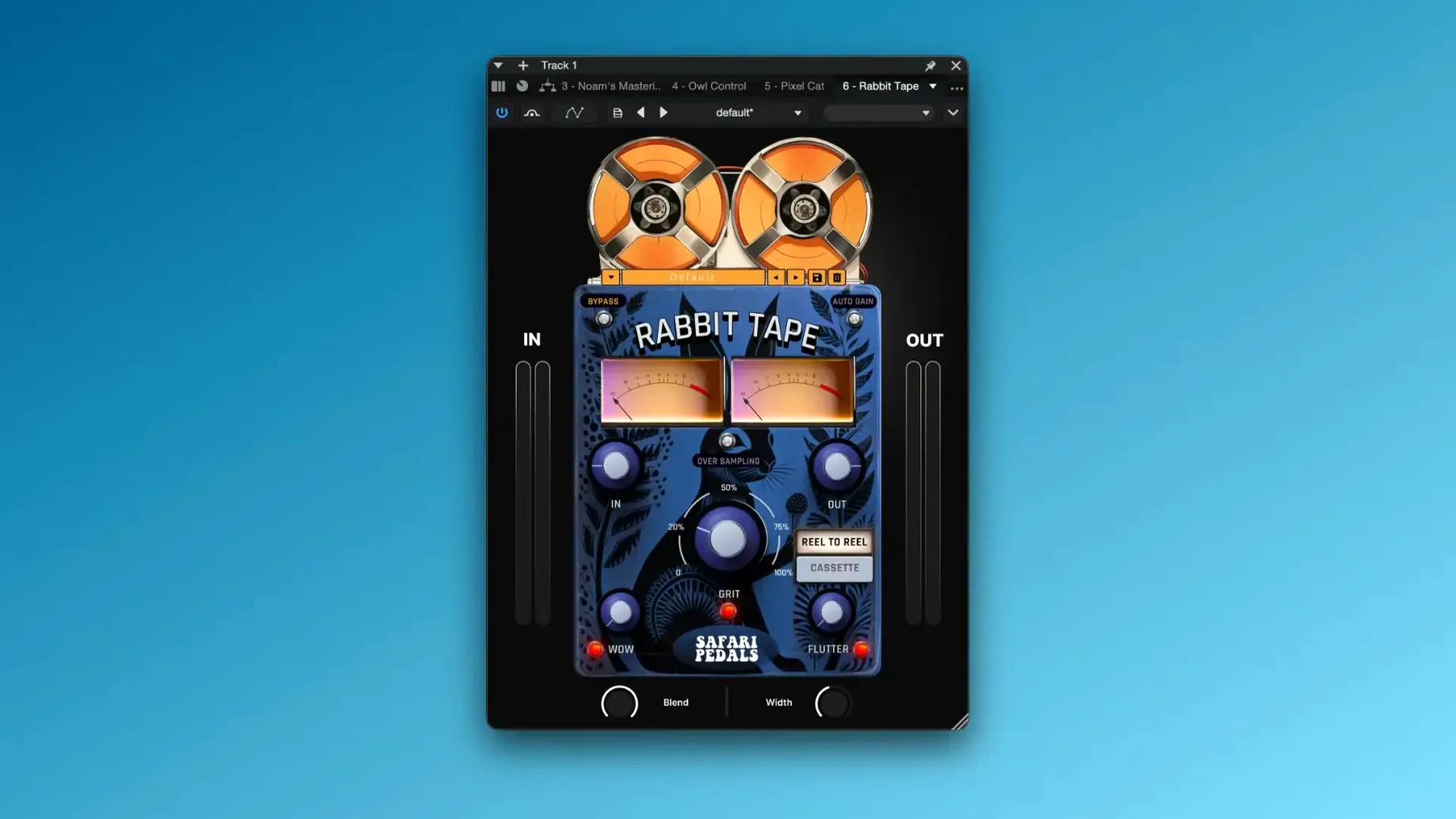
This bundle sits naturally across a session. Use Dirty Dog Reverb or Flamingo Verb on a vocal send. Drop Gorilla Drive on a bass track for grit. Rabbit Tape or Yak Delay work well on percussive loops. Owl Control gives you a master bus compressor, and Ladybug Reverb can glue a mix. Every plugin runs as VST3, AU or AAX, so it’ll slot into Logic, Ableton Live or Pro Tools without fuss.
Cassette Bunny brings worn tape character to tracks
The headline addition is Cassette Bunny, a tape‑saturation plugin that brings lo‑fi character and warmth to individual tracks or whole mixes. Before this update, you had Rabbit Tape as the main tape‑style effect; Cassette Bunny leans more toward the worn, wobbly side of cassette culture. In a session, you might reach for it when you want that extra layer of dust and flutter that Rabbit Tape doesn't quite cover.
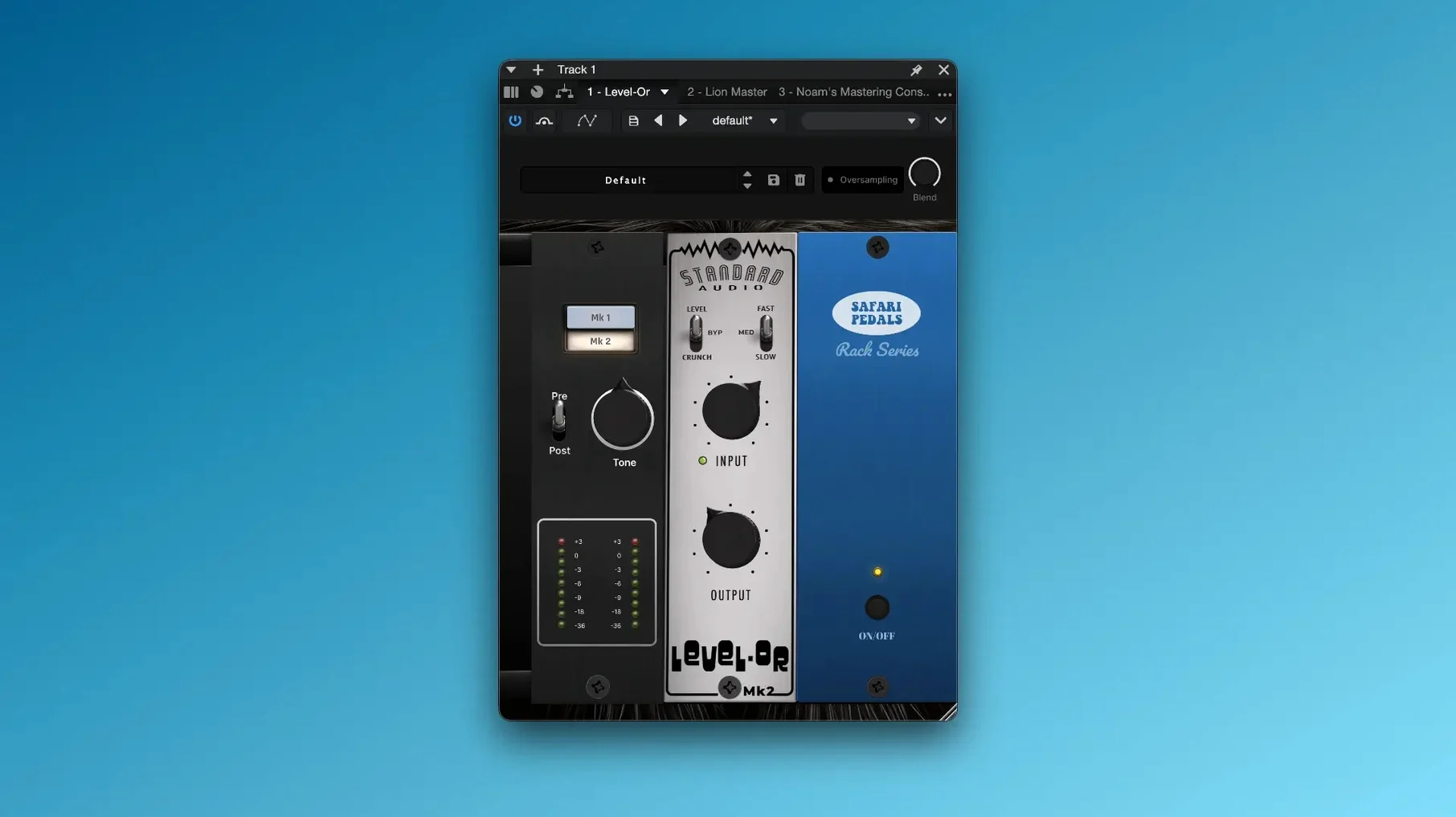
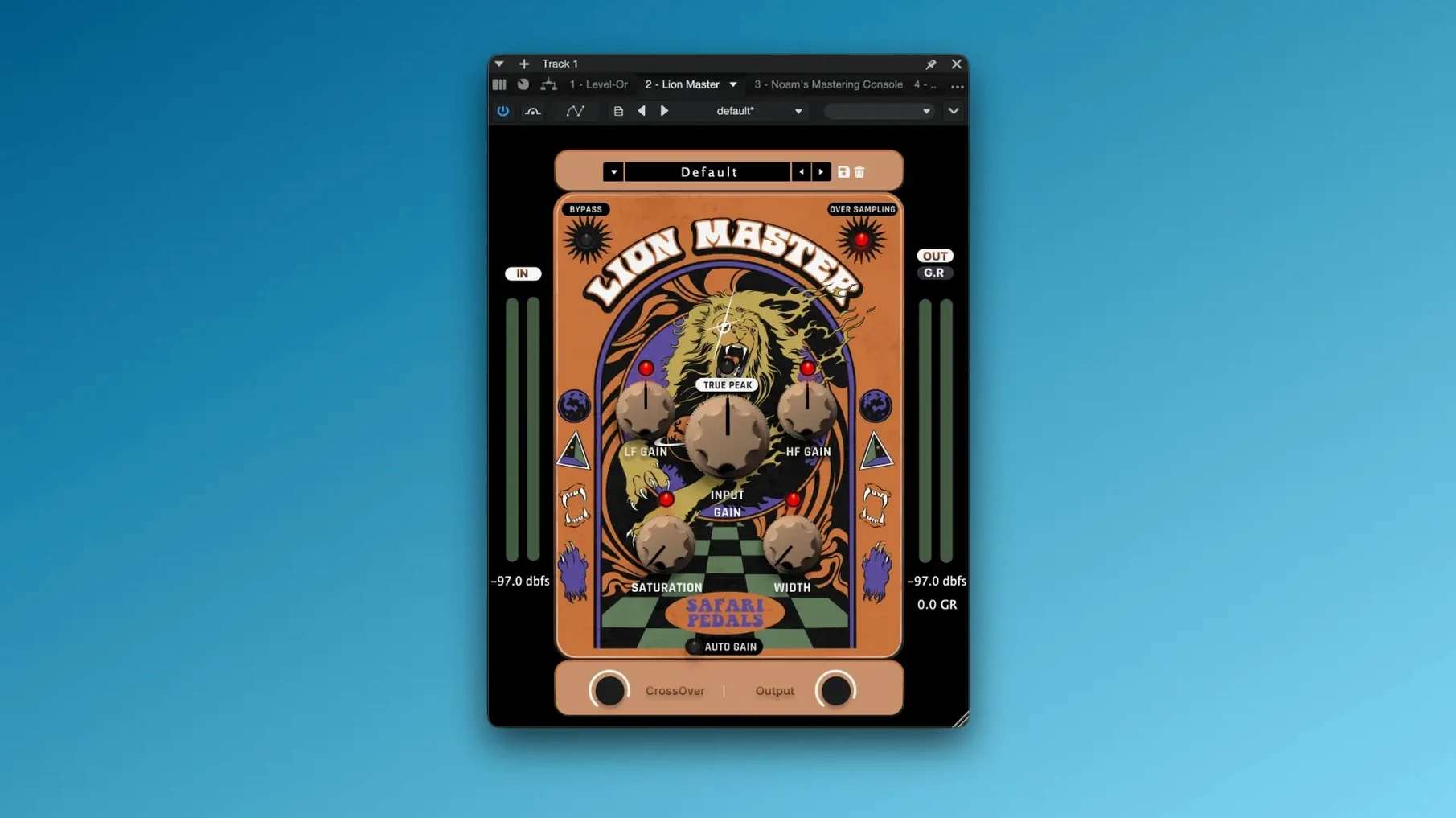
Otherwise, the core bundle stays the same. The developers haven't touched the existing plugins' sound or workflow. So if you've been using Lion Master on your drum bus or Hawk Phaser on synths for a while, nothing shifts. The only practical change is one more colour in the palette, and that's never a bad thing when you're hunting for a specific texture.
Installs as one package, not individual plugins
Do I need to install every plugin individually?
No. The bundle comes as one package. You copy the files to your usual plugin folder and follow the activation steps included. After that, each plugin appears in your DAW's list. You don't have to hunt for separate installers.
Will these work alongside my existing Safari Pedals plugins?
Yes. If you already own individual Safari Pedals effects, the bundle versions share the same format and naming. Your old sessions will load fine. The new Cassette Bunny just adds to what's there.
Can I use them in Pro Tools?
AAX is included, so Pro Tools users are covered. Logic users get AU, and anyone on Ableton Live, Cubase, Studio One or similar uses VST3. No format gaps.
Do I need an iLok or online activation?
The package is already k'ed by GUISEPPE. You follow the installation and activation instructions included in the download. No hardware key or internet check required after that.
Will Cassette Bunny replace Rabbit Tape?
Not really. Rabbit Tape is more of a general tape emulation — cleaner, with tone shaping controls. Cassette Bunny is purposely degraded: wow, flutter, noise, the works. They complement each other. You might put Rabbit Tape on a vocal bus for subtle warmth and Cassette Bunny on a sampled loop to sell the lo‑fi feel.
Building a lo-fi drum loop with Cassette Bunny
Say you have a dry drum loop and you want it to sound like it came off a worn‑out cassette. Here's a chain you can set up in any DAW that supports VST3 or AU.
- Start with Cassette Bunny. Drop it directly on the drum track. Dial in a moderate amount of saturation and add a touch of wow and flutter. This gives you the basic tape colour.
- Add Yak Delay after it. Set the delay time to a dotted eighth or a sixteenth note, keep the feedback low. This adds a rhythmic bounce that feels more natural than a clean digital delay.
- Insert Dirty Dog Reverb at the end. Choose a small room or spring setting. Keep the mix below 20%. The reverb glues the saturation and delay together without washing out the loop.
- Use Owl Control on the master bus. Set a slow attack and release, about 2–3 dB of gain reduction. This evens out the level shifts from the tape and delay effects, so the loop sits consistently in the mix.
The whole chain takes about two minutes to set up. You can tweak Cassette Bunny's amount to make the loop sound more or less degraded, and adjust Yak Delay's repeats to match your track's tempo. It works just as well on a breakbeat or a simple kick‑snare pattern.
Owl Control default attack is too fast for bus work
When you first open the bundle, a few plugins have defaults that might not suit your typical session. Here's what I'd adjust right away.
- Owl Control: The default attack is often too fast for bus work. Then adjust from there.
- Dirty Dog Reverb: The preset often loads with a long decay. For most tracks, I'd bring it down to 1.5–2 seconds and add a high‑cut to keep the reverb from cluttering the mids.
- Cassette Bunny: The default wow amount can be heavy.
- Lion Master: The output level tends to be hot out of the box. Lower the output by 3–4 dB before you start adjusting the compression. That way you hear the actual compression, not just a volume jump.
- Gorilla Drive: The drive defaults to a moderate setting.
These aren't rules — just starting points that save you a few seconds of scrolling. Each plugin responds differently to different sources, so tweak by ear once you have a rough balance.
- Added Cassette Bunny.
- macOS 11 or later
- Apple Silicon or Intel processor
- English language interface
Kit check at a glance
| System | macOS 11 or later |
| Chip | Apple Silicon, Intel 64-bit |
| Download | 628 MB |


Chat from the booth
Sign in or grab a free account to leave a comment.
Nobody has said a word in the booth yet. If you played a set with this build, tell the next person how it went.