
- Build in the crate
- 1.0.6
- Made by the team at
- Slate Digital
- Menu languages offered
- English
- How you pay for it
- k'ed by GUISEPPE
- macOS it plays on
- macOS 11 or later
- CPU it runs on
- Apple Silicon
Screenshots
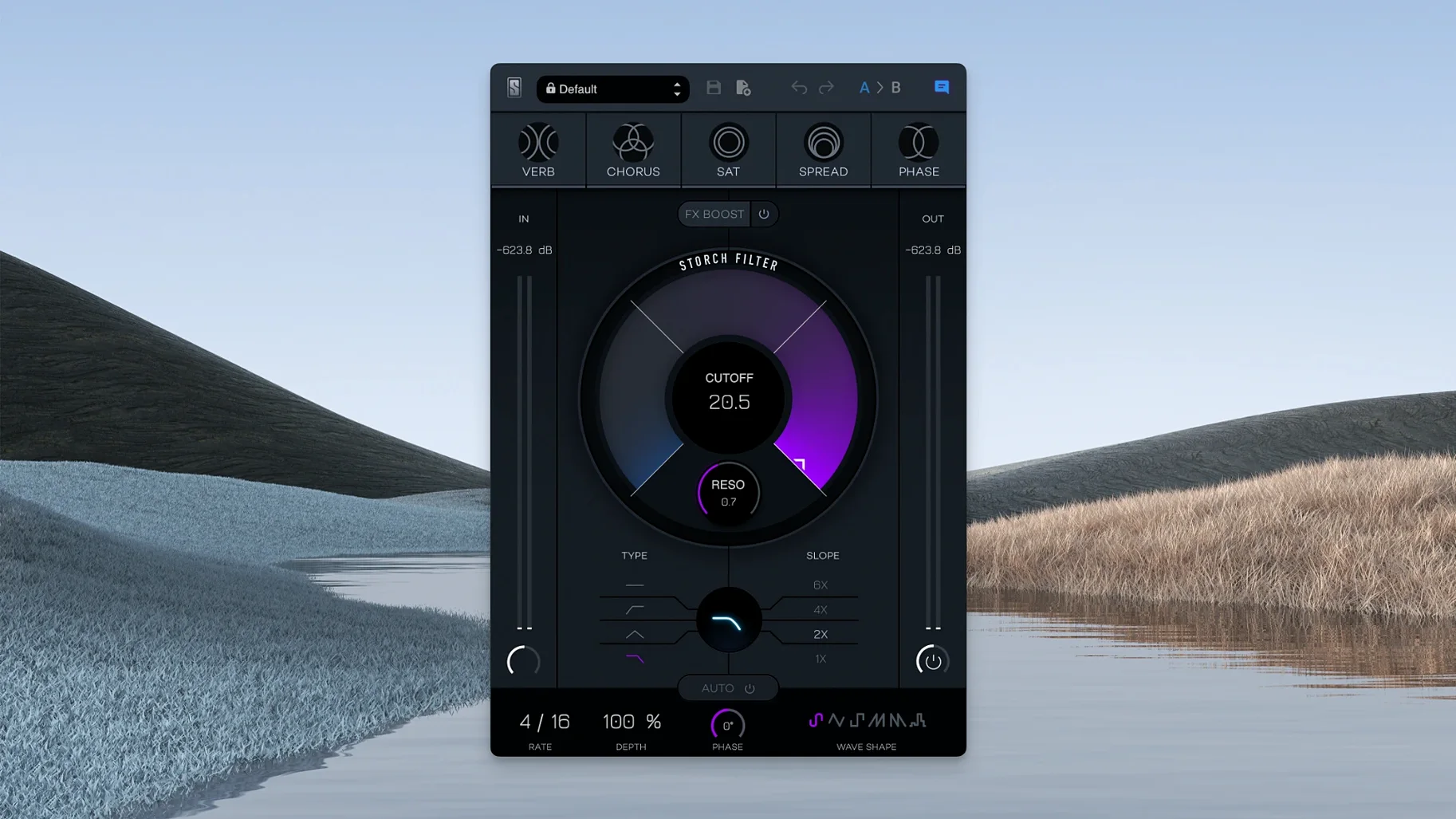
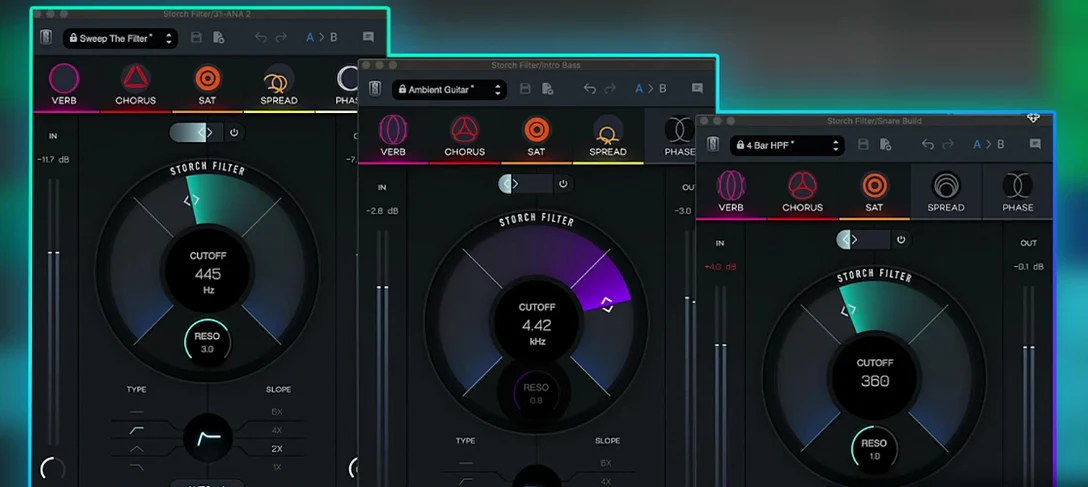
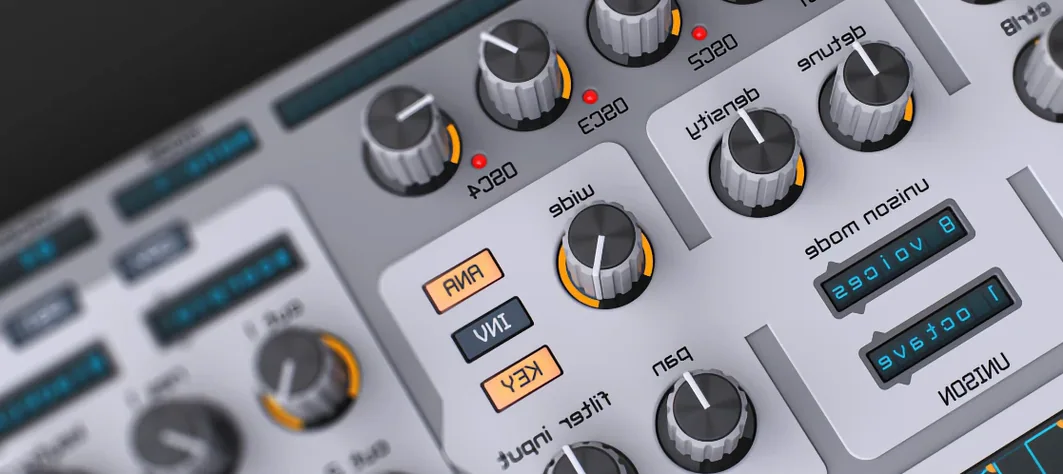
Most filter plugins just roll off the highs or lows. The Slate Digital Storch Filter does more than that — it’s a creative multi-effect tool with built-in modulation and five effects in one box.
Developed with Scott Storch, version 1.0.6 runs on macOS 11 and Apple Silicon. It works as a VST, AU, or AAX plugin inside your DAW.
Quick autofilter sweeps with six LFO shapes
- Quick autofilter sweeps with six LFO wave shapes
- Pairing the filter with reverb, chorus, saturation, stereo widening, or phaser
- Dialling in extra intensity with the FX Boost slider
English-only interface, standard install
- Interface is in English only
- Standard install — nothing unusual
A piano loop starts breathing with Scott Storch presets
I had a beat with a simple piano loop that was too clean. I loaded the Storch Filter on the track, picked one of Scott Storch’s presets, and the loop started breathing — the filter swept up and down, and the stereo image widened slightly. That alone gave it a new feel.
Next, I adjusted the cutoff and resonance by hand while the loop played. I then switched the LFO wave shape from sine to square. The filter snapped open and closed, turning the loop into a rhythmic pattern that locked with the kick drum.
On a synth pad I tried the phaser effect linked to the filter. As the resonance increased, the phasing became more pronounced, creating a swirling texture that evolved over eight bars. I used the autofilter with a slow triangle wave for a gentle movement underneath a vocal sample — the reverb effect followed the filter sweeps, so the tail got brighter as the filter opened.
This plugin works well as a one-stop sound design tool. I didn’t reach for separate modulation or effect plugins. Everything was in one window, with the same controls shaping both the filter and the built-in effects.
Built-in effects bundled into the filter path
There are other filter plugins that offer modulation, but the Storch Filter bundles effects directly into the filter path. For example, FabFilter Volcano 3 gives you multiple filter types, a flexible modulation system, and a clean interface — it’s deeper if you want to build complex filter routings. But it doesn’t include reverb, chorus, or saturation as part of the filter itself. You’d need to add those separately.
Output Movement is another creative multi-effect tool with filter, sidechain, and modulation. It excels at rhythmic gating and movement effects. The Storch Filter is more focused: the effects are tied to cutoff and resonance, so you get a different kind of interaction. Movement feels like a full effects chain; the Storch Filter feels like a filter that brings its own colour.
Slate Digital Storch Filter also stands out for the FX Boost slider — a single control that pushes the intensity of the combined filter and effects. The other plugins don’t have an equivalent one-knob push. If you want a filter that changes character as you turn it up, this is a different approach.
Producers who want instant mood changes without menu diving
Music producers working with loops or samples will find it useful. Dropping it on a track and scrolling through presets quickly changes the mood — no menu diving. Mix engineers can use it to add movement to static elements like pads or background synths without setting up automation or sidechain routing.
Sound designers who need fast results also benefit. The combination of filter sweeps, LFO shapes, and built-in effects lets you create evolving textures in seconds. Because the effects are linked to the filter controls, you get changes in both frequency and tone with a single knob movement.
Producers who work with hip-hop, trap, or pop might like the Scott Storch presets as a starting point. They’re designed with a musical ear, not just technical curves. Even if you tweak everything later, the presets give you a solid foundation.
Anyone running Apple Silicon Macs with macOS 11 or later can use it without compatibility concerns. It installs like any standard audio plugin — drag, scan, play.
- Build updated to version 1.0.6
- macOS 11 or later
- Apple Silicon processor
- Compatible DAW
Kit check at a glance
| System | macOS 11 or later |
| Chip | Apple Silicon |
| Download | 69 MB |




Chat from the booth
Sign in or grab a free account to leave a comment.
Nobody has said a word in the booth yet. If you played a set with this build, tell the next person how it went.