
- Build in the crate
- 2025.06.29
- Made by the team at
- Roland Corporation, Virtual Sontoldics
- Menu languages offered
- English
- How you pay for it
- K'ed by TEAM HCiSO
- macOS it plays on
- macOS 11 or later
- CPU it runs on
- Apple Silicon, Intel 64-bit
Screenshots
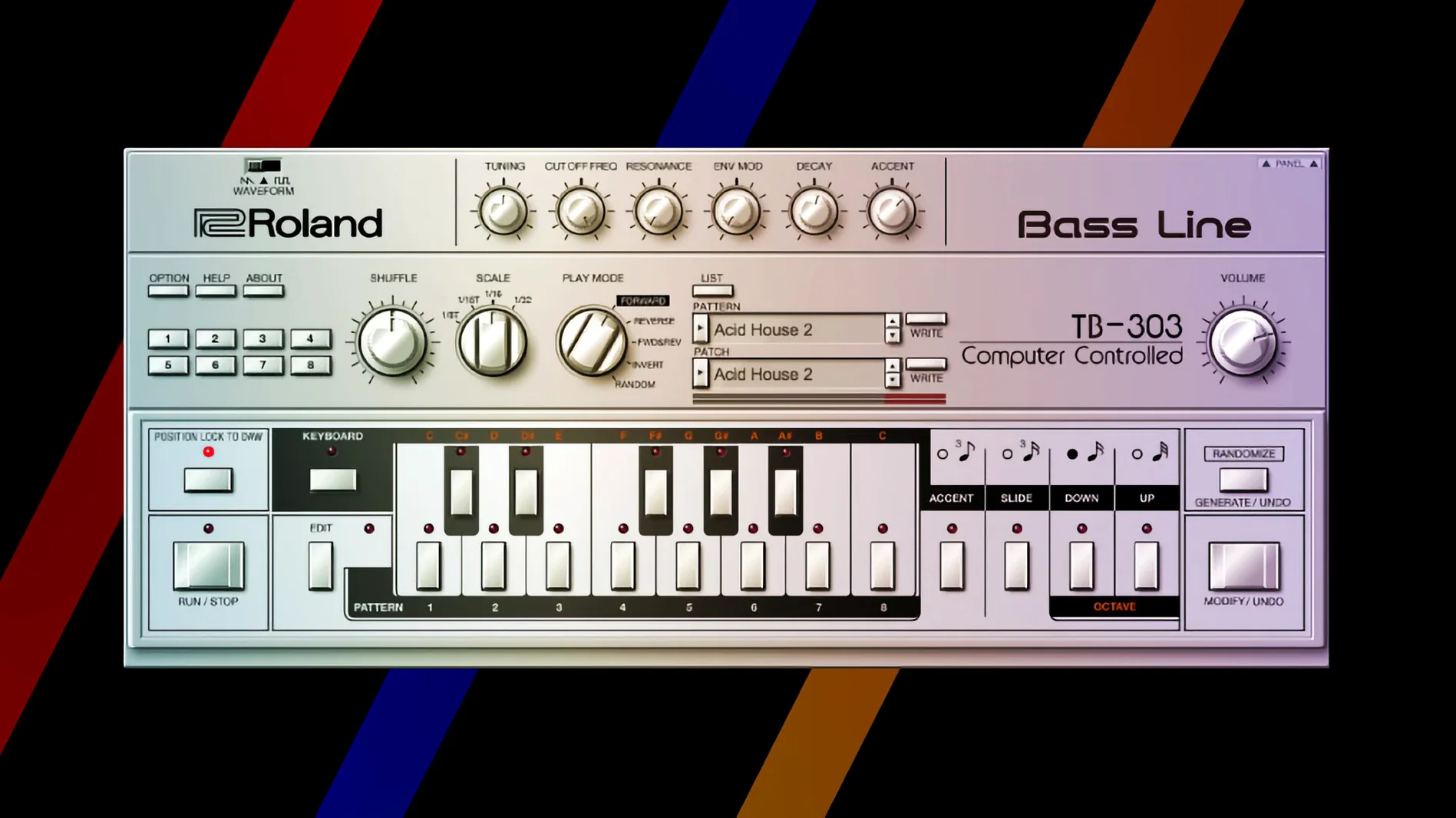
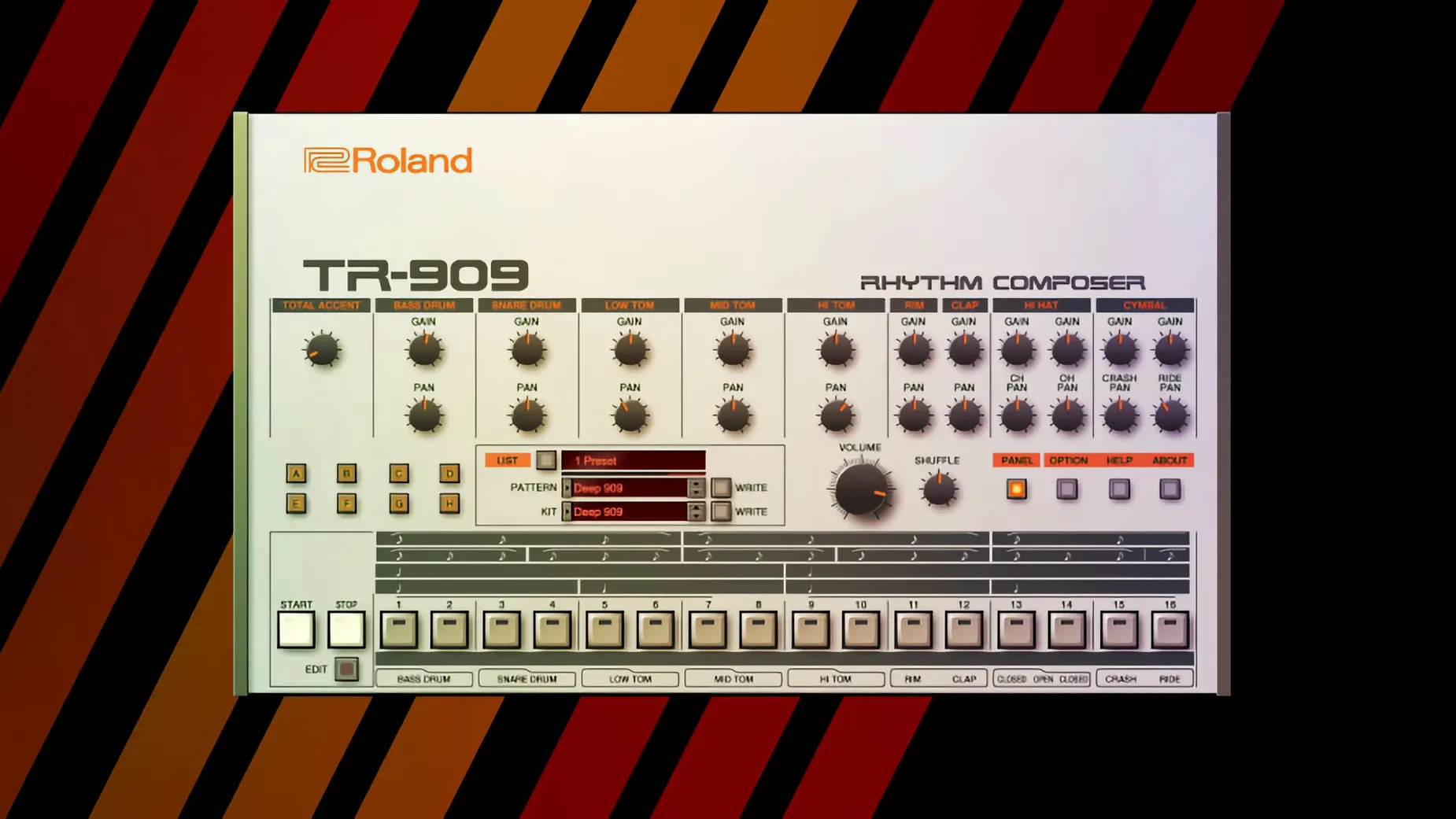
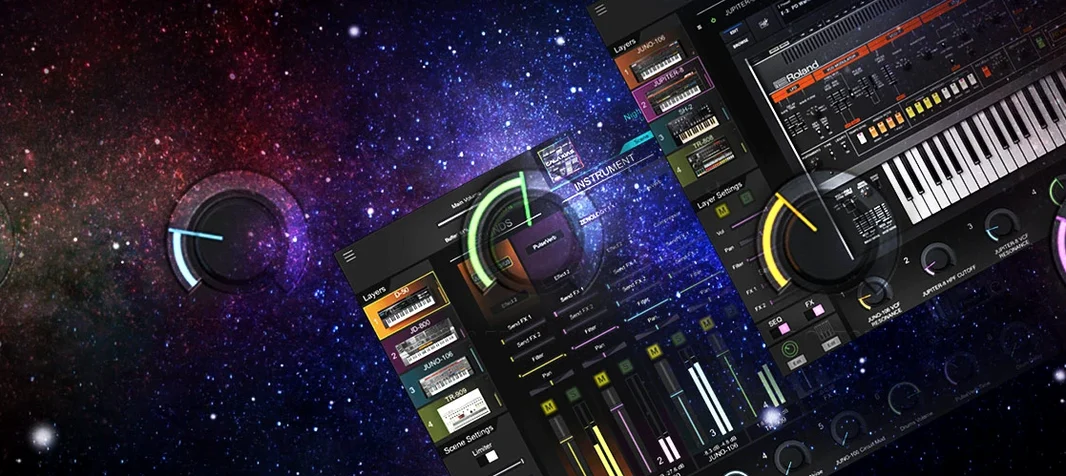
Roland Cloud Legendary Series is a plugin collection of software instruments that recreates classic Roland synthesizers and drum machines, built for music production inside a modern DAW.
What it includes
- D-50 — the LA synthesis classic, known for its airy pads and digital sheen.
- JUNO-60 — a chorus-heavy polysynth, great for warm pads and bass.
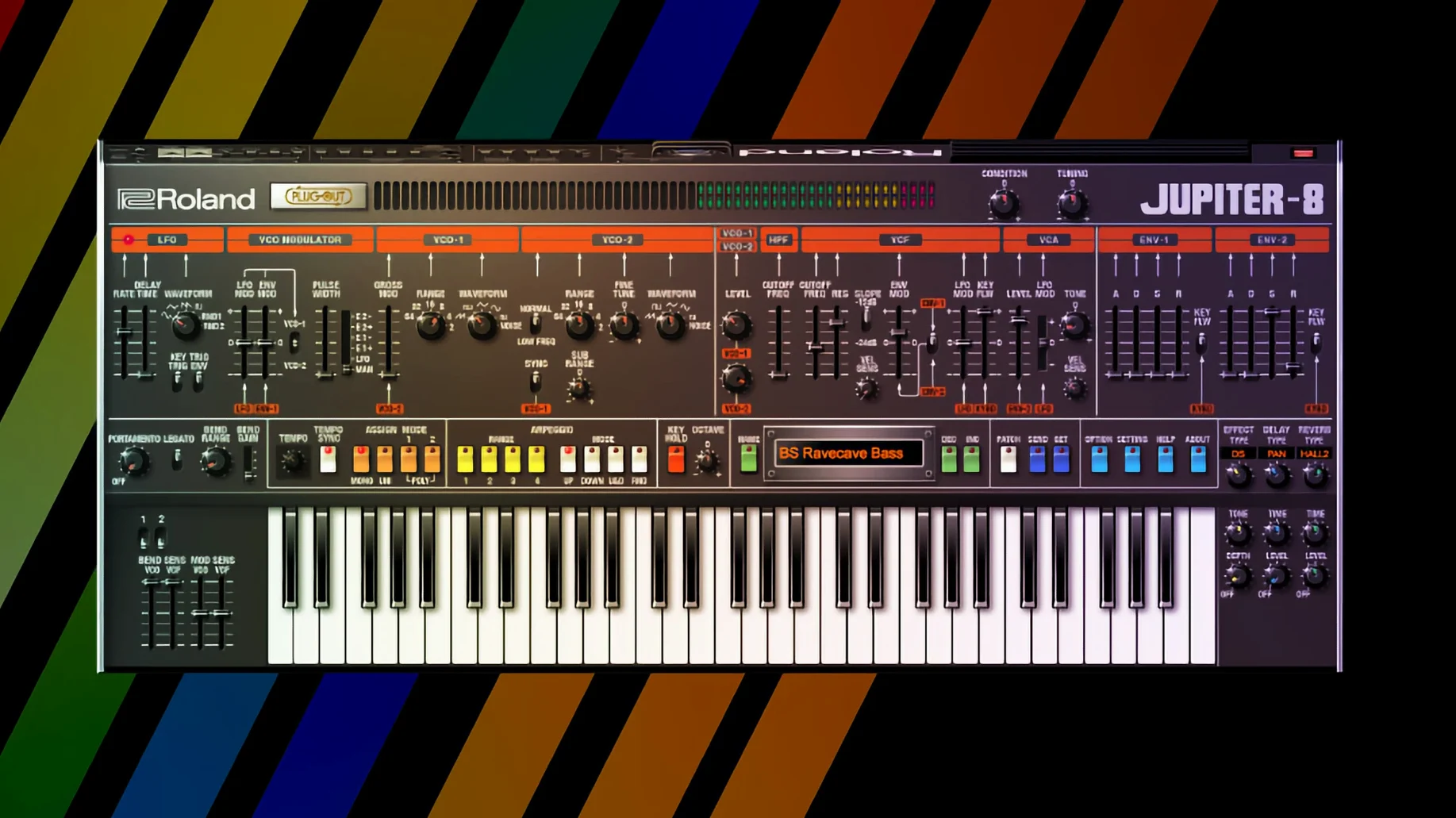
- JUPITER-8 — the flagship analogue, good for leads and thick basses.
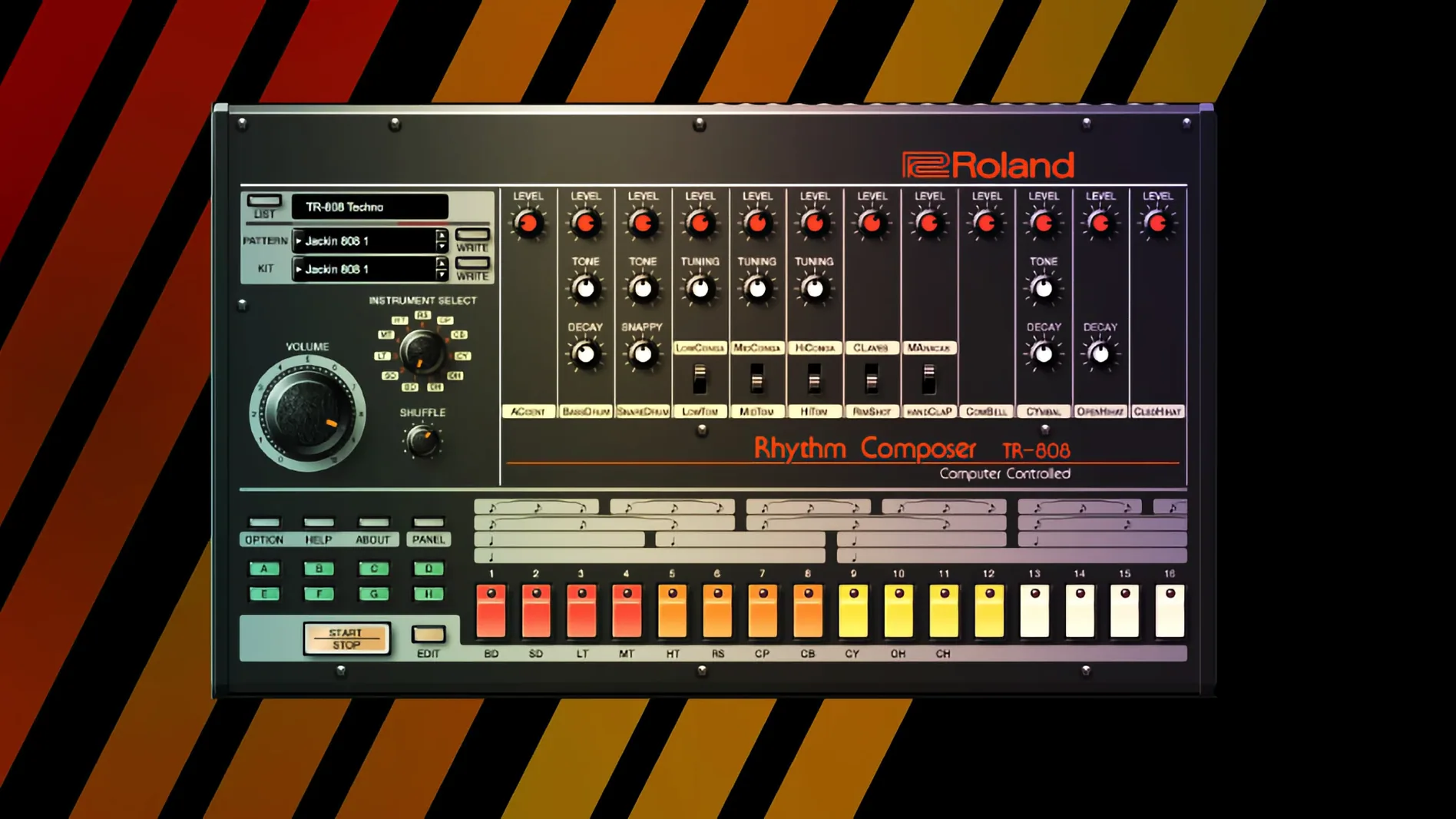
- TR-808 — the drum machine that defined hip-hop and electro.
- TR-909 — the house and techno rhythm workhorse.
Writes pads, basses, leads, or rhythmic parts
This is for anyone writing pads, basses, leads or rhythmic parts. The collection uses Roland's Analog Circuit Behavior technology for sound modelling, so the instruments behave like the originals rather than just sampling them. Newer instruments in the series get a high-resolution interface, which helps on large displays and in current DAWs. Modern effects are included too, so you can shape sounds without reaching for extra plugins.
Covers less hardware than Arturia V Collection
If you work with classic synth sounds on a Mac, you have a few routes. Arturia V Collection covers a wider range of vintage hardware, including synths and keys from many brands beyond Roland. It is a bigger library, but the depth on each instrument can vary. Roland Cloud Legendary Series stays focused on the Roland catalogue, so the D-50, JUNO-60 and JUPITER-8 feel closer to the originals — the Analog Circuit Behaviour modelling matters here.
UVI has the Digital Synsations and Vintage Legends bundles, which rely heavily on sample-based emulation. They sound good and use less CPU, but you lose the real-time parameter interaction you get with Legendary Series. If you like to tweak oscillators and filters while a track plays, the Roland plugins respond more like hardware.
Native Instruments has the Reaktor-based emulations and some Kontakt libraries, but those are not dedicated to one brand. For a focused Roland setup inside Logic Pro or Ableton Live, the Legendary Series gives you a cohesive set without jumping between different plugin architectures.
v2 high-resolution interface on Retina displays
Version 2025.06.29 is the current release. Roland updated several of the Legendary instruments to the v2 standard, which brings a high-resolution interface. On a MacBook Air with a Retina display, the controls are sharper and the text is easier to read without zooming. The JUPITER-4, JUPITER-8 and JUNO-106 are the v2 instruments, so if you use those regularly, the interface change is the main difference in everyday work.
- High-resolution scaling for modern DAWs and larger screens.
- Improved DAW integration — the plugins respond faster to MIDI learn and automation lanes.
- Roland also streamlined the installer. The standard installation procedure is the same, but the download package is smaller than earlier builds.
Loaded patches don't match recorded records
A common one is loading a patch and expecting it to sound exactly like a record. The TR-808 and TR-909 emulations are accurate, but the original machines were often run through outboard mixers and tape. The Legendary Series gives you the raw sound. You still need to apply compression, EQ and maybe a saturator to get that classic character in your mix.
Another mistake is ignoring the ACB modelling. Some users treat the JUPITER-8 plugin like a simple sample player and never touch the oscillator or filter sections. The real strength is that you can dial in sounds that behave like the hardware — the filter resonance self-oscillates, the envelopes respond the same way. If you only browse presets, you miss most of the point.
Beginners also forget that the D-50 uses partials and PCM waves, not subtractive synthesis. Trying to program it like a JUNO-60 leads to frustration. Read the manual or watch a tutorial on LA synthesis before you start editing.
Built-in chorus emulates JUNO-60 BBD circuit
The Legendary Series instruments include modern effects built into the plugin window. That means you can add chorus, delay or reverb without opening a separate track effect. On the JUNO-60, the built-in chorus emulates the original's BBD circuit — it is the same sound that made that synth famous.
The high-resolution interface is not just for looks. On a MacBook Air M2, the sliders and knobs are easier to grab with a trackpad because the hit areas are bigger. Roland also labels the key parameters clearly, so you do not have to hover and guess.
The TR-808 and TR-909 plugins include individual outputs per drum voice. If you route each sound to its own track in your DAW, you can process the kick, snare and hi-hats separately. This is a workflow trick that hardware users paid extra for back in the day.
Workflow: building a rhythm and lead from scratch
Start in your DAW on a new project. Load the TR-909 plugin on a MIDI track. Write a basic four-on-the-floor pattern on the kick, add an offbeat hi-hat and a snare on the two and four. Keep it simple — eight bars is enough to work with.
Next, load the JUPITER-8 plugin on a second track. Set the oscillators to a sawtooth wave with the filter open halfway. Write a simple bassline that follows the kick pattern. Use the envelope to give it a short decay so it does not clash with the kick.
Add a third track with the JUNO-60. Turn on the chorus effect inside the plugin. Play a two-chord pad holding whole notes. Keep the filter low so the pad sits behind the lead. Adjust the chorus depth until it widens the sound without washing it out.
Route the TR-909 individual outputs if you want separate processing later. For now, listen to the three tracks together. You have a basic house or techno arrangement in a few minutes. The Roland Cloud Legendary Series handles the sound generation, and you handle the arrangement.
- macOS 11 or later
- Apple Silicon or Intel processor
- Interface language: English
Kit check at a glance
| System | macOS 11 or later |
| Chip | Apple Silicon, Intel 64-bit |
| Download | 1.3 GB |





Chat from the booth
Sign in or grab a free account to leave a comment.
Nobody has said a word in the booth yet. If you played a set with this build, tell the next person how it went.