

- Build in the crate
- 10.15.0
- Made by the team at
- iDownerGo Studio
- Menu languages offered
- Russian, English, German, Arabic, Bulgarian, Hungarian, Vietnamese, Danish, Indonesian, Spanish, Italian, Chinese (Traditional), Chinese (Simplified), Korean, Malay, Dutch, Polish, Serbian, Slovenian, Thai, Filipino, French, Croatian, Czech, Japanese
- How you pay for it
- K'ed by TNT team
- macOS it plays on
- OS X 10.10 or later
- CPU it runs on
- Intel 64-bit
Screenshots
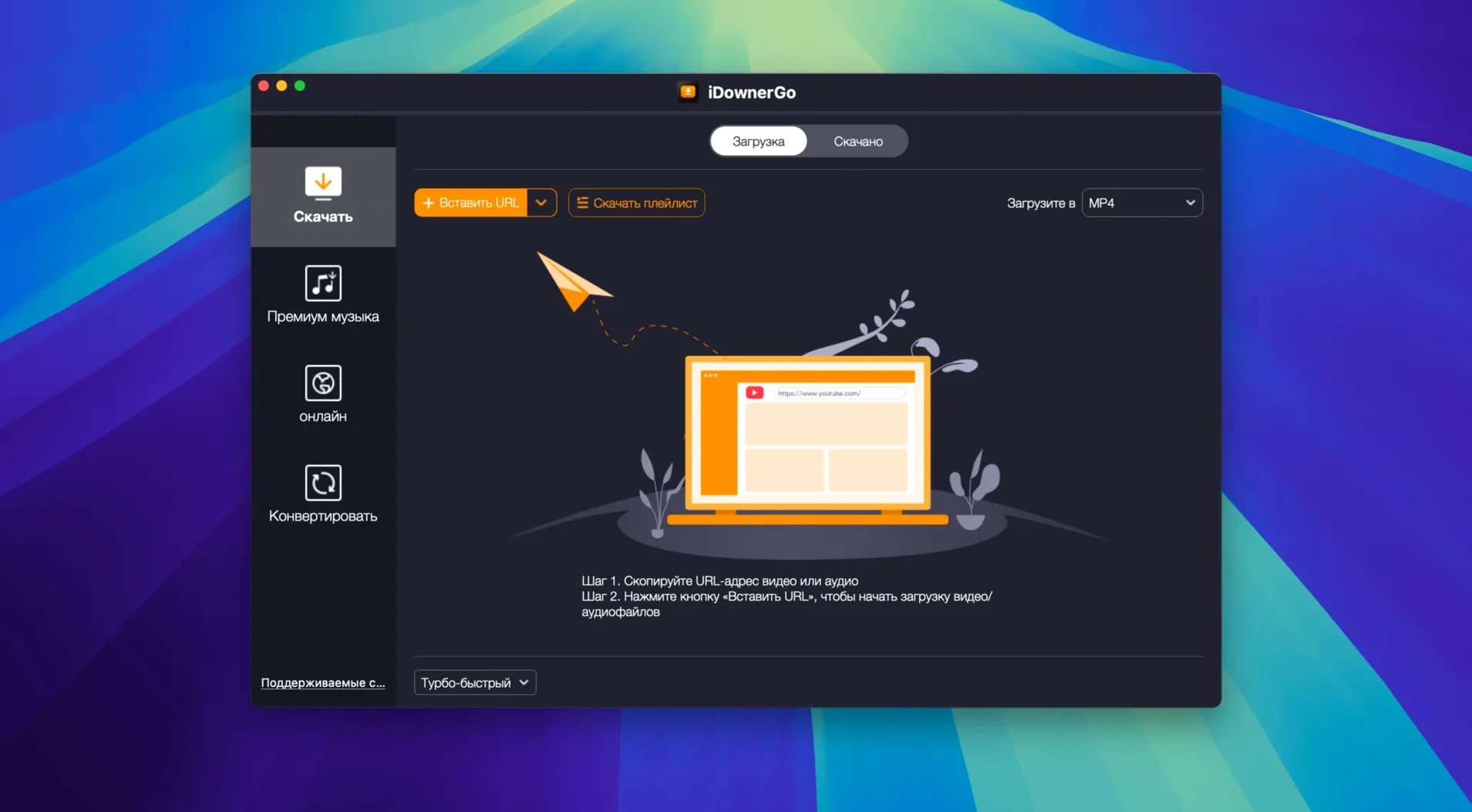
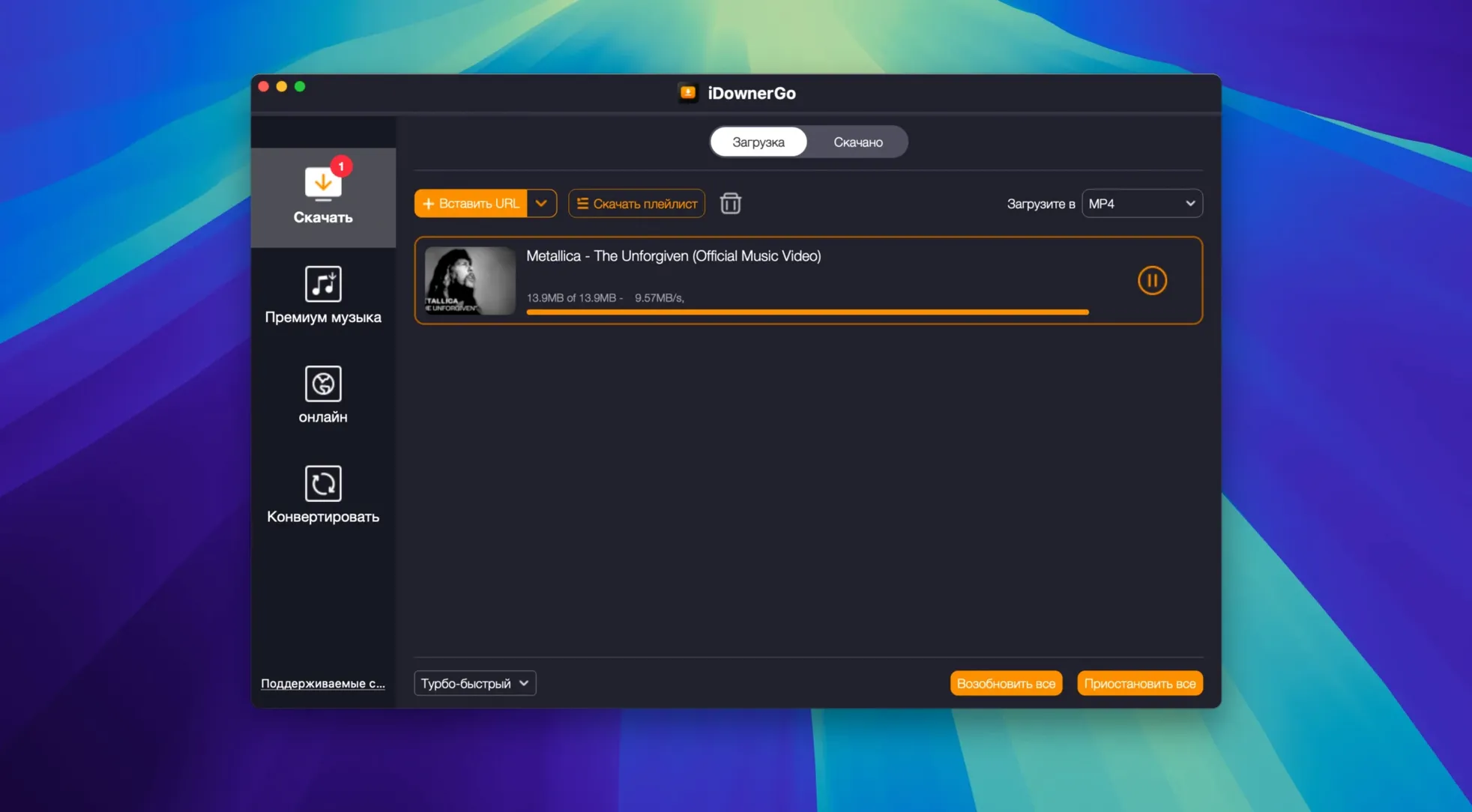
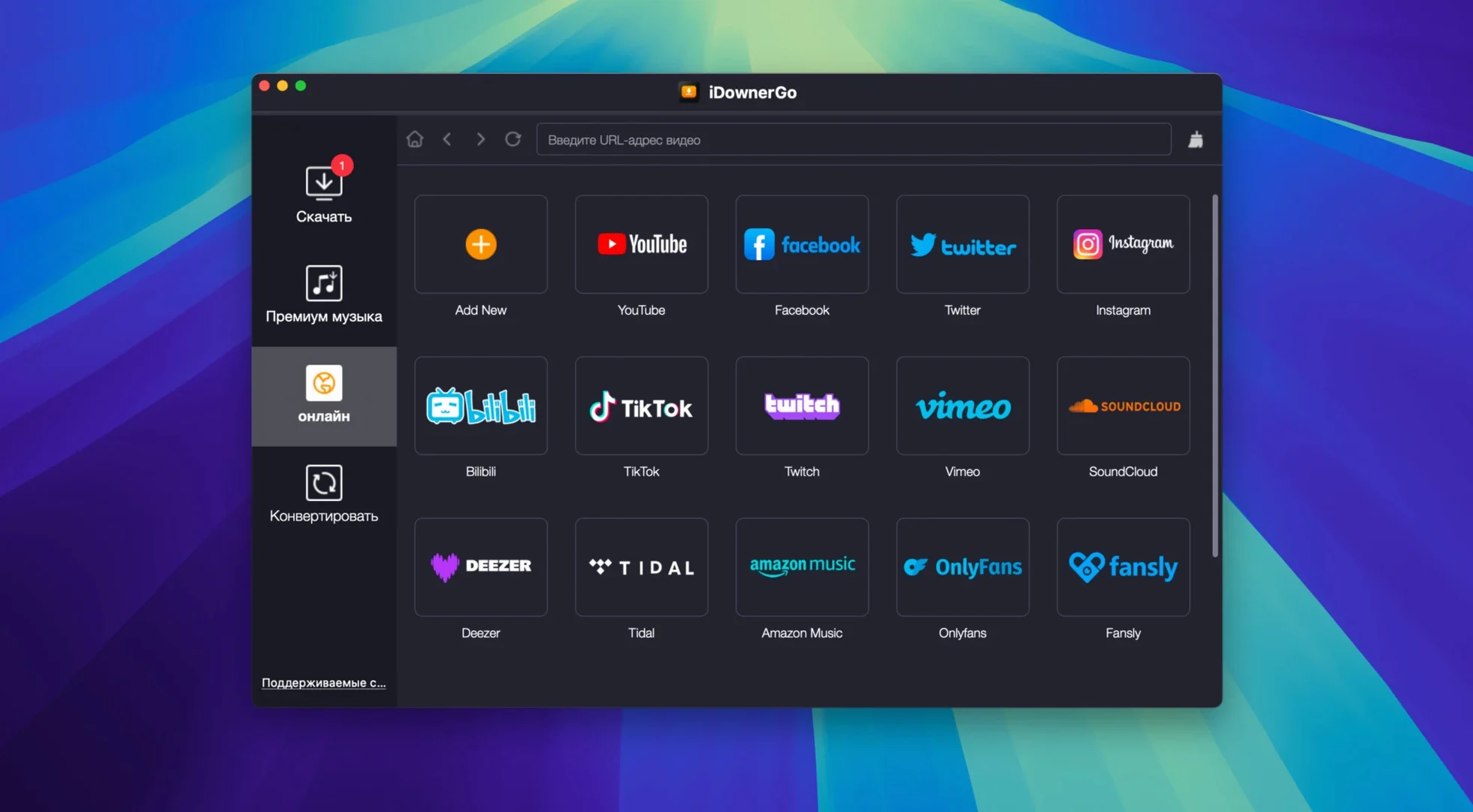
Anyone who spends evenings ripping audio or pulling down lecture series knows the drill: the obvious downloaders handle the big names, then you hit a site that just won't cooperate. iDownerGo is built for those moments.
Pull streaming video in real time
When a page plays video without a direct file link, iDownerGo records it as it streams. That covers live-ish content and embedded players where the usual extraction methods come up empty.
Grab playlists, not just single files
Beyond single clips, it handles playlists and music in multiple formats. Set it on a channel or a list and let it work through the queue instead of babysitting each item.
Work across platforms
It's a cross-platform universal downloader, so the same tool covers more than one machine if you mix operating systems. The current version is 10.15.0, built for x86 64-bit Intel Macs, and the interface speaks 25 languages including English, Spanish, German and Russian.
Works with 10,000+ sites including Facebook and TikTok
People often wonder whether iDownerGo will handle the sites they actually use. The app is described as a universal video downloader that works with over 10,000 websites, so it covers a broad range. That includes Facebook, Instagram, Dailymotion, TikTok and Bandcamp — the kind of platforms where you might want to save a clip before it disappears or grab audio from a post.
Another frequent question is about audio extraction. Yes, iDownerGo can pull the sound from a video and save it as MP3. That means you can take the soundtrack from a music video or a recorded talk and keep only the audio file.
People also ask about quality. The app supports HD, 4K Ultra HD and 8K output without quality loss, so if the source video is high-resolution, you can keep it that way.
Some users want to know if it works on older Macs. iDownerGo requires OS X 10.10 or later and is built for Intel-based Macs. That covers a lot of machines from the last decade or so.
Gatekeeper bypass via Terminal on first install
One detail that might not be obvious: the install flow uses a Gatekeeper-friendly open step. After mounting the disk image, you press Enter in Terminal to bypass Gatekeeper, then drag the app into the Applications folder. It's a few steps but it's clear.
Another convenience is the language support. With 25 languages available — including Arabic, Croatian, Filipino, Indonesian, Korean, Polish, Serbian, Thai and Vietnamese — the interface adapts to what you speak without extra configuration.
The app belongs to a product line that includes site-specific downloaders. That suggests the developers have experience with individual platforms, which tends to make the universal version more reliable across different sites.
Playlist downloads save you time. Instead of starting each video manually, you queue up the whole list and the app works through it.
Runs on Intel Macs from Yosemite onward
iDownerGo is a 64-bit Intel application. If your Mac runs OS X 10.10 Yosemite or any newer version, it will open. That includes systems up through the latest macOS releases, as long as they're on Intel hardware.
The app comes as a disk image. You mount it, handle the Gatekeeper bypass, and drag it into Applications. After that, it's ready to launch. No ongoing login or background service to manage.
The interface is available in two dozen languages, so the menu labels and settings should be in whatever language you prefer from the list. That is set at install or in preferences.
Because it works with streaming video in real time, you will see the download progress as the video plays or as it captures the stream. For high-resolution content like 4K or 8K, the file sizes will be larger, but the app saves them without quality loss.
iDownerGo for Mac downloads videos from thousands of sites, and the idownergo torrent version 10.15.0 is the current build. Some users also look for idownergo 10.14.0 or idownergo 10.3, but 10.15.0 is the latest.
- macOS OS X 10.10 or later
- Intel x86 64-bit architecture
- Interface languages: 25, including English, Spanish, German, Russian and French
Kit check at a glance
| System | OS X 10.10 or later |
| Chip | Intel 64-bit |
| Download | 76 MB |
| Older pressings | 1 in the crate |





Chat from the booth
Sign in or grab a free account to leave a comment.
Nobody has said a word in the booth yet. If you played a set with this build, tell the next person how it went.