

- Build in the crate
- 2.6.1
- Made by the team at
- Thomas Tempelmann
- Menu languages offered
- English
- How you pay for it
- K'ed by TNT team
- macOS it plays on
- OS X 10.11 or later
- CPU it runs on
- Apple Silicon, Intel 64-bit
Screenshots
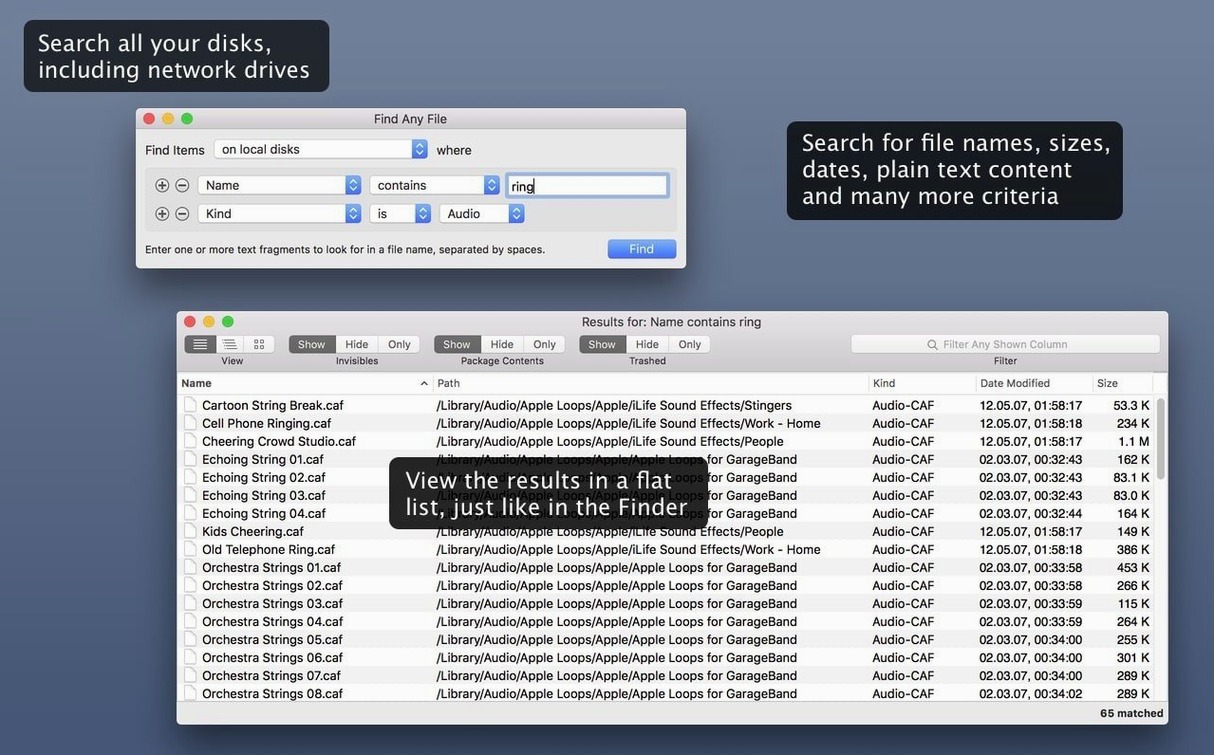
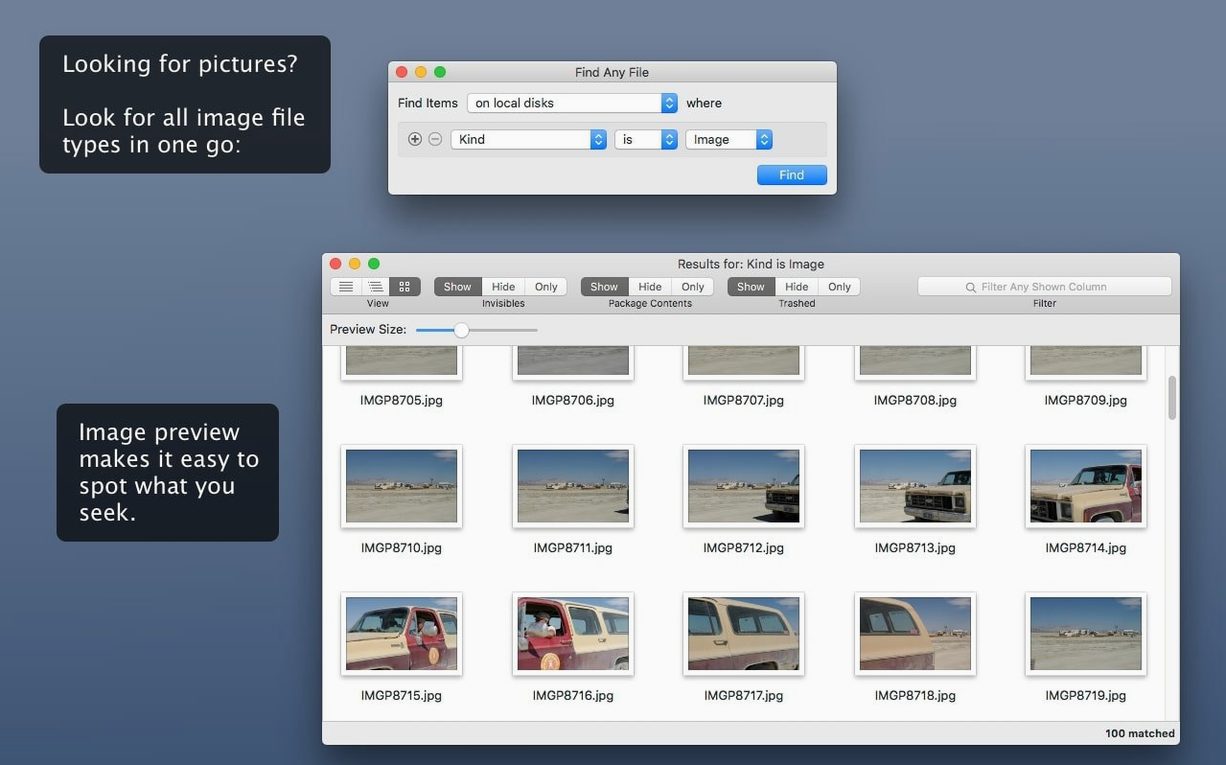
Music students and DJs hoard samples, stems, and old project files. When Spotlight lets you down, Find Any File steps in. It hunts by name, date, size, and even plain text inside files, scanning disks directly instead of relying on a database. That means it sees things other tools miss, including files inside bundles and packages.
Runs on El Capitan through macOS 27
Yes, if you're on macOS 10.11 El Capitan or later. Version 2.6.1 supports everything up to macOS 27, and it runs on both Intel and Apple Silicon chips. So your M2 MacBook Air is fine.
Searches beyond the Spotlight index
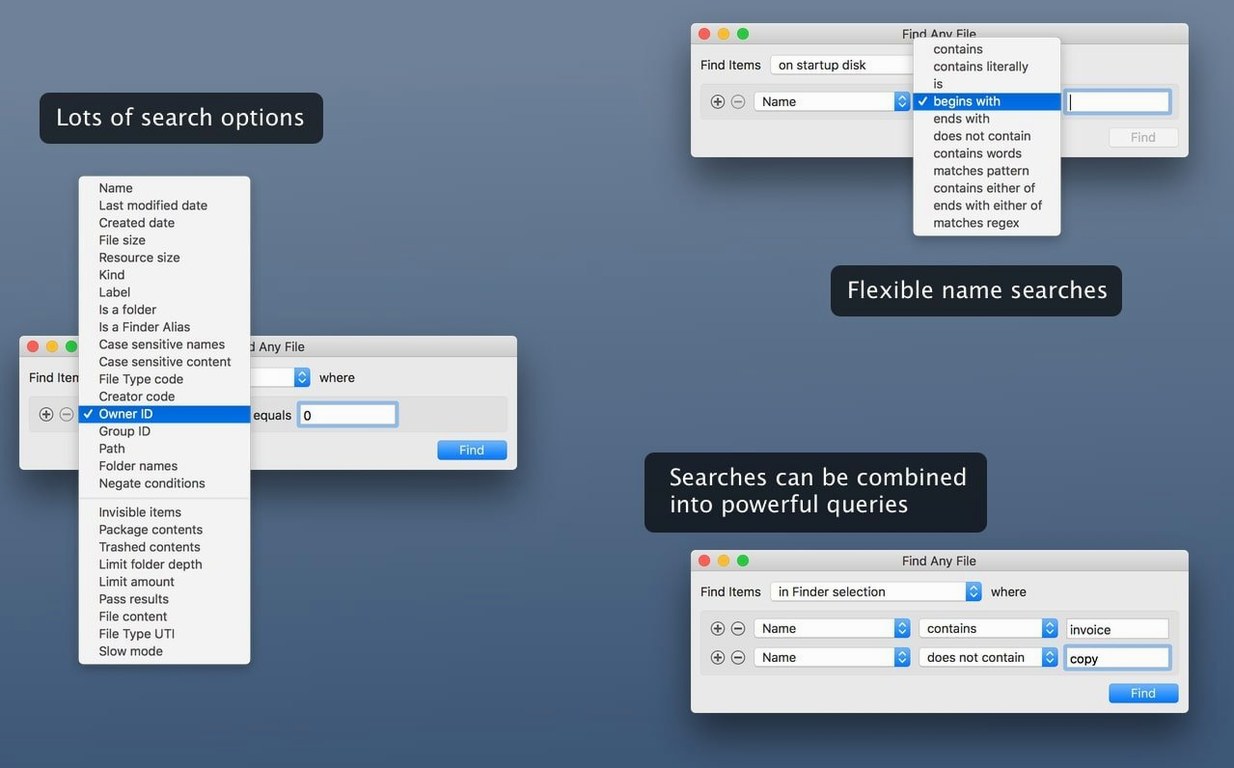
Spotlight is quick, but it indexes selectively. Find Any File digs deeper, finding files by name, date, size, or content, and it can look inside packages and bundles. It's positioned as a companion to Spotlight, not a replacement.
Reads the disk directly without the index
Most Mac users know Spotlight and maybe Tembo. Tembo tries to improve Spotlight's results, but it still depends on the Spotlight index. Find Any File reads the disk directly, so it works where Spotlight has no index at all — on server volumes, external drives formatted differently, or system folders Spotlight skips. Another approach is EasyFind, which also bypasses the index. EasyFind is lighter and free, but Find Any File adds date and size filters, plus the ability to search inside bundles. If you need to find any file on Mac by name and also narrow by when it was modified or how big it is, Find Any File gives you those extra parameters.
Real-world use: recovering a lost sample folder
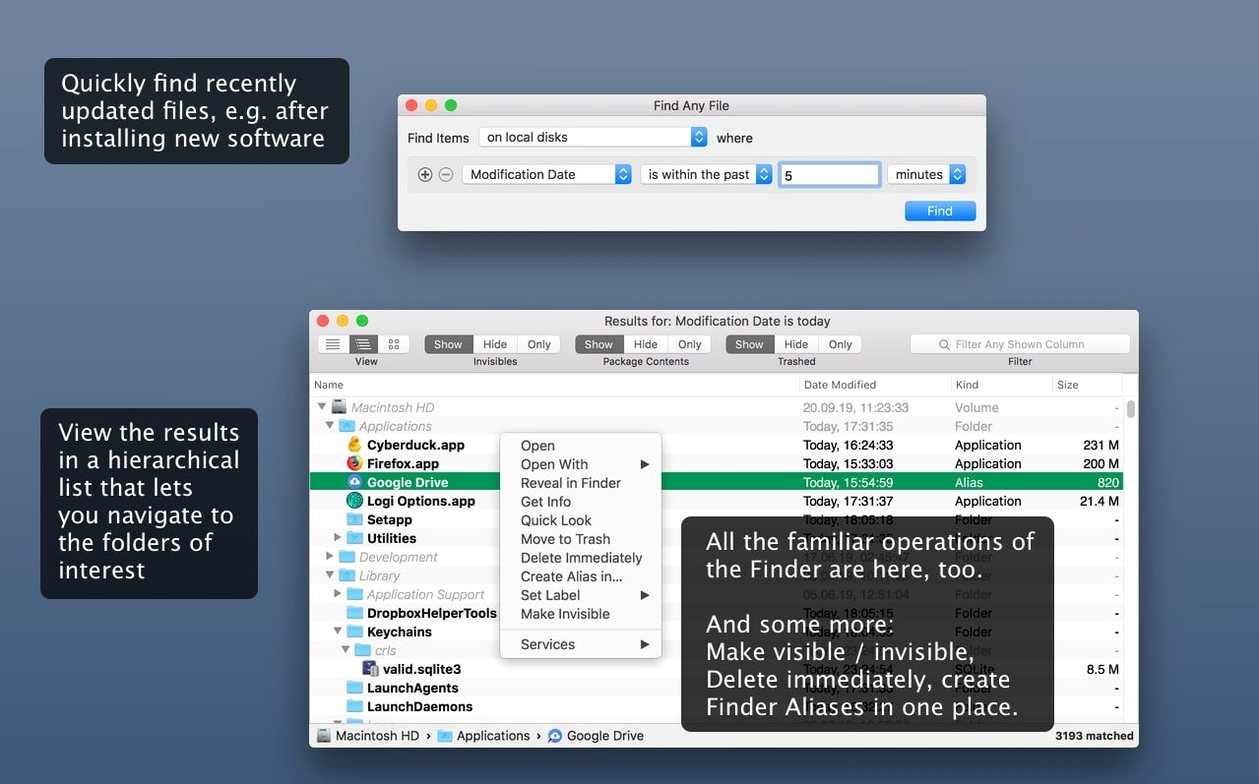
You're a producer with a deadline. You moved a folder of drum hits somewhere on your internal drive weeks ago, and Spotlight refuses to show it. The folder name is something like "kit_old", but you remember the approximate date you last edited it. Open Find Any File, type the partial name, set a date range, and let it scan. The hierarchical view shows you the exact path — maybe buried inside a package or a system Library folder. You can drag it straight back to your samples folder. No database rebuild, no waiting for re-indexing.
Adds AppleScript and hidden file columns
The 2.6 release added AppleScript support, so you can trigger searches from your own scripts or automate repetitive lookups. The same update brought columns for Comments, Trashed, and Hidden. That means you can spot files that are marked hidden or have been moved to the Trash but not yet deleted. The comment search also became more reliable in 2.6, which helps if you use Finder comments to tag project versions. These are the kind of refinements that make a difference when you're doing forensic file hunting across multiple disks.
For anyone who has tried an any video converter torrent search only to end up with a renamed file, or needed to find any file mac download that works without an index, this app covers the gaps. It also pairs well with a dedicated video converter if you're managing media assets alongside your audio projects.
No, it's shareware. You can try it before paying, which is fair for a utility this focused.
- AppleScript support added in version 2.6.
- New columns for Comments, Trashed, and Hidden.
- Finding comments is now more reliable.
- macOS 10.11 or later (up to macOS 27)
- Intel or Apple Silicon
Kit check at a glance
| System | OS X 10.11 or later |
| Chip | Apple Silicon, Intel 64-bit |
| Download | 14 MB |








Chat from the booth
Sign in or grab a free account to leave a comment.
Nobody has said a word in the booth yet. If you played a set with this build, tell the next person how it went.