

- Build in the crate
- 12.0.8.2
- Made by the team at
- DVDFab.cn
- Menu languages offered
- Russian, English, German, Arabic, Bulgarian, Hungarian, Greek, Danish, Spanish, Italian, Chinese (Traditional), Chinese (Simplified), Korean, Dutch, Norwegian, Polish, Portuguese, Romanian, Slovak, Turkish, Finnish, French, Croatian, Czech, Swedish, Japanese
- How you pay for it
- K'ed by TEAM HCiSO
- macOS it plays on
- OS X 10.10 or later
- CPU it runs on
- Apple Silicon, Intel 64-bit
Screenshots
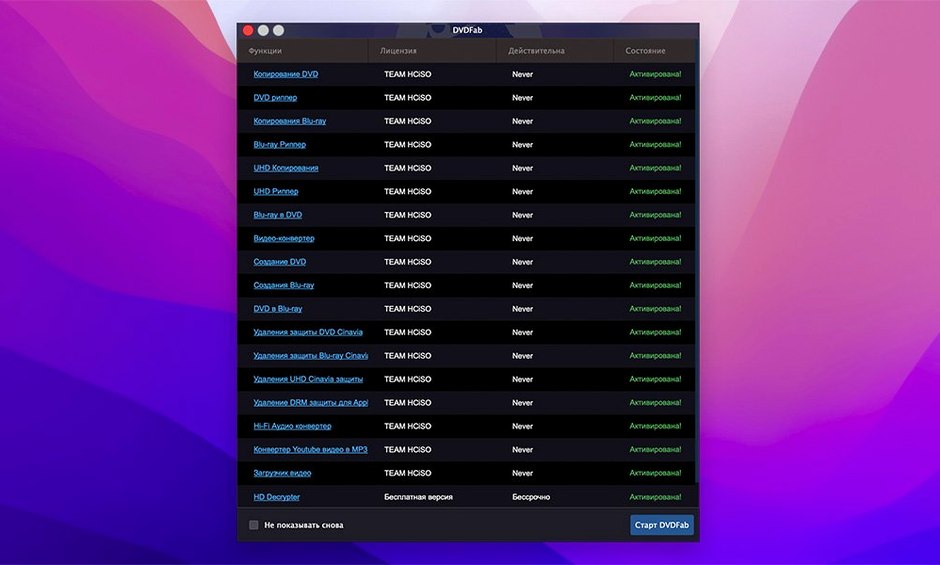
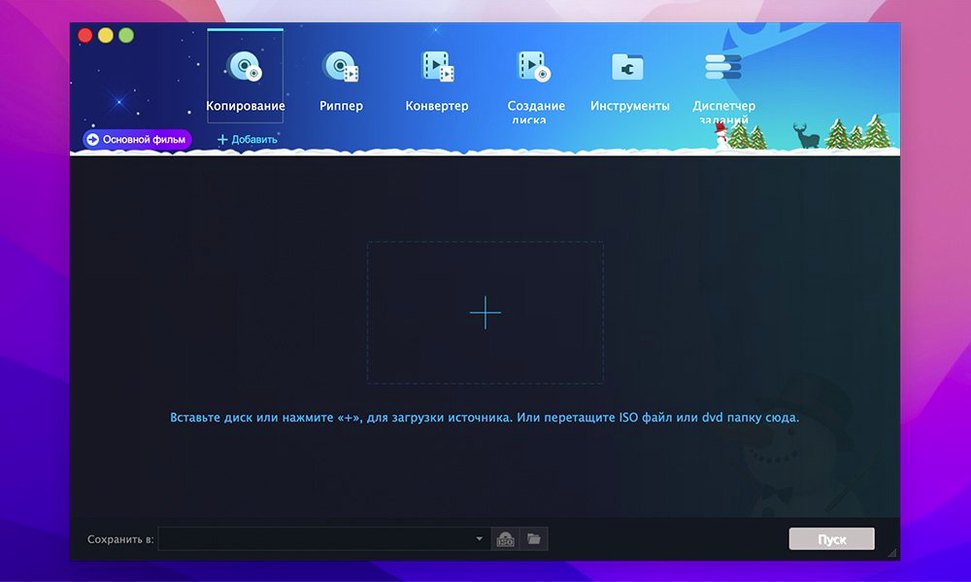
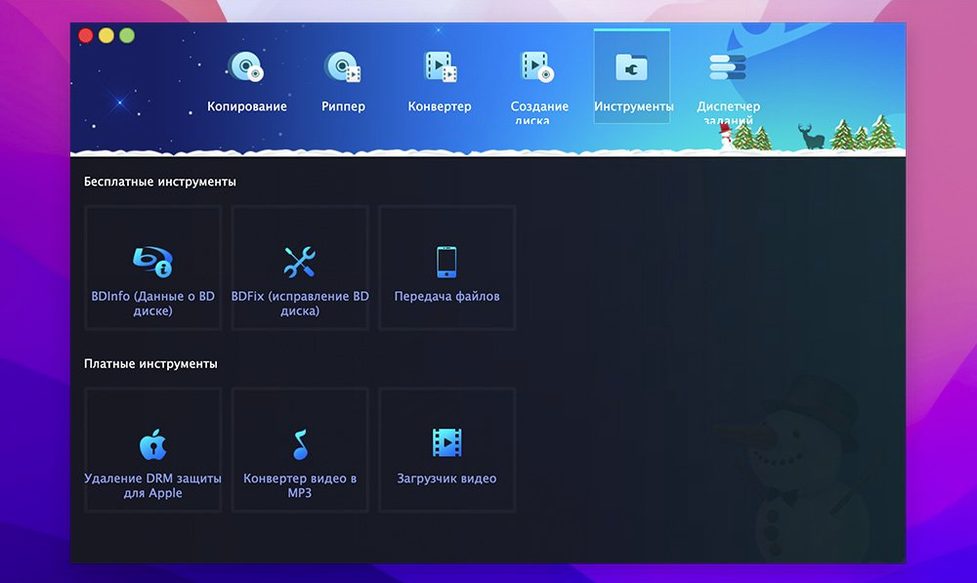
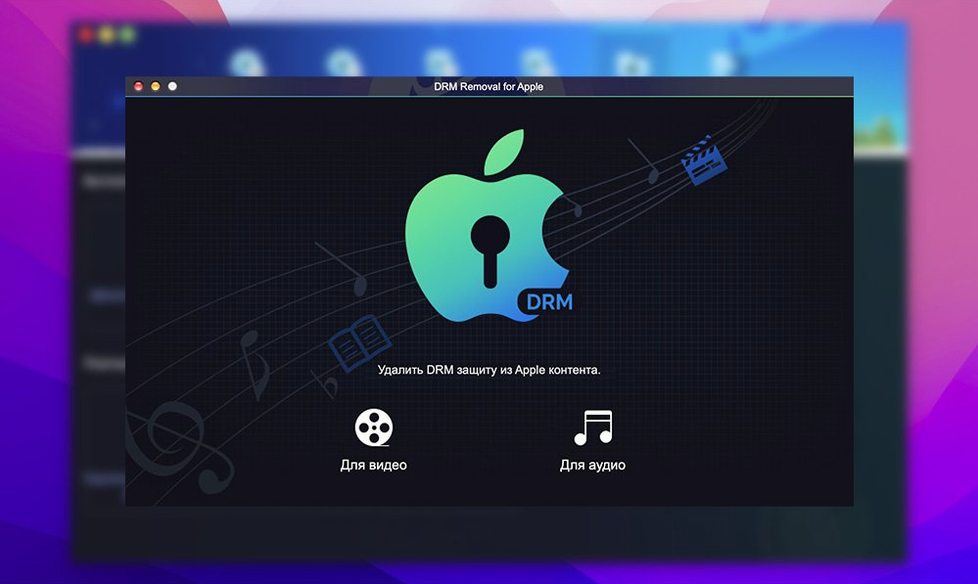
DVDFab is a long-standing Mac utility for copying, ripping, burning, and converting DVDs. The current version, 12.0.8.2, keeps the same core feature set that made the app a household name among DVD enthusiasts.
Runs natively on Intel and Apple Silicon Macs
Version 12.0.8.2 runs natively on both Intel and Apple Silicon Macs, which matters if you've moved to an M-series machine. The interface is localized into 26 languages, including English, Russian, Spanish, and Japanese. The product page lists separate 12.x and 13.x branches for Mac, so the 12.x line is still actively maintained while newer versions exist.
Identical DVD copies with menus and trailers
The familiar tools remain intact. You can make identical DVD copies with menus and trailers, split a DVD-9 onto two DVD-5 discs, or burn DVD folders and ISO images. Conversion targets still cover portable devices like iPod, PSP, Xbox 360, Zune, and older mobile phones. NTSC and PAL discs are both supported, and the app can recover data even when the IFO file is unreadable. For a utility that's been around this long, consistency is part of the appeal.
Backs up a decade of DVDs to a hard drive
Let's say you have a box of old DVDs from a decade of collecting, and you want to back them up to a hard drive. You put the first disc in the drive and launch DVDFab. The app reads the disc and shows you the main menu, with options for each copy method. For a complete backup, you'd pick Full Disc — it grabs everything, including menus, trailers, and extras. You choose a destination folder, and the app starts ripping. While that runs, you can queue the next disc.
If the disc is a dual-layer DVD-9 and you want to fit it on a standard single-layer disc, you switch to the Split method. DVDFab handles the compression and splits the content across two DVD-5 discs. You don't need to think about file sizes or bitrates — the app calculates it for you.
For a quicker backup, Main Movie mode strips out everything except the feature film. That's useful when you only want the movie on your media server. You can also merge titles from different sources into one DVD. Say you have two discs of a TV series — Merge puts them together on one disc, with or without the original menu. It's a practical option for saving shelf space.
Lacks burn, author, split, and merge functions
Mac DVDRipper Pro is a simpler tool that focuses on ripping. It does not burn or author discs, and it lacks the split and merge functions. If you only need to rip a film to a video file, it does the job, but you lose the menu structure and extras. DVDFab keeps those intact when you want them.
MakeMKV is another option for Mac users. It converts DVDs and Blu-rays to MKV files, preserving the video and audio tracks but not the interactive menus. It is free while in beta, but its output is limited to the MKV container. DVDFab offers more output formats and can burn back to physical discs, which MakeMKV cannot do.
HandBrake is widely used for video conversion, but it is not designed for DVD copying or disc authoring. It relies on libdvdcss for decryption, which you have to install separately. DVDFab handles decryption, region codes, and copy protections out of the box, without extra setup.
12.x branch for older macOS, 13.x for newer
DVDFab 12 introduced separate 12.x and 13.x branches for Mac. The 12.x line, which includes version 12.0.8.2, remains the stable branch for users on older macOS versions, going back to OS X 10.10. The 13.x branch is aimed at newer systems. Both branches support ARM and Intel Macs, so you are not locked out based on your processor.
Language support expanded over time — the current release covers 26 languages, including Arabic, Bulgarian, and Croatian, which were not present in earlier versions. The download center now lists DVDFab 12 for macOS 10.10 through 15.x, so compatibility covers a wider range of system versions than before.
For everyday use, the biggest change is that the app continues to receive updates despite its age. The 12.x branch gets bug fixes and minor improvements, which means the software stays usable on current macOS releases. That is not something you can say for every DVD utility from the same era.
- macOS 10.10 or later
- Intel or Apple Silicon
Kit check at a glance
| System | OS X 10.10 or later |
| Chip | Apple Silicon, Intel 64-bit |
| Download | 413 MB |
| Older pressings | 1 in the crate |

Chat from the booth
Sign in or grab a free account to leave a comment.
Nobody has said a word in the booth yet. If you played a set with this build, tell the next person how it went.