
- Build in the crate
- 1.0.1.0.22733456 [Wineskin]
- Made by the team at
- Chaotic Games
- Menu languages offered
- Russian, English, French
- How you pay for it
- Not required
- CPU it runs on
- Apple Silicon
- Played on
- macOS Tahoe, Mac mini 2024 M4
- Dropped on
- 10.04.2026
- Spoken voice in
- English
Screenshots
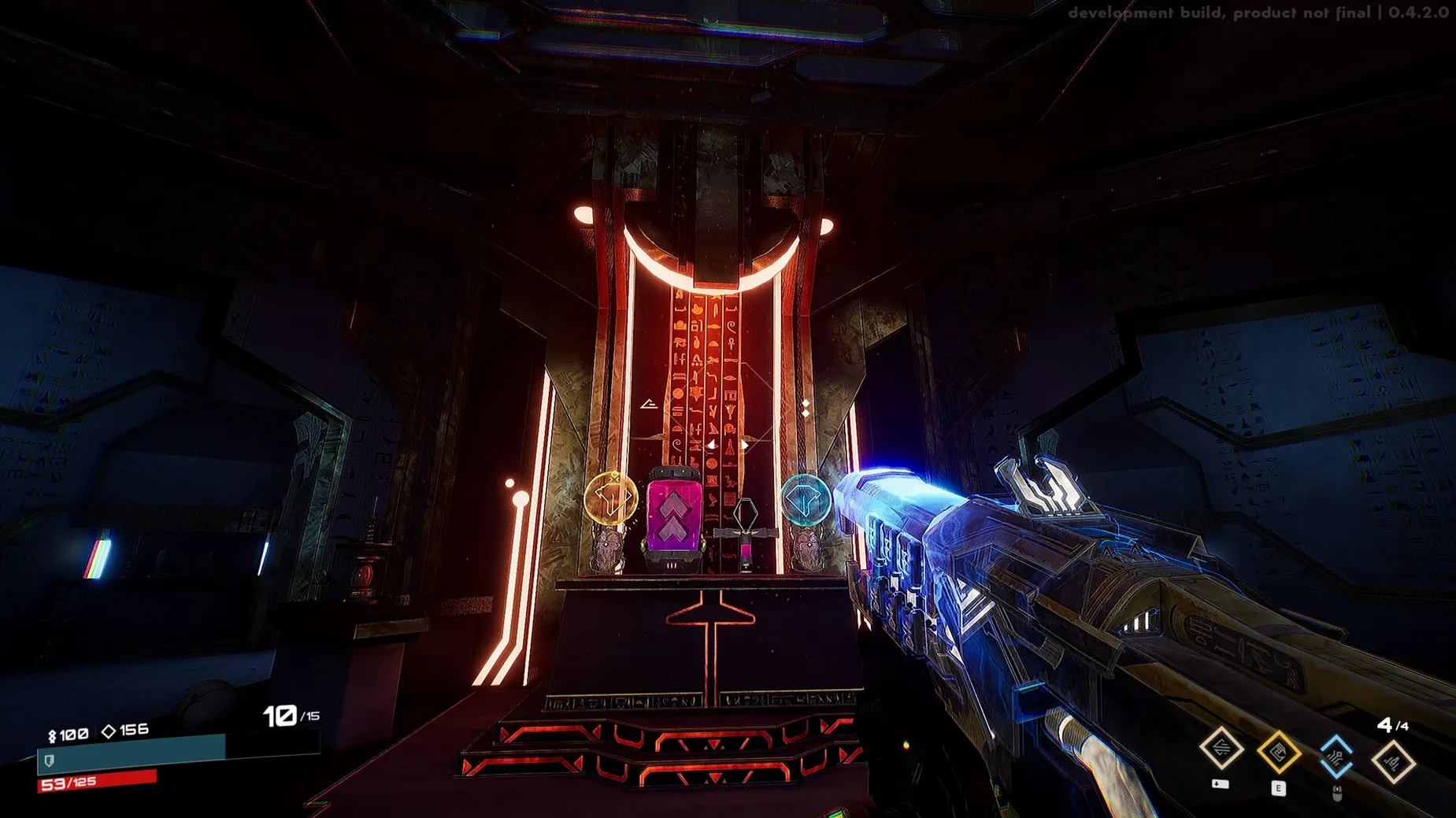
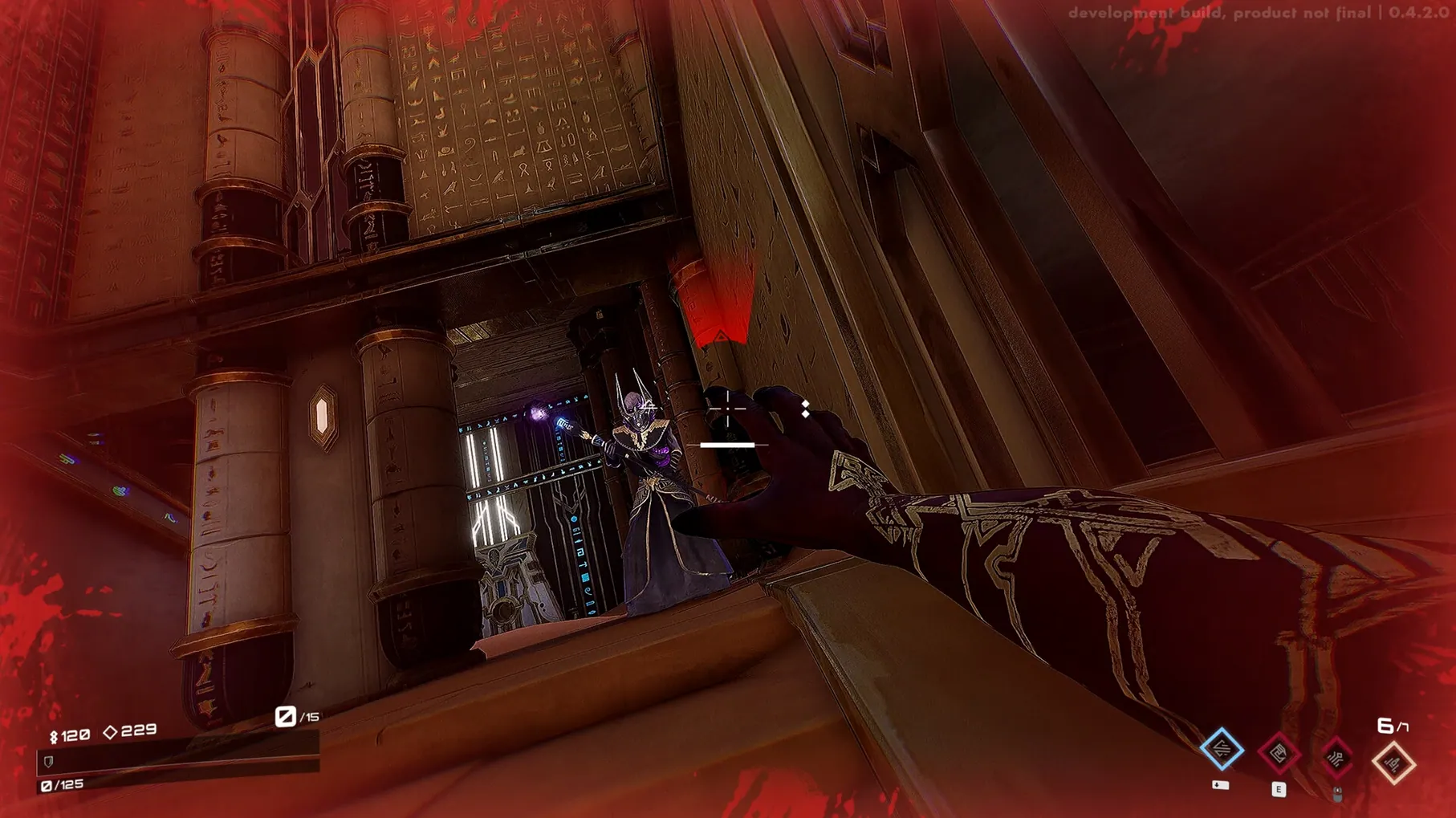
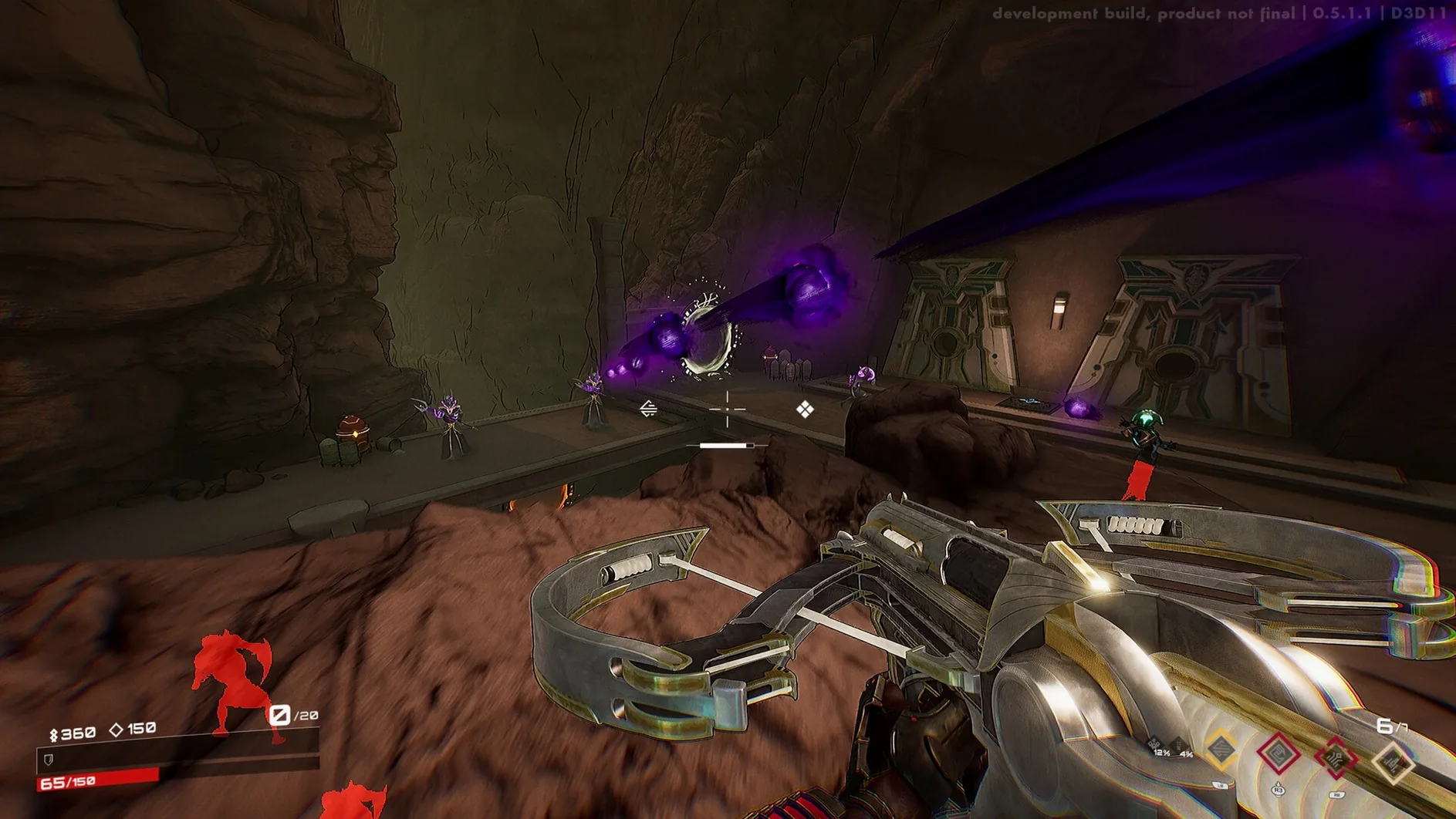
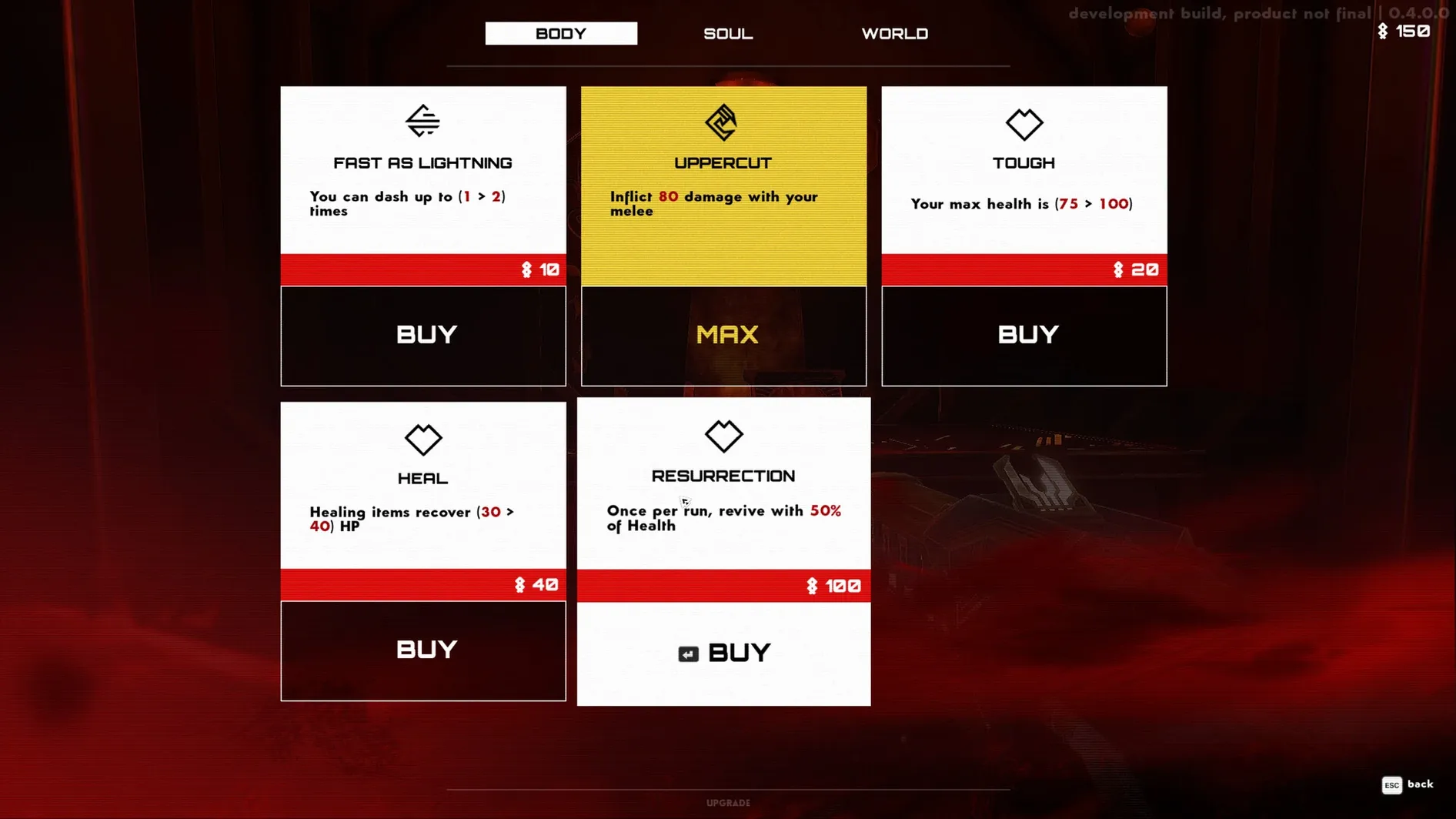
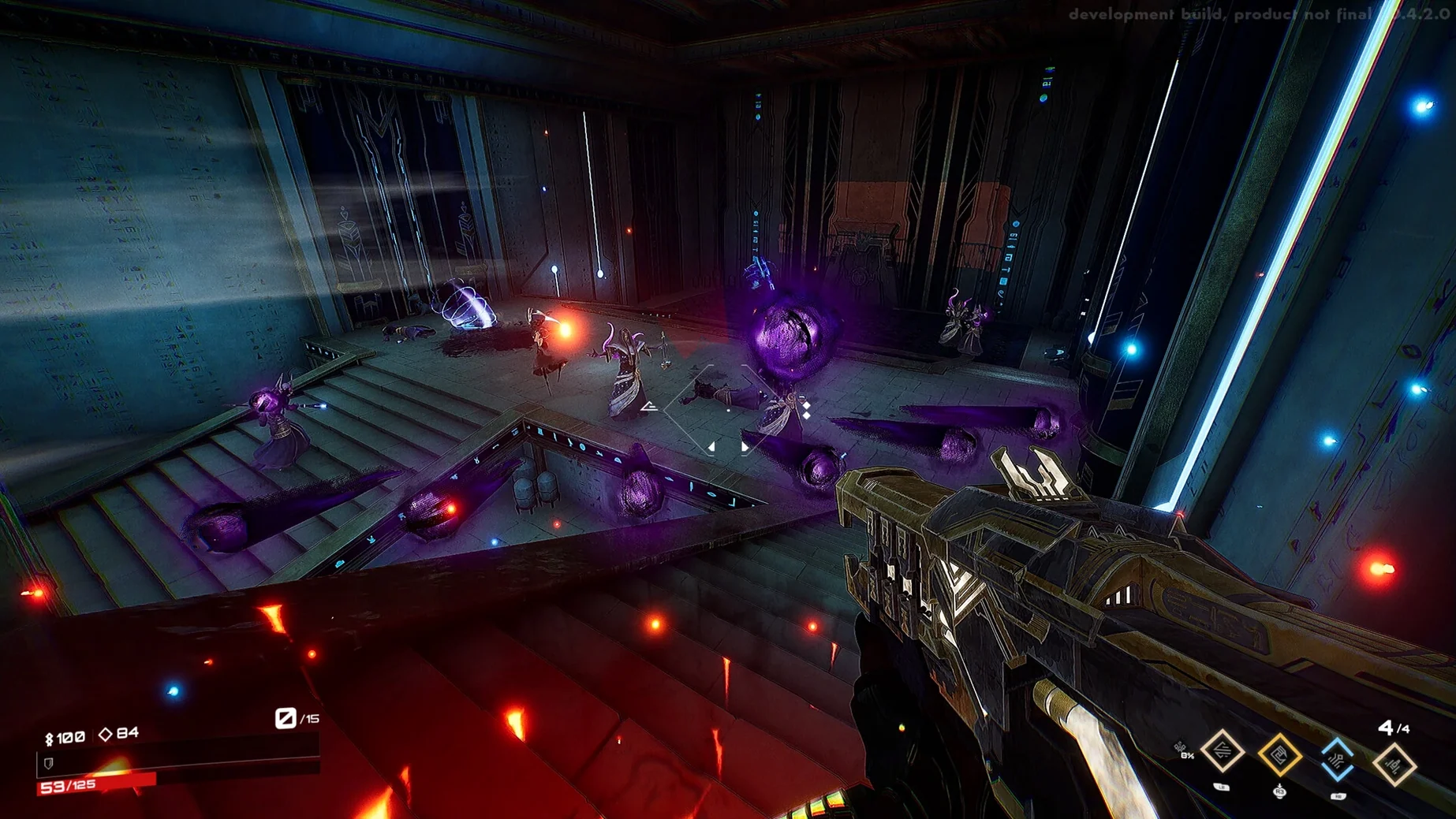
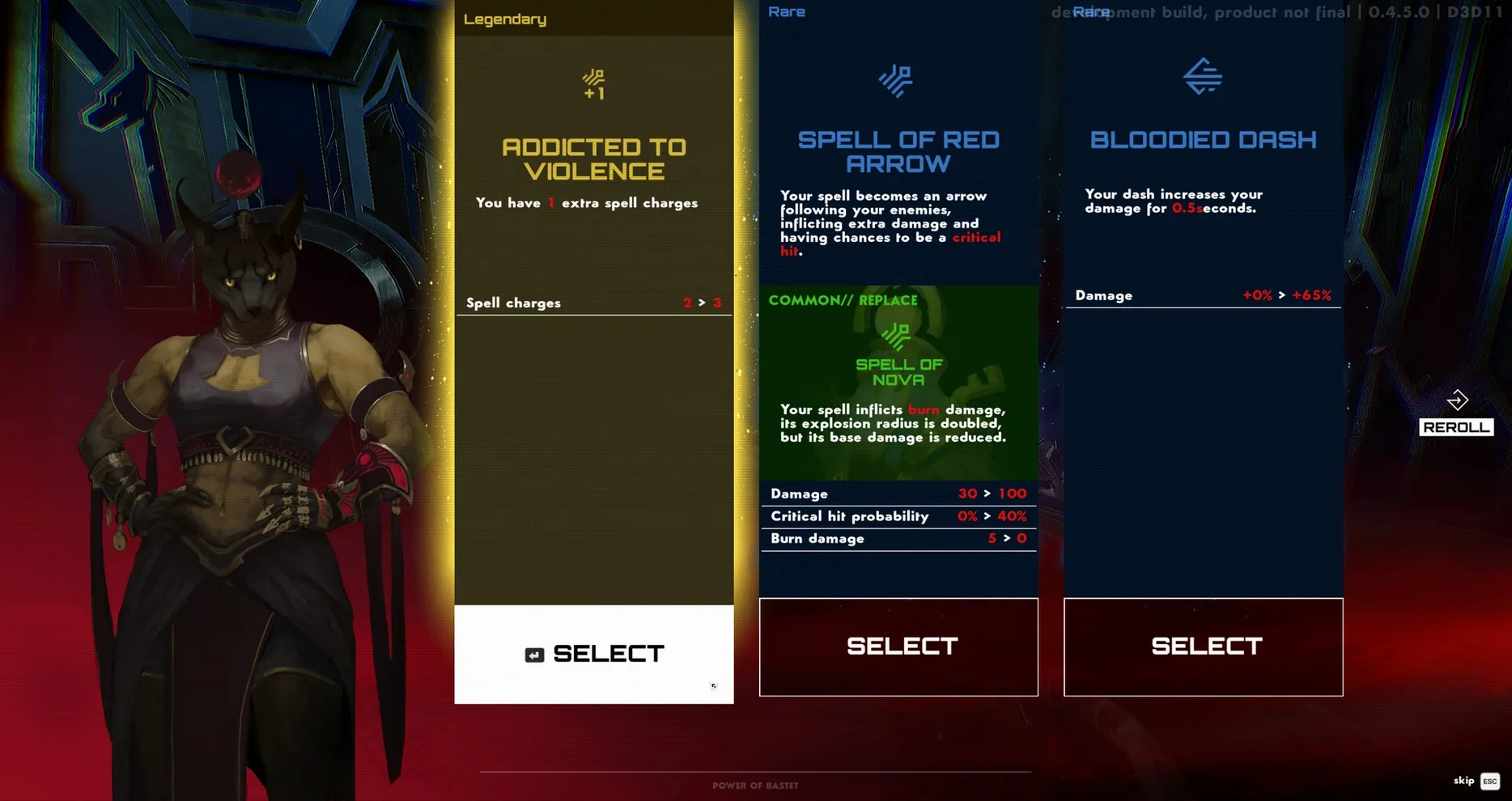
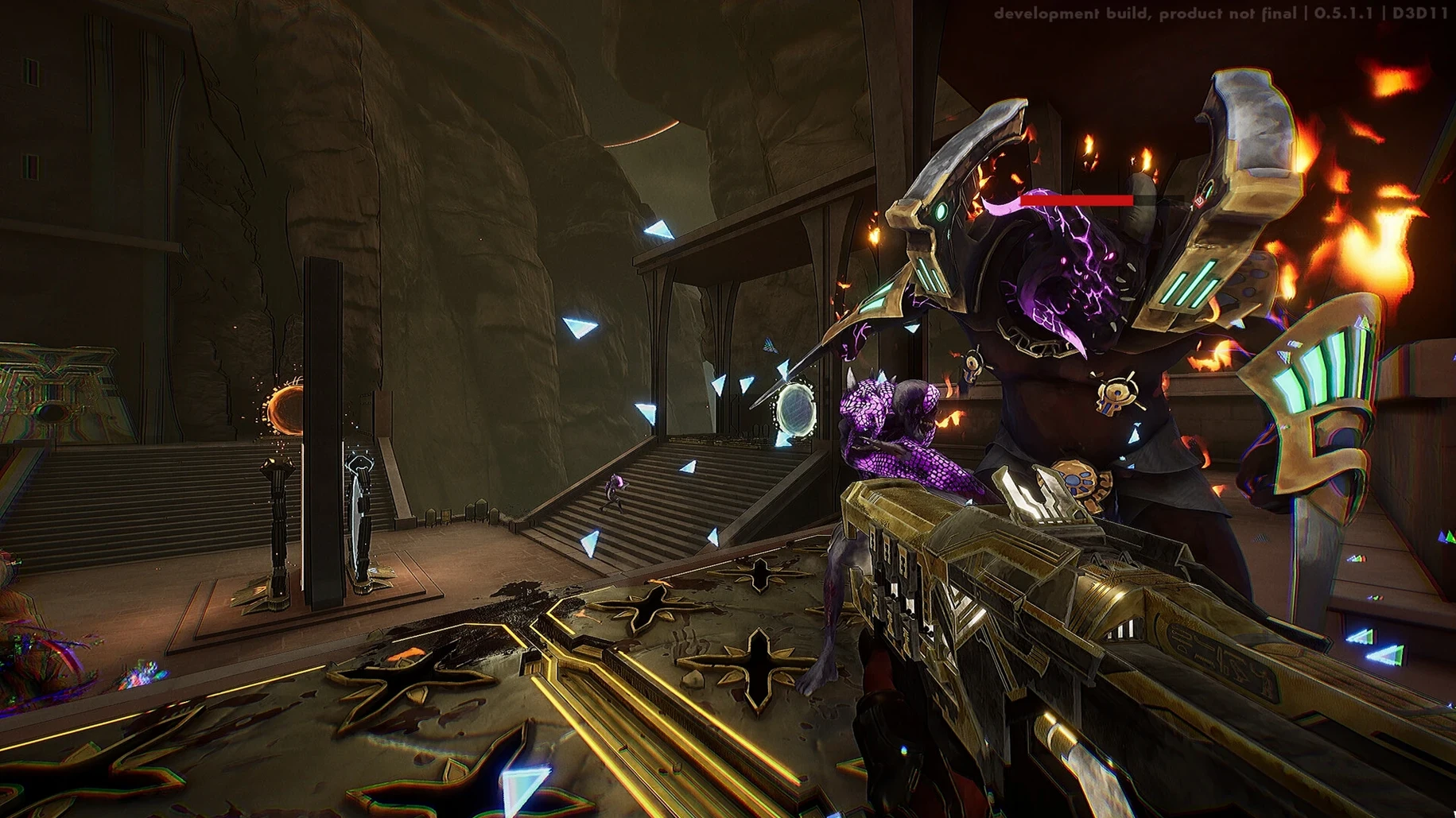
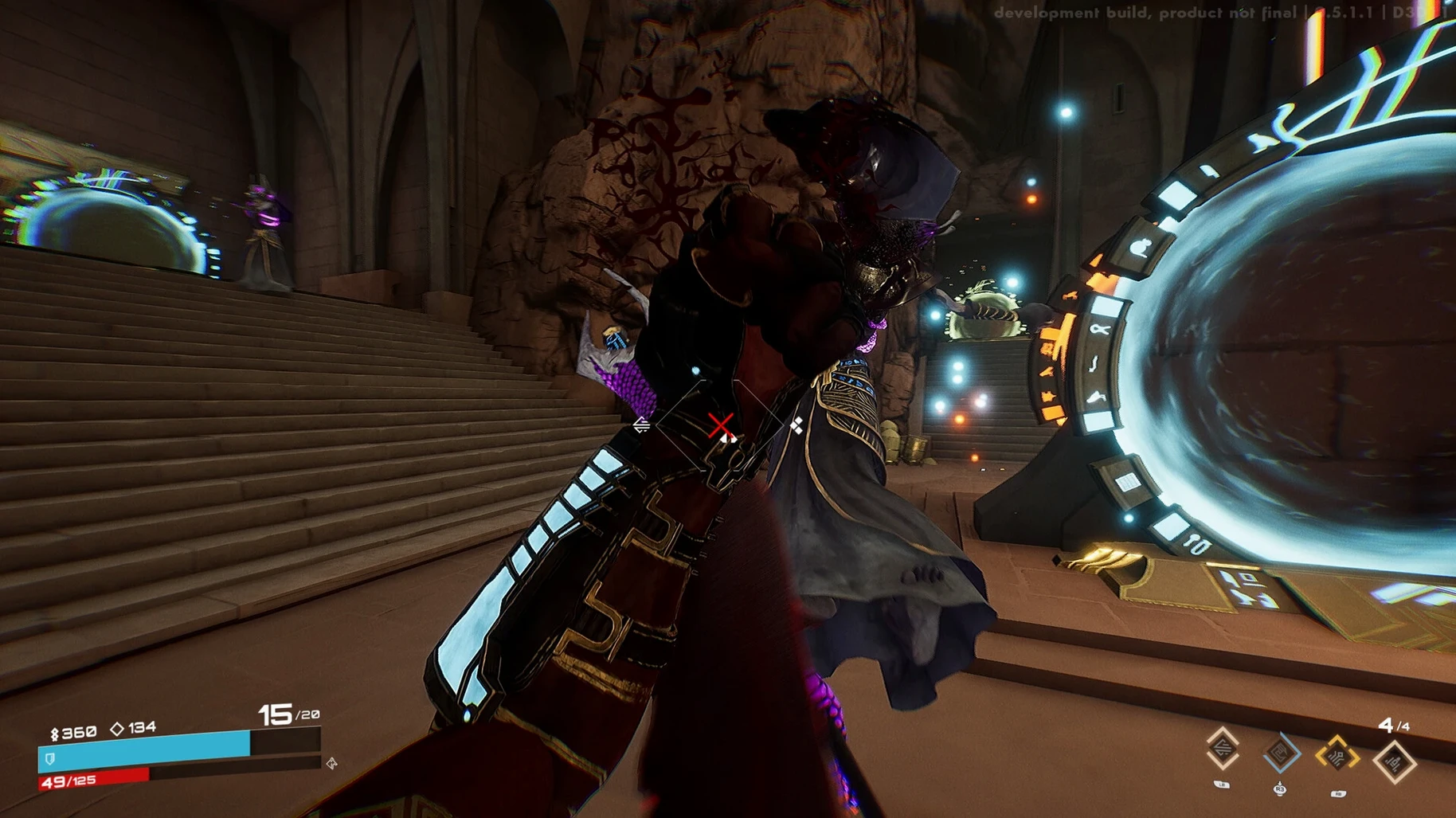
Every run starts the same: you’re Seth, god of storms and chaos, and the desert wants you dead. The game throws you into a tight arena, hands you a gun, and dares you to survive long enough to see the next room. It’s a fast-FPS with a roguelite heart, so no two attempts play out alike.
Shoot first, adapt on the fly
- Shoot first, think later – enemies swarm from all sides, and your movement matters as much as your aim.
- Adapt to random challenges – each run introduces new twists, forcing you to change tactics on the fly.
- Grab changing rewards – pick upgrades that suit your current build, then hope the next room doesn’t counter them.
- Repeat and improve – dying is part of the loop; you carry knowledge, not gear, into the next run.
Egyptian gods meet sci-fi guns
The setting blends ancient Egyptian mythology with a science-fiction edge. You’re not just fighting mummies; you’re fighting machines and monsters that feel both ancient and futuristic. The full single-player campaign keeps you moving through a story, though the roguelite structure means you’ll see its moments again and again. Voice acting is in English, which fits the fast pace. This Mac build is for Apple Silicon and runs on macOS Tahoe, tested on an M4 Mac mini. It’s chaotic, sharp, and happy to kill you – that’s the point.
Fix the first-launch error
The Wineskin wrapper can cause a few hiccups on first launch. The most frequent one: the game shows an error right after you open it. The fix is already on the disk image – run the file called Fix and then start the game again. That usually sorts it.
If the game starts but feels off, check that your Mac isn’t running background tasks that eat memory. Seth is aggressive, and the engine doesn’t like sharing resources. Close your browser, Discord, any other game launchers, and try again.
Occasionally the game won’t see your controller or keyboard properly. Open the input settings in the launcher (if there’s one) before the game loads. On Apple Silicon Macs, some USB peripherals need a moment to register – plug them in before you open the app.
Apple Silicon performance on macOS Tahoe
This build is for Apple Silicon only. It was tested on macOS Tahoe, so if you’re on an older version you might hit compatibility issues. The wrapper adds a thin layer over the Windows version, which means you get the full single-player campaign, all the random challenges and reward combinations, and the English voice acting – no cut-down port.
The game relies on the ARM architecture, so Intel Macs won’t run it. None of this is unusual for a wrapper build. The core experience – fast combat, Egyptian sci-fi setting, repeated runs – is intact.
- macOS: not specified
- Architecture: Apple Silicon
- Other: none listed
Kit check at a glance
| Chip | Apple Silicon |
| Download | 5.9 GB |







Chat from the booth
Sign in or grab a free account to leave a comment.
Nobody has said a word in the booth yet. If you played a set with this build, tell the next person how it went.