
- Build in the crate
- 1.5.0.1 Native
- Made by the team at
- Firaxis Games
- Menu languages offered
- Russian, English, German, Spanish, Italian, Chinese (Traditional), Chinese (Simplified), Korean, Polish, Portuguese, French, Japanese
- How you pay for it
- Not required
- CPU it runs on
- Apple Silicon
- Played on
- macOS Golden Gate, Mac mini 2024 M4
- Dropped on
- 11.02.2025
- Spoken voice in
- Russian, English, German, Spanish, Italian, Chinese (Traditional), Chinese (Simplified), Korean, Polish, French, Japanese
Screenshots
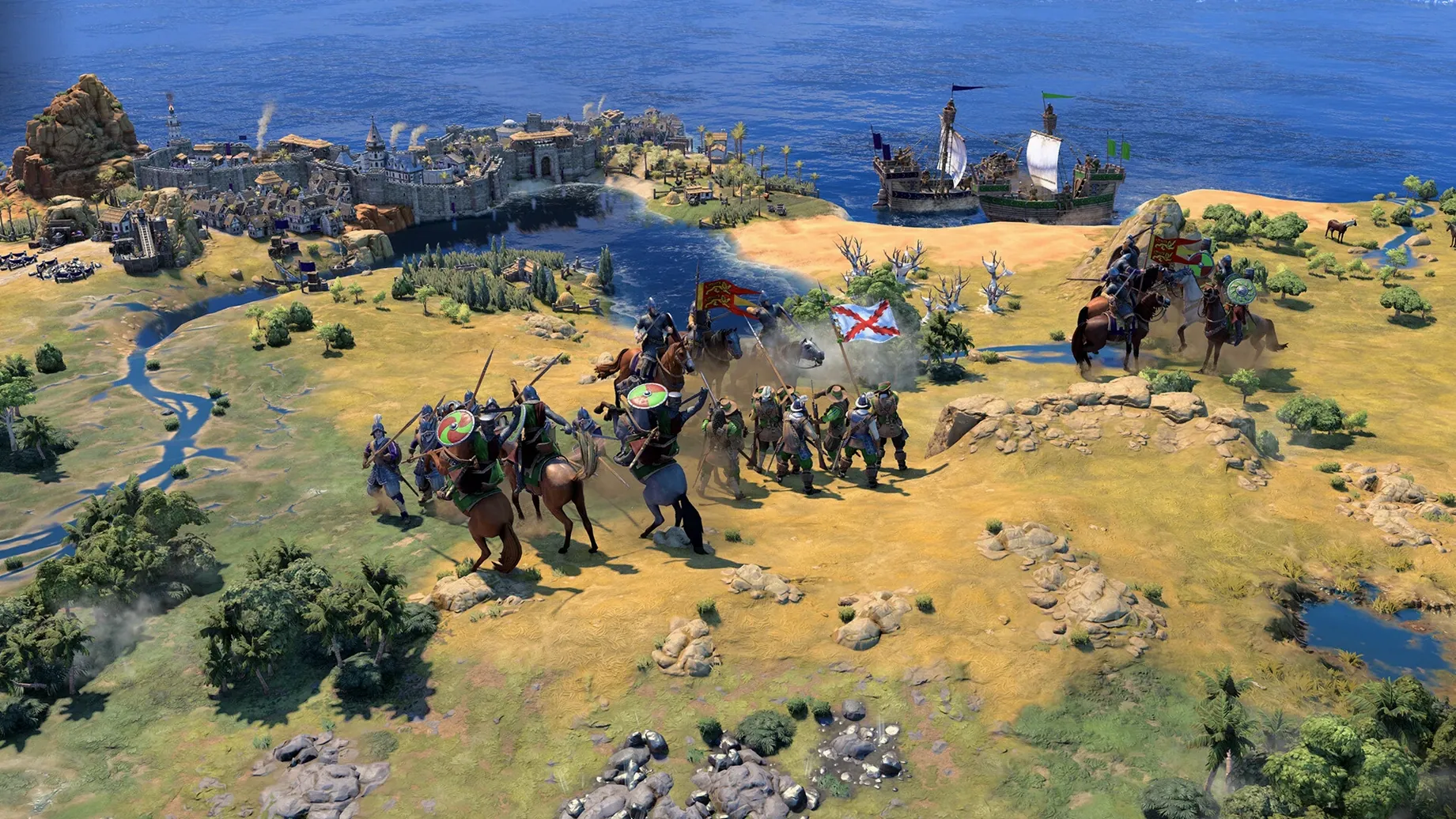
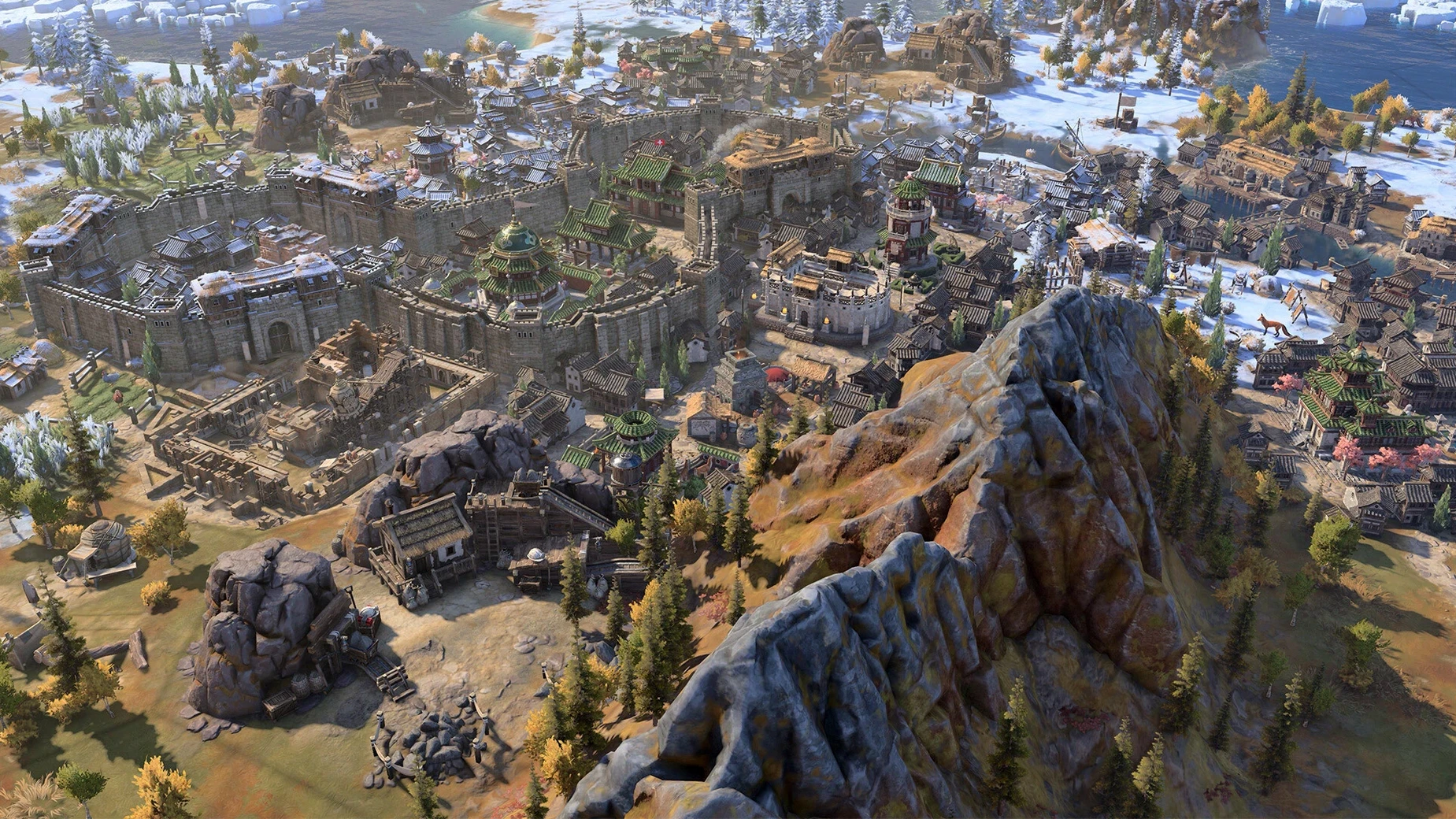
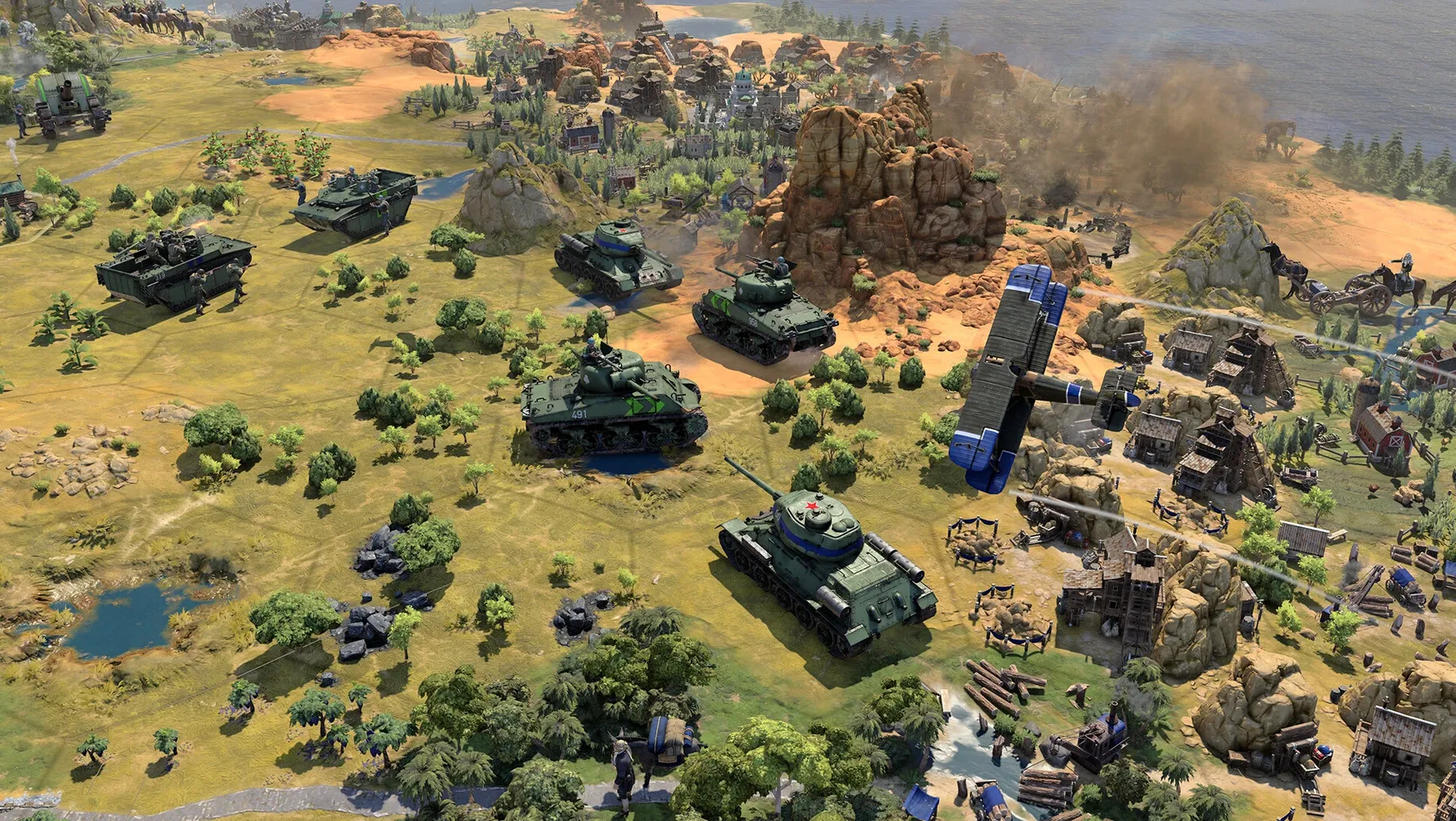
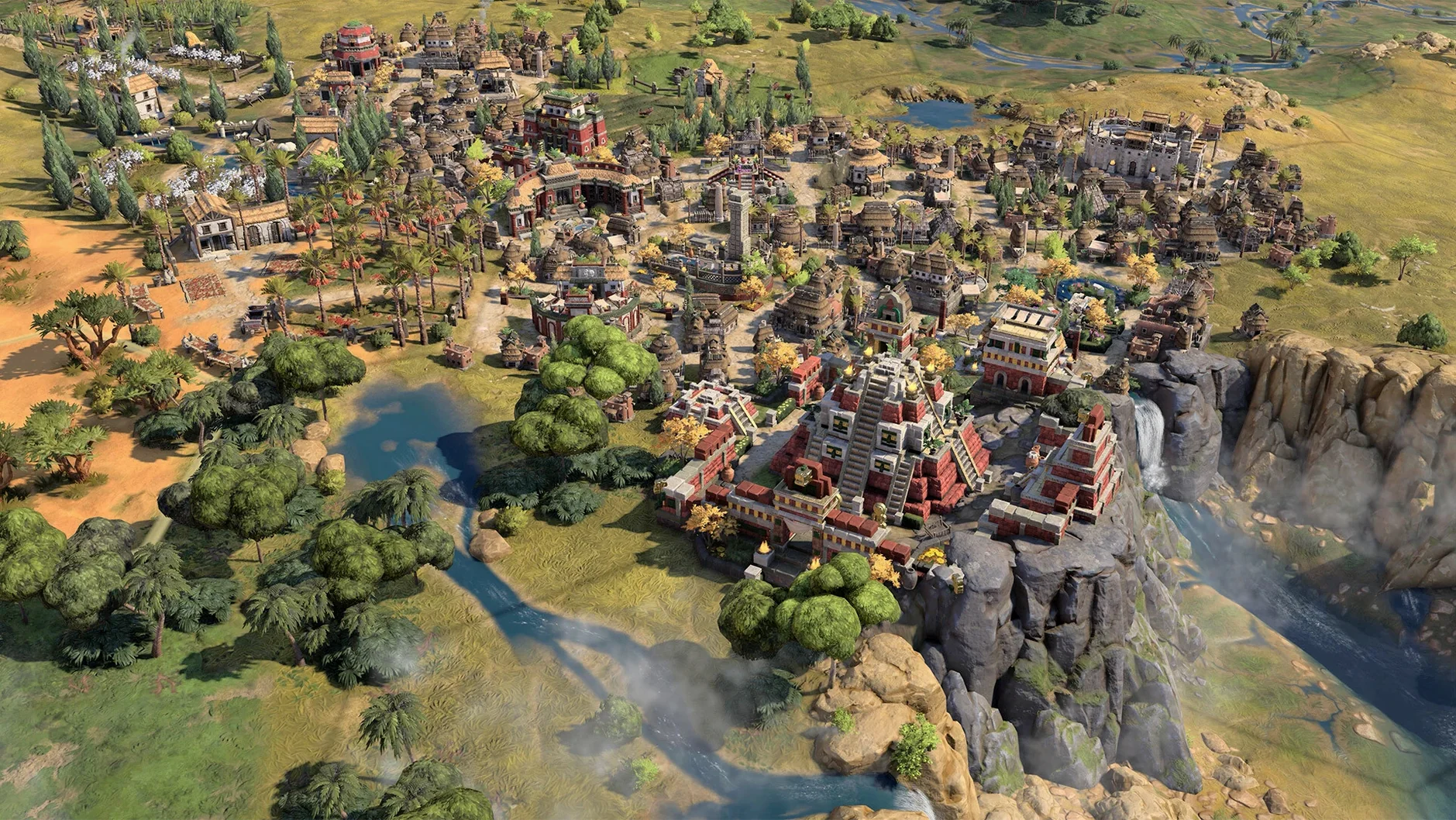
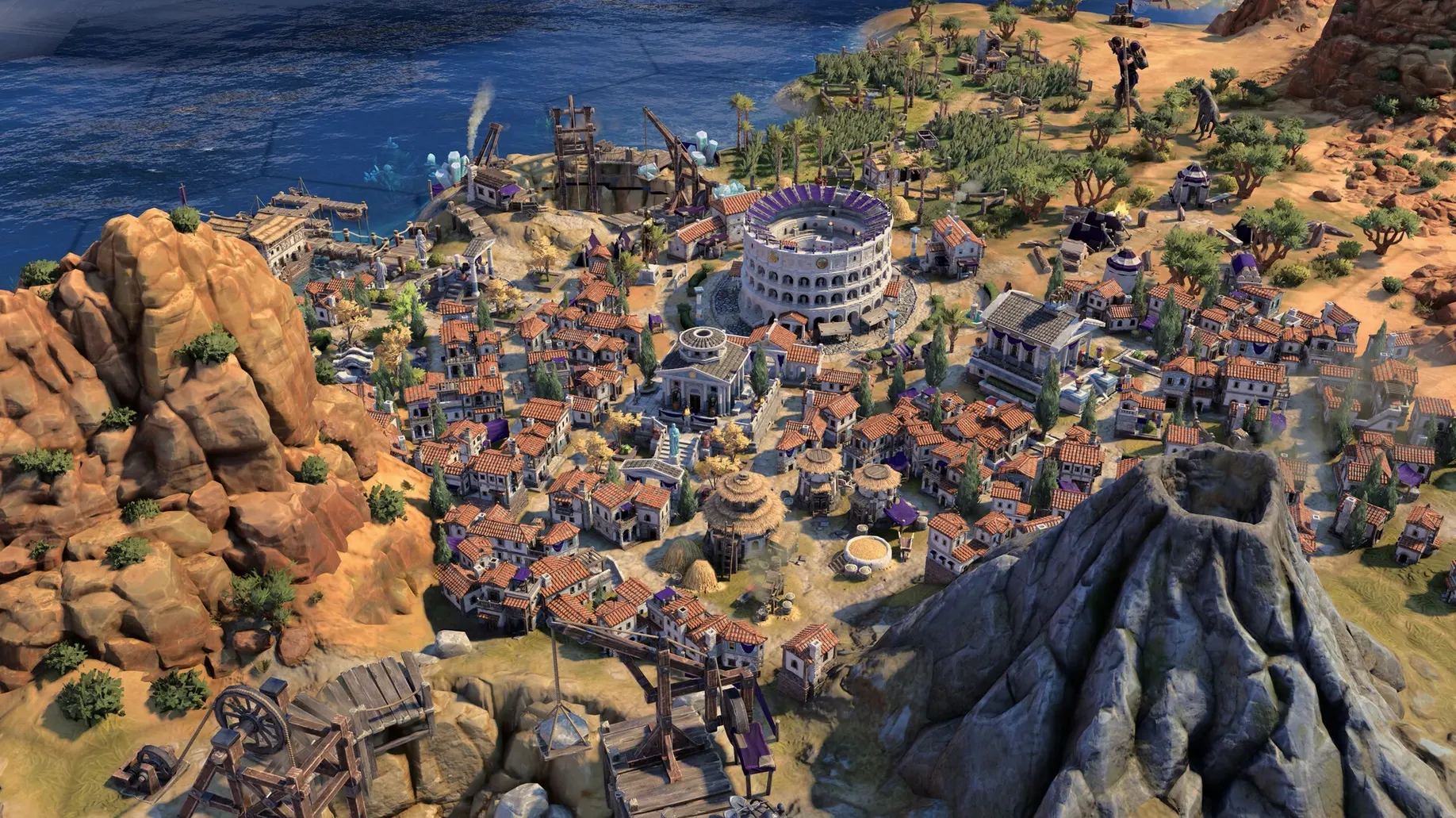
Version 1.5.0 of Sid Meier's Civilization VII brings the True Start Location Earth map, letting you begin a game on a historically accurate map of our planet. Stability fixes target late-game Modern Age crashes, and a specific lag issue when using mouse and keyboard inputs at the same time has been smoothed out.
Strategy planners and history buffs welcome
- Strategy planners – the turn-based pace rewards thinking several moves ahead, and choosing leader traits and bonuses that match your style can shape the whole run.
- History buffs – architecture and units shift with each civilization's cultural identity, from ancient wonders to modern skylines.
- Players who like long sessions – guiding a civilisation through key stages of history is a marathon, not a sprint, and the detailed world keeps it engaging.
Long sessions on Apple Silicon only
- Not for quick sessions – a single game can stretch over hours, so it doesn't suit drop-in casual play.
- Apple Silicon only – the Mac build runs on Apple Silicon chips, so older Intel Macs won't work.
- Interface languages – the UI supports English, Russian, German, Spanish, Italian, Chinese, Korean, Polish, Portuguese, French, and Japanese, which is handy if you prefer something other than English.
Rushing early turns without reading tooltips
The most common error I see is rushing through the early turns. New players often click through the first few moves without reading the tooltips or checking what each new building and technology actually does. By the time they hit the Exploration Age, their empire is scattered and their economy is weak. The game rewards patience: take a moment to read the description of each leader ability and trait before you commit.
Another slip is ignoring diplomacy. It's easy to treat Civilization VII like a pure war game and build nothing but military units. That works for a while, but neighbours remember. A neglected alliance can turn into a surprise invasion later. Keep at least one envoy or trade route active with nearby civilisations, even if you plan to fight them eventually.
Beginners also tend to over-expand. Grabbing every available tile sounds smart, but it stretches your resources thin. Each new settlement needs food, production and defence. A handful of well-placed cities outperforms a sprawl of struggling outposts every time.
Finally, many players forget to check the era-specific conditions. Each age in Civilization VII brings new rules and benefits. If you carry on using Exploration Age strategies into the Modern Age, you'll fall behind. Adapt your priorities as the eras shift.
Version 1.5.0 fixed keyboard and mouse lag
Version 1.5.0 fixed a lag issue with simultaneous mouse and keyboard input, which makes a real difference when you're jumping between commands. Before the patch, rapid clicking and typing could stutter the interface. Now it stays responsive during busy turns.
The True Start Location Earth map isn't just a novelty. It lets you plan your early strategy around real geography. If you know where you start, you can predict who your neighbours are and what resources are nearby. It's a subtle advantage that history fans will enjoy.
The game's voice language options are broader than the interface languages. You can set spoken dialogue to a language you understand while keeping the UI in another, which helps if you're learning a language or just prefer the original voice cast for certain leaders.
Quitting with Command-Q is straightforward, but the game also saves your progress automatically at the start of each turn. You don't need to hunt for a save button after every decision. Just quit and pick up later.
Workflow: start a new game on the True Start Location Earth map
- Launch the game from your Applications folder after copying it from the disk image.
- From the main menu, select Single Player and then choose "New Game."
- Pick your civilisation and leader. Read the leader's special ability description before confirming – some pair better with certain victory types.
- In the map settings, select "True Start Location Earth" from the map type dropdown. This map puts your starting city in its historical location.
- Adjust the difficulty and game speed to your taste. For a first run, keep the default settings.
- Start the game. Use the first few turns to scout your immediate surroundings and plan your initial build order around the resources you see.
- If you need to step away, press Command-Q. The game saves automatically at the start of each turn, so you won't lose progress.
Sid Meier’s Civilization VII challenges you to build an empire through deep strategy and dynamic map exploration. The True Start map gives you a grounded starting point, and the era-specific conditions keep the challenge fresh across multiple sessions.
- Added the True Start Location Earth map.
- Stability and crash fixes in the late-game Modern Age.
- Addressed lag with simultaneous mouse and keyboard input.
- macOS: compatible with macOS Tahoe
- Architecture: Apple Silicon
- Interface languages: Russian, English, German, Spanish, Italian, Traditional Chinese, Simplified Chinese, Korean, Polish, Portuguese, French, Japanese
Kit check at a glance
| Chip | Apple Silicon |
| Download | 18 GB |








Chat from the booth
Sign in or grab a free account to leave a comment.
Nobody has said a word in the booth yet. If you played a set with this build, tell the next person how it went.