

- Build in the crate
- 1.6.15.24357.8705766150
- Made by the team at
- ConcernedApe
- Menu languages offered
- Russian, English, German, Hungarian, Spanish, Italian, Chinese (Simplified), Korean, Portuguese, Turkish, French, Japanese
- How you pay for it
- DRM-free
- CPU it runs on
- Apple Silicon, Intel 64-bit
- Played on
- macOS Tahoe, Mac mini 2024 M4
- Dropped on
- 27.02.2016
- Spoken voice in
- Music only
Screenshots
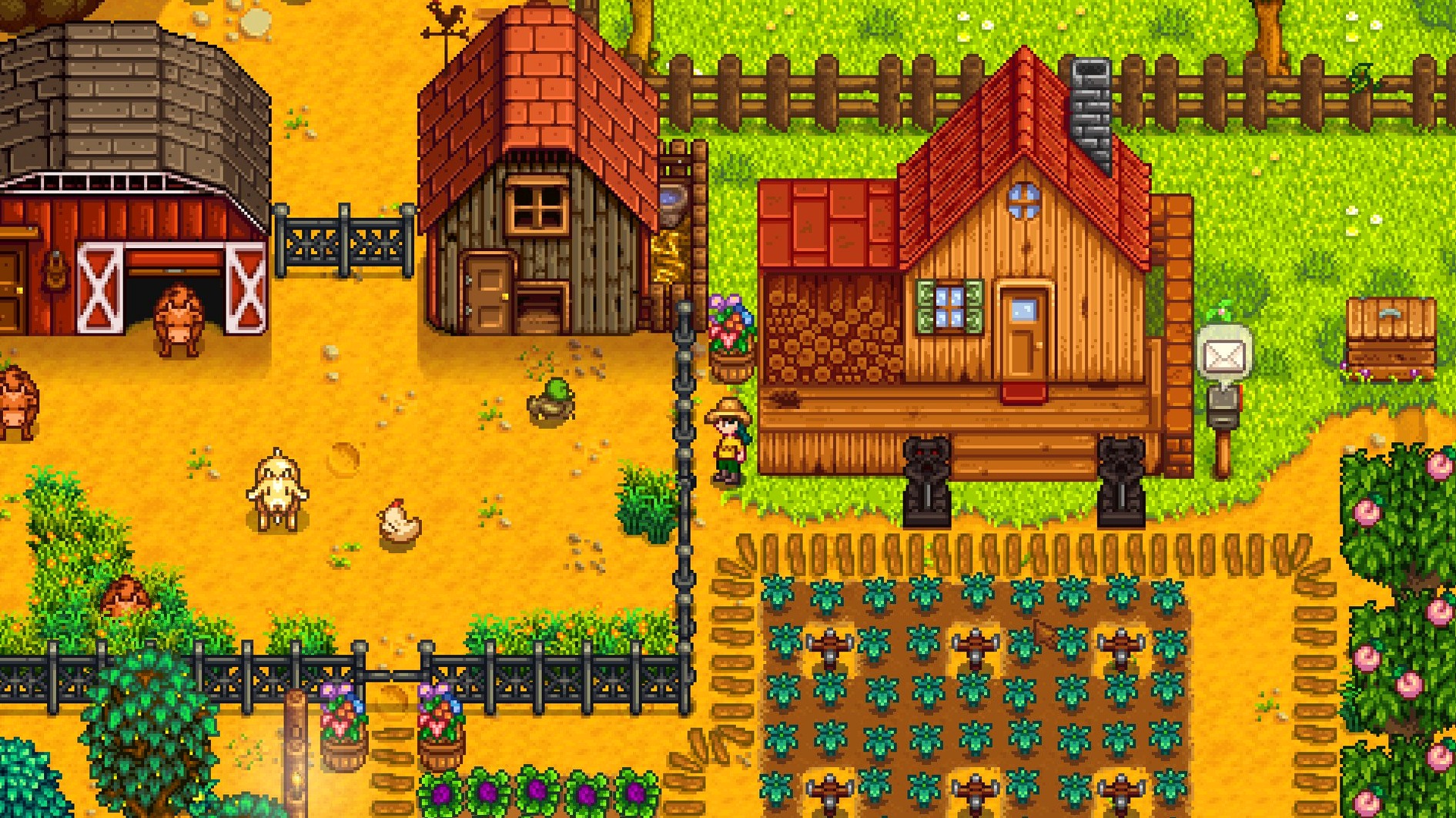
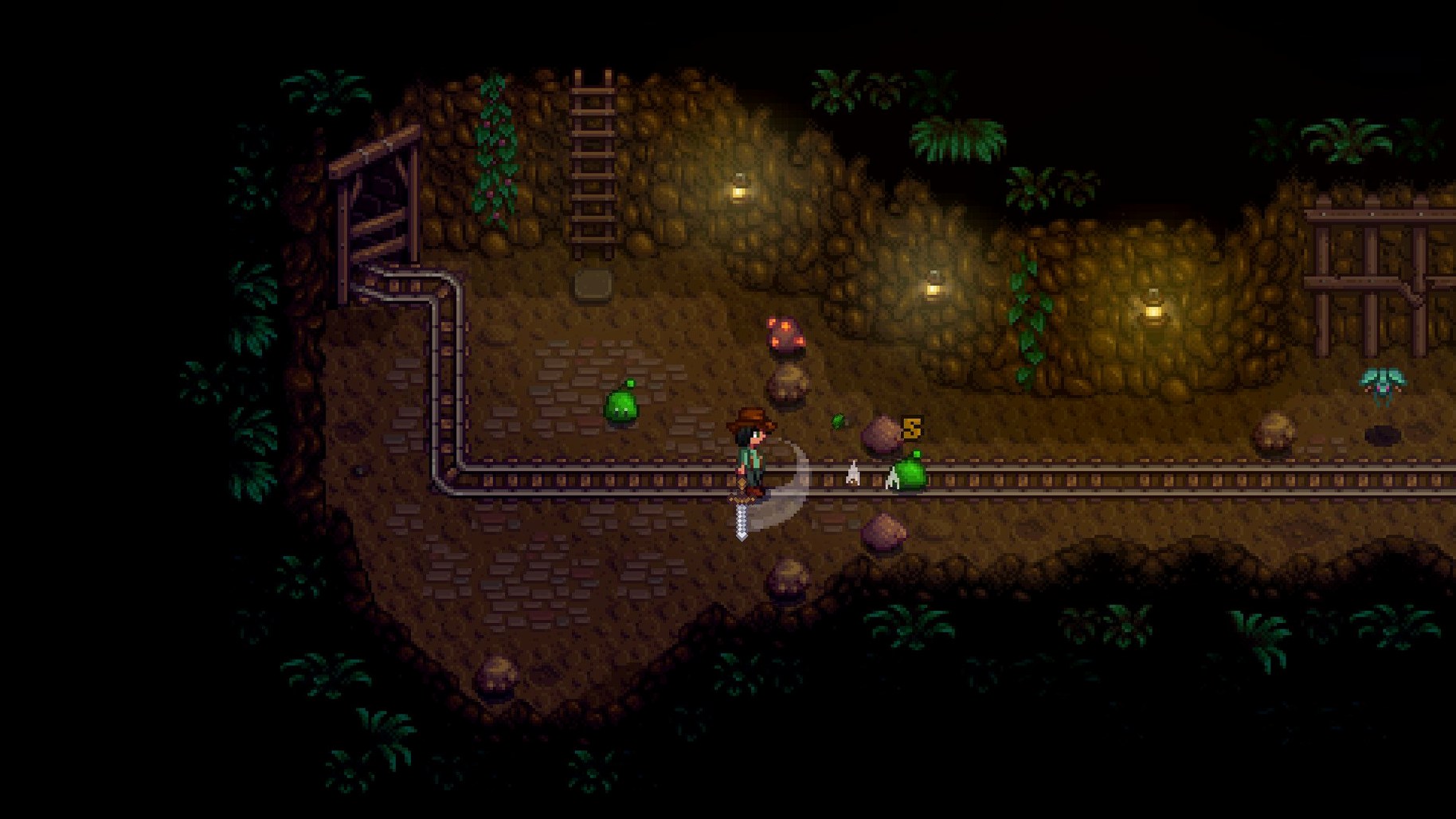
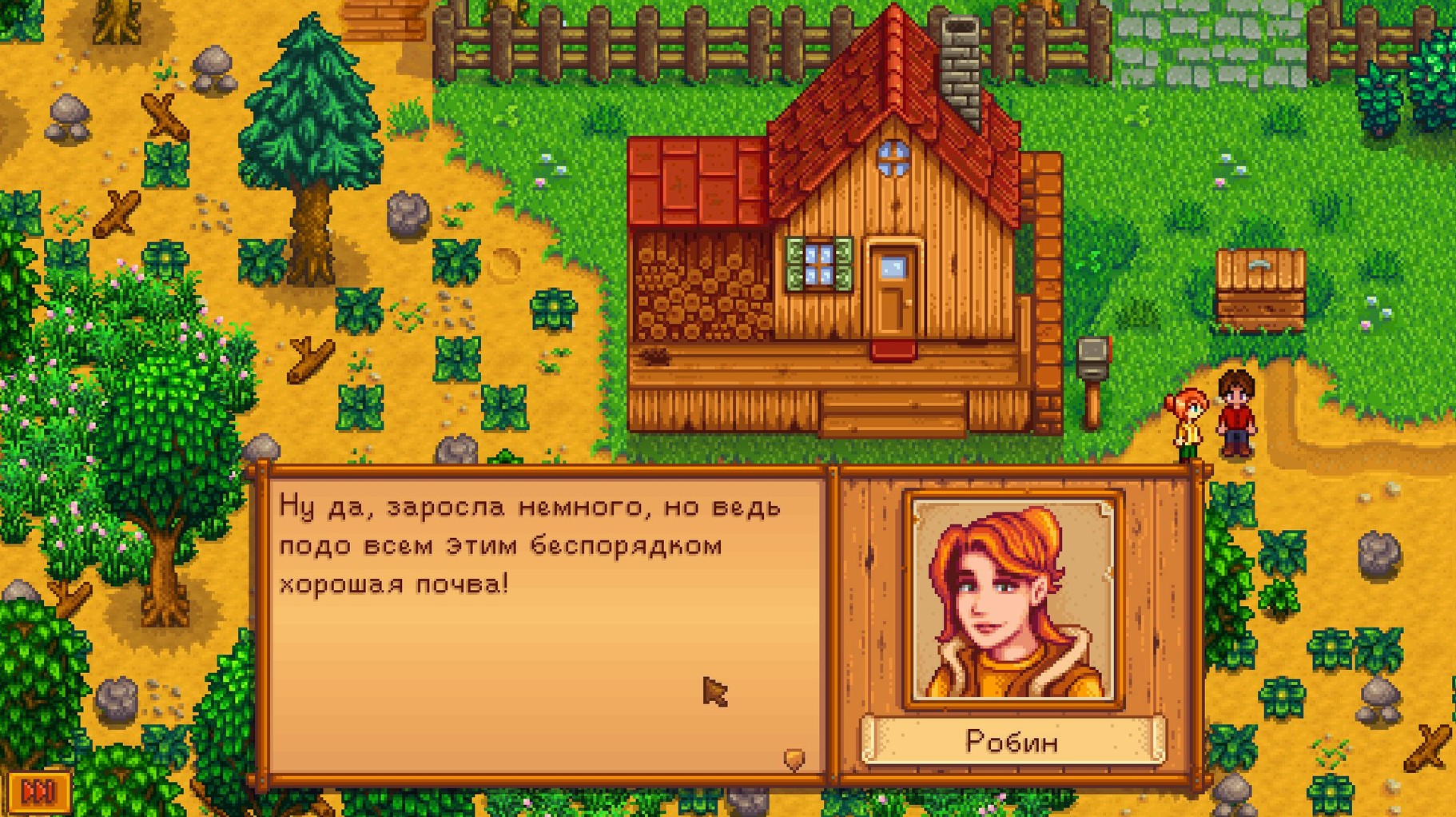
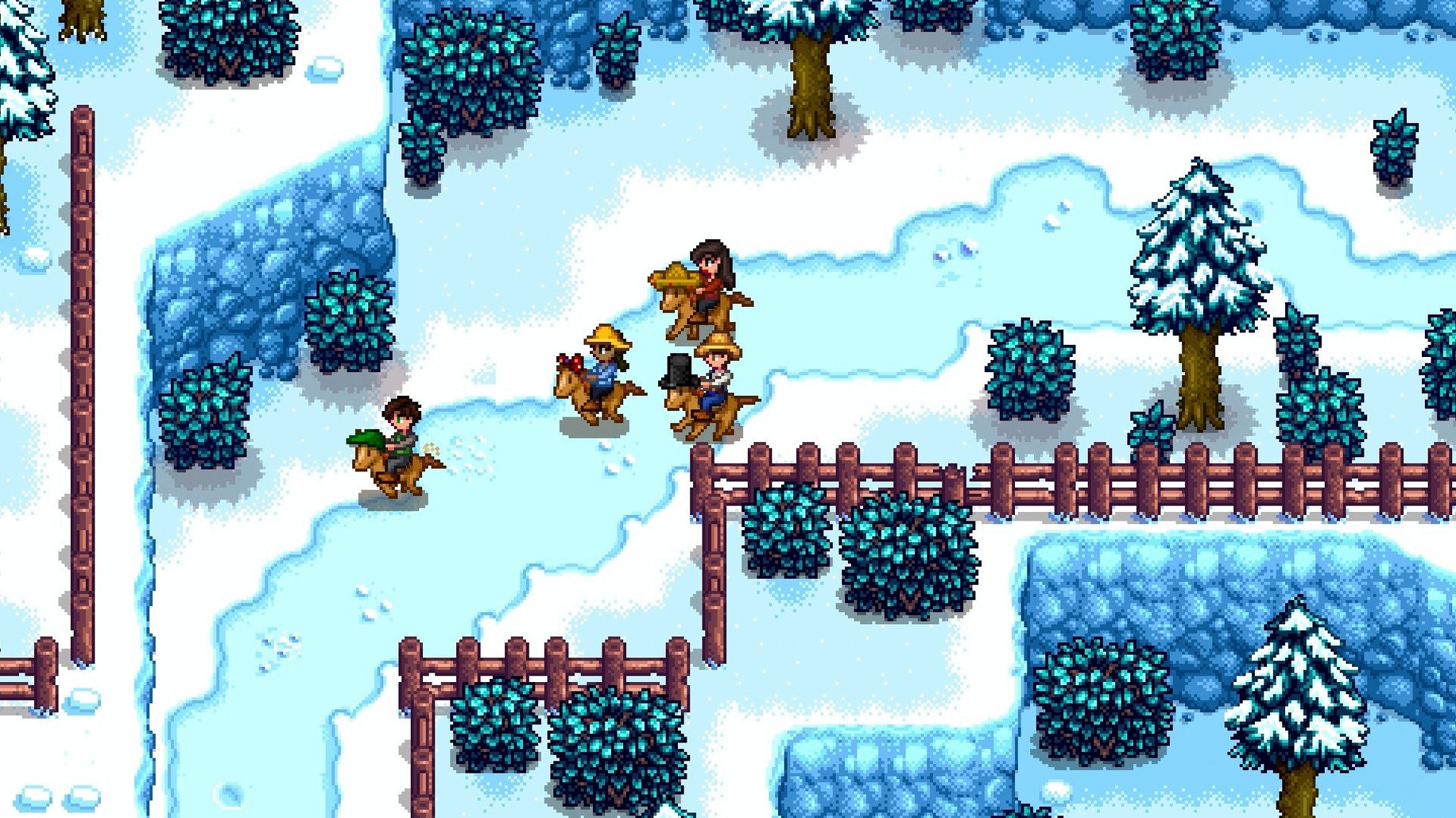
City life wears you down? Stardew Valley offers a way out. You inherit your grandfather’s overgrown farm in a valley that has seen better days. The community centre sits abandoned, and Joja Corporation has moved into town. Your job: turn the farm around, befriend the locals, and decide whether to restore the centre or give in to corporate convenience.
Full country-life RPG with ARM and Intel Mac support
This is a full country-life RPG. You farm, fish, mine, cook, craft, and forage through the seasons. The valley is yours to shape — raise animals, grow crops, build relationships, even marry. The game supports ARM and 64-bit x86 Macs, so it runs on both Intel and Apple Silicon machines. Interface languages include English, French, German, Spanish, Italian, Russian, Turkish, and several more, so the language barrier is low.
Why it sticks
The hook is the freedom to go at your own pace. No countdowns, no pressure to min-max. You can spend a whole day fishing or spend it clearing rocks. The recent 1.6 update brings performance tweaks, better legendary fish pond yields, and a Junimo bundle button on fridges — small improvements that keep the experience smooth. If you want a game that feels like a genuine escape, this is it.
Burning out by doing everything at once
New players often rush into things and burn out fast. The most frequent mistake is trying to do everything at once — planting a huge field, diving into the mines, and chasing every villager’s birthday in the first season. You end up exhausted with no energy left and a farm half-watered. Start small. A patch of parsnips, a few days of foraging, and one goal at a time.
Another trap is ignoring the TV. The daily weather and luck forecasts matter. Rain means you don’t water crops. High luck days are for mining. Low luck days are for clearing the farm or fishing. Miss those broadcasts and you’re working blind.
People also sell everything out of habit. You need fibre, wood, stone, and clay for crafting later. Keep a chest near your house and hoard raw materials. Selling your first batch of parsnips feels good, but saving some for the community centre bundles is smarter. The game rewards patience.
Lastly, don’t neglect the trash can behind the saloon. It sounds odd, but you can find useful items there. Check it daily.
Best for students with limited time between saves
Stardew Valley fits a wide range of Mac users, but some get more out of it than others. Students with limited time benefit most. The game saves after every in-game day, so you can play for ten minutes and make progress. No commitment to long sessions.
Writers and creative types also click with it. The loop of planting, harvesting, and upgrading feels like a low-stakes creative project. You build something from nothing, and the feedback is immediate — crops grow, relationships improve, the farm expands. It scratches the same itch as a sketchbook or a notebook.
Mac users who play on laptops, especially MacBook Airs, get a good experience. You can play on a train or a café table without worrying about heat or fan noise.
Older Macs running Intel chips also work. The 64-bit x86 support means even a 2015 MacBook Pro handles it. This isn’t a game that demands the latest hardware. It runs on what you already own.
Keeps the wiki open without blocking notifications
Stardew Valley works well alongside the apps you already use. I keep the wiki open in Safari on a second desktop. The game’s interface doesn’t block notifications, so you can glance at Messages or Calendar without quitting.
The game supports macOS screen recording natively. If you want to capture a funny moment with your animals or show a friend your farm layout, QuickTime Player’s screen recording works without extra software. Just set it to record the Stardew Valley window.
For music and podcast listeners, the game lets you adjust its own audio volume in settings. You can play your own music in the background and keep the game sounds low. Apple Music or Spotify run alongside it with no issues. The game doesn’t fight for audio focus.
If you use a controller, macOS recognises Xbox and PlayStation pads through Bluetooth. Stardew Valley picks them up automatically. I prefer keyboard and mouse for inventory management, but the controller makes fishing and mining feel more natural. Try both and see what sticks.
Stardew Valley dmg download offers a relaxing farming simulation that appeals to fans of open-ended rural life games. It supports both ARM and Intel Macs, so it’s one of the most compatible games in the catalogue. The installer is straightforward — open the disk image, run the installer, and pick the Applications folder when asked. That’s it.
- Legendary fish ponds produce roe more often and have a higher average daily value.
- Performance optimisations added.
- Junimo bundle button added to fridge and mini-fridge interfaces.
- Several crashes, multiplayer issues and localization issues fixed.
- macOS version not listed (64-bit required)
- ARM and x86 Intel architectures supported
Kit check at a glance
| Chip | Apple Silicon, Intel 64-bit |
| Download | 467 MB |
| Older pressings | 5 in the crate |








Chat from the booth
Sign in or grab a free account to leave a comment.
Nobody has said a word in the booth yet. If you played a set with this build, tell the next person how it went.