

- Build in the crate
- 1.9.11728
- Made by the team at
- Creative Pudding Hungary Llc.
- Menu languages offered
- English, German, Hungarian, Danish, Spanish, Italian, Dutch, Polish, Portuguese, Romanian, Turkish, Ukrainian, French, Czech, Japanese
- How you pay for it
- Not required
- CPU it runs on
- Apple Silicon, Intel 64-bit
- Played on
- macOS Tahoe, Mac mini 2024 M4
- Dropped on
- 10.03.2017
- Spoken voice in
- Music only
Screenshots


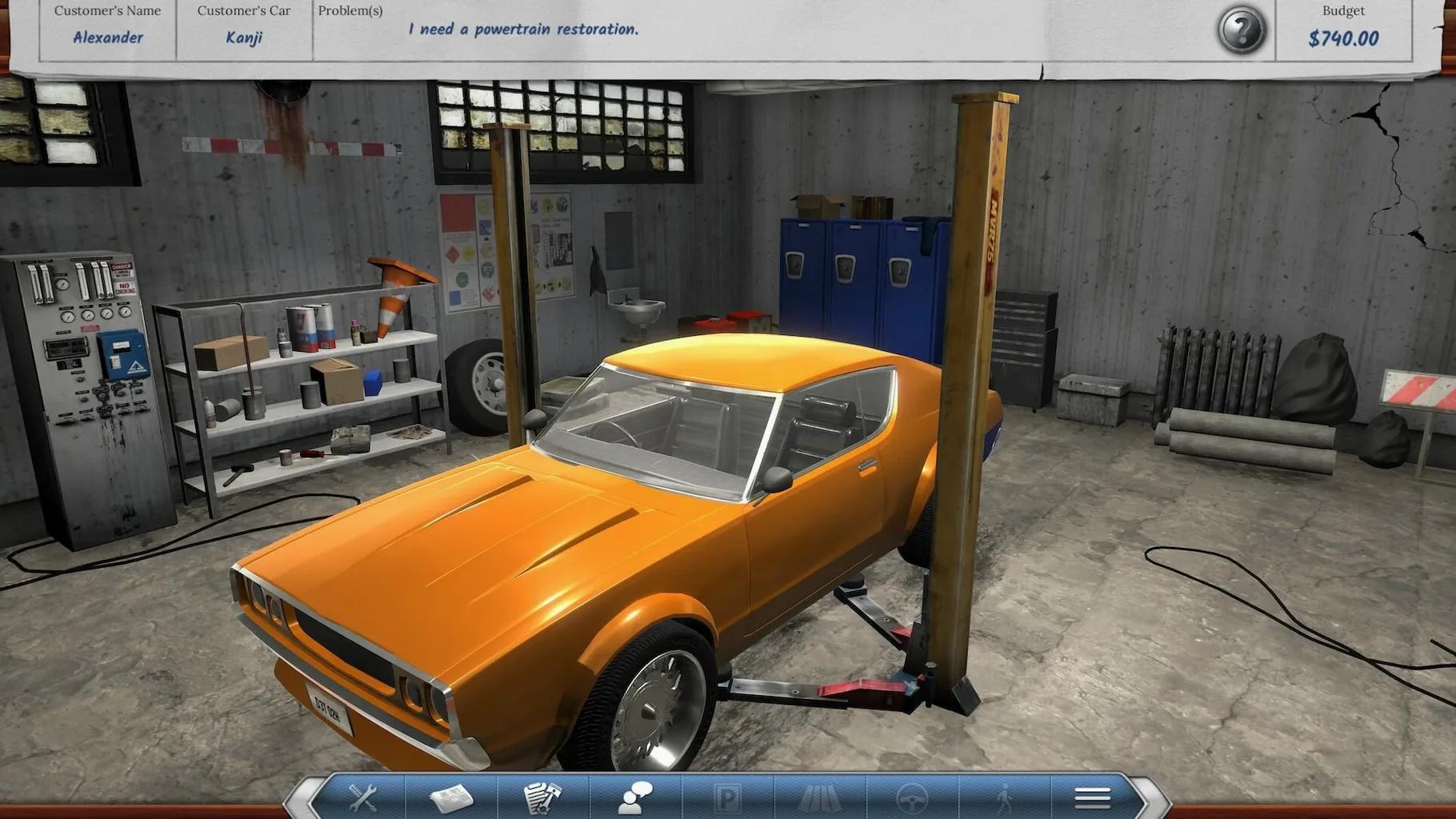
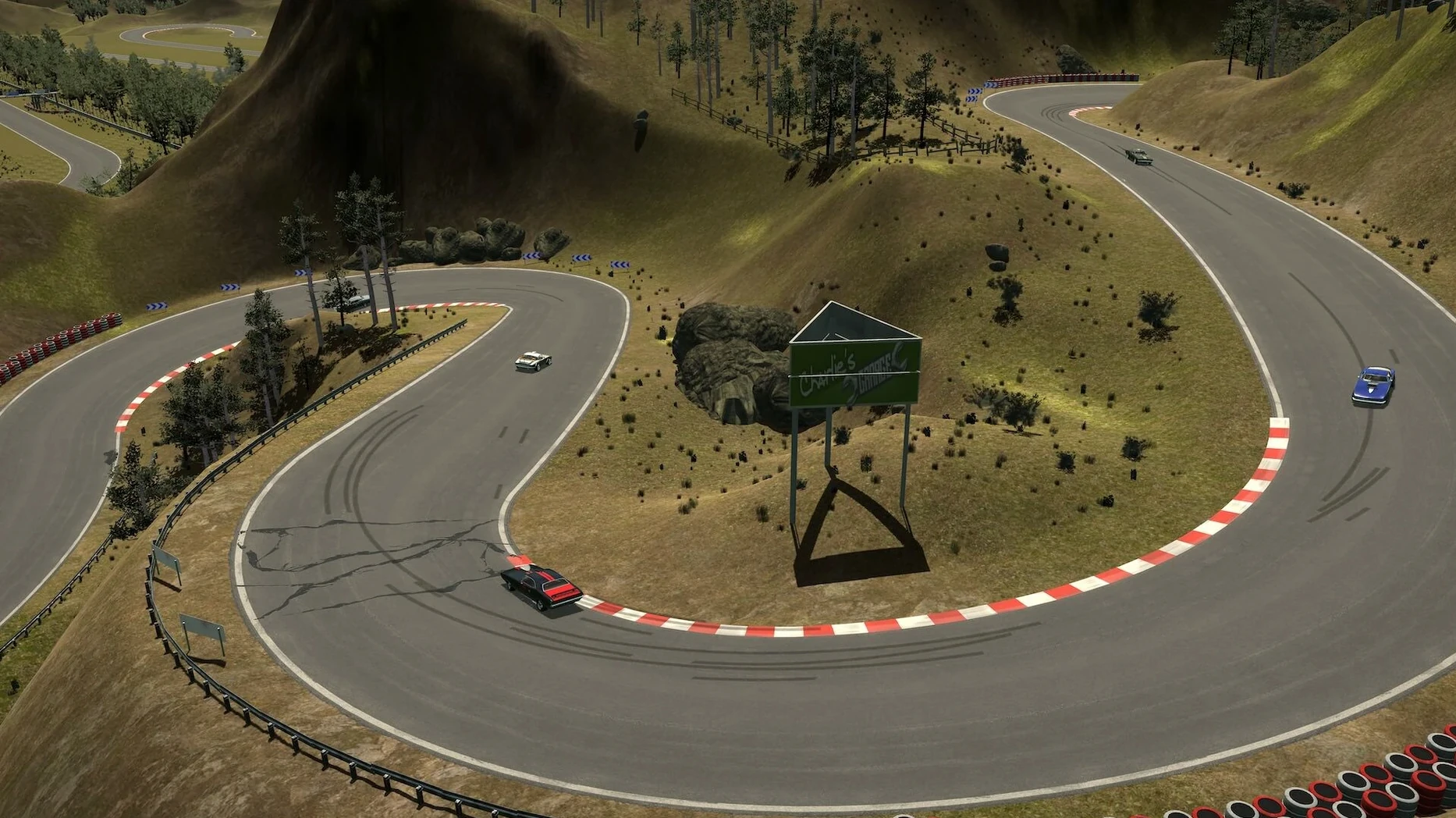

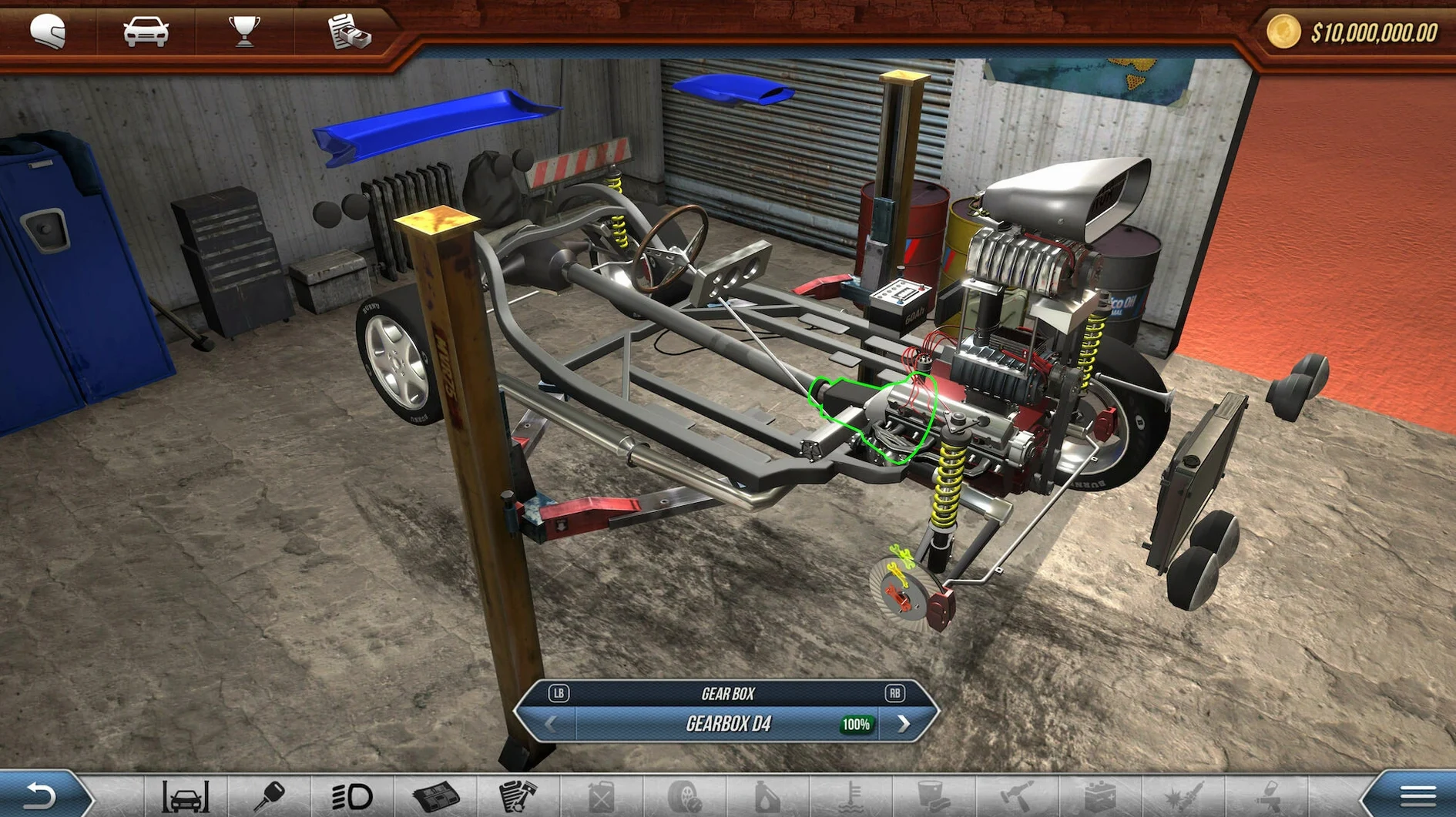
Revhead solves a common problem for racing fans: most racing games give you a car and ask you to drive. This one lets you get under the bonnet first. You buy, repair and tune cars, then take them to the track to see if your setup works. Every choice, from suspension to gearing, changes how the car behaves.
- Each car is built from separate parts — remove, replace or move them to another car.
- Visual changes matter too: repaint the body or alter the exterior to make the car yours.
- Charlie, a mechanic, helps you prepare cars for race day.
- Setup directly affects handling and performance, so experimentation pays off.
- Runs on macOS 10.11 or later, on both Intel and Apple Silicon Macs.
On a MacBook Air M2, expect a smooth experience at moderate settings. The game is not a heavyweight sim, so it works well on laptops. Controls are straightforward, with keyboard and gamepad support. If you like tinkering as much as racing, this is a good fit.
Revhead appeals to a specific kind of Mac user. It is not for people who want a polished arcade racer with flashy graphics. It is for players who enjoy the process of building something and seeing how it performs. If you have ever spent hours in a garage tuning a real car, or if you enjoy games where preparation is as important as execution, this is worth your time.
Mac users who love hands-on car tinkering
The game suits Mac users who like simulation games with a mechanical focus. You enjoy games where you can open a car and swap parts, adjust settings, and see the results on the track. The Australian setting adds a specific flavour — you start in a small town and work your way up, which gives the game a sense of progression that is not just about winning races.
It also works well for people who play on older Macs. Because the requirements stop at macOS 10.11, it runs on machines that newer racing games leave behind. That includes Intel Macs that are a few years old, as well as Apple Silicon models. If you have a MacBook Air or a MacBook Pro that is not built for gaming, Revhead is light enough to run without turning your laptop into a space heater.
Players who enjoy managing resources will also find a home here. You buy and sell cars and parts, repair what is broken, and decide where to spend your money. That loop of earning, fixing, and upgrading keeps the game going long after the novelty of driving wears off.
Map triggers to throttle and brake first
Before you start your first race, a few settings make the experience better. The game offers keyboard and gamepad controls, so pick whichever feels natural. If you have a controller, map the throttle and brake to the triggers — it gives you finer control than a keyboard key. The game supports most common gamepads, so plug yours in and check the control mapping in the options menu.
Graphics settings are worth adjusting early. On a MacBook, set the resolution to match your screen's native resolution. Turn down shadows and reflections first if you need more performance.
Audio settings are simple but worth a look. The game uses background music rather than voice acting, so you can adjust the music volume separately from the sound effects. If you prefer to listen to your own music while playing, turn the in-game music down and keep the engine sounds up — engine noise gives you useful feedback about what the car is doing.
Fix the macOS 10.11+ launch permissions issue
Some players report that the game does not launch on macOS versions newer than 10.11. This is usually a permissions issue. Go to System Settings, find Privacy and Security, and make sure the app has permission to run.
Another common issue is controls not working. If your gamepad is not recognised, unplug it and plug it back in while the game is running. Some controllers need to be connected before you launch the game. If that does not work, check the control mapping in the settings menu and reassign the buttons manually.
Graphics glitches can happen on newer Macs. If you see flickering or strange colours, try switching between fullscreen and windowed mode. This often fixes rendering issues caused by the game's older graphics engine. If the problem persists, lower the resolution one step — it stabilises the display without making the game look terrible.
If the game crashes when you try to load a saved game, the save file may be corrupted. This is rare but happens. Delete the save file from the game's folder in ~/Library/Application Support/Revhead/ and start a new game. Back up your saves regularly if you put many hours into a single career.
One last tip: if you download Revhead from a Mac software site, make sure you get the correct disk image. Some older versions floating around do not include the latest updates. The current version is 1.9.11728, and it runs on macOS 10.11 or later. Check the version number before you install to avoid missing fixes and features.
- macOS 10.11 or later
- Intel or Apple Silicon
Kit check at a glance
| Chip | Apple Silicon, Intel 64-bit |
| Download | 1.2 GB |







Chat from the booth
Sign in or grab a free account to leave a comment.
Nobody has said a word in the booth yet. If you played a set with this build, tell the next person how it went.