

- Build in the crate
- 1.8.41
- Made by the team at
- Coredumping
- Menu languages offered
- English
- How you pay for it
- Not required
- CPU it runs on
- Apple Silicon, Intel 64-bit
- Played on
- macOS Tahoe, Mac mini 2024 M4
- Dropped on
- 1.05.2015
- Spoken voice in
- Music only
Screenshots



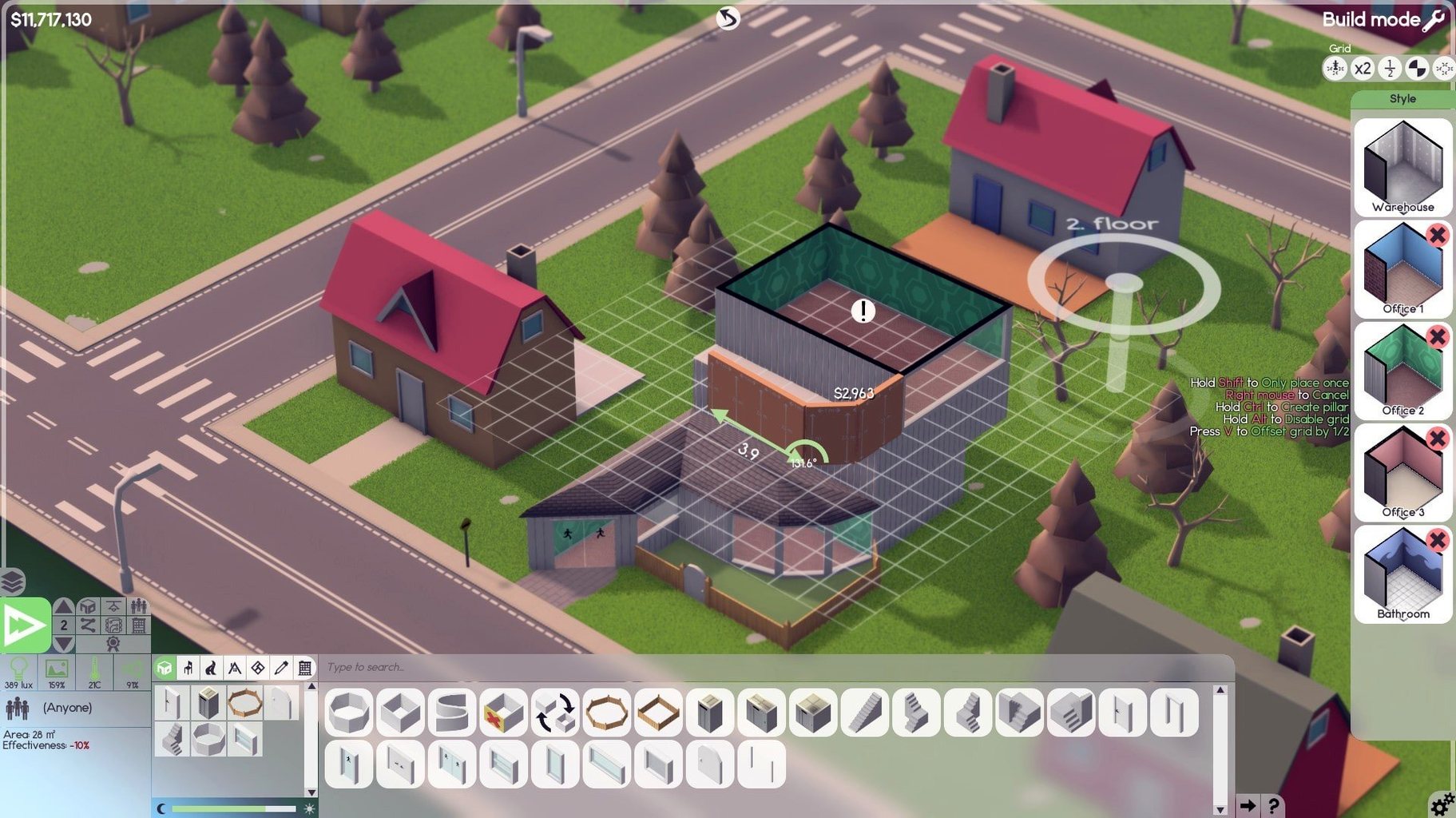
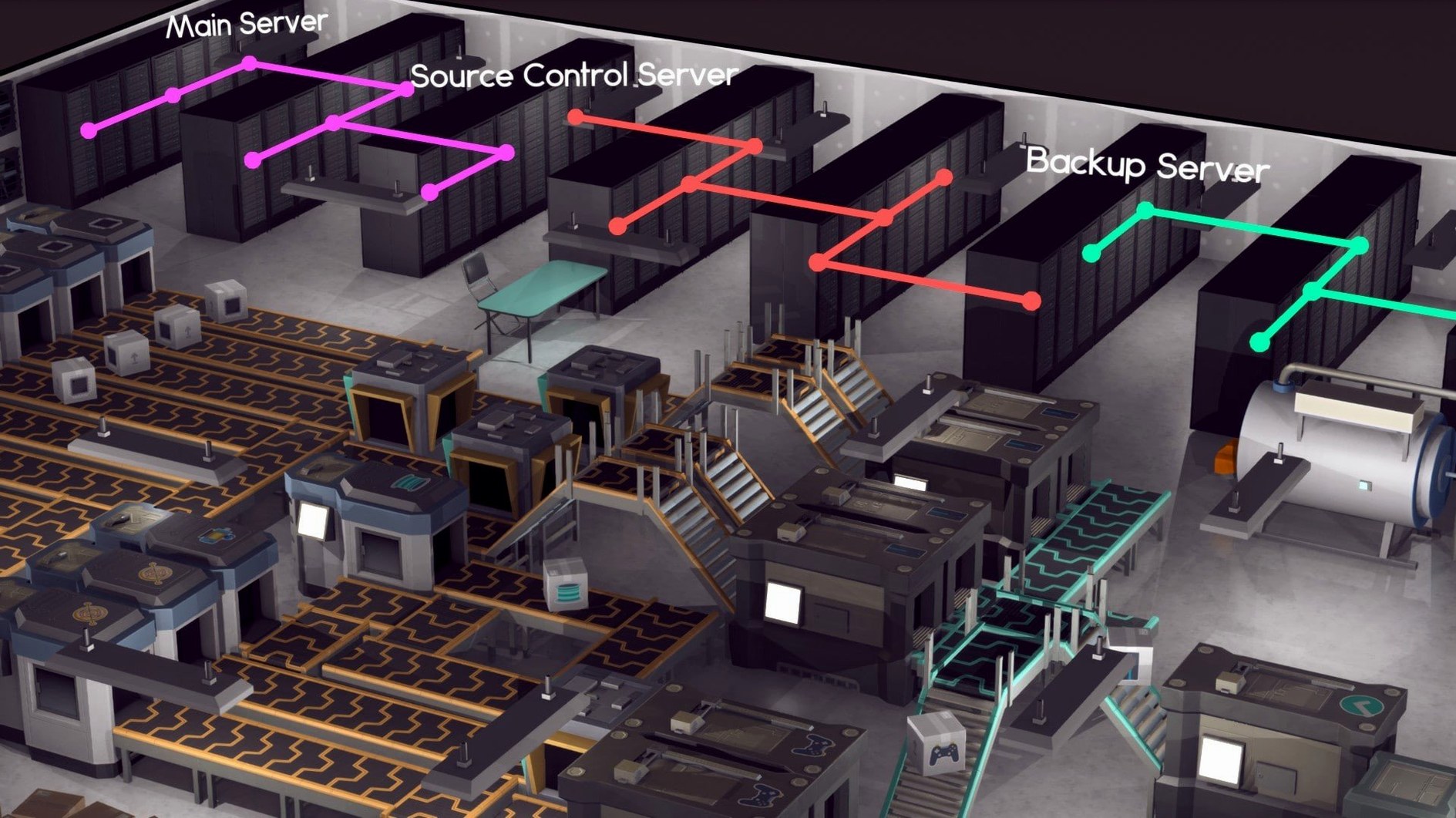
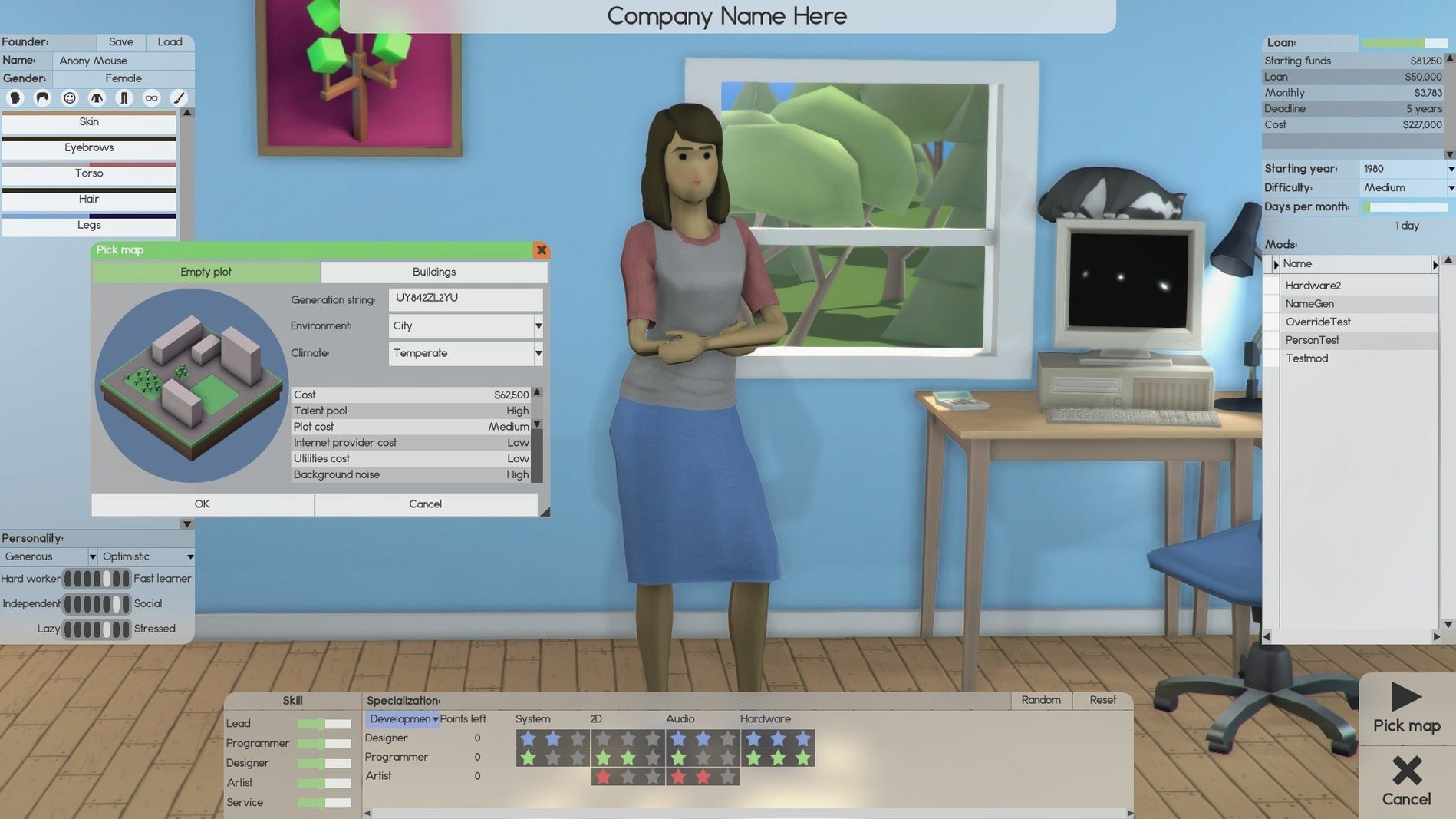
Software Inc runs on Macs with both Intel and Apple Silicon, so your MacBook Air M2 or Mac mini M4 will handle it without fuss. The game was tested on macOS Tahoe on a 2024 Mac mini M4, which gives a good idea of how it behaves on modern hardware.
Building and managing a software company from scratch
- Building and managing a software company from the ground up
- Designing offices up to 10 floors, including basements
- Hiring maintenance staff to keep things tidy and fix equipment
- Assigning leaders to coordinate teams on major projects
- Customising your avatar and playing with a music soundtrack
Deep strategy sim with mouse-driven controls
- It's a strategy sim, so expect deep management rather than quick action
- Controls are mouse-driven; a trackpad works, but a mouse feels better for long sessions
- Performance on Apple Silicon is solid, but large offices with many staff may tax older Intel Macs
- The game is available for Windows, Linux, and Mac, so updates and community content are shared across platforms
What beta 1.8.41 changes in everyday play
The current build, beta 1.8.41, brings a handful of adjustments that affect how you run your company day to day. Patch notes from the Steam announcement mention fixes to employee behaviour and tweaks to the way contracts are generated. In practice, that means staff you assign to support roles respond more predictably when tickets come in, and the contract board offers a better mix of small and large deals from the start. Nothing dramatic, but the kind of polish that keeps a long playthrough from getting stuck on quirks.
For anyone who spends time furnishing offices, the update also addresses some furniture placement and room detection issues. Desks, chairs, and decoration items now snap into place more reliably, and the game recognises room boundaries correctly when you build basement areas or irregular floor plans. Less time fighting the grid, more time designing.
Runs well on Apple Silicon with Activity Monitor
Software Inc is a standalone game, but it plays nicely with a few macOS habits. If you run it on a MacBook Air M2, you can keep Activity Monitor in the corner to watch CPU load when your company grows past 50 employees — useful for knowing when to pause hiring. The game also respects macOS window management, so you can snap it to half-screen and keep a notes app or a spreadsheet open alongside for tracking product roadmaps.
The game saves locally, and those save files sit in the usual ~/Library/Application Support folder. That makes backups or syncing across Macs straightforward if you use iCloud Drive or a service like Dropbox. Just point a symlink or copy the folder when you switch machines. No cloud save system built in, but the file structure is clean enough to manage yourself.
Since it runs on both ARM and x86, you do not need to worry about Rosetta. The Mac mini 2024 M4 runs it natively, and the same build works on Intel Macs without extra steps.
Workflow: launch a new software title from scratch
Here is one way to take a product from idea to market, using the tools the game gives you.
- Set up a design team. Hire two or three employees with high design and research stats. Assign them to a new project from the development screen. Pick a genre and platform combination that matches your team's skills — starting with something simple like a mobile utility avoids long development cycles.
- Build a dedicated room. Construct a small office on the ground floor, furnish it with enough desks and chairs for the team, and add a whiteboard or two. Hire a cleaner so the room stays tidy; dirty rooms lower morale over time.
- Assign a leader. Pick the employee with the highest leadership stat and make them the project lead. They will coordinate tasks and handle subordinate management, which frees you to focus on finances and the next hire.
- Set a release target. Use the product planning screen to choose a release date a few months out. The game calculates a quality score based on team skill and time. Do not rush it — releasing a half-finished product hurts your reputation.
- Handle contracts alongside. While the team works, take on a small support contract from the contract board. Assign one developer to handle it. The extra income covers salaries and furniture costs without distracting the main team.
- Launch and iterate. Once the product ships, watch the reviews and sales data. Use the revenue to expand your office or hire a sales employee. Then start the next project with a bigger budget and a larger team.
This loop — hire, build, assign, release, reinvest — is the core of Software Inc. The beta 1.8.41 tweaks make each step slightly smoother, especially the contract balancing and employee response times. Whether you play on a MacBook Air M2 or a Mac mini M4, the rhythm stays the same.
- macOS: version not specified
- Architecture: Intel and Apple Silicon
- Other: none listed
Kit check at a glance
| Chip | Apple Silicon, Intel 64-bit |
| Download | 273 MB |








Chat from the booth
Sign in or grab a free account to leave a comment.
Nobody has said a word in the booth yet. If you played a set with this build, tell the next person how it went.