
- Build in the crate
- 0.4.7f12 Wine
- Made by the team at
- TVGS
- Menu languages offered
- Russian, English
- How you pay for it
- Not required
- CPU it runs on
- Apple Silicon
- Played on
- macOS Golden Gate, Mac mini 2024 M4
- Dropped on
- 25.03.2025
- Spoken voice in
- Music only
Screenshots
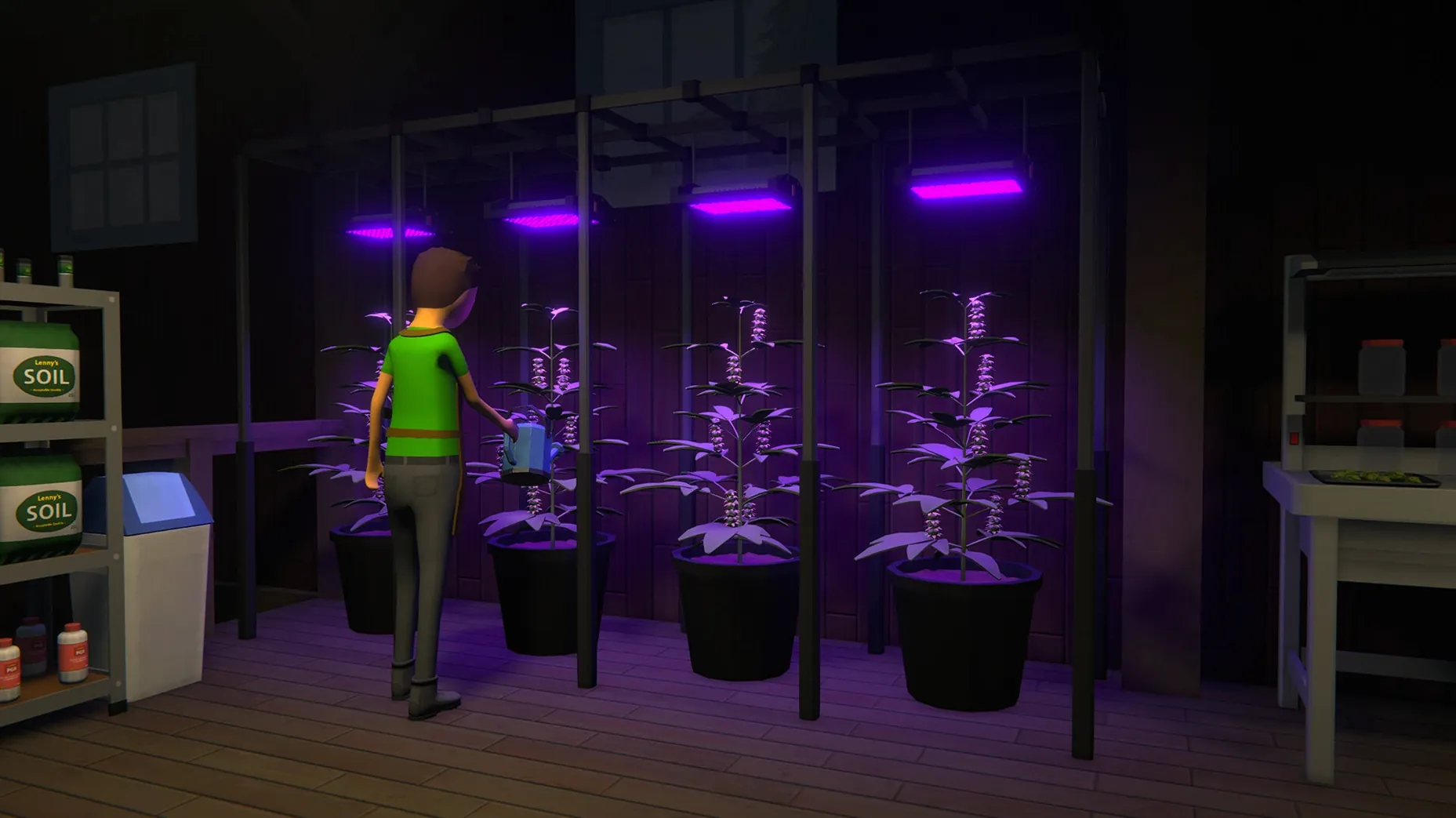
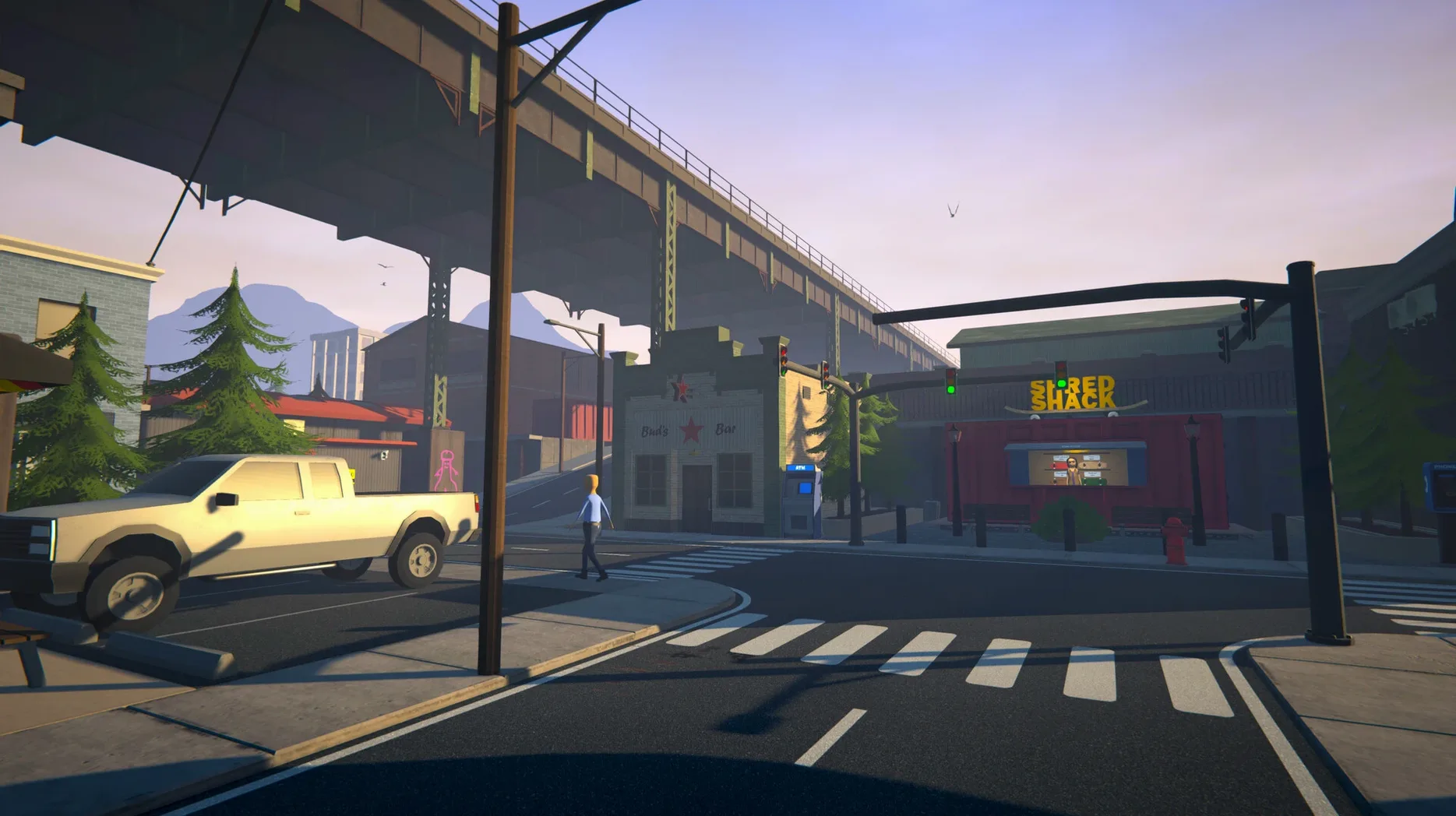

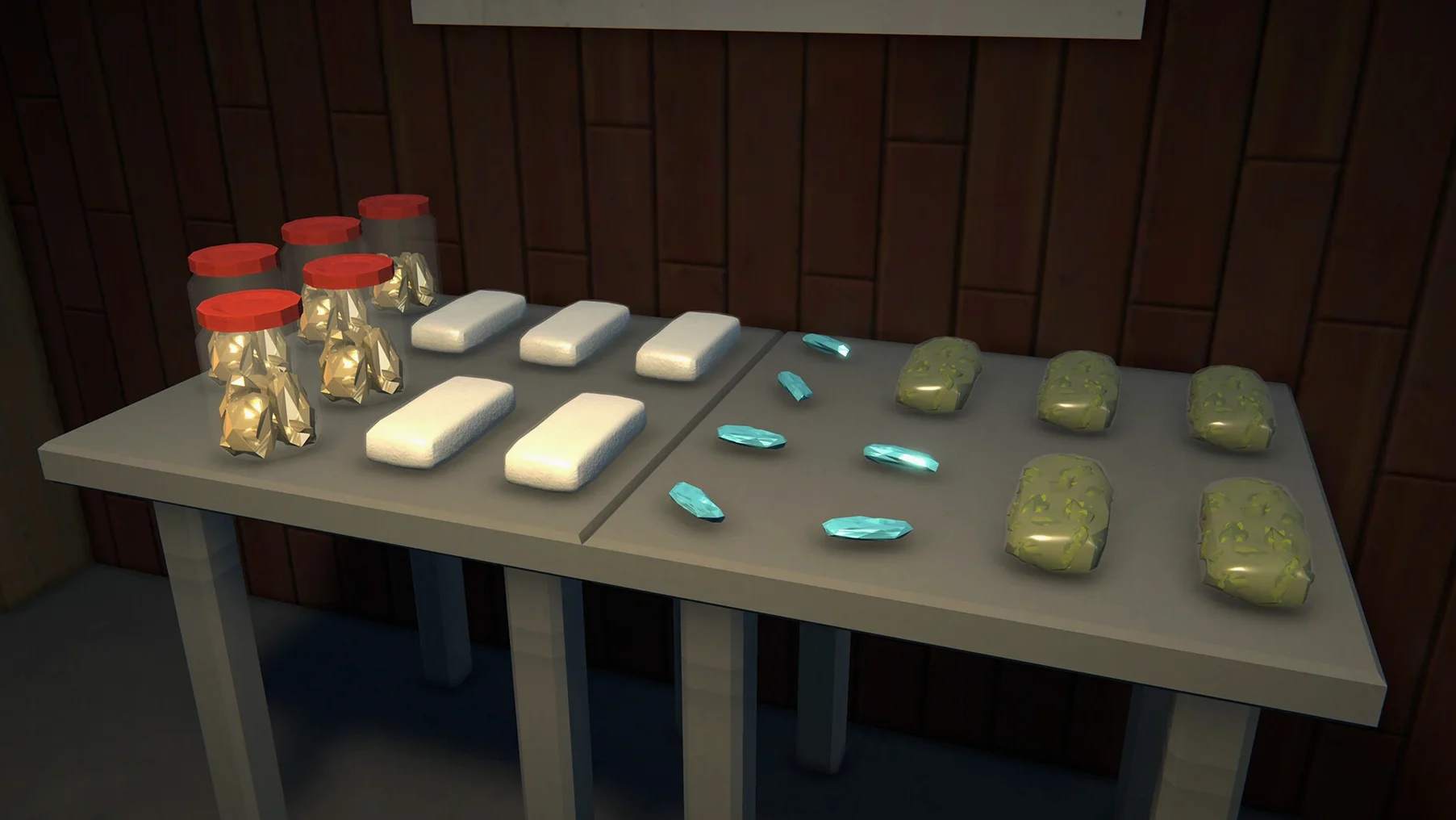
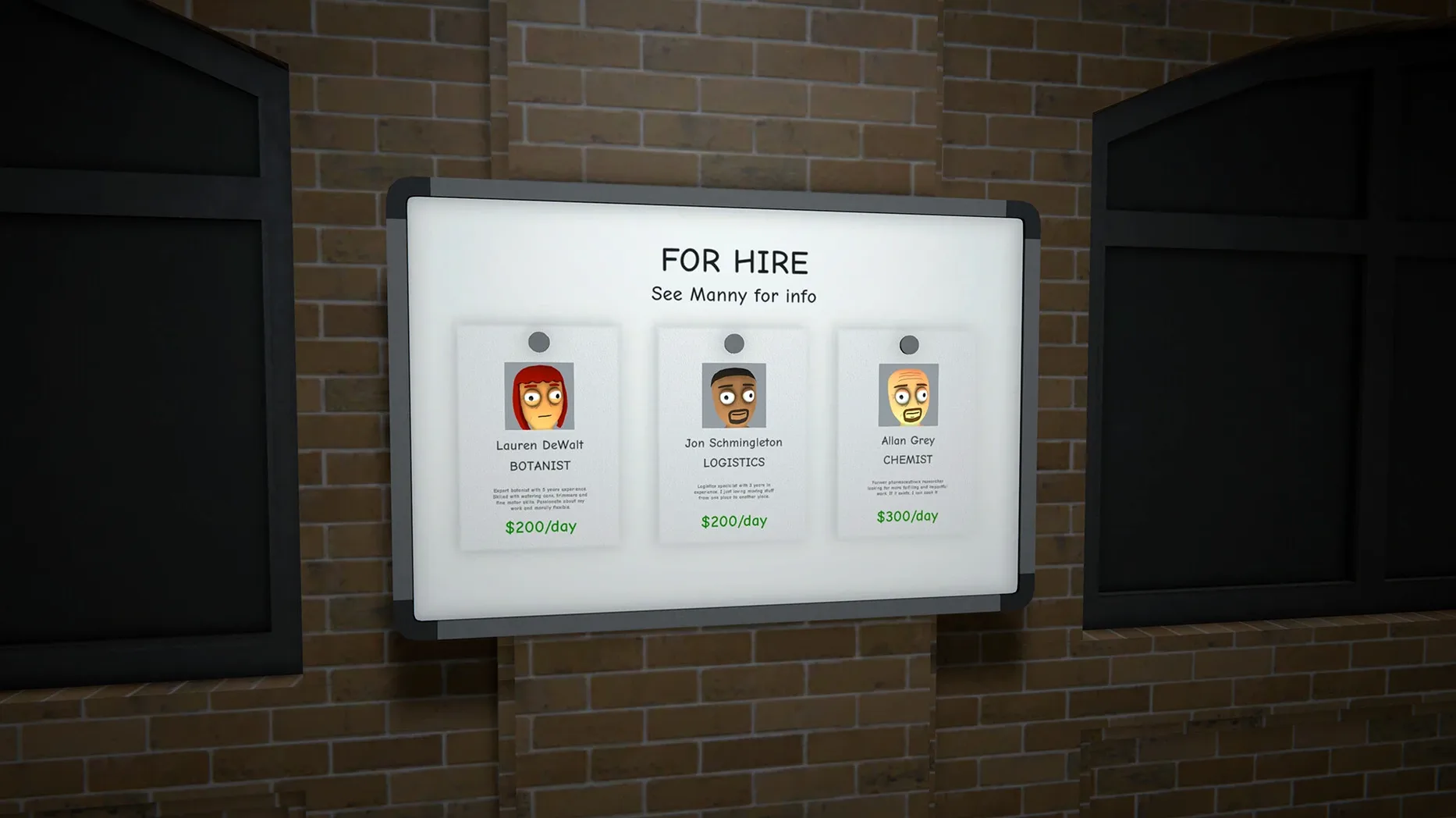
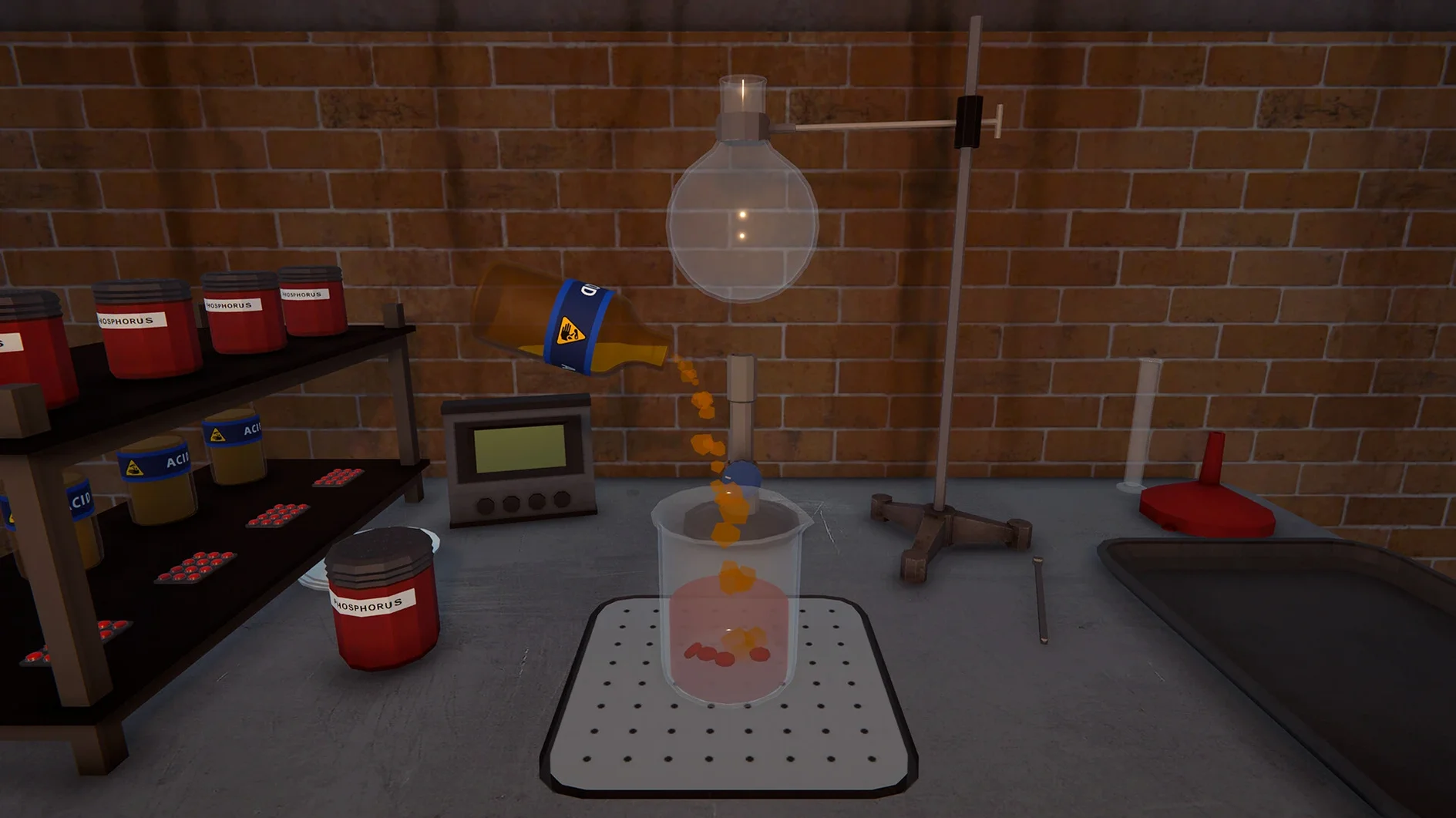
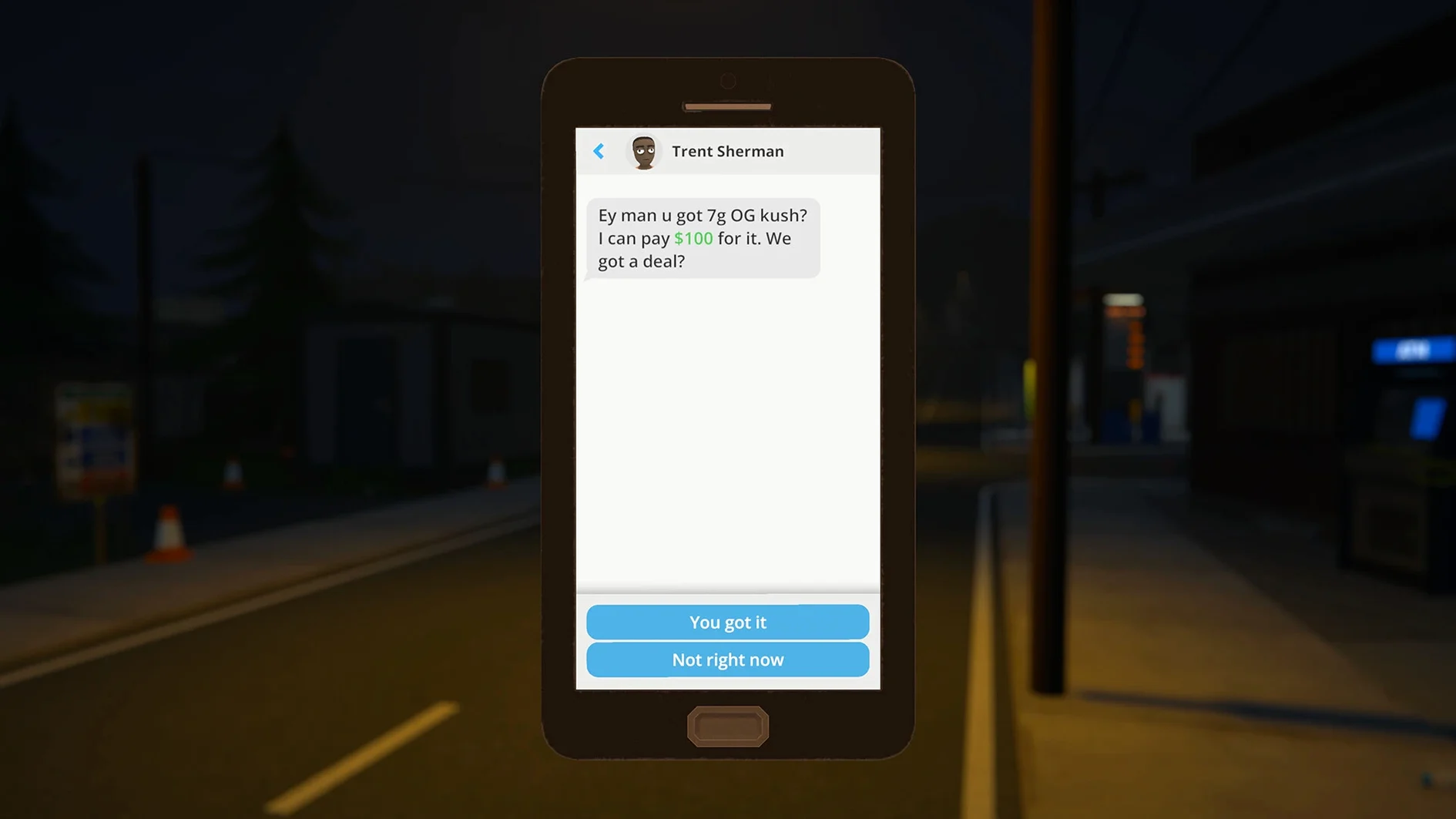
Hyland Point runs on supply and demand, and you're about to become the supplier. Schedule I for macOS is an open-world crime simulation in early access, where you build a drug empire from the ground up — property, businesses, hired workers, the lot.
What can you actually do in the game?
Expand your influence by buying property and setting up production. You can automate supply chains so the cash keeps flowing while you handle the messy parts.
Is it just business, or is there action?
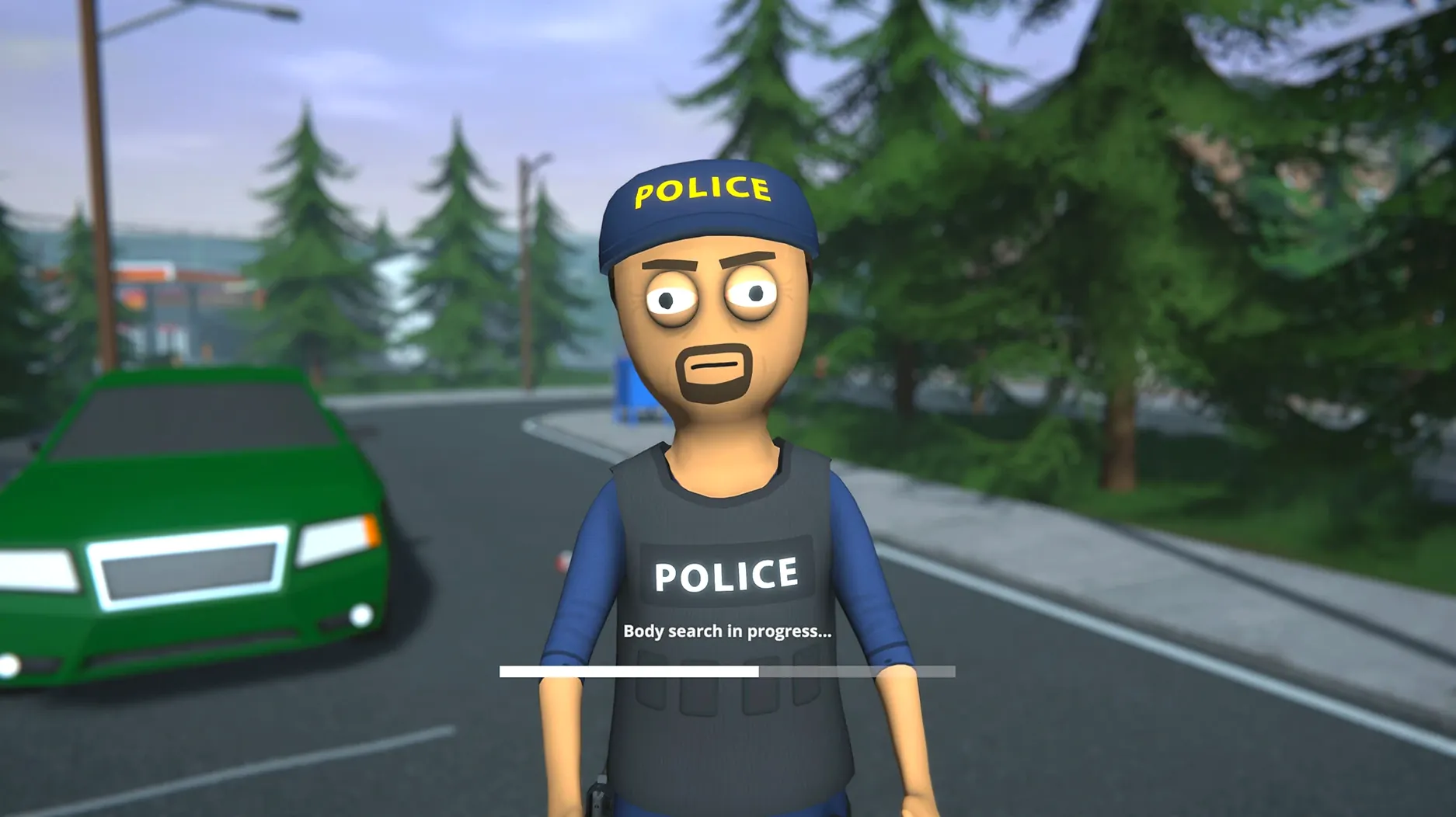
There's plenty of action. When tension escalates, unarmed fighting, close-quarters tools, and guns each play a role.
Does the city feel alive?
The city reacts to what you do.
Wineskin wrapper for Apple Silicon
Schedule I version 0.4.5f2.22829923 is built as a Wineskin wrapper for Apple Silicon Macs running macOS Tahoe or later. That means it's a Windows game running through a translation layer, not a native Mac binary. The build was tested on a Mac mini 2024 M4, so it should behave similarly on any M-series Mac.
The game is in early access and under active development by TVGS — Tyler's Video Game Studio. Some features are still being worked on, and you'll see that in certain rough edges. The interface language can be set to Russian or English; the build you get includes both.
No activation is required. You mount the disk image, drag the app into Applications, and launch from Launchpad. If an error occurs when starting for the first time, execute the Fix file located in the disk image. At the very first start, the game installs one extra component — if it looks like it's stuck, press Command-Tab to switch to the desktop, then quit the game from the Dock. That usually does the trick.
City reactions and economy shifts
Starting with nothing in Hyland Point can feel slow, and it's easy to rush into bad decisions. Here are a few things that trip people up:
- Ignoring the city's reactions. The economy shifts based on demand, raids, and competition. Spread your operations around.
- Forgetting to automate. You can hire dealers and set up supply chains. Doing everything yourself wastes time and leaves you exposed. Let your staff handle the routine distribution while you focus on expansion.
- Neglecting combat readiness. Rival cartels and police are real threats. A few melee weapons or a firearm tucked away can save you when a deal goes sideways. Don't assume you can talk your way out of every situation.
- Check the area, think about how it fits into your supply routes, and make sure you have the cash to staff it properly.
- Misplacing mods. If you want to use mods, the folder path is inside the app package: Schedule I.app/Contents/SharedSupport/prefix/drive_c/Appstorrent Games/ScheduleI/Mods. Put mods there and any extra files in the game folder according to the mod's instructions. Wrong folder and nothing works.
Scenario: the weekend hustler
You've got a day job, so your empire building happens in the evenings. Friday night you start with zero cash and a skateboard. You make a few small deliveries on foot, then upgrade to a car once you've got enough money. By Sunday night you've got a steady income stream and a growing reputation. Monday morning you're back at work, but you're already planning next weekend's moves. That's the rhythm of Schedule I — it fits into your schedule, not the other way around.
Yes. The game allows you to generate new versions possessing unique characteristics, introducing a strategic dimension to your management.
- Version 0.4.5f2.22829923 is the build provided in the supplied package.
- macOS Tahoe
- Apple Silicon
Kit check at a glance
| Chip | Apple Silicon |
| Download | 2.4 GB |








Chat from the booth
Sign in or grab a free account to leave a comment.
Nobody has said a word in the booth yet. If you played a set with this build, tell the next person how it went.