

- Build in the crate
- 0.7.9.104 Native
- Made by the team at
- Jundroo
- Menu languages offered
- English
- How you pay for it
- Not required
- CPU it runs on
- Apple Silicon, Intel 64-bit
- Played on
- macOS Tahoe, Mac mini 2024 M4
- Dropped on
- 23.04.2026
- Spoken voice in
- Music only
Screenshots
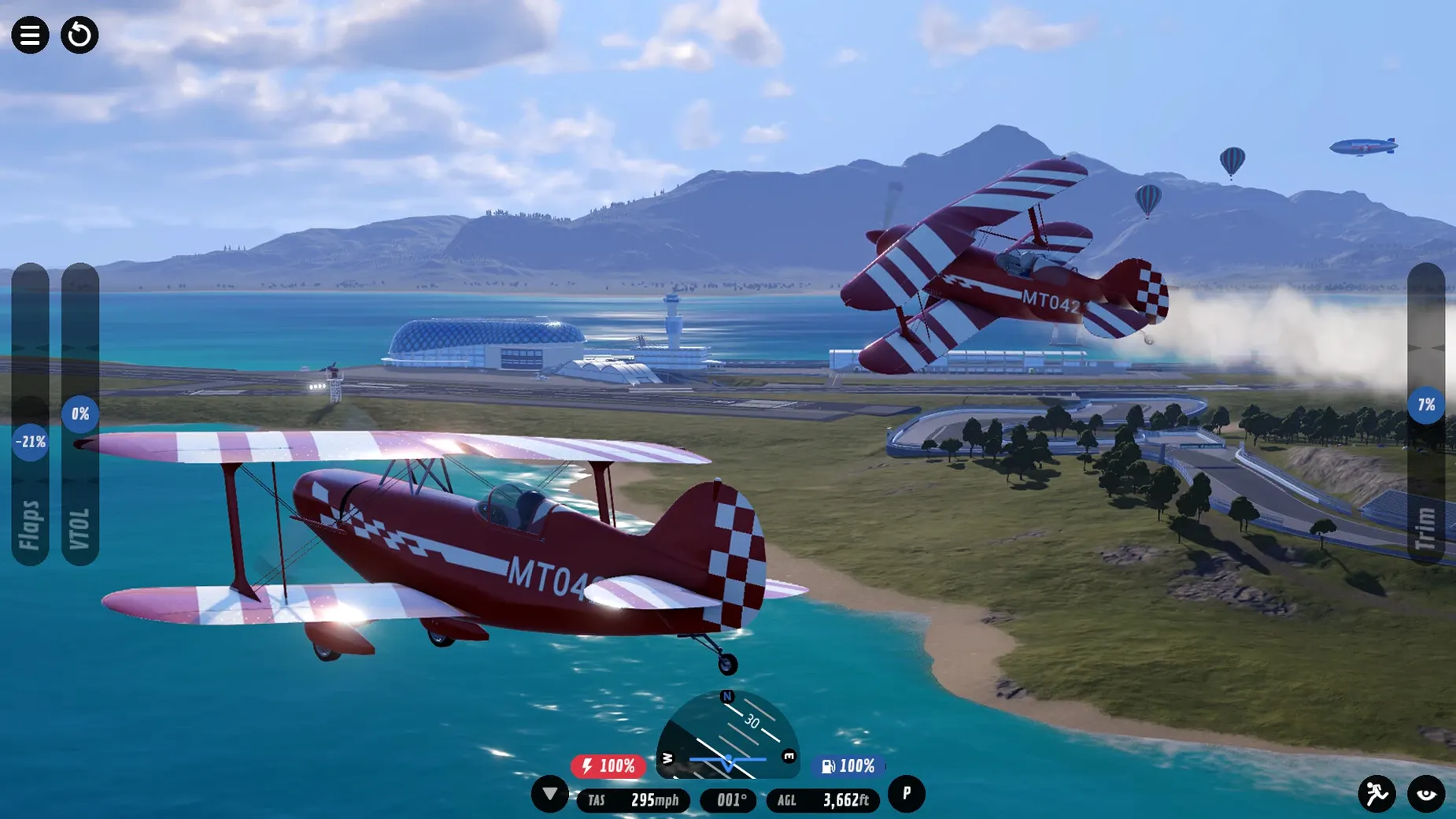
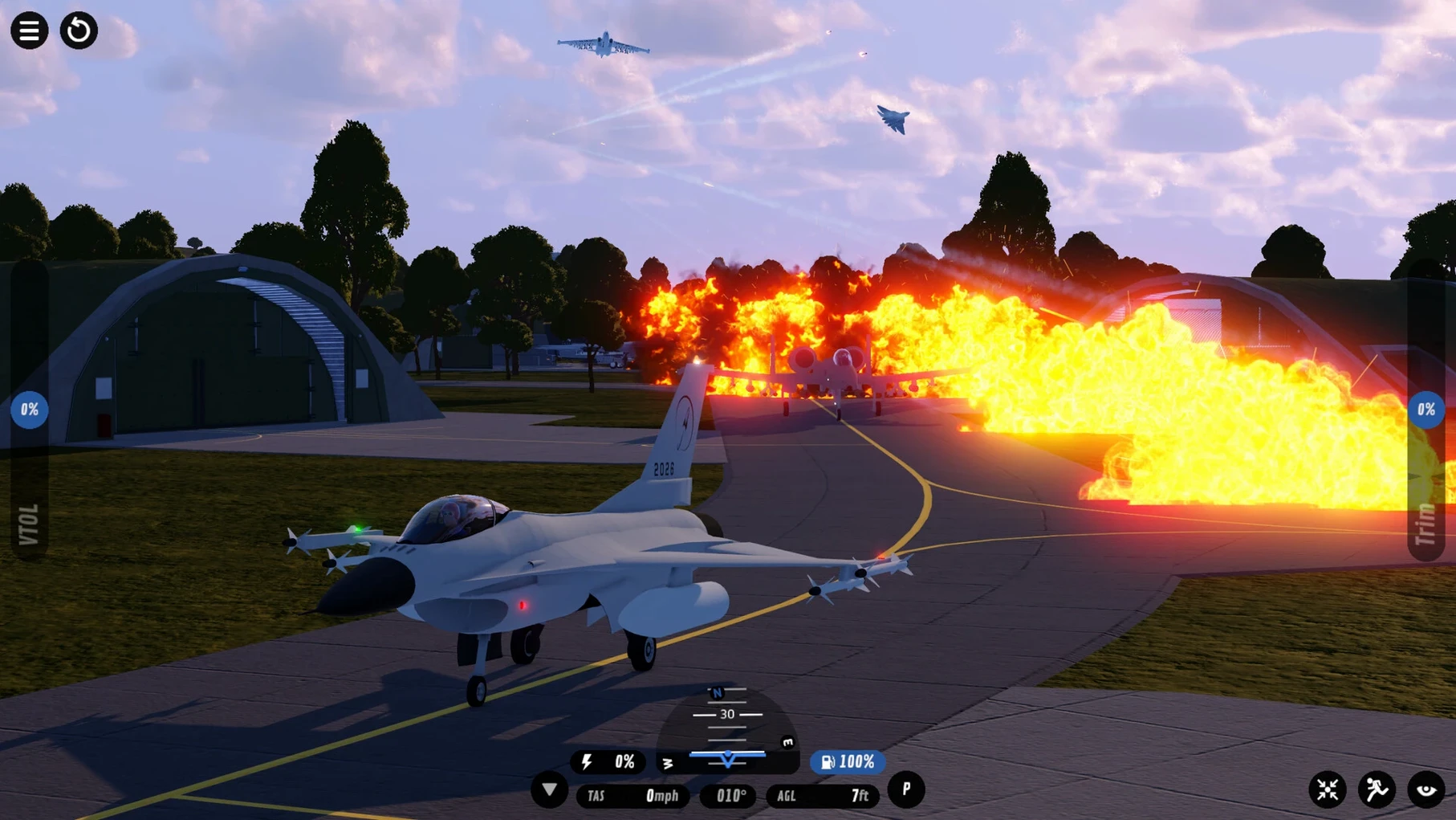
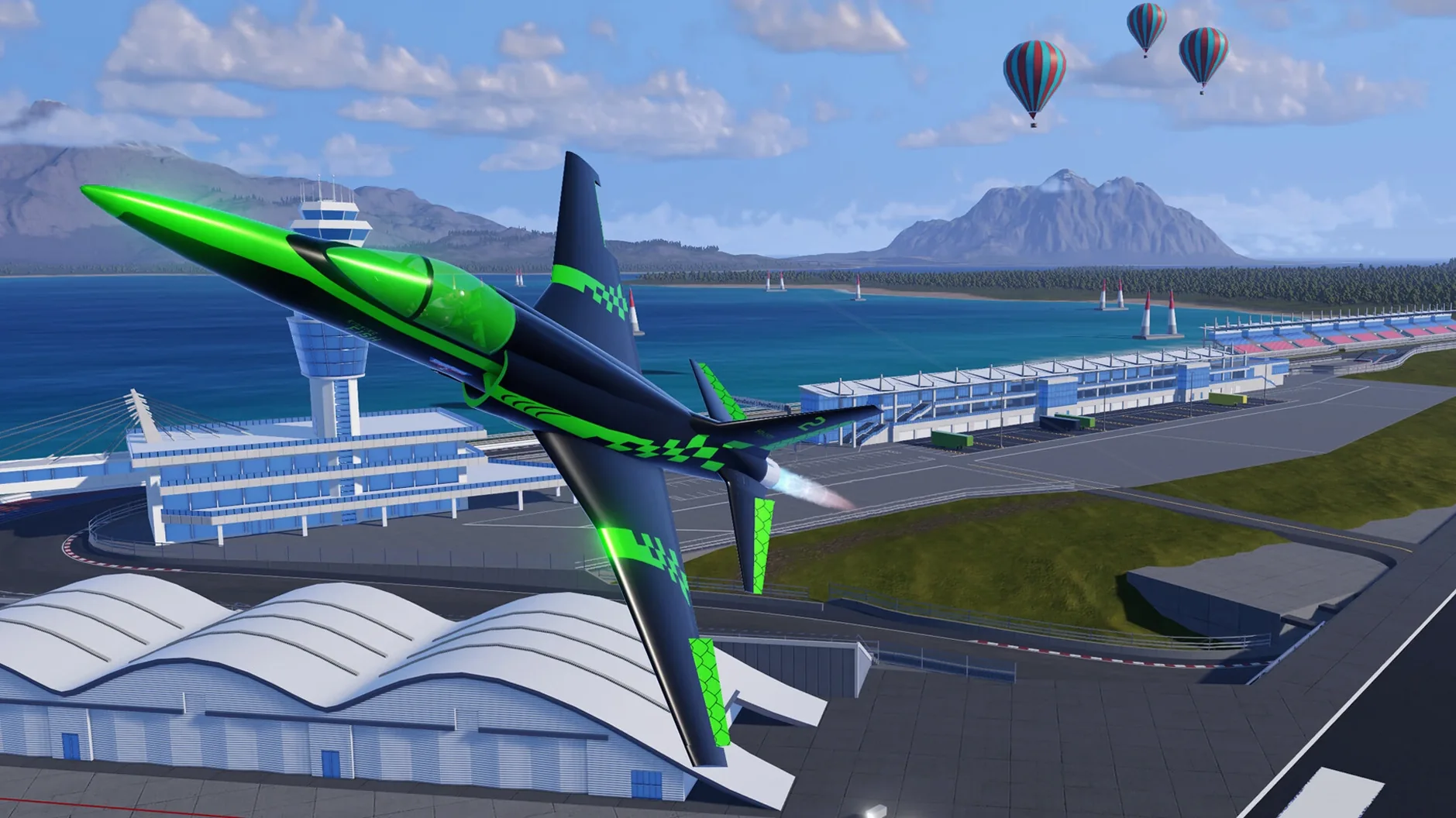
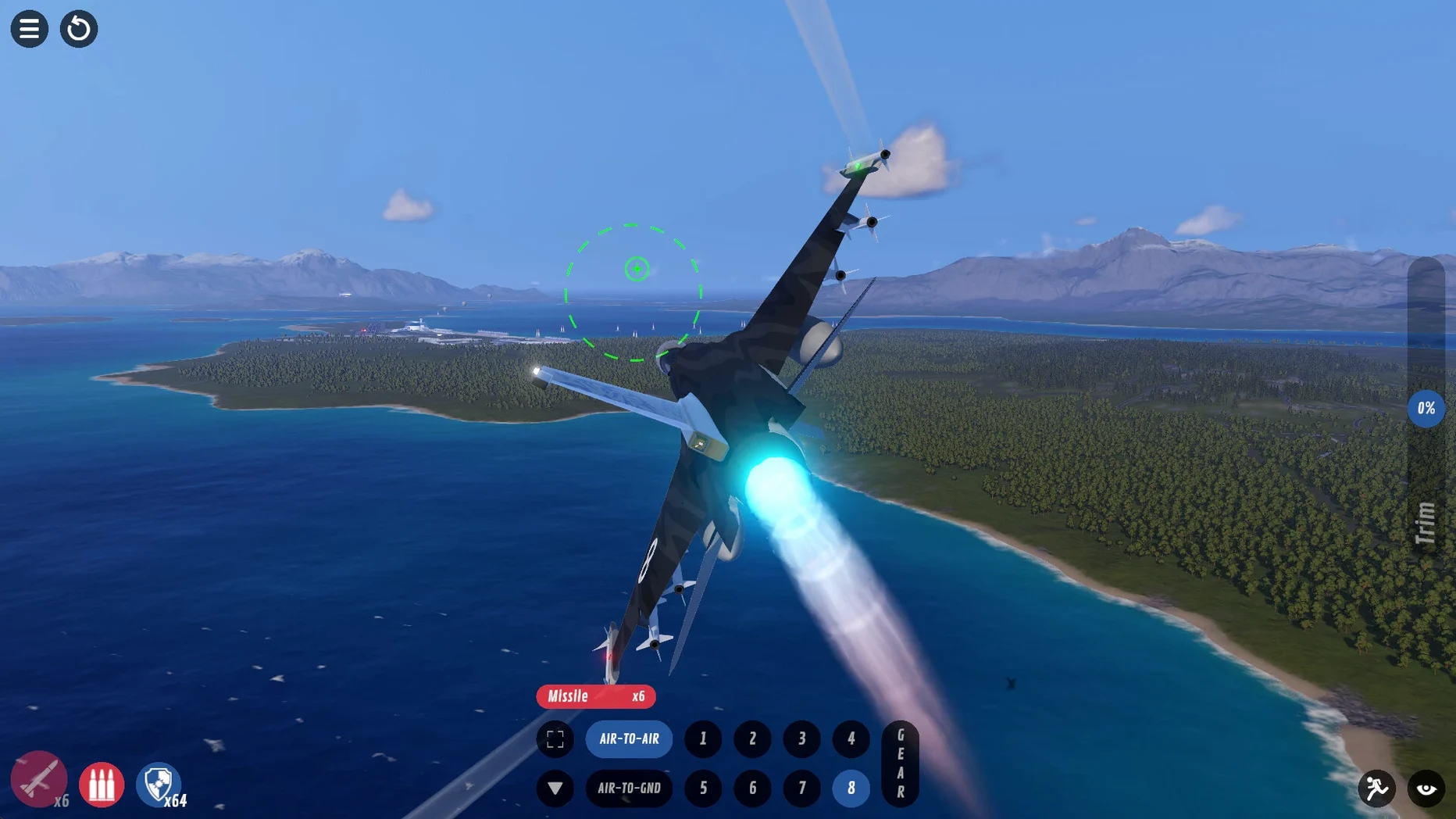
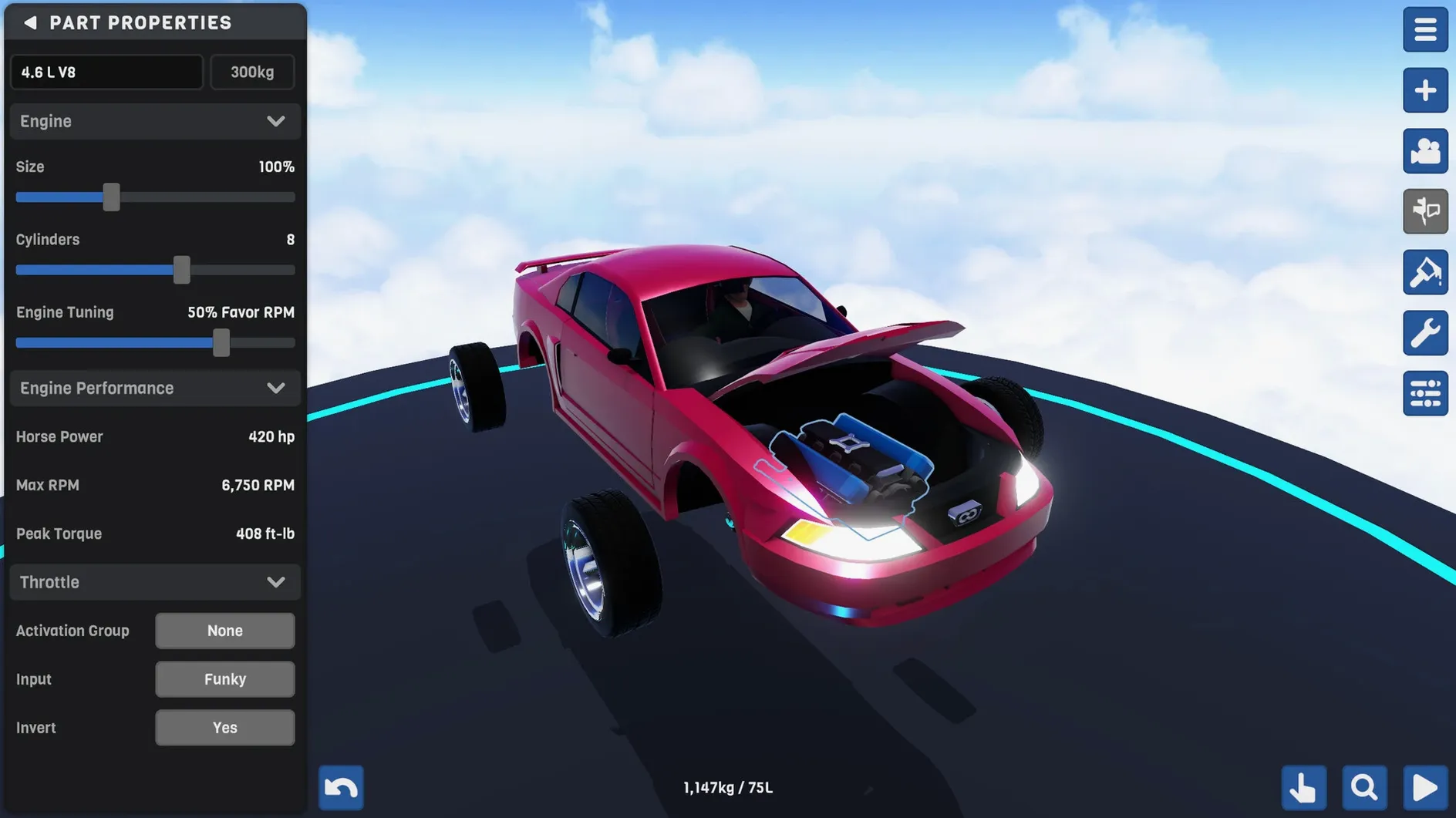
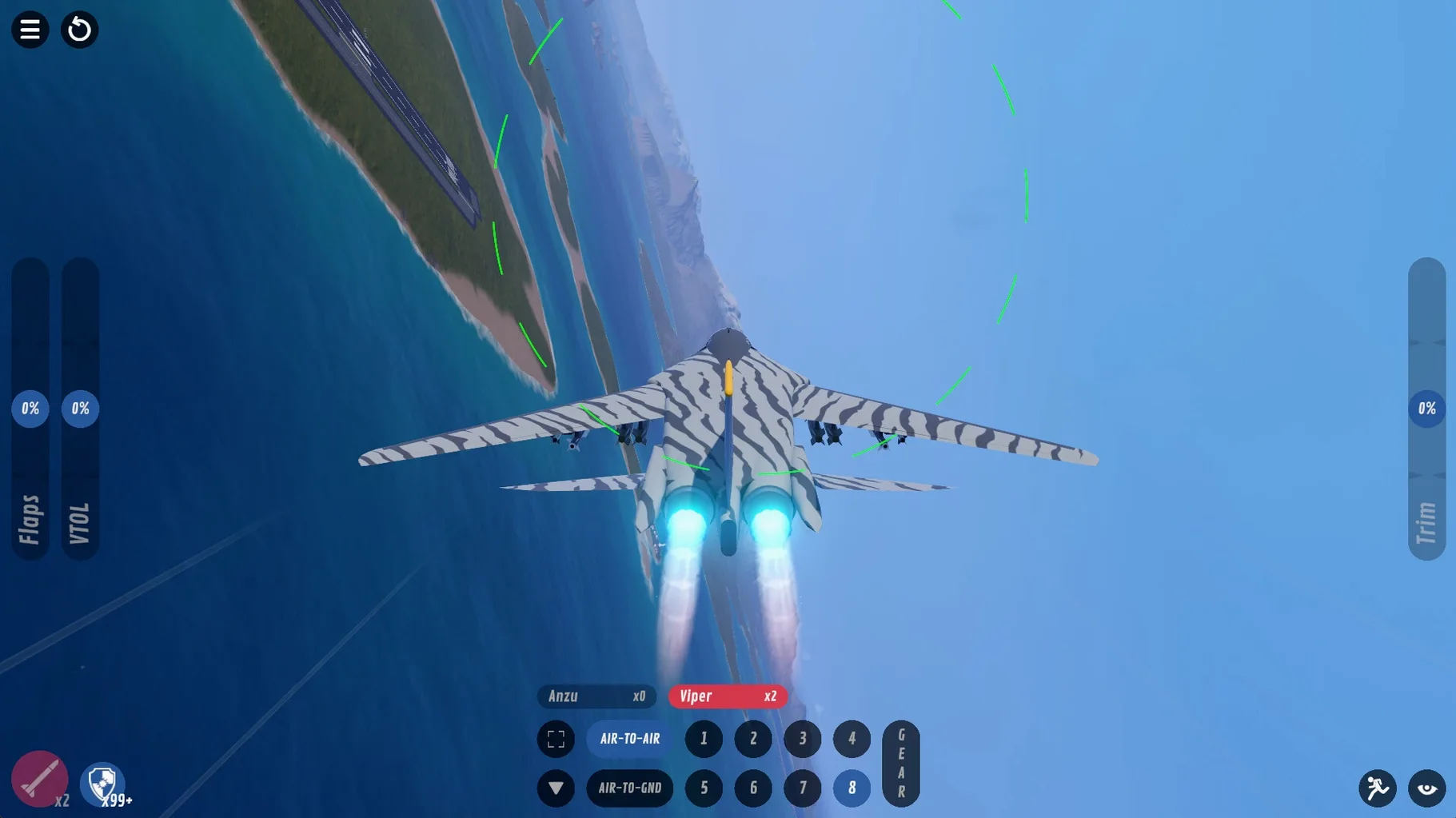

Most plane games hand you a finished aircraft and say go fly. SimplePlanes 2 does the opposite: you start with fuselage sections, wings, and engines, then work out how to make something that actually stays in the air. It’s the sequel to the original SimplePlanes, and it doubles down on the building side with procedural parts and more forgiving tools.
- Assemble planes from improved wing and fuselage parts, then tweak the shape until it handles the way you want.
- Paint and texture your creations, and tune the engine to match your flying style.
- Build cars and other ground vehicles when you need a break from the sky.
- Launch procedural rockets if you feel like going straight up instead.
- Fly over 787 square kilometres of terrain with 330 kilometres of roads to chase or land on.
- Take your designs into multiplayer and see how they stack up against other players’ builds.
The new flight physics change how planes behave, so even familiar designs need a fresh look. You’ll spend as much time in the hangar as in the air, and that’s the point.
Fly a ready-made model first
Once you’ve dragged the app into Applications and launched it, don’t rush straight into a complex build. Start with one of the 40-plus ready-made models. Fly it around the archipelago map for a few minutes to feel how the new physics behave — planes handle differently here than in the first game, and the controls need a little getting used to.
Next, open that same model in the editor and change one thing: swap a wing section, adjust a NACA profile, or move a fuel tank. The procedural parts make it easy to pull things apart and put them back without breaking the whole design. This is the fastest way to learn what each tool does.
Finally, paint it. The painting and texture tools are straightforward, so you can make a model yours before you even build from scratch. By the time you start a fresh project, you’ll know where everything lives in the interface.
A typical session: building and flying
I open SimplePlanes 2 with an idea for a small propeller plane. In the editor, I pick a fuselage section from the improved parts list, then attach wings using the procedural wing tool. The NACA profiles let me set the wing shape properly — I choose a profile that gives good lift at low speed, since this plane isn’t meant to be fast.
After the basic airframe is together, I add a propeller engine, tune the fuel mix, and paint the body a dull green. The whole thing takes maybe twenty minutes. I save it, then head to the runway.
The first test flight is short. The plane pulls left on takeoff, so I land, adjust the wing angle slightly, and try again. On the second attempt it flies straight. I spend the next ten minutes flying over the 787 square kilometres of terrain — rivers, roads, the racetrack — just to see how it handles at different speeds.
Then I switch to multiplayer. Someone else has brought a jet with weirdly angled wings. We race along a stretch of road, and my little propeller plane predictably loses. It doesn’t matter. I take the jet design back to the hangar, pull it apart to see how they built it, and start planning my next attempt.
- Native build for improved performance on Apple Silicon and Intel Macs.
- macOS: version not specified
- Architecture: both Apple Silicon and Intel
- Interface language: English
Kit check at a glance
| Chip | Apple Silicon, Intel 64-bit |
| Download | 1.5 GB |








Chat from the booth
Sign in or grab a free account to leave a comment.
Nobody has said a word in the booth yet. If you played a set with this build, tell the next person how it went.