

- Build in the crate
- 9378 Native
- Made by the team at
- 2Dynamic Games
- Menu languages offered
- Russian, English, German, Hungarian, Danish, Indonesian, Spanish, Italian, Chinese (Traditional), Chinese (Simplified), Korean, Dutch, Polish, Romanian, Slovak, Turkish, Ukrainian, French, Swedish, Japanese
- How you pay for it
- Not required
- CPU it runs on
- Apple Silicon
- Played on
- macOS Golden Gate, Mac mini 2024 M4
- Dropped on
- 28.02.2023
- Spoken voice in
- Music only
Screenshots
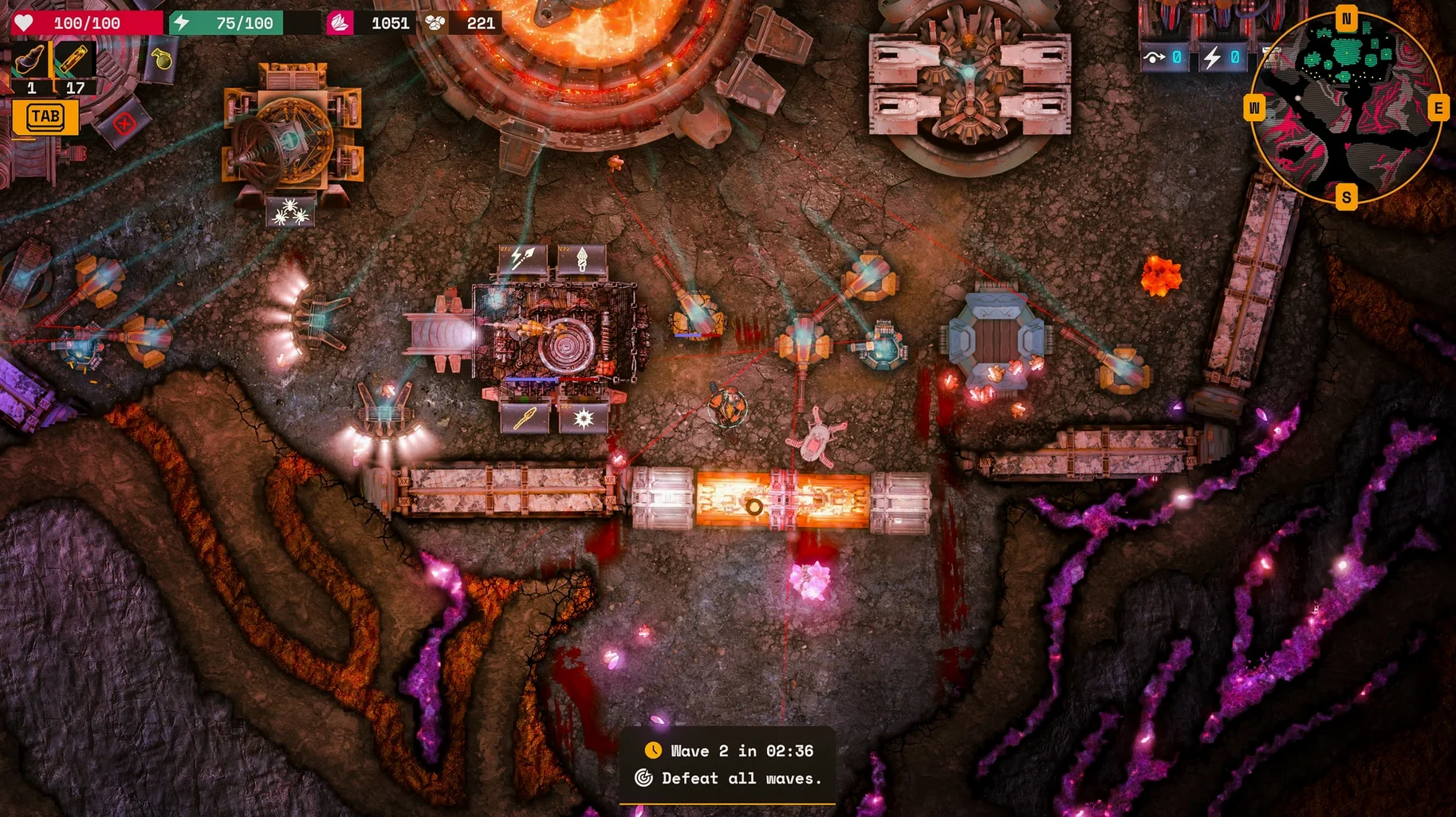
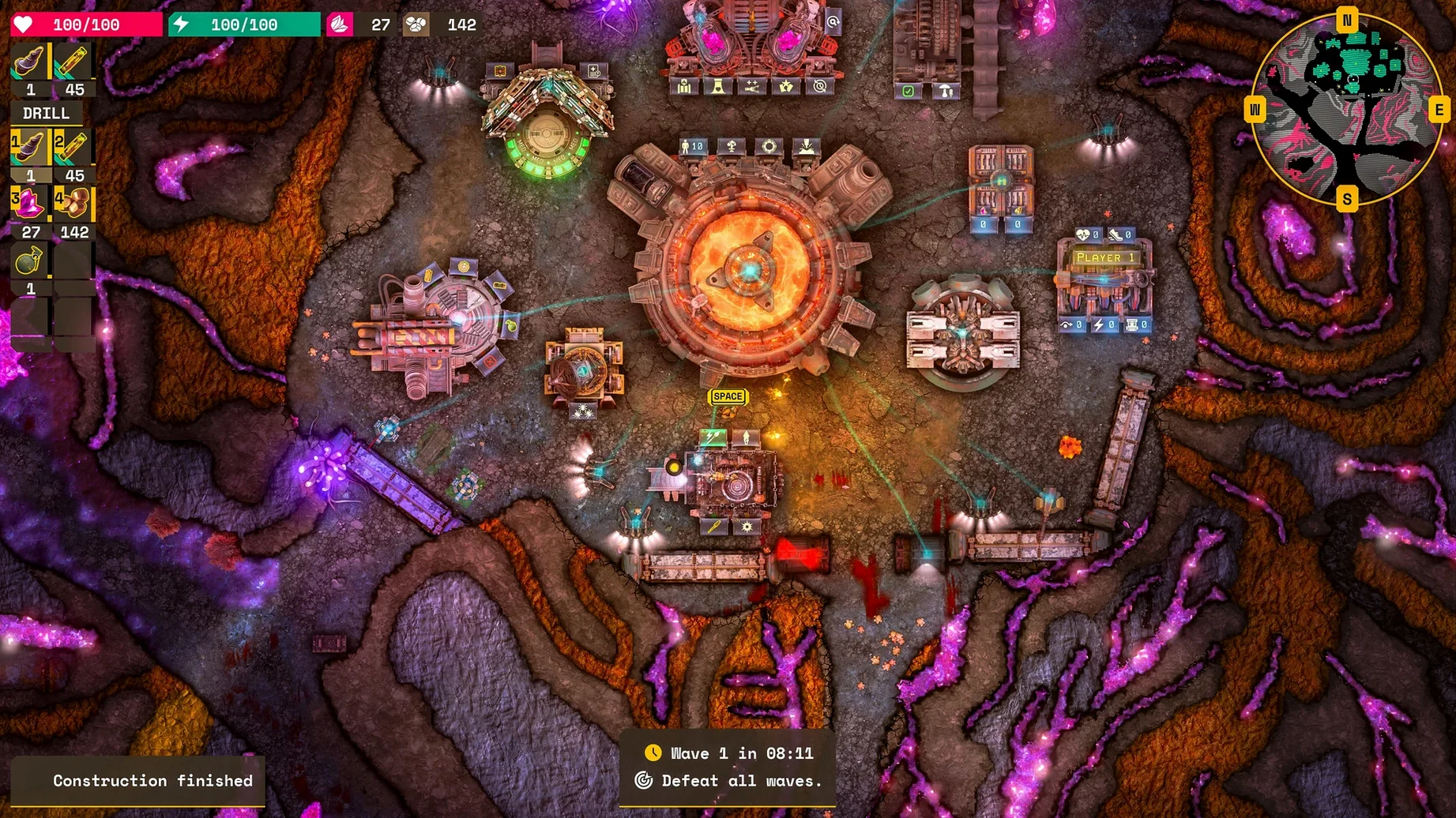
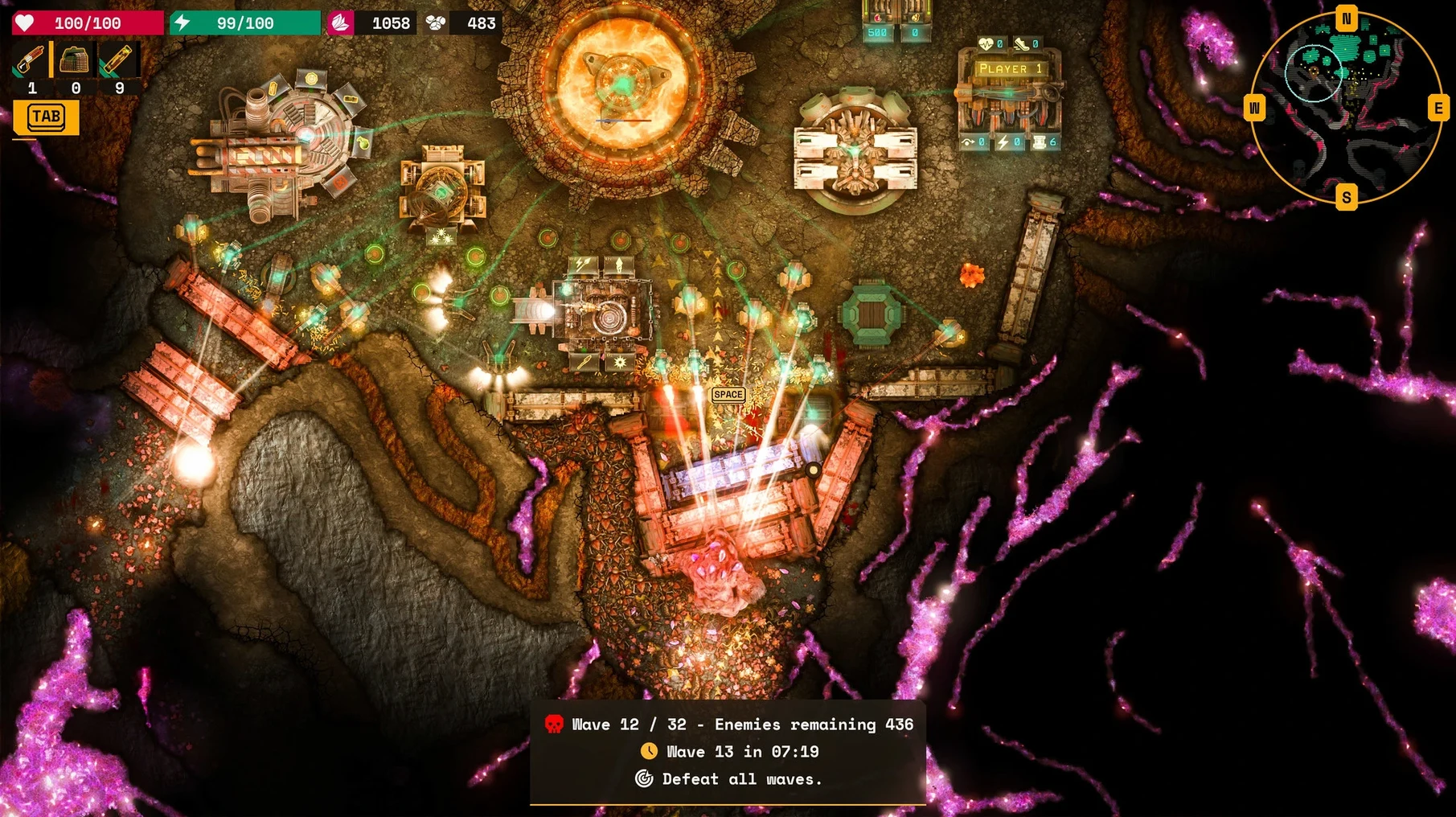
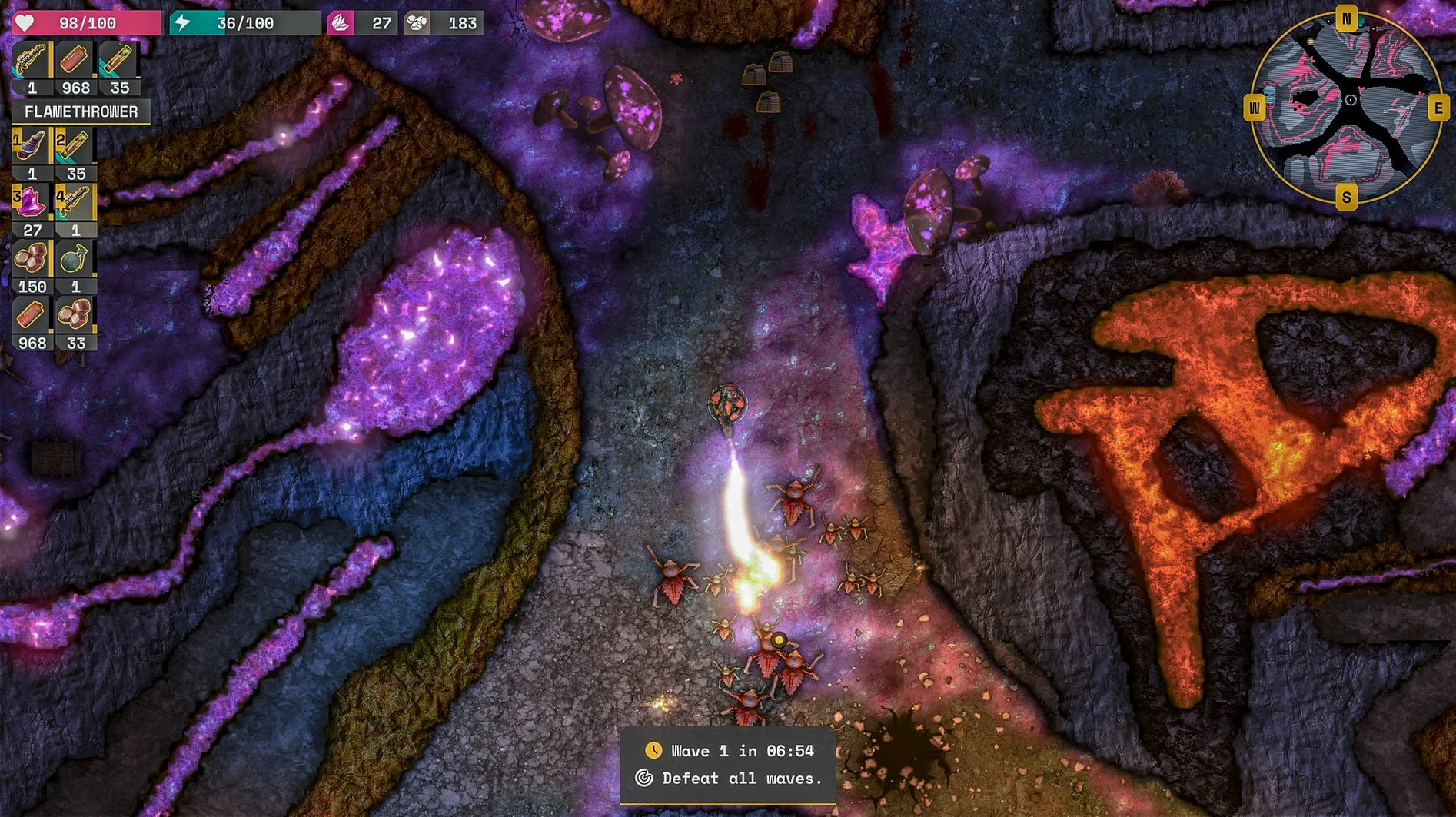
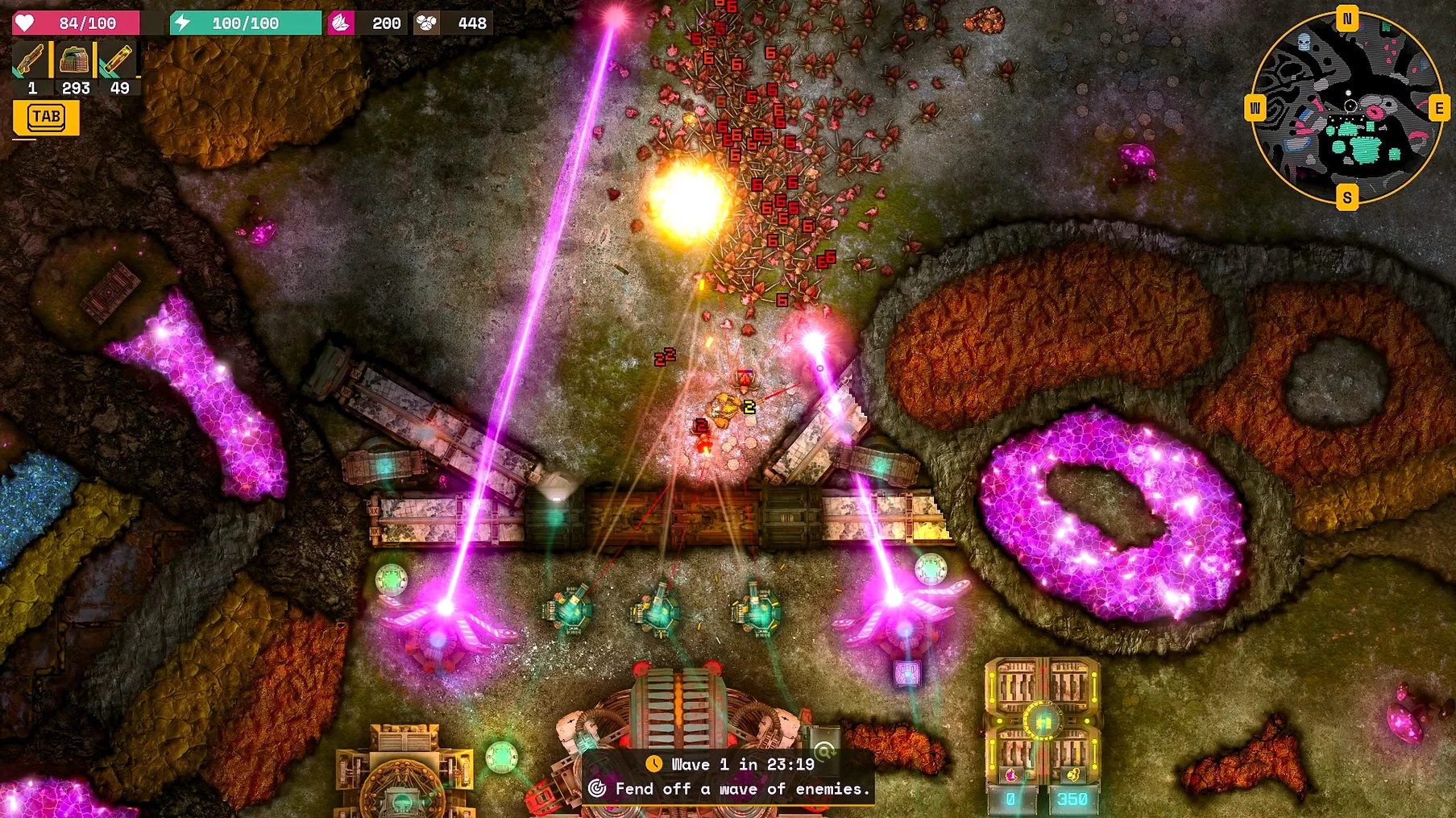
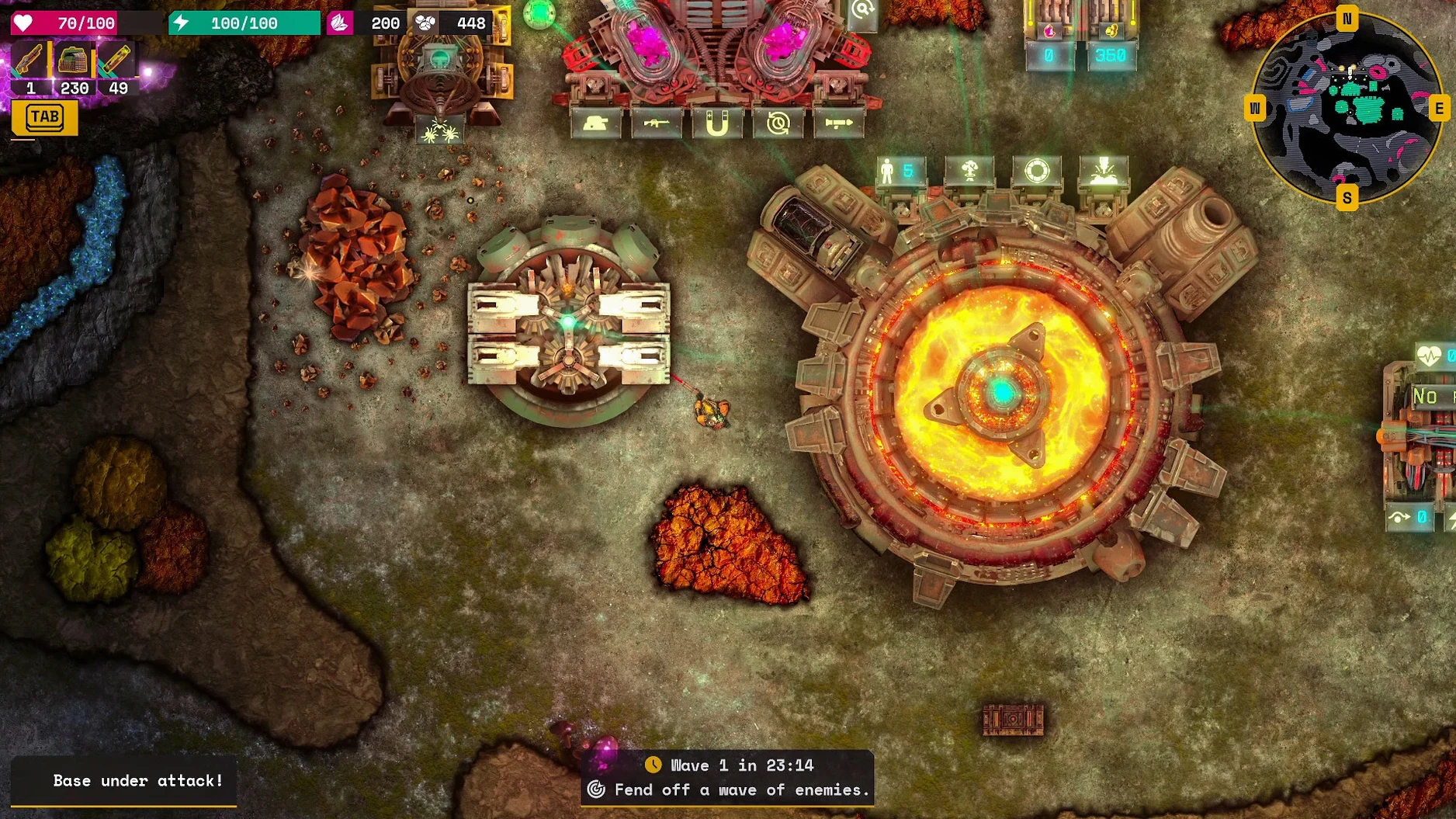
You drop into a procedurally generated cavern, drill for resources, set up turrets, and blast through waves of enemies — all in the same run. That is Lumencraft in a nutshell.
Roguelike shooter fans wanting more strategy
- Players who like roguelike shooters but wish they had more strategy layers.
- Fans of tower defense who want to move their turrets around instead of placing them on fixed paths.
- Anyone who enjoys base building with a clear combat payoff — walls, drills and explosives all matter.
- People who appreciate custom game modes and community maps from Steam Workshop.
Linear campaign may frustrate sandbox lovers
The 27-mission campaign is linear, so if you prefer purely open-ended sandboxes or zero story, some missions may feel restrictive. The dual focus on shooting and building also means neither side is as deep as a dedicated game in either genre.
Dead-end drilling from low energy reserves
A few things catch new players off guard, but none are hard to fix once you know them.
- Drilling hits a dead end. You run out of light or fuel. The fix: keep an eye on your energy reserves and place turrets near your drills early. A single wave can drain your resources if you leave the base undefended.
- Turrets get destroyed fast. Walls are cheap. Build a simple perimeter around your drills and turrets before the first big wave. Destructible terrain means you can reshape the map to funnel enemies into kill zones.
- Campaign mission feels unfair. Some missions have a steep starting curve. Use the level editor or custom game modes to practice with configurable starting technologies and upgrades. No shame in tuning the difficulty to learn the mechanics.
- Restart Lumencraft if they still do not show up in the custom maps list.
Lower shadows on Apple Silicon Macs if slow
Before you jump into a run, adjust a couple of things to save yourself trouble later.
- Graphics. Dynamic lighting looks great, but on Apple Silicon Macs you may want to lower shadows or reflections if you notice any slowdown during heavy combat. The game scales well, so experiment with the preset levels.
- Controls. Remap keys if you prefer a different layout for shooting and building. Local multiplayer on one computer works best when each player has a comfortable control scheme.
- Audio. Music only, no voice acting. If you want to hear environmental cues clearly, keep sound effects turned up relative to the music track.
Custom game modes to test campaign strategies
- Custom game modes let you change starting technologies, upgrades, and objectives. This is not just for sandbox play — you can use it to test strategies for the campaign without restarting a mission.
- Fully destructible terrain is not just visual. You can carve shortcuts to resources, block off enemy paths, or create chokepoints. Try blasting a tunnel behind your base for a quick escape route.
- Explosives are not only for enemies. Use them to clear large areas of rock fast when you need to expand your base in the middle of a wave.
- Steam Remote Play lets you bring a friend into your game without them owning a copy. Handy for co-op runs on the procedurally generated maps.
- The level editor is separate from the campaign. You can build your own missions and share them through Steam Workshop, which keeps the game fresh long after the 27 missions are done.
Lumencraft for Mac torrent runs natively on Apple Silicon, eliminating the need for emulation. Mount the image, run the installer, choose your location, and you are ready to drill, build, and shoot.
Version 9378 Native lands with Apple Silicon support baked right in — no Rosetta translation layer, just straight M‑series performance for the physics and lighting underground.
- Apple Silicon Mac (M1, M2, M3, M4)
Kit check at a glance
| Chip | Apple Silicon |
| Download | 1.3 GB |
| Older pressings | 1 in the crate |








Chat from the booth
Sign in or grab a free account to leave a comment.
Nobody has said a word in the booth yet. If you played a set with this build, tell the next person how it went.