

- Build in the crate
- 1.0.0 [MAS] Fix
- Made by the team at
- Hangar 13, Aspyr (Mac)
- Menu languages offered
- Russian, English, German, Spanish, Italian, Chinese (Simplified), Korean, Polish, Portuguese, French, Czech, Japanese
- How you pay for it
- Not required
- CPU it runs on
- Apple Silicon
- Played on
- macOS Sequoia, Mac mini 2024 M4
- Dropped on
- 7.10.2016
- Spoken voice in
- English, German, Spanish, Italian, French
Screenshots
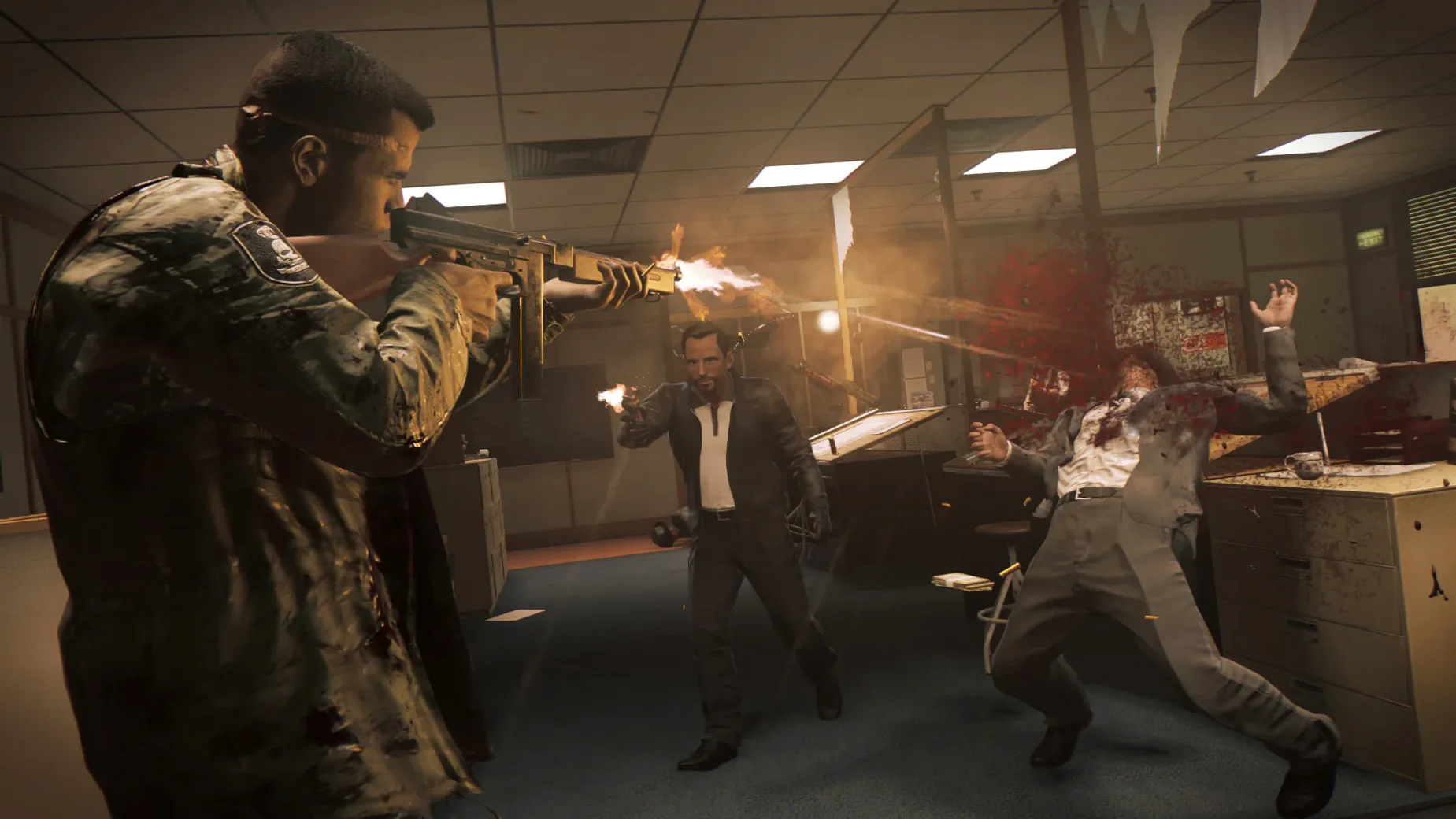
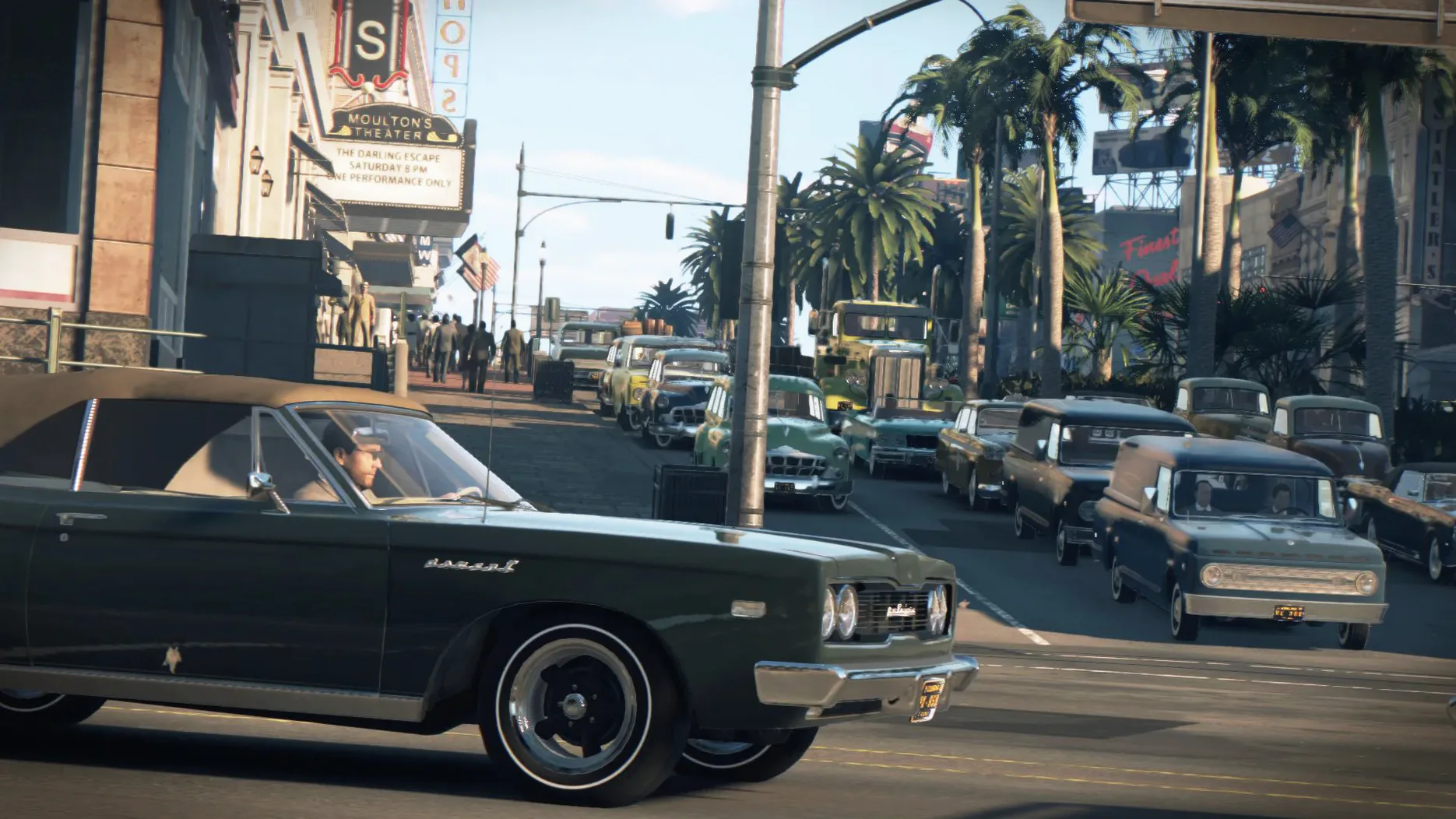
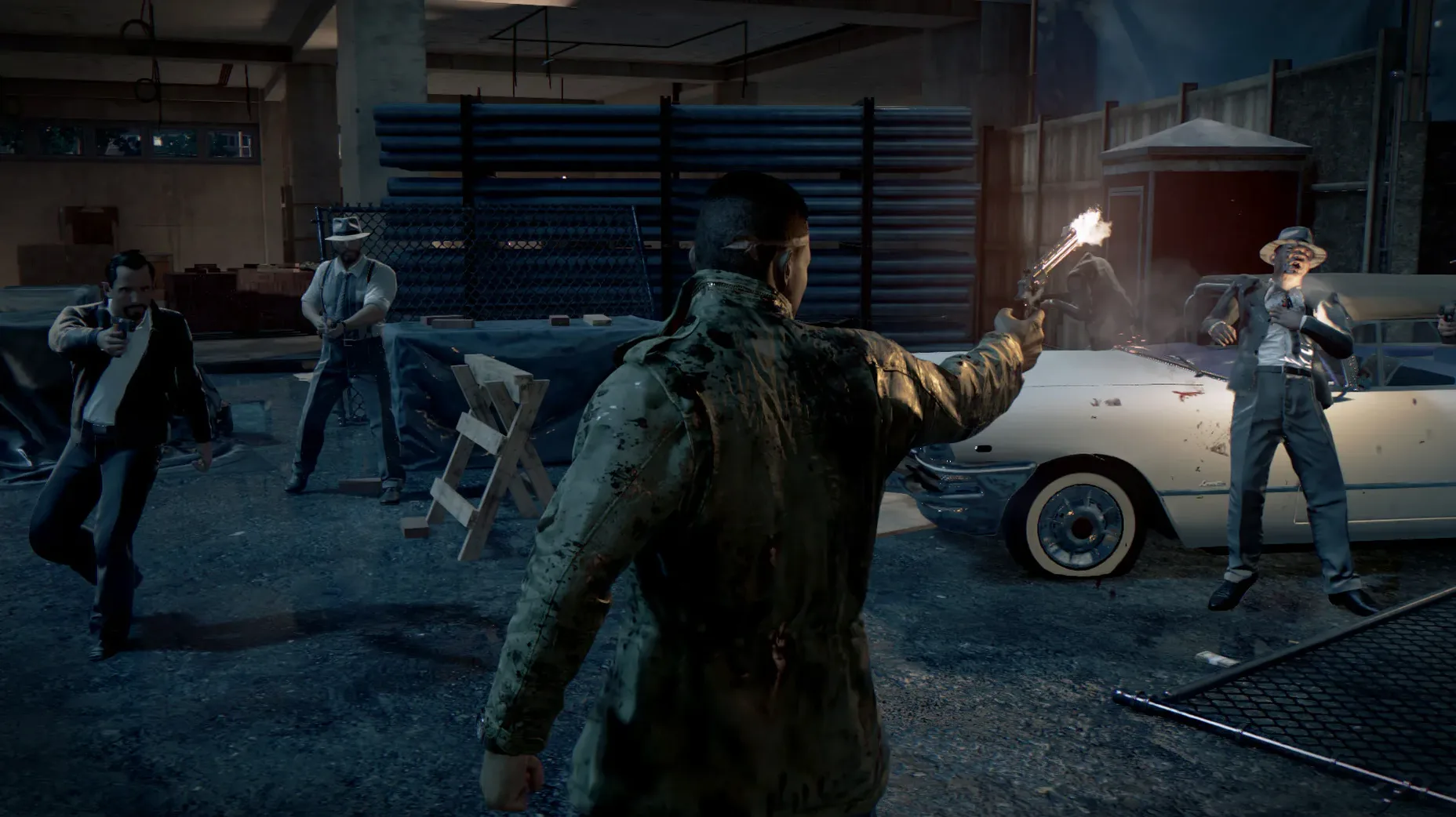
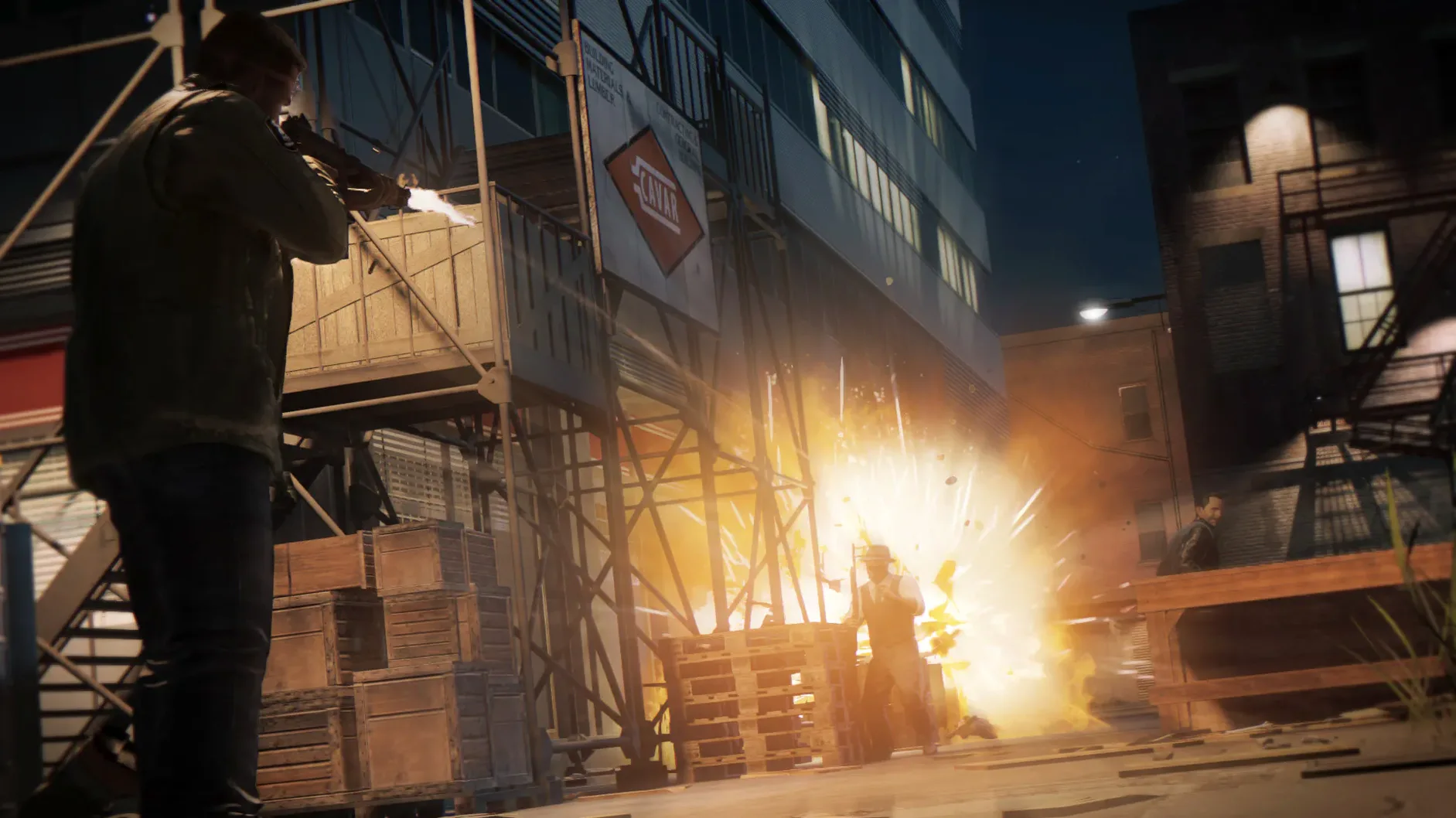
1968. New Bordeaux. Lincoln Clay, a Vietnam veteran, returns to a city run by the Italian mafia. After they take everything from him, the story becomes a straight road of revenge. But it's not just a linear shoot-out — you decide who to reward and who to betray, building a criminal empire along the way.
Full story campaign with branching ally choices
- Full story campaign with branching ally choices
- Controller support for Xbox 360, Xbox One, DualShock 4 and 3, Logitech RumblePad 2 and Logitech Dual Action
- Text localisation in Japanese, Czech, Polish, Brazilian Portuguese, LATAM Spanish, Russian, Korean, Traditional and Simplified Chinese
Mac specifics
Aspyr handled the Mac port, which runs natively on Apple Silicon. It needs an AMD GPU with at least 2 GB VRAM — Intel and NVIDIA cards won't work. The interface comes in ten languages, so the version on this page should feel familiar whatever your setup.
NVIDIA chip requirement catches people out
A few things catch people out with this Mac version. The GPU requirement trips up the most. Even if your Mac has an NVIDIA chip inside — some older MacBook Pros and iMacs do — it won't run. You need an AMD card with at least 2 GB VRAM. If the game launches and shows a black screen or crashes on startup, that's the first thing to check.
Storage is another one. The game needs 50 GB free, and the download itself is large. If you get a "disk full" error halfway through copying, you haven't got enough room left for the install. Clear space before you start — moving big files to an external drive helps.
Some people report the game not appearing in Launchpad after the drag-and-drop install. If that happens, check the Applications folder directly. The alias should be there. If it isn't, unmount the disk image and redo the drag. The game needs a full copy before Launchpad picks it up.
Controller detection can be fussy. Xbox controllers and most DualShock pads work, but if you're using a third-party gamepad or an adapter, test it in macOS's controller settings first. The game won't recognise every controller out of the box.
Close video editors before launching
Mafia III plays well alongside other software if you give it room. Because it's a big game, you'll want to close heavy apps like video editors or virtual machines before launching. Music players and browsers are fine as long as you keep RAM under 8 GB total.
macOS virtual desktops help. I keep the game on one desktop and a browser with a walkthrough or map on another. Switching with a trackpad gesture is quicker than alt-tabbing out.
The game saves locally. If you use Time Machine or a cloud sync folder like Dropbox, you can back up your save folder manually. Mac saves usually sit in ~/Library/Application Support/Mafia III. The game doesn't use cloud saves by itself, so a manual backup protects your progress before a reinstall.
For the best experience, set your Mac to "Performance" mode in System Settings if you have an M-series chip. It keeps the GPU fed during long sessions.
Where it stands among Mac open-world games
Grand Theft Auto V
GTA V also offers an open-world crime story with driving and shooting. It's bigger, with a three-protagonist setup and online multiplayer. Mafia III leans harder on its narrative and period atmosphere — the 1968 setting, the soundtrack, the visual style. GTA V runs on NVIDIA and Intel Mac GPUs alongside AMD, so it's more flexible hardware-wise. But Mafia III's story feels tighter, more personal.
Sleeping Dogs: Definitive Edition
Sleeping Dogs swaps the American South for Hong Kong. It focuses on martial arts and car chases through a dense city. The Mac port also requires an AMD card. Compared to Sleeping Dogs, Mafia III gives you more tactical choices in missions — you can use stealth, surveillance or brute force. Sleeping Dogs is more about free-flowing combat and side activities. Both have strong soundtracks, but Mafia III's music fits its era better.
Mad Max
Mad Max is another open-world action game with vehicle combat and upgrades. It's less story-driven and more about survival in a wasteland. If you prefer a story-heavy revenge arc with dialogue choices and faction management, Mafia III is the pick. Mad Max runs on a wider range of Macs but lacks the branching narrative decisions.
Each of these games scratches a similar itch — open-world action in a distinct setting. Mafia III stands out for its 1968 atmosphere and the moral weight of your choices.
- No build labels are listed for this release.
- macOS 10.12.4 or later
- Apple Silicon
- 8 GB RAM minimum
- 50 GB free storage
- AMD video card with 2 GB VRAM or more (Intel and NVIDIA not supported)
Kit check at a glance
| Chip | Apple Silicon |
| Download | 45.2 GB |






Chat from the booth
Sign in or grab a free account to leave a comment.
Nobody has said a word in the booth yet. If you played a set with this build, tell the next person how it went.