

- Build in the crate
- 1.0 fixed
- Made by the team at
- 4A Games
- Menu languages offered
- Russian, English, German, Spanish, Italian, Chinese (Traditional), Chinese (Simplified), Korean, Polish, Portuguese, Ukrainian, French, Czech, Japanese
- How you pay for it
- Not required
- CPU it runs on
- Intel 64-bit
- Played on
- macOS Sequoia, MacBook Air (M1. 2020)
- Dropped on
- 14.02.2019
- Spoken voice in
- Russian, English, German, Spanish, Italian, Ukrainian, French, Japanese
Screenshots
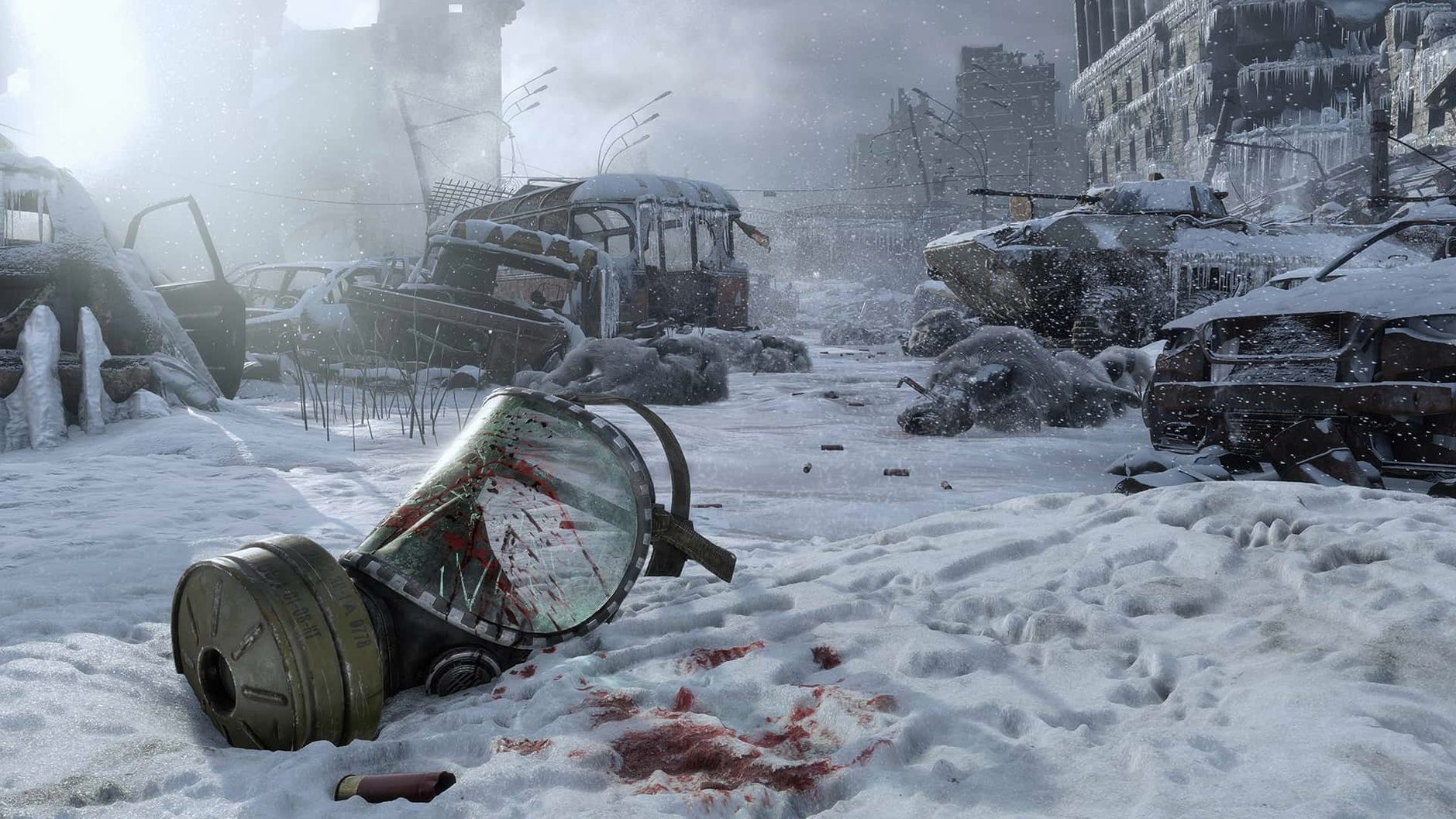
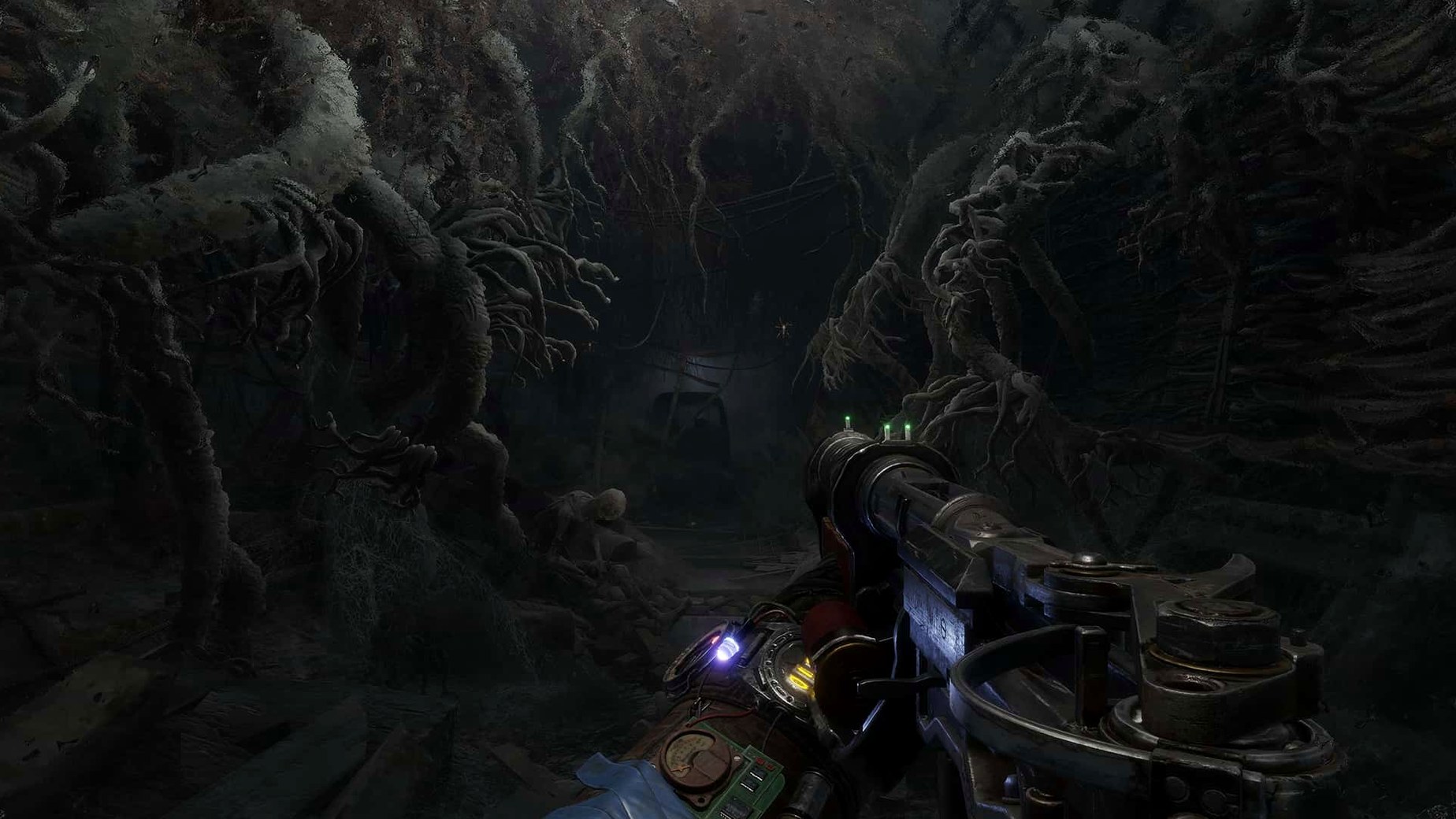
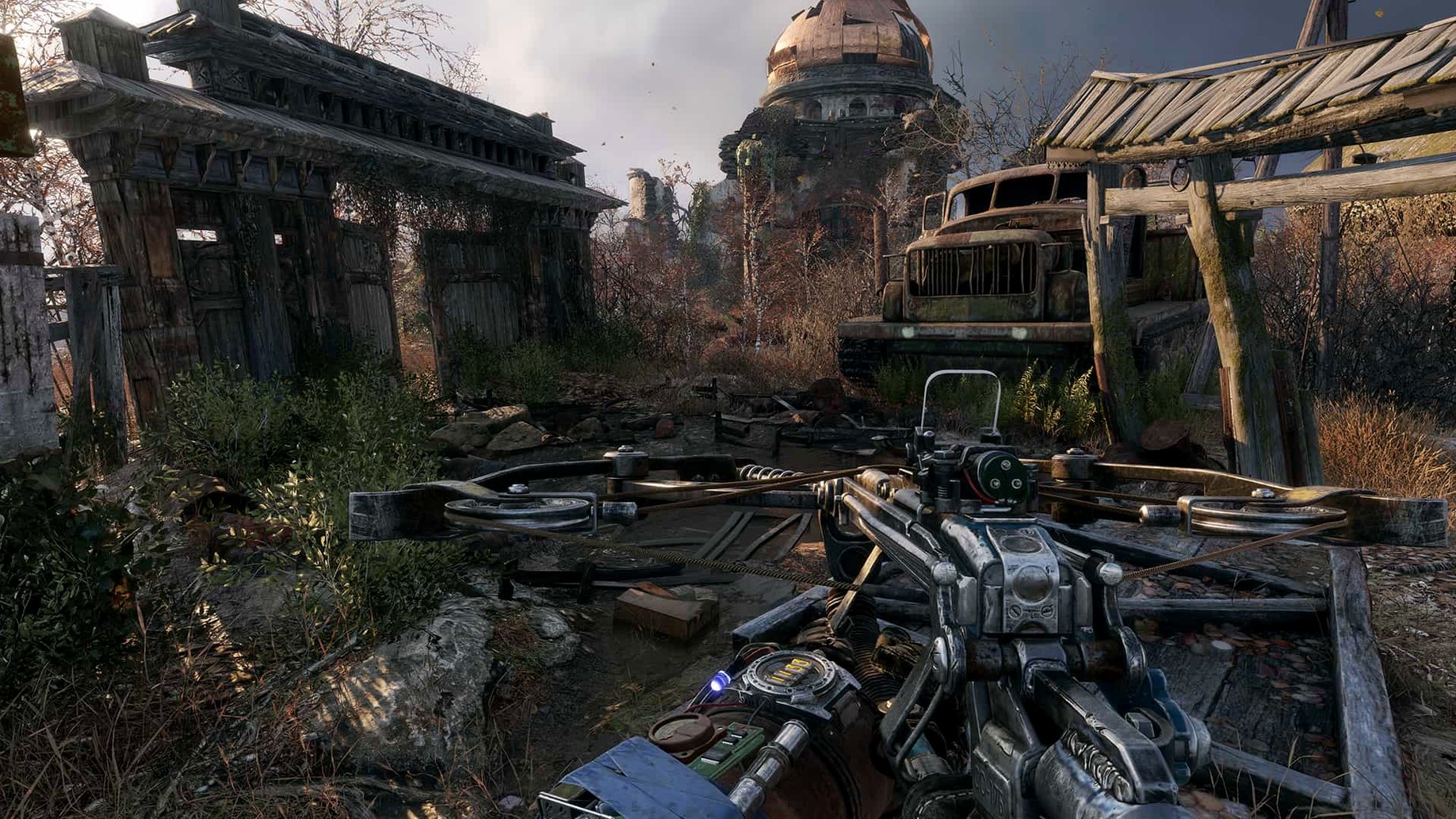
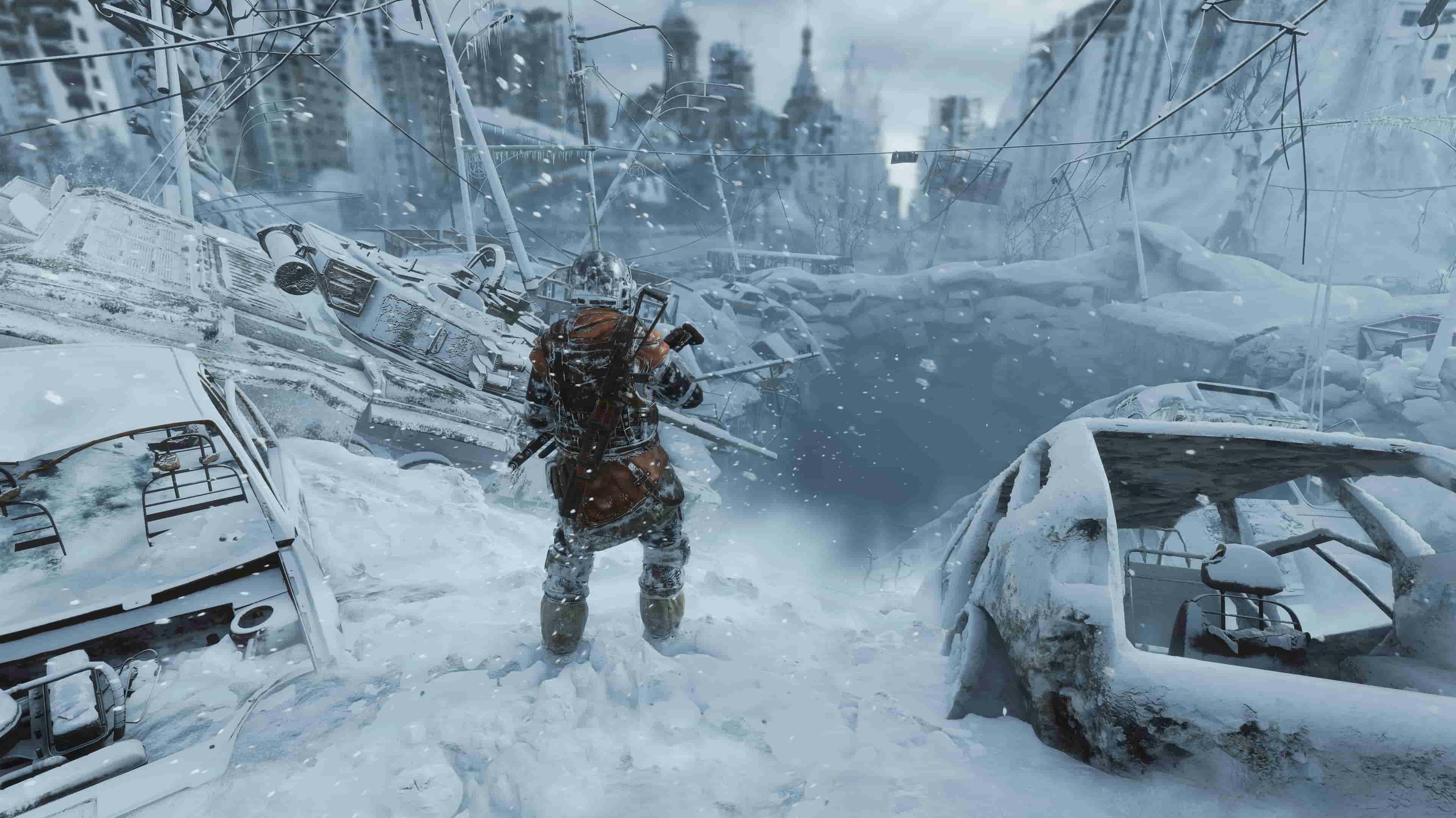
You step out of a dark metro tunnel onto the snowy surface of post-apocalyptic Russia. The air is cold, the world is ruined, and the only sounds are distant gunfire and the wind. That is the opening of Metro Exodus, a first-person shooter from 4A Games that combines combat, exploration and survival horror across a large, dynamic environment.
| Developer | 4A Games |
|---|---|
| Version | 1.0 fixed |
| macOS | 10.15 (x86 64-bit) |
| Native Mac release | Yes |
This game is for you if you like slow-burn, atmospheric shooters where your choices affect the story and your companions. The day-night cycle and weather change how you approach each area. If you prefer fast, arcade-style action or hate stealth sections, Metro Exodus might frustrate you. The voice acting is available in Russian, English, Spanish, Italian, Ukrainian, French and Japanese; the interface supports fourteen languages including Chinese and Korean. The Mac version was tested on Sequoia with an M1 MacBook Air, so it runs well on Apple Silicon through Rosetta 2.
Weapon cleaning prevents jams
The game does not shout about its finer details. A few things took me a while to notice, but they make the journey smoother once you know them.
- Weapon cleaning matters more than you think. Your gun jams less often when you keep it clean. The game gives you a visual cue — the weapon model gets dirtier — so you can tell when it needs maintenance without opening the menu.
- The compass at the top of the screen shows objective markers and points of interest. It is easy to ignore during combat, but it saves time when you are crossing the larger nonlinear levels and need to find the next story beat or a safe house.
- You can check your gear while moving. The inventory screen pauses the world, but the quick-access wheel does not. That means you can swap weapons or use items while running from a mutant or dodging gunfire.
- The lighter is not just for atmosphere. It also tells you if the air is breathable. If the flame flickers or changes colour, put your gas mask on. That little trick keeps you from dying unexpectedly in toxic zones.
- Voice language can be set independently of the interface language. If you want the original Russian voice acting with English subtitles, you can. The game supports that combination without extra fiddling.
Launchpad, menu bar, and Command-Q
It appears in Launchpad, it uses the standard macOS menu bar when active, and you can quit it with Command-Q like any other app.
Because it is a single-player game, you do not need to worry about background services or launchers eating resources. The game runs on its own. That matters on a MacBook where you might have a browser, messaging apps and music running in the background. You can close those before launching the game, or let macOS handle memory with its usual efficiency.
The game supports full-screen and windowed modes through the in-game settings, so it works well with Mission Control if you want to switch between the game and, say, a walkthrough or a map. It also respects the system volume and audio output device, which means you can use your usual headphones or speakers without extra configuration.
Save files are stored locally in the standard location, so Time Machine backs them up automatically if you have it set up. That is a quiet convenience: if you ever need to restore a save, it is there.
From Launchpad to last save in seconds
Here is how a normal evening with Metro Exodus goes for me.
I open the game from Launchpad. The main menu appears quickly, and I load my most recent save. The game remembers where I left off, so I am back on the snowy surface or inside a derelict building within seconds.
First, I check my equipment. I open the backpack and look at my weapons. The one I used last session is dirty, so I clean it with the parts I scavenged earlier. That takes about ten seconds in the menu. Then I check my gas mask filter timer. If it is low, I swap it for a fresh one.
I step outside. The weather is dynamic, so I might face a blizzard that reduces visibility or a clear day that lets me scout the area from a distance. I use the binoculars to mark enemy positions. The game does not have a tagging system like some shooters, so I rely on memory and the compass to keep track.
Combat is deliberate. I prefer stealth when possible. I crouch, move from cover to cover, and use the throwing knives to take out lone guards silently. If I get spotted, the firefight is intense and punishing. I often end up using medkits and running for cover.
Between fights, I explore. The nonlinear levels hide crafting materials, notes that expand the story, and optional areas with unique loot. I spend time checking corners and climbing onto rooftops. The day-night cycle affects enemy behaviour — mutants are more aggressive at night, human enemies sleep — so I sometimes wait in a safe house until dawn before pushing forward.
When I reach a story objective or a train car that acts as a hub, the game autosaves. That is my cue to stop. I quit to the menu, and the game saves again. Next session, I start right there.
First native Mac release
This version is the initial native Mac release. Before this, Mac users had no official way to play Metro Exodus at all. The main change is simply that it exists on the platform, with full support for the same content as the Windows version.
The game includes all the core features: the large nonlinear levels, the dynamic weather, the day-night cycles, the weapon crafting and upgrades, and the player choices that affect companion fates. Nothing was cut for the Mac port.
For everyday play, that means you get the complete experience. The interface supports fourteen languages, and the voice acting is available in eight languages including the original Russian. You can play through the entire story with subtitles in your preferred language while hearing the actors' original performances.
If you are coming from the earlier Metro games on Mac — Metro 2033 Redux and Metro Last Light Redux — the jump to Exodus is noticeable. The levels are bigger, the weather system adds unpredictability, and the crafting system gives you more control over your loadout. Version 1.0 delivers all of that in a single install.
- macOS 10.15 or later
- 64-bit Intel processor
Kit check at a glance
| Chip | Intel 64-bit |
| Download | 73 GB |






Chat from the booth
Sign in or grab a free account to leave a comment.
Nobody has said a word in the booth yet. If you played a set with this build, tell the next person how it went.