

- Build in the crate
- 0.11.1 Native
- Made by the team at
- inZOl Studio
- Menu languages offered
- Russian, English, German, Spanish, Italian, Chinese (Traditional), Chinese (Simplified), Korean, Polish, Portuguese, French, Japanese
- How you pay for it
- Not required
- CPU it runs on
- Apple Silicon
- Played on
- macOS Tahoe, Mac mini 2024 M4
- Dropped on
- 28.03.2025
- Spoken voice in
- Music only
Screenshots
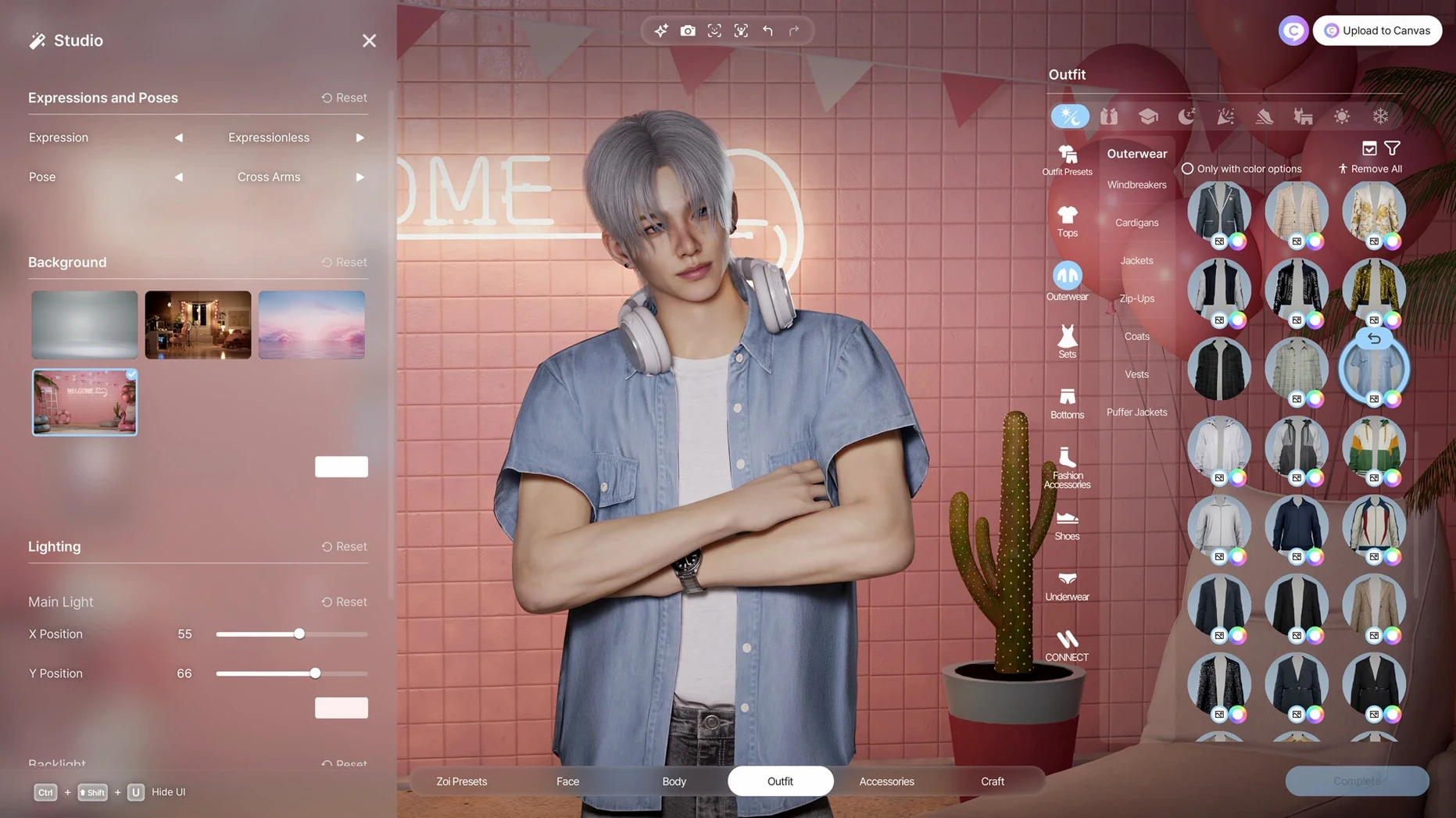
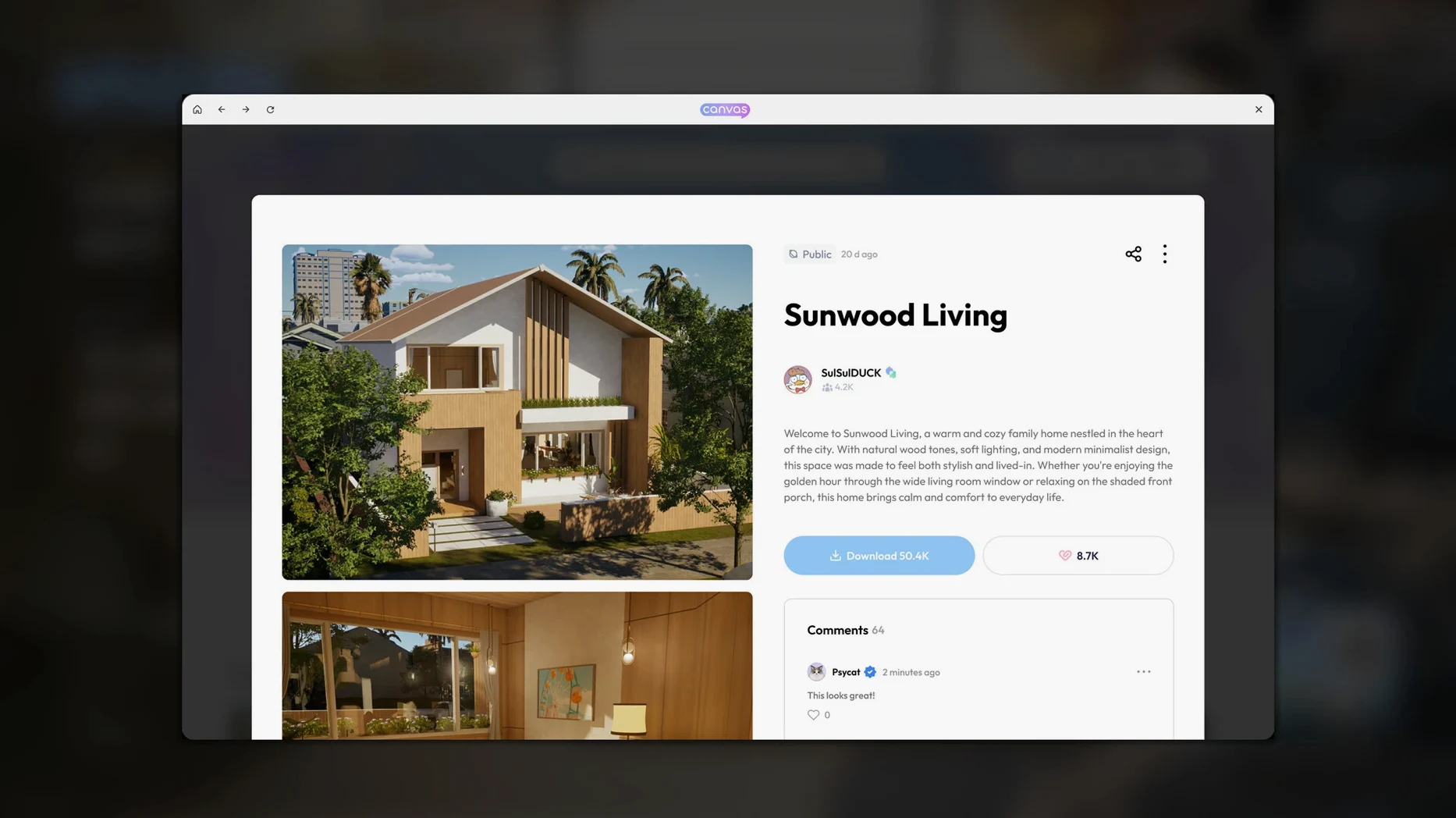


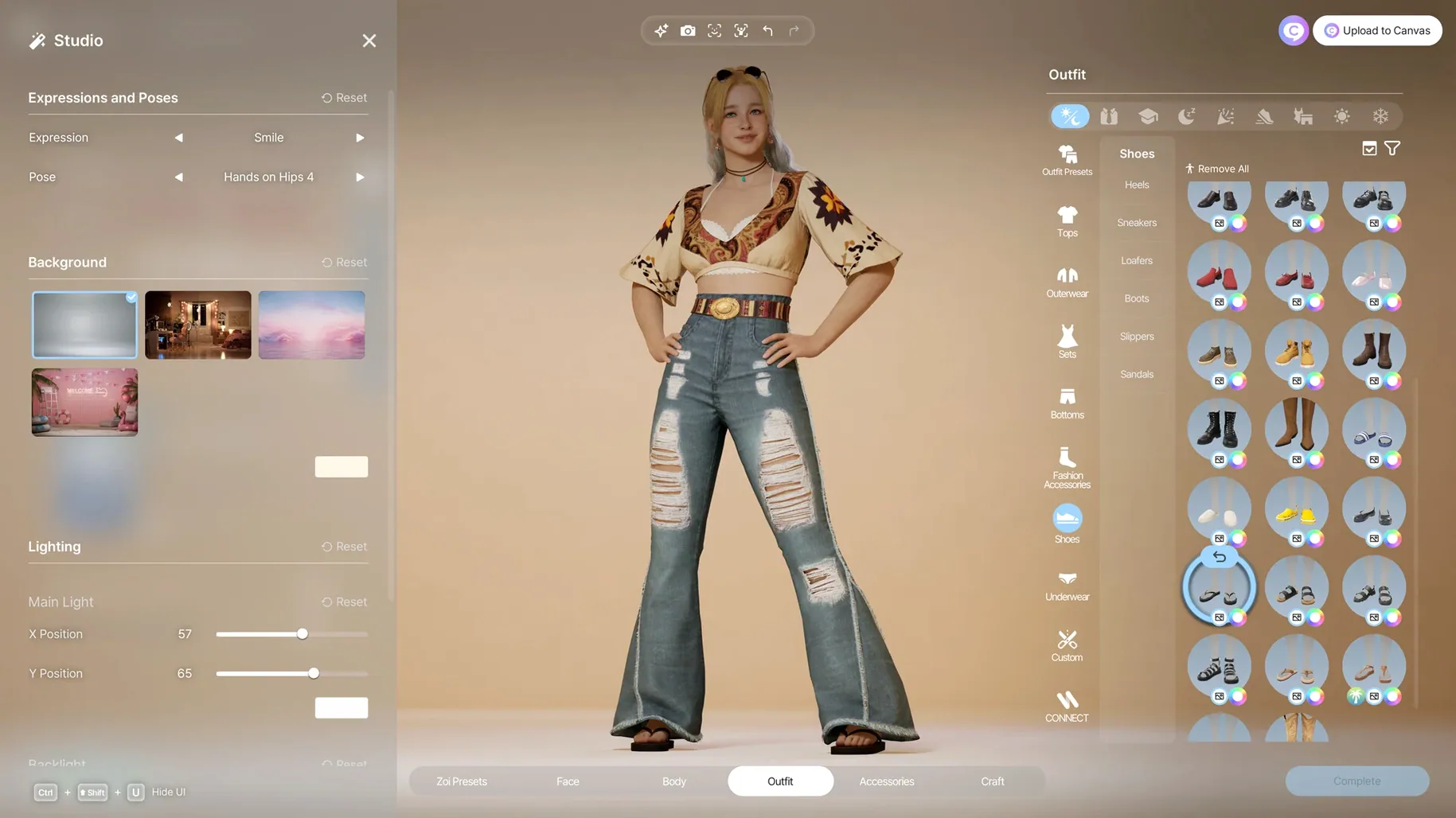

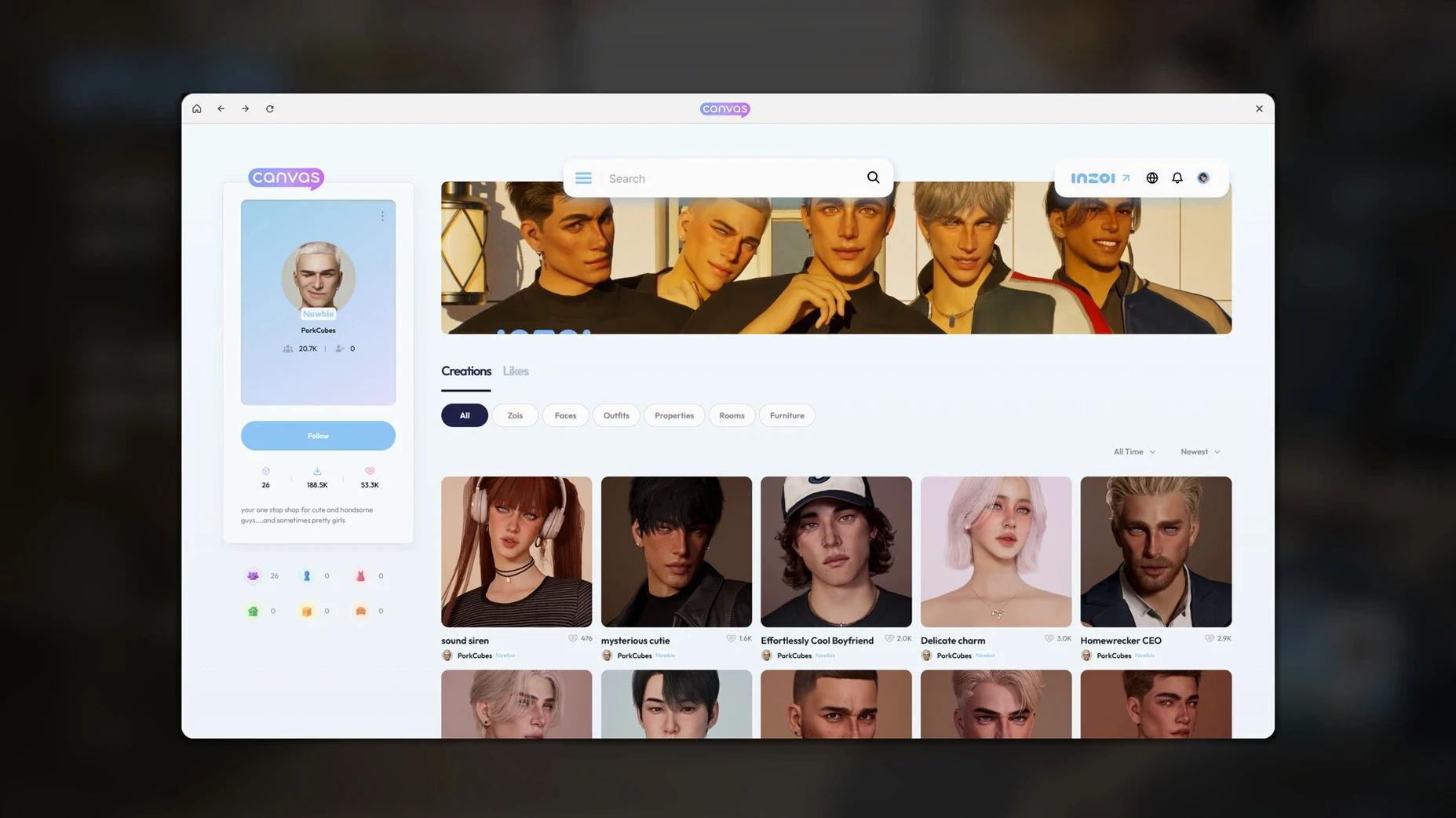

Life sims often leave you watching from the sidelines. inZOI hands you the keys to the whole city. You shape not just one character, but the streets, the trends, and the problems that bubble up as Zois live their lives.
- Create Zois with real depth. Personality traits and life experience shape how they act and bond. Facial capture or motion capture lets you bring your own expressions into the game.
- Build from the ground up. Walls, roofs, stairs, fences, gates, platforms – the architectural kit is there. Decorate interiors, swap furniture, and change items to match your taste.
- Design everything, even textures. Type a text prompt to generate patterns for clothing, decorations, or furniture. Upload a video to create a character’s movements.
- Watch the city react. Rumors spread, trends catch on, and diseases can pop up from simulation events. Your choices as creator steer how it all unfolds.
It’s early access, so expect rough edges, but the core loop is already clear: you set the stage, then see what happens when Zois start living on it. This version runs on macOS Tahoe with Apple Silicon, built with Unreal Engine 5.
How inZOI stacks up against similar Mac life sims
The life sim space on Mac isn't crowded, but a few titles share ground with inZOI. The big difference is scope. Most life sims give you a household and maybe a neighbourhood. inZOI gives you the whole city – weather, lots, streets, and the social mood that spreads through rumours and trends.
The Sims 4 on Mac is the obvious comparison. It's been around for years, so its building tools are polished and its DLC catalogue is enormous. But it runs on an older engine, and the city feels like a backdrop rather than a living system. inZOI's Unreal Engine 5 foundation lets it handle more simultaneous simulation – diseases that spread, trends that shift, a community that reacts as a whole rather than one lot at a time.
Parallels-based Windows life sims exist, but they're a workaround, not a native solution. inZOI is built and tested on macOS Tahoe with Apple Silicon, so there's no translation layer eating performance. The local generative AI for textures and patterns is also something you won't find in any other Mac-native life sim right now.
Sandbox city builders like Cities: Skylines focus on infrastructure and traffic. inZOI cares about individual Zois – their personalities, relationships, and the rumours that follow them. It's less about pipe grids and more about watching a social ecosystem form.
Text-prompt pattern generation
Some features don't jump out in the trailer but make a real difference once you're building or designing.
- Text-prompt pattern generation. Instead of hunting through menus for the right wallpaper or fabric, you type a description and the local AI generates it. This works for clothing, decorations, and furniture. It's a time-saver if you want a specific look without browsing hundreds of presets.
- 2D-to-3D object conversion. Drop in a 2D model and the game turns it into a usable 3D object inside your lot. That's handy for importing custom furniture or decorations that didn't come with the base game.
- Motion capture from video. Upload a clip of yourself or someone else, and inZOI translates it into character movement. No special hardware needed – just a video file and a Zoi to apply it to.
- Over 250 customization options. That covers hair, skin, body shape, clothing, accessories, and manicure. The range means you can build Zois that look genuinely different from one another, not just variations on a template.
Fixing the app-won't-launch bug
Early access means some bumps. Here are the ones people run into most and what to do about them.
The app won't launch after copying. This is the most frequent issue. Go to System Settings > Privacy & Security. Scroll down – you should see a message about inZOI being blocked. Click "Allow Anyway." If that doesn't appear, open Terminal and run the commands included in the disk image's readme file. That clears the quarantine flag and lets the app run.
Performance feels sluggish on older Apple Silicon Macs. inZOI runs on macOS Tahoe and requires Apple Silicon – M1 or later. If you're on an M1 MacBook Air, the integrated graphics will handle basic building and simulation, but cranking up every visual setting will cause stutter. Drop the resolution or turn off post-processing effects. The game is still being optimised during early access, so later builds may run better on the same hardware.
City simulation seems slow or Zois don't react to changes. The simulation works on a tick-based system. If you've altered lots, weather, or streets, give the city a few in-game hours to catch up. Rumours and trends don't propagate instantly – they spread as Zois interact. Speed up time if you want to see results faster.
Language settings aren't sticking. inZOI supports twelve languages including Russian, English, German, Spanish, French, and Japanese. If the interface reverts to a different language, check that your system language matches the one you want in-game. Some early access builds read the system locale first. Change it in macOS System Settings before launching the game.
Apple Silicon and macOS Tahoe required
inZOI is built for Apple Silicon only – Intel Macs aren't supported. You need macOS Tahoe (macOS 15.0 or later) and at least an M1 chip. The game was tested on a 2024 Mac mini with M4, so that's the baseline the developers are tuning for.
The disk image install is straightforward: open the .dmg, drag the app into Applications, then launch from Launchpad. No activation step is required – just copy and run. If Gatekeeper steps in, the workaround is a quick Terminal command or a click in Privacy & Security.
As an early access title, inZOI will receive updates. Version 0.10.4 is the current build in this catalog.
- Version 0.10.4 is the current catalog build.
- macOS Tahoe
- Apple Silicon
Kit check at a glance
| Chip | Apple Silicon |
| Download | 30 GB |








Chat from the booth
Sign in or grab a free account to leave a comment.
Nobody has said a word in the booth yet. If you played a set with this build, tell the next person how it went.