
- Build in the crate
- 1.21.7 [Legacy Launcher 167.7 Stable]
- Made by the team at
- Mojang AB
- Menu languages offered
- Russian, English, Ukrainian
- How you pay for it
- Not required
- CPU it runs on
- Apple Silicon, Intel 64-bit
- Played on
- macOS Tahoe, Mac mini 2024 M4
- Dropped on
- 18.11.2011
- Spoken voice in
- Music only
Screenshots
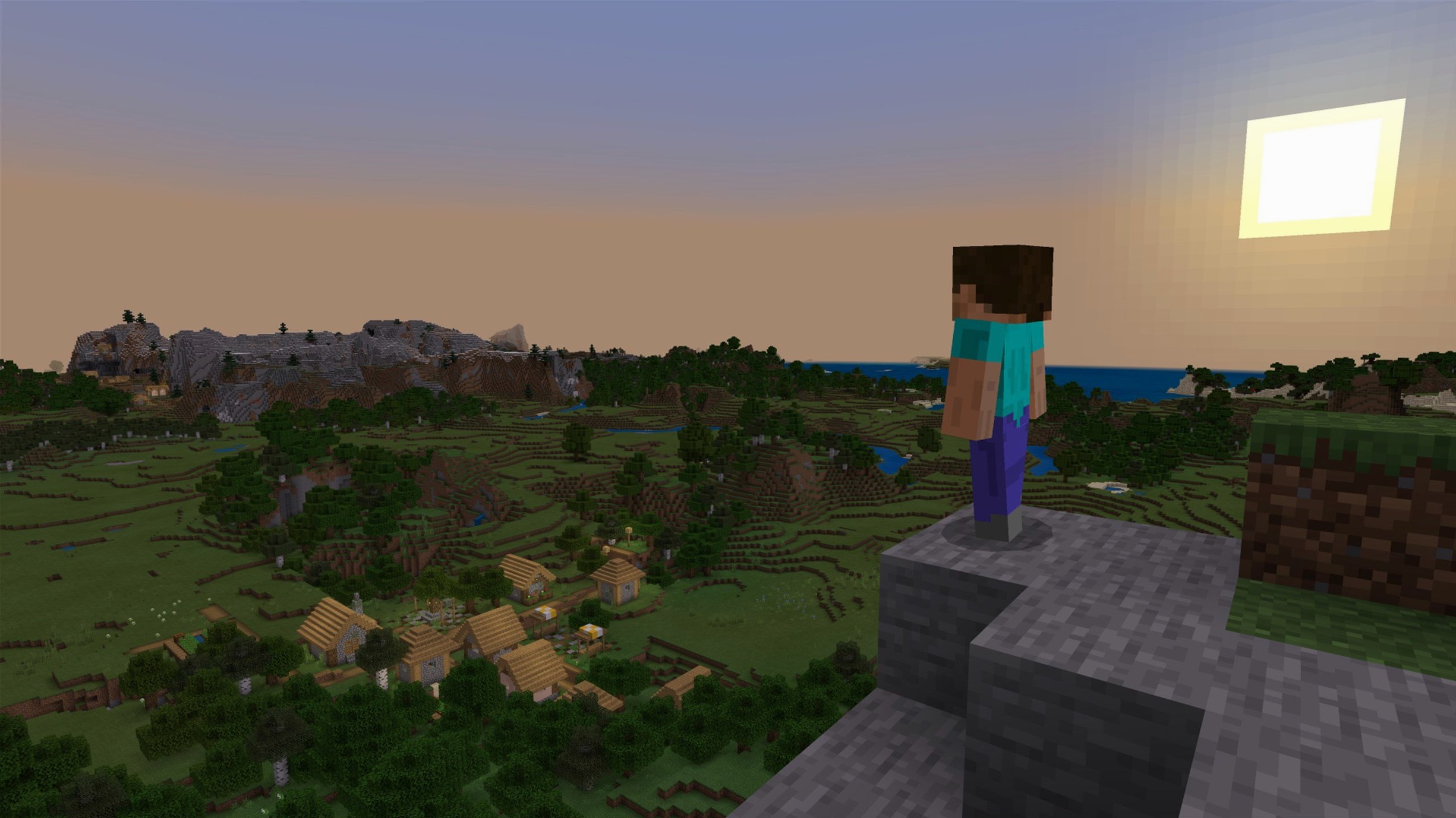
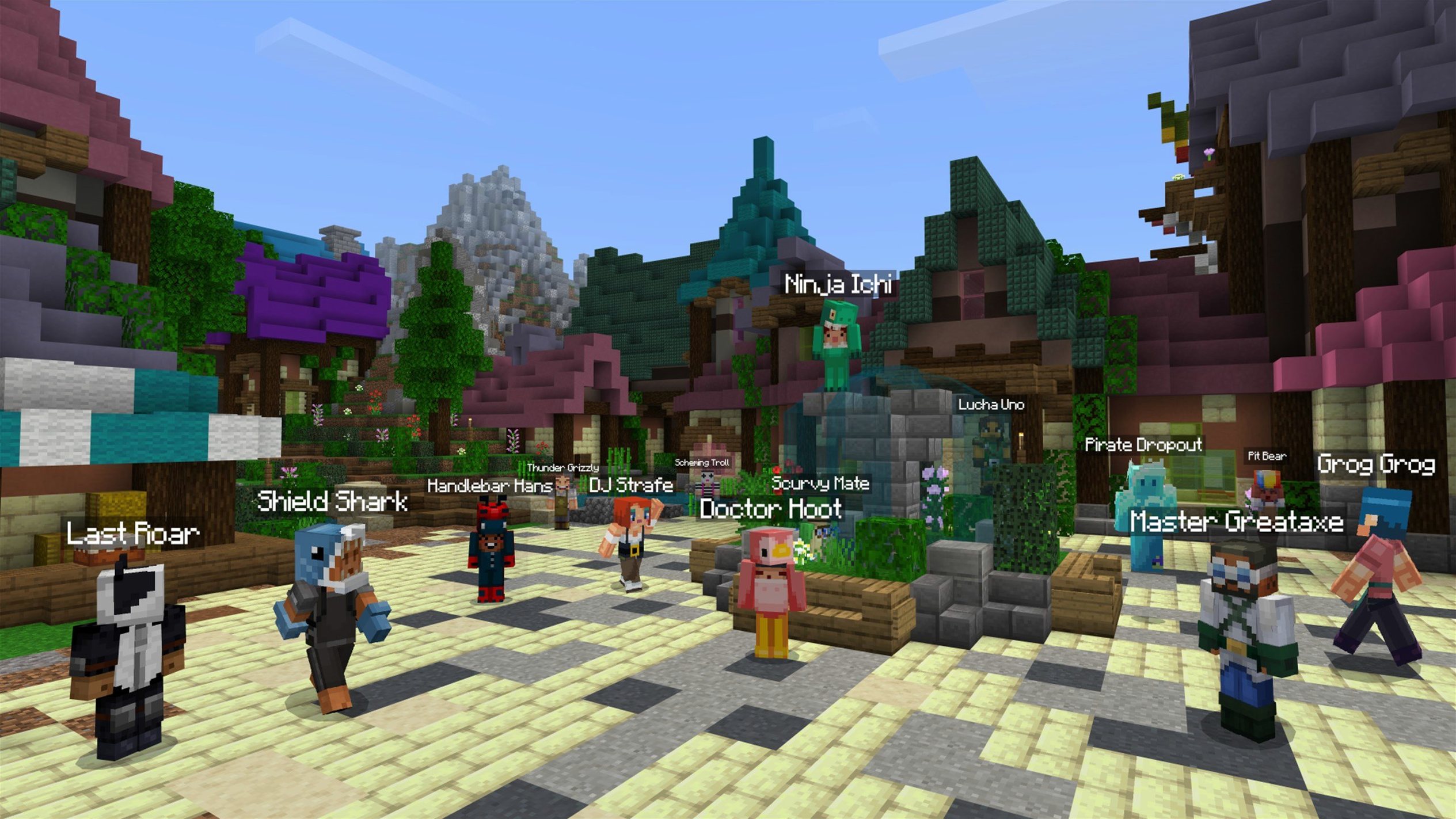
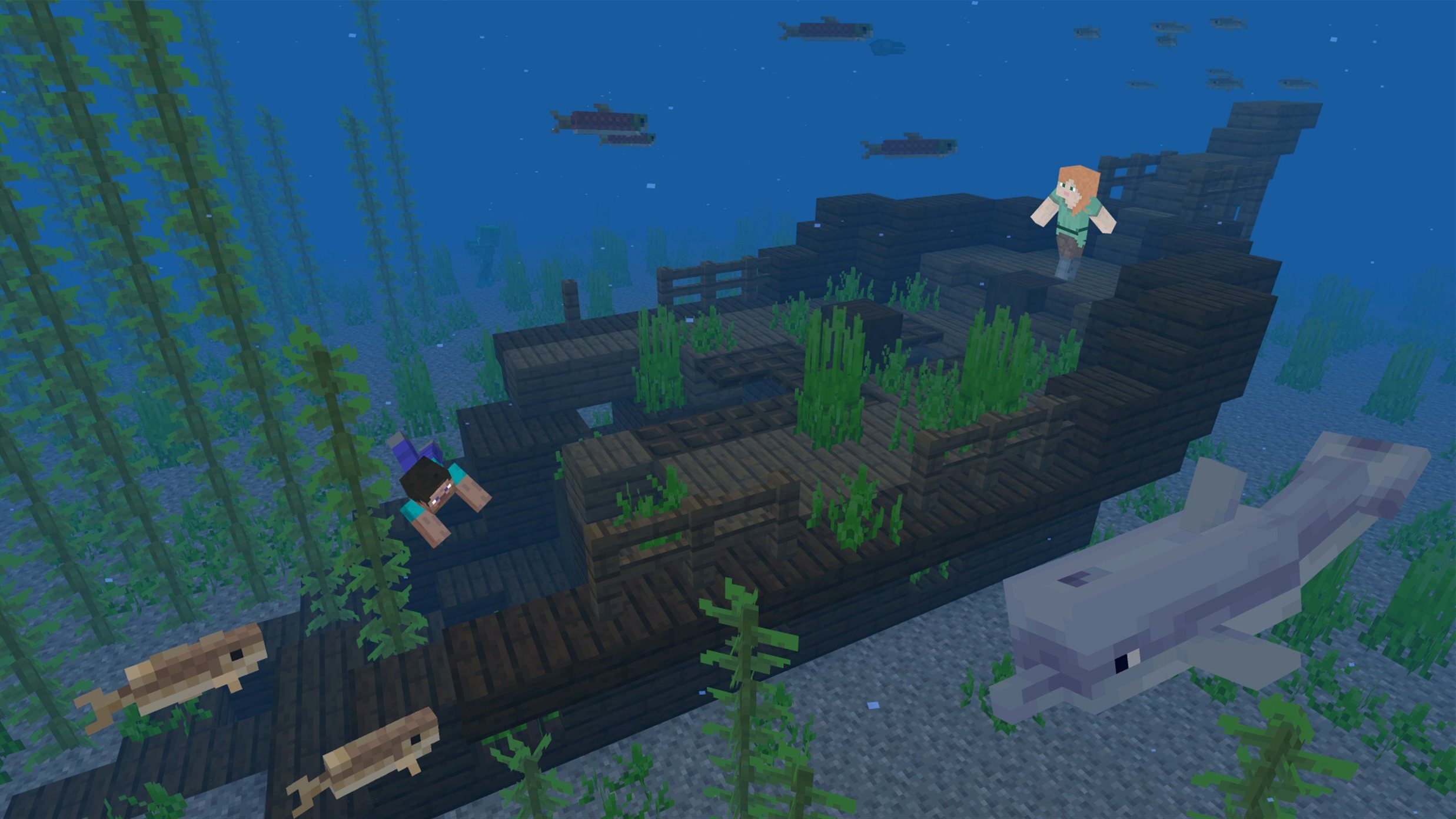
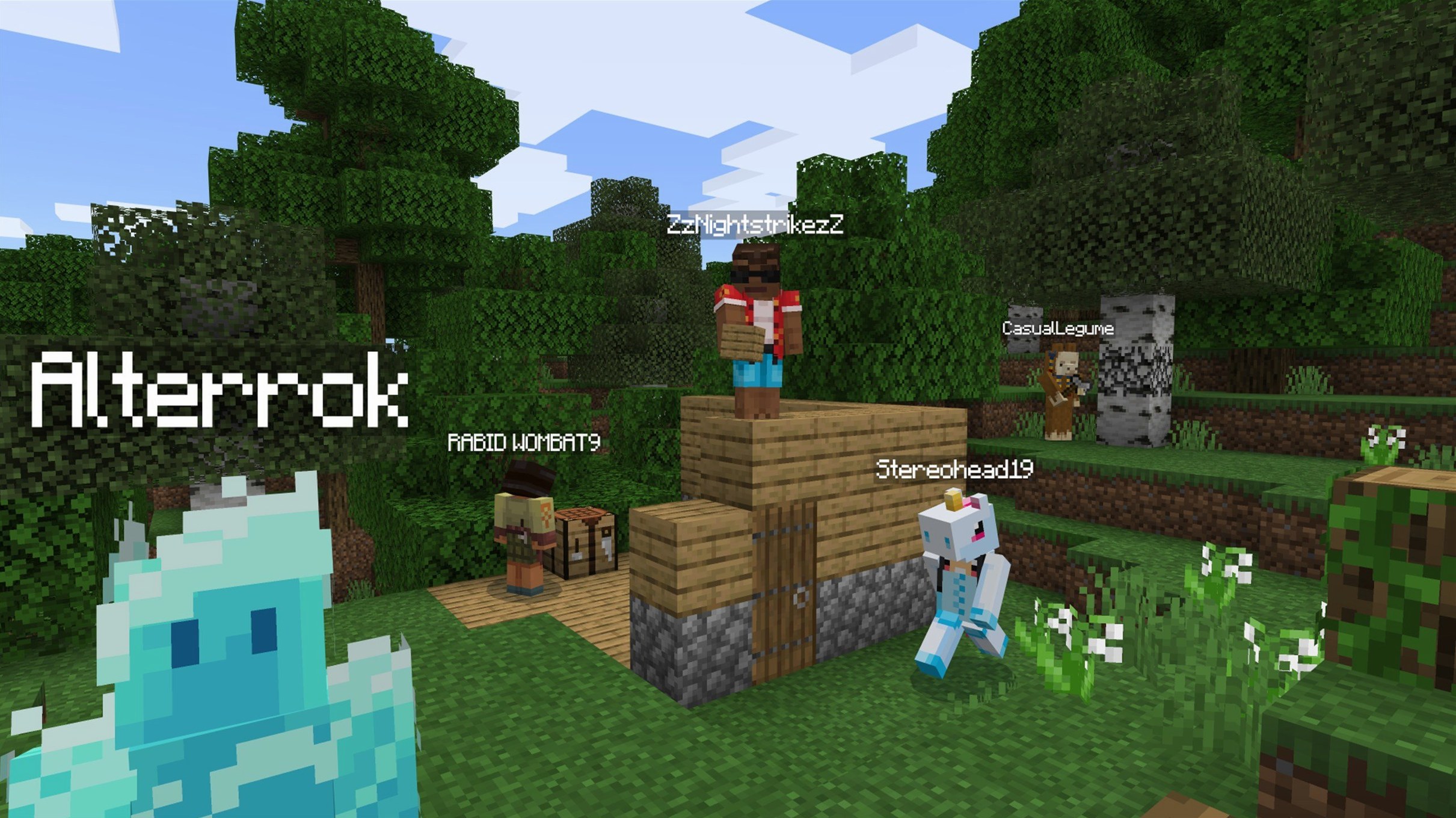
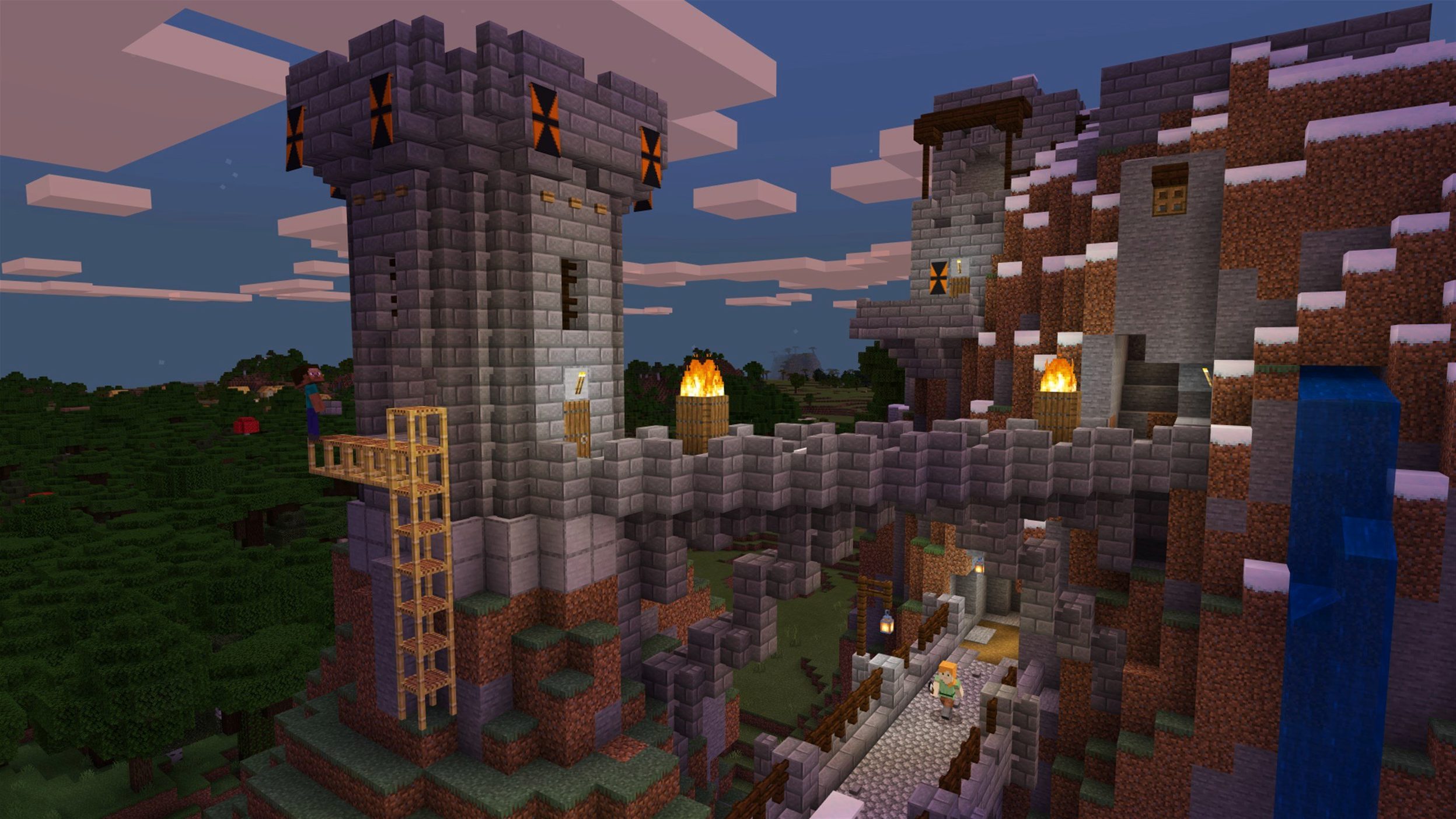
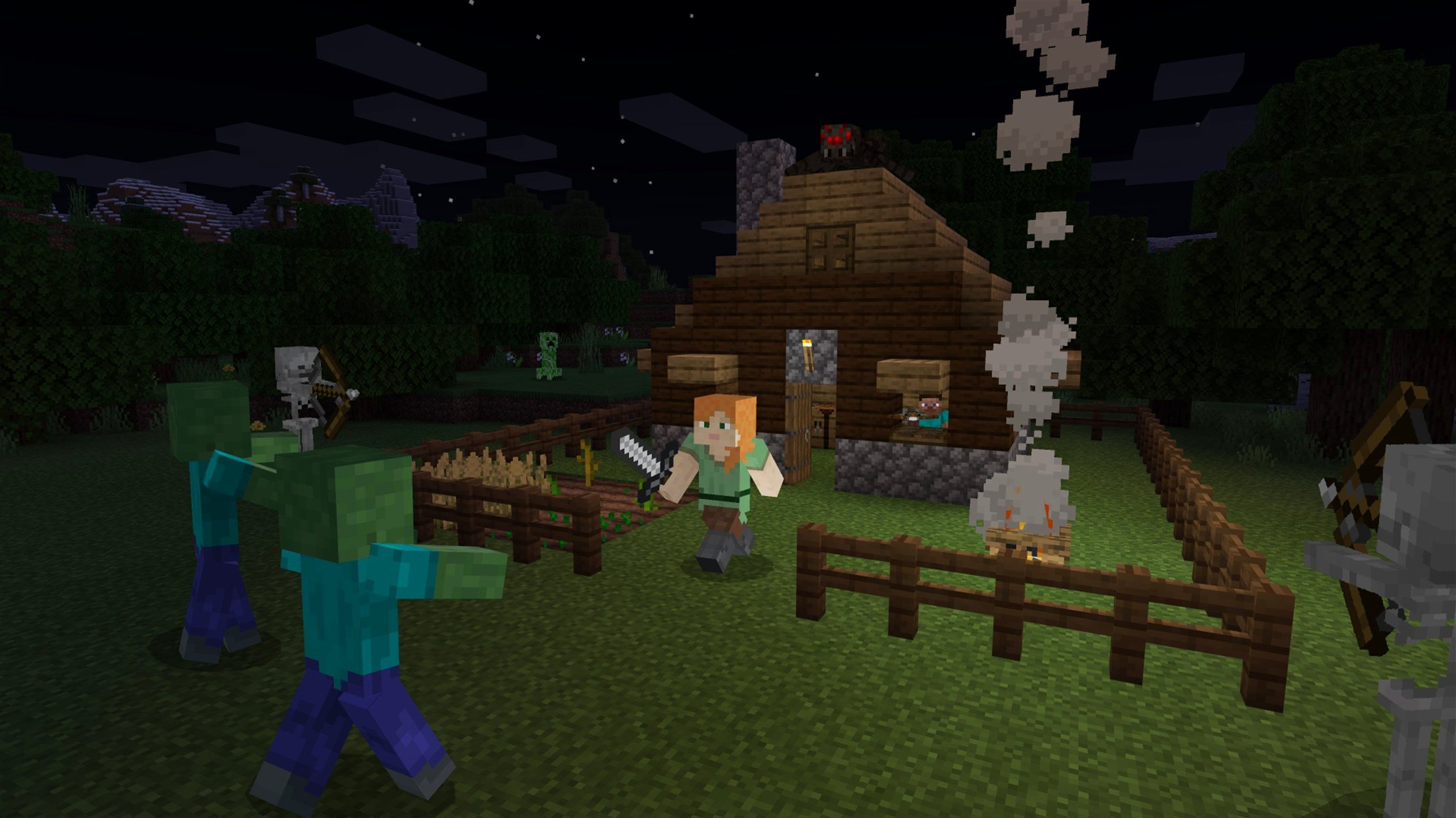
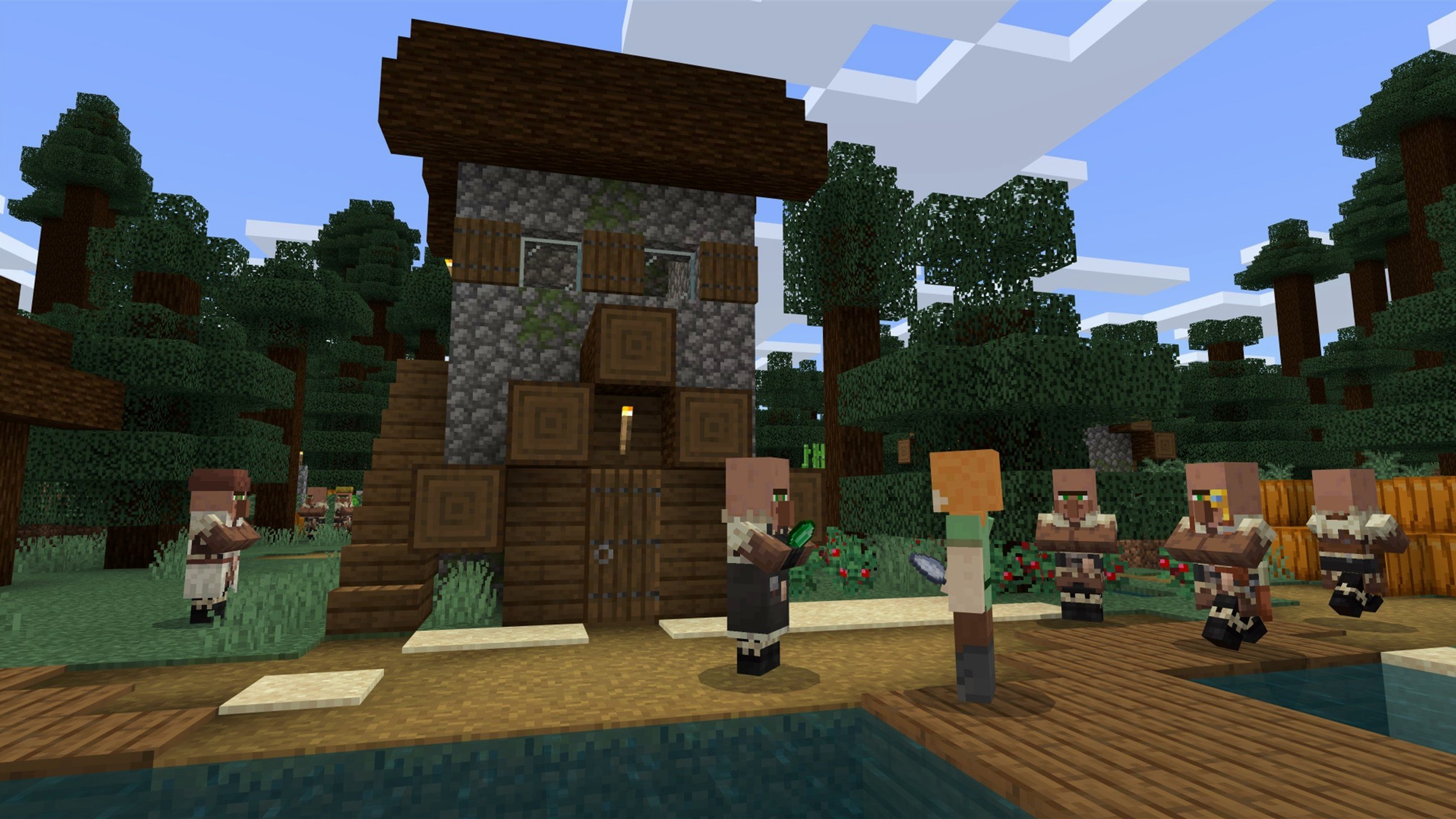
Minecraft Java Edition 1.21.7, released on 2025-06-30, is a sandbox construction game where you shape a three-dimensional world made entirely of cubic blocks. It runs on Apple Silicon and Intel 64-bit Macs. If you are new to the game, here is where to start.
Punch a tree, craft a table
- Learning the basics: punch a tree, craft a crafting table, then a pickaxe.
- Exploring the procedurally generated world — caves, mountains, villages.
- Building your first shelter before nightfall, when mobs come out.
- Listening to the in-game music while you dig and build.
Back up your world folder
- The game saves to your world folder, so back it up if you start something you care about.
- You need a 64-bit system, and the launcher handles both Apple Silicon and Intel Macs.
- Interface languages available: Russian, English, Ukrainian.
Minecraft Java Edition is one of those games that looks simple on the surface but rewards you for years once you get past the first night. Below I cover who gets the most out of it, the common stumbles beginners hit, what changed in the latest release, how it compares with similar Mac games, and a full workflow for a typical starting task.
Creative builders and redstone fans
Minecraft appeals to a wide range of Mac users, but a few groups really sink into it:
- Creative builders — if you enjoy designing structures, redstone contraptions, or pixel art, the block-based world gives you near‑infinite freedom. No goals, no timers, just you and the blocks.
- Survival explorers — players who like resource management, exploration and a touch of danger. The procedurally generated world means every new seed feels different. You gather wood, stone and iron, build a base, then venture deeper for rarer materials.
- Parents and younger players — the game has no gore, no microtransactions, and the peaceful difficulty removes hostile mobs entirely. It is one of the few sandbox games that works well across ages on the same Mac.
- Mac users with older Intel machines — because Minecraft Java Edition runs on both architectures and does not demand a high‑end GPU, many 2015–2019 Intel Macs handle it fine at moderate render distances.
- Modders and tinkerers — the Java Edition has a huge modding ecosystem. If you like customising your game with new blocks, mechanics or shaders, this is the version for you.
Launcher defaults to an old release
I have seen the same patterns with new players on Mac. A few are easy to avoid once you know they exist:
- Not checking the launcher version — the launcher sometimes defaults to an older release. If you want the latest features, you must manually select Latest Release from the menu next to the Play button. Otherwise you stay on an older snapshot or release.
- Building without a bed — on the first night, many new players dig a hole and wait. That works, but if you die you respawn at the world spawn point, which might be far from your shelter. Crafting a bed and sleeping through the night sets your respawn point to that bed. It is one of the first things to prioritise after a pickaxe.
- Holding the wrong tool — punching stone with your fist is slow and damages the block without dropping it. You need a pickaxe for stone and ore, an axe for wood, a shovel for dirt and gravel. The game does not force you to use the correct tool, but the difference in speed is huge.
- Ignoring the hunger bar — sprinting and jumping drain hunger. If the bar drops to zero you cannot sprint and you start losing health. New players often forget to bring food on long mining trips. A simple farm of wheat or a few cooked pork chops makes a big difference.
- Not backing up worlds — Minecraft saves your world in a folder inside
~/Library/Application Support/minecraft/saves. If you are experimenting with redstone or building something you care about, make a copy of that folder. One corrupted save and you lose hours of work.
New 3x3 painting for detailing
The 1.21.7 update from 2025-06-30 is not a major overhaul, but it brings a few meaningful changes for everyday play:
- New 3x3 painting — a small decorative addition. If you like detailing your builds, one more painting option gives you a bit more variety on walls. Nothing game‑changing, but nice for builders.
- Lava Chicken music disc — a new music disc you can find or craft. It plays a new track in‑game. For players who collect every disc, this gives you one more reason to explore dungeon chests or trade with villagers.
- Data pack version 81 and resource pack version 64 — these version bumps mean that any older data packs or resource packs you used before may need updating. If you run a modded world or a custom resource pack, check that the pack author has updated it for 1.21.7.
- Bug fixes that matter on Mac — the update fixes resource pack loading issues, text rendering glitches, startup crashes on some AMD graphics, and texture leaks after reloading resources. For Mac users with AMD graphics (common in older MacBook Pros and iMacs), the crash fix is particularly welcome. The Qualcomm graphics fix applies to newer Macs using Apple Silicon, so the game should start more reliably across the board.
More combat-focused than Terraria
Minecraft Java Edition is not the only sandbox or building game on Mac, but it holds its own against the main alternatives:
- Terraria — a 2D side‑scrolling sandbox with more emphasis on combat and boss fights. The world is smaller and the building is less free‑form because everything is on a flat plane. Terraria has more structured progression, while Minecraft gives you a blank canvas from the start. If you prefer 2D and want clearer goals, Terraria is a good companion, but it does not replace the 3D block‑by‑block building.
- The Blockheads — a 2D sandbox that runs on older Macs and iOS devices. It is simpler and aimed at a younger audience. The crafting system is less deep and the world is not infinite. It is a fine casual game, but it lacks the scale and modding scene of Minecraft.
- Vintage Story — a more realistic survival game with a heavy focus on primitive technology and seasonal weather. It runs on Mac and uses a similar block‑based world, but the pace is much slower and the learning curve steeper. If you want survival without the fantasy elements, Vintage Story is worth a look, but it does not have the same creative freedom or community content.
Minecraft stays unique because of its combination of infinite world, block‑based construction, and the massive library of mods, resource packs and community servers. The other games do some things better, but none replace the whole package.
Survive your first night step by step
If you are starting a new survival world and want to survive the first night without dying, here is a step‑by‑step workflow that works on any Mac:
- Open the launcher and select Latest Release. Make sure the version dropdown shows 1.21.7 or the latest available. Click Play.
- Punch a tree. Walk up to any tree and hold the left mouse button until the block breaks. Collect at least 6–8 logs. Do not bother with leaves yet.
- Open your inventory. Press E. Craft planks from the logs by placing logs in the 2x2 crafting grid. Then use four planks to craft a crafting table. Place the crafting table on the ground with a right‑click.
- Craft a wooden pickaxe. Right‑click the crafting table to open the 3x3 grid. Place two sticks (made from two planks stacked vertically) and three planks across the top row to make a pickaxe. Craft a wooden axe the same way but with planks on the left and sticks on the right.
- Mine stone. Find a nearby hill or cliff. Use the wooden pickaxe to mine about 20–30 cobblestone. This gives you materials for stone tools, a furnace and a sword.
- Craft stone tools. At the crafting table, replace the wooden pickaxe with a stone one (cobblestone instead of planks). Make a stone sword and a stone axe too. Also craft a furnace from eight cobblestone in a ring.
- Find or build a shelter. If you see a cave or a hillside, dig a small room into the wall. If not, build a 4x4 box from dirt or cobblestone with a door. Place the furnace and crafting table inside. Light the interior with torches (coal + stick).
- Kill three sheep or find wool. You need three wool of the same colour to craft a bed. Shears are faster, but you can also kill sheep for one wool each. If you cannot find sheep, skip the bed and wait out the night inside your shelter.
- Craft a bed. Place three wool across the top row and three planks across the middle row in the crafting table. Place the bed inside your shelter and right‑click it to sleep through the night.
- Wait for dawn. If you slept, the night skips instantly. If not, stay inside and listen for mob sounds. Do not open the door. Use the time to smelt iron ore if you found any.
After the first night you have a base, basic tools and a bed. From here you can explore caves, start a farm, or build a proper house. The game opens up once you have a safe place to return to.
Modding and resource packs on Mac
Minecraft Java Edition on Mac supports the same modding tools as on Windows. The most common way is to install a mod loader like Fabric or Forge. You download the loader’s installer, run it, and it creates a new profile in the launcher. Then you drop mods into the mods folder inside your Minecraft
- Added a new 3x3 painting.
- Added the Lava Chicken music disc.
- Updated the data pack version to 81 and the resource pack version to 64.
- macOS (64-bit)
- Apple Silicon or Intel 64-bit architecture
Kit check at a glance
| Chip | Apple Silicon, Intel 64-bit |
| Download | 164 MB |
| Older pressings | 4 in the crate |







Chat from the booth
Sign in or grab a free account to leave a comment.
Nobody has said a word in the booth yet. If you played a set with this build, tell the next person how it went.