

- Build in the crate
- 1.0.8 Native
- Made by the team at
- FMGames, Regnum Noctis
- Menu languages offered
- Russian, English, German, Spanish, Chinese (Simplified), Portuguese, French, Japanese
- How you pay for it
- Not required
- CPU it runs on
- Apple Silicon, Intel 64-bit
- Played on
- macOS Golden Gate, Mac mini 2024 M4
- Dropped on
- 21.07.2026
- Spoken voice in
- English
Screenshots
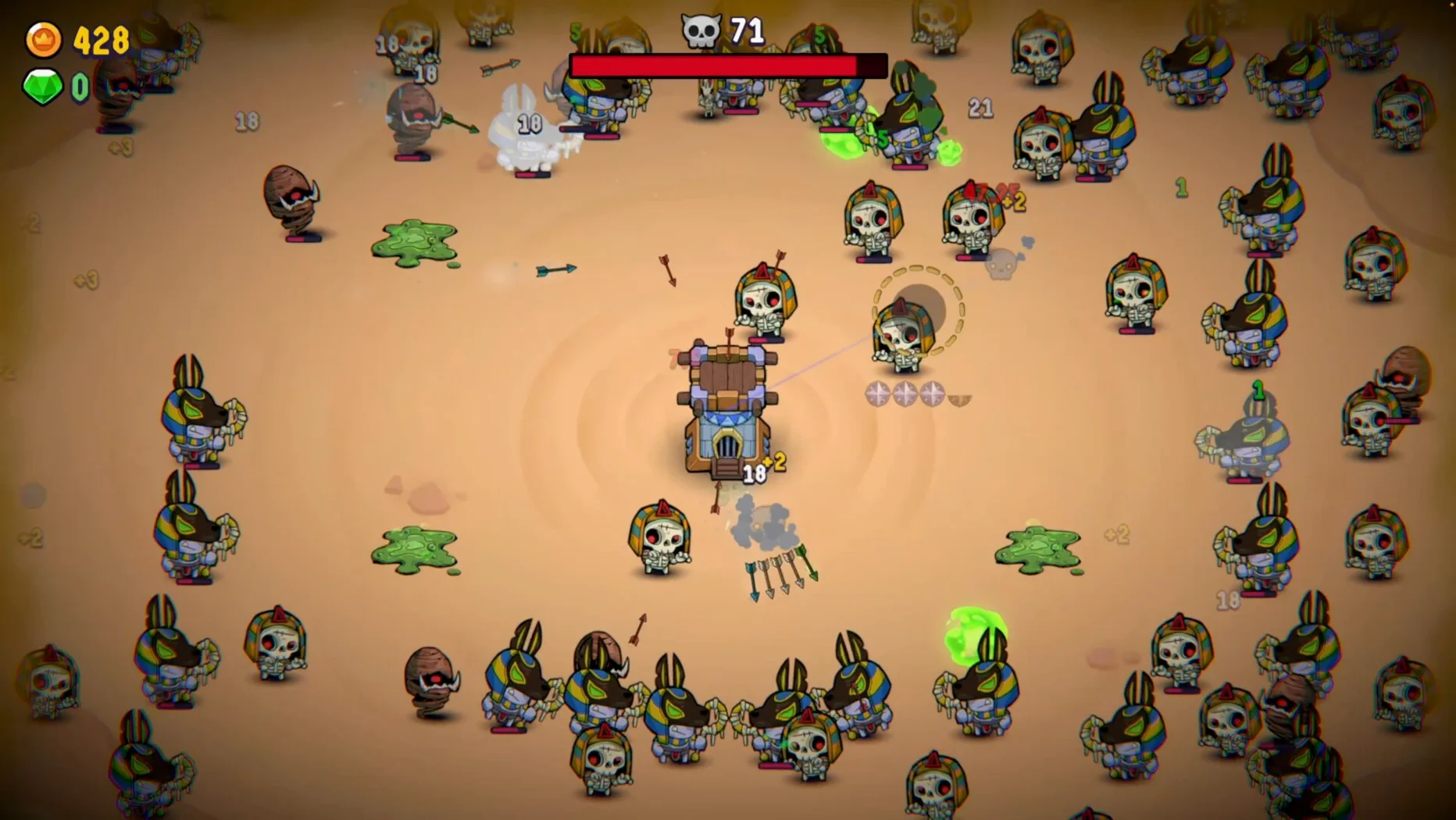
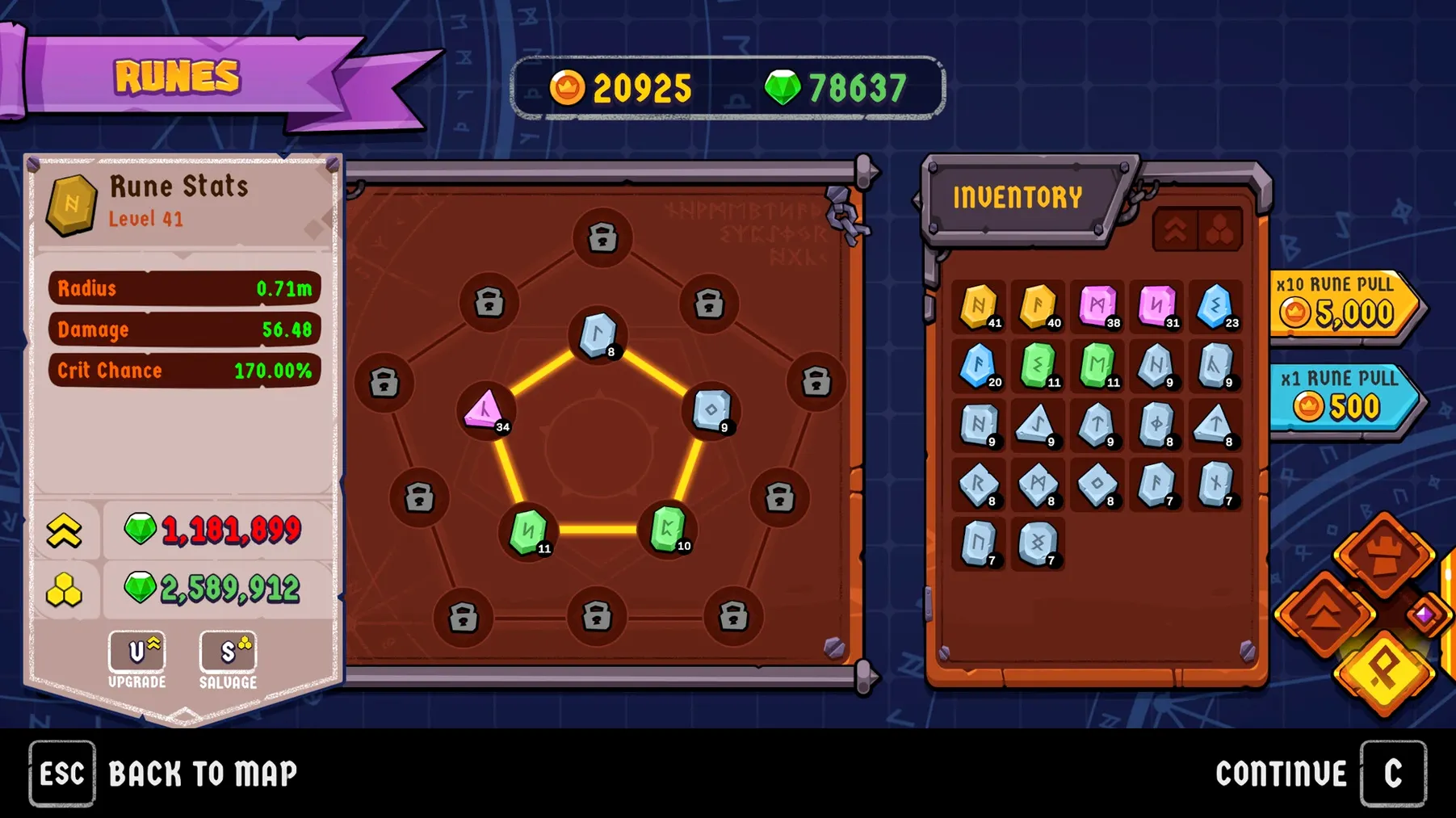
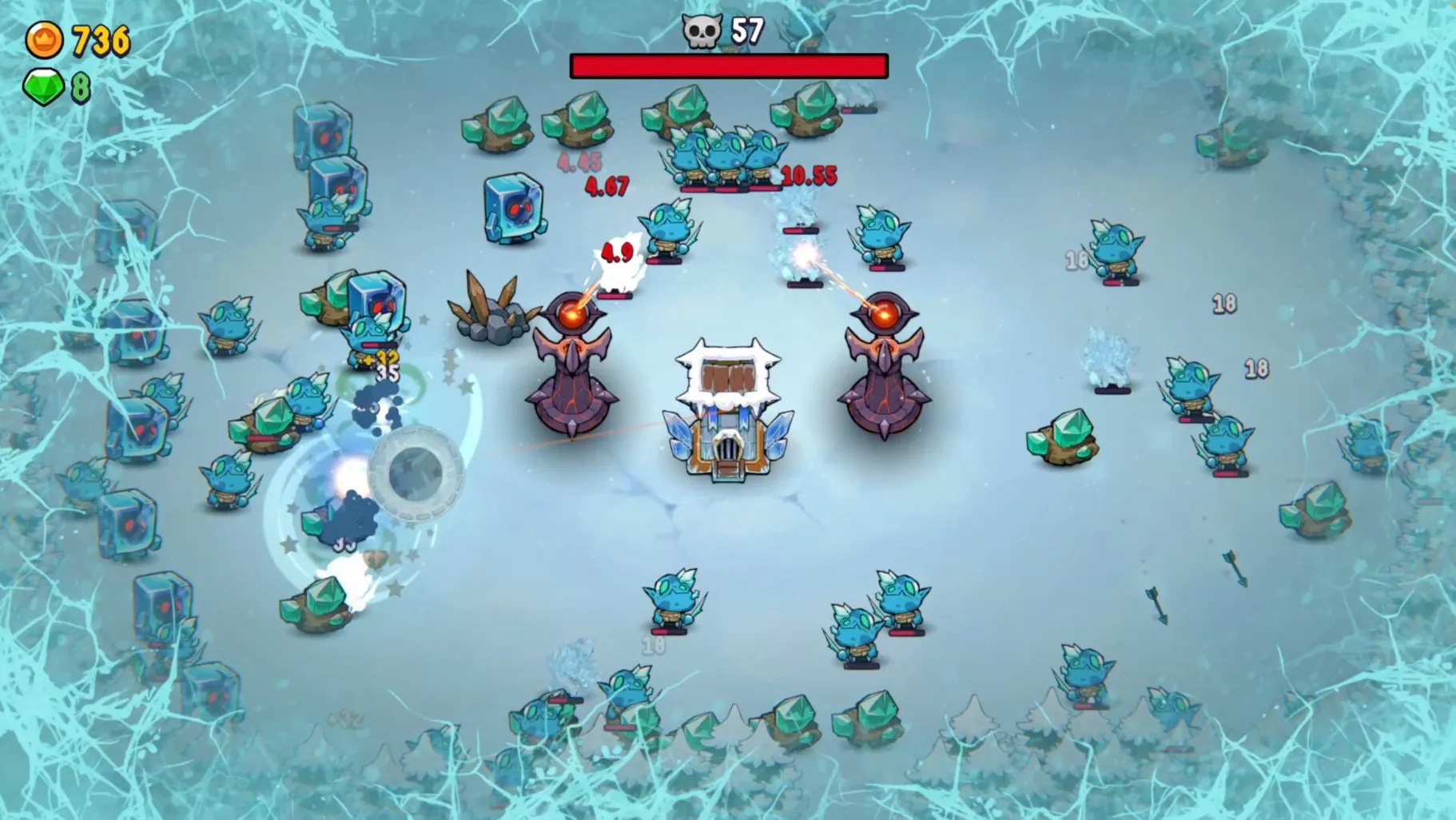
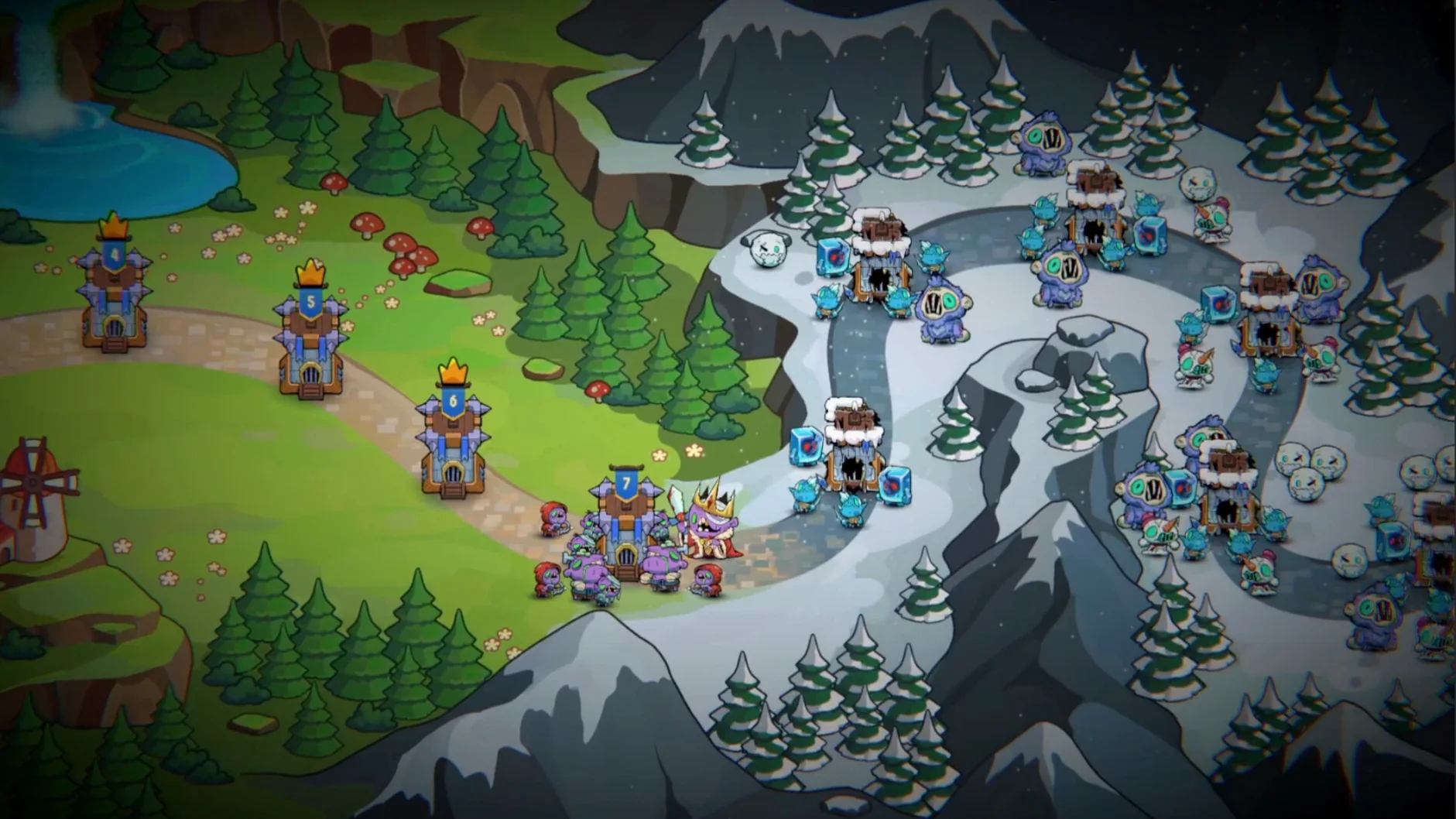
Incrempire comes from FMGames, and it’s a survival game with a twist: you defend a kingdom from monsters by moving your cursor over them. That’s the core action — no complicated controls, just your mouse and your wits.
Minute to minute, you’re watching the battlefield, spotting incoming monsters, and deciding where to strike first. Not every battle can be won, so you’ll need to pick your fights and manage your resources.
It’s good for:
- Players who enjoy incremental games but want a bit of real-time action.
- People who like short sessions — the whole thing takes about 2 to 5 hours.
- Completionists, with 25 levels and 9 achievements to chase.
Keep in mind:
- The game is also on Windows and Linux, so cross-platform play is possible.
- It runs natively on both Apple Silicon and Intel Macs.
- Minimum requirements are modest: macOS 14, 1 GB RAM, and 512 MB of space.
Switch to your language before starting
Before your first real run, open the game settings. A few adjustments make the experience smoother from the start.
- Language — the game supports eight languages. If English is not your first, switch it here before you start a campaign. You can change it later, but it’s easier to set it early.
- Resolution — on a MacBook Air or a larger screen, the default might feel off. Pick a resolution that fits your display without scaling. The game runs fine at native resolution on most Macs.
- Audio — the English voice acting is a nice touch, but if you prefer to focus on the battlefield sounds, you can adjust the voice volume separately. I keep it low so the monster cues stay clear.
There is no tutorial toggle or difficulty slider, so the settings menu is brief. That is fine — you will spend more time in the skill tree than in menus.
Get extra money per kill for early biomes
Here is a simple routine to get through the early biomes without losing momentum.
- Start a new run. Before the battle begins, pick a temporary blessing. Early on, choose one that gives extra money per kill — it speeds up your first upgrades.
- Focus on cursor movement. Enemies die when you move the cursor over them. Do not click. Just drag the pointer across the monster sprites. It takes a minute to get used to, but it is faster than clicking each one.
- Prioritise fast enemies. Some monsters move quickly across the screen. Take them out first. Slower ones can wait a few seconds while you collect money from the ones you already killed.
- Spend money between waves. Open the skill tree as soon as you have enough gold. Start with permanent stat upgrades — health or damage. Spells are tempting, but the basic stats keep you alive longer in the first few levels.
- Accept defeat. You will lose some battles. That is part of the game. Each defeat gives you more experience and makes the next run easier. Do not restart — let the loss happen and learn from it.
After level 5, you will have enough upgrades to try the more expensive spells. The skill tree opens up, and you can experiment with different builds.
Carlos's 20-minute lunch break on a MacBook Air M2
Carlos plays Incrempire during his lunch break. He works from home in Valencia, and he needs something that fits in 20 minutes without a long setup. He keeps the game on his MacBook Air M2, and he plays one or two levels per session.
In his first week, he lost the same level three times. Each loss gave him more money and a better understanding of the enemy patterns. By the fourth attempt, he had enough stat upgrades to clear it easily. He says the game rewards persistence without feeling punishing — the incremental progress is visible after every defeat.
He has finished the main campaign in about four hours, and now he goes back for the achievements. The 25 levels and 4 biomes give him enough variety to keep coming back. For a lunch-break game, that is exactly what he needs.
If you are looking for a game that respects short sessions and rewards patience, Incrempire is worth a try. Check the incrempire mac download to get started.
Incrempire for macOS is a compact challenge that respects your time.
- Current build label: Native.
- macOS 14 or later
- Apple Silicon or Intel (64-bit x86)
- 2 GHz Core 2 Duo processor
- 1 GB RAM
- 512 MB available storage
Kit check at a glance
| Chip | Apple Silicon, Intel 64-bit |
| Download | 173 MB |








Chat from the booth
Sign in or grab a free account to leave a comment.
Nobody has said a word in the booth yet. If you played a set with this build, tell the next person how it went.