

- Build in the crate
- 1.11 [Wineskin]
- Made by the team at
- Slava Bushuev
- Menu languages offered
- Russian, English, German, Spanish, Italian, Chinese (Simplified), Turkish, French, Japanese
- How you pay for it
- Not required
- CPU it runs on
- Apple Silicon
- Played on
- macOS Tahoe, Mac mini 2024 M4
- Dropped on
- 14.04.2023
- Spoken voice in
- Music only
Screenshots
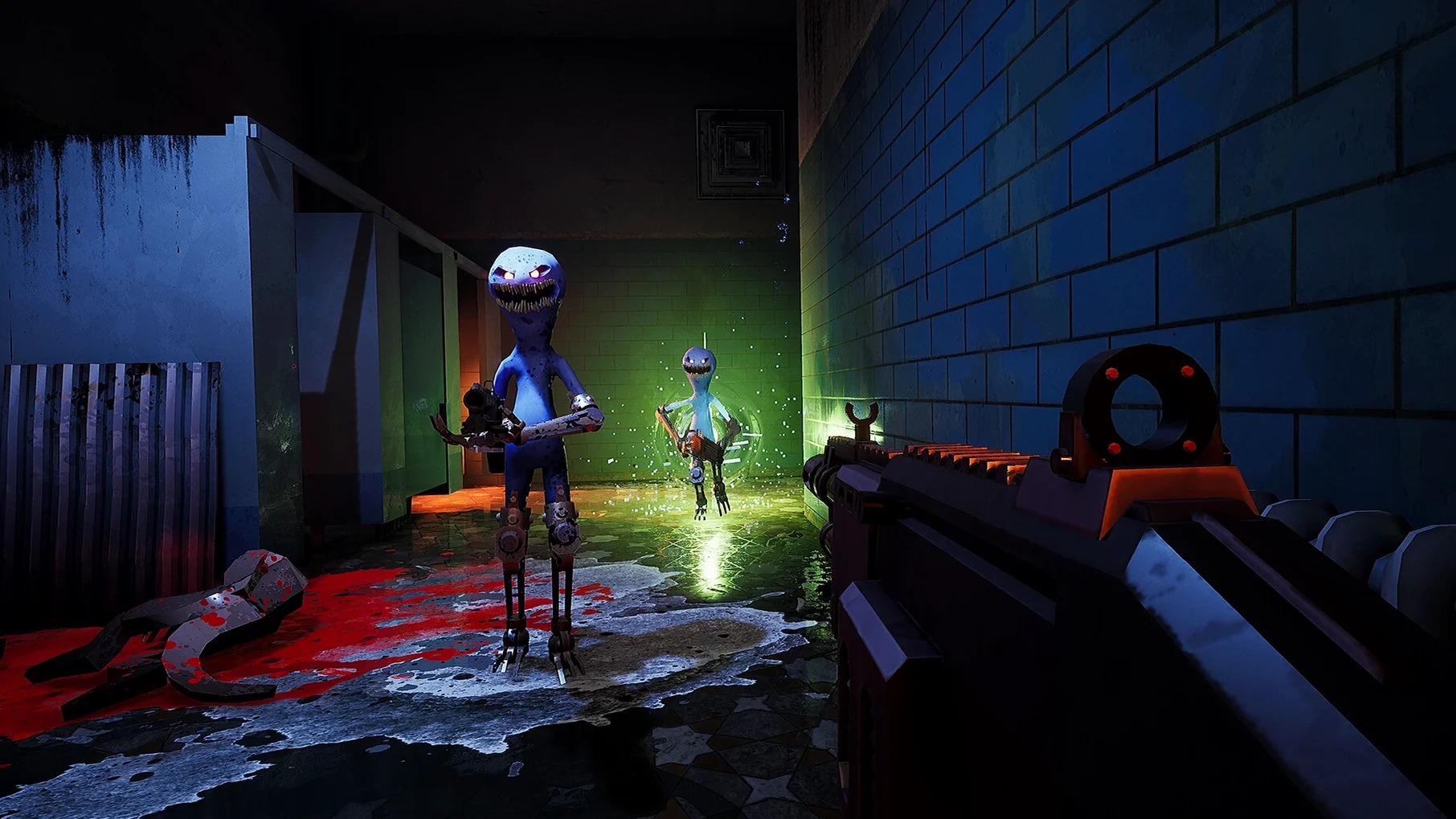
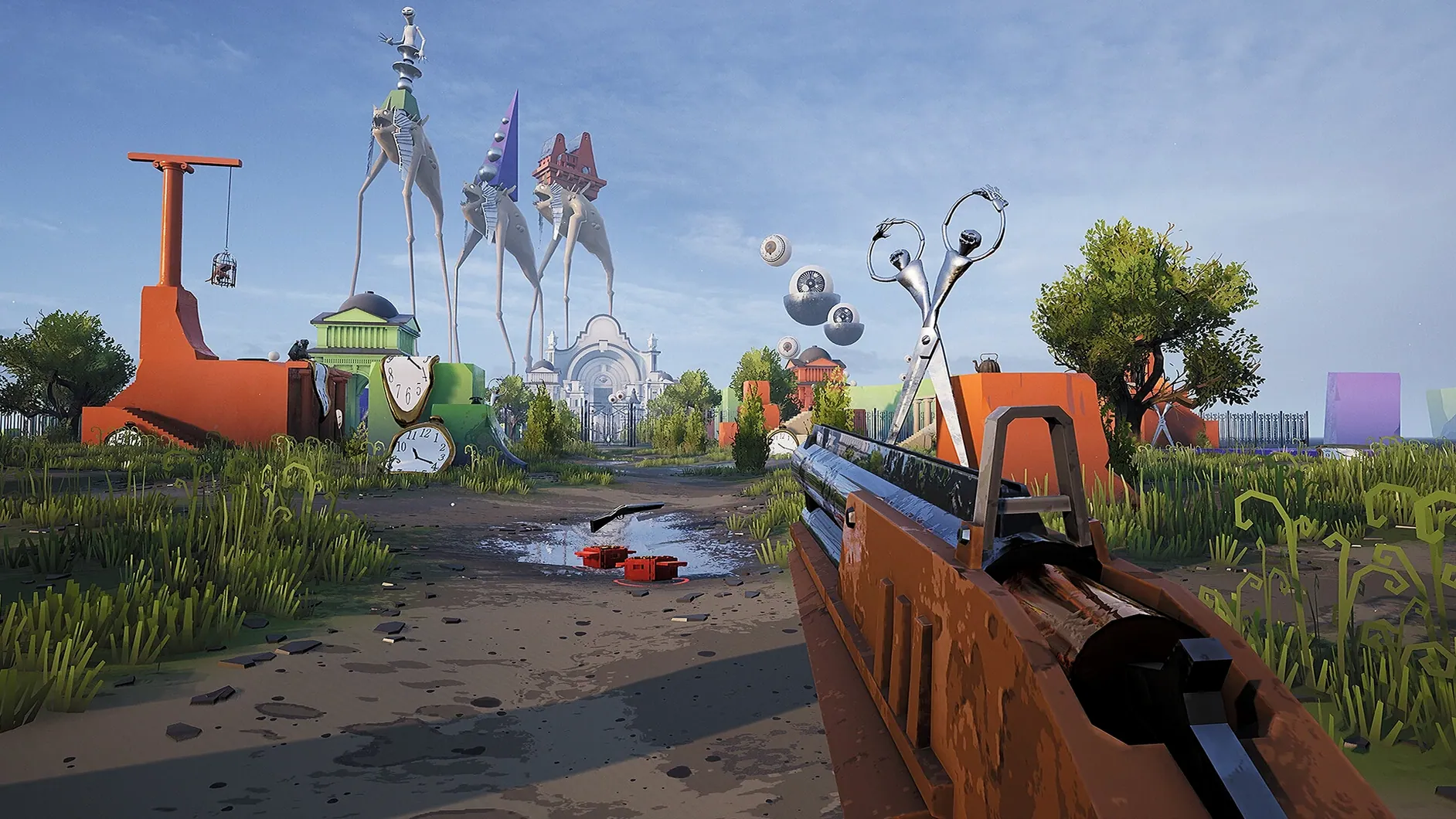
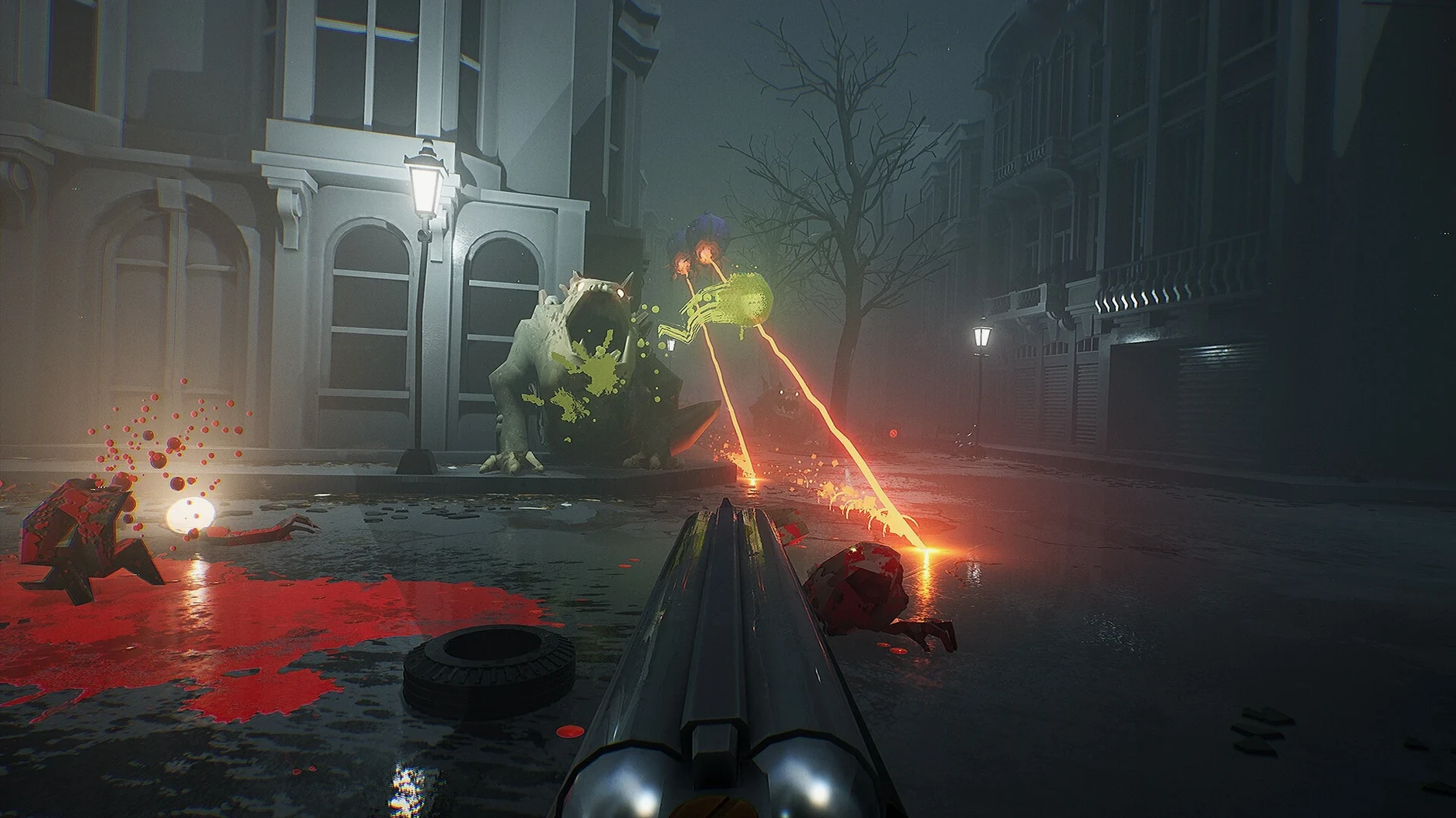
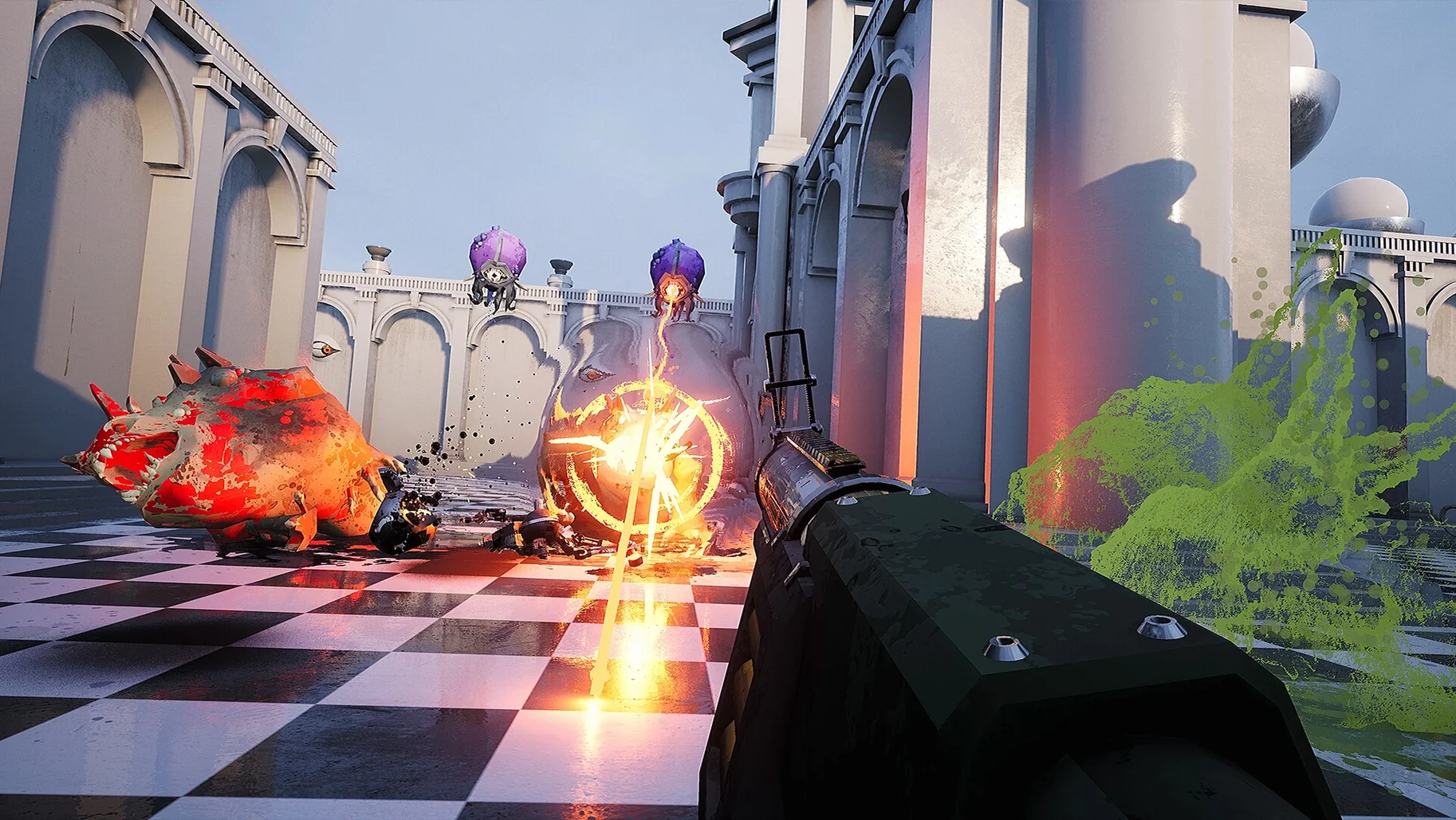
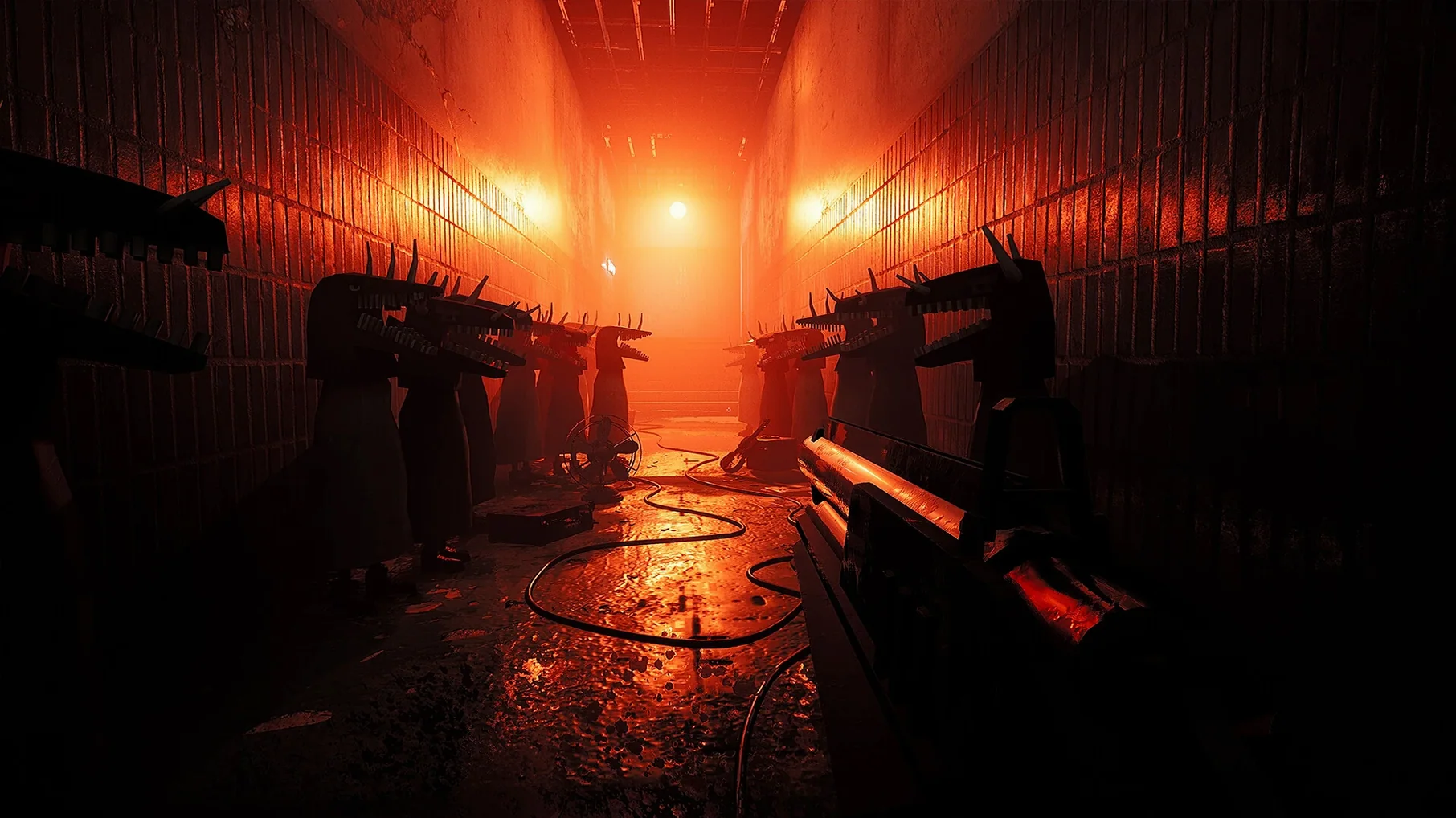
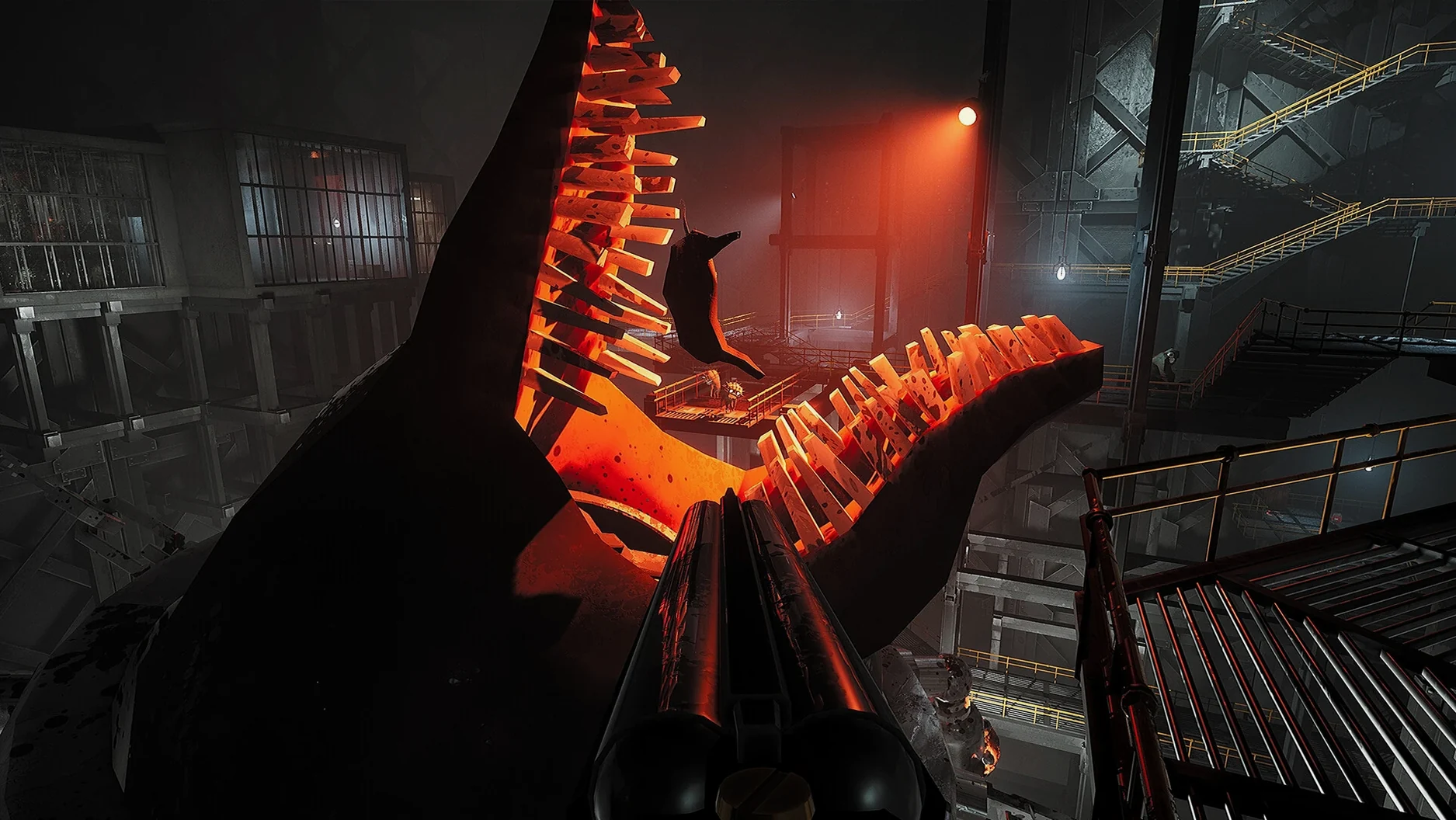
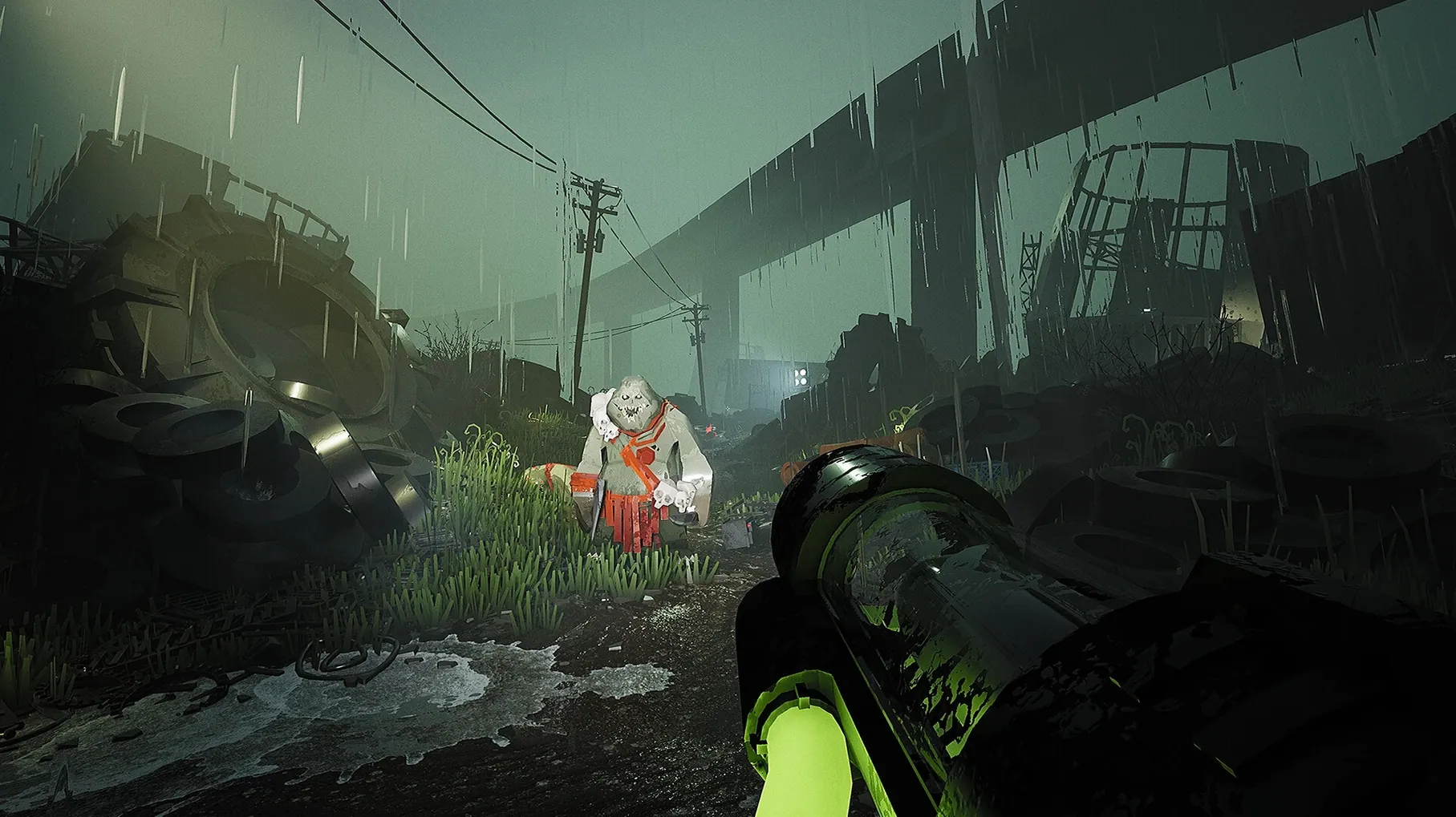
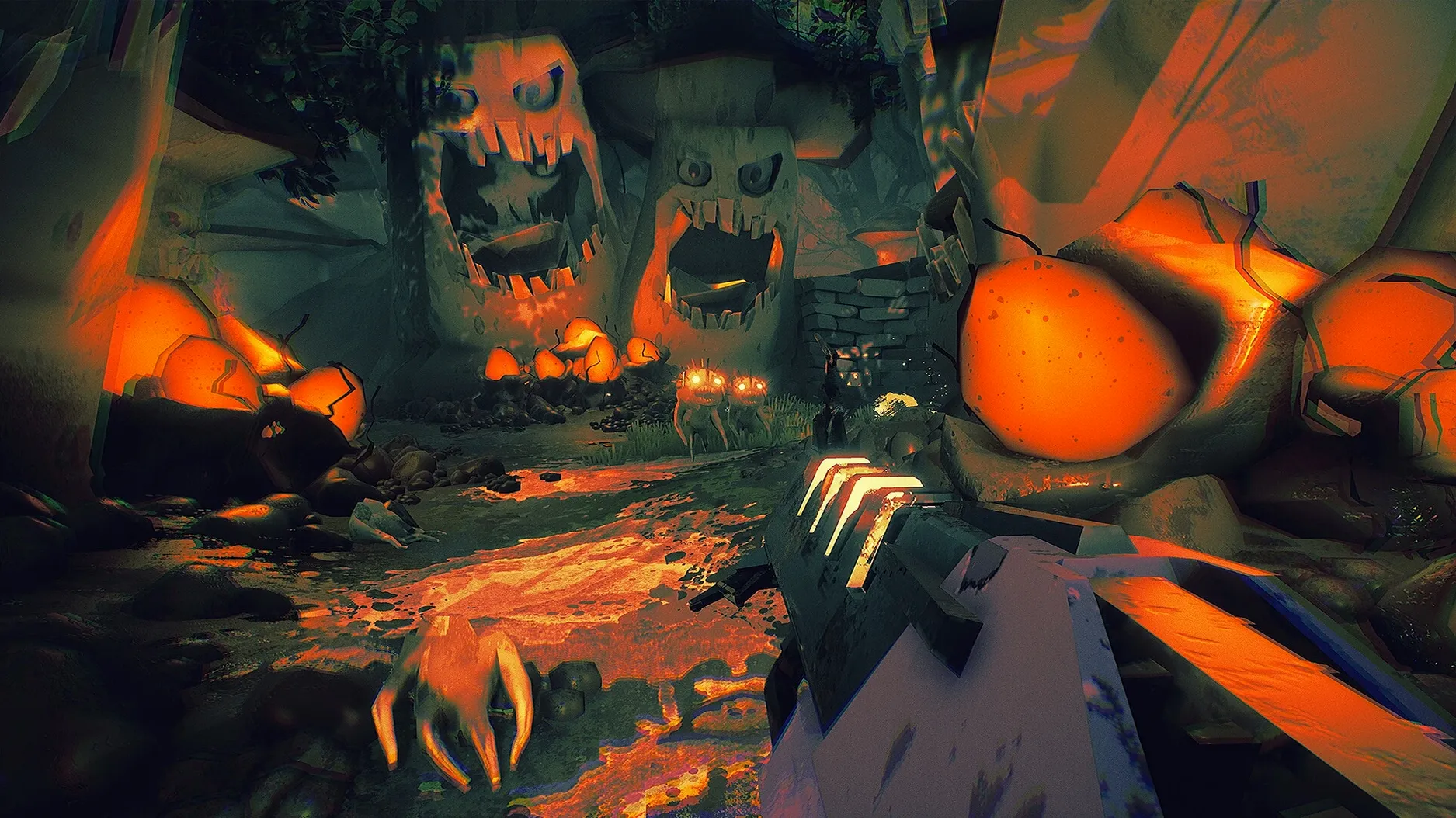
You boot up your Mac, launch illwill, and within seconds you are in a corridor with a shotgun and a wall of monsters ahead. That is the pitch: no fuss, just fast, old-school first-person shooting against hordes of creatures.
Monster swarms and Wineskin combat
- Single-player campaign with large weapons — shotguns, rocket launchers, the usual arsenal.
- Combat focused on monster swarms; think Doom meets Quake but built on Unreal Engine 4.
- Wineskin package means it runs on Apple Silicon without extra layers; just drag and launch.
Languages and system
illwill supports English, Russian, Spanish and several other languages. It is listed as Action and Indie on Steam, released April 2023 by developer Slava Bushuev. The game targets Apple Silicon Macs, so Intel users may need to check compatibility.
Apple Silicon without Rosetta
illwill is built as a Wineskin package, which means the Windows version of the game is wrapped to run on macOS without extra emulation software. The current build is version 1.11, compiled for Apple Silicon architecture. You do not need Rosetta or any third-party tools — just mount the downloaded image, drag the app into your Applications folder, and launch from Launchpad. If the game throws an error on first launch, the Fix file inside the image usually sorts it out.
Voice language is limited to the music and sound effects, but the text interface covers English, Russian, German, Spanish, Italian, Simplified Chinese, Turkish, French and Japanese. That is a solid range for a small indie shooter. The game is listed as Action and Indie on Steam, and the developer is Slava Bushuev. It was released on April 13, 2023, so it is a relatively recent addition to the old-school revival scene.
Version 1.11 compatibility update
Version 1.11 is the current release, and it brings the Wineskin wrapper up to date for macOS. The main change for everyday use is compatibility: the game now runs on Apple Silicon without needing Rosetta, which means fewer potential hiccups with performance or stability. The monsters still explode into pieces when you shoot them, the weapons are still large, and the hordes are still numerous — that part has not changed. What has changed is how easily it launches on modern Macs.
If you have been playing an older build, you will notice that the Fix file inside the image is now more reliable for sorting out initial launch errors. The installation steps are the same: mount, drag, launch, and run the Fix if needed. That is it.
Drag-and-drop install, no Windows needed
Do I need to install Windows or use a virtual machine?
No. The Wineskin package handles everything. You mount the image, drag the app into Applications, and launch it like any other Mac app. No dual-booting or extra software.
Will it work on an Intel Mac?
The build is compiled for Apple Silicon architecture. Intel Macs are not listed as supported in this version. If you have an Intel machine, you might need to look for a different build or use a translation layer.
Does the game need an internet connection?
No activation is required, and there is no online component mentioned. It is a single-player campaign against monster hordes, so you can play offline.
Can I change the language after installing?
Yes. The game includes multiple language options in the text interface. You can switch between them in the settings menu once the game is running.
What if the game crashes on first launch?
Run the Fix file that is inside the mounted image. That is the intended workaround for initial launch errors. After that, the game should start normally.
- macOS (version not specified)
- Apple Silicon
Kit check at a glance
| Chip | Apple Silicon |
| Download | 5.3 GB |








Chat from the booth
Sign in or grab a free account to leave a comment.
Nobody has said a word in the booth yet. If you played a set with this build, tell the next person how it went.