
- Build in the crate
- 10.13.6 (17G66)
- Made by the team at
- Apple
- Menu languages offered
- Russian, English, German, Arabic, Hungarian, Vietnamese, Greek, Danish, Hebrew, Indonesian, Spanish, Italian, Catalan, Chinese (Traditional), Chinese (Simplified), Korean, Malay, Dutch, Norwegian, Polish, Portuguese, Romanian, Slovak, Thai, Turkish, Ukrainian, Finnish, French, Hindi, Croatian, Czech, Swedish, Japanese
- How you pay for it
- DRM-free
- CPU it runs on
- Intel 64-bit
Screenshots
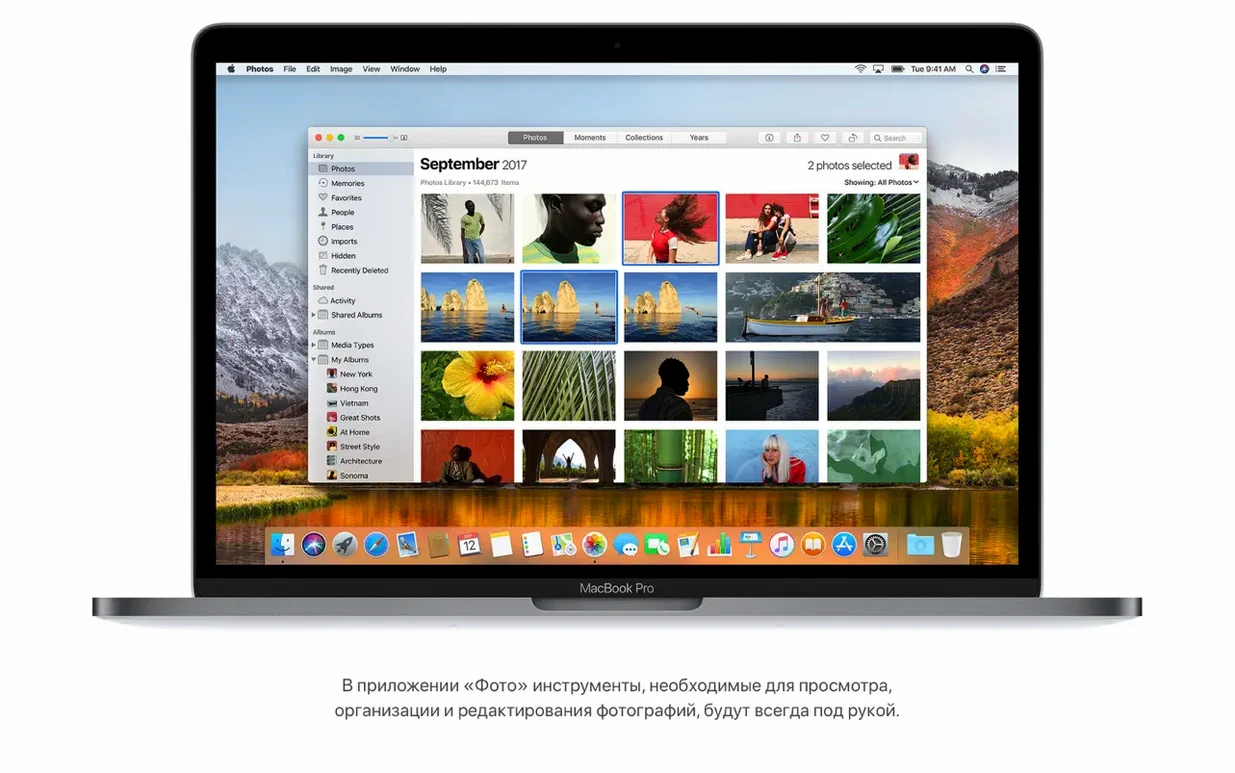
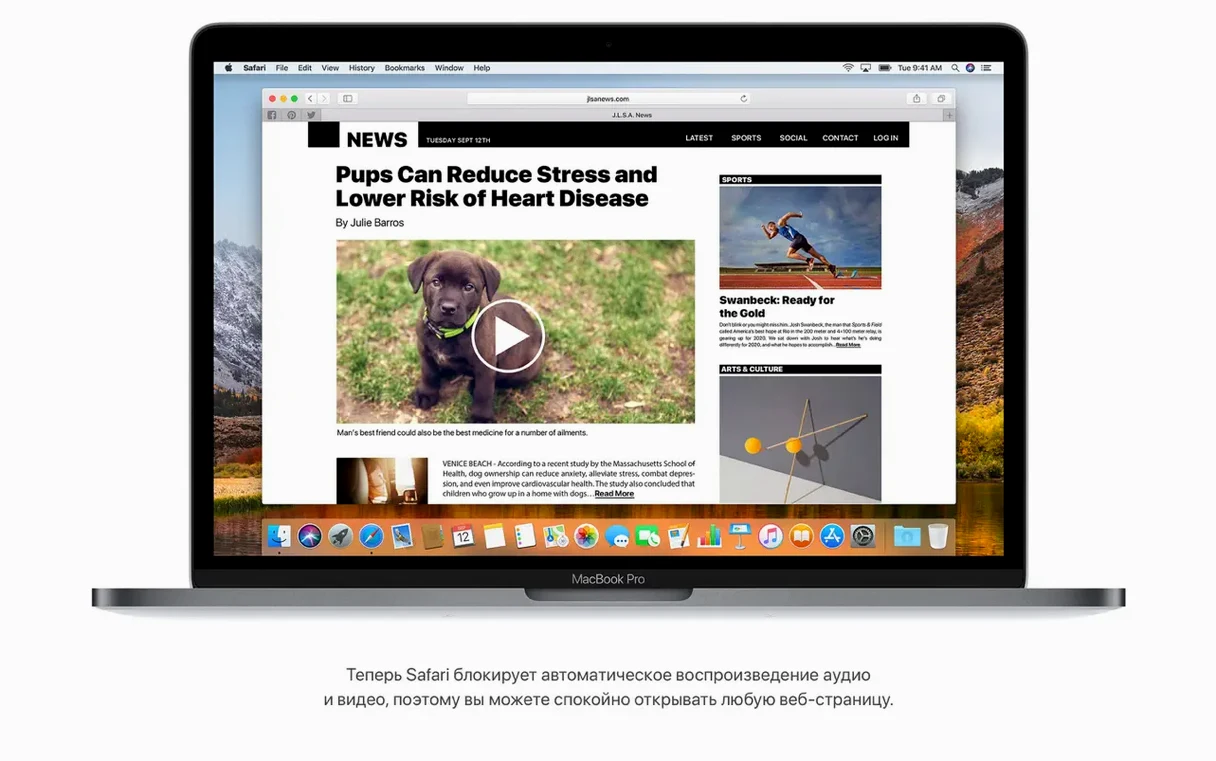
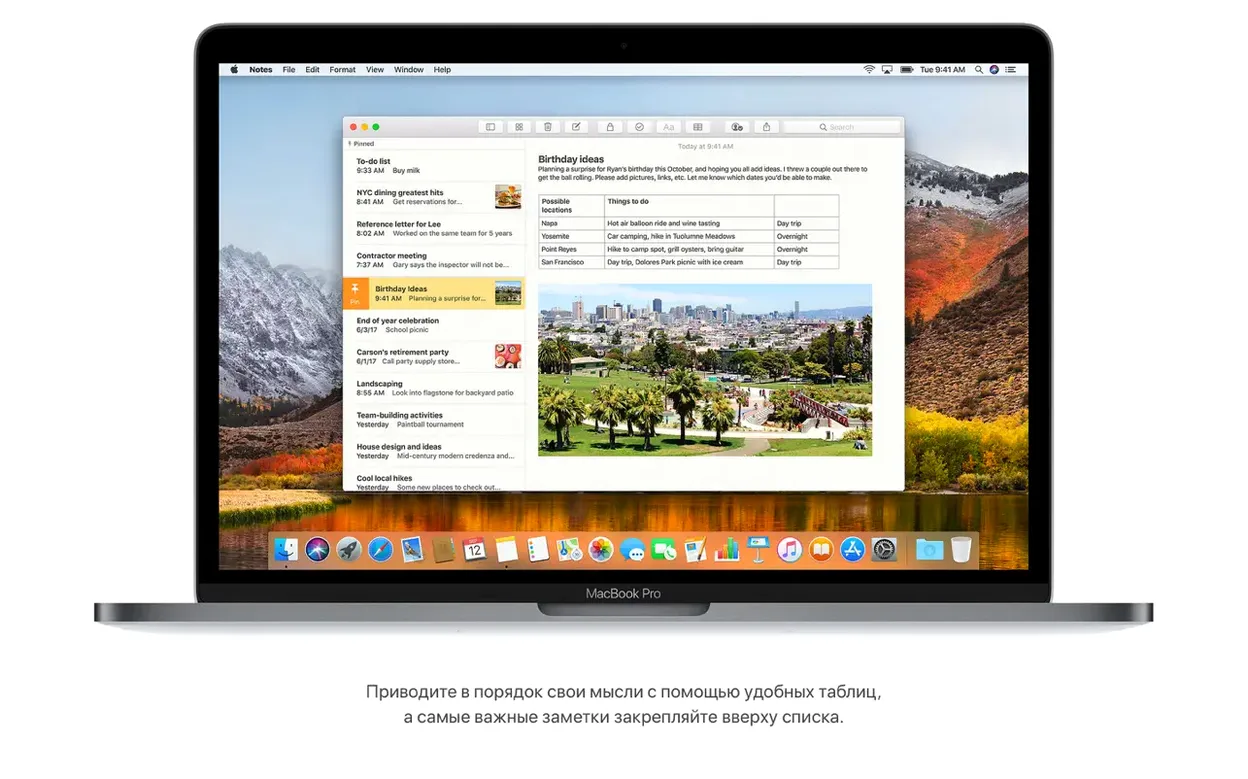
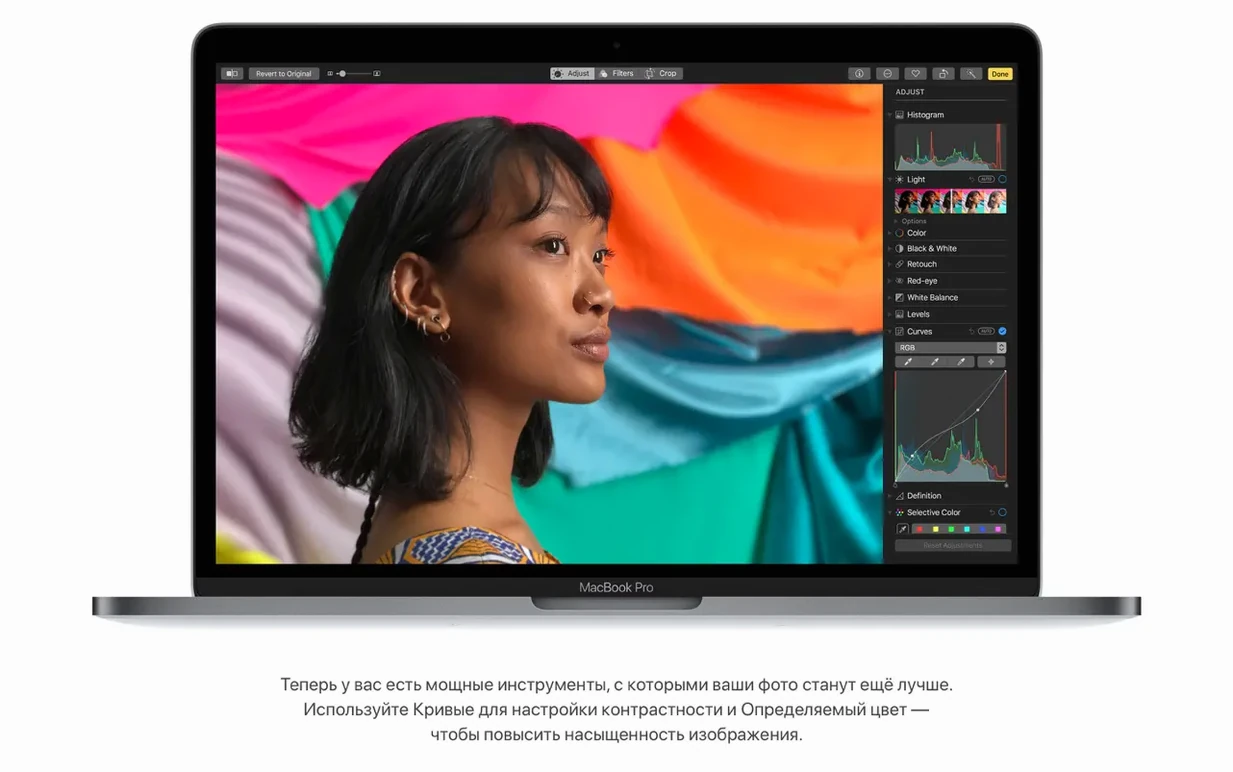
If you've used macOS Sierra, think of High Sierra as a refinement. It keeps the same look and feel but replaces the file system with APFS, which brings faster performance and built-in encryption. Photos gets Curves and Selective Color, Safari blocks autoplay videos, and Spotlight can now show flight info.
Which Macs support macOS High Sierra?
Your Mac needs to be from late 2009 or later: MacBook (late 2009), MacBook Pro (mid 2010), MacBook Air (late 2010), Mac mini (mid 2010), iMac (late 2009), or Mac Pro (mid 2010).
What are the minimum specs?
You'll need 2GB of memory and 14.3GB of free storage for the upgrade. The installer runs on macOS 10.13.5 or later and works on Intel Macs only.
What's new in the latest update (10.13.6)?
This version adds AirPlay 2 multi-room audio for iTunes, fixes a Photos issue with AVCHD media from some cameras, and resolves a Gmail message move bug in Mail. It also improves general stability and security.
APFS conversion trips up Fusion Drive and RAID users
APFS conversion is the one that trips up most people. When you install High Sierra, the installer automatically converts your startup drive to Apple File System. That's usually fine, but if you have a Fusion Drive or a third-party RAID setup, the conversion can stall or fail. Before you install, make sure you've backed up to Time Machine or another drive. If the conversion does hang, boot into Recovery Mode and use Disk Utility to erase the drive as APFS, then reinstall from your backup.
Another frequent problem: the installer says you don't have enough space. The 14.3GB requirement is for the upgrade files, but the actual free space needed can be closer to 20GB once temporary files and the installer itself are accounted for. Clear out old downloads, empty the Trash, and run the built-in storage management tool before you start.
Some users find that after the update, certain 32-bit apps stop working. High Sierra is the last macOS version that runs 32-bit software without warnings, but it still drops support for some older kernel extensions. If a favourite audio plugin or utility doesn't load after the upgrade, check if the developer has a 64-bit version. If not, you might need to keep a separate volume on Sierra for that software.
Mail can also act up after the upgrade. The Top Hits feature is new, but some users see duplicate messages or stalled indexing. Go to Mail > Preferences > Accounts and disable then re-enable the account. Let it reindex overnight. That usually clears it up.
Skipping backup before APFS one-way conversion
The biggest mistake is skipping the backup. I know it sounds basic, but I've seen people jump straight into the installer because they assume macOS upgrades are always smooth. With High Sierra, the APFS conversion is a one-way trip on the system volume. If something goes wrong, you want that Time Machine drive handy.
Another common error is trying to install on an unsupported Mac. The compatibility list is clear: MacBook from late 2009, MacBook Pro from mid 2010, and so on. If your machine is older, the installer will refuse to run. Some people try to patch the installer to bypass that check. I'd advise against it — you'll end up with a system that lacks proper graphics drivers and may not boot reliably.
Beginners also tend to ignore the 14.3GB storage requirement and then get stuck mid-install. The installer won't warn you halfway through; it'll just fail and leave you with a partially upgraded system. Always check your available space before you start.
Lastly, people forget that High Sierra is Intel-only. If you're on an Apple Silicon Mac, this version won't run natively. You'd need a virtual machine or a separate Intel Mac to use it.
Updating for APFS speed gains before a Friday session
Friday afternoon. I've got a mix set to record for a small club night next week. My Mac is still on Sierra, but I've been meaning to update for the APFS speed gains and the Photos editing tools.
I download the High Sierra installer from the disk image, drag it to Applications, and run it. The installer restarts the Mac and shows a progress bar. About twenty minutes later, it boots into the setup assistant. I sign into iCloud, let it sync my calendar and contacts, and open Photos. The Curves tool is right there in the edit panel. I adjust the contrast on a few track photos from last week's gig. Quick and responsive.
Then I launch iTunes to check AirPlay 2. I've got a second speaker in the living room. I select both speakers in the AirPlay menu and start a playlist. The audio syncs without a noticeable delay. Multi-room works as advertised.
Later, I open Mail. The Top Hits section shows the most relevant messages from a thread with the club promoter. I move a few messages into a folder — no Gmail issues this time. Then I test Spotlight: I type a flight number from an email, and it shows departure time, terminal, and a little map. Handy when you're picking someone up from the airport.
Before I close the session, I check Notes. I create a simple table to list the tracks for the mix — column for track name, column for BPM, column for key. It's basic but it does the job without needing a separate app.
Everything feels familiar, just a bit sharper. The APFS conversion happened in the background without me noticing. I close the lid and head out. The Mac wakes instantly, no delays. For a music student who spends more time on tracks than on system settings, that's exactly what I want.
- macOS 10.13.5
- Intel architecture
- 2GB of memory
- 14.3GB of available storage
Kit check at a glance
| Chip | Intel 64-bit |
| Download | 4.9 GB |


Chat from the booth
Sign in or grab a free account to leave a comment.
Nobody has said a word in the booth yet. If you played a set with this build, tell the next person how it went.