

- Build in the crate
- v2024.2.139 (r52064)
- Made by the team at
- CLO Virtual Fashion Inc.
- Menu languages offered
- Russian, English, Arabic, Spanish, Italian, Chinese (Traditional), Chinese (Simplified), Korean, Portuguese, Turkish, French, Japanese
- How you pay for it
- K'ed by The Blade
- macOS it plays on
- macOS 12 or later
- CPU it runs on
- Apple Silicon, Intel 64-bit
Screenshots
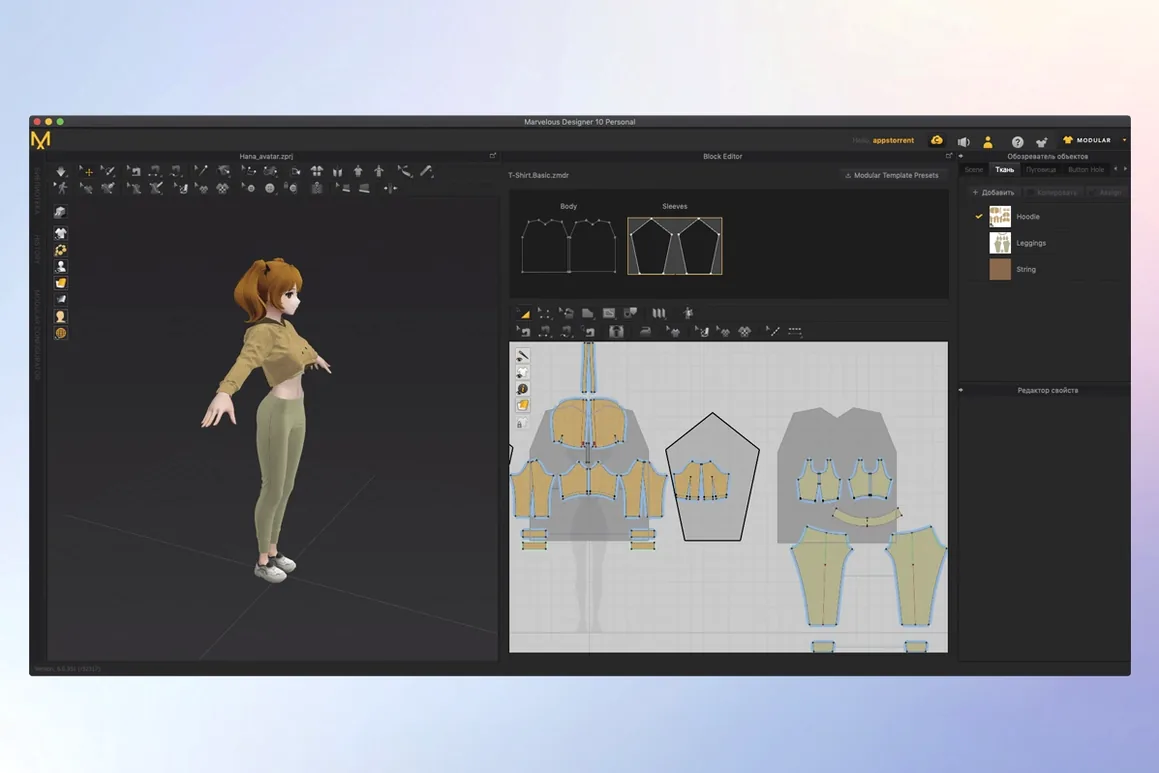
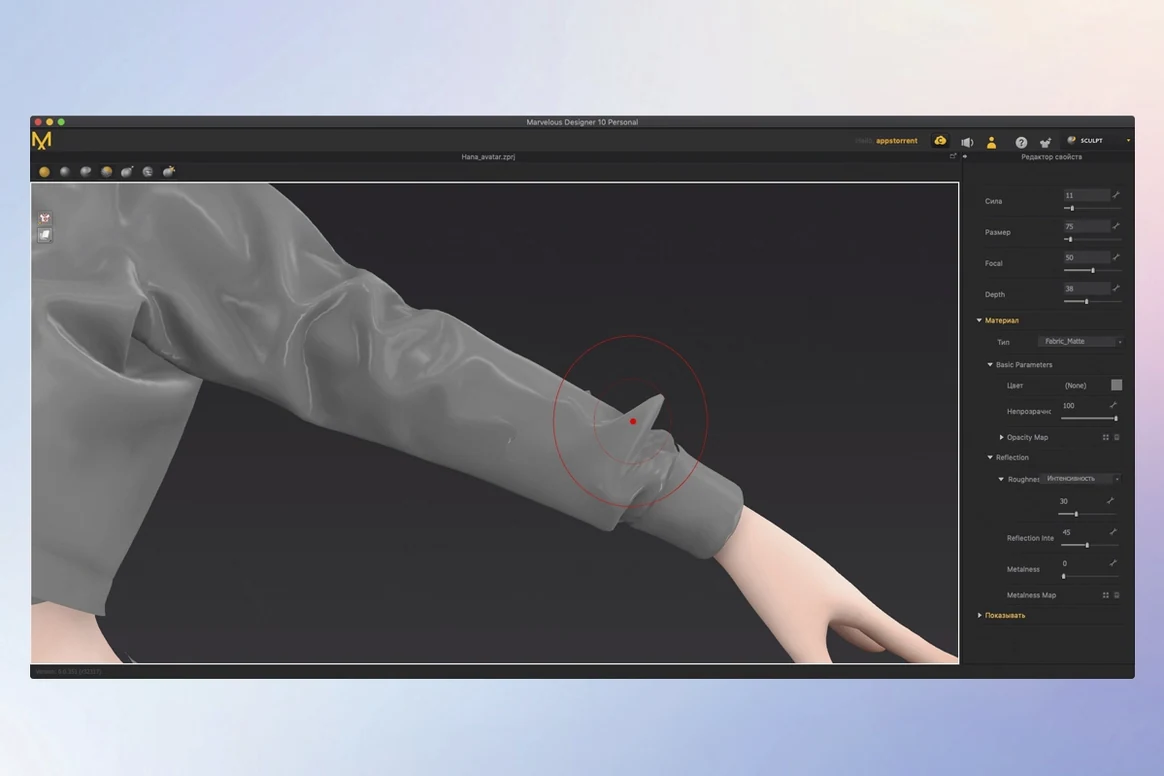
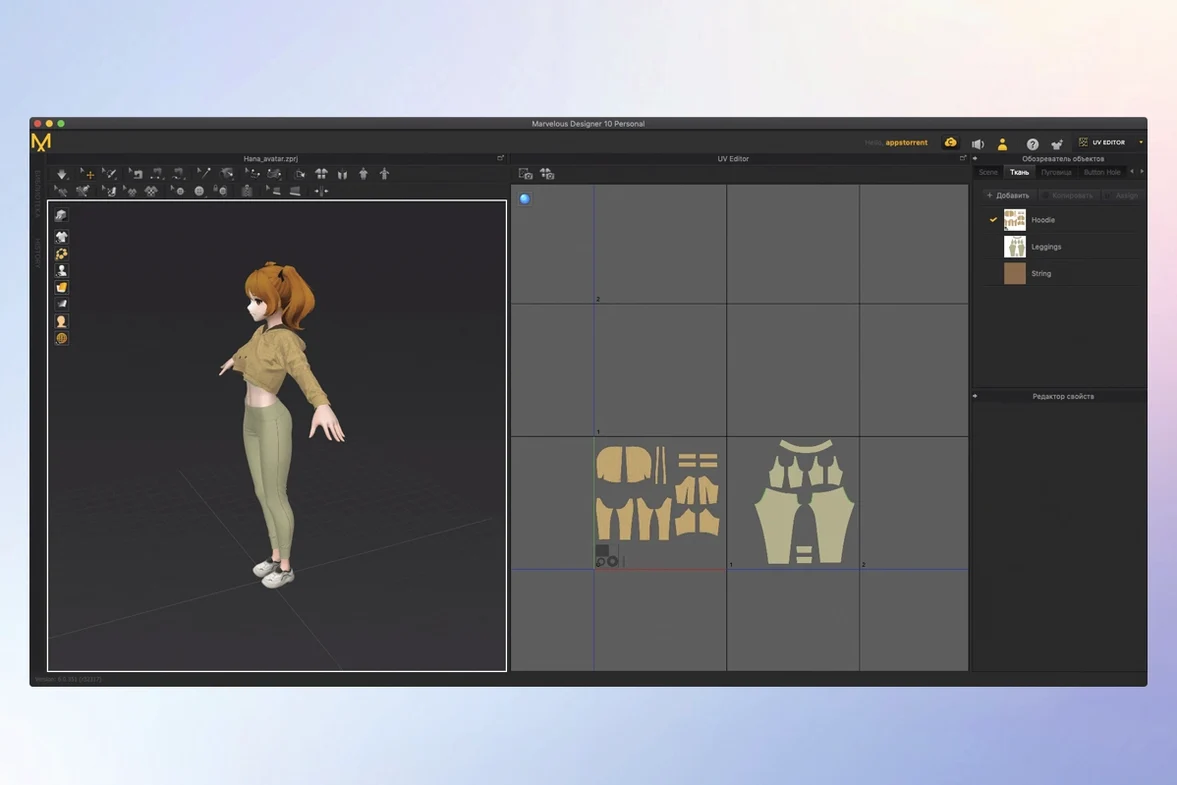
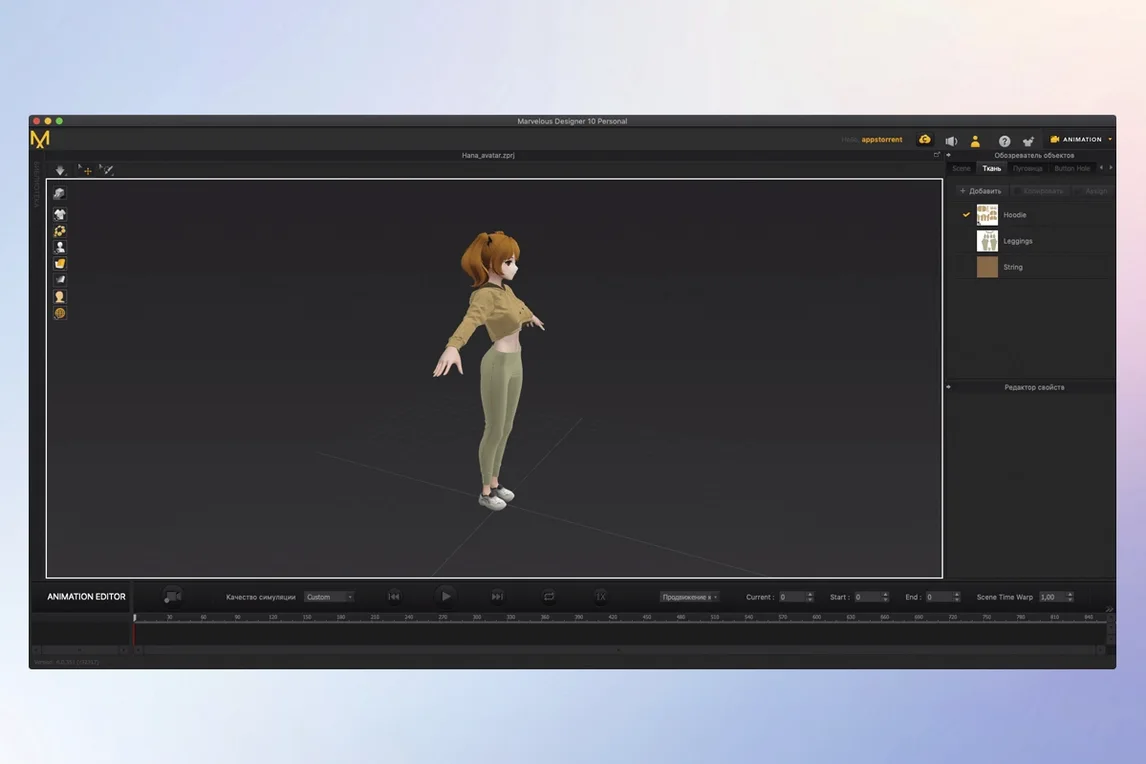
Marvelous Designer 2024.2.139 runs on macOS 12 and later, on both Intel and Apple Silicon Macs. That means any recent MacBook Air, Pro, or Mac mini should handle it fine. The interface comes in English, Spanish, French, Japanese, Korean, and eight other languages.
This version keeps the core tools digital clothing designers rely on: garment sketching, the sewing tool with adjustable direction and range, template-based rigging in EveryWear, and the Toon Shader for stylised renders. It also imports and exports USD and Alembic files, plus data from Maya, 3ds Max, Softimage, Modo, and ZBrush. For quick edits, the 3D Pencil is here too.
What hasn't changed? The workflow—create, simulate, and animate garments in one place, from simple shirts to dresses with folds and uniforms. Fabric physics on buttons and folds behave the same. No new version-specific features are listed in this release; it's about stability and compatibility across Macs.
Snap control points with the point placement tool
A few things in Marvelous Designer 2024.2.139 don't shout for attention but save time once you know them. The point placement tool, for instance, lets you snap control points exactly where you need them on a pattern piece. It sounds basic, but when you're lining up seams or matching folds across panels, it cuts out the guesswork.
The contacts tool is another one. It manages how fabric layers interact—think of a shirt tucked into trousers or a jacket overlapping a sweater. Instead of fighting with gravity settings, you set contact properties between garments, and the simulation handles the rest.
Polylines and free curves give you two ways to draft pattern edges. Polylines are better for straight sections and sharp corners; free curves suit organic shapes like armholes or necklines. Switching between them during a single pattern saves redrawing later.
The real-time display shows every edit as it happens. Move a point, adjust a seam, or change fabric stiffness—the 3D garment updates on the avatar without a manual refresh. That feedback loop is what makes iterative fitting practical.
Fix collapsing drapes by adjusting fabric properties
Garment simulation behaving oddly is the most frequent complaint. Usually the fix is checking your fabric properties—thickness, stiffness, and weight all affect how folds form. If a dress collapses instead of draping, reduce the weight or increase the stiffness slightly. Small tweaks, not big jumps.
Seam alignment issues crop up when sewing direction is inconsistent. The sewing tool lets you control both direction and range. If two edges won't stitch cleanly, reverse the sewing direction on one of them. That often resolves puckering or offset seams.
Another one: imported avatars not fitting pattern templates. Marvelous Designer works with a range of body shapes, but if your avatar's proportions are far from the default, garments may float or clip. The EveryWear rigging tools let you adjust template fit to match your character's dimensions before simulation.
Export problems with Alembic or USD files usually come down to naming conventions. Keep your garment and avatar names short, without special characters. Some 3D apps don't read spaces or symbols in object names, so underscores are safer.
Runs natively on Apple Silicon Macs
Does it work on an M2 Mac with macOS 14? Yes. The requirements say macOS 12 or later, and the architecture supports both ARM and x86. No Rosetta workaround needed on Apple Silicon—it runs natively.
Can I use it alongside Maya or Blender? The software imports and exports data with Maya, 3ds Max, Softimage, Modo, and ZBrush. For Blender, you'd use Alembic or USD as an intermediate format. The pipeline is: model in your 3D app, simulate clothing here, then bring the finished garment back for rendering or animation.
Is it for fashion designers or game artists? Both. Fashion designers use it for virtual prototyping and pattern drafting. Game and VFX artists use it to create clothing that moves naturally on animated characters. The toolset covers both worlds—template rigging for game skeletons, realistic fabric simulation for film work.
What if I'm new to 3D clothing? The package includes online learning materials for beginners. The interface is intuitive enough that sketching a simple shirt and running your first simulation is doable in an evening. Start with basic shapes and work up to complex folds.
Marvelous Designer for Mac handles the same file formats and features as the Windows version. No compromises on pattern tools, sewing, or simulation quality. If you're switching platforms, your project files transfer cleanly.
- macOS 12 or later
- Intel or Apple Silicon processor
Kit check at a glance
| System | macOS 12 or later |
| Chip | Apple Silicon, Intel 64-bit |
| Download | 1.7 GB |
| Older pressings | 2 in the crate |







Chat from the booth
Sign in or grab a free account to leave a comment.
Nobody has said a word in the booth yet. If you played a set with this build, tell the next person how it went.