

- Build in the crate
- 1.8.6.41
- Made by the team at
- MyMixApps
- Menu languages offered
- Russian, English, German, Spanish, Italian, Chinese (Simplified), French
- How you pay for it
- K'ed by TNT team
- macOS it plays on
- macOS 11 or later
- CPU it runs on
- Apple Silicon, Intel 64-bit
Screenshots
PullTube runs on any Mac with macOS 11 or later, so both Intel and Apple Silicon machines are covered. It's a straightforward downloader for online video and audio, aimed at people who want to keep a copy of something they've watched or listened to.
What PullTube does
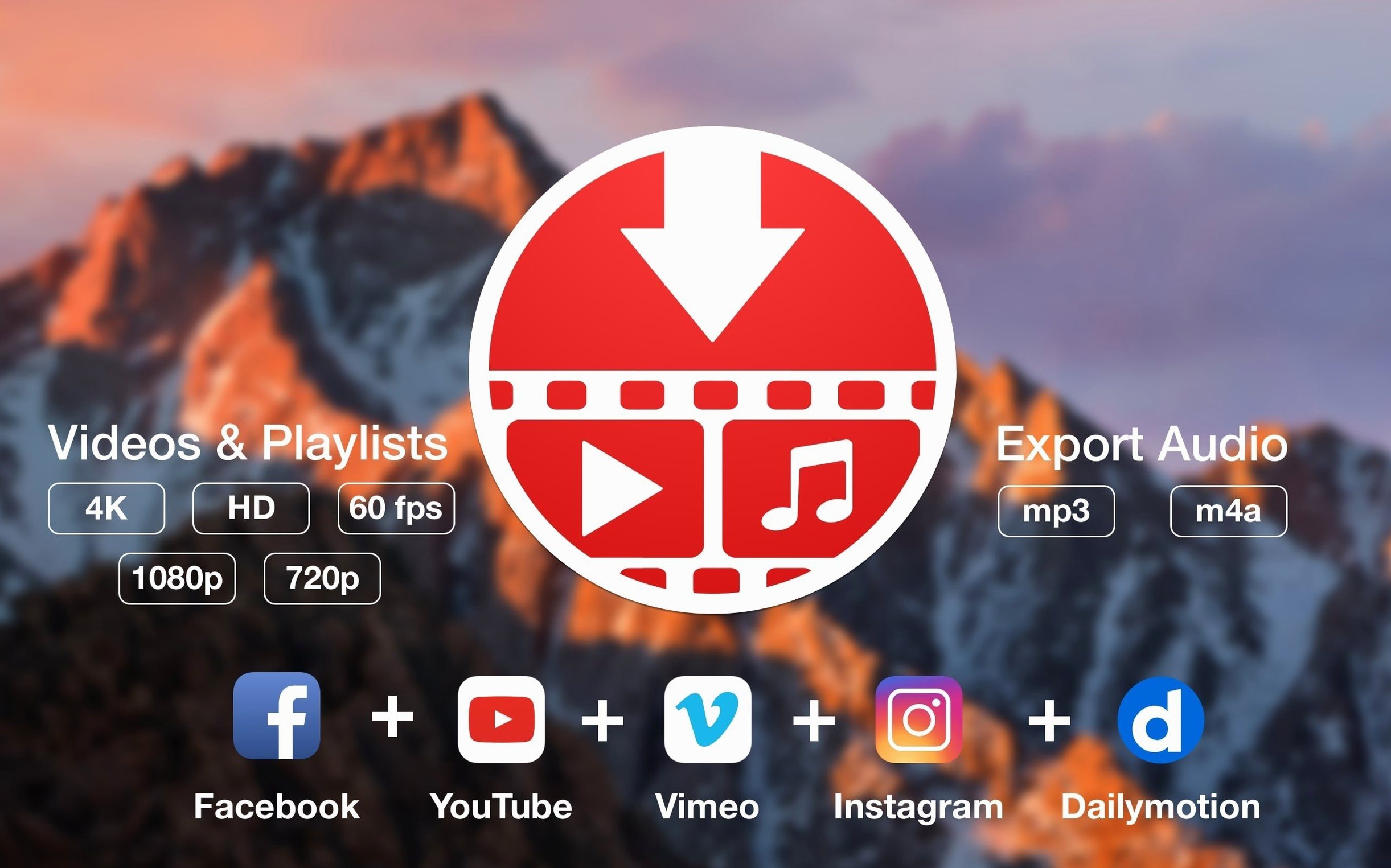
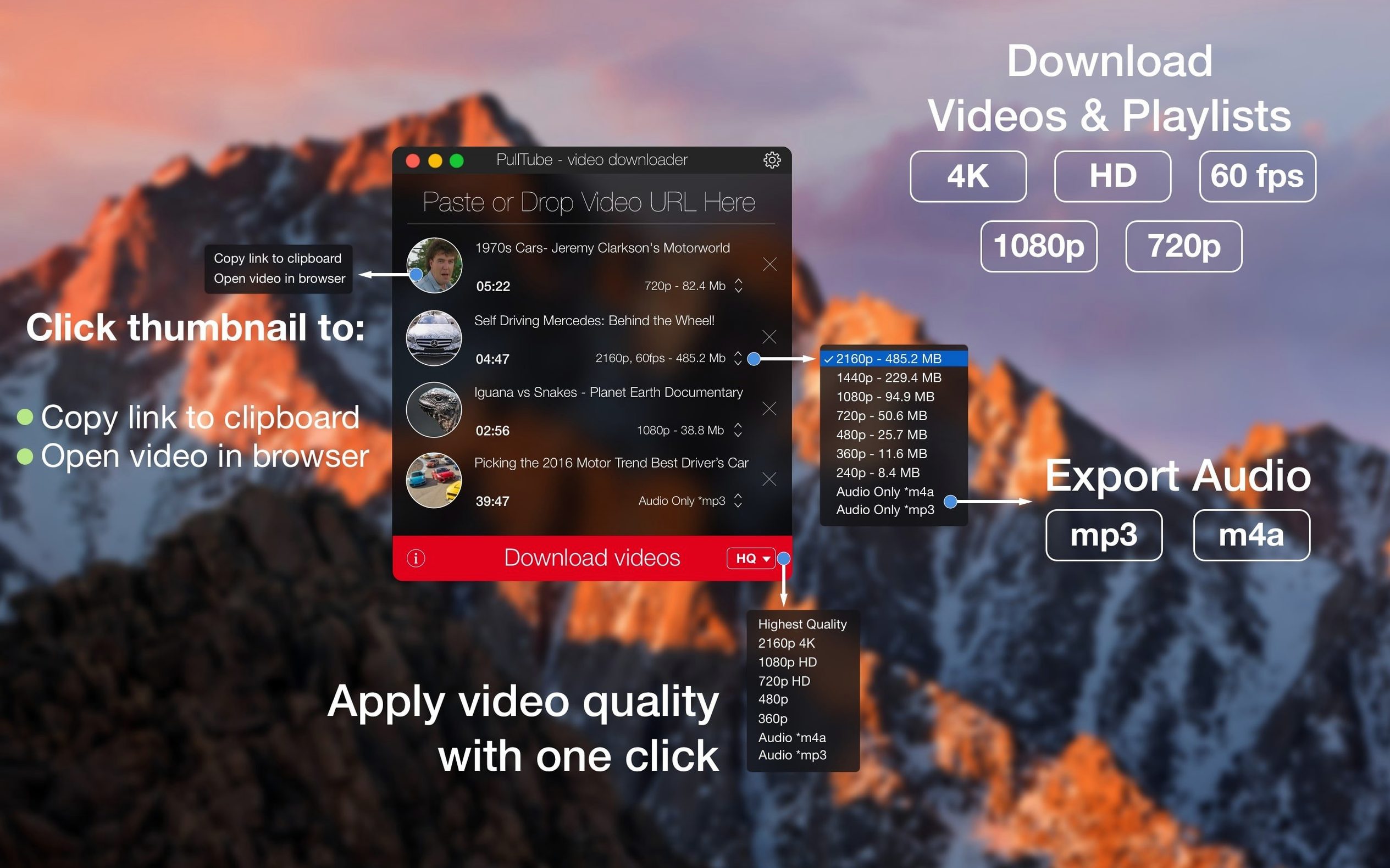
PullTube grabs video, audio, playlists and subtitles from supported websites. The developer says that covers more than 1,000 sites, with YouTube and Vimeo as the obvious starting points. You can paste a link or drag it straight into the app. Output quality goes from normal up to HD, 4K and the highest available, and there's an option to append that quality info to the file name so you always know what you've got. If you only need the sound, it extracts audio as MP3 or M4A.
For DJs, offline learners, and podcast travelers
This is for anyone who regularly saves clips from the web — maybe music videos for a DJ set, tutorials for offline reference, or podcasts to take on a flight. The app can quit automatically once all downloads finish, which is handy if you queue up a batch and walk away. PullTube keeps the process simple, and the interface is available in English, Russian, German, Spanish, Italian, French and Simplified Chinese.
How PullTube fits with the rest of your Mac
PullTube doesn't try to be a media player or a library manager — it just downloads. That means it works well alongside whatever you already use. The saved files land in a folder you choose, so you can point your video app, music player or DJ software at that same location. If you use QuickTime Player, IINA or even the default Music app for local files, PullTube hands them the content in a format they understand.
Because it outputs standard MP4, MP3 and M4A, you can also drag finished downloads straight into Finder tags or Smart Folders. I keep a Smart Folder that collects anything tagged "DJ" — PullTube puts the files there and my rekordbox library picks them up without extra steps. The app itself lives in the menu bar if you want, but the standard dock icon works fine for occasional use.
macOS's built-in sharing sheet isn't involved here, but PullTube does accept links from anywhere you can copy them — Safari, Chrome, Telegram, Twitter, whatever. Drag and drop from the browser address bar works too. It's one of those small things that saves a click every time.
A real scenario: saving a playlist for a flight
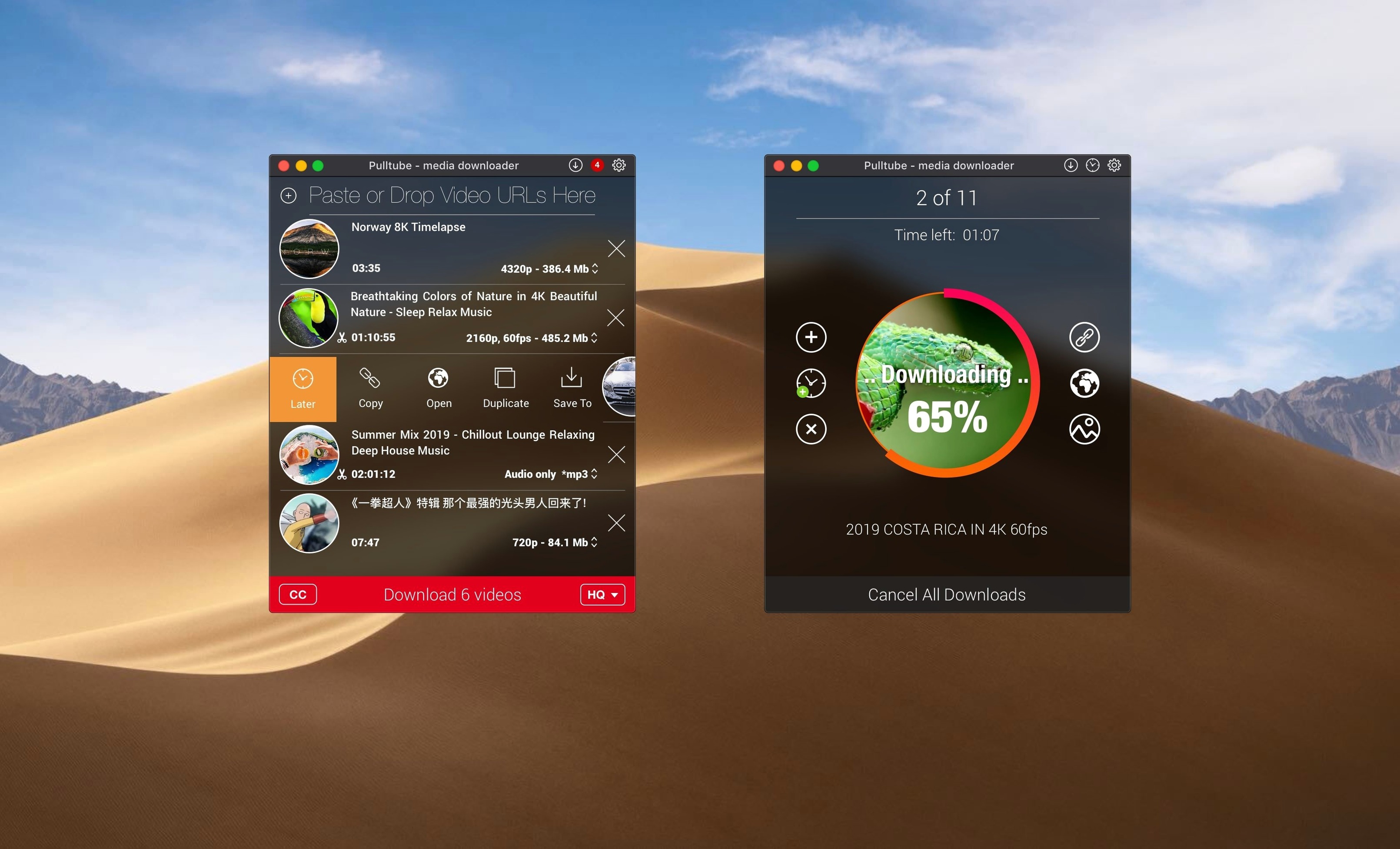
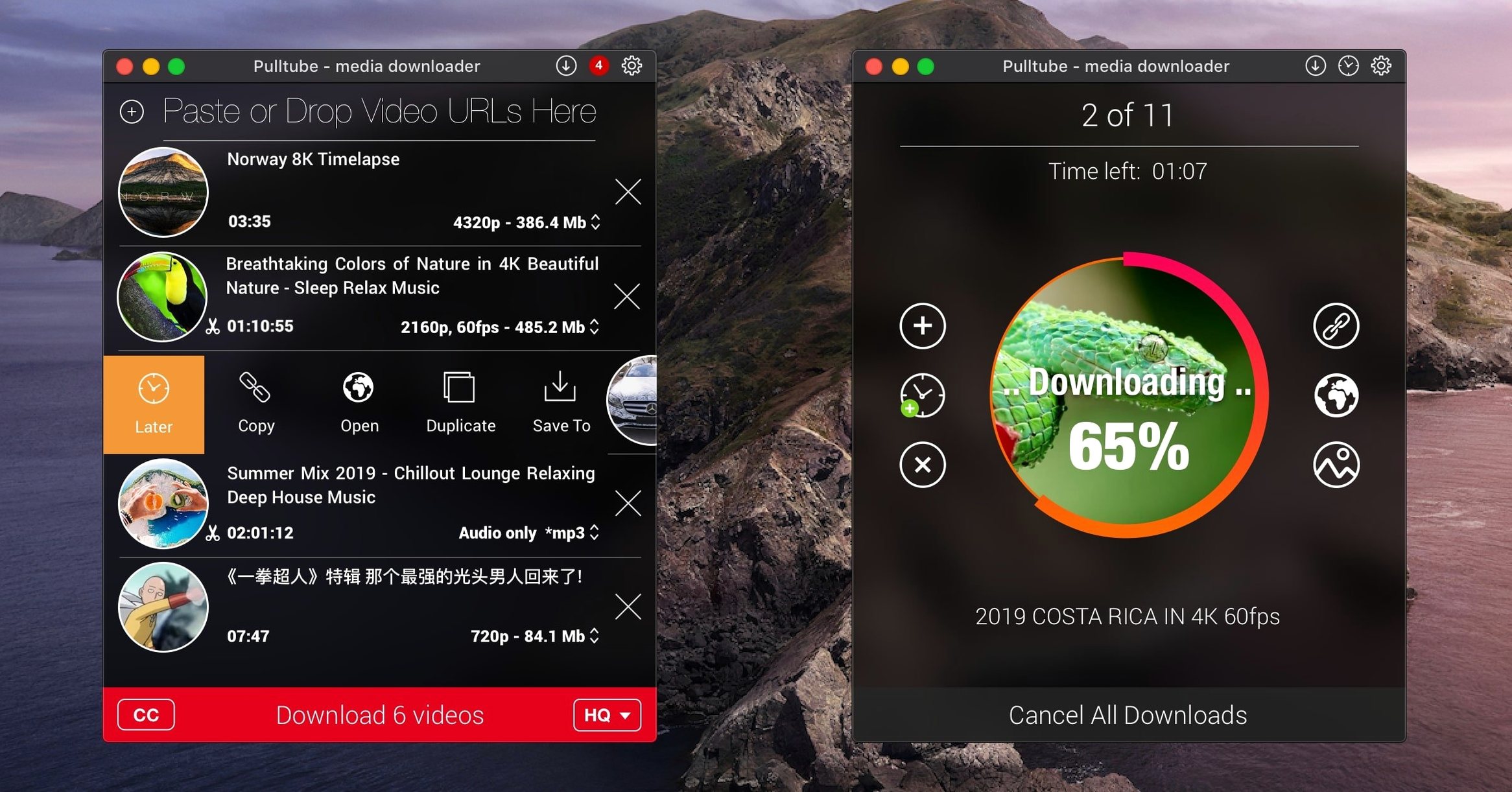
Say you've got a long train ride coming up and you want a dozen music videos from YouTube to watch offline. You copy the playlist URL, paste it into PullTube, and it detects the whole list — showing each video's title, duration and thumbnail before you commit. You tick the ones you want, pick 4K for the couple of videos you care about most and HD for the rest, then hit download. While it runs, you switch off the MacBook screen and let it finish. The "quit after all downloads" option means the app closes itself when it's done, so the machine doesn't sit awake needlessly. On the train, you open the files in VLC and that's it — no buffering, no mobile data used.
The same workflow works for audio-only too. If you only need the soundtrack, set it to MP3 or M4A and the app skips the video entirely. That's useful for pulling mixes off SoundCloud or talk shows off YouTube for listening later in the car.
Drag-and-drop links and quality in filenames
- Drag and drop anywhere. You don't need to click into the URL field. Drop a link onto the app window from any browser and it starts resolving.
- Quality info in the file name. Turn on the option and PullTube adds "4K" or "HD" to the saved file. When you've got a folder of downloads, you can see at a glance which ones are the high-res versions without opening them.
- Playlist detection works automatically. Paste a single video link that's part of a playlist and PullTube asks if you want the whole list. It catches the pattern before you even think about it.
- Subtitle support. For videos that include captions, PullTube can grab those too — useful if you're saving tutorials in a language you're still learning.
None of these are flashy, but they add up. The app stays out of your way, which is exactly what a downloader should do.
- macOS 11 or later
- Intel or Apple Silicon
Kit check at a glance
| System | macOS 11 or later |
| Chip | Apple Silicon, Intel 64-bit |
| Download | 250 MB |
| Older pressings | 3 in the crate |








Chat from the booth
Sign in or grab a free account to leave a comment.
Nobody has said a word in the booth yet. If you played a set with this build, tell the next person how it went.