

- Build in the crate
- 8.4.0 [MAS]
- Made by the team at
- ImageTasks Inc
- Menu languages offered
- English
- How you pay for it
- K'ed by TNT team
- macOS it plays on
- macOS 11 or later
- CPU it runs on
- Apple Silicon, Intel 64-bit
Screenshots
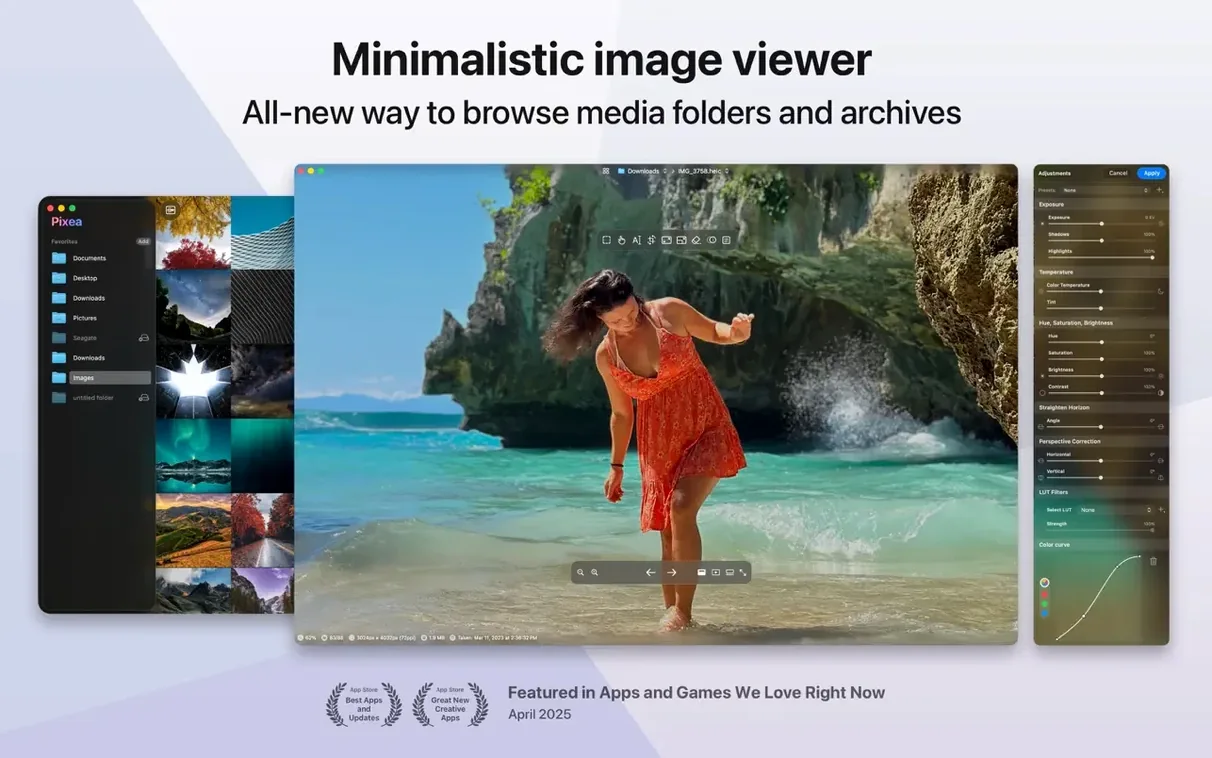
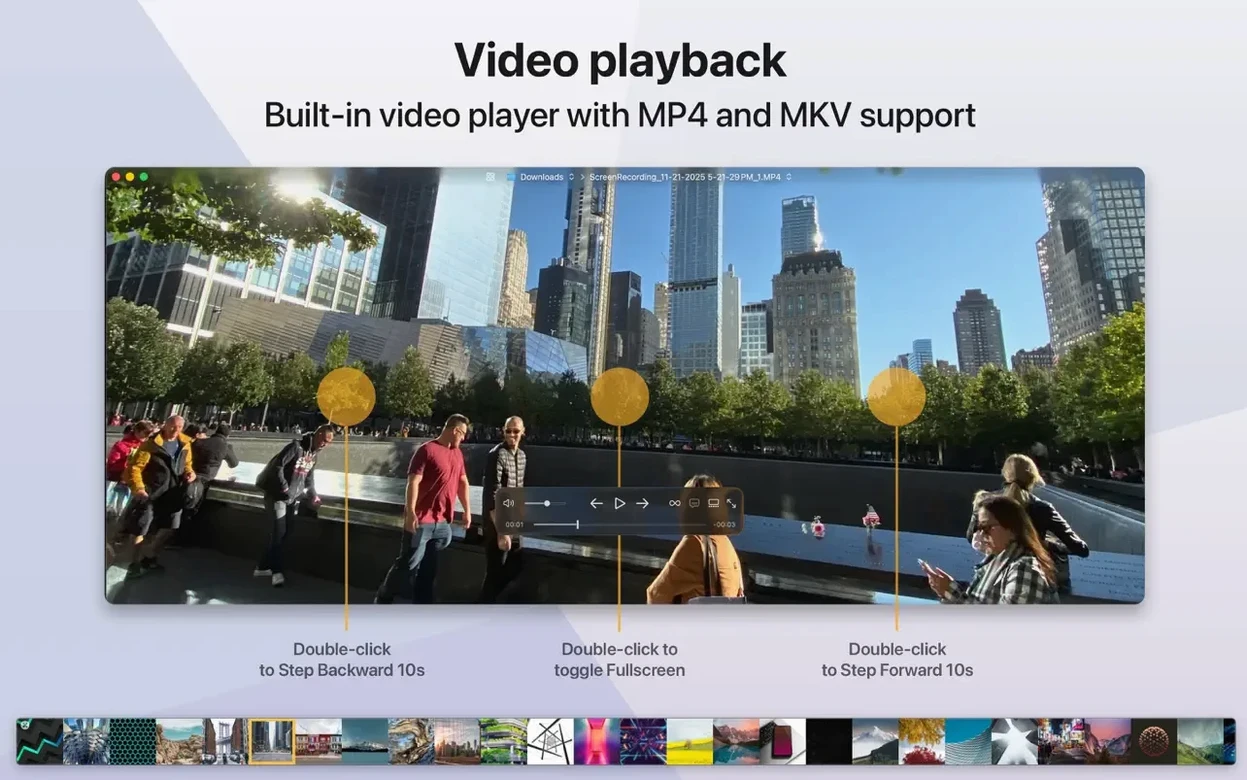
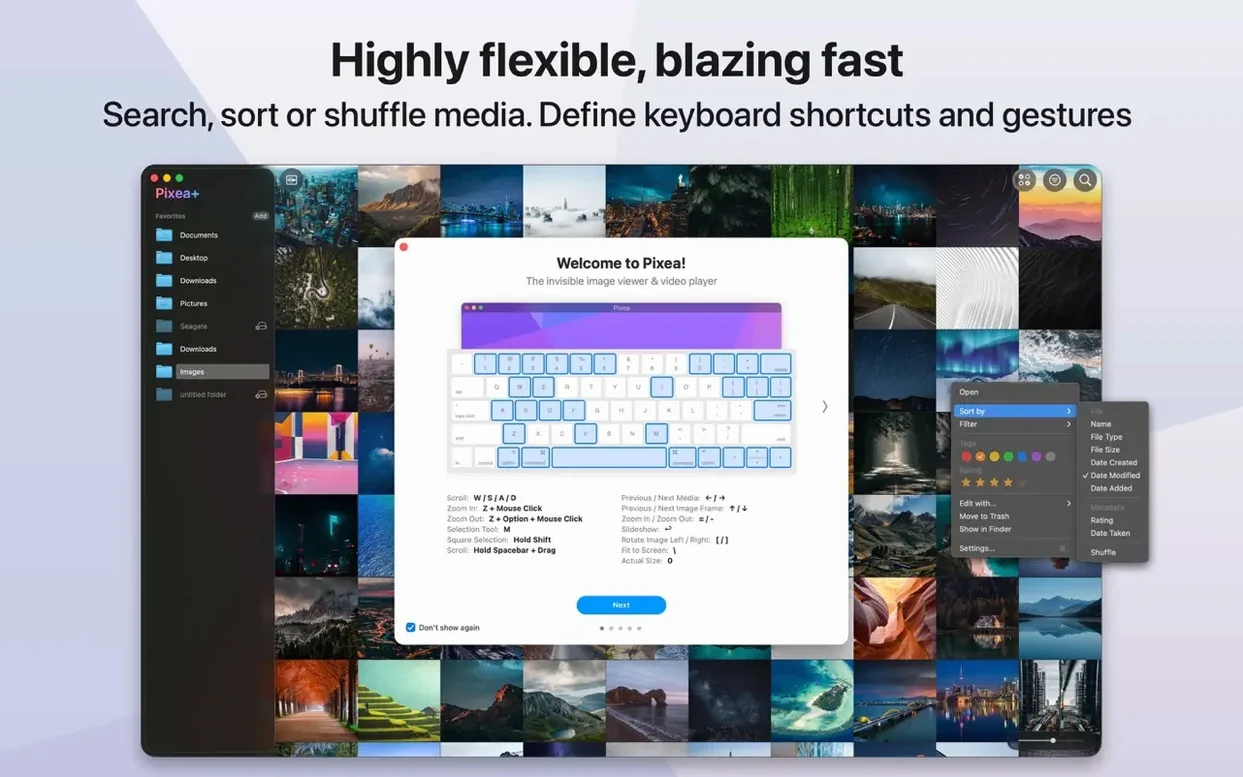
You grab a folder of photos from a shoot, double-click one, and wait. Pixea Plus opens it instantly, no import library, no waiting. It handles the formats you actually see — JPEG, HEIC, PSD, RAW, WEBP, PNG, GIF — and even opens ZIP archives without unpacking them first.
Viewing RAW files
If you shoot with a Leica, Sony, Nikon, Canon, or any of the other supported brands, Pixea Plus reads the RAW files directly. No conversion step, no extra plugin.
Quick edits
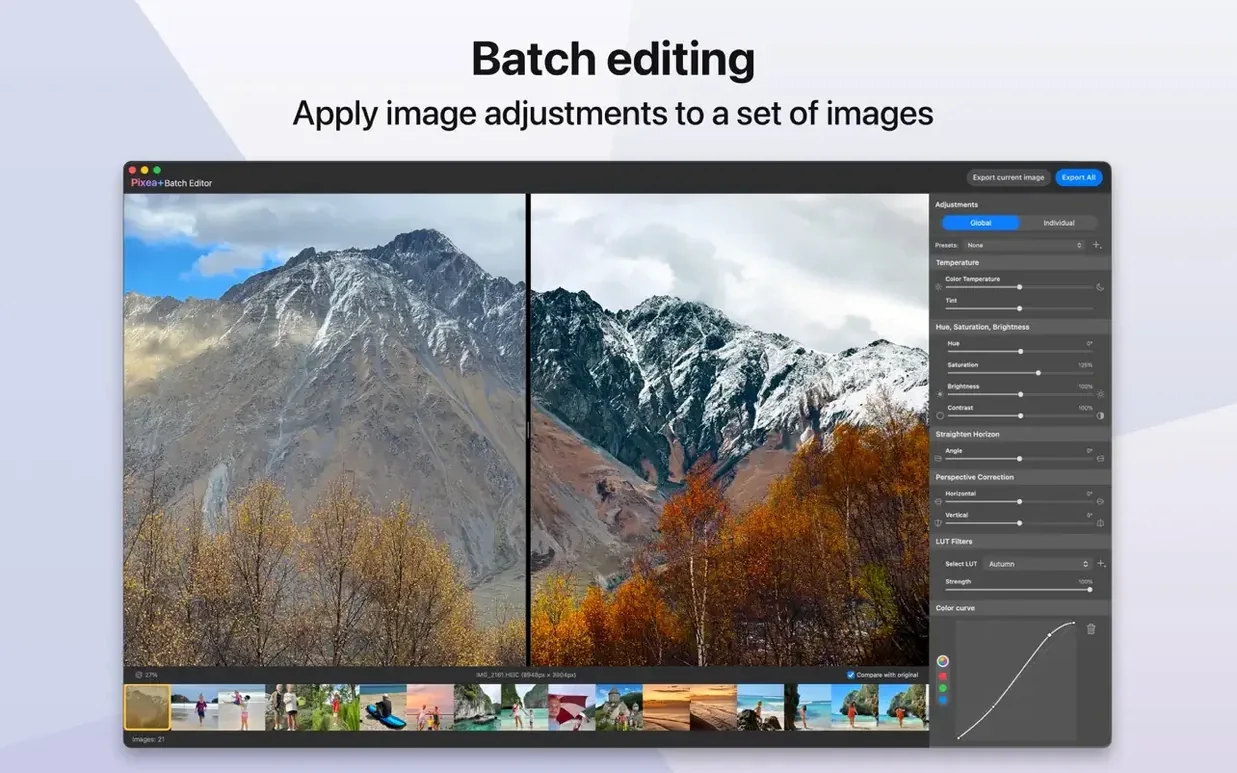
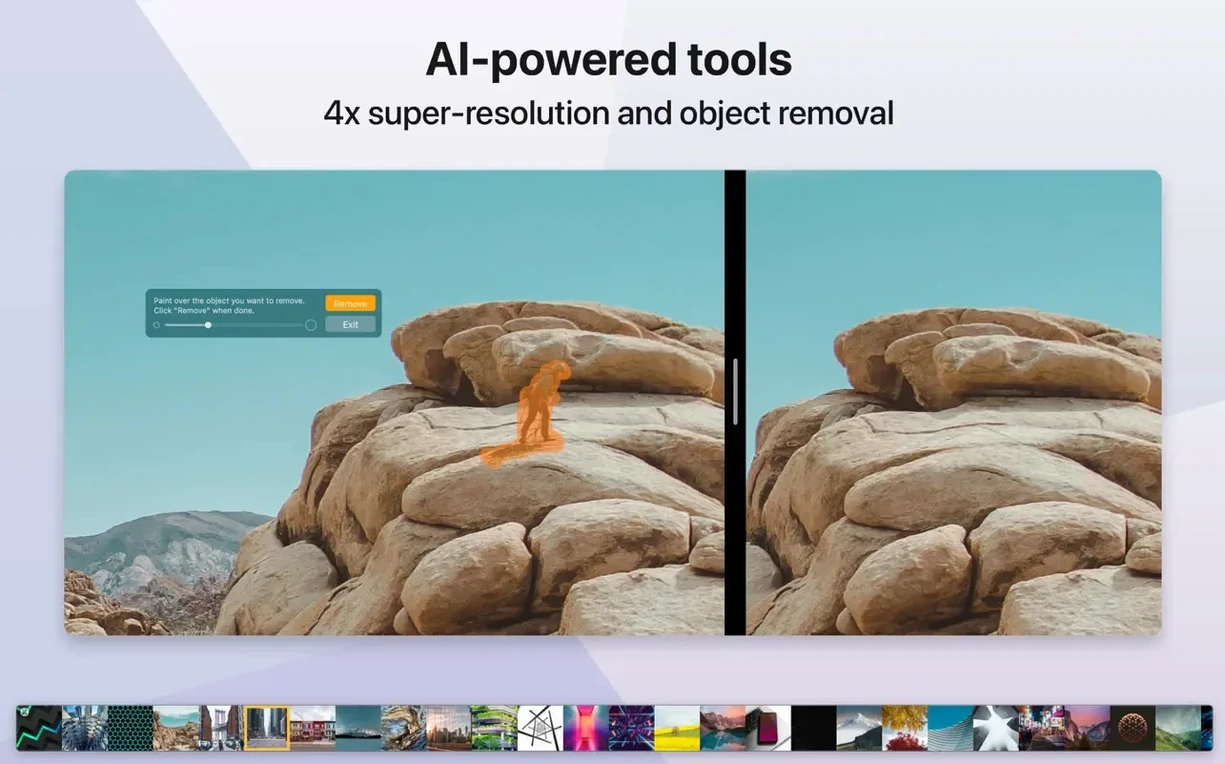
Basic editing tools are built in, so you can crop, rotate, or adjust without opening a heavy editor. The minimal interface keeps the image front and centre.
Undo and redo
Mistakes happen. The current version adds undo and redo actions, plus masks for more controlled tweaks. Runs on macOS 11 and later, on both Intel and Apple Silicon.
Set as default viewer in Finder
Pixea Plus lives alongside the rest of your Mac without trying to take over. You can set it as the default viewer for image files in the Finder’s Get Info panel, so every double-click opens straight into Pixea. Drag an image from the app into a Pages document, an email, or a chat window, and it behaves like any other file on the system.
Quick Look works as usual — press the spacebar on a file in the Finder and you still see the OS preview. When you need more detail, the Open With menu lets you jump straight to Pixea Plus from the Finder context menu. No import steps, no library to sync.
If you work with ZIP archives containing images, Pixea Plus opens them without extraction. That means you can preview a batch of photos from a compressed folder before deciding which ones to unpack fully. It saves a step in the middle of a busy workflow.
Trackpad gestures and keyboard shortcuts
- Trackpad gestures. Pinch to zoom, swipe to move between images. The gestures match what you expect from the rest of macOS, so they feel natural from the start.
- Keyboard shortcuts. Basic navigation and editing actions have keyboard shortcuts. You can move through a folder of images without reaching for the mouse.
- EXIF data and histogram. A single action shows the colour histogram and the full EXIF metadata. Useful when you need to check exposure settings or camera details fast.
- Pixea Image format. When you save in this format, the file keeps masks, non-destructive adjustments, and extra data. You can close the file and come back to edit later without losing your work.
- Masks for exposure, hue, and saturation. Masks are not just for selection. You create one and adjust exposure, hue, or saturation only in the masked region. It is a precise way to tweak part of an image without affecting the rest.
A specific workflow: reviewing and adjusting a RAW shoot
You have a folder of RAW files from a Canon shoot. You want to pick the keepers, do a few basic corrections, and export the selects.
- Open the folder in the Finder and double-click the first RAW file. Pixea Plus loads it directly — no import, no library setup.
- Swipe through the folder with trackpad gestures or keyboard shortcuts to mark your favourites. The app moves between images instantly, no thumbnails to wait for.
- For a shot that needs a small exposure fix, open the histogram to see where the tones sit. Then apply a mask to the area you want to adjust and tweak the exposure or saturation in that region only.
- If you overdo it, undo the step and try again. The undo and redo actions let you step back through changes.
- Save the corrected file in Pixea Image format if you plan to revisit the adjustments later. Otherwise, export to JPEG or PNG for sharing.
- When you are done, close Pixea Plus. The original RAW files stay untouched on disk. No library to close, no catalog to update.
The whole process stays inside a single app, from first look to final export. And because Pixea Plus is a viewer first, you never feel like you are fighting a library manager just to see a photo.
- Masks added.
- Pixea Image format added.
- Undo and redo actions added.
- macOS 11 or later
- Apple Silicon or Intel
- English interface
Kit check at a glance
| System | macOS 11 or later |
| Chip | Apple Silicon, Intel 64-bit |
| Download | 193 MB |
| Older pressings | 3 in the crate |
Chat from the booth
Sign in or grab a free account to leave a comment.
Nobody has said a word in the booth yet. If you played a set with this build, tell the next person how it went.