
- Build in the crate
- 4.0.11
- Made by the team at
- Charlie Monroe Software
- Menu languages offered
- Russian, English, German, Arabic, Afrikaans, Belarusian, Spanish, Italian, Chinese (Simplified), Persian, Portuguese, Ukrainian, French, Czech, Swedish
- How you pay for it
- Included
- macOS it plays on
- macOS 26 or later
- CPU it runs on
- Apple Silicon
Screenshots
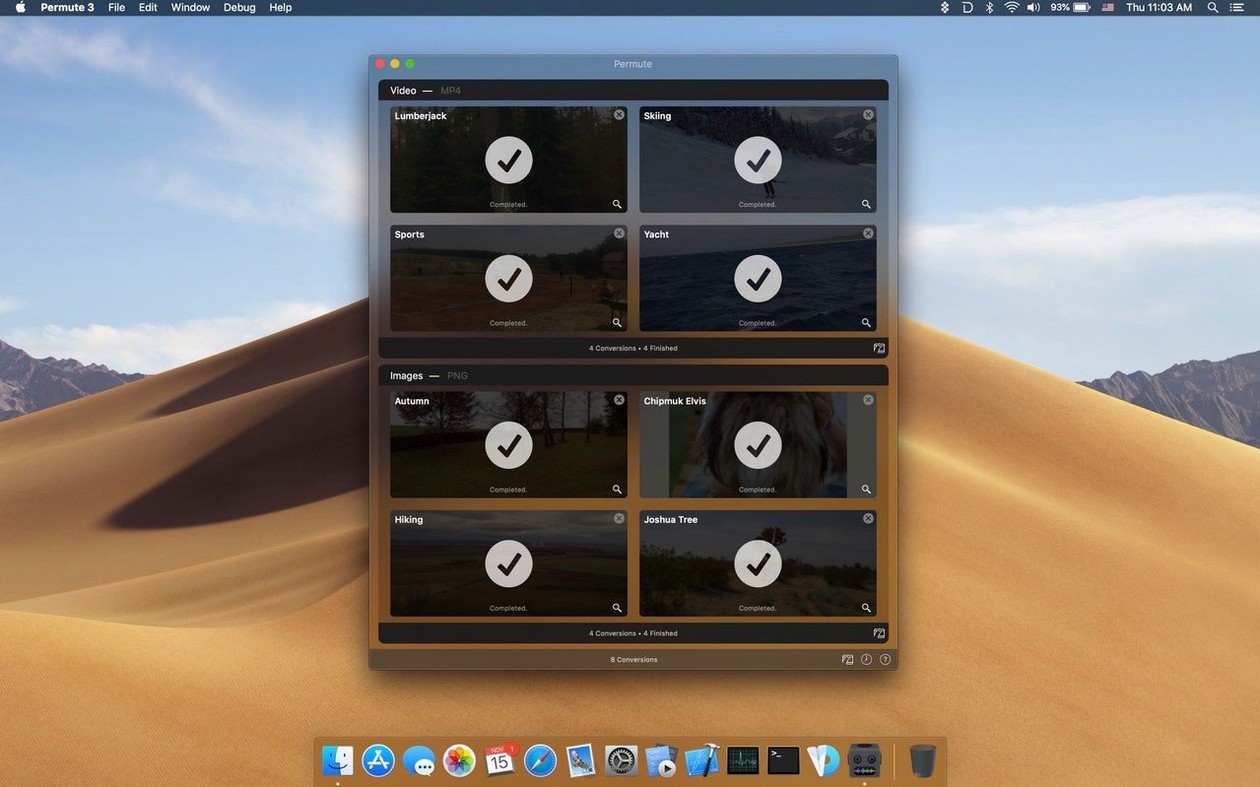
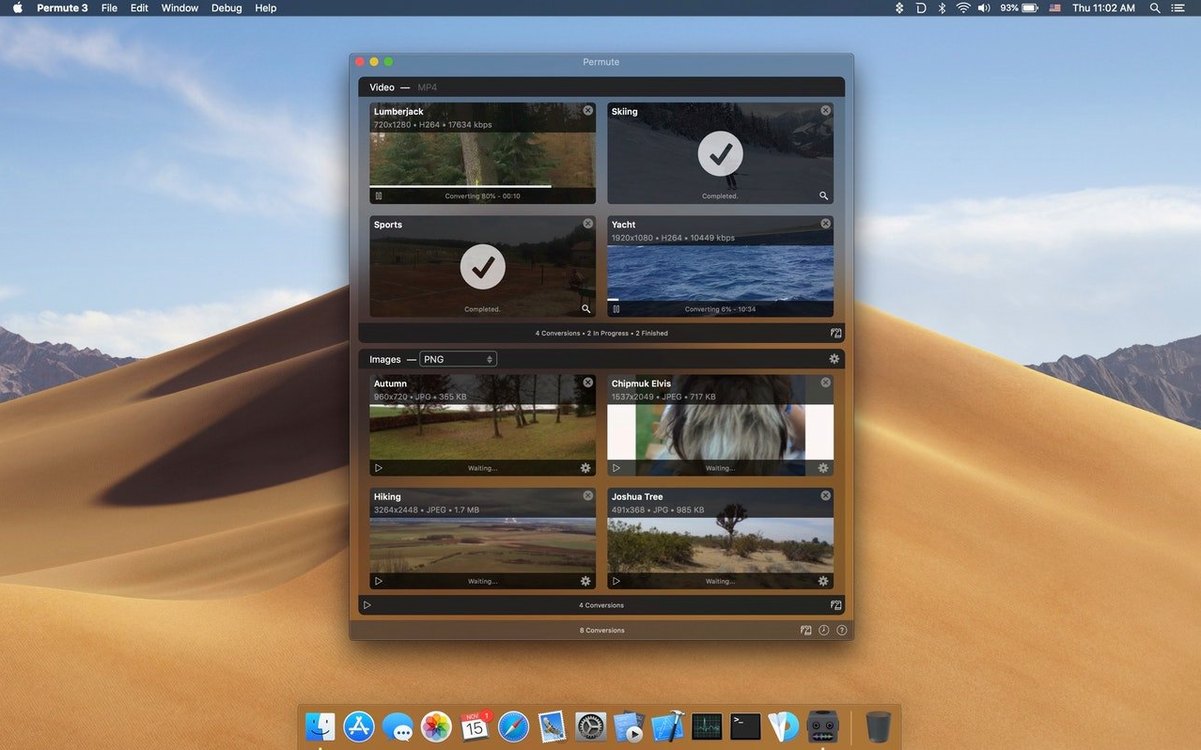
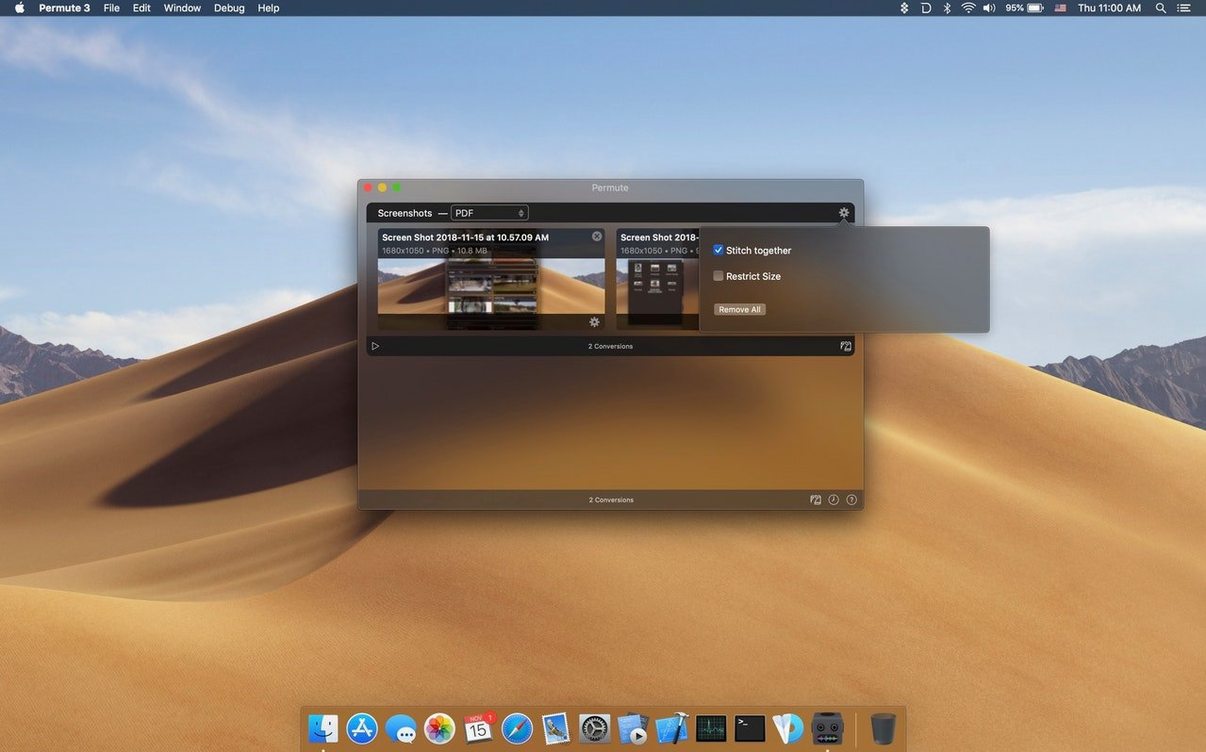
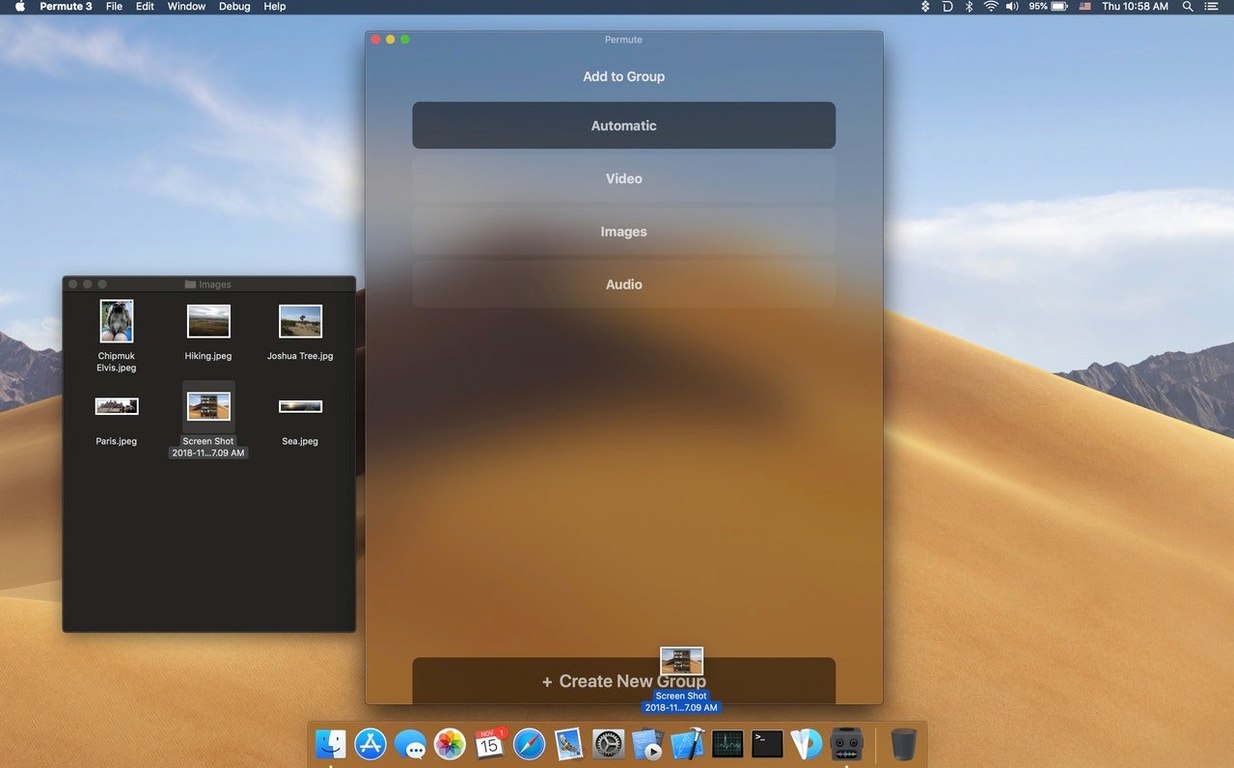
Permute 4 handles over 100 file formats — video, audio, images, and more. That’s the headline. What matters for someone who already knows that is what sits underneath: the tools you reach for when a quick conversion isn’t enough.
What it’s good for
- Adding a subtitle track to a video without re-encoding the whole thing.
- Merging two video files into one — useful when you’ve split a recording and want it back together.
- Batch converting a folder of mixed media into a single output format, all in one drag.
Single developer updates at their own pace
- Built by a single developer, so updates come at their own pace.
- Apple Silicon only — no Intel support in this version.
- Runs on macOS 26 and later.
Batching entire folders not individual files
The most common one is assuming you have to convert every file individually. Permute is built for batches — drag a whole folder in and it works through everything. New users often queue files one by one, which defeats the point.
Another is forgetting to check the output format before hitting convert. You drop in an MP4, it defaults to whatever format you used last, and suddenly you’ve got a MKV when you wanted a MOV. Quick glance at the preset bar saves that hassle.
People also overlook the merge feature because they think they need dedicated video editing software. Two clips side by side in the queue, select them both, pick the merge preset — done. No timeline, no export settings hunt.
And subtitles: beginners sometimes re-encode the whole video just to add a subtitle track. Permute can attach it without touching the video stream, which is faster and keeps the original quality.
Test with a small batch of mixed file types
Start with a small test batch. Take three or four files of different types — a video, an audio track, an image — and convert them to a common format. That confirms the presets behave the way you expect and gives you a feel for the queue workflow.
Set a default output folder early. Permute remembers it per session, so if you keep converting to the same place, you won’t dig through Finder later.
Try the merge preset with two short clips before you need it for something important. The result is a single video file with no cuts or gaps, and seeing it work once removes any uncertainty.
If you work with subtitles often, convert a test video with an SRT file attached. Check the subtitle track shows up in the output player. That five-minute check saves troubleshooting when you’re on a deadline.
Requires macOS 26 and Apple Silicon only
Permute 4 runs on macOS 26 or later and requires Apple Silicon. There is no Intel version for this release. The app itself is a standard Mac app — drag from the disk image to Applications, open from Launchpad, done.
The developer builds it alone, so don’t expect weekly updates. Version 4.0.11 is the current one, and the pace matches a single-person operation.
Language support is broad: English, German, French, Spanish, Italian, Portuguese, Swedish, Czech, Russian, Ukrainian, Belarusian, Arabic, Persian, Afrikaans, and Chinese (Simplified). The interface adapts to your system language if it’s in that list.
Under the hood, Permute uses FFmpeg libraries (LGPLv2.1). That’s the same engine many professional tools rely on, so the format support is as wide as you’d expect from something that wraps FFmpeg well.
For anyone searching, this is what you’d call a permute 4 mac download or a permute 4 download — the version number matters because the Intel-era releases won’t work here. Permute converts video and audio files between formats for everyday media tasks. This one is Apple Silicon only, macOS 26 minimum.
- macOS 26
- Apple Silicon
Kit check at a glance
| System | macOS 26 or later |
| Chip | Apple Silicon |
| Download | 84 MB |
| Older pressings | 6 in the crate |




Chat from the booth
Sign in or grab a free account to leave a comment.
Nobody has said a word in the booth yet. If you played a set with this build, tell the next person how it went.