

- Build in the crate
- 3.25.1 [MAS]
- Made by the team at
- Voros Innovation
- Menu languages offered
- Russian, English, German, Spanish, Italian, French
- How you pay for it
- K'ed by TNT team
- macOS it plays on
- macOS 12 or later
- CPU it runs on
- Apple Silicon, Intel 64-bit
Screenshots
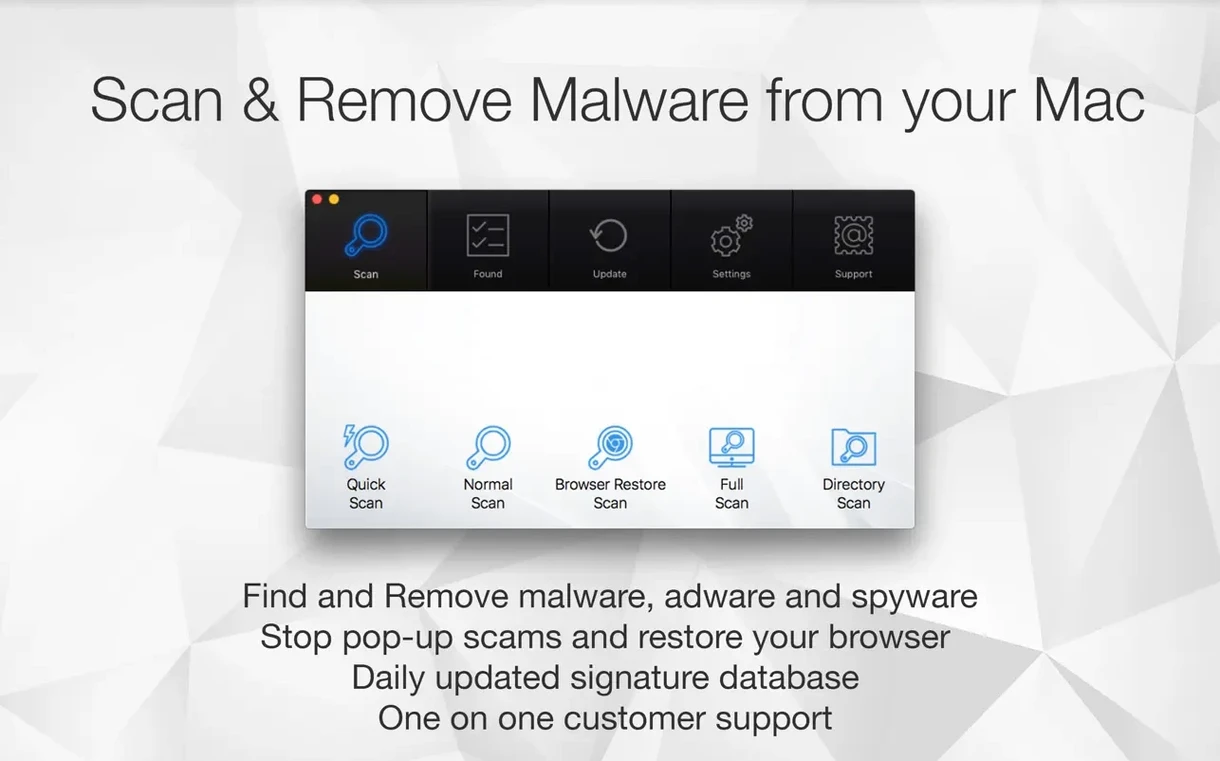
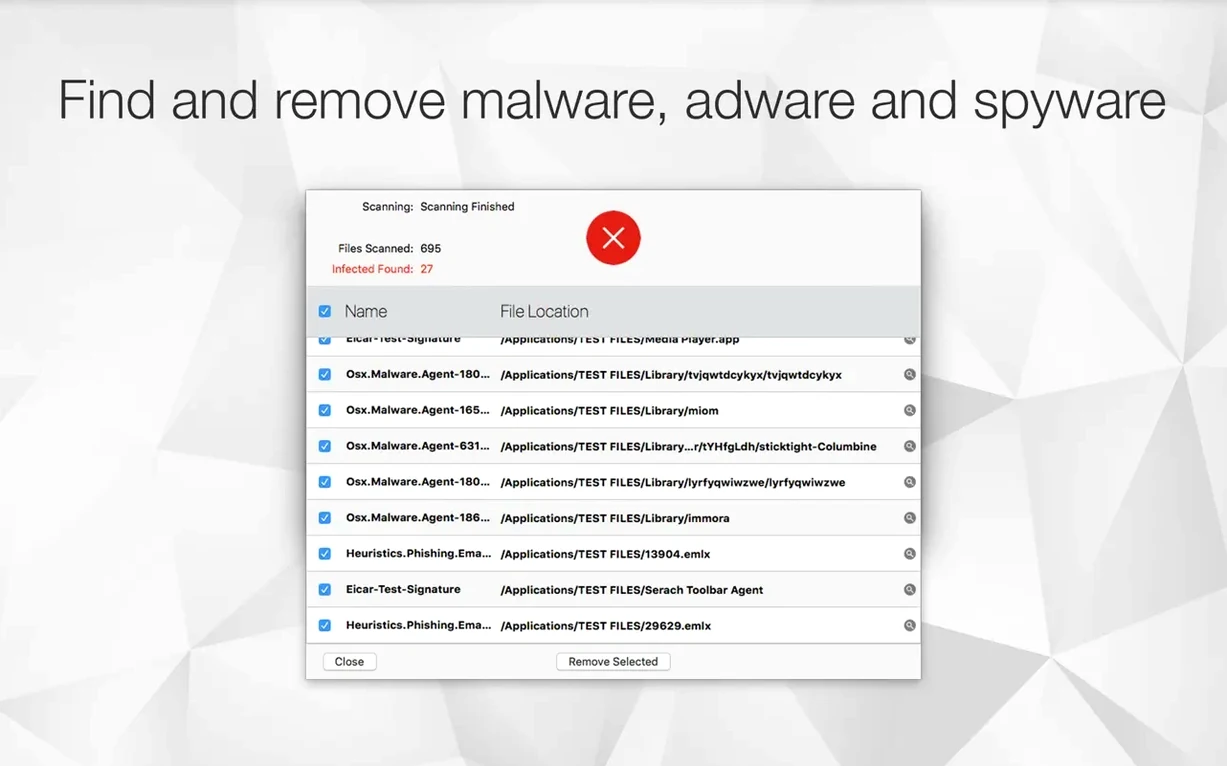
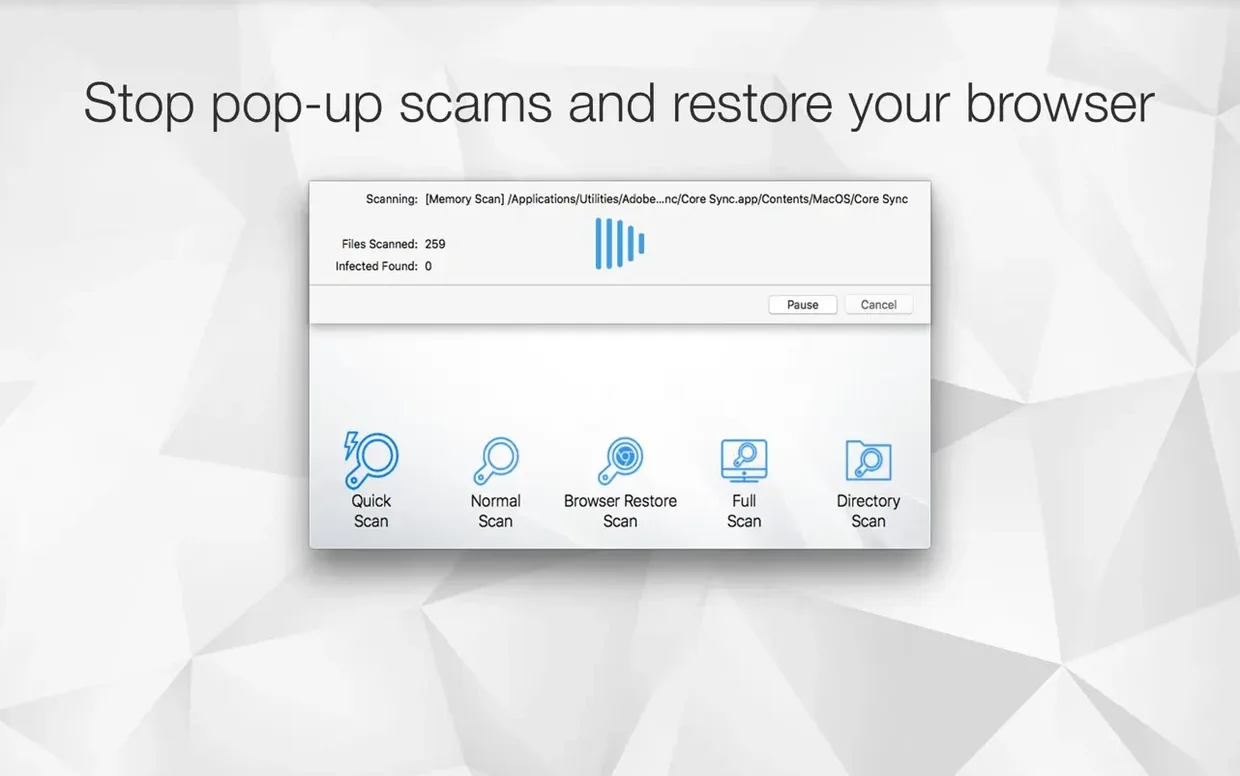
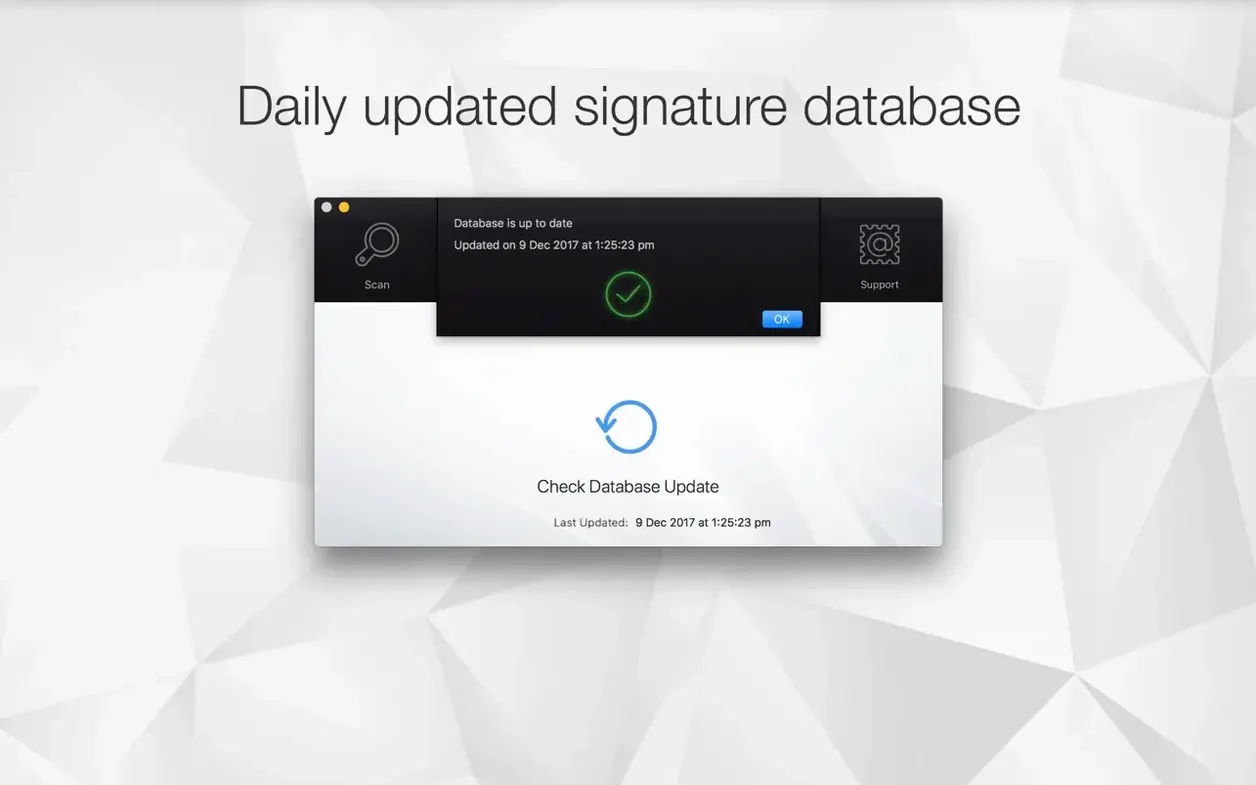
If you already use a tool like Malwarebytes to keep your Mac clean, Antivirus Zap offers a similar approach with a few extra tricks. It scans for malware and adware, but also handles file optimisation, conversion, and compression — all from one app.
Requires macOS 13 or later
Antivirus Zap requires macOS 13 or later. It works on both Intel and Apple Silicon Macs, so no compatibility worries if you are on an M-series machine. The interface is in English only. Just copy the app into your Applications folder and it is ready to go.
Scanning plus image and video optimisation
You get quick and standard scans to find threats, plus the ability to schedule scans once or multiple times daily. Beyond antivirus duties, it can optimise images, compress videos, adjust resolution, and convert HEIC, TIFF, MOV files to more common formats. Apple Shortcuts integration means you can automate tasks. Drag files into the app to optimise them — handy for cleaning up a batch of screenshots or video clips before sharing.
A weekend musician's workflow
I keep Antivirus Zap running in the background while I work on music projects. Before a DJ set, I often receive USB sticks from other DJs, or download samples and loops from various sources. Running a quick scan on those files before I copy them into my Ableton project folder saves me from unwanted surprises. The standard scan catches adware that sometimes piggybacks on free sample packs, and the Browser Restore Scan clears out any cookies or extensions that sneak in from sketchy download sites. It takes maybe a minute, and I can get back to arranging tracks.
After a gig, I batch-process the short video clips I recorded on my phone. I drag the MOV files into Antivirus Zap, compress them, and convert them to a smaller format — all in one go. No need to open a separate video editor just to shrink a few clips. The Dropshare integration means I can upload the optimised files straight to cloud storage for the promoter or for social media. That workflow saves me several steps compared to doing it manually.
How it plays with other apps and macOS
Antivirus Zap slots into macOS in a few useful ways. Finder integration lets you right-click on files or folders and run optimisation or scanning without opening the app first. That is the kind of shortcut that makes a difference when you are moving fast. Apple Shortcuts support means you can build automations — for example, a shortcut that scans your Downloads folder every hour and compresses any new video files automatically. I have one that runs a quick scan before I shut down for the night.
The file conversion feature handles HEIC, TIFF, and MOV formats, which covers the main formats photographers and videographers run into. If you get a batch of HEIC screenshots from an iPhone, you can drag them into Antivirus Zap and convert them to JPEG in one step. The video compression and resolution adjustment help when you need to email a clip or upload it somewhere with file size limits. It is not a full media converter, but it covers the everyday cases without launching a heavy app like HandBrake or GIMP.
Now runs on macOS 13 and Apple Silicon
The current version, 3.3.3, is built by The low-tech guys. It keeps the same core scanning and optimisation features but runs on macOS 13 and later on both Intel and Apple Silicon. For me, the biggest practical difference is that the app launches faster on my M-series Mac than earlier versions did — though I will not quote numbers. The Shortcuts integration has been solid, and the Browser Restore Scan still reliably cleans up after a session of browsing for samples or plugins. If you run an antivirus mac torrent search or look for an antivirus zap mac download, version 3.3.3 is the one you will find, and it works as expected on current macOS releases.
- macOS 13 or later
- Intel or Apple Silicon Mac
Kit check at a glance
| System | macOS 12 or later |
| Chip | Apple Silicon, Intel 64-bit |
| Download | 49 MB |
| Older pressings | 1 in the crate |



Chat from the booth
Sign in or grab a free account to leave a comment.
Nobody has said a word in the booth yet. If you played a set with this build, tell the next person how it went.