
- Build in the crate
- 3.3.10
- Made by the team at
- BitCave Ltd.
- Menu languages offered
- English
- How you pay for it
- K'ed by TNT team
- macOS it plays on
- macOS 10.12 or later
- CPU it runs on
- Intel 64-bit
Screenshots
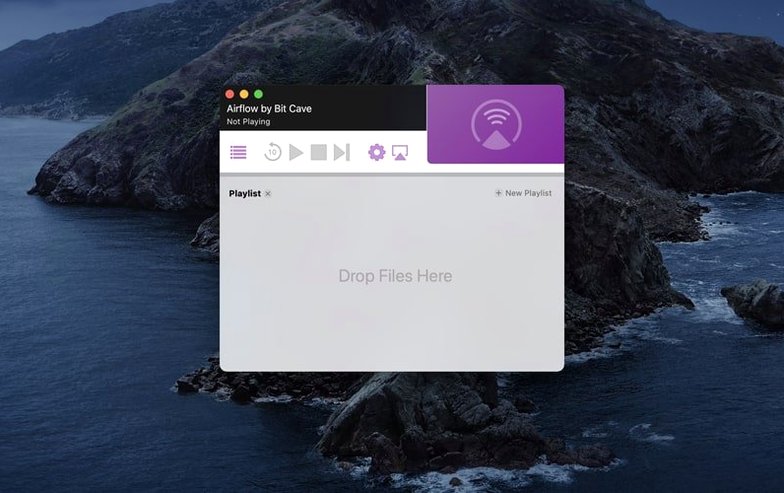
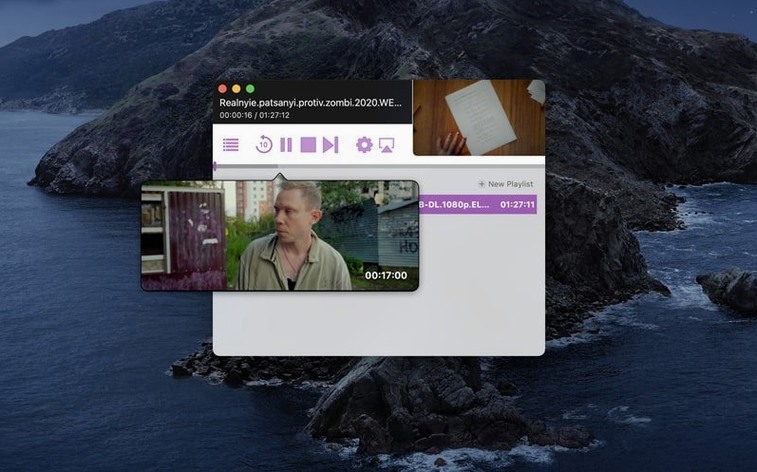
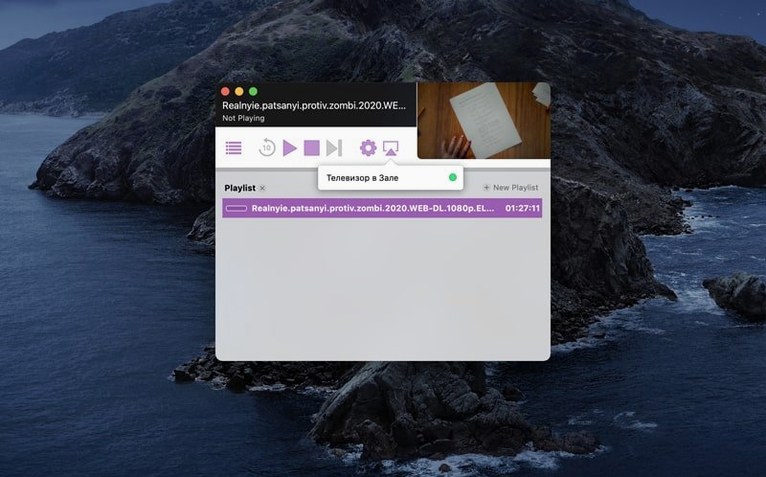
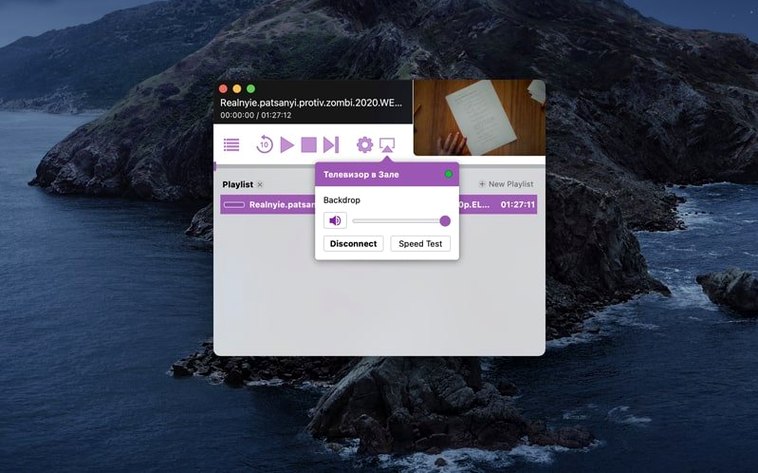
Airflow solves a simple problem: getting video from your Mac onto a TV or speaker without cables. You pick a Chromecast device in the app, choose your file, and playback starts. That is the surface level.
What the interface does not tell you
For an experienced user, the value is in what Airflow handles behind the scenes. It streams a range of video formats the Mac itself can play, so you are not limited to MP4. The device selection is direct — no pairing menus, no extra services. Once a stream starts, the app stays out of the way. You can minimise it and control playback from the menu bar or keyboard. That matters when you are casting a long film or a playlist.
Where Airflow fits in a workflow
If you keep media files on your Mac and want them on a bigger screen without converting or uploading, Airflow is the direct route. It does not transcode on the fly unless it has to, which keeps the stream snappy. For anyone who casts regularly — whether it is a lecture recording, a DJ set recording or a personal video — the lack of extra steps makes it a tool you reach for often.
Airflow is straightforward out of the box, but a few settings are worth checking before you start your first stream. The app keeps things minimal, so there are no deep preference panels to hunt through. Look for the option to adjust the stream quality — setting it to match your network saves you from buffering during a film. If you cast to a speaker group, check that the audio output setting points to the right device. These tweaks take seconds and make the difference between a stream that just works and one that demands your attention mid-playback.
Runs on macOS 10.12 or later with 64-bit Intel
Airflow 3.3.10 runs on macOS 10.12 or later, and the build is 64-bit Intel. That means it works on any Mac from late 2012 onwards that still runs a supported system. The app itself is light — it does not install background processes or launch agents. You mount the disk image, bypass Gatekeeper once, and drag it into Applications. After that, it lives quietly in your menu bar when you need it.
The interface language is English, so there are no localisation menus to navigate. The app communicates directly with Chromecast devices on your network, so it needs the same Wi-Fi network as the dongle or TV. No cloud accounts, no sign-in prompts. It is a local tool for local files.
Faster Chromecast device discovery after launch
The current release, 3.3.10, is a refinement of what came before. If you have used Airflow 3.3.9 or earlier, you will notice that device discovery feels more reliable — the app finds Chromecast devices on the network faster after launch. That cuts down the time between opening the app and pressing play.
Drag and drop still works the same way: grab a file from Finder, drop it onto the Airflow window, pick your device. The playback controls remain in the menu bar, so you can pause or skip without bringing the window forward. For anyone who casts regularly, these small updates remove friction without changing the workflow you already know.
If you are coming from an older version, the file compatibility list has not shrunk. Airflow still streams whatever the Mac can play natively, which keeps things simple. No extra codecs to install, no format guessing.
- macOS 10.12 or later
- Intel processor
Kit check at a glance
| System | macOS 10.12 or later |
| Chip | Intel 64-bit |
| Download | 69 MB |
| Older pressings | 1 in the crate |




Chat from the booth
Sign in or grab a free account to leave a comment.
Nobody has said a word in the booth yet. If you played a set with this build, tell the next person how it went.