
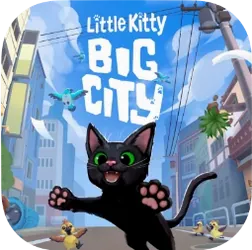
- Build in the crate
- 1.25.9.04 Build 5463 [Wineskin]
- Made by the team at
- Double Dagger Studio
- Menu languages offered
- Russian, English, German, Spanish, Italian, Chinese (Traditional), Chinese (Simplified), Korean, Polish, Portuguese, Turkish, French, Japanese
- How you pay for it
- Not required
- CPU it runs on
- Apple Silicon
- Played on
- macOS Sequoia, MacBook Air (M1. 2020)
- Dropped on
- 9.05.2024
- Spoken voice in
- Music only
Screenshots
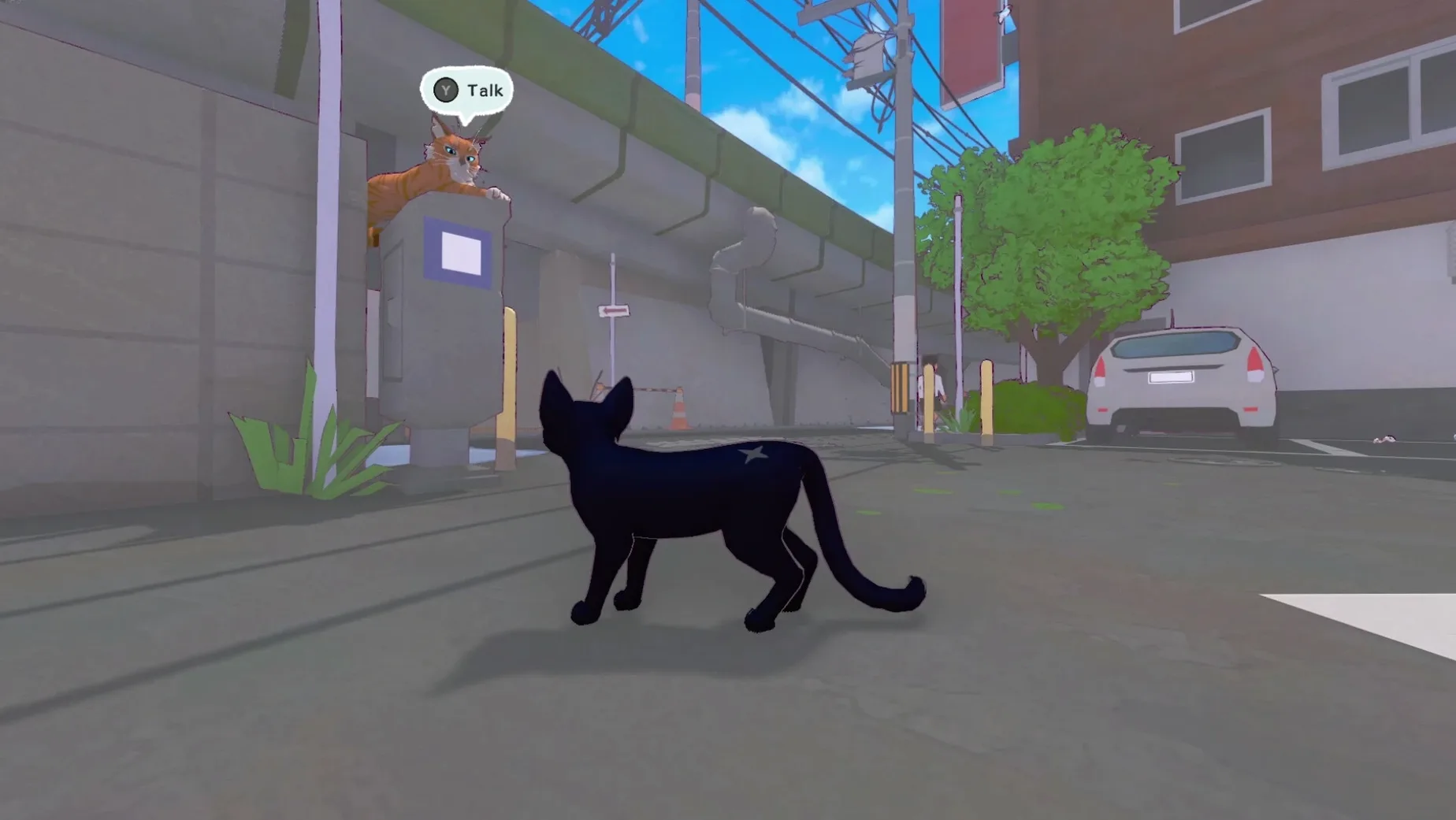
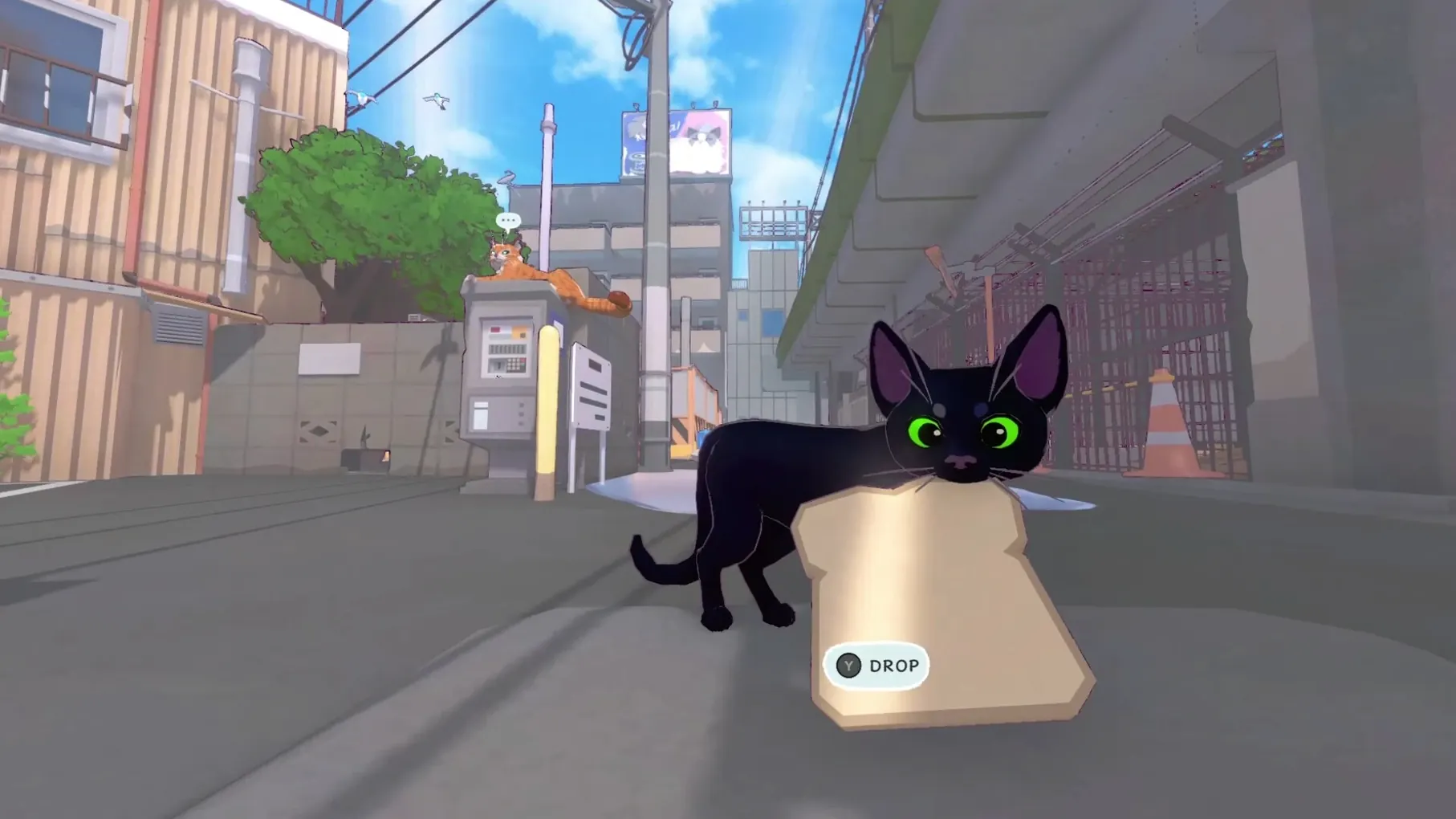
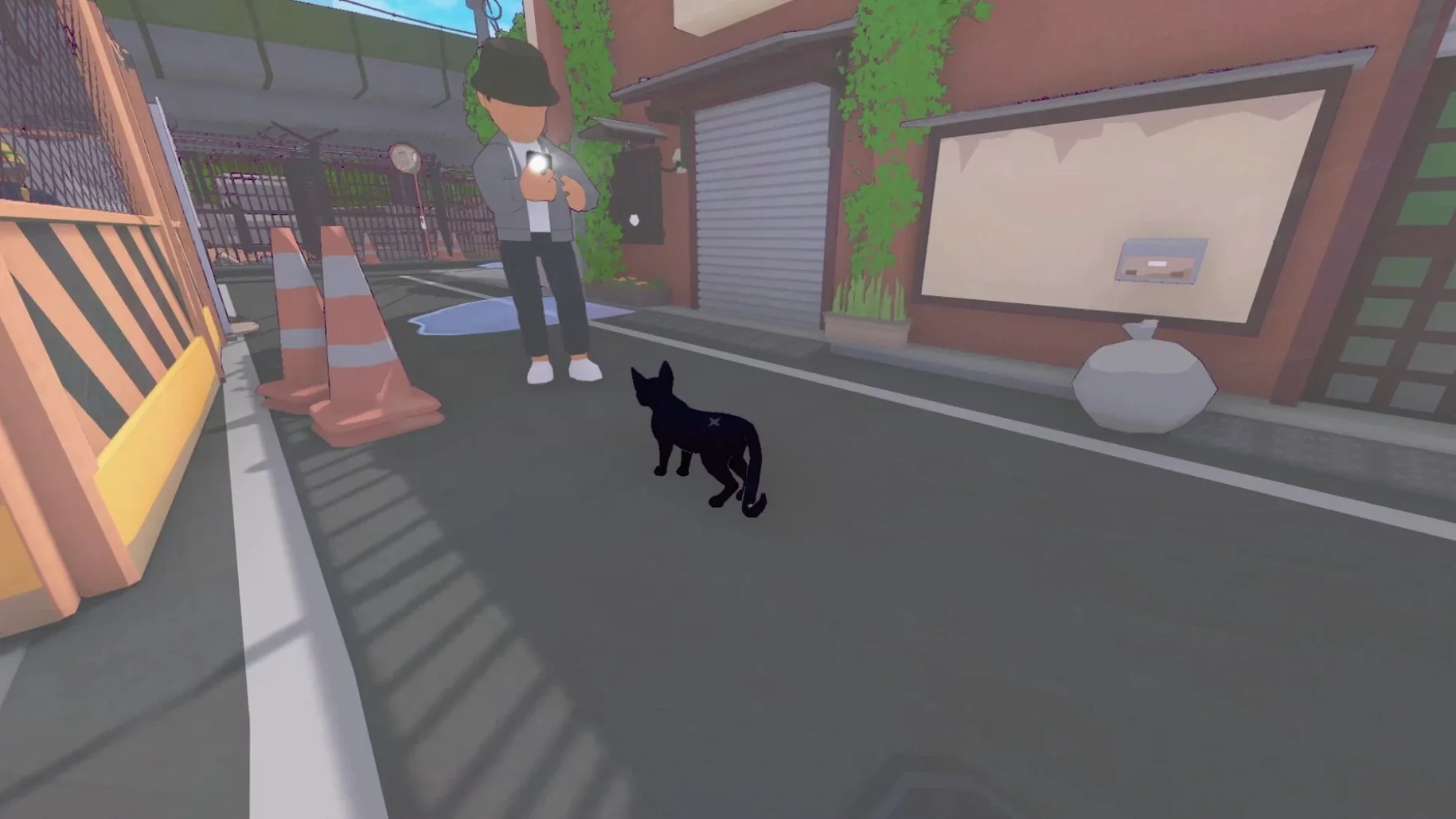
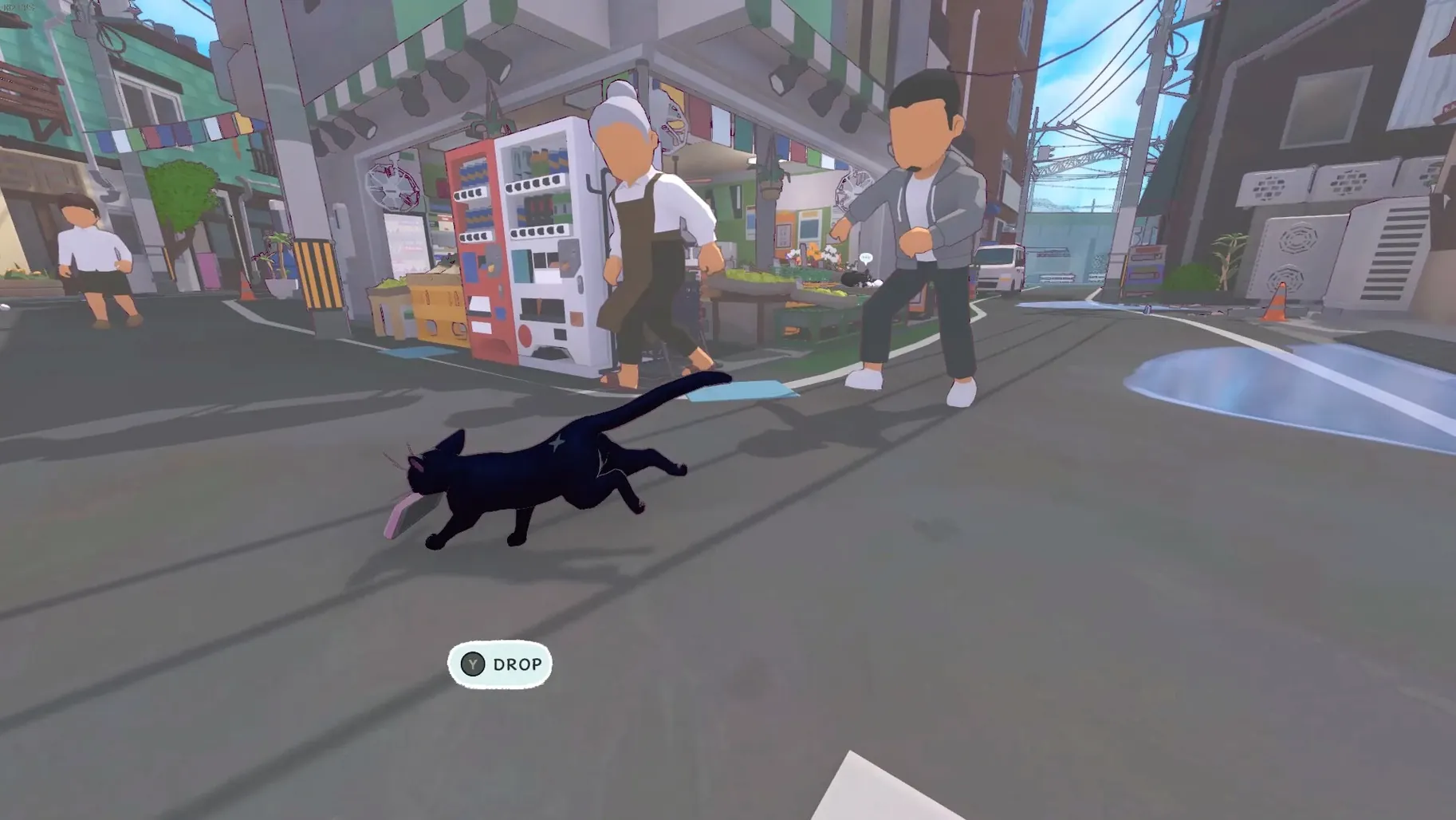
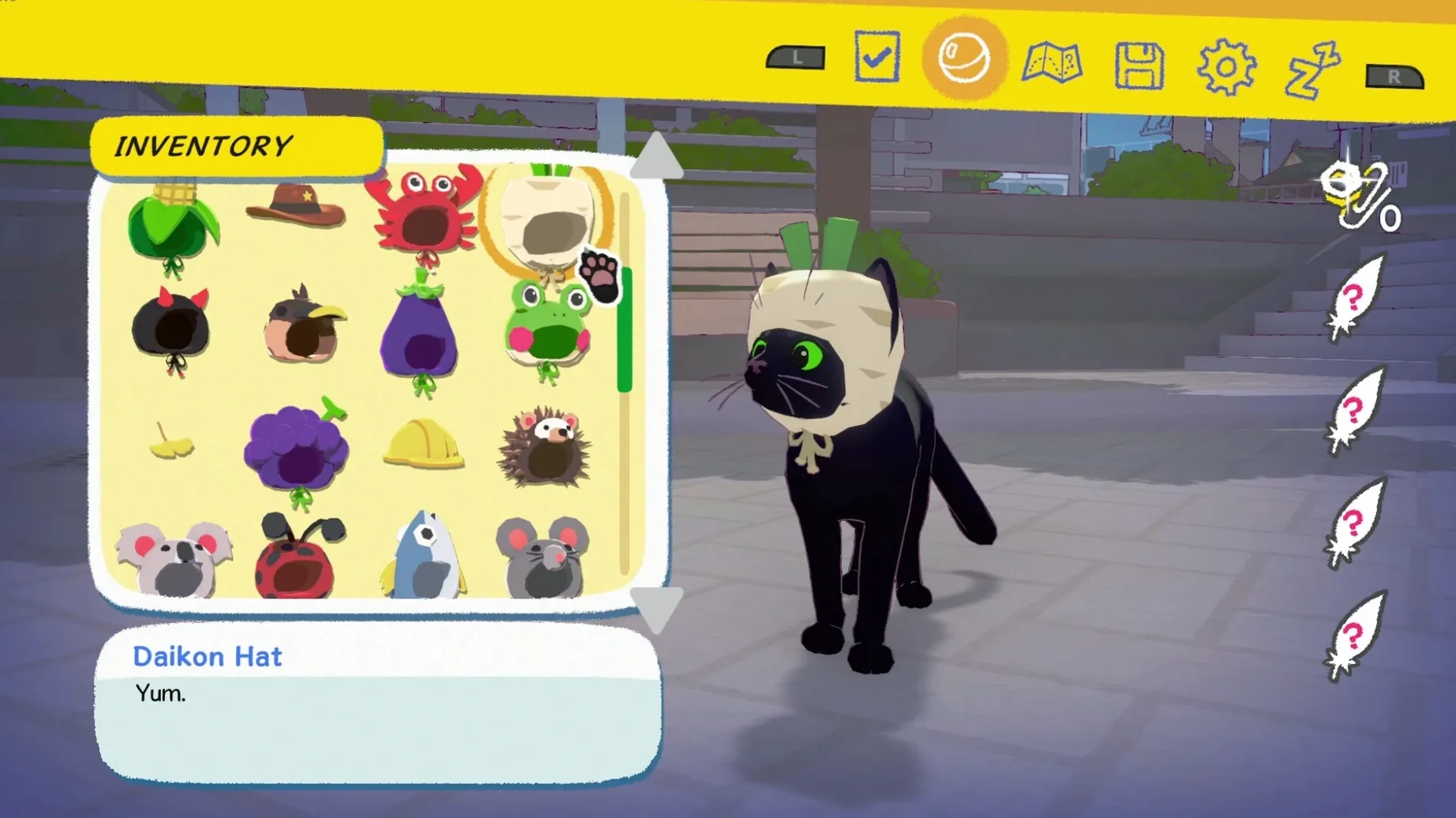
If you've ever watched a cat wander through a neighbourhood and wondered what it's thinking, Double Dagger Studio's Little Kitty, Big City gives you a playful answer. It's an open-world cat adventure where you tip-toe across rooftops, nap in sunbeams, and cause gentle mischief.
ARM-native Wineskin build, no new features
Version 1.25.9.04 Build 5463 [Wineskin] doesn't introduce new features — it's the same charming game from May 2024, tuned for Apple Silicon Macs. The build is ARM-native via Wineskin, so it runs on M1 and later without extra fuss.
Does it still have the hat collection?
Yes. You can find and wear a variety of hats on your kitten, from a paper bag to more creative headgear. The game also lets you befriend other animals around the city, each with their own little quests.
Can you just relax in it?
Absolutely. If you're not chasing tasks, your kitten can curl up in a patch of sunlight and sleep. It's that simple, and it's part of the game's charm.
12 languages including Russian and Korean
The game includes Russian, English, German, Spanish, Italian, Traditional Chinese, Simplified Chinese, Korean, Polish, Portuguese, Turkish, French, and Japanese. So you can play in your own tongue or practise another.
no combat, time limits, or fail states
Three kinds of Mac users will enjoy Little Kitty, Big City the most. First, anyone who plays adventure games but wants a low-pressure experience — no combat, no time limits, no fail states. You explore at your own speed, and the city rewards curiosity rather than skill.
Second, cat fans. If you've ever wished a game would just let you be a cat, this is it. The animations, the sleeping poses, the way the kitten bats at things — it's clearly made by people who watch cats closely.
Third, Mac users who own Apple Silicon machines and want something light to play between tasks. The Wineskin build means it runs without Rosetta, and the game itself isn't demanding. It's the kind of thing you open for twenty minutes and end up staying for an hour because you found a duck to follow.
offline play, no login required
Does it need an internet connection?
No. Once it's installed, you can play offline. Activation is not required, so there's no login screen or launcher to get past.
It was tested on macOS Sequoia on a 2020 MacBook Air with M1. If you have an Intel Mac, this particular version won't run — the Wineskin wrapper is compiled for ARM.
Is it the same game as on Windows?
Yes. This is the full Little Kitty, Big City experience from Double Dagger Studio, just packaged for macOS. All the content, quests, animals, hats and open-world wandering are here.
What if it doesn't launch?
The disk image includes a file called Fix. Run that once, then try launching again. That covers most startup issues on Apple Silicon.
Can I change the language after installing?
Yes. The game includes thirteen languages, and you can switch them inside the settings once it's running.
- macOS: not specified (tested on macOS Sequoia)
- Architecture: Apple Silicon (ARM)
- Other: none
Kit check at a glance
| Chip | Apple Silicon |
| Download | 1 GB |
| Older pressings | 1 in the crate |






Chat from the booth
Sign in or grab a free account to leave a comment.
Nobody has said a word in the booth yet. If you played a set with this build, tell the next person how it went.