

- Build in the crate
- 1.2.0 Native
- Made by the team at
- Gambir Studio
- Menu languages offered
- English, German, Indonesian, Chinese (Traditional), Chinese (Simplified), Portuguese, Thai
- How you pay for it
- Not required
- CPU it runs on
- Apple Silicon, Intel 64-bit
- Played on
- macOS Golden Gate, Mac mini 2024 M4
- Dropped on
- 07.04.2026
- Spoken voice in
- Music only
Screenshots
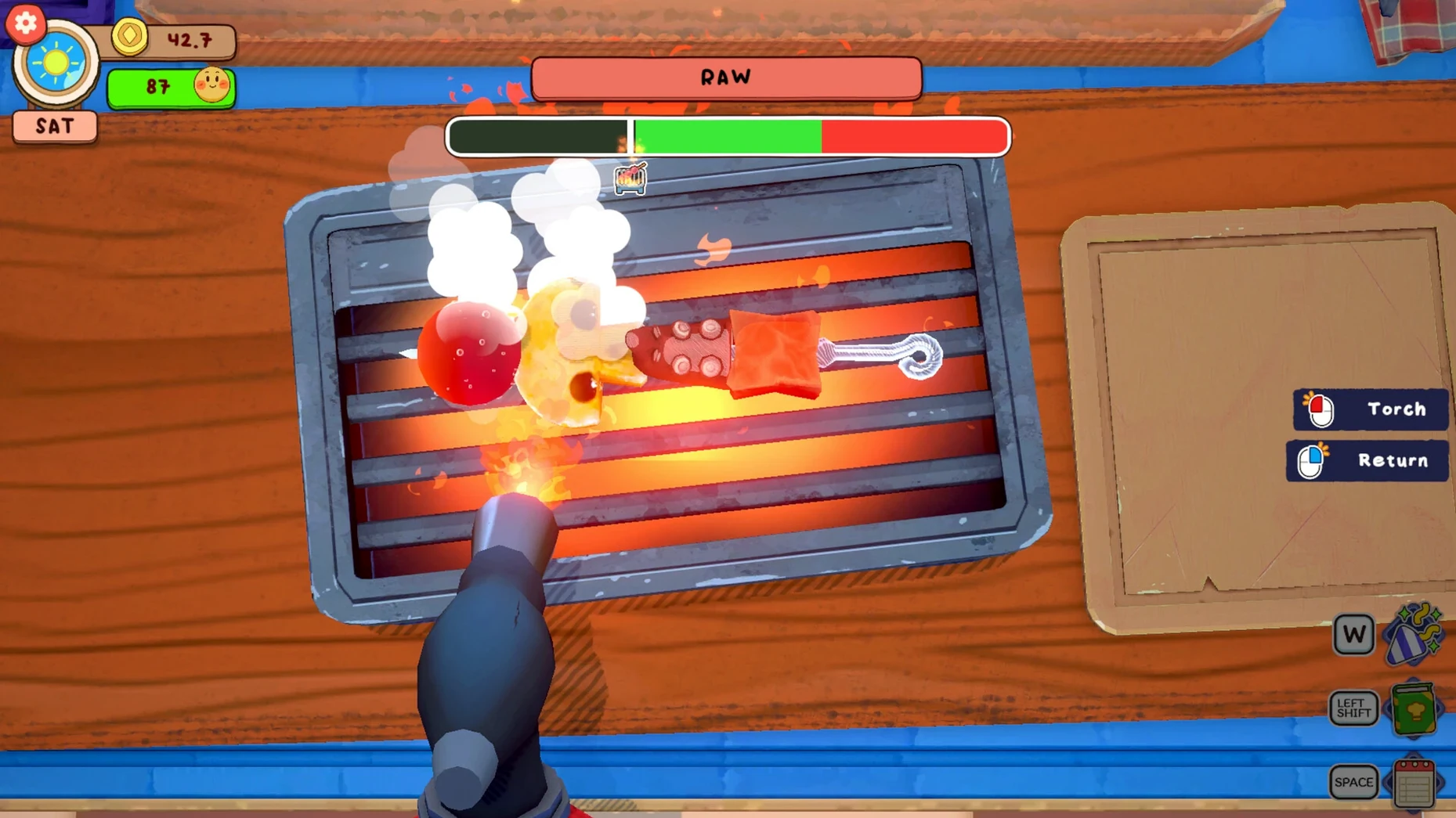
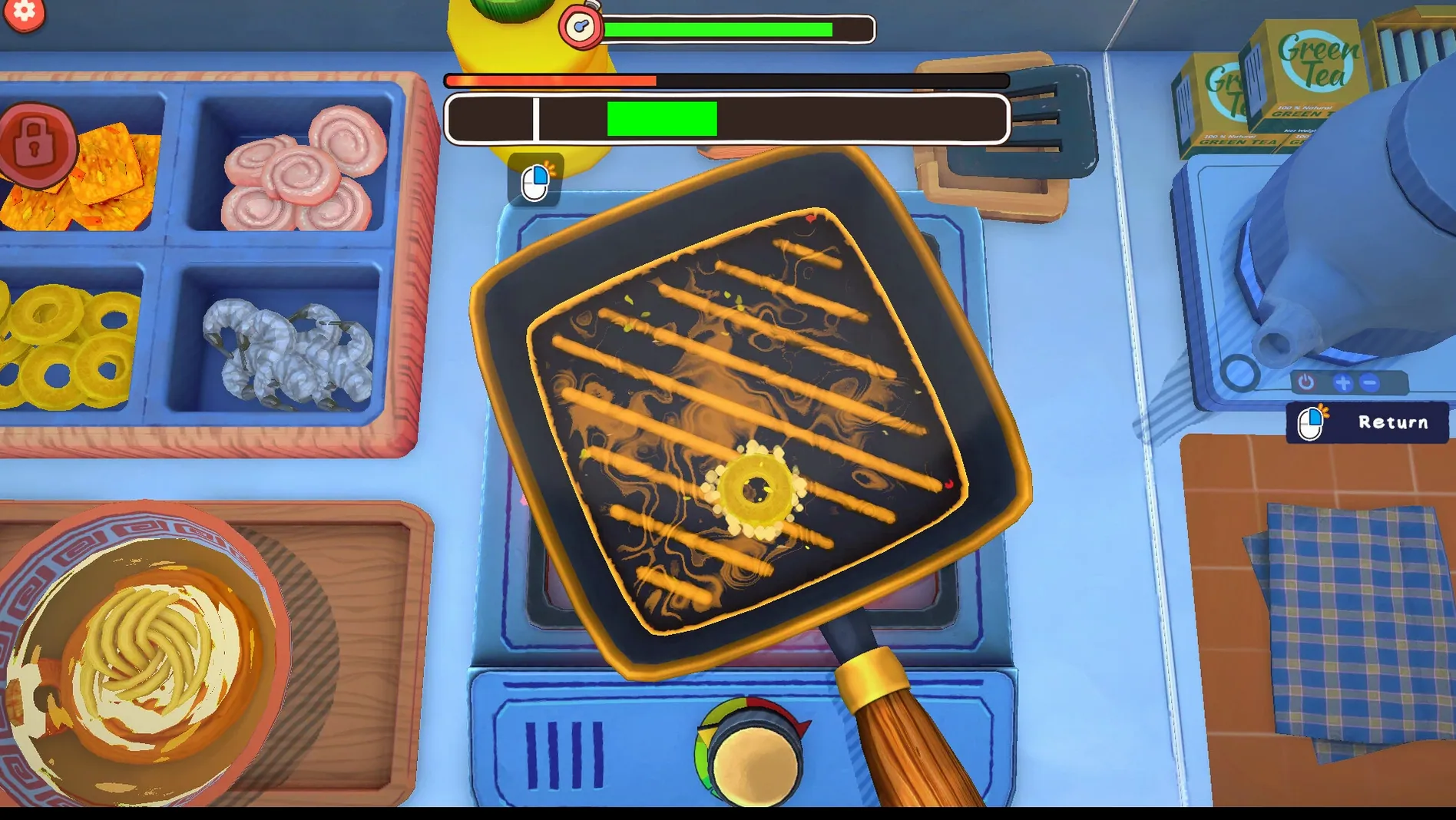
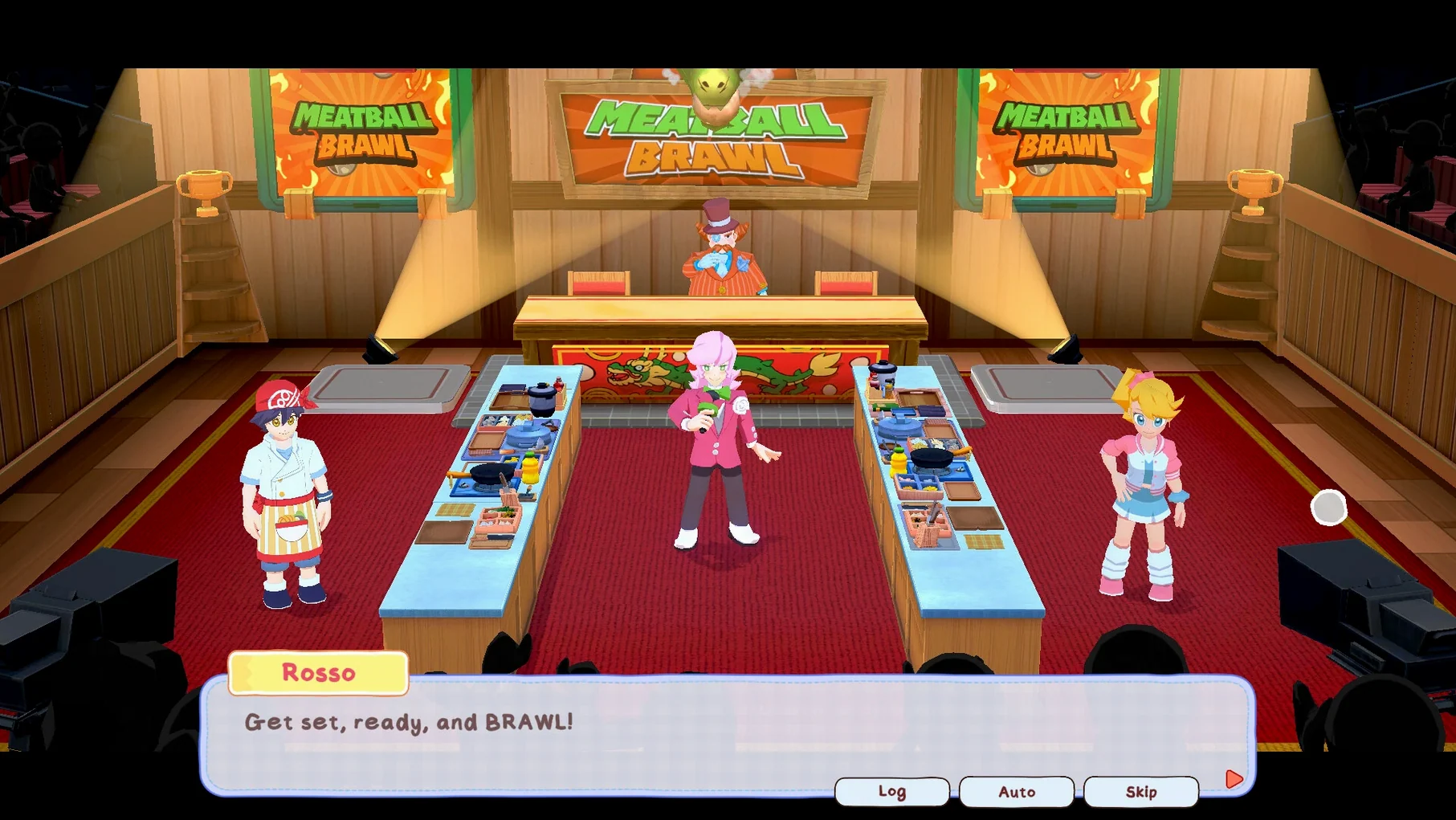
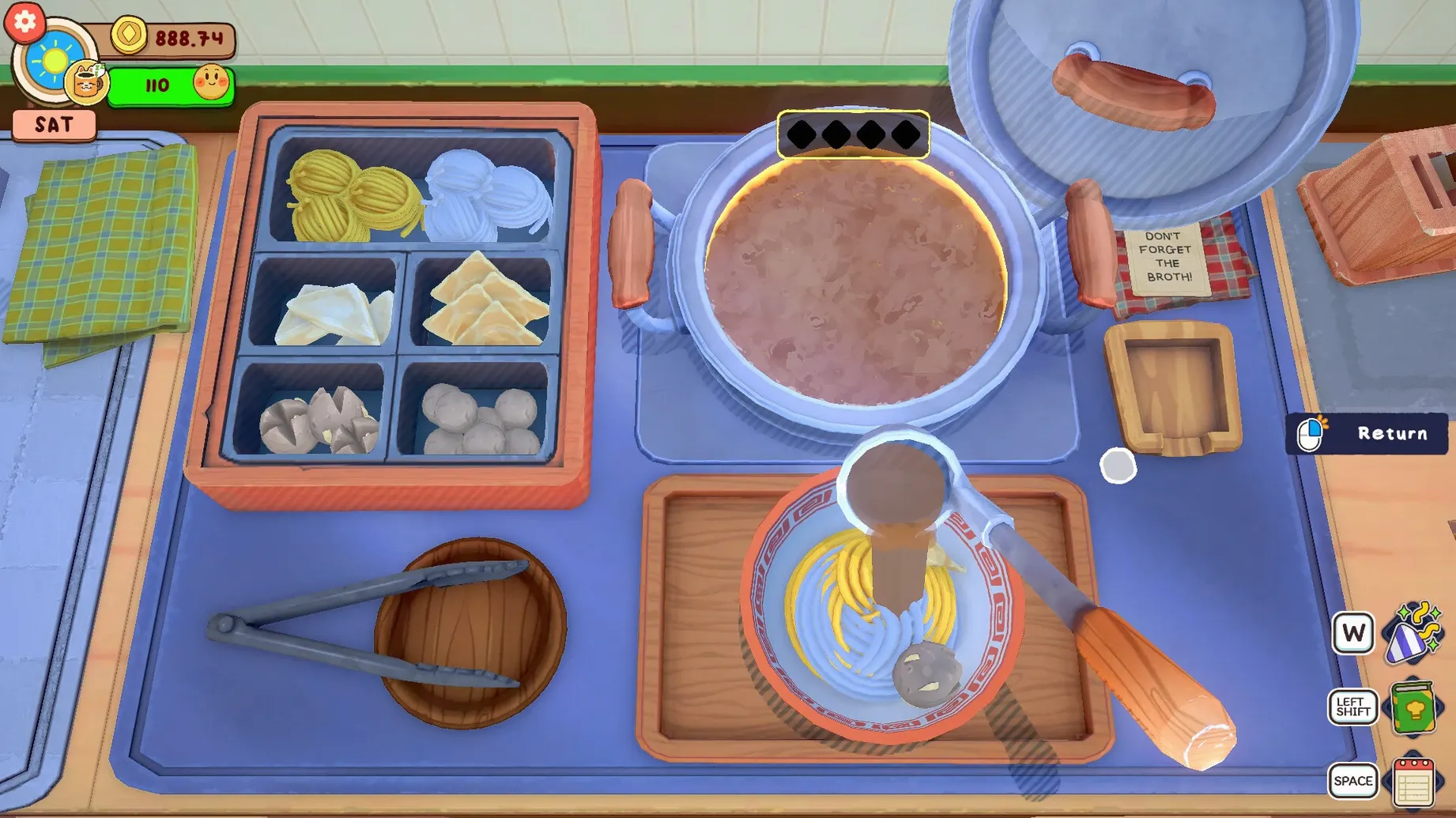
KuloNiku: Bowl Up! 1.2.0 Native brings a meatball restaurant to life on Mac, with a release date of Apr 7, 2026 on Steam. You play a chef who inherits a small shop in the town of KuloNiku and works to bring back its reputation.
Cooking sim with a story, not just time management
- Players who like cooking sims with a story, not just time management.
- Decorators – you can furnish the restaurant with items in different styles.
- Anyone who enjoys light social sims, since you build relationships with townsfolk.
- Competitive types – Meatball Brawls put your cooking against rivals.
Too gentle for fast‑action fans, but runs on Intel and Apple Silicon
- If you prefer fast-paced action over relaxed management, this might feel too gentle.
- The focus is on upgrading tools and tables, not complex recipes.
- It runs on both Apple Silicon and Intel Macs, so compatibility is broad.
Slower and upgrade‑focused, unlike Cook, Serve, Delicious!
If you have played Cook, Serve, Delicious! on Mac, you know that game is all about speed and precise key presses under a timer. KuloNiku: Bowl Up! takes a different route — it is slower, more about upgrading your kitchen and choosing the right ingredients before a service. There is no frantic typing. The Meatball Brawls add a competitive layer, but even those feel more like a strategy puzzle than a reflex test.
Dave the Diver also mixes restaurant management with exploration, but its underwater gathering and sushi prep are far removed from the focused meatball theme here. KuloNiku stays grounded in one cuisine and one location, which makes the progression feel tighter. You spend time decorating and talking to townspeople, not diving into new biomes.
Cat Cafe players will recognise the social sim elements — building relationships with characters unlocks new interactions. KuloNiku goes further with the cooking battles and tool upgrades, so there is more to do between services.
What version 1.2.0 Native changed
The move to a native Mac build means the game no longer runs through a translation layer. On both Apple Silicon and Intel Macs, it launches and responds like a proper macOS app. The disk image mounts cleanly, you drag it to Applications, and it is ready. No extra steps, no Rosetta warnings.
For everyday play, this mostly means the game feels consistent. Menus open without hesitation, the music plays without stutter, and the save system writes to the usual macOS folders. If you previously ran an older version through a compatibility wrapper, the difference is noticeable — the game behaves like it belongs on the Mac.
Seven languages, no activation, copy and play
- The game supports seven languages out of the box, including both Traditional and Simplified Chinese, plus Indonesian and Thai. You can switch without restarting.
- No activation is required. Mount the image, copy the app, play. No account login, no internet check.
- The architecture support covers both ARM and x86 64-bit, so it works on Intel Macs and Apple Silicon machines alike with one download.
- Music is the only audio track, but it sets the relaxed market-town mood without distracting from the cooking sounds or UI clicks.
- macOS version not specified
- Apple Silicon or Intel
Kit check at a glance
| Chip | Apple Silicon, Intel 64-bit |
| Download | 740 MB |








Chat from the booth
Sign in or grab a free account to leave a comment.
Nobody has said a word in the booth yet. If you played a set with this build, tell the next person how it went.