

- Build in the crate
- 1.0.2.13f1 [Wineskin]
- Made by the team at
- ProjectMoon
- Menu languages offered
- Russian, English, Bulgarian, Spanish, Chinese (Traditional), Chinese (Simplified), Korean, Portuguese, French, Japanese
- How you pay for it
- Not required
- CPU it runs on
- Apple Silicon
- Played on
- macOS Tahoe, Mac mini 2024 M4
- Dropped on
- 9.04.2018
- Spoken voice in
- Music only
Screenshots
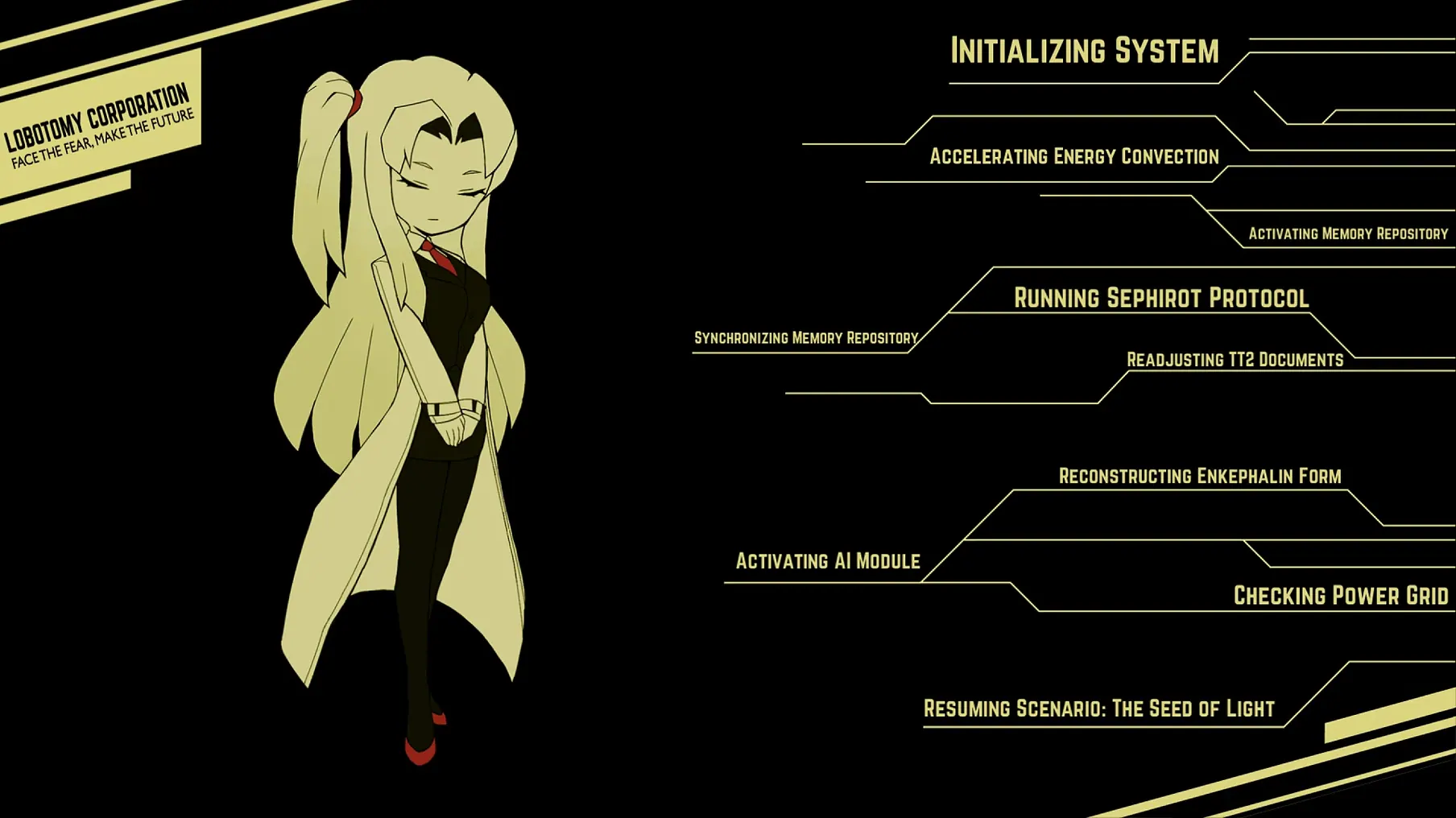
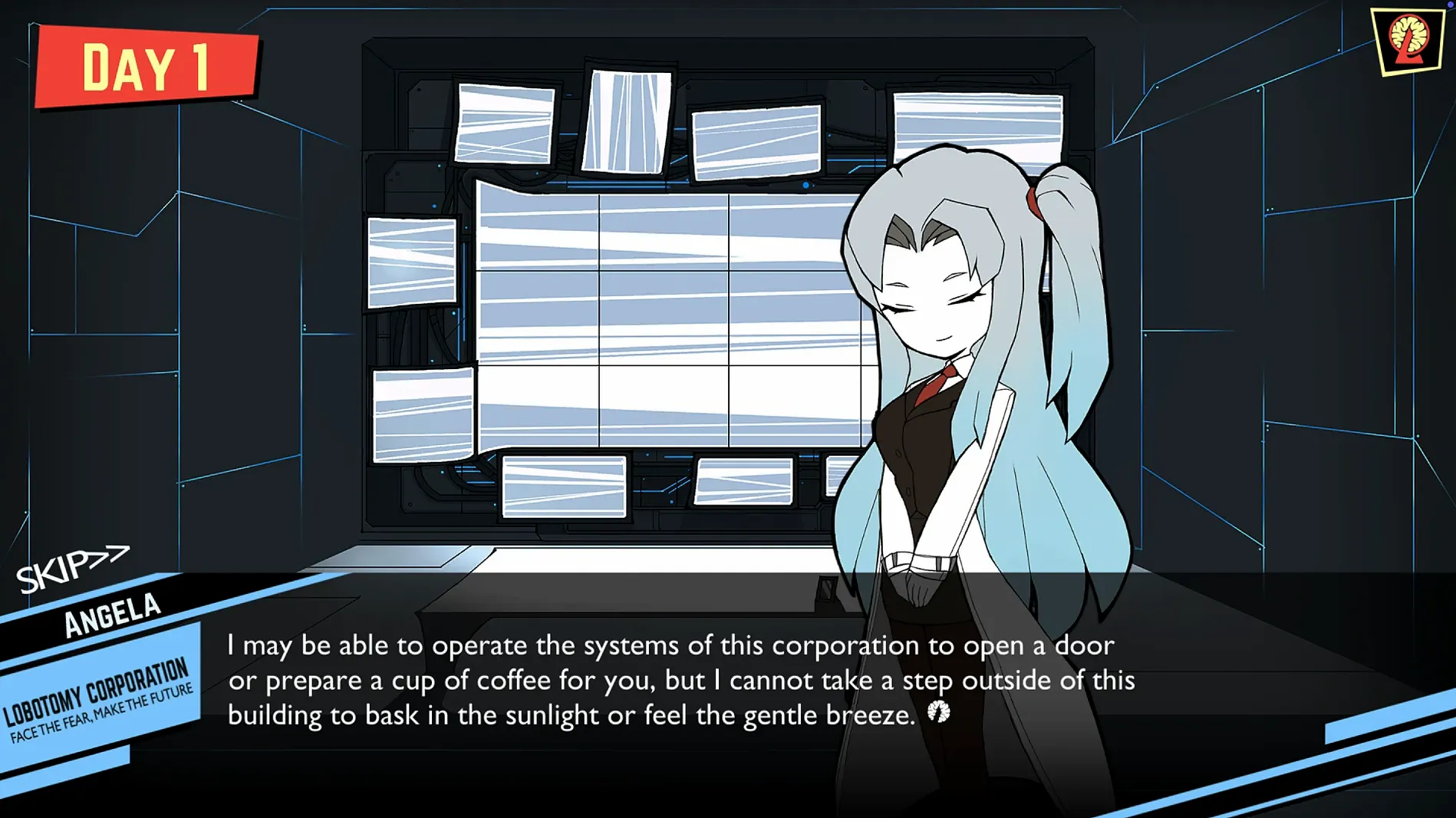
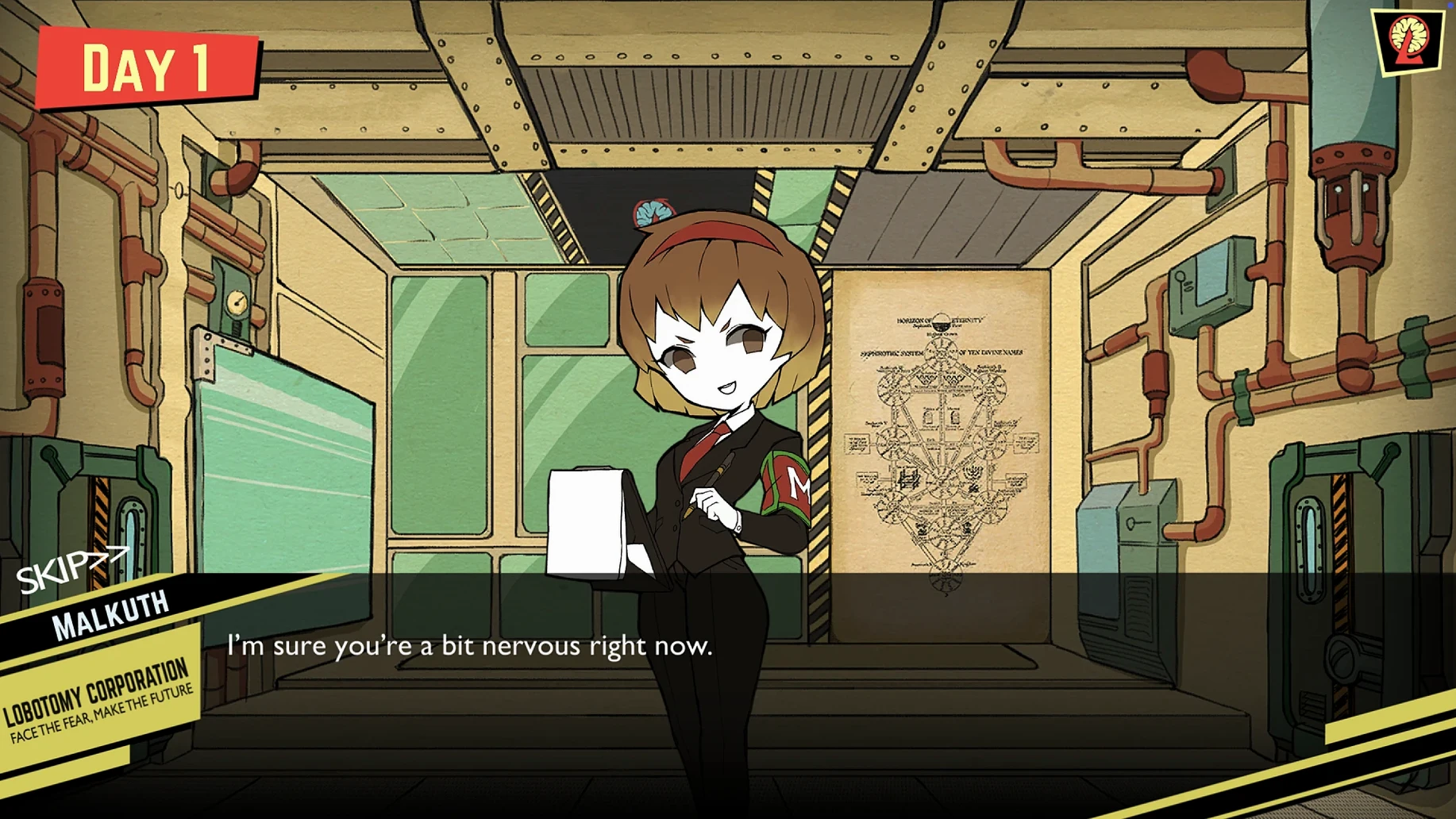
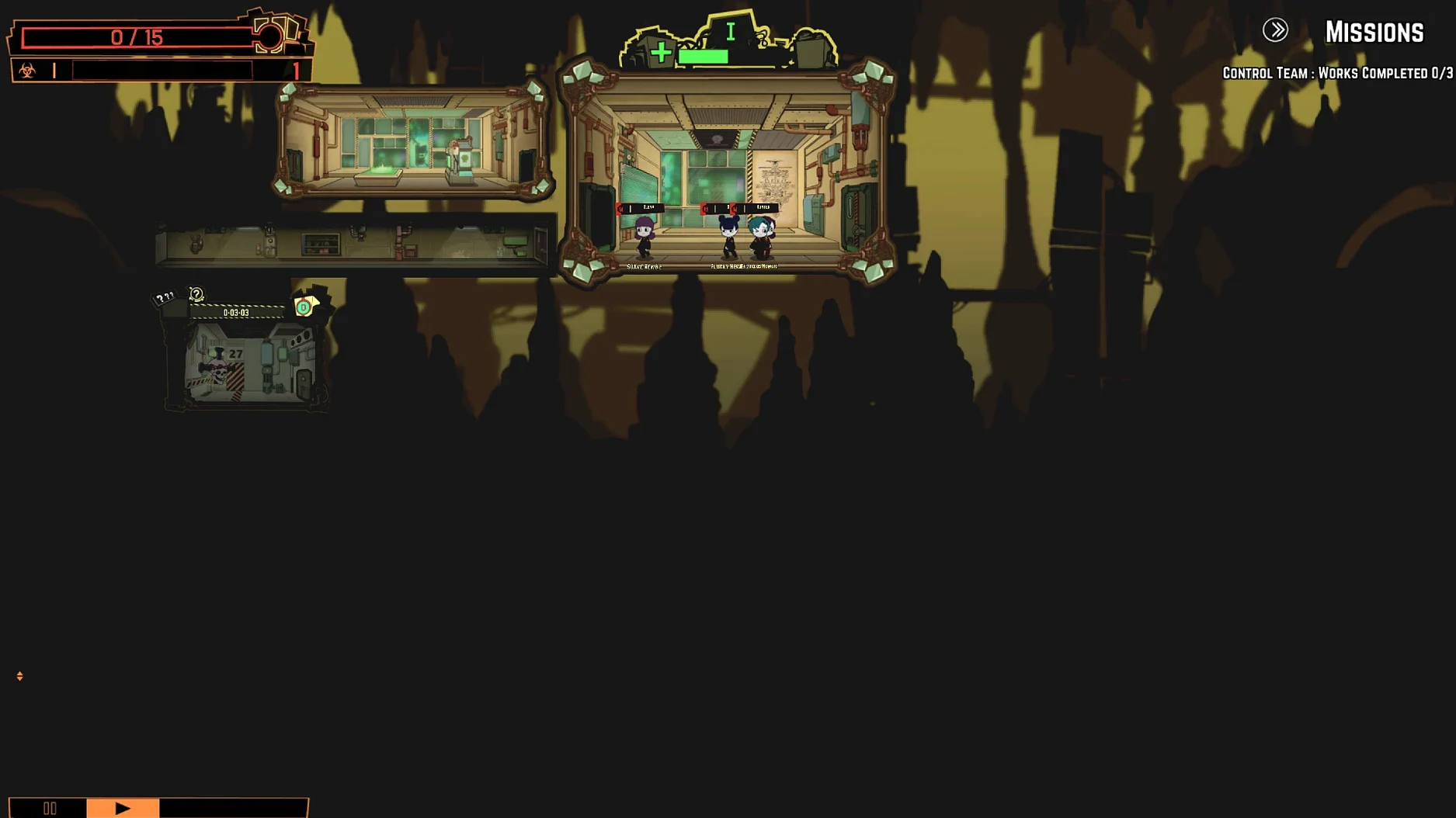
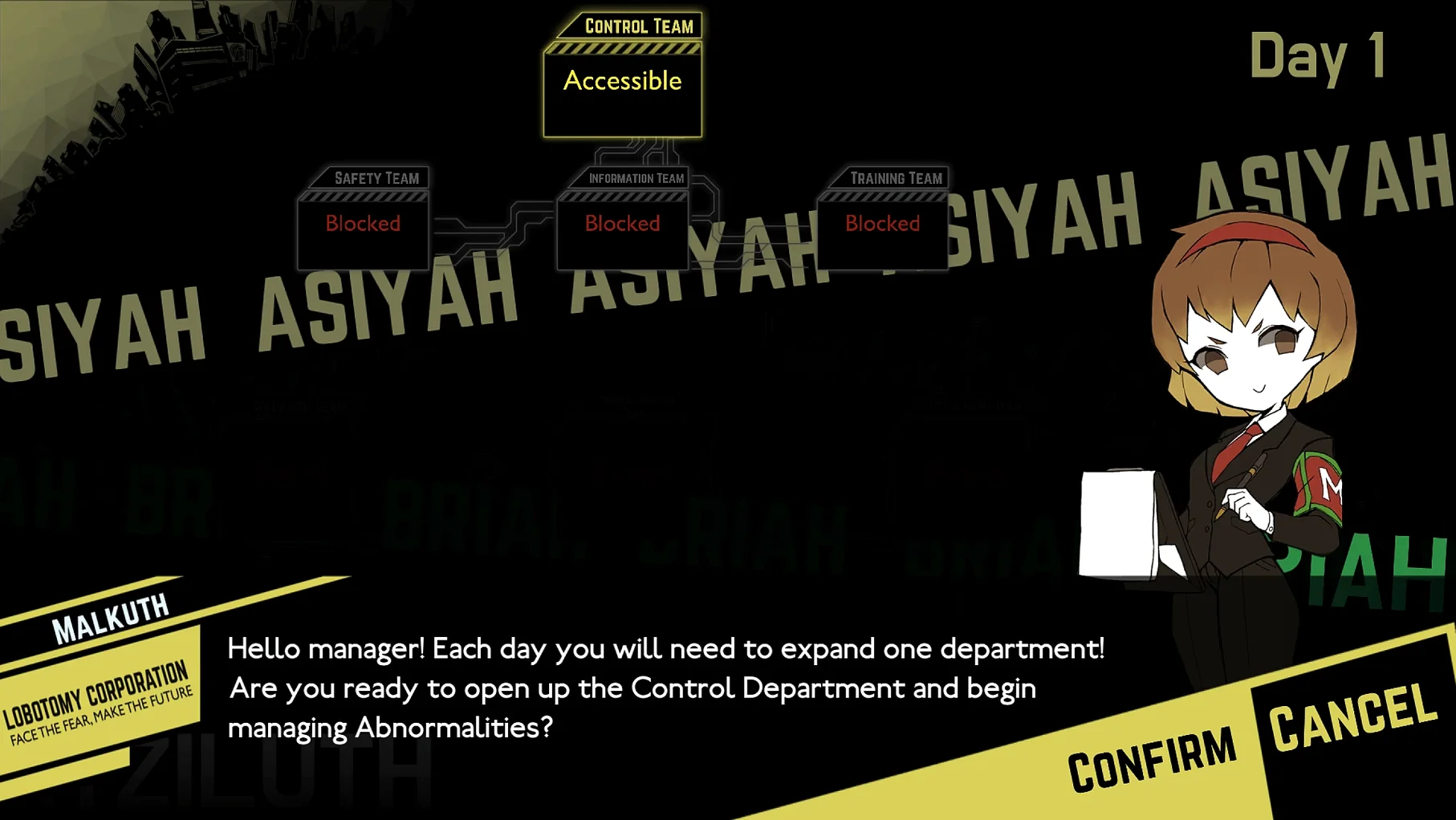
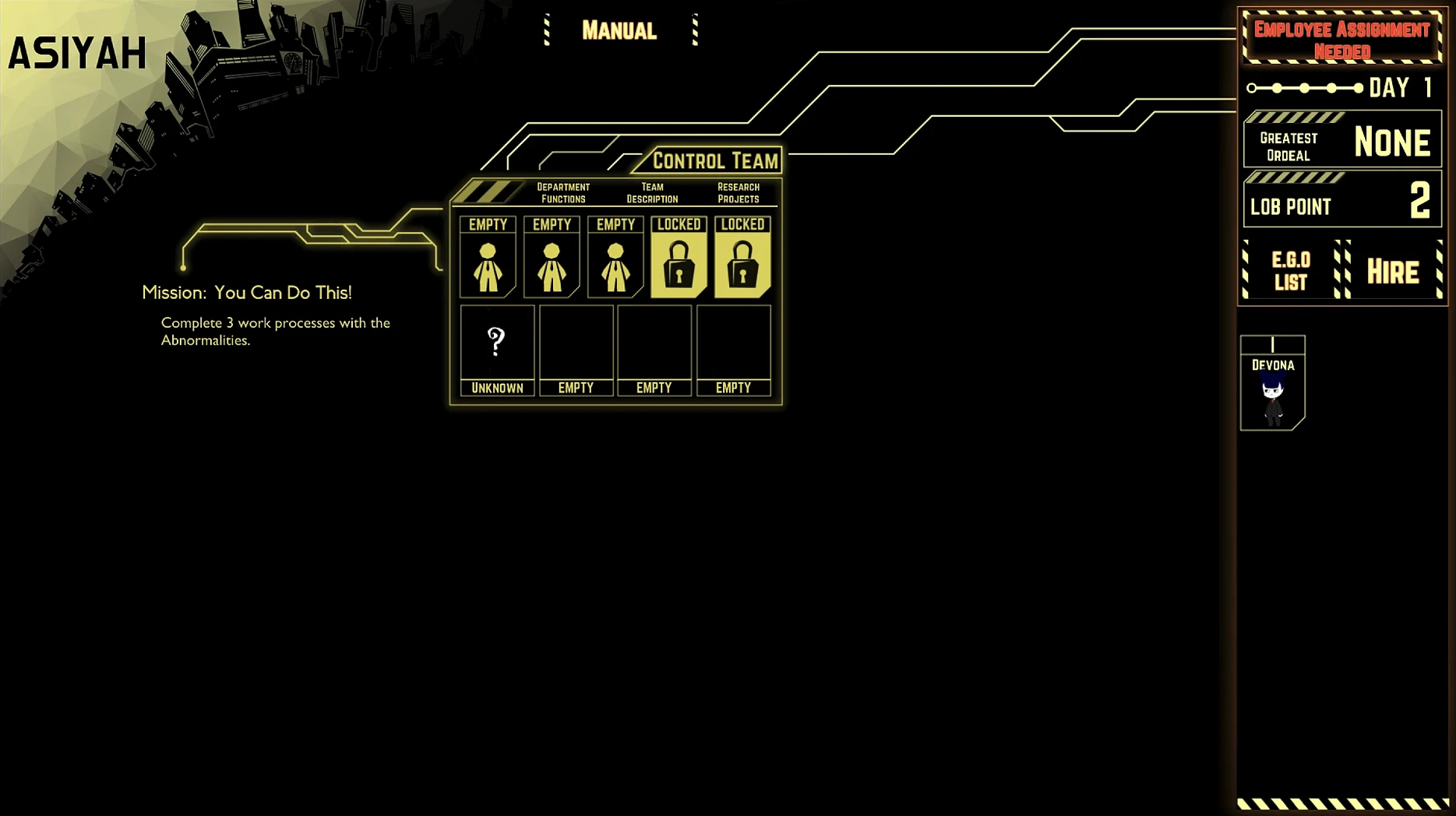
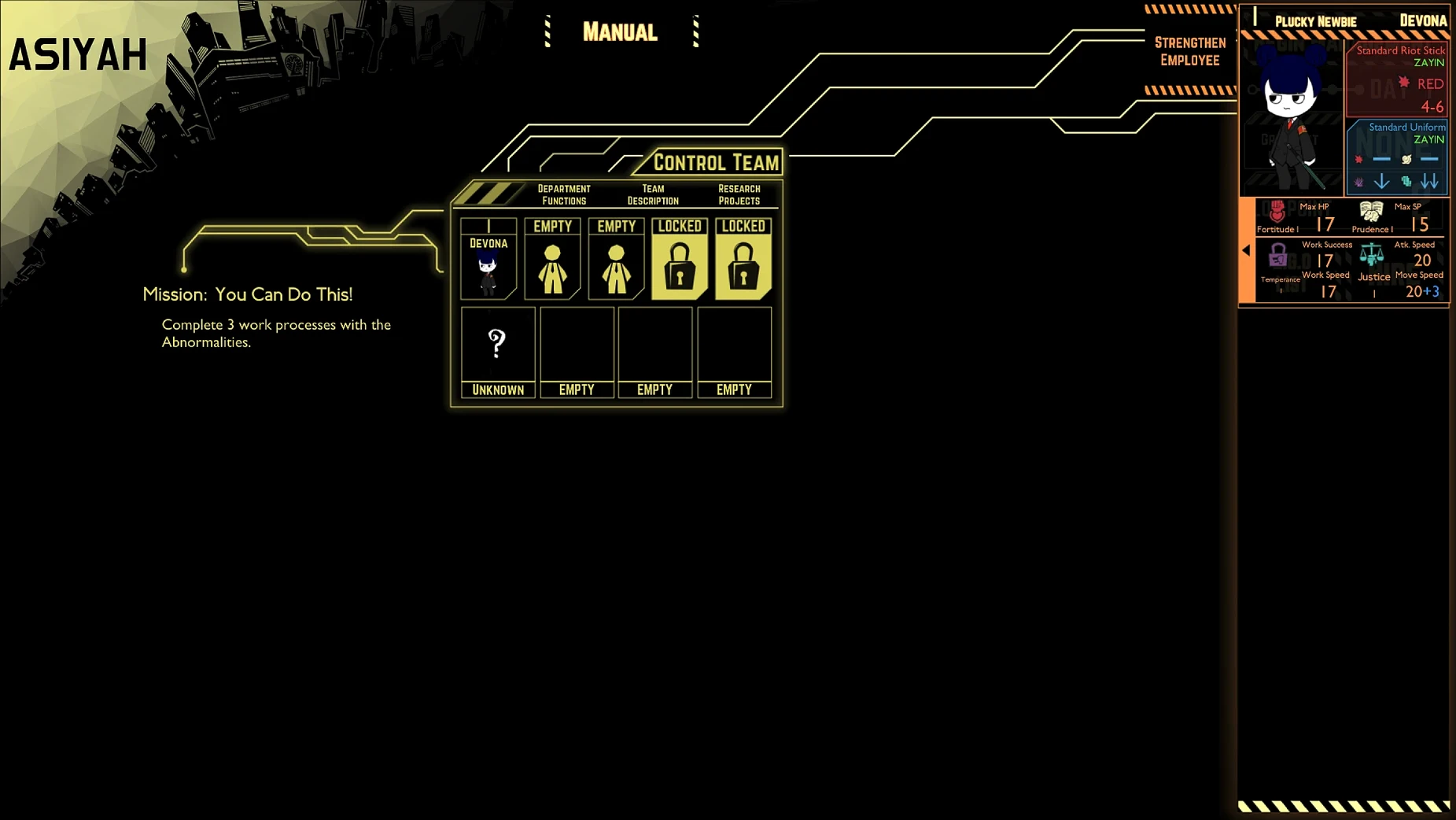
Day 1 in Lobotomy Corporation starts with a single containment chamber and zero information. It’s a roguelite monster management sim from ProjectMoon, and it runs on Apple Silicon Macs via Wineskin.
Players who learn through experimentation and horror
- Players who enjoy learning game mechanics through experimentation and repeated runs.
- Fans of dark, narrative-heavy management games with a corporate horror twist.
- Anyone who likes digging into a system where every decision can backfire spectacularly.
Expect permanent employee losses and point-and-click controls
- Expect mouse-driven point-and-click controls — it’s a PC port, so keyboard shortcuts are limited.
- Employees can become eroded, corrupted, or mindless — permanent losses are part of the loop.
- Some abnormalities can open other containment chambers, so chaos spreads fast.
The game starts with no intel, so you’ll rely on observation and a lot of reloading. If you like your management sims with a side of existential dread, this one’s for you.
Run the Fix file on first launch error
The Wineskin wrapper handles the usual PC-port quirks, but there are a few things that make daily management less fiddly. The disk image includes a Fix file — if you get a launch error on first run, run that before anything else. It saves you reinstalling or hunting for permissions workarounds.
Once the game is running, the point-and-click interface is straightforward, but the way information is presented matters. The game gives you no data on abnormalities at first, so the employee reaction log becomes your primary tool. Every interaction is recorded — pay attention to the text feedback, not just the energy output. That text tells you whether an employee is at risk long before the status bars turn red.
You can expand the facility over time, but the layout is fixed. That means you can plan which containment chambers sit next to each other. If an abnormality escapes, it can open other chambers, so positioning high-risk ones away from each other is a quiet strategic choice you make early.
Apple Silicon native version reduces input lag
Version 1.0.2.13f1 is the current build, and it’s the Wineskin release. For Mac users, the important change is that it runs on Apple Silicon — no Rosetta translation needed. The earlier versions required Intel translation, which added input lag and occasional graphical hitches. This version feels like a native game in terms of responsiveness.
There are no new abnormalities or story segments in this update. What changed is the stability of the wrapper itself. The Fix file bundled with the disk image is specific to this build, so if you downloaded an older version of the game elsewhere, the fix won’t apply. Stick with this disk image.
The language support is the same as before — twelve languages including Russian, Spanish, Japanese, and both Chinese variants. The voice language is listed as "musical accompaniment," meaning there’s no voice acting, just soundtrack. That hasn’t changed in this version.
Toggle fullscreen for MacBook screens
Before you start your first shift, there are a few things worth adjusting. The game defaults to a certain window size that might feel cramped on a MacBook screen. The Wineskin wrapper lets you toggle fullscreen mode — do that early. The interface is designed for a larger display, and fullscreen makes the employee panels and containment chamber views much easier to read.
Language selection happens at launch, not in-game. If you want English, choose it when the wrapper starts. You can’t switch mid-session, so pick your language before you get attached to a save file.
Save management is manual. The game autosaves at the end of each day, but if you want to reload after a bad abnormality breach, you’ll need to quit and reload the save. There’s no quick-save hotkey. Get used to saving before risky experiments — especially when you’re still learning what a new abnormality does.
Finally, the music volume slider is separate from the SFX slider. If you want the soundtrack loud and the employee screams quiet, adjust those before you start. The soundtrack is one of the game’s strong points, and it deserves to be heard properly.
- macOS: not specified
- Architecture: Apple Silicon
- Other: none listed
Kit check at a glance
| Chip | Apple Silicon |
| Download | 2 GB |








Chat from the booth
Sign in or grab a free account to leave a comment.
Nobody has said a word in the booth yet. If you played a set with this build, tell the next person how it went.