

- Build in the crate
- 1.2.1r344 Native
- Made by the team at
- ArtDock
- Menu languages offered
- Russian, English, German, Hungarian, Indonesian, Spanish, Italian, Chinese (Simplified), Korean, Malay, Polish, Portuguese, Romanian, Thai, Turkish, Ukrainian, Filipino, French, Swedish, Japanese
- How you pay for it
- Not required
- CPU it runs on
- Apple Silicon, Intel 64-bit
- Played on
- macOS Golden Gate, Mac mini 2024 M4
- Dropped on
- 14.08.2026
- Spoken voice in
- Music only
Screenshots
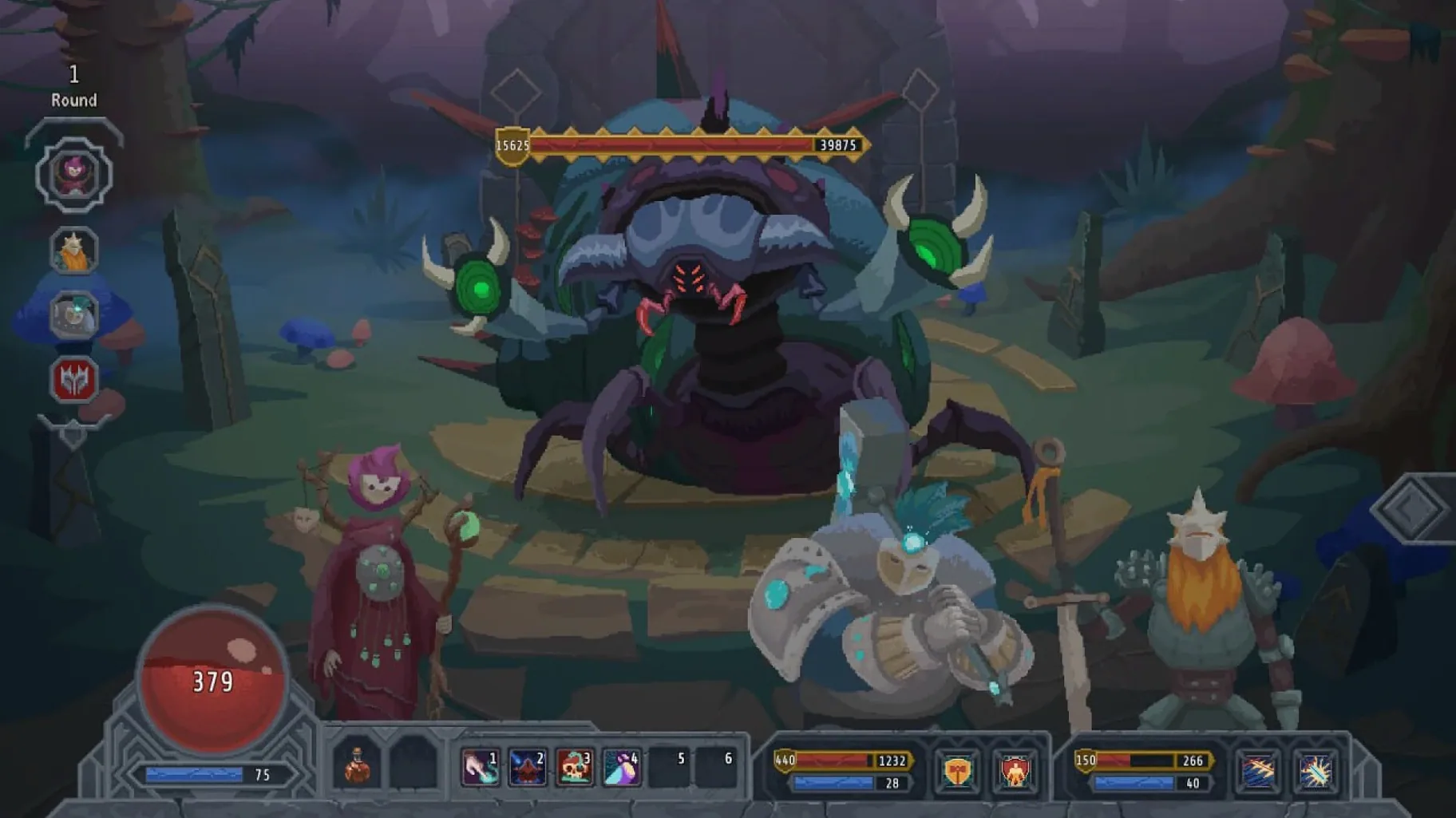
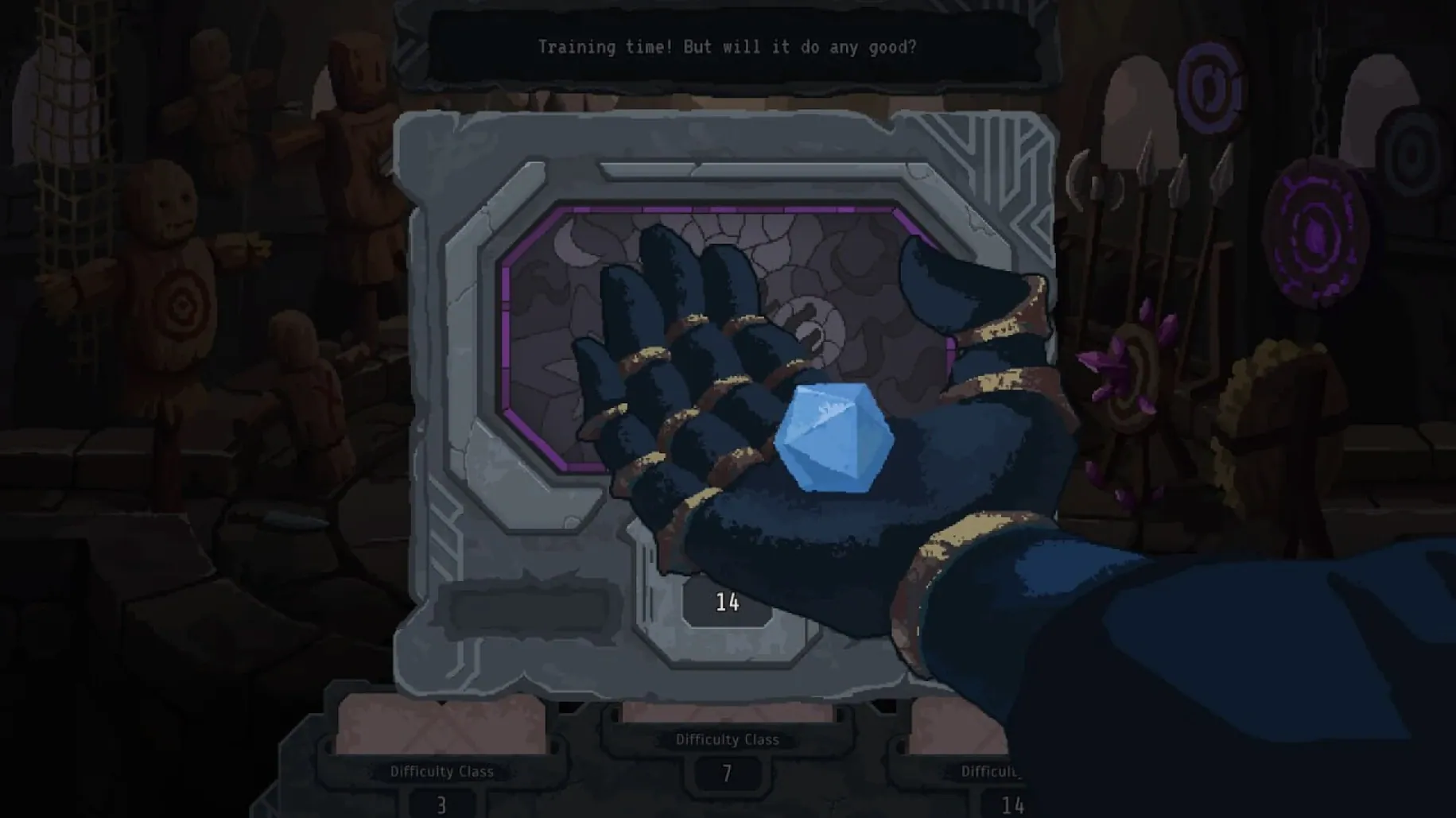
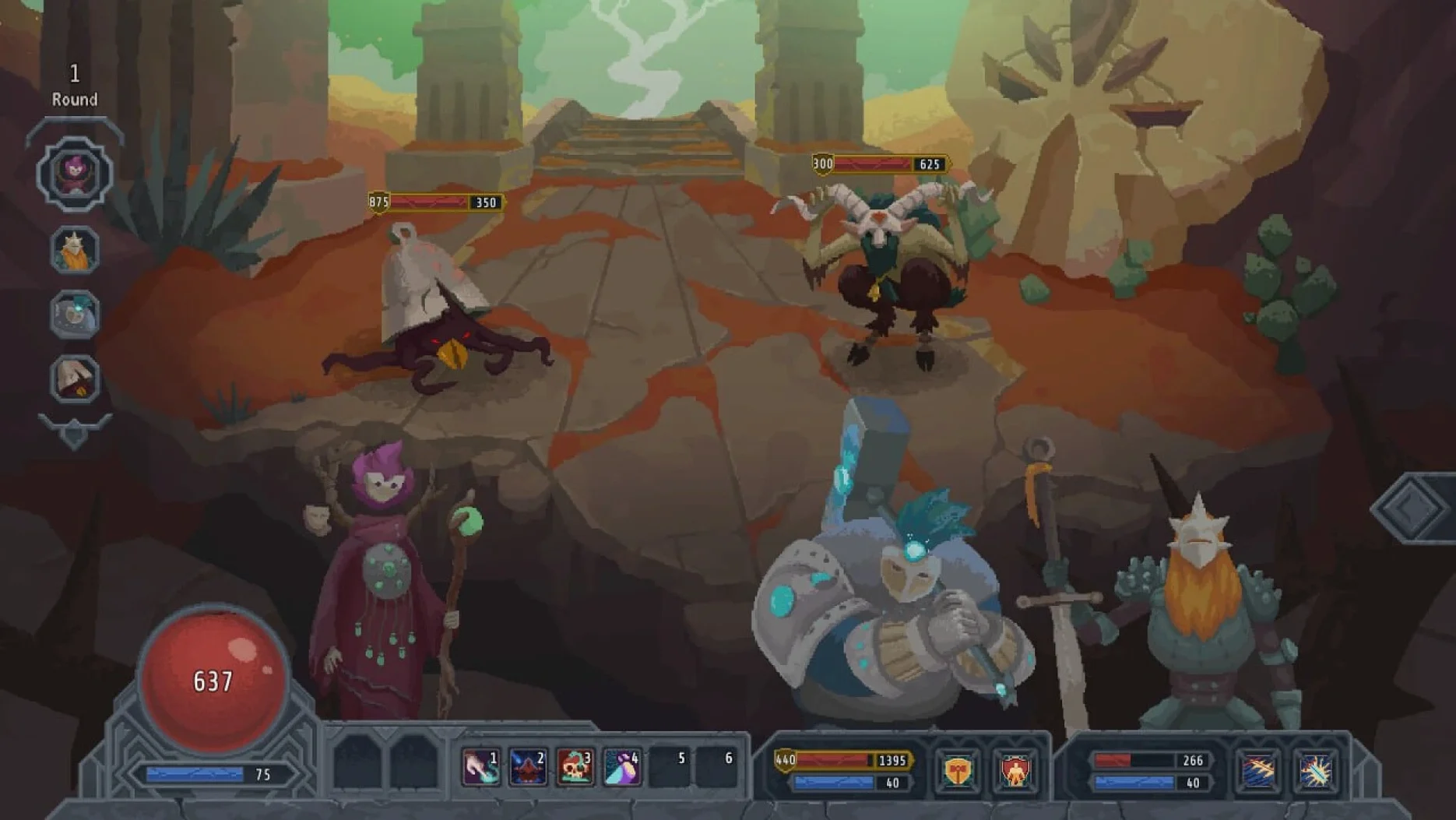
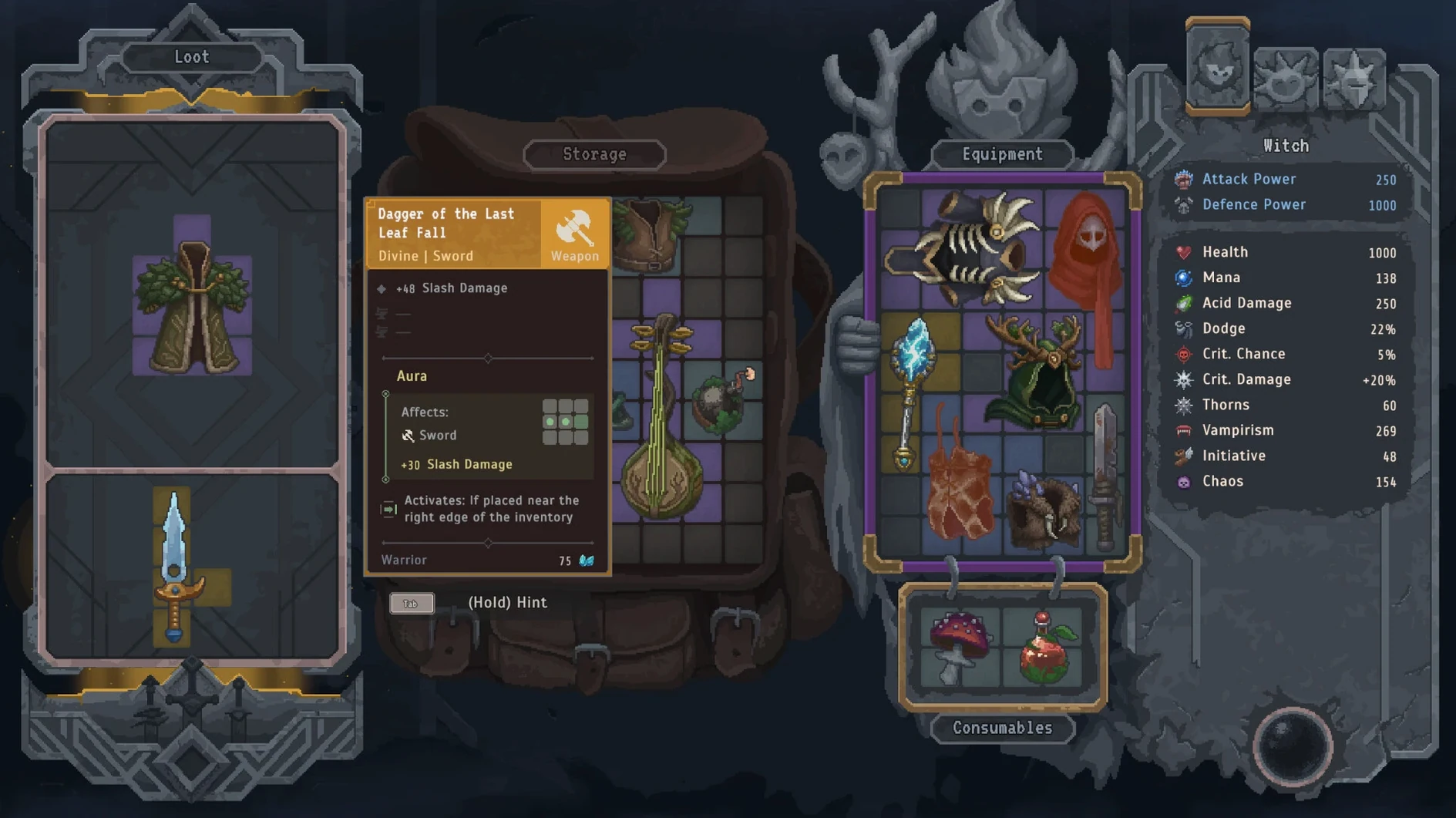
Think of Lootbound as a dungeon crawl where your inventory is as important as your next move. It's a tactical roguelite with turn-based combat. You control only the main character in combat; your companions act on their own, following their own gear sets. That means you spend as much time managing loot as you do positioning on the grid.
D&D-style dice rolls and grid inventory
- Players who enjoy D&D-style dice rolls — higher-value rewards demand harder rolls.
- Anyone who likes rotating and placing items in a grid inventory while space remains.
- Fans of boss fights where each boss part changes the Guardian's appearance and power.
Separate gear sets and aura placement
- Each hero and companion needs a separate gear set.
- Some items have auras that strengthen nearby weapons or armour — placement matters.
- Interface languages include English, Russian, Spanish, French, Japanese, and more.
Runs on Apple Silicon and Intel Macs
Lootbound runs on both Apple Silicon and Intel Macs, so whether you are on an M-series chip or an older Intel machine, the game should work. It was tested on macOS Golden Gate and a Mac mini 2024 M4, which means it is compatible with the latest macOS versions. No activation is required — mount the disk image, drag the app to Applications, and you are ready to go. The whole install takes a couple of minutes at most.
The game does not demand a powerful GPU or a lot of RAM. It is a 2D tactical roguelite, so the visuals are more about art style than raw graphics. You can expect smooth turn-based gameplay without your Mac sounding like a jet engine. The interface scales well on different screen sizes, and the grid inventory system works fine with a trackpad or mouse.
A typical run, step by step
You start each run alone. Your character has basic gear and a small inventory grid. The first few rooms are quiet — you move through corridors, fight simple enemies, and pick up loot. Items do not have fixed slots, so you can rotate and place them however you like as long as there is space. This is where the inventory puzzle begins. You might find a sword that is too long for your current layout, so you rotate it or move a shield to make room.
After a few fights, you encounter a special room. It offers several reward options with different difficulty levels. A chest with a rare ring might require a hard dice roll, while a common potion is an easy roll. You decide to risk it — roll the dice, and if you succeed, the ring is yours. If you fail, you get nothing and move on.
By biome two, you have recruited a companion. The companion fights on its own, but you still need to gear it up. You open its inventory, rotate a helmet to fit the grid, and place it next to a piece of armour that has an aura — the aura strengthens nearby items, so positioning matters. The companion now hits harder and takes less damage.
At the end of the biome, you face a Guardian. Before the fight, you choose one of two boss parts. The part changes the Guardian's appearance and power. You pick the one that seems easier for your current build. The fight is turn-based — you move your hero, the companion acts on its own, and you watch the battlefield. After the win, you grab the loot and move to the next biome.
Set your language before the first run
Before diving into your first run, open the settings menu. The game supports twenty languages, so set it to your preferred one if English is not your first choice. The voice language is musical accompaniment only, so do not expect spoken dialogue — it is all atmosphere and sound effects.
If you are playing on a laptop, check the display settings. You might want to switch to windowed mode or adjust the resolution to match your screen. The inventory grid can get cramped on smaller displays, so a slightly higher resolution helps. Also, take a moment to look at the key bindings — the default controls work, but you can remap them to something more comfortable.
Lootbound for Mac torrent offers a cooperative dungeon crawler designed for fans of action-RPG loot systems. The game does not need a Steam client or any online activation, so once you have the disk image, you are good to go. No accounts, no logins — just mount, drag, and play.
- macOS: ?
- Architecture: Intel and Apple Silicon
Kit check at a glance
| Chip | Apple Silicon, Intel 64-bit |
| Download | 506 MB |








Chat from the booth
Sign in or grab a free account to leave a comment.
Nobody has said a word in the booth yet. If you played a set with this build, tell the next person how it went.