

- Build in the crate
- 5.1.1
- Made by the team at
- Rui Aureliano
- Menu languages offered
- English
- How you pay for it
- Not required
- macOS it plays on
- macOS 12.3 or later
- CPU it runs on
- Apple Silicon, Intel 64-bit
Screenshots
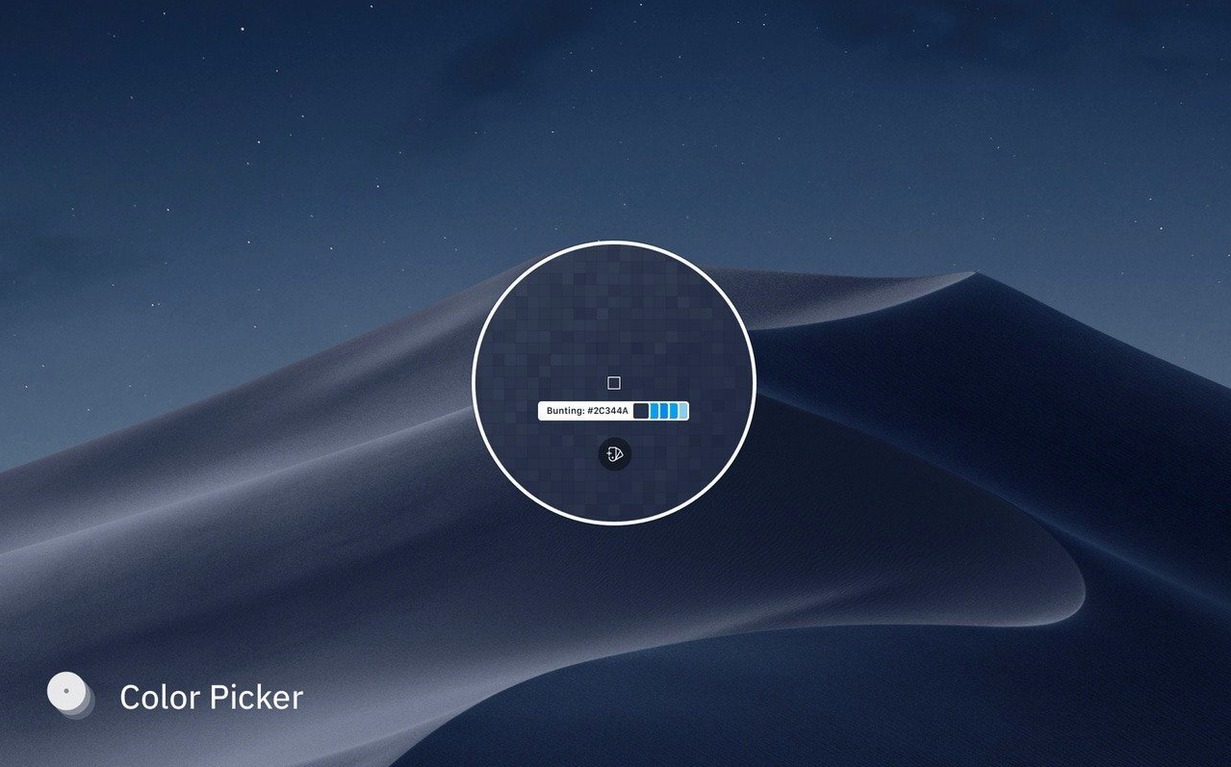
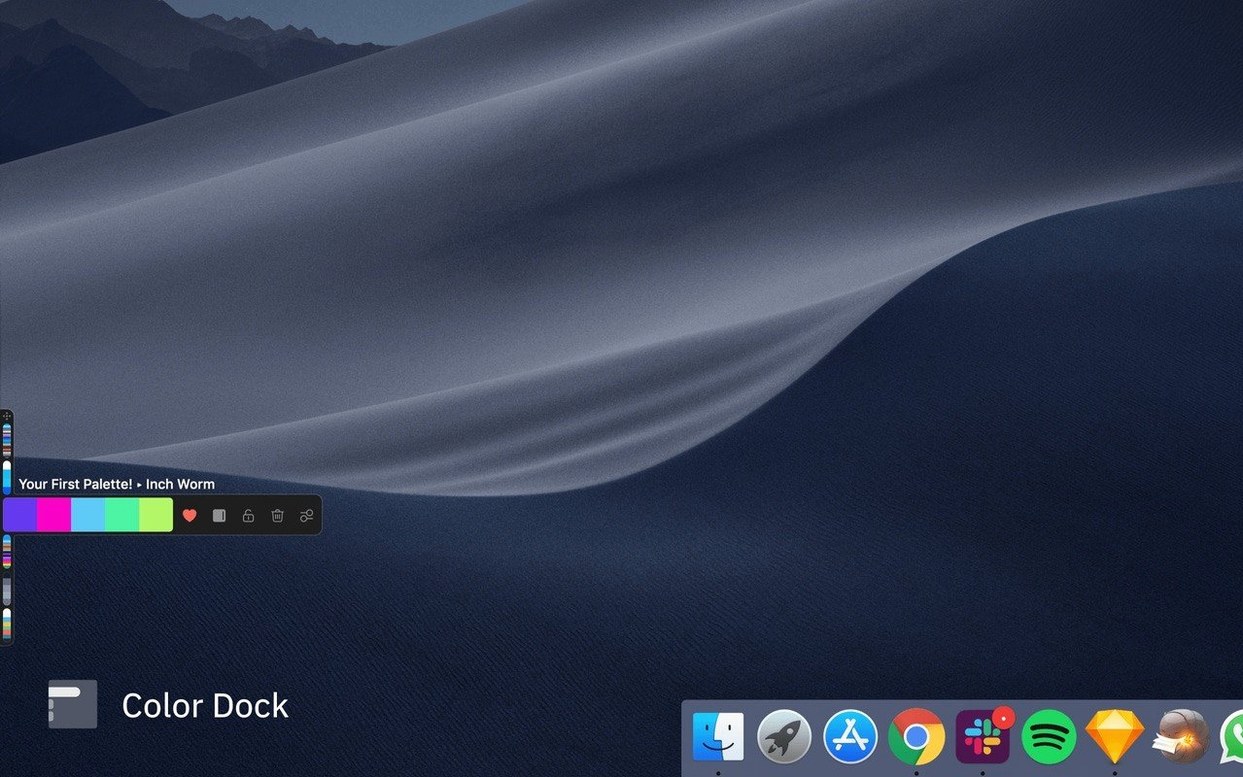
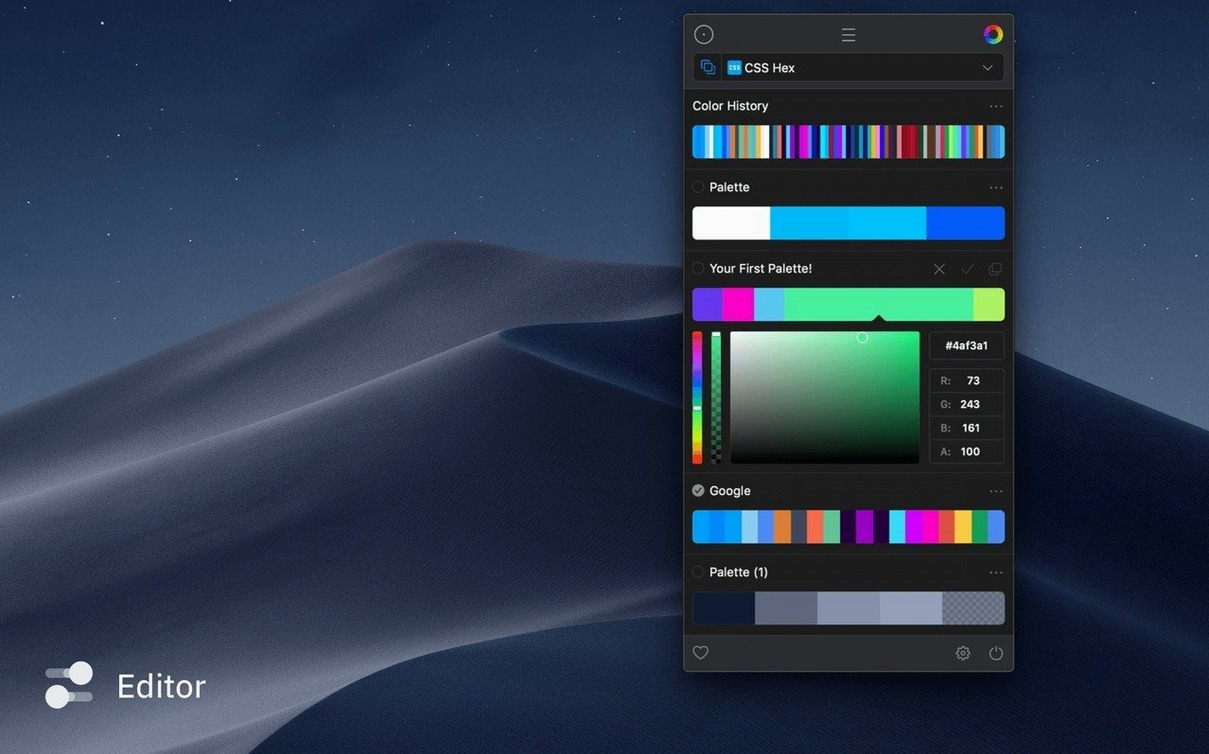
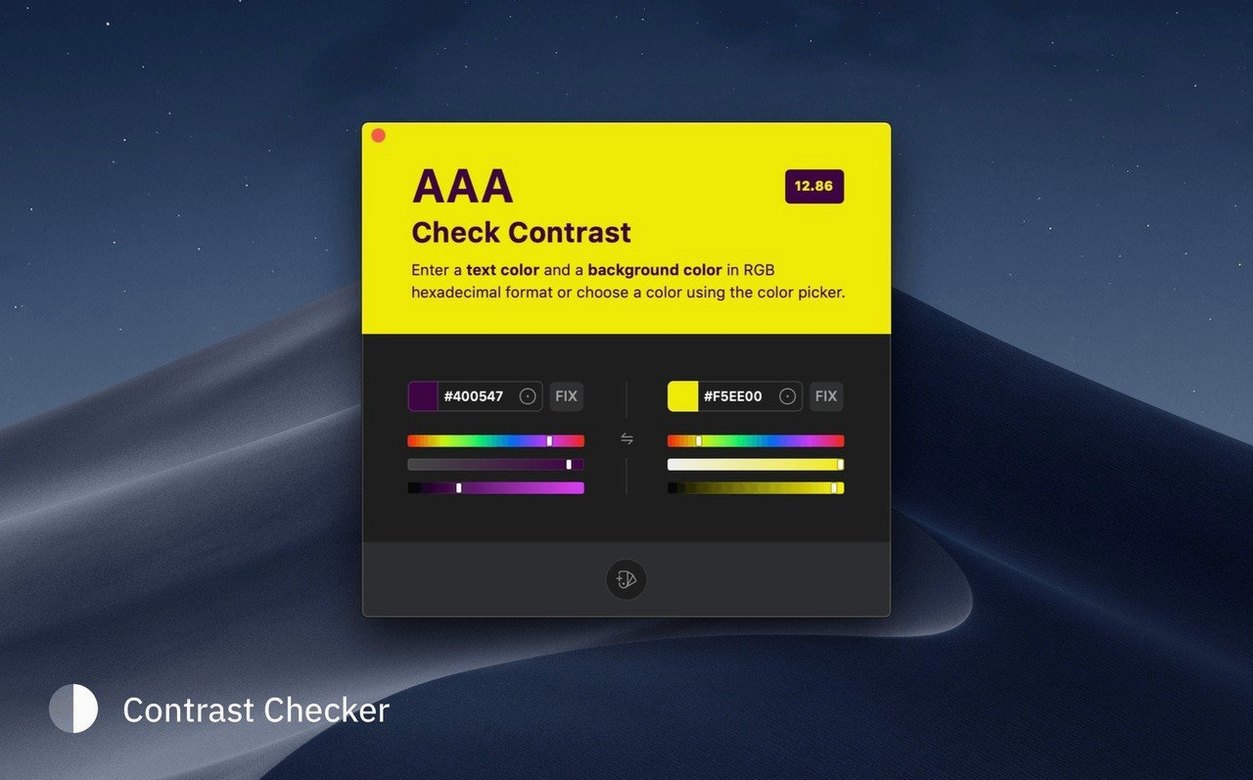
You are adjusting a gradient in Figma and need the exact blue from a screenshot. Open Sip, pick it, and Cmd-click to drop it straight into your design tool. That is the workflow it is built for: collect, organise, share.
What it does next to your other apps
- Picks any colour on screen with the macOS color picker
- Edits and organises colours into palettes
- Shares palettes by email
- Links colours across apps using Cmd
- Checks contrast between two colours
Grab colour, tweak, send—no hand-copying
Most Mac users already have a system colour picker and maybe a note file full of hex codes. Sip sits between them: it grabs a colour, lets you tweak it, and sends it on. No copying hex by hand, no switching windows to check contrast. It is a focused tool for anyone who works with colour daily—designers, front-end developers, and illustrators on macOS.
Draw on any Mac from Intel to Silicon
Sip runs on any Mac with macOS 12.3 or later, whether it is an Intel model or Apple Silicon. The app itself is a single disk image download; you open it, drag the app to Applications, and launch from Launchpad. No extra frameworks, no background services to configure.
Because it hooks into the system colour picker and can dock a panel to your screen edge, it lives in your workflow without taking over. You do not need to learn a new interface just to grab a colour. The contrast checker and auto-correction are built in, so you can stay inside Sip instead of opening a separate accessibility tool.
A quick colour collection workflow
Here is one way to use Sip from start to finish on a typical design task:
- Open the app and dock the colour panel to the right edge of your screen.
- Hover over a colour in any open window—a browser, a photo, a mockup—and click to capture it.
- Hold Shift or Ctrl to select multiple colours in one session without stopping.
- When you have a set you like, create a snapshot to save the group.
- Organise those colours into a named palette inside Sip.
- Use Cmd to add the selected colour directly into your design app, skipping the clipboard.
- Before finalising, run the contrast checker between the foreground and background colours to confirm readability.
If the contrast does not pass, let Sip auto-correct it. Then share the whole palette by email if you are handing it off to a teammate. That is the full loop: pick, organise, check, share—all from one panel on your screen.
Because Sip hooks into the standard macOS colour picker, it feels familiar from the first click. You can choose your own colour format for export—hex, RGB, HSL, or something custom—so the output matches whatever your tools expect. The palette manager lives in the same dockable panel, meaning you never dig through menus to find a saved set.
How it fits a team workflow
If you share palettes by email, each recipient gets a colour list they can import directly into Sip. That saves back-and-forth about "which green did you mean?" The linking feature works the same way: Cmd-click sends a colour to whatever app is active, so a developer can grab the exact shade from a designer's mockup without retyping anything.
For contrast checking, Sip works on two selected colours at once. The auto-correct feature adjusts lightness or saturation until the pair passes accessibility guidelines—handy when you are building a UI and want to avoid a separate contrast tool. All of this stays inside the same small panel you keep on screen.
- macOS 12.3 or later
- Intel or Apple Silicon processor
- Interface language: English
Kit check at a glance
| System | macOS 12.3 or later |
| Chip | Apple Silicon, Intel 64-bit |
| Download | 15 MB |
| Older pressings | 5 in the crate |








Chat from the booth
Sign in or grab a free account to leave a comment.
Nobody has said a word in the booth yet. If you played a set with this build, tell the next person how it went.