
- Build in the crate
- 2.13.50
- Made by the team at
- Translucent
- Menu languages offered
- Russian, English, German, Arabic, Belarusian, Hungarian, Hebrew, Indonesian, Spanish, Italian, Catalan, Chinese (Traditional), Chinese (Simplified), Korean, Norwegian, Polish, Portuguese, Turkish, Ukrainian, French, Swedish, Japanese
- How you pay for it
- Not required
- macOS it plays on
- macOS 10.15 or later
- CPU it runs on
- Apple Silicon, Intel 64-bit
Screenshots
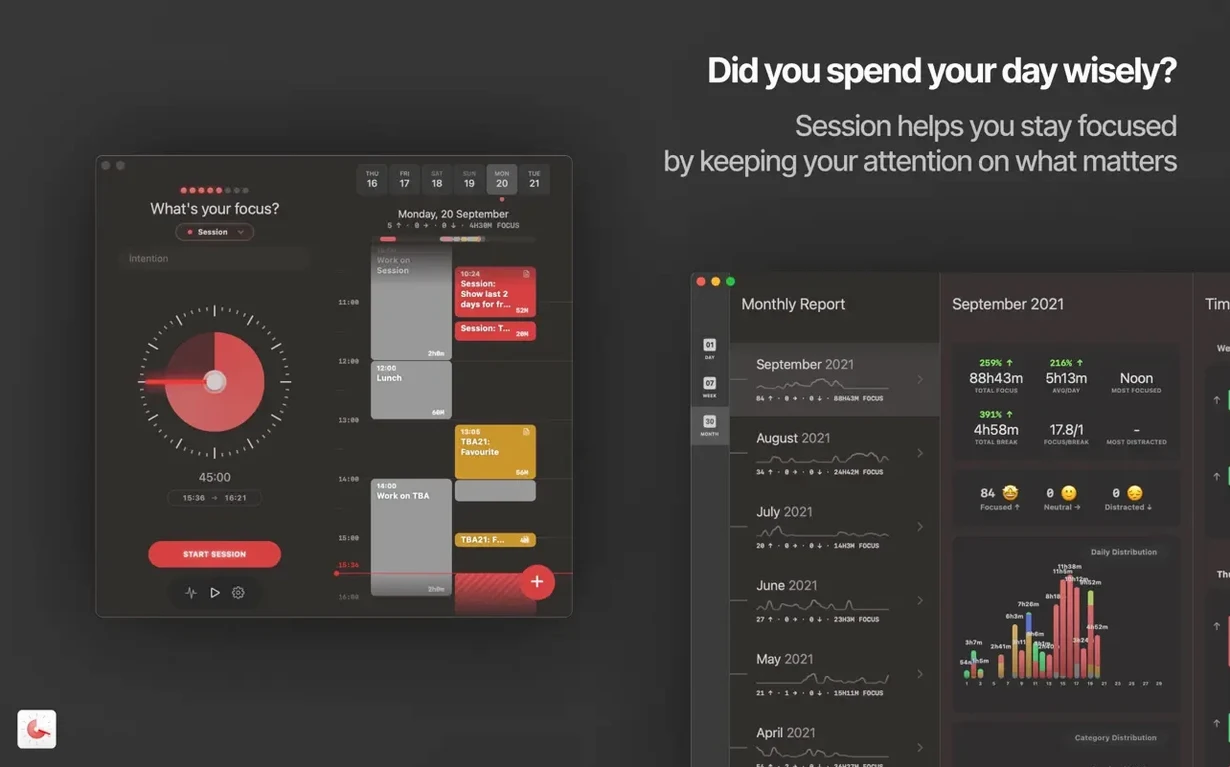
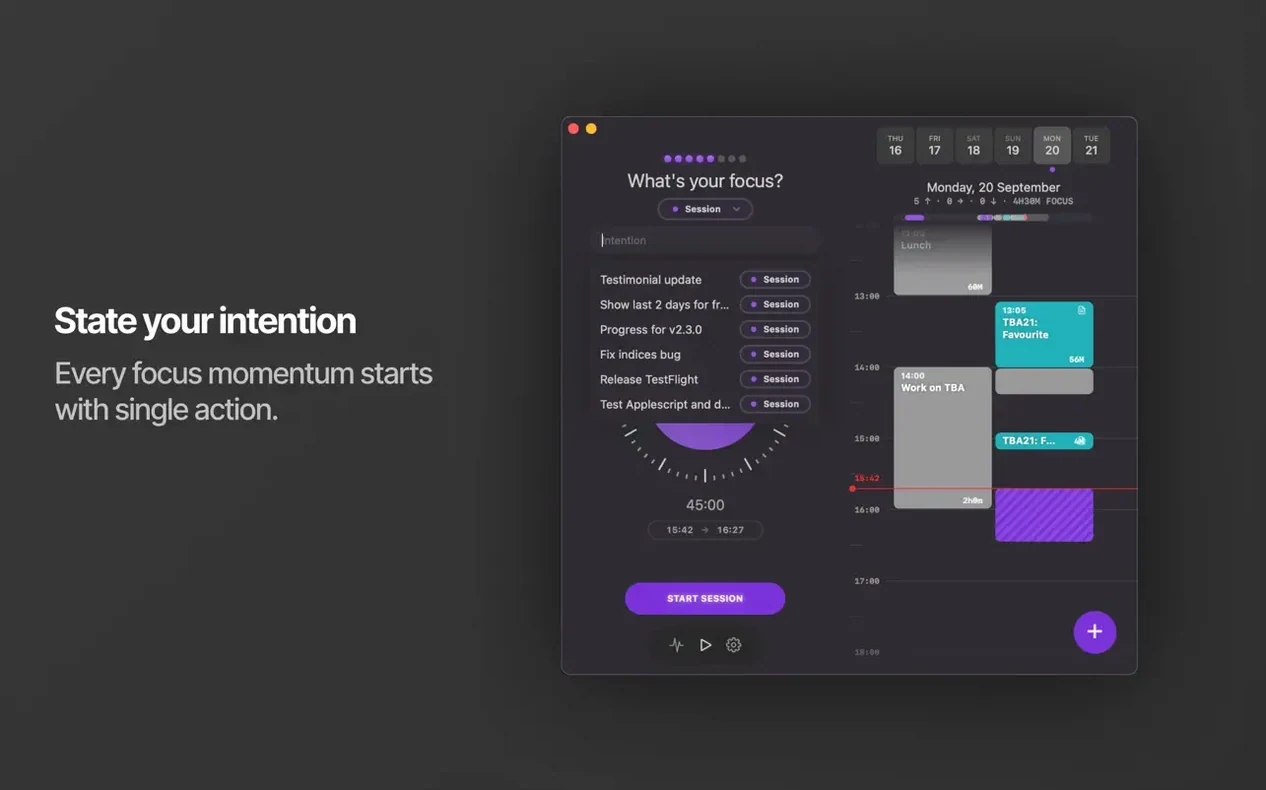
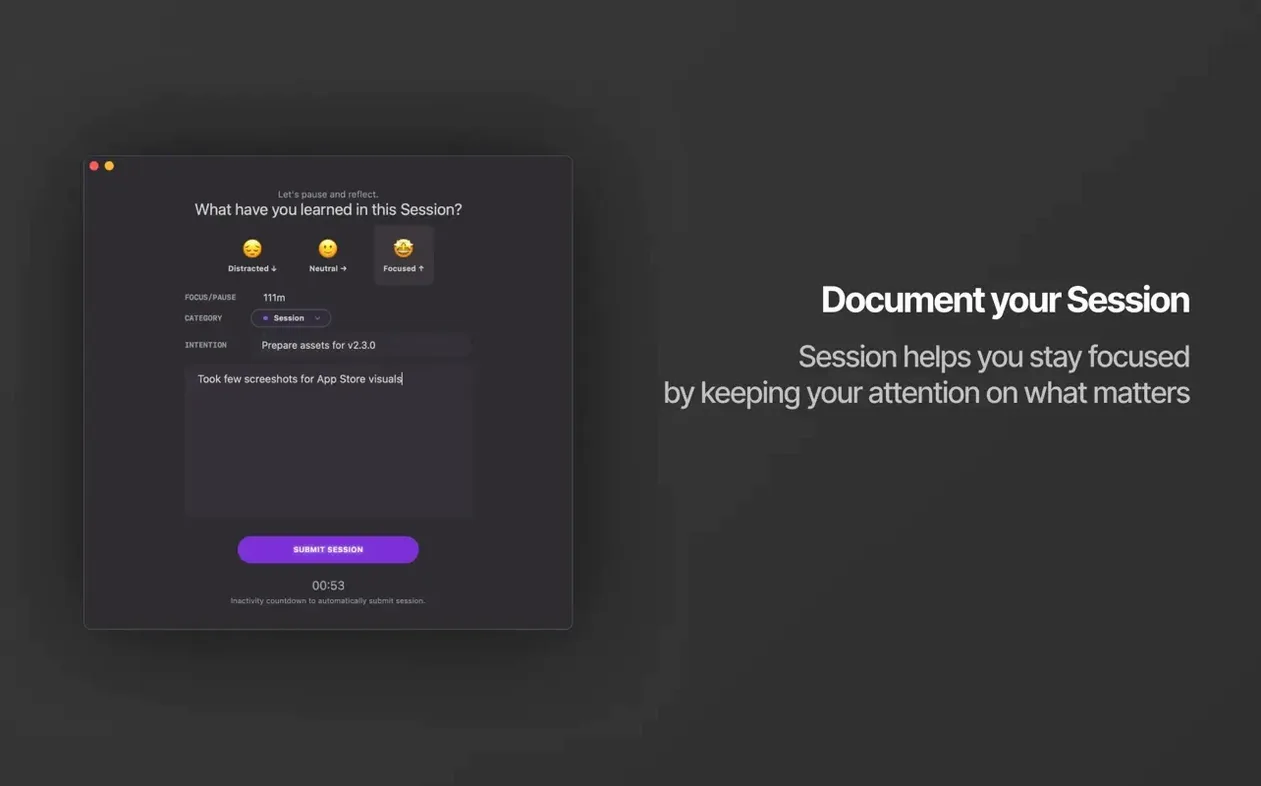
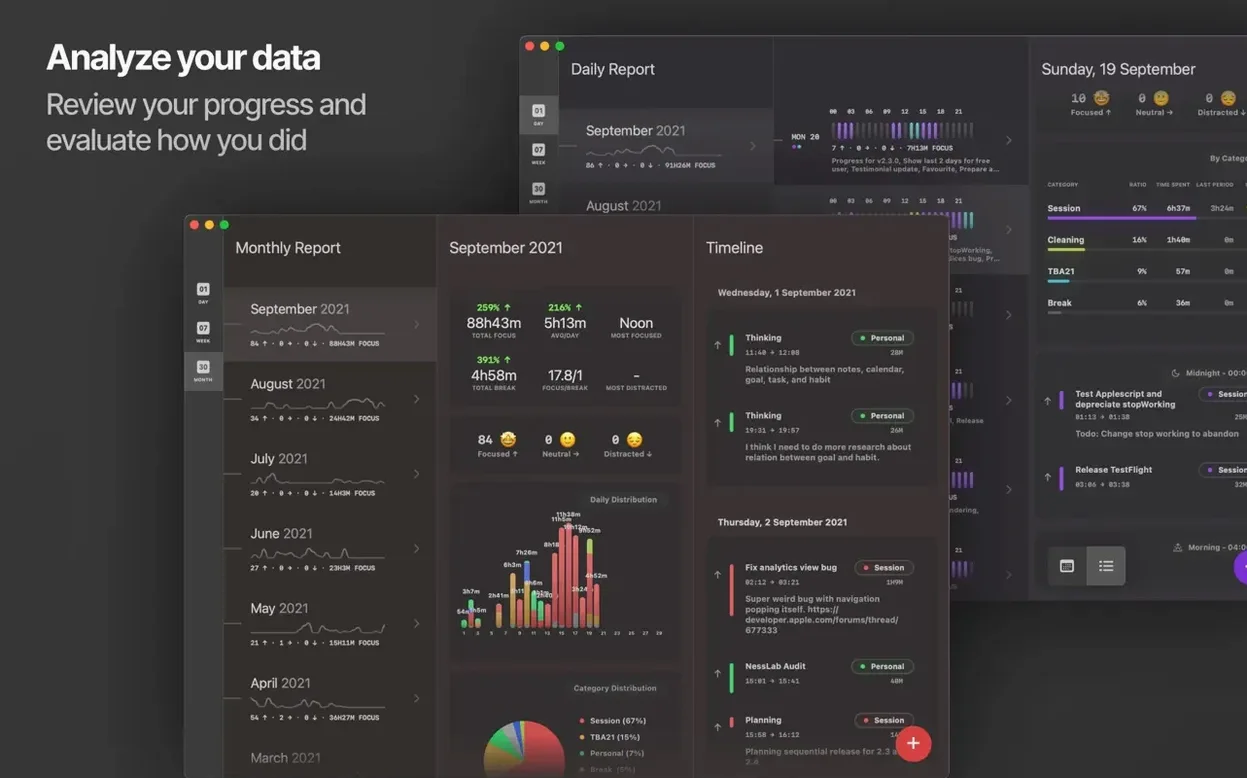
The session pomodoro focus timer mac full version goes further. It tracks what you worked on, what you learned, and how much time you spent, then lets you review that at the end of the day.
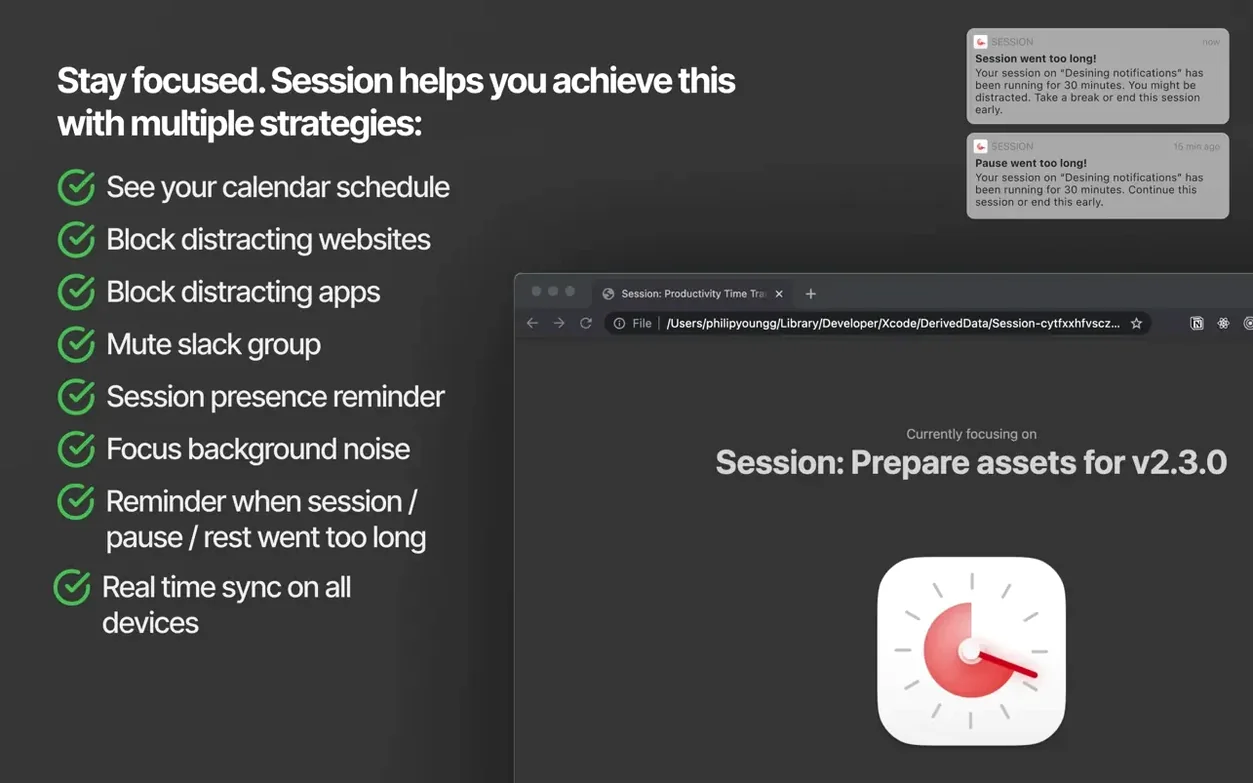
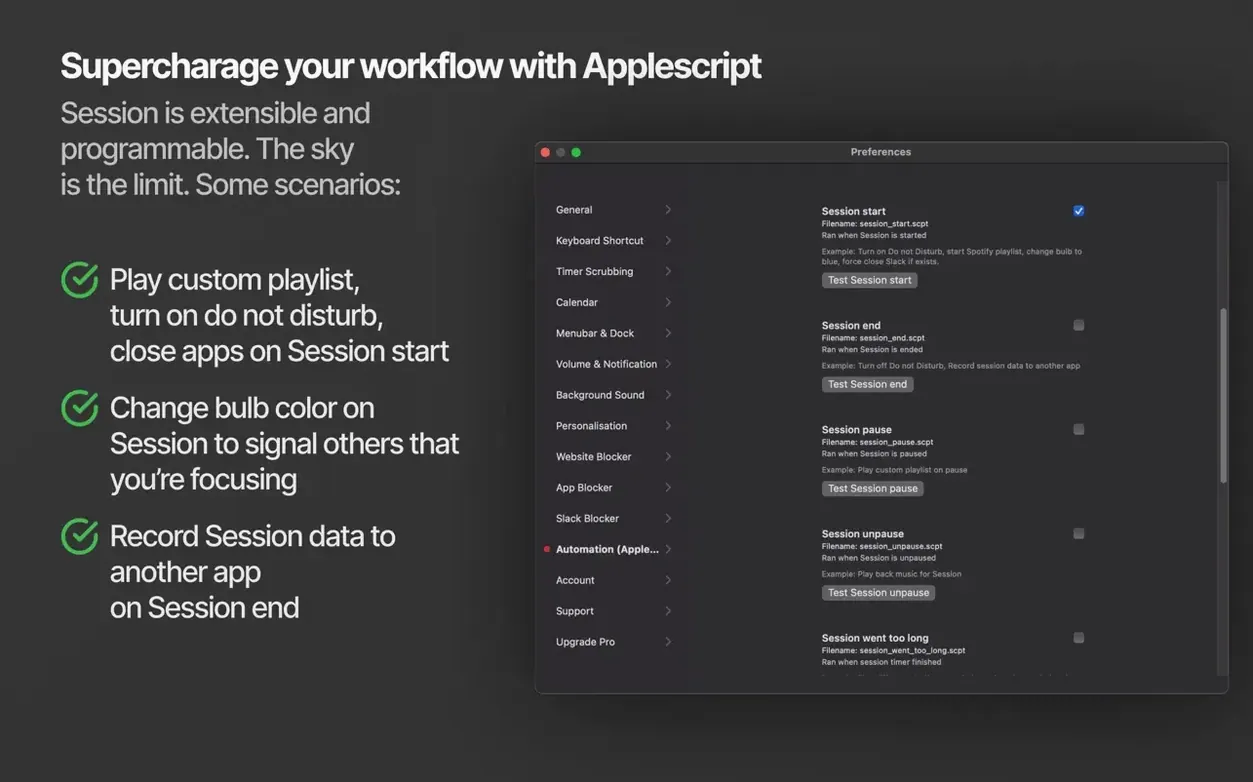
- Automatic Do Not Disturb – turns on at session start and off after, so you don't have to remember.
- Slack muting – can mute a selected team automatically when a session begins.
- Website and app blocking – blocks distracting sites and apps, then restores them during breaks and after the session.
- Break reminders – nudges you when it's time to step away, which matters when you're deep in a task.
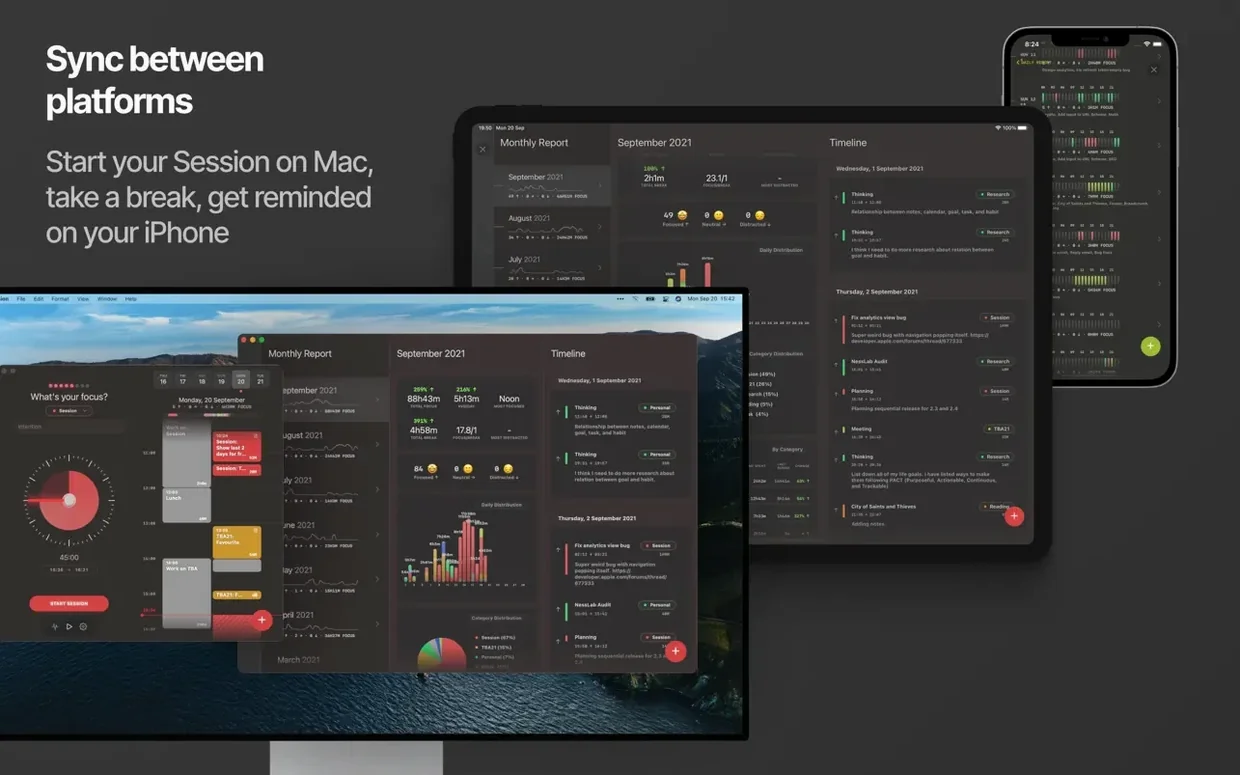
- Cross-platform sync – works on Mac, iPhone, and iPad, so your history follows you.
These are the tools that turn a simple timer into something you can rely on daily. The calendar resize fix in 2.13.48 keeps things tidy. If you're past the basics, this is the stuff that matters.
Blocking too many sites at once
A few things trip people up when they first start using this timer. The main one: blocking too many sites at once. You add every social network, every news site, every forum you ever visit, then five minutes into a session you realise you actually need one of them for research. Start with two or three distractors, then add more as you learn what actually pulls you away.
Another mistake is ignoring the break reminders. The Pomodoro method works because of the rests, not just the work blocks. Skip them a few times and you end up fatigued by mid-afternoon, defeating the point. Let the app nudge you away from the screen.
Some users also forget to sign in after installing. The app requires an account to run, so that step is not optional. It's quick, but it catches people who expect to jump straight into a timer.
Drafting a report in one hour
Say you have a report to draft and an hour to do it. Here is one way to set it up.
- Open Session Pomodoro Focus Timer and sign in if you haven't already.
- These are the standard Pomodoro intervals.
- Add the websites you tend to open when stuck — news, social feeds, forums — to the block list. Add your messaging app too if it runs on the Mac.
- Turn on Do Not Disturb for the session so notifications from Mail, Calendar and other apps stay hidden. The app can do this automatically.
- If you use Slack, enable the mute option for your team. The app handles it at session start and restores it afterward.
- Start the timer. Write until the break reminder appears. Stand up, stretch, check your phone if you want — the blocked sites and apps are available again during the break.
- When the break ends, the block list and Do Not Disturb come back. Repeat for another round.
- At the end of the day, review what you recorded: tasks, time spent, notes on what you learned. The app keeps that data organised so you can see where your focus actually went.
Version 2.13.50 is here. The devs have rolled up a fresh build — check the app for the exact tweaks since the changelog isn't posted on the download page.
- macOS 10.15 or later
- Apple Silicon and Intel 64-bit Macs
Kit check at a glance
| System | macOS 10.15 or later |
| Chip | Apple Silicon, Intel 64-bit |
| Download | 50 MB |
| Older pressings | 1 in the crate |







Chat from the booth
Sign in or grab a free account to leave a comment.
Nobody has said a word in the booth yet. If you played a set with this build, tell the next person how it went.