
- Build in the crate
- 1.5.3
- Made by the team at
- AE_OFF
- Menu languages offered
- English
- How you pay for it
- K'ed by Monter Group
- CPU it runs on
- Apple Silicon, Intel 64-bit
Screenshots

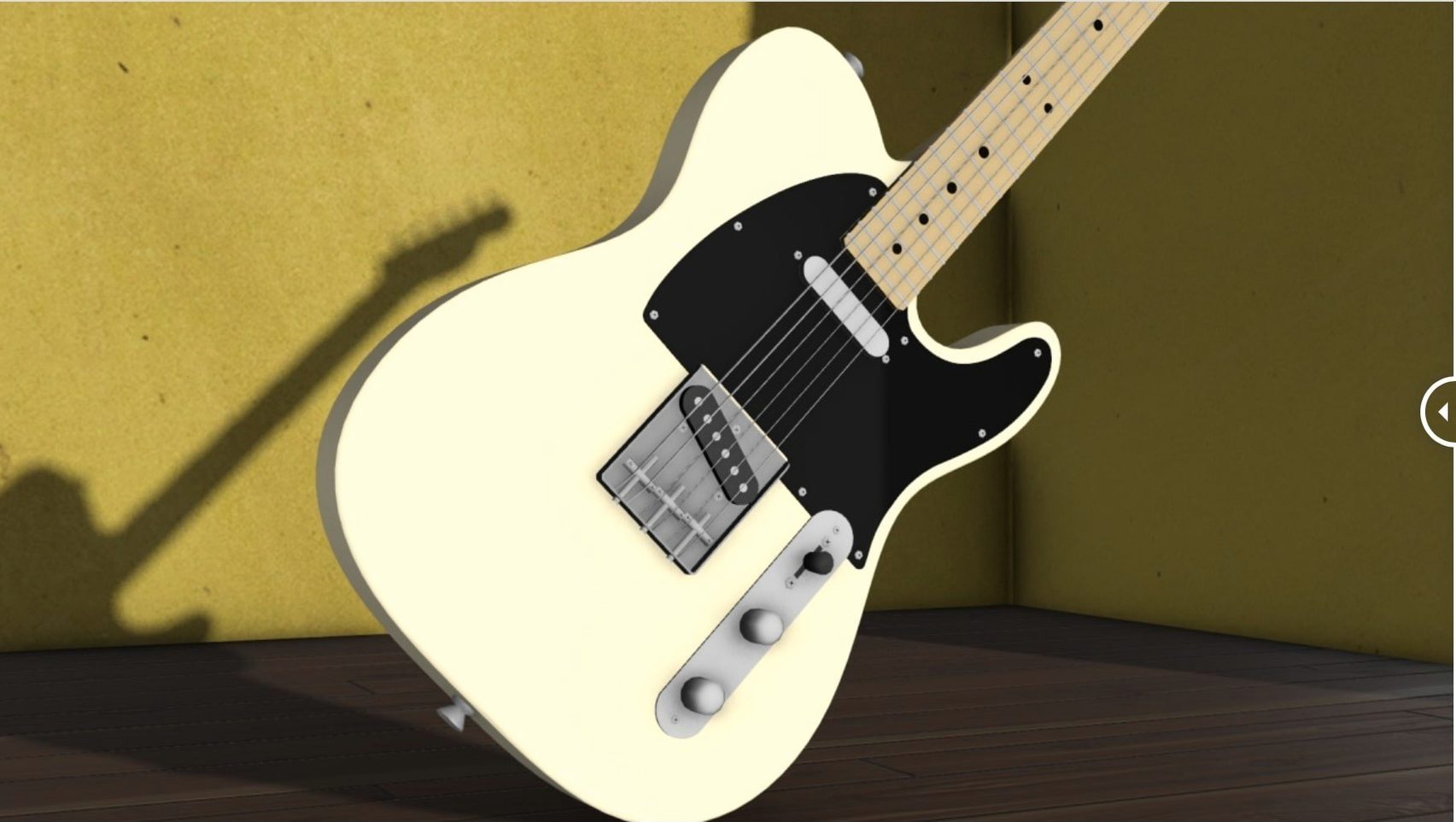
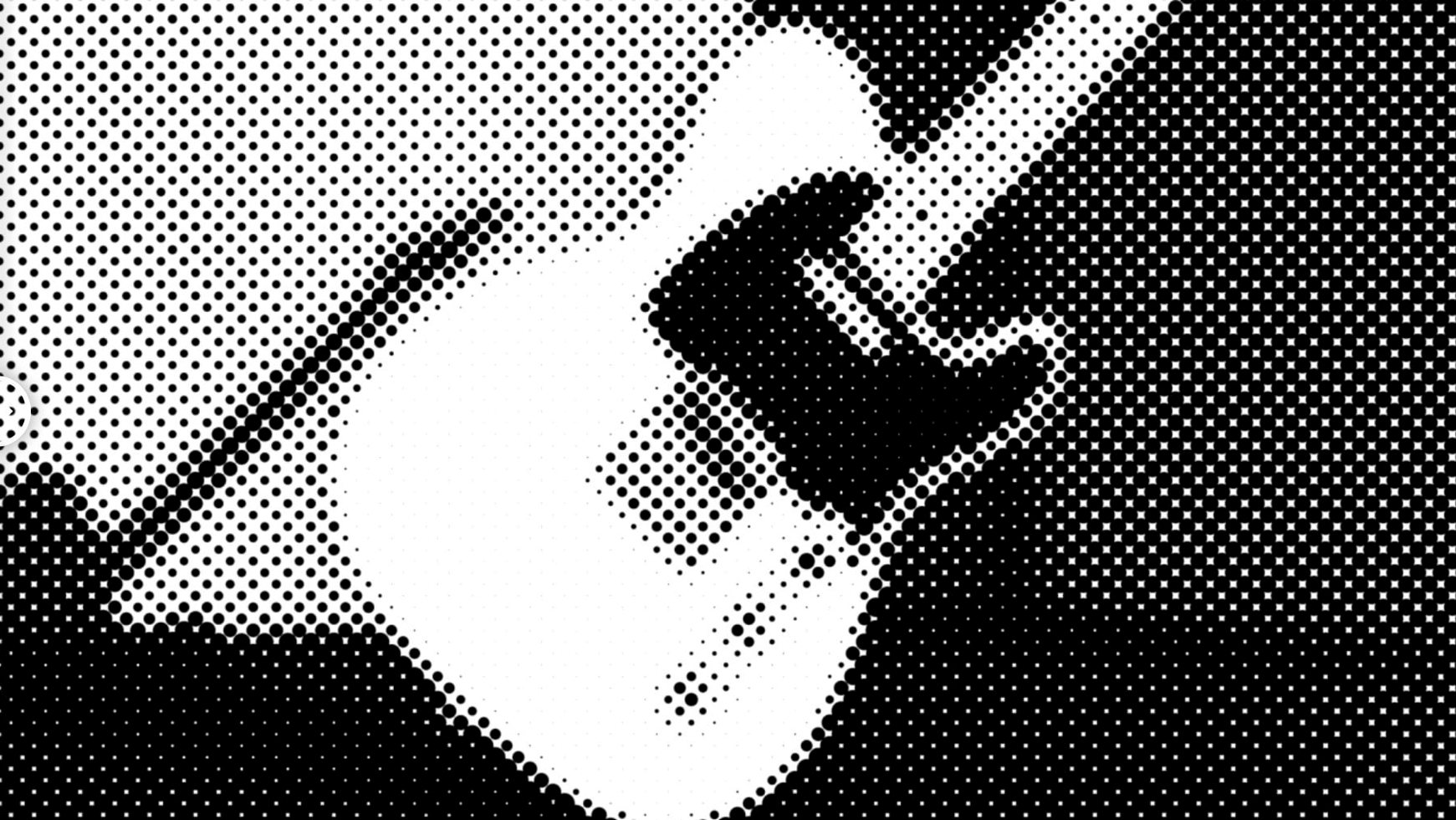
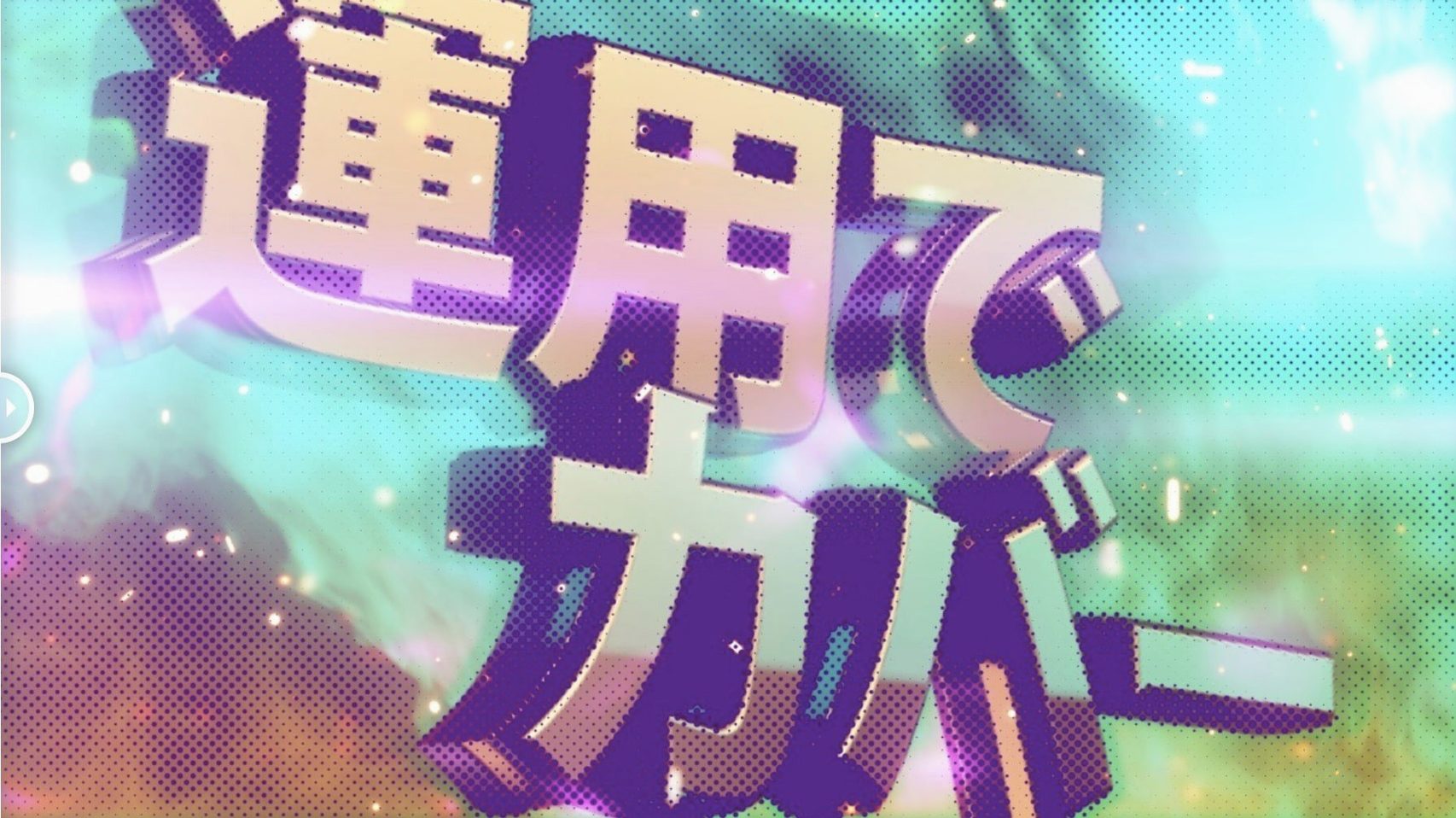
Halftone looks great until you try to control it. m's Halftone from AE_OFF gives you proper handles inside After Effects: dot size, rotation, offset, alpha and sampling. Version 1.5.3 runs on both Intel and Apple Silicon Macs, and supports After Effects from 2026 back to CS5. That covers a lot of older comps without fuss.
| Detail | Value |
|---|---|
| Developer | AE_OFF |
| Version | 1.5.3 |
| Type | After Effects plugin |
| Language | English |
The interface is English and the controls are straightforward. If you need halftone with real control rather than a one-click filter, this is worth a look.
Sits in After Effects' native Effects & Presets panel
M's Halftone sits in the Effects & Presets panel like any native After Effects effect. You apply it to a layer, adjust the sliders, and it renders inside the comp. Because it doesn't rely on layer maps or external images, it plays well with nested comps, precomps and adjustment layers. You can stack it with other effects — CC Glass, Roughen Edges, or a simple Levels adjustment — and the halftone pattern reacts in real time as you tweak the stack order.
On macOS, the plugin respects the standard colour spaces in After Effects. If you work in a Rec. 709 or sRGB comp, the dot colours stay consistent. The alpha control also works with transparency, so you can composite halftone elements over footage or graphics without pre-rendering. No special permissions or background services are needed; it loads as a standard .plugin file in the After Effects plug-ins folder.
Cleaner activation across Intel and Apple Silicon Macs
Version 1.5.3 is a small but practical update. The licensing framework moved to v4.1.4, which means activation is handled more cleanly across different Mac configurations. If you switch between Intel and Apple Silicon Macs, or keep After Effects open for long sessions, the plugin stays authorised without re-prompting. That matters more than it sounds — older licensing frameworks sometimes lost track after a system sleep or a library update.
Otherwise, the core controls are the same as before. Dot size, rotation, offset, alpha and sampling still behave the same way. The update doesn't add new shapes or presets; it just keeps the plugin working reliably on current macOS versions and After Effects releases.
More focused halftone than Red Giant's ToonIt
There are a few other halftone tools for After Effects on Mac, but they take different approaches.
Red Giant's ToonIt includes a halftone option, but it's part of a larger cel-shading system. You get more stylisation control, but the halftone itself is a secondary feature, not a dedicated tool. If you only need halftone, you're paying for a lot of extra modules you may not use.
Trapcode Sound Keys can generate halftone-like patterns driven by audio, but that's a different use case altogether. It's designed for audio visualisation, not for static or keyframed halftone processing.
M's Halftone is narrower. It doesn't try to be a multi-effect suite or a sound-driven tool. It gives you circle, square and line shapes, plus the core parameters, and nothing else. For motion designers who want halftone as a deliberate design element — not a byproduct of another effect — that focus is the point.
Turning a brick wall into halftone dots while keeping the subject clear
Say you have a 15-second promo for a local band. The footage is a straightforward talking-head clip against a brick wall. You want the wall to turn into halftone dots while the person stays clear, to give it a print-shop feel.
First, duplicate the footage layer. On the top layer, draw a mask around the person so the effect only hits the background. Apply m's Halftone to the bottom layer. Set the shape to circle and the dot size to 8. The wall texture turns into even dots, but the person remains untouched because the mask isolates them.
Next, keyframe the rotation. At the start of the clip, set rotation to 0. At the end, rotate it 90 degrees. The dots spin slowly behind the person, adding subtle motion. The offset control lets you shift the pattern so the dots don't start at the edge of the frame — you can centre them or push them off to one side.
Then add a solid colour layer underneath, set to a warm orange. The halftone dots reveal the orange through the alpha channel of the footage. Adjust the alpha slider to reduce the dot contrast slightly, so the pattern blends rather than screams. Finally, drop a Levels effect above the whole stack to crush the blacks a little, giving the halftone area more punch.
The whole setup takes a few minutes. No pre-comps, no external maps, no rendering a separate pass. It stays editable until you final the comp.
- Licensing framework updated to v4.1.4.
- macOS (architecture: Intel and Apple Silicon)
- After Effects 2026 through CS5
Kit check at a glance
| Chip | Apple Silicon, Intel 64-bit |
| Download | 6 MB |

Chat from the booth
Sign in or grab a free account to leave a comment.
Nobody has said a word in the booth yet. If you played a set with this build, tell the next person how it went.