
- Build in the crate
- 9.0 fix
- Made by the team at
- DxO Labs
- Menu languages offered
- Russian, English, German, Arabic, Spanish, Italian, Chinese (Traditional), Chinese (Simplified), Korean, Dutch, Polish, Turkish, French, Japanese
- How you pay for it
- K'ed by Antibiotics
- macOS it plays on
- macOS 13.3 or later
- CPU it runs on
- Apple Silicon, Intel 64-bit
Screenshots
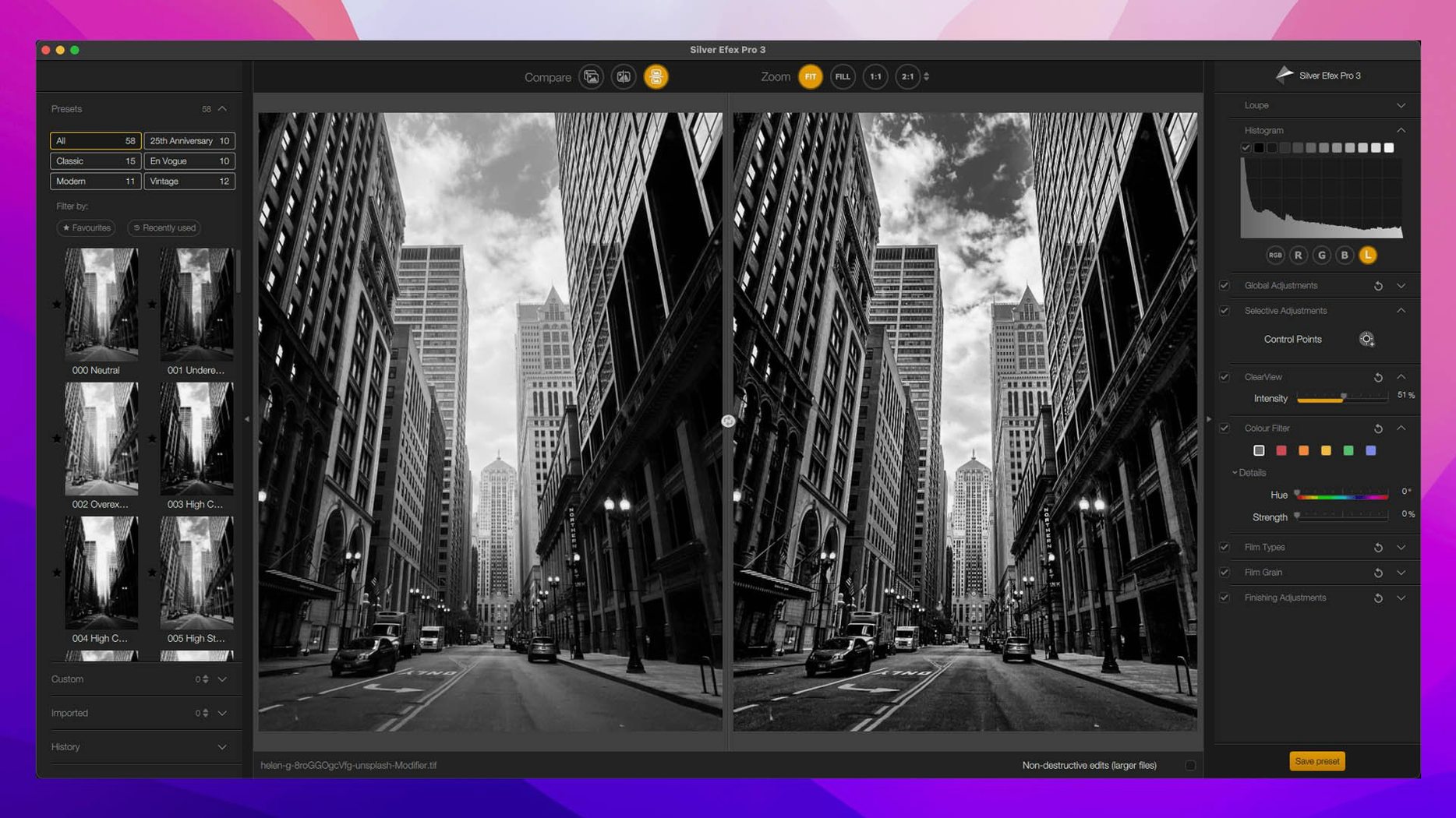
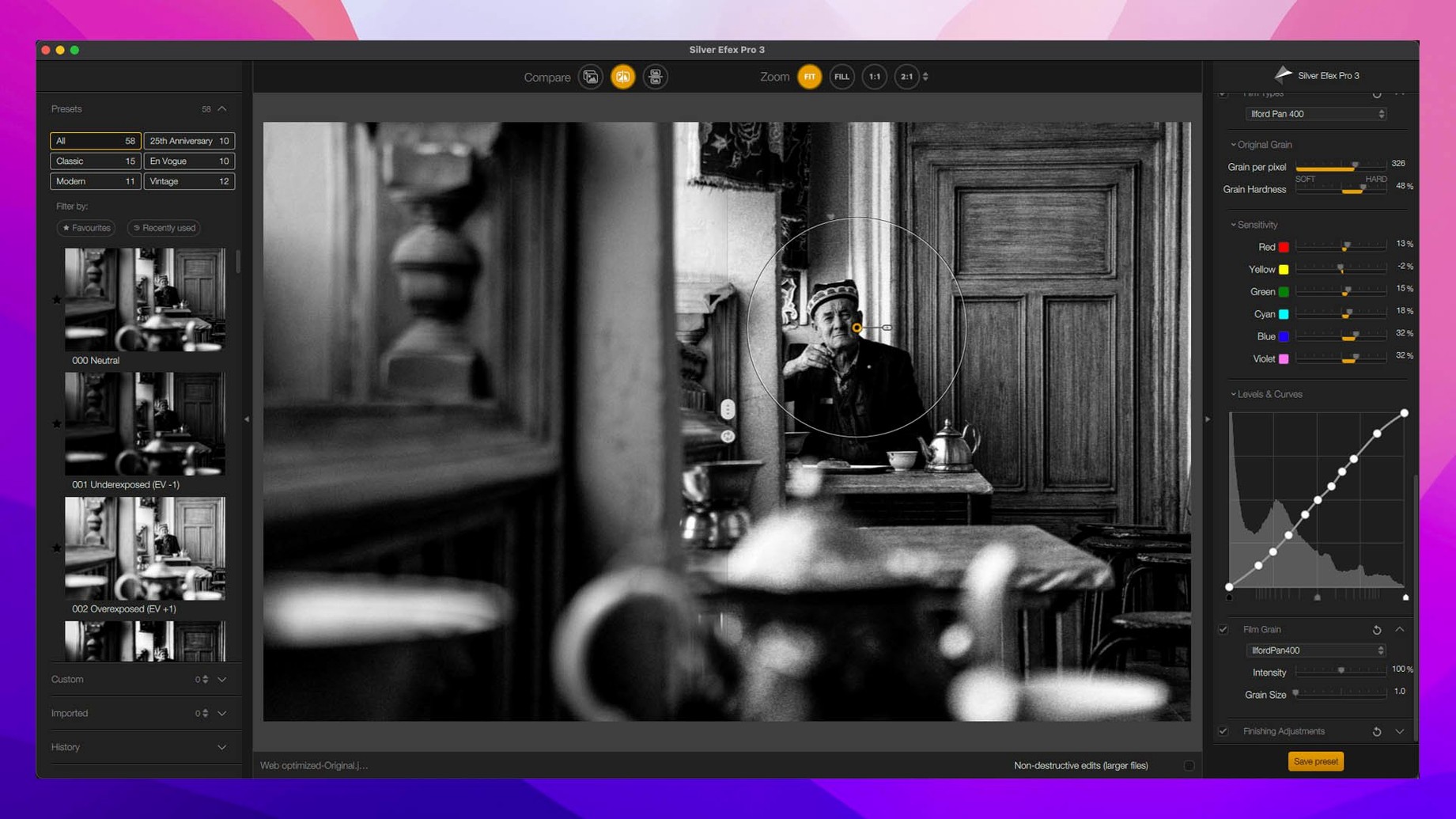
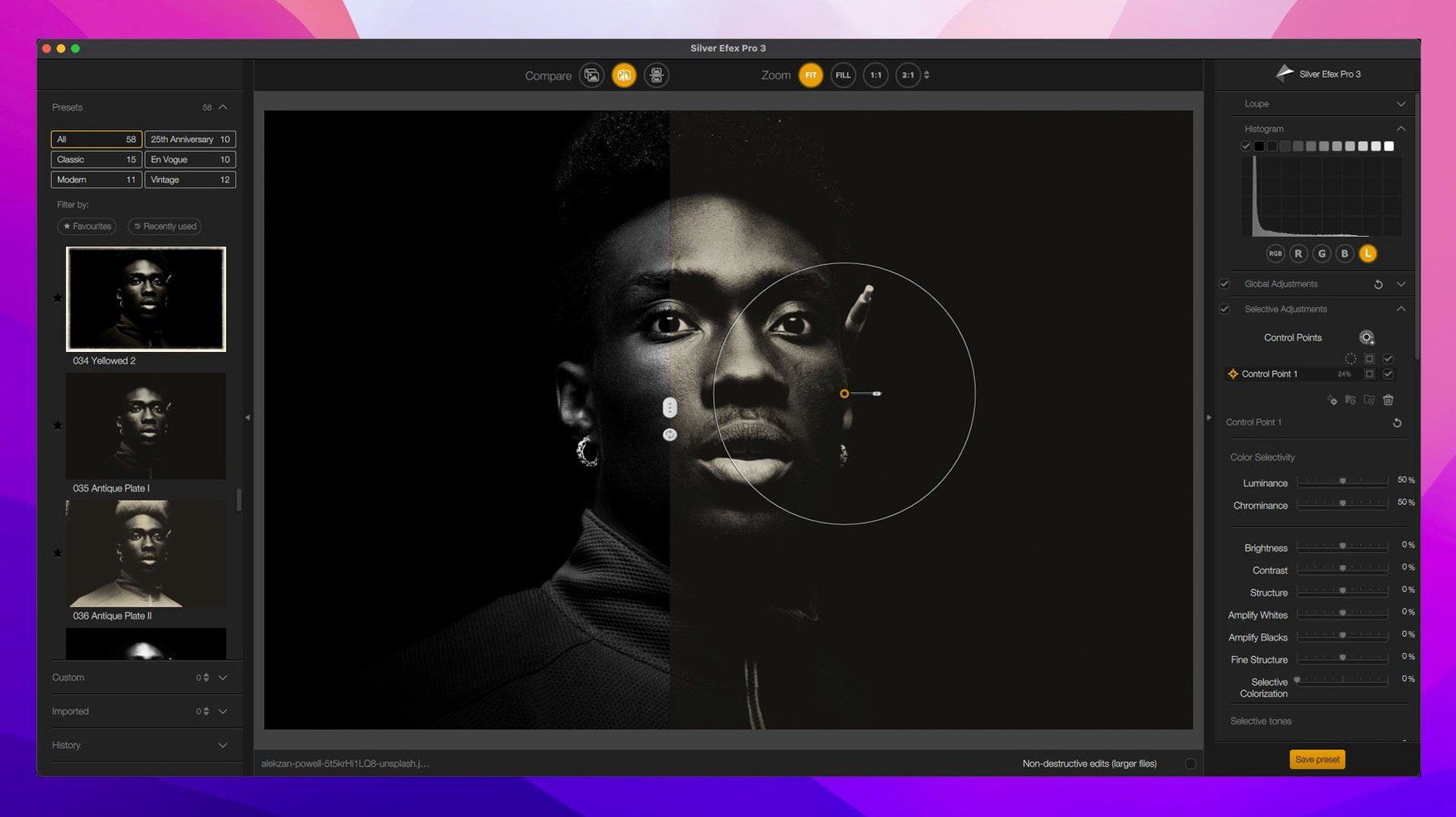
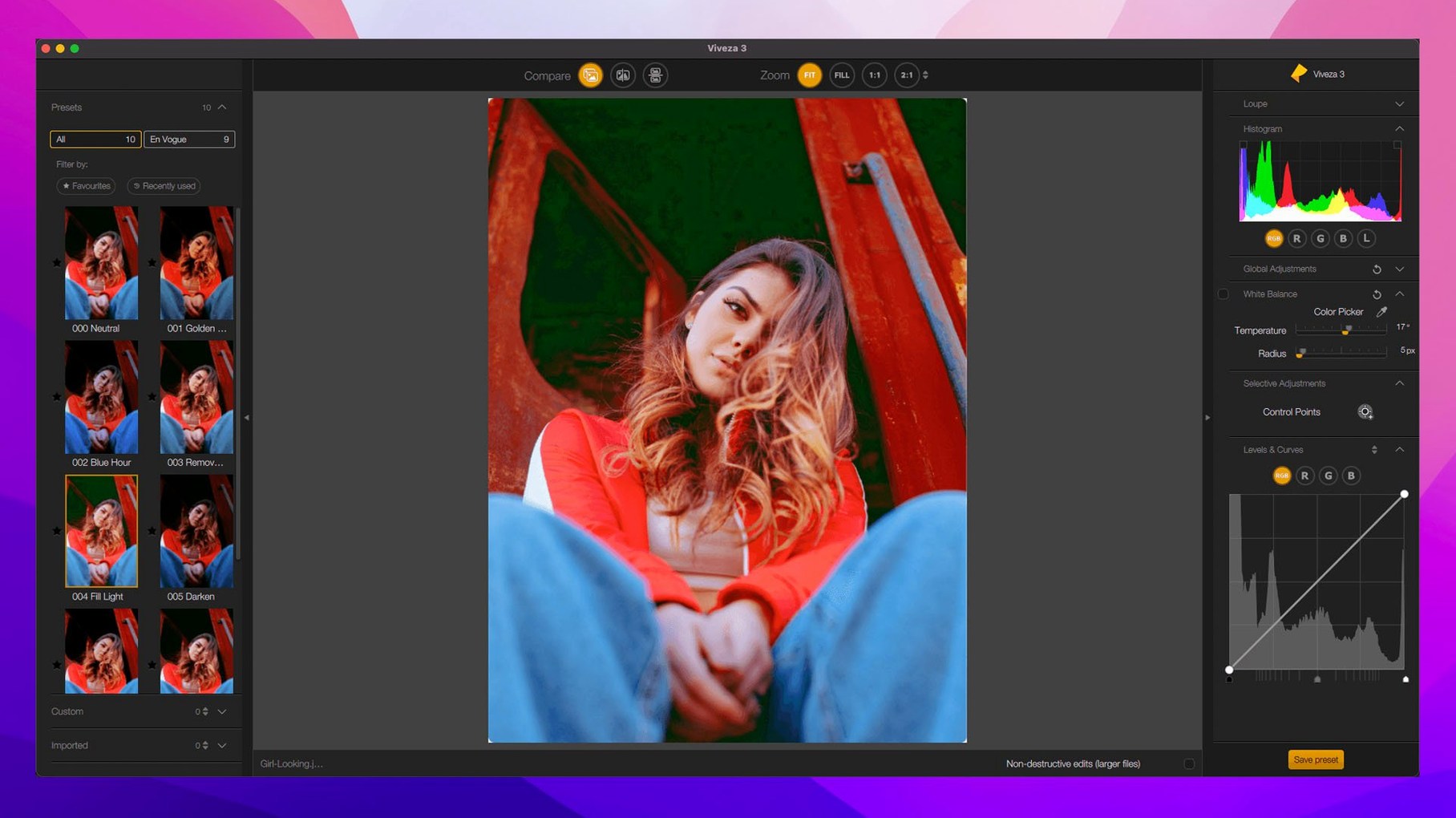
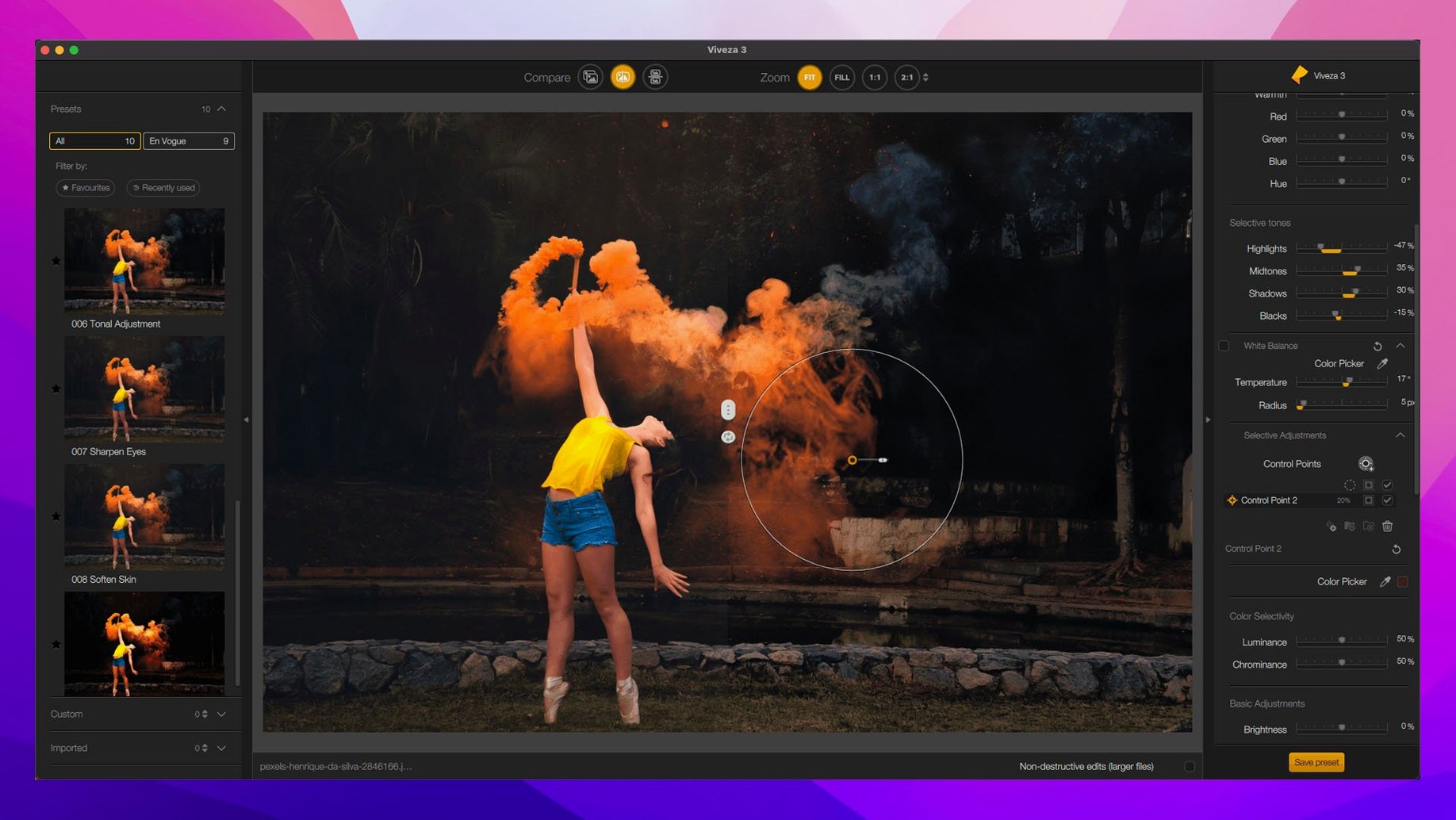
Photographers who want more control over their edits keep Nik Collection close. It runs as a plugin inside your host app, so it sits right where you work: after the basic adjustments, before the final export.
Grading in Color Efex
When you need to push color across a whole image, Color Efex Pro handles it. The new Color Grading tool adds a quick way to shape tones without stacking adjustment layers. With 52 filters and 250 effects, you often find something usable before you start tweaking.
Fixing details with Sharpener and Dfine
Sharpener Pro gives you a preview of the exact area you're sharpening, so you can see what the edge detail will do. Dfine handles noise reduction when you're working with high ISO shots. Both work on the fly, no need to leave your host.
Local edits with U Point and masks
Viveza's control points target color and light in specific spots, which is great for landscapes or portraits. Nik Collection 9 adds Depth Masks and AI Masks on top of that, so you can separate subjects and backgrounds more precisely. Mask Overlays let you see exactly what's selected.
Plugins appear automatically in your host app
Once the suite is in place, open your host app — Photoshop, Lightroom, Affinity or DxO PhotoLab — and look for Nik Collection under the Filters or Plugins menu. The plugins register themselves during install, so they should appear straight away.
Start with a single image you know well. Run it through Silver Efex Pro first: the before-and-after split preview makes it easy to compare your edit against the original. Presets give you a fast starting point, and you can adjust from there without committing to a look.
For colour work, open the same image in Color Efex Pro. The Selective tool lets you apply an effect to just one part of the frame, so you can test how local adjustments behave before you rely on them in a real edit. Try the new Color Grading tool on a portrait or a landscape to see how the tone shift feels.
Requires macOS 13.3 and works on Apple Silicon
Nik Collection 9 runs on macOS 13.3 or later, and it works on both Apple Silicon and Intel Macs. The suite is a set of plugins, so it doesn't sit open as a standalone app — it launches inside your host. That means the host handles the file loading and memory management, while Nik Collection processes the adjustments you apply.
Because the suite includes multiple plugins, you can keep several of them open in a session without closing and reopening your host. Dfine for noise reduction, Sharpener Pro for output sharpening, and Perspective Efex for correcting lines all stay available as you move through your workflow.
Preset Hover Preview saves browsing time
A few features are easy to overlook on first use. The Preset Hover Preview in version 9 shows you what a preset will look like before you click it, which saves time when you're browsing through options.
Copy and paste of local adjustments between images means you can match the edit from one photo to another without rebuilding the settings by hand. This is handy for batch edits or series shots where the lighting and composition are similar.
Analog Efex Pro includes more than 80 tools and special effects, but you don't have to use them all at once. The interface lets you add or remove individual effects, so you can build a look step by step rather than applying a full preset.
Sharpener Pro supports 16-bit image sharpening, which means you can sharpen earlier in your workflow without degrading the image data. The preview area shows you exactly what's being affected, so you can dial in the amount by eye.
Mask Overlays in the new version let you see your selections as a coloured overlay, which removes the guesswork when you're painting or refining a mask. Combined with the new Depth Masks and AI Masks, you get a clear view of what's selected and what isn't.
- New Depth Masks and AI Masks for smarter local adjustments
- New Color Grading tool in Nik Color Efex
- New Chromatic Shift, Glass Effect, and Halation effects
- Mask Overlays and Preset Hover Preview
- macOS 13.3 or later
- Intel or Apple Silicon
Kit check at a glance
| System | macOS 13.3 or later |
| Chip | Apple Silicon, Intel 64-bit |
| Download | 3.5 GB |
| Older pressings | 8 in the crate |




Chat from the booth
Sign in or grab a free account to leave a comment.
Nobody has said a word in the booth yet. If you played a set with this build, tell the next person how it went.