
- Made by the team at
- motionVFX
- How you pay for it
- Not required
Screenshots
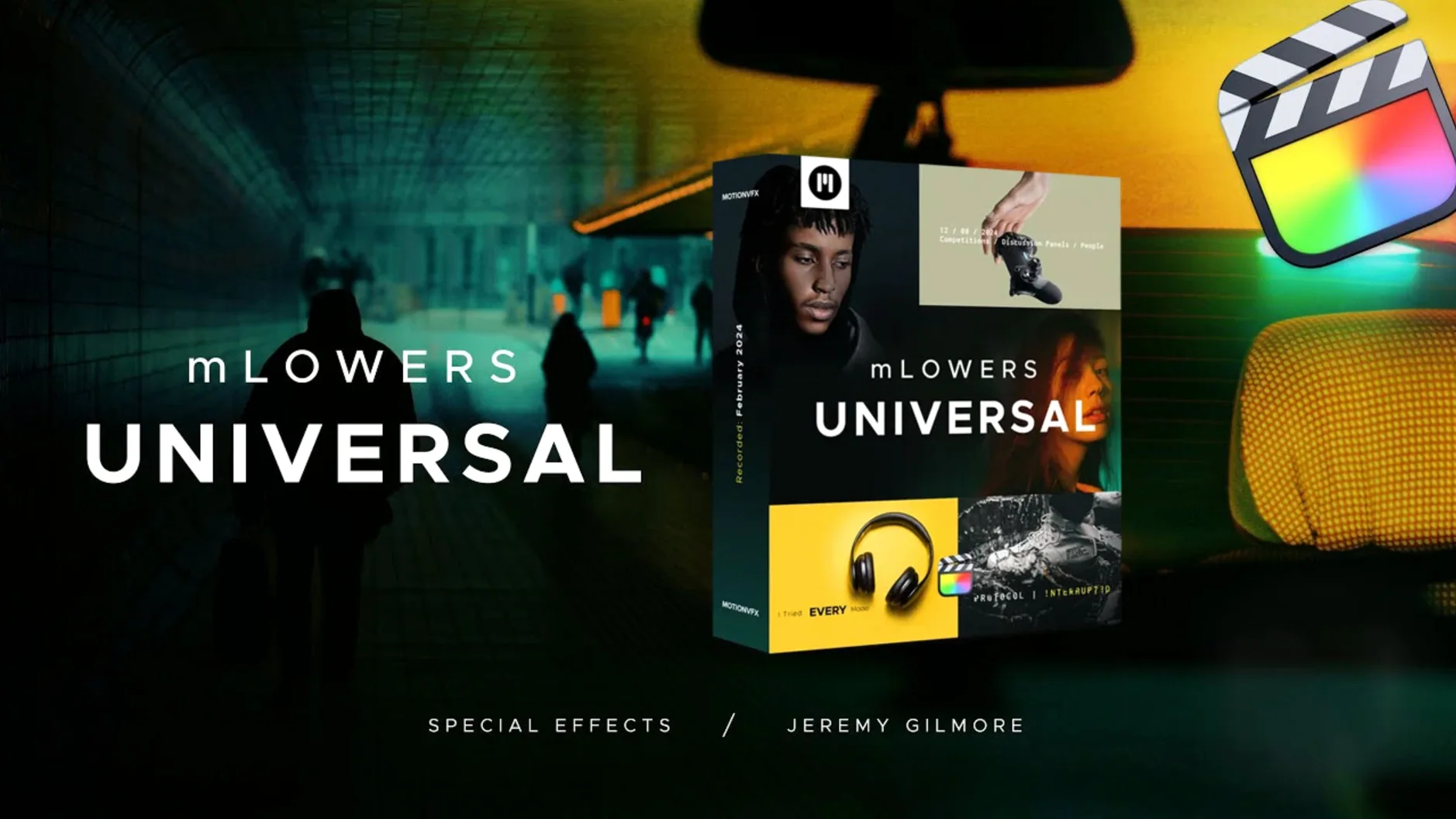
70 lower-thirds and title presets make mLowers a solid starting point for any Final Cut Pro edit. The set covers glitch-style effects, clean high-tech designs and social media markers for cross-platform promotion. motionVFX calls it easy to use, which is true: drop a preset onto a clip, adjust the text, and it’s ready.
The pack sits in the Titles browser like any other FCP template. No extra plugins, no buggy render pipelines. For a weekend video or a small client project, mLowers gives you variety without forcing you to build each lower third from scratch.
Social media creators and event videographers benefit most
mLowers suits a wide range of Mac editors, but a few groups benefit more than others. Social media creators who need quick, branded overlays for Instagram or YouTube will appreciate the pre-built markers.
Event videographers and wedding editors often work under tight deadlines. Having 70 animated titles in one pack means you can drop a different look on each interview or location without repeating yourself. The high-tech and retro styles cover two distinct moods, so a single pack can serve a corporate reel and a party highlight on the same day.
Motion graphics beginners also get a lot here. If you know Final Cut Pro but not Motion, these presets show how pro animators time their reveals and fades. You can study the keyframes or just use them as-is and learn by tweaking.
Less useful for: editors who build every title from scratch in Motion or After Effects. If you already have a custom lower-third workflow, the pack might feel restrictive. But for speed, it is hard to beat.
Swap default font and colour before dropping onto timeline
When you first open the Titles browser, mLowers presets will use their default font and colour. I change those before dropping anything onto the timeline.
- Font choice – motionVFX ships the pack with a clean sans-serif by default. Swap it for your project’s brand font or a bolder typeface if you want more presence.
- Colour override – Each preset has a colour well in the Inspector. I set mine to match the brand palette before dragging to the timeline. Saves clicking back later.
- For interviews I stretch them to 6-7. Adjust in the Inspector or by trimming the clip in the timeline.
Once those are set, the pack behaves like your own custom template library.
Adding name overlays to a three-interview documentary in 20 minutes
Friday afternoon. I have a short documentary cut open in Final Cut Pro – three interview subjects, each speaking for about a minute. I need their names and roles on screen for the first four seconds of each clip.
I open the Titles browser, scroll to the motionVFX folder and scan the mLowers thumbnails. I pick a clean, centred lower third from the high-tech section. It has a thin line that animates from left to right. I drag it onto the first interview clip.
In the Inspector I type the name and title. The text appears over a dark bar that sits at the bottom quarter of the frame. I adjust the font to match the rest of the film and change the accent colour from blue to gold – the brand colour for this project.
I copy the preset and paste it onto the second and third interview clips. I swap the text for each person. The animation stays consistent across all three. I trim the duration on the timeline so the lower third fades out just before each subject starts speaking.
For the final section – a montage of b-roll – I add a glitch-style lower third that reads “Valencia, 2024”. It pulses twice and settles. The whole session, from opening the browser to export, takes about twelve minutes. No motion graphics software needed.
Later releases fixed text alignment for glitch-style titles
motionVFX has updated mLowers over time to keep it compatible with newer versions of Final Cut Pro. The core set of 70 presets remains the same, but later releases fixed text alignment for some of the glitch-style titles – earlier versions could shift the text off-centre when you changed the font size. That is now stable.
Some presets also gained support for the colour override controls in the Inspector. Older versions required you to open the title in Motion to change the accent colour. Now it is all adjustable inside Final Cut Pro, which matches the “easy to use” claim motionVFX makes. No activation changes, no extra downloads – just a cleaner editing experience.
For anyone grabbing the pack today, the latest build is the one to get. It works with recent macOS and Final Cut Pro releases without extra steps. The install path remains the same: /Users/Your Name/Movies/Motion Templates/Titles.
- macOS version not specified.
- Apple Silicon or Intel.
- Final Cut Pro.
Kit check at a glance
| Download | 71 MB |



Chat from the booth
Sign in or grab a free account to leave a comment.
Nobody has said a word in the booth yet. If you played a set with this build, tell the next person how it went.