

- Made by the team at
- motionVFX
- How you pay for it
- Not required
Screenshots
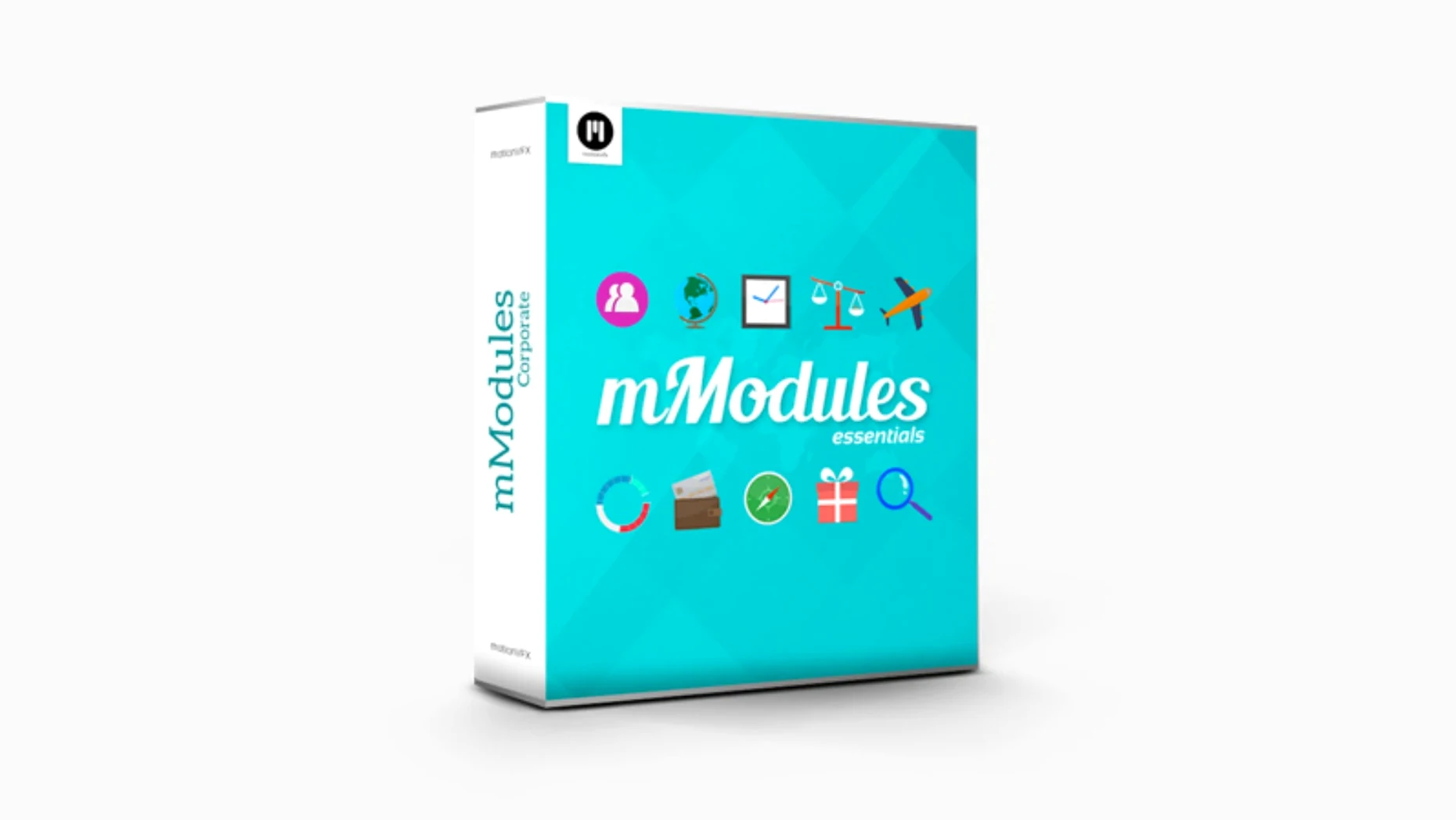
You have a great edit, but the lower third feels flat. Or the transition between scenes lacks a bit of energy. That is where MotionVFX mModules comes in — a set of 60 ready-to-use elements for Final Cut Pro X that give you motion graphics without opening Motion.
- Unpack the downloaded archive.
- Move the folder to
/Users/Your User Name/Movies/Motion Templates/Titles. - Open Final Cut Pro. The templates appear in the Generators Browser under the motionVFX category.
From animated titles to simple graphic overlays, each element is a single drag away. No keyframes, no rendering — just pick one and drop it onto the timeline. The controls let you tweak colour, speed and position directly in the inspector, so you keep the look consistent without rebuilding anything.
Finished elements that need no extra software
If you edit in Final Cut Pro, you have a few ways to add motion graphics. MotionVFX mModules sits in a specific spot — it gives you finished elements that need no extra software. Here is how it lines up against two other approaches.
Apple Motion
Apple Motion is the full motion graphics companion for Final Cut Pro. You can build anything from scratch, animate text, create particle systems and design your own templates. The trade-off is time. If you need a quick lower third or a transition, opening Motion, building it and publishing back to Final Cut takes longer than dragging a pre-made mModule onto the timeline. mModules is for speed; Motion is for control.
Pixel Film Studios plugins
Pixel Film Studios also offers template-based titles and generators for Final Cut Pro. Their packs tend to focus on a specific look — think heavy text treatments or stylised transitions. mModules covers 60 elements in one collection, so you get variety across titles, generators and small motion pieces. Both work without leaving Final Cut, but the motionVFX set leans towards clean, modular graphics that you can adapt rather than single-use presets.
Lightweight templates, no background processes
mModules runs inside Final Cut Pro, so your Mac needs to handle FCP first. The plugin itself is lightweight — you are moving small template files into the Motion Templates folder. No background processes, no extra engines.
The requirements are tied to Final Cut Pro X: any Mac that runs it will run mModules. That means Intel and Apple Silicon machines are both fine. Installation takes a couple of minutes: unpack the archive and copy the folder to the right place. After that, the elements show up in the Titles Browser or Generators Browser under the motionVFX category. No activation step, no licence manager.
On the timeline, each element behaves like a regular clip. You adjust parameters in the inspector. The performance you get depends on your Mac and your project complexity — the same as any Final Cut Pro template.
Installation steps that catch people out
A few things catch people out when they first install mModules. Here are the ones I hear about most.
Templates do not appear in Final Cut Pro
This is the most common issue. The folder needs to go into the exact path: /Users/Your User Name/Movies/Motion Templates/Titles. If you put it in the system-wide Motion Templates folder or somewhere else, Final Cut will not see it. Double-check the path, restart Final Cut, and the motionVFX category should appear in the Titles and Generators browsers.
Elements show up but do not play
Sometimes a template appears in the browser but shows a blank preview or does not render on the timeline. This usually means the file structure got broken during unpacking. Re-download the archive and unpack it again. Make sure the folder keeps its original name and hierarchy — do not move individual files out of it.
Controls in the inspector are missing
If you drag a template onto the timeline and the inspector shows no adjustable parameters, the element may be in the wrong browser. Some mModules live in the Generators Browser, others in the Titles Browser. Try the other one. The motionVFX Help Center has more detail on which type goes where.
No activation, login, or internet check
mModules has a few touches that make daily editing smoother. None of them are advertised loudly, but they add up.
No activation. You install it, it works. No login, no serial number, no internet check. That is rare for a plugin collection and means you can move it between machines without hassle.
Two browser locations. Elements appear in both the Titles Browser and the Generators Browser under motionVFX. That gives you flexibility — use a generator for background elements and a title for text overlays, all from the same pack.
Inspector controls. Every template includes on-screen controls in the Final Cut Pro inspector. You adjust colour, speed, position and other parameters without opening Motion or re-rendering. Changes happen in real time on the timeline.
Modular by design. The 60 elements are not a single monolithic template. You pick individual pieces and combine them. That keeps your library clean and lets you build a custom look by layering separate mModules.
- macOS version: not specified by developer
- Architecture: Intel or Apple Silicon
- Requires Final Cut Pro X
Kit check at a glance
| Download | 5 MB |







Chat from the booth
Sign in or grab a free account to leave a comment.
Nobody has said a word in the booth yet. If you played a set with this build, tell the next person how it went.