

- Build in the crate
- 1.3.1
- Made by the team at
- irrealix
- Menu languages offered
- English
- How you pay for it
- K'ed by Monter Group
- CPU it runs on
- Apple Silicon, Intel 64-bit
Screenshots

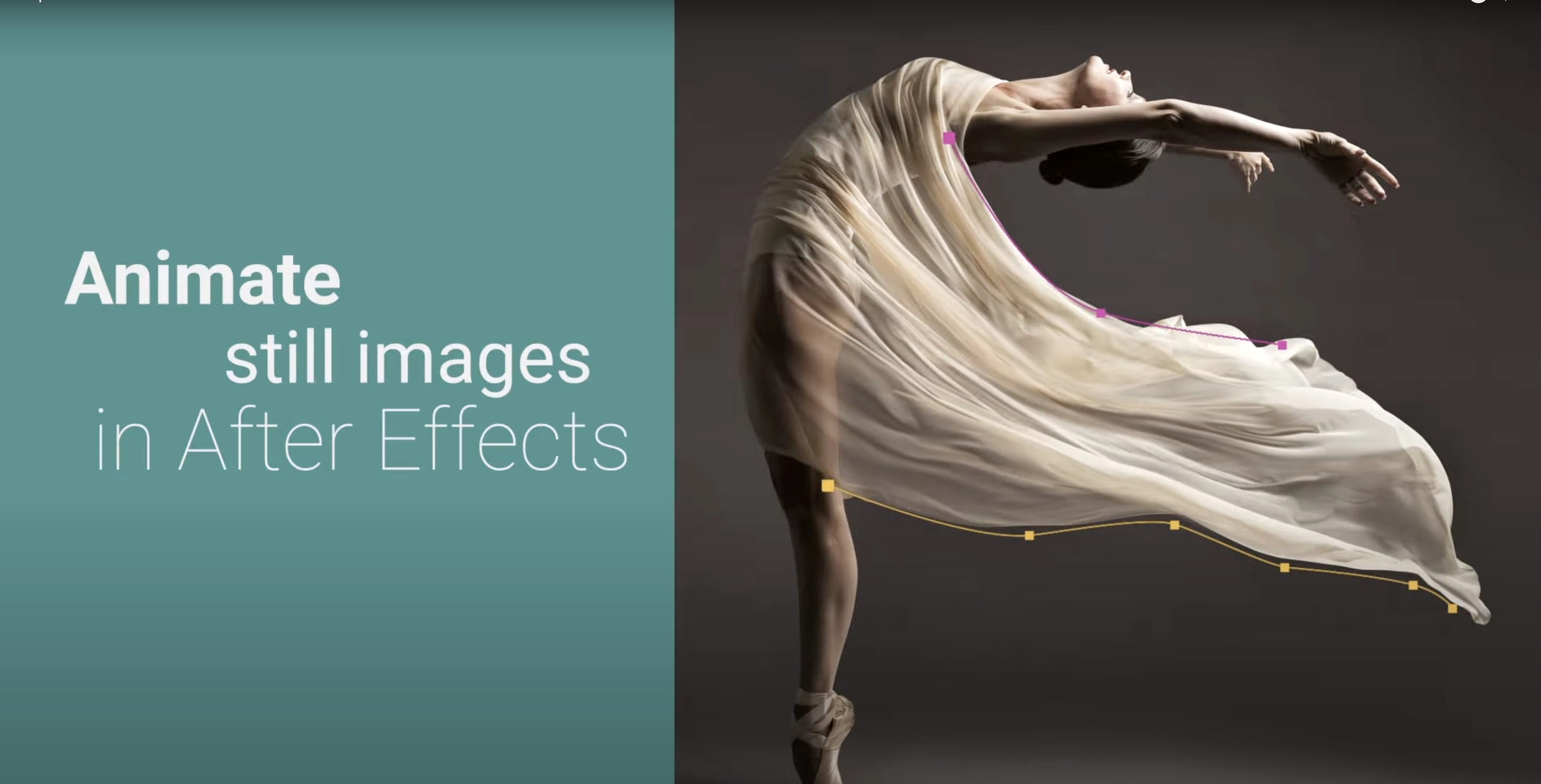
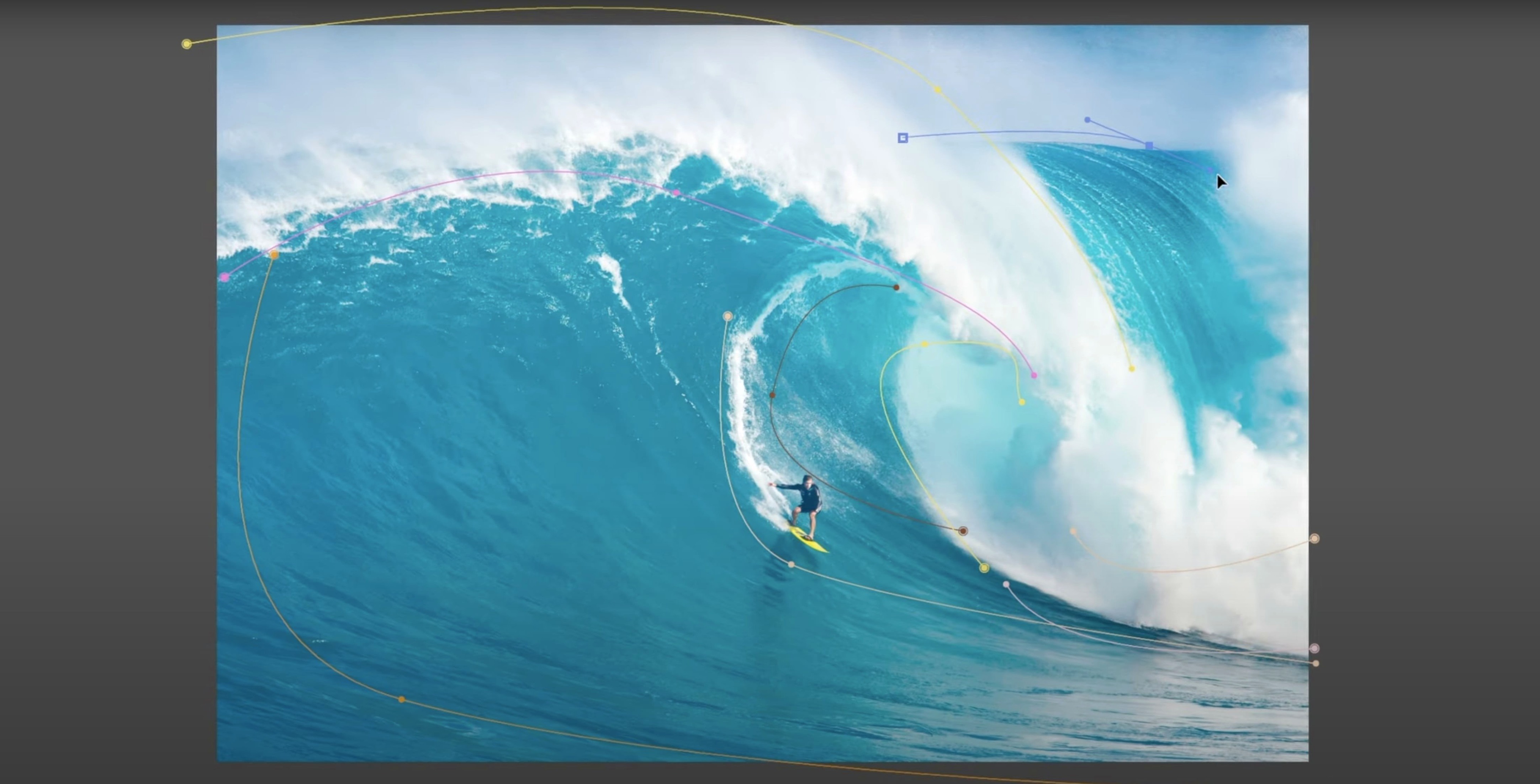
loopFlow is an After Effects plugin that turns a single still image into a looped video with continuous motion.
Animate Water and Smoke
Pick a layer, define the flow, and loopFlow does the rest. Water, smoke, particles, fire — even hair, fur, fabrics, and patterns — all get a natural, seamless-looking loop.
Shape the Blend
The blend transition between loop iterations is fully adjustable. Curves let you control the blend separately for both layers, so the loop point stays invisible or becomes a deliberate stylistic choice.
Add Distortion and Control
Optional distortion makes the animation feel less mechanical. You can also start or stop the loop at any frame, which helps when you need a specific moment to hold still.
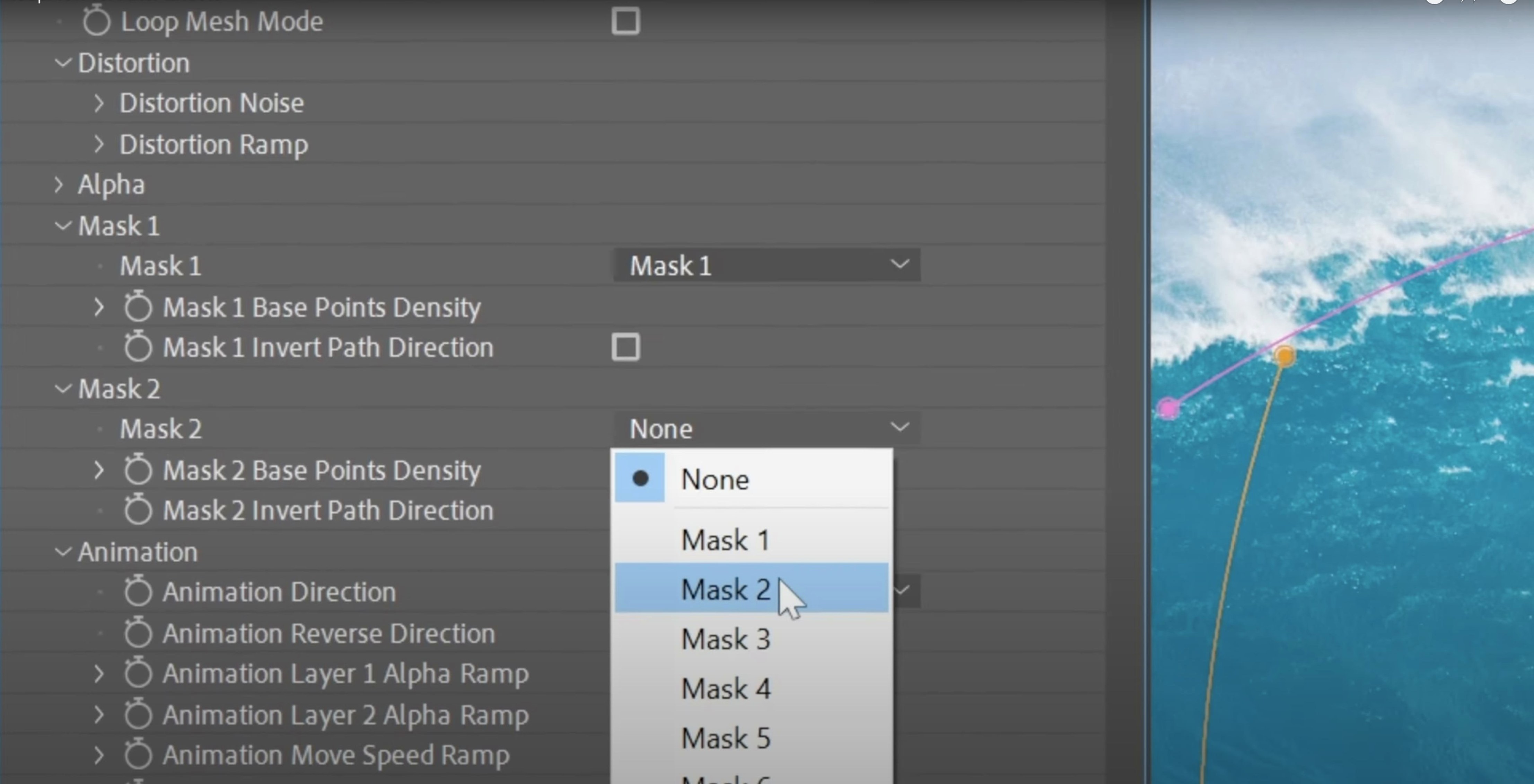
Beginners often ask why the animation looks wrong. The most common mistake is drawing the two masks in the wrong order. loopFlow expects the first mask to define the area that stays still and the second mask to define the flow direction. If you swap them, the motion goes backwards or the edge of the loop looks jagged. The fix is simple: swap the mask order in the timeline or redraw them with the correct priority.
Mask shape problems
Another snag is mask shapes that are too complex. Beginners draw detailed outlines that follow every contour of the image. loopFlow works best with broad, simple shapes. A mask with too many points creates distortion at the edges. Stick to smooth curves and keep the number of points low. If the animation stutters or shows tearing, simplify the masks first.
Feathering also matters. A hard mask edge makes the loop boundary visible. Add a small feather to both masks, and the transition becomes invisible. The amount depends on your image — try a few pixels and increase until the seam disappears.
Blending mode confusion
loopFlow offers three blend options: linear, soft-noise, and wipe-based. Beginners often leave it on linear and wonder why the loop has a visible line. Linear works fine for simple textures, but for anything organic like water or smoke, soft-noise gives a more natural result. Wipe-based is useful when you want a sharp transition for a specific effect. Switch between them to see what fits your footage.
The blend curves are another overlooked control. Each layer has its own curve for the blend transition. If the loop feels abrupt, adjust the curve shape so the blend fades in and out gradually. A gentle S-curve often solves the problem.
Direction and looping
People also forget they can reverse the animation direction. If the flow looks wrong, toggle the direction instead of redrawing the masks. It saves time and keeps your setup intact. The loop can also be stopped at any frame, which is useful when you need a static moment before the motion resumes.
GPU compatibility
Version 1.3.1 improved compatibility with Intel HD GPUs. If you see graphical glitches or slow previews on an older Mac, check that you are running this version. The plugin works on both Intel and Apple Silicon, so M-series Macs are fine.
Distortion slider hides loop repetition
- The distortion slider adds natural variation to the motion. A small amount hides the repetitive feel of a loop without changing the overall direction.
- You can use the same mask setup for multiple layers by duplicating the masks. This saves time when animating several elements in one composition.
- The plugin respects After Effects mask modes, so you can combine loopFlow with other masks for compositing effects.
If you search for loopflow mac download, you will find the current version ready to install. The standard procedure works: copy the plugin file to the After Effects plugins folder and restart the application. No extra steps are needed.
- Improved compatibility with Intel HD GPUs.
- Adobe After Effects
- macOS (Intel and Apple Silicon)
Kit check at a glance
| Chip | Apple Silicon, Intel 64-bit |
| Download | 8 MB |
| Older pressings | 2 in the crate |






Chat from the booth
Sign in or grab a free account to leave a comment.
Nobody has said a word in the booth yet. If you played a set with this build, tell the next person how it went.