

- Build in the crate
- 1.22.0
- Made by the team at
- 宗苡 何
- Menu languages offered
- English, Chinese (Traditional), Chinese (Simplified)
- How you pay for it
- Not required
- macOS it plays on
- macOS 10.15 or later
- CPU it runs on
- Apple Silicon, Intel 64-bit
Screenshots
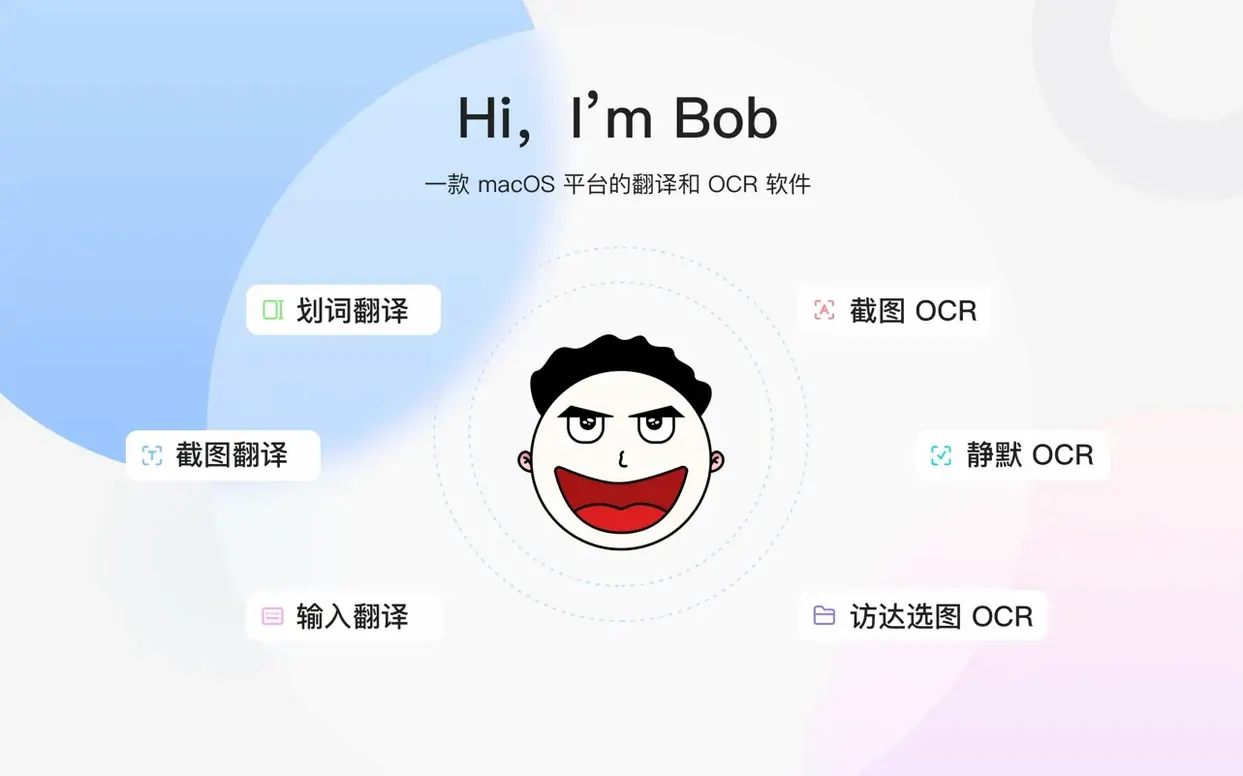
Bob is a Mac app that handles translation and OCR without getting in your way.
Translate any selected text
Select text anywhere and call Bob from PopClip. It translates on the spot and saves every result to history, so you can go back to earlier phrases later.
Pull text from images
Drag a file into Bob and it reads the text using OCR. Silent screenshot OCR works too, and continuous mode appends each new capture to one text box. Offline OCR on macOS 11 and later means you can do it without a connection.
Runs on Intel and Apple Silicon Macs
Bob runs on anything from macOS 10.15 Catalina up to the latest release, and it works on both Intel 64-bit and Apple Silicon Macs. The disk image install is straightforward: open it, drag the app to Applications, then launch from Launchpad. No extra services or background daemons to configure.
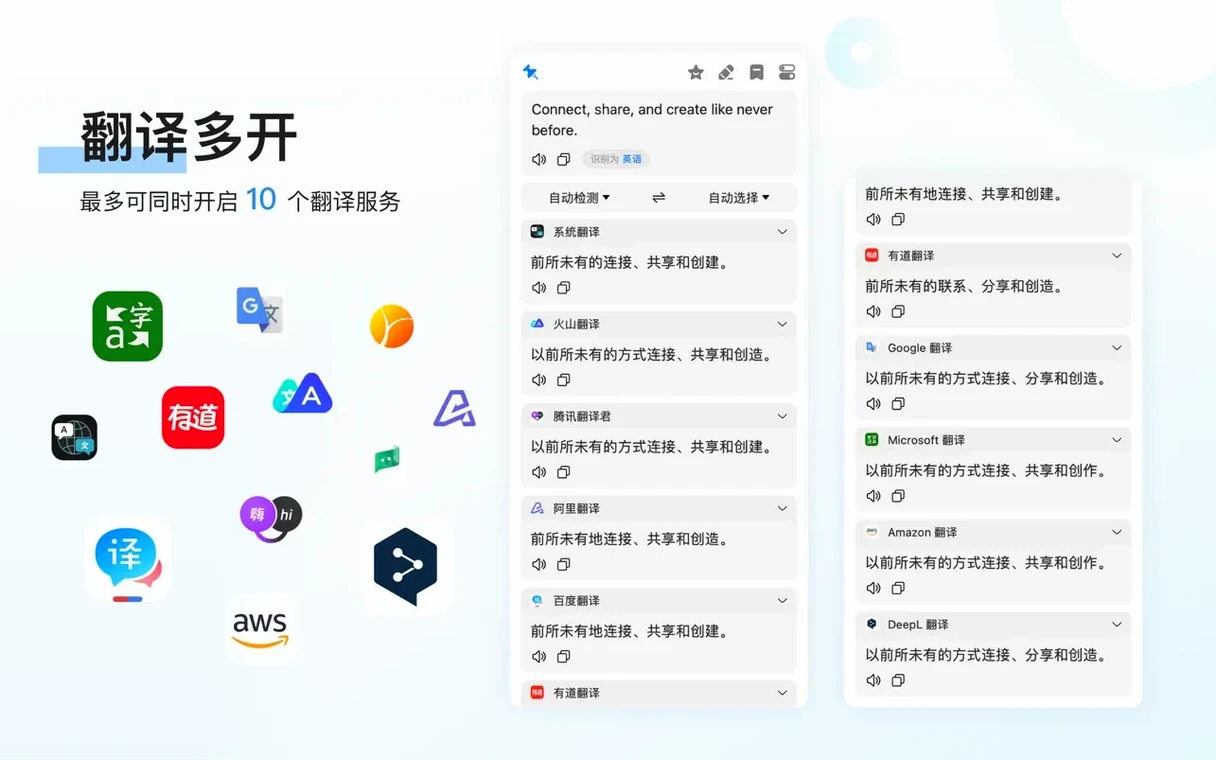
The interface stays in English, Traditional Chinese or Simplified Chinese, depending on your system language. Because it supports multiple translation services at once, you might need to set up each service inside the app’s preferences before you start. That’s the only setup step worth remembering.
Keeps same workflow with translation history intact
Bob 1.21.2 keeps the same workflow, so nothing moves around or disappears. The translation history still stacks every result, and the screenshot OCR remains as quick as before. If you rely on the word lookup feature, it still works when the app has enough context to offer a definition rather than just a straight translation.
The main change is that the app feels more settled. Minor fixes under the hood mean fewer odd behaviours when switching between translation services or using continuous OCR for several captures in a row. Nothing flashy, just a more reliable day-to-day experience.
Needs accessibility permissions for shortcut to work
New users often forget that Bob needs to be given accessibility permissions on first launch. Without that, the keyboard shortcut for selected-text translation does nothing. Open System Settings, go to Privacy & Security, and check Bob under Accessibility.
Another common slip: expecting offline OCR to work on macOS 10.15. It requires macOS 11 or later, so if you are on Catalina, OCR only works with a connection. People also assume Bob translates every word it sees, but the word lookup only triggers when enough information is available – short or ambiguous selections might just give you a translation instead.
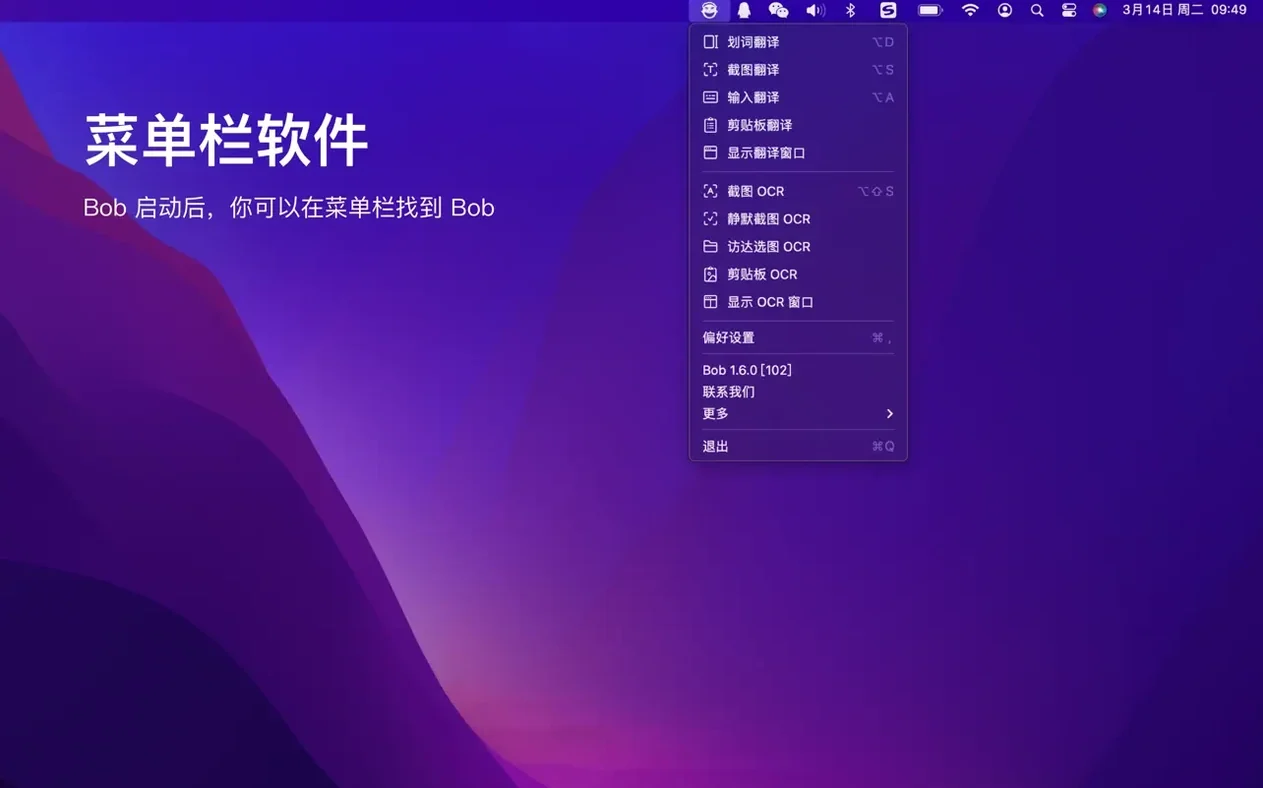
Finally, beginners sometimes close the window and think the app has quit. Bob runs as a menu-bar app. Look for the icon up top before trying to use a shortcut or PopClip. If you are searching for bob for mac torrent, make sure you grab the current build so you get these fixes.
Bob recognises QR codes in images automatically. Scan one, get the encoded link or text without opening a separate reader.
Bob 1.22.0 is a big one — it introduces a fresh way to translate right on your screen. Here's what landed:
- Original-image translation (beta) — after a screenshot, text gets translated directly on top of the original image. No default hotkey yet; set one in Preferences > Translation.
- Auto window-select for screenshots — Bob now snaps to a window automatically when you capture.
- OCR paragraph recognition V2 — a home-grown algorithm upgrade. V2 is fixed for original-image translation; in the standalone OCR window you can switch between V1 and V2 freely.
- SiliconFlow GLM-4-9B-0414 model — available out of the box for all Bob users, courtesy of SiliconFlow.
- New model support across services — Zhipu GLM-4.7, Doubao doubao-seed-translation, Tongyi Qianwen qwen-mt-lite and qwen-mt-flash, Gemini 3 series, OpenAI GPT-5.2 series. DeepL now lets you set a model category.
- Sanskrit added to AI translation services.
- Portuguese variants — Baidu, Xiaoniu, DeepL, Google, Microsoft, Amazon and others now distinguish European Portuguese from Brazilian Portuguese, alongside the existing generic option.
- Tencent OCR high-precision mode is now supported.
- Fixed — custom menu-bar icons on macOS were broken; that's sorted.
- Two notes — original-image translation currently skips plugin support (coming later), and AI responses in that mode take a bit longer. The traditional translation path is still the quicker pick.
- macOS 10.15 or later
- Apple Silicon or Intel 64-bit
- Interface languages: English, Traditional Chinese, Simplified Chinese
Kit check at a glance
| System | macOS 10.15 or later |
| Chip | Apple Silicon, Intel 64-bit |
| Download | 18 MB |
| Older pressings | 1 in the crate |








Chat from the booth
Sign in or grab a free account to leave a comment.
Nobody has said a word in the booth yet. If you played a set with this build, tell the next person how it went.