
- Build in the crate
- 2.7.5
- Made by the team at
- BAO Plugins
- Menu languages offered
- English
- How you pay for it
- K'ed by Monter Group
- CPU it runs on
- Apple Silicon, Intel 64-bit
Screenshots
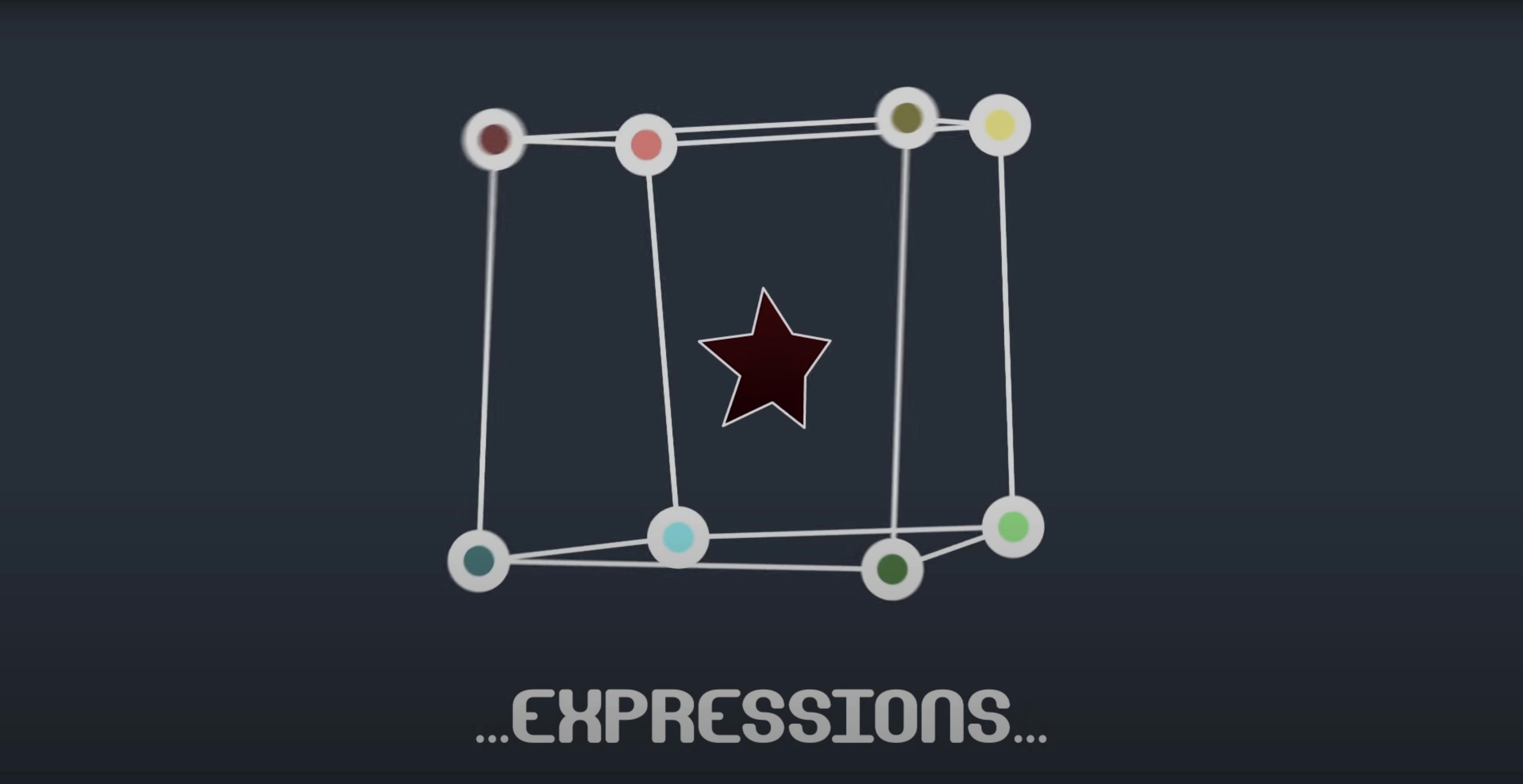
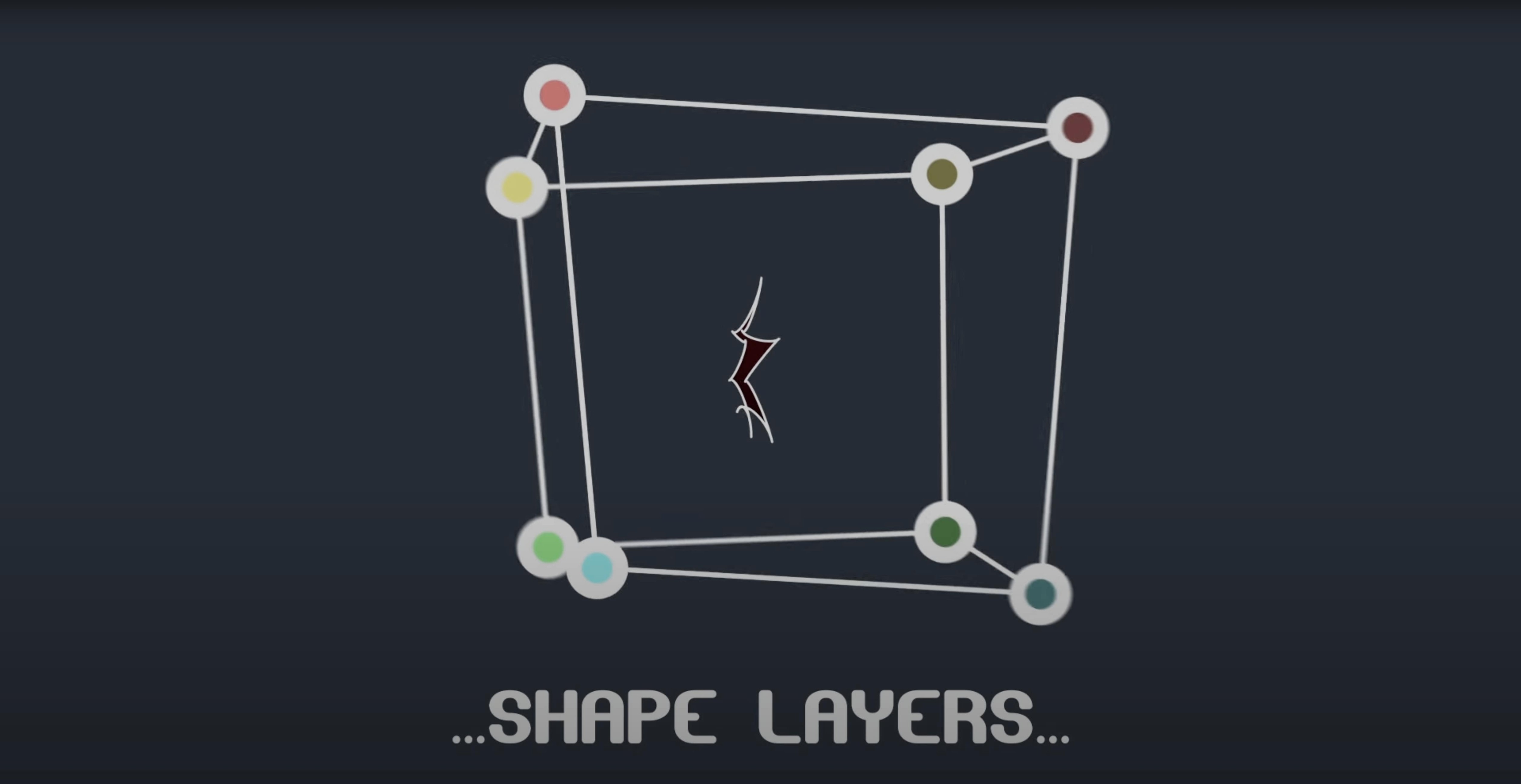
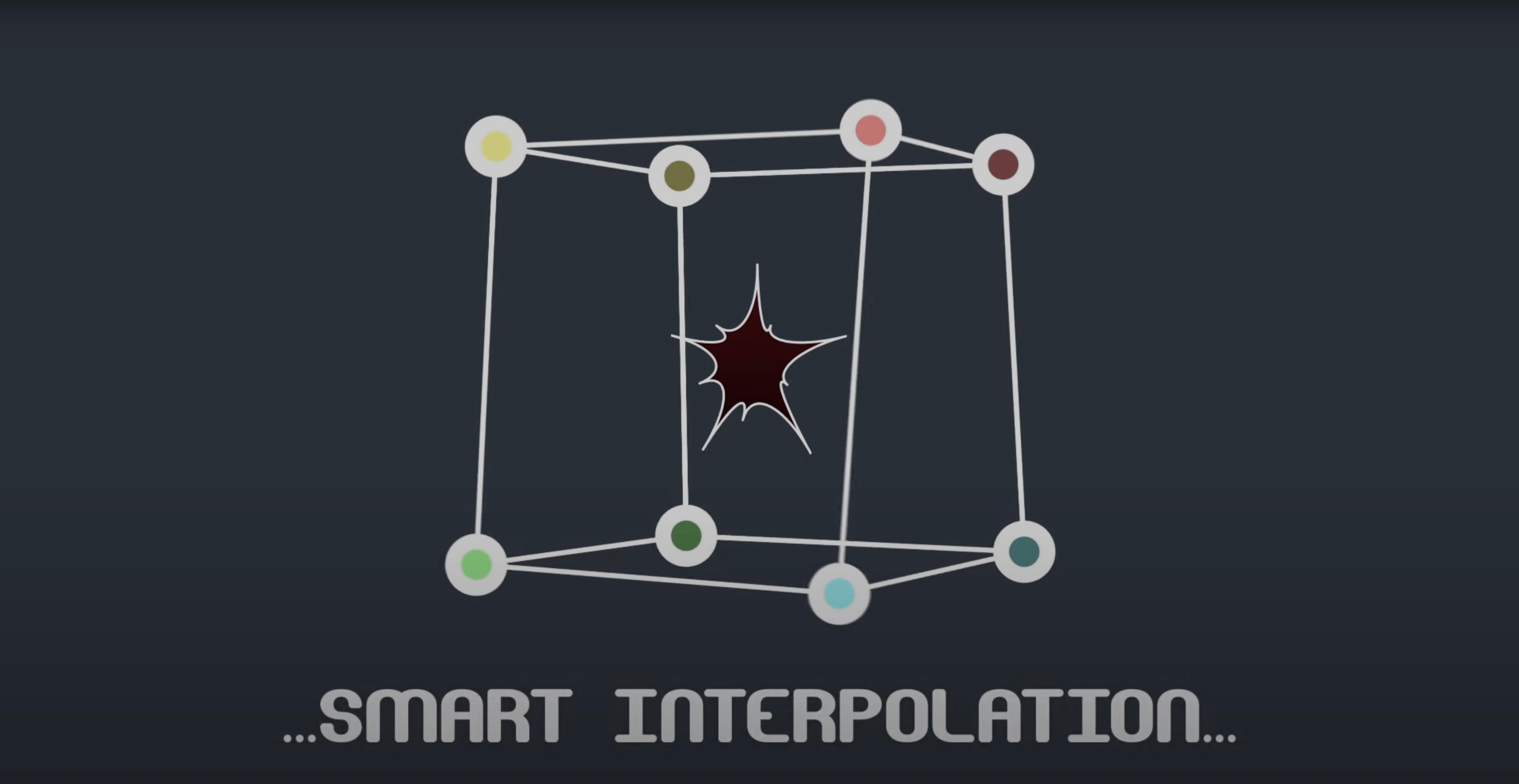
BAO Mask Avenger runs on any Intel or Apple Silicon Mac with After Effects CS6 through 2024. Version 2.7.5 fixed the M1 compatibility issue, so it works natively on modern hardware.
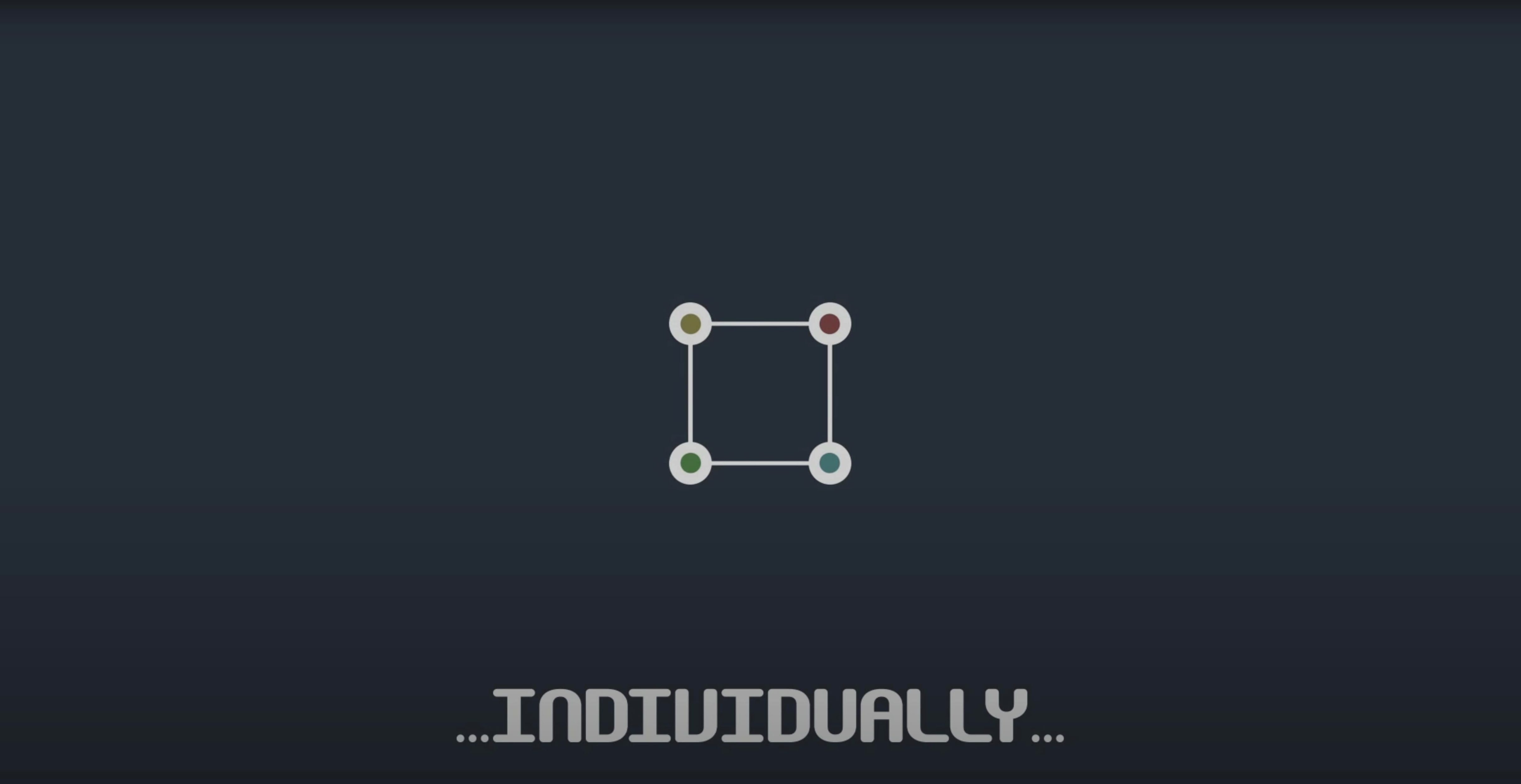
Controls vertices and tangents individually
- Controls mask vertices and tangents individually, not just the whole mask.
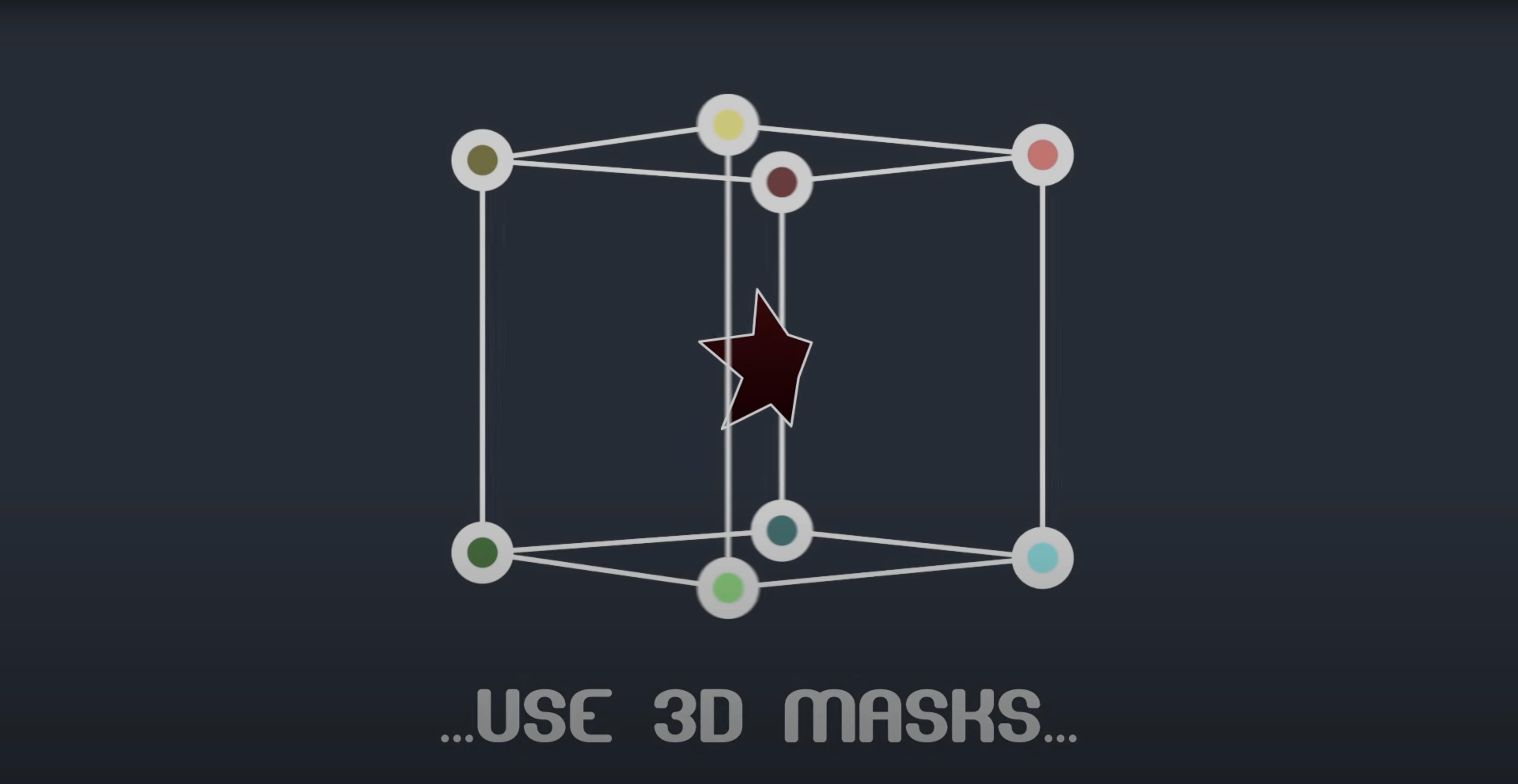
- Applies masks to shape layers and supports keyframes, easing, expressions, and 3D space.
- Includes an intelligent interpolation mode based on centre of gravity or an independent key anchor point.
- Comes with integrated scripts for expressions and linking masks to null layers.
Works per point for character eyes and motion graphics
Mask Avenger uses After Effects' own masking functions, so it behaves like a native extension. If you animate character eyes, track objects, or build motion graphics that rely on precise vertex control, this plugin lets you work per point rather than tweaking the whole path. The interpolation modes smooth out awkward jumps between keyframes, and the null-layer linking saves time when you need a mask to follow a moving element.
A scenario: cleaning up a tracked mask on a talking head
Say you've tracked a face in After Effects and the mask slips every few frames because the subject turns. With Mask Avenger, you go into the mask path, grab the stray vertices one by one, and keyframe only the ones that drifted. The rest of the mask stays put. You can also link a few vertices to the tracker points using the pick-whip expression script, so when the head tilts, those points follow the tracker while the rest of the mask keeps its shape. No need to re-track the whole thing or animate the entire path.
Uses After Effects' native masking panel and shortcuts
Mask Avenger works inside After Effects' normal masking panel, so you still use the Pen tool, the Free Transform mask tool, and your usual keyboard shortcuts. If you use expressions in your projects, the integrated scripts give you a head start: link a mask vertex to a null layer in a couple of clicks, or feed position data from the mask path into another parameter. That means you can drive a shape layer's position with the movement of a single mask point, for example.
On macOS, the plugin sits in the standard Plug-ins folder under After Effects. Because version 2.7.5 runs natively on Apple Silicon, you don't need Rosetta for the plugin itself (though you might for other older plugins in your stack). The freeze mode also helps if you share a project with a collaborator who doesn't own Mask Avenger — you freeze the mask, and they see the animation without the plugin installed.
What to check before installing
Works on shape layers and standard masks
Both. Mask Avenger works on standard After Effects masks and on shape layer paths. If you have a shape layer with a complex path, you can apply the same per-vertex control and tangent editing you'd get on a mask. That opens up more uses, like animating custom vector shapes without converting them to masks first.
Does it replace Mask Renderer?
For a lot of jobs, yes. Mask Avenger gives you per-vertex and per-tangent control, interpolation modes, null linking, and tracker integration — all in one plugin. If your work involves detailed mask animation, you may find you no longer need a separate renderer for those tasks.
Runs natively on M-series Macs
Yes. Version 2.7.5 specifically fixed the M1 compatibility issue, so it runs on Apple Silicon natively. The plugin supports After Effects CS6 through 2024, both Intel and ARM.
Freeze mode bakes masks for collaborators without the plugin
Use the freeze mode. It bakes the mask animation so the other person sees the result without needing Mask Avenger installed. You can still go back and edit the original mask on your own machine later.
Is the plugin discontinued?
Yes, the developer has discontinued it. But version 2.7.5 is the final release and works with a wide range of After Effects versions. For motion graphics artists who already rely on per-vertex control, it still does the job.
- Fixed an M1 compatibility issue on Mac.
- macOS: not specified by the developer
- Architecture: Intel and Apple Silicon
- After Effects: 2024, 2023, 2022, 2021, 2020, CC 2019, CC 2018, CC 2017, CC 2015.3, CC 2015, CC 2014, CC, CS6
Kit check at a glance
| Chip | Apple Silicon, Intel 64-bit |
| Download | 6 MB |
Chat from the booth
Sign in or grab a free account to leave a comment.
Nobody has said a word in the booth yet. If you played a set with this build, tell the next person how it went.