

- Build in the crate
- 24.2.04-05-1
- Made by the team at
- Bricsys NV
- Menu languages offered
- Russian, English
- How you pay for it
- Included
- macOS it plays on
- macOS 10.15 or later
- CPU it runs on
- Intel 64-bit
Screenshots
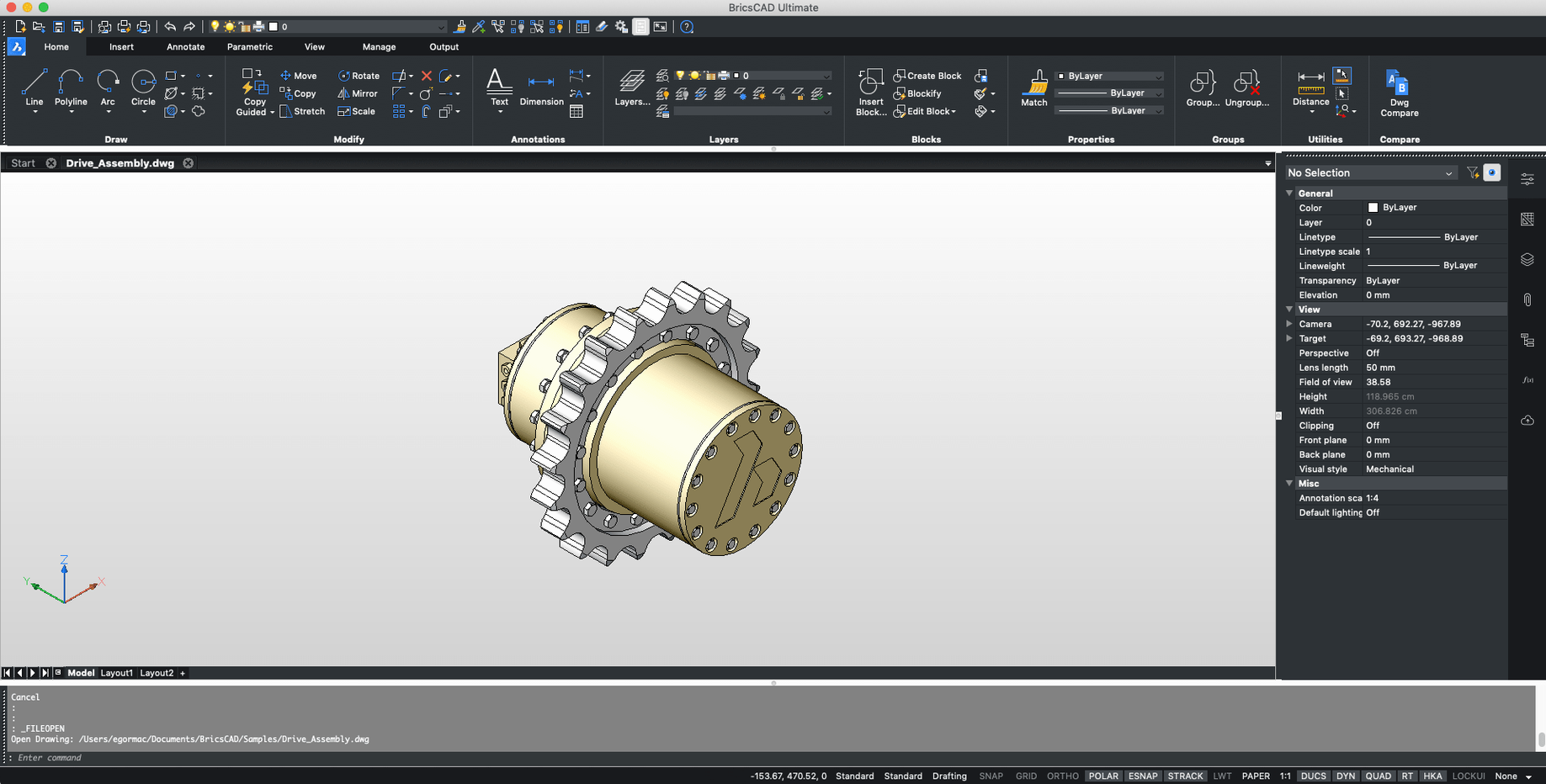
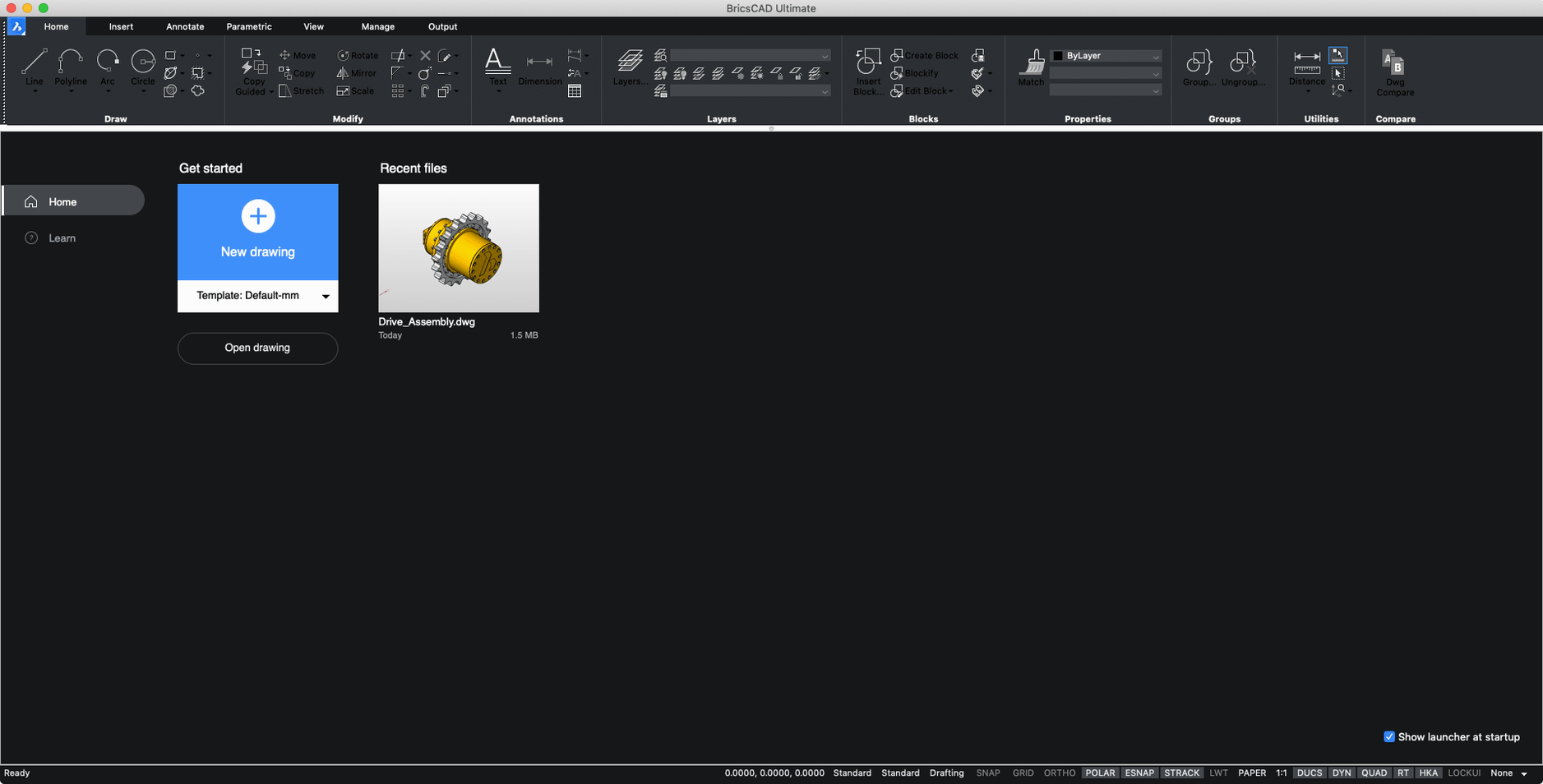
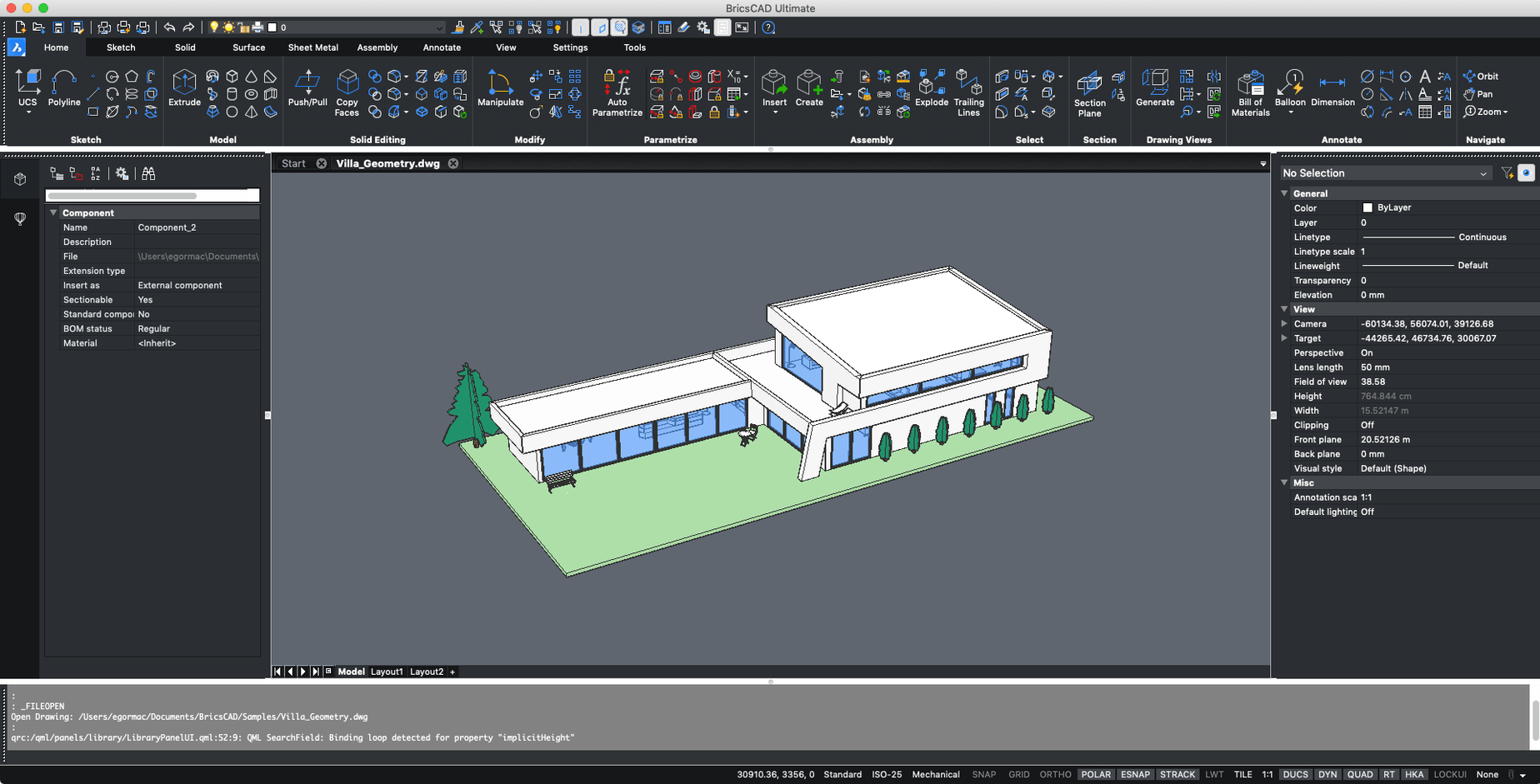
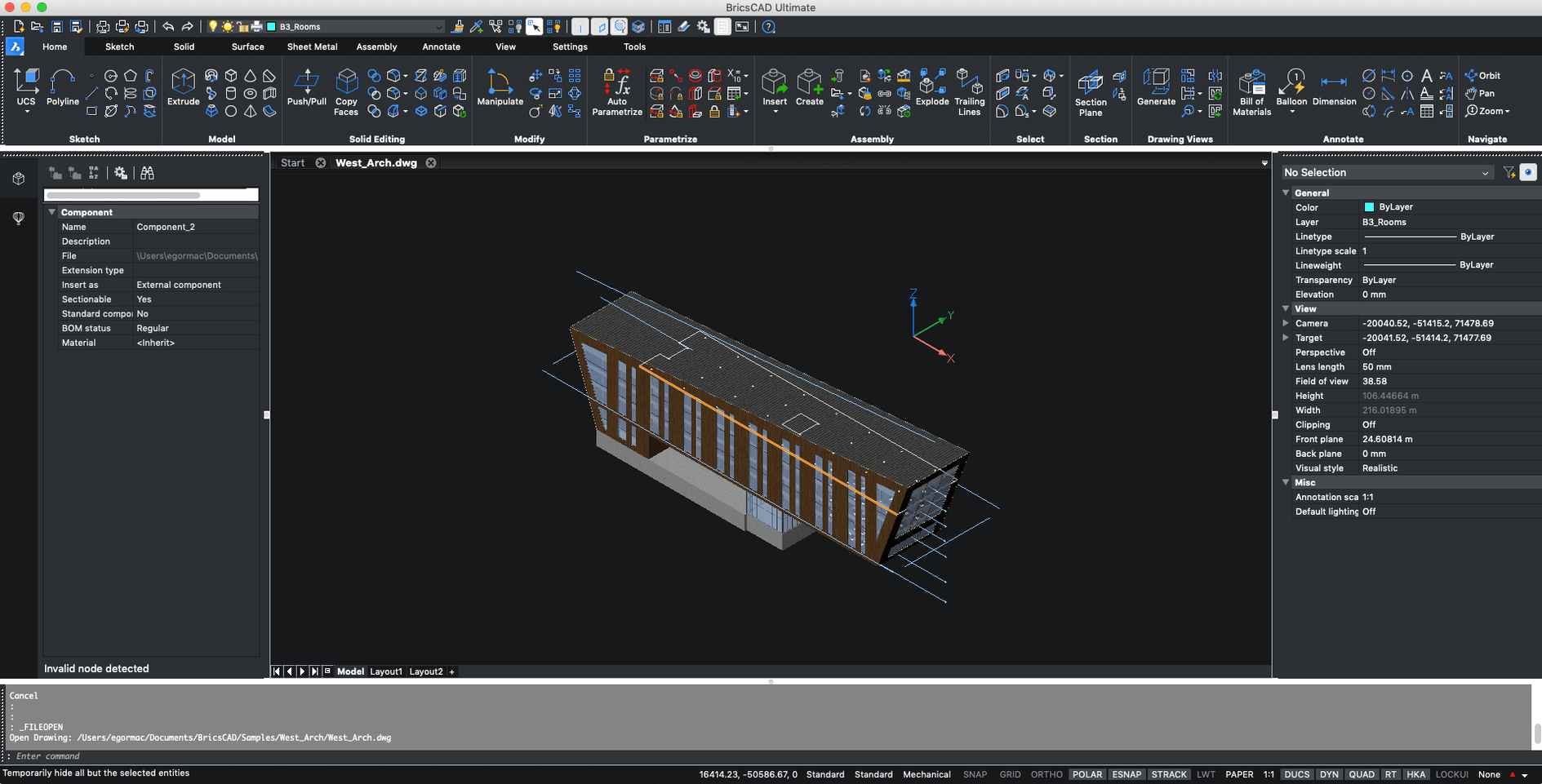
BricsCAD V24 is here, and the macOS build now ships every edition in one installer — Shape, Lite, Pro, Mechanical, BIM, and Ultimate. That means you can try the full range without juggling separate downloads. It runs on macOS 12 or higher, though it's an x86 64-bit build, so check that your Mac handles Intel apps.
For a newcomer, BricsCAD is worth a look because it speaks AutoCAD's language. Custom menus, toolbars, scripts, and snaps all carry over. If you've used AutoCAD before, you'll feel at home.
Familiar 2D drafting and 3D modeling across platforms
- 2D drafting with familiar commands
- 3D modeling when you need to push past flat drawings
- Working on projects that switch between Windows, macOS, and Linux
Russian-English interface and Intel-only installer
- Interface is in Russian and English
- Intel-only for now on Mac
- All editions included in one installer
- macOS 10.15 or later
- Intel processor
- Interface languages: Russian, English
Kit check at a glance
| System | macOS 10.15 or later |
| Chip | Intel 64-bit |
| Download | 1.1 GB |







Chat from the booth
Sign in or grab a free account to leave a comment.
Nobody has said a word in the booth yet. If you played a set with this build, tell the next person how it went.