

- Build in the crate
- 27.0.2 fix [MAS]
- Made by the team at
- Bloop S.R.L.
- Menu languages offered
- Russian, English, German, Arabic, Burmese, Hungarian, Galician, Greek, Danish, Hebrew, Spanish, Italian, Catalan, Chinese (Traditional), Chinese (Simplified), Korean, Dutch, Norwegian, Polish, Portuguese, Romanian, Serbian, Slovak, Turkish, Ukrainian, French, Czech, Swedish, Japanese
- How you pay for it
- K'ed by TNT team
- macOS it plays on
- macOS 14.6 or later
- CPU it runs on
- Intel 64-bit
Screenshots
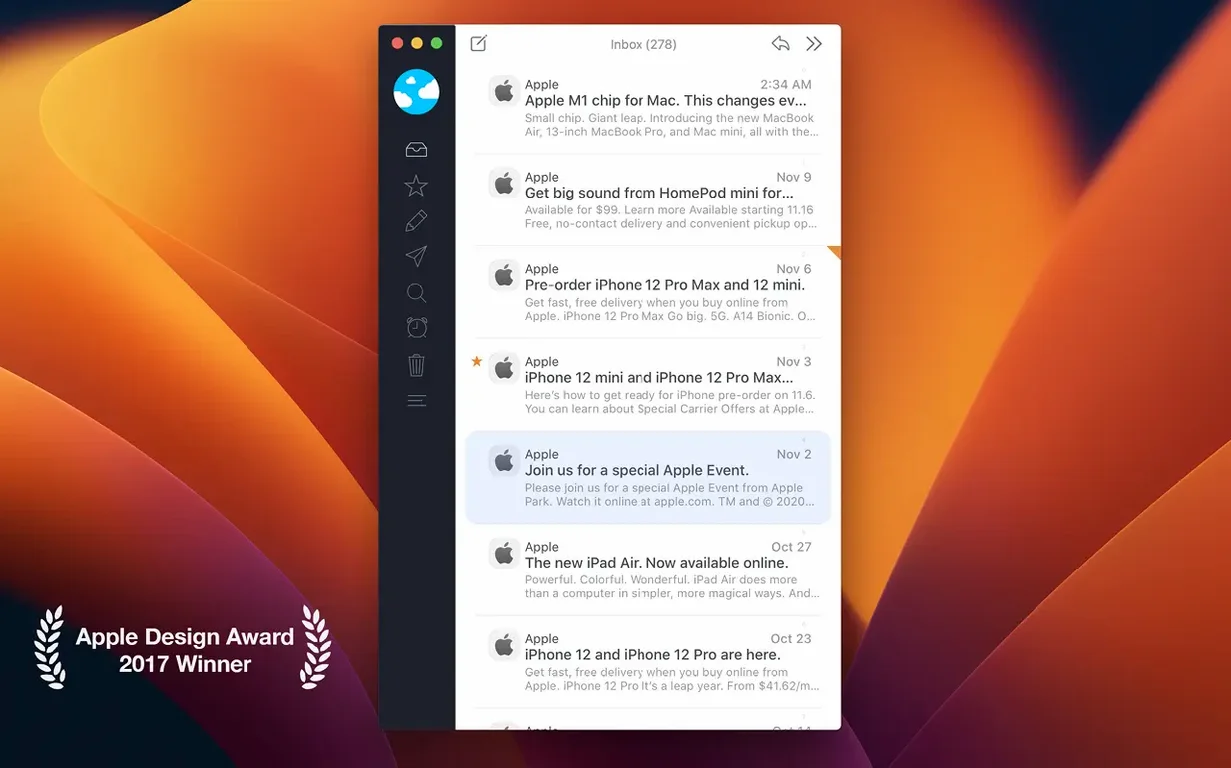
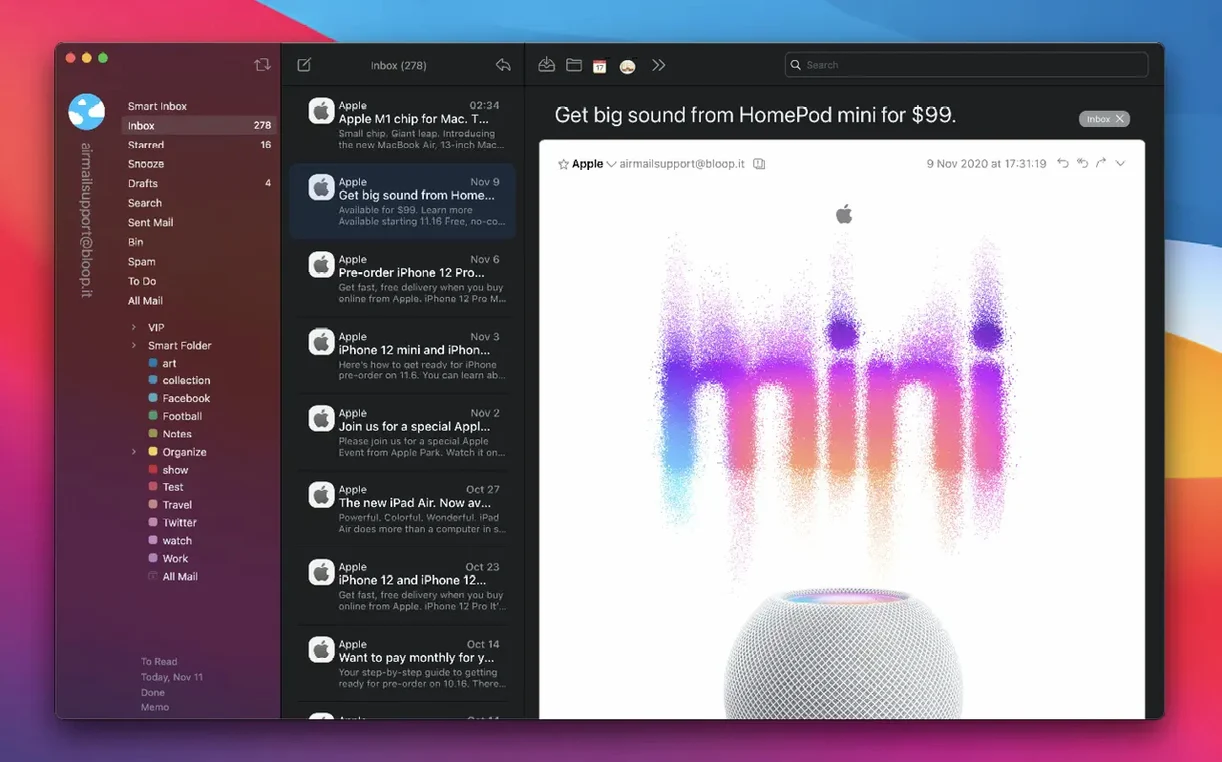
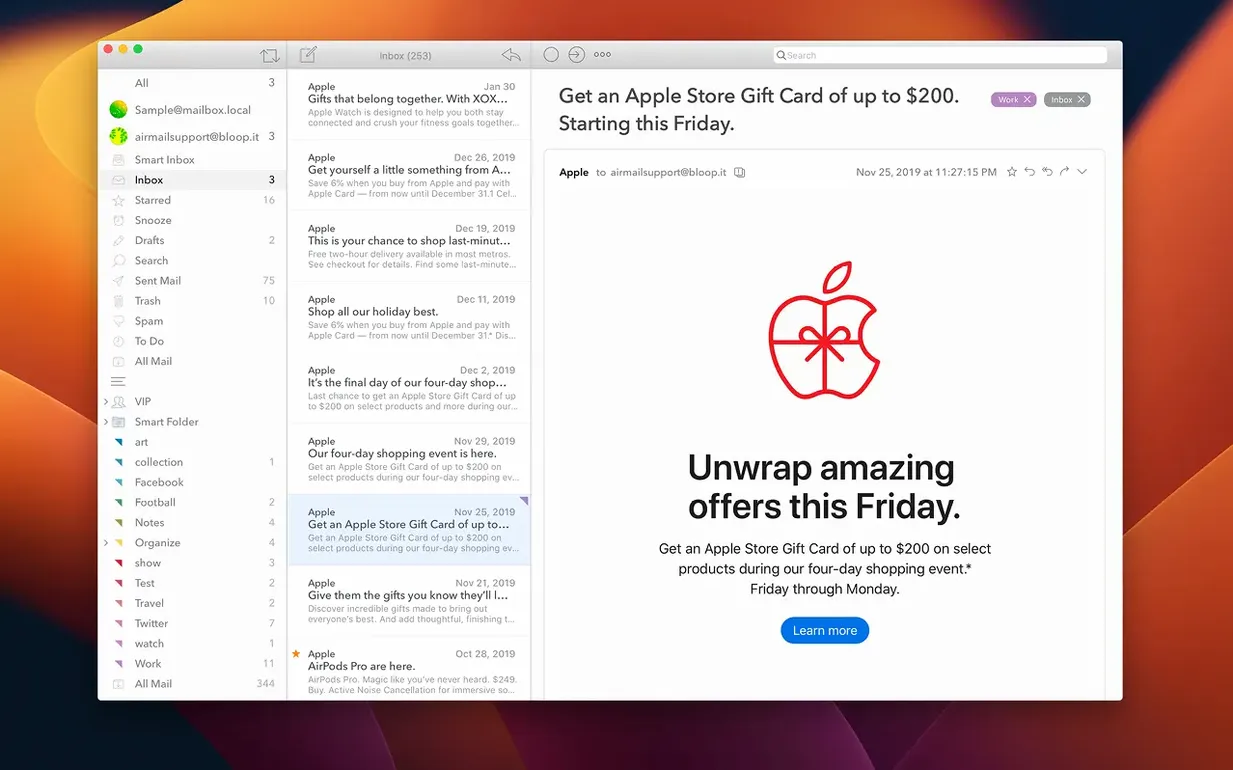
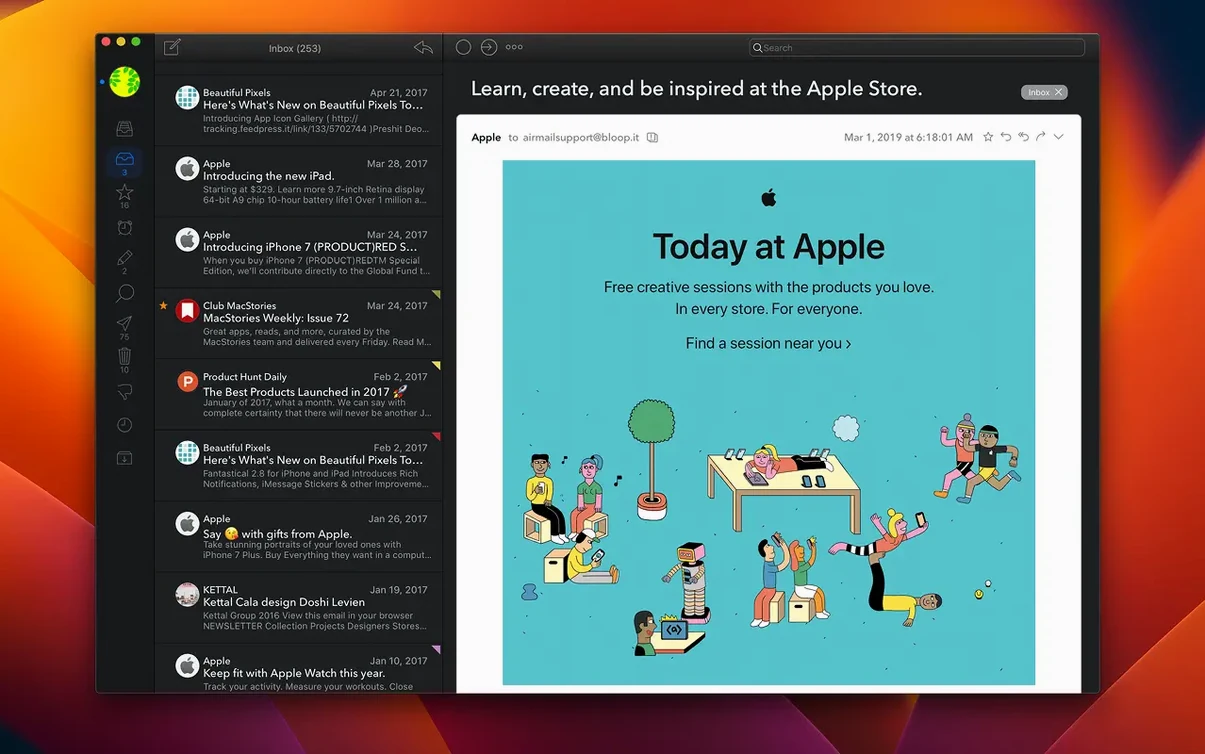
You've just installed Airmail on your Mac and the inbox is staring back at you. Before you start filtering and tagging everything, there are two things worth trying first.
Turn emails into tasks or notes
Airmail can send an email straight into your task manager or notes app. Select a message, pick the destination, and it becomes a to-do or a note elsewhere. Handy for the "I'll deal with this later" pile — it stops the inbox from becoming the todo list.
Reply without opening the message
Quick replies are built in. You can answer an incoming message directly from the list, no need to open a new window. It speeds up the back-and-forth when you're clearing mail between classes or before a gig.
Runs on macOS 12.4 or later
Airmail runs on macOS 12.4 or later, with an Intel (x86 64-bit) architecture. That covers most Macs from 2020 and earlier, plus Intel-based Macs still in use today. If your machine is on Monterey or newer, you're good to go — no need for a specific processor generation beyond 64-bit Intel.
The app comes as a disk image. You mount it, run a short terminal command to bypass Gatekeeper (the standard process for unsigned macOS software), then drag it to Applications. After that, it's ready. No extra setup steps, no additional downloads.
It's a native Mac client, not a web wrapper. The interface feels like a proper desktop mail app — menus, keyboard shortcuts, system notifications. You get the full macOS integration you'd expect from a mail client built for the platform.
Questions before installing
Does it handle multiple accounts from different providers?
Yes. Airmail supports iCloud, MS Exchange, Gmail, Google Apps, IMAP, POP3, Yahoo!, AOL, Outlook.com, and Live.com. You can add a work Exchange account, a personal Gmail, and an iCloud address all in one window. Switching between them is quick — no logging out and back in.
29 interface languages included
The app includes 29 interface languages. Among them: English, German, French, Spanish, Italian, Dutch, Portuguese, Russian, Arabic, Hebrew, Korean, Japanese, Traditional and Simplified Chinese, and many more. You can set it to your preferred language without workarounds.
Is it just another basic mail client?
No. Airmail goes beyond reading and sending. It turns emails into tasks or notes in other apps, offers quick replies from the message list, and keeps a consistent view across accounts. It's built for people who manage more than one mailbox and want speed, not just a pretty window.
No extra software needed
No. Just macOS 12.4 or later. No additional libraries, no plugin installers, no dependency updates. The app is self-contained once you drag it to Applications.
Bugfix release reduces crashes
Version 26.0.37 is a bugfix release.
In practice, a bugfix release means fewer crashes, less odd behaviour when switching accounts, and better handling of edge cases — like replying to a message with unusual formatting or syncing a large batch of emails over IMAP. If you were on version 26.0.36 or earlier and noticed something glitchy, this update likely addresses it.
The core workflow stays the same: you still get the same fast interface, the same quick replies, the same task/note forwarding. Nothing changed in how you interact with the app day to day. The improvement is in the background — the app should feel more solid, not different.
For anyone downloading the current version, this is the version to have. It's the most recent stable build, and the bugfix means you skip any issues that earlier 26.x releases might have had.
Build 27.0.2 fixes a crash that would pop up for some people, nothing flashy — just a stability patch so the client stays up when you’re flipping through a busy inbox.
- macOS 14.6 or later
- Intel 64-bit
Kit check at a glance
| System | macOS 14.6 or later |
| Chip | Intel 64-bit |
| Download | 43 MB |
| Older pressings | 2 in the crate |








Chat from the booth
Sign in or grab a free account to leave a comment.
Nobody has said a word in the booth yet. If you played a set with this build, tell the next person how it went.