
- Build in the crate
- 2.6.5
- Made by the team at
- Serif Labs
- Menu languages offered
- English, German, Spanish, Italian, Chinese (Simplified), Portuguese, French, Japanese
- How you pay for it
- K'ed by TNT team
- macOS it plays on
- macOS 10.15 or later
- CPU it runs on
- Apple Silicon, Intel 64-bit
Screenshots
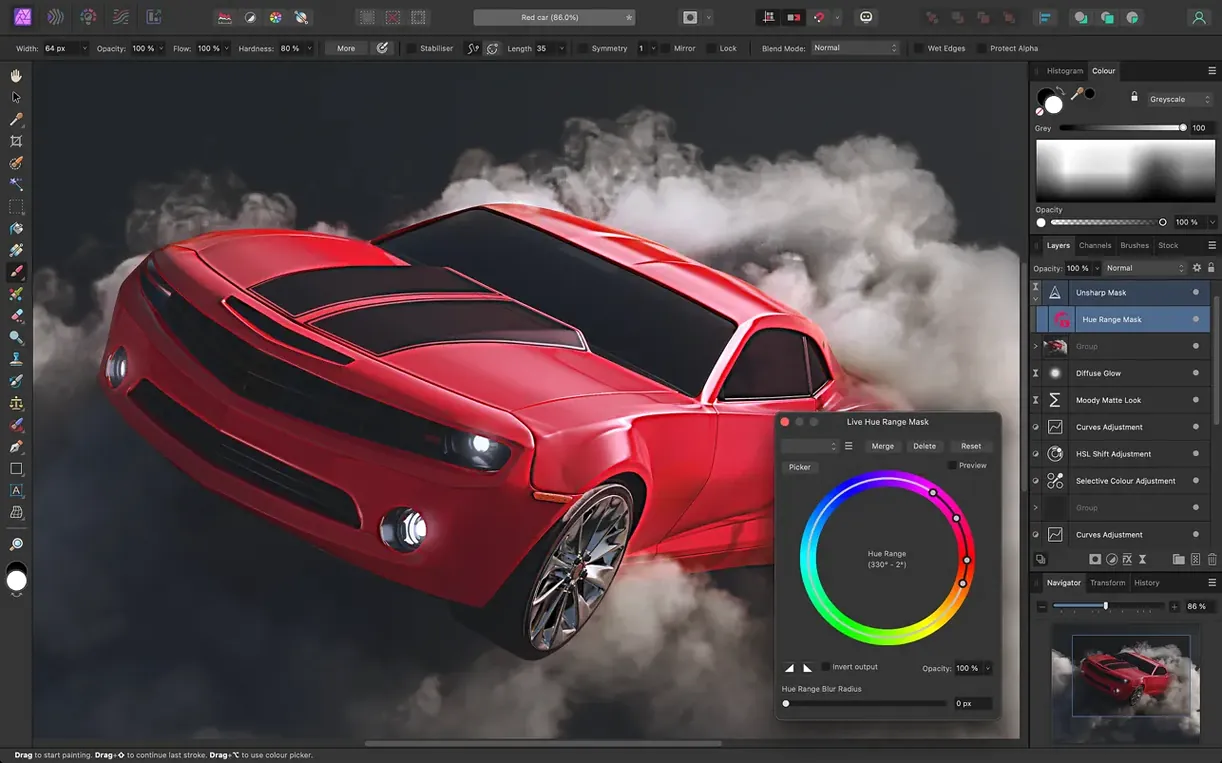
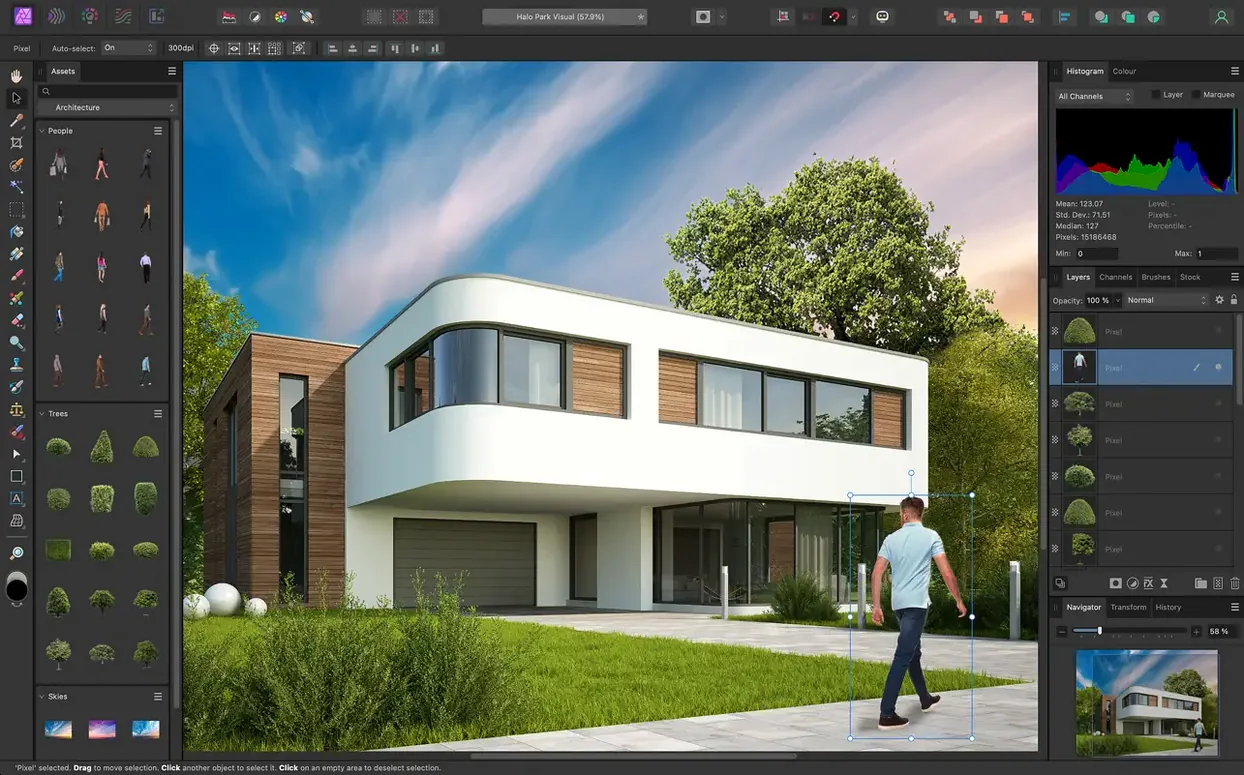
You’re editing a wedding shoot on your MacBook Air M2, and the client wants every shot polished—skin retouched, lens flare fixed, and the group shot focus-stacked from six RAW files. That’s where Affinity Photo 2 comes in.
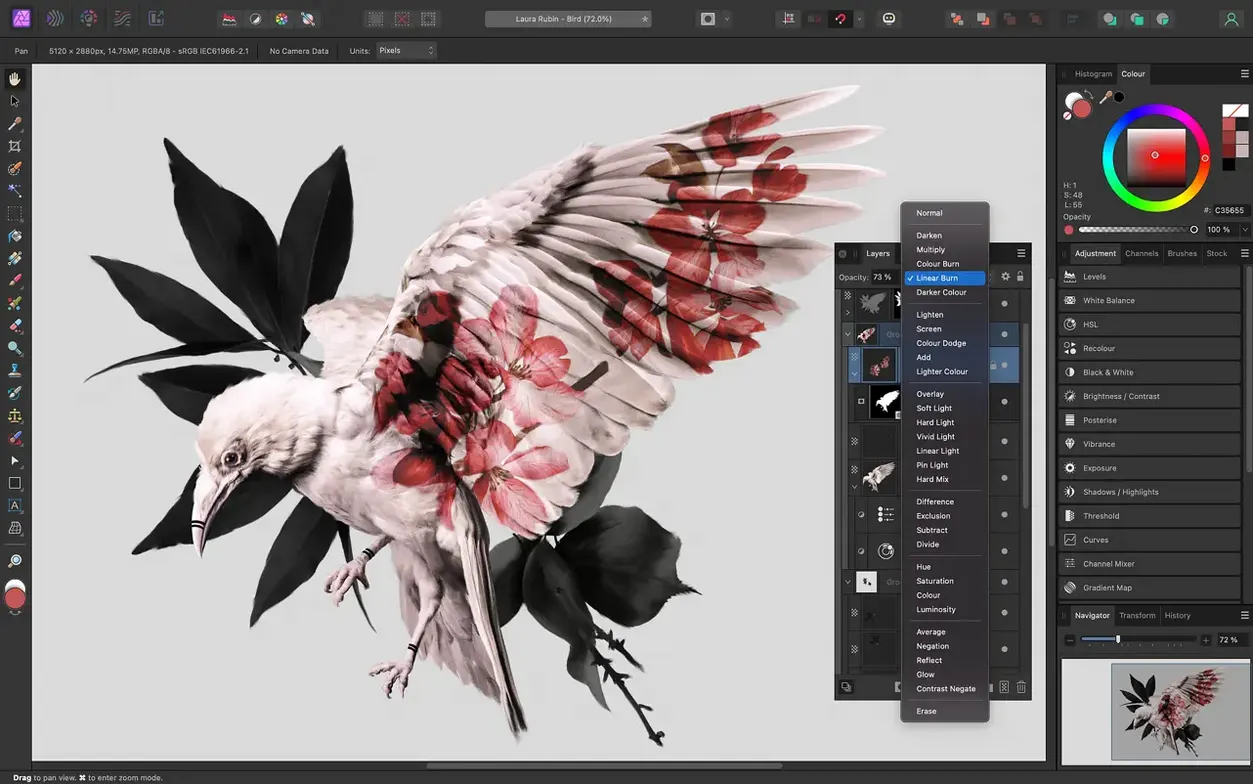
- Nondestructive layers and edit history — every adjustment stays editable, and you can save the entire edit history with the document. Go back to any point without losing work.
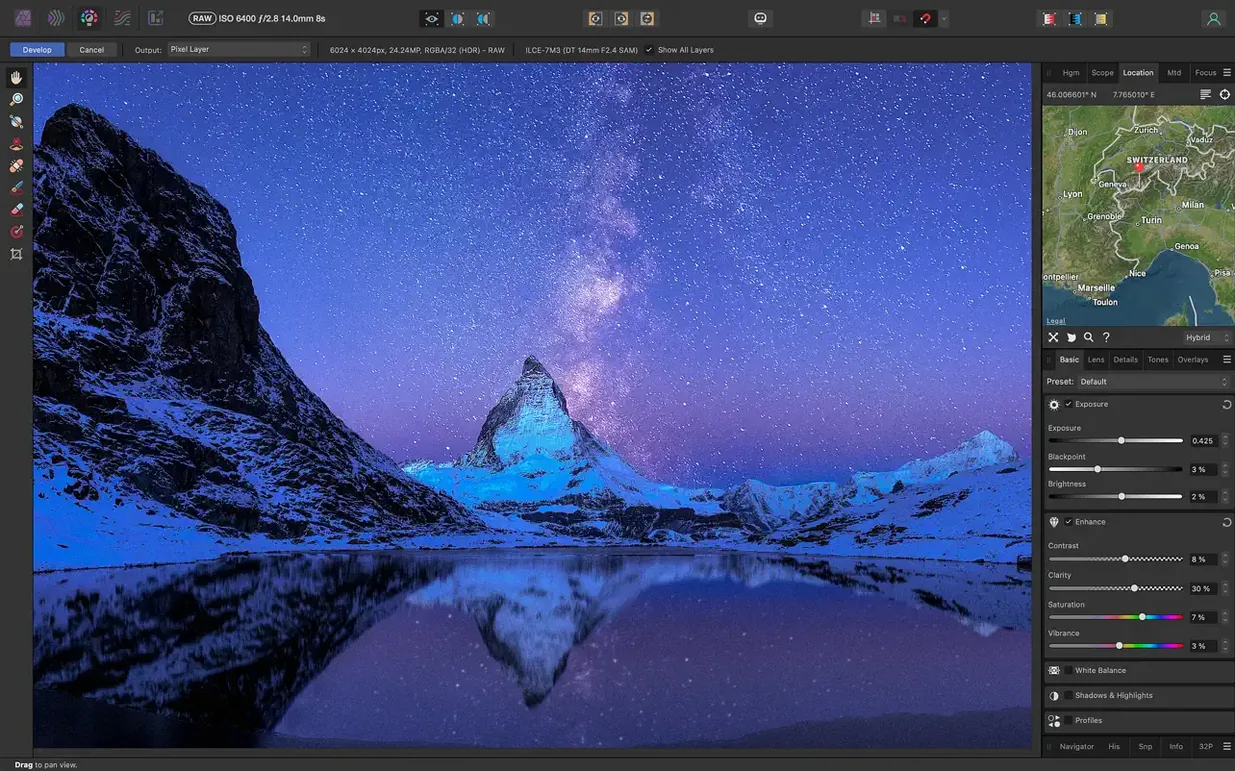
- RAW pre-processing workspace — open RAW images in a dedicated space to adjust exposure, white balance, clarity, shadows, highlights, and more before you start the main edit.
- Lens and noise corrections — fix distortion, chromatic aberration, edge fringing, and vignetting, plus reduce noise. All in one place.
- Object removal brush — paint over unwanted elements (sensor dust, passers-by, cables) and the brush fills them in with surrounding texture.
- Focus stacking, HDR merging, and tone mapping — combine multiple exposures or focused shots into a single image with one click.
- PSD and wide format support — open, edit, and save Photoshop PSD files. Also works with PNG, TIFF, JPG, GIF, SVG, EPS, EXR, HDR, and PDF.
Affinity Photo 2 runs on macOS 10.15 or later, supports both Intel and Apple Silicon, and works with Wacom tablets including pressure and tilt. It’s part of the Affinity family, so it shares a consistent workflow with Affinity Designer and Affinity Publisher.
Who gets the most from it? Photographers who shoot RAW and want to correct colour and lens issues before touching the pixel data. Graphic designers who need CMYK or LAB colour space for print work. Retouchers who rely on frequency separation, dodge and burn, or patch tools for portrait and beauty work. And Mac users who switch between Affinity Photo, Designer and Publisher — the shared engine means you can move assets between them without re-learning panels or shortcuts.
Match output colour format
Open Preferences and set the colour format to match your output — RGB for screen, CMYK for print. If you work with layered documents, enable “Save edit history with document” so you can step back through changes even after closing and reopening the file. For RAW work, adjust the pre-processing defaults to your taste: bump clarity slightly, set white balance to a preset you use often. Under Performance, check that OpenGL compute acceleration is on (it is by default on compatible Macs). If you use a Wacom tablet, enable pressure sensitivity in the brush settings panel and turn on the real-time brush tip preview — it shows the exact size and softness before you paint.
Supports macOS 10.15+ and native Apple Silicon
The app runs on macOS 10.15 Catalina or later, and supports both Intel and Apple Silicon Macs natively. It opens most common image formats — PNG, TIFF, JPG, GIF, SVG, EPS, EXR, HDR, PDF — plus PSD files from Photoshop, so you can pick up projects from other editors. The interface is available in English, German, Spanish, Italian, Simplified Chinese, Portuguese, French, and Japanese. You can work in 8-bit, 16-bit, or 32-bit per channel, which matters for HDR and high-bit-depth RAW editing. The app handles unlimited layers and layer groups, and every adjustment, filter, and mask stays nondestructive until you export. Lens correction profiles are built in for common cameras and lenses, and the RAW workspace gives you exposure, black point, clarity, vibrance, white balance, shadows, and highlights controls before you start the main edit.
This version 2.6.5 from Serif Labs is that — a professional editor with the tools you’d expect from a desktop-grade app, packaged for Mac and ready to run.
- macOS 10.15 Catalina or later
- Intel or Apple Silicon
Kit check at a glance
| System | macOS 10.15 or later |
| Chip | Apple Silicon, Intel 64-bit |
| Download | 789 MB |
| Older pressings | 3 in the crate |





Chat from the booth
Sign in or grab a free account to leave a comment.
Nobody has said a word in the booth yet. If you played a set with this build, tell the next person how it went.