

- Build in the crate
- 15.9.3
- Made by the team at
- Koingo Software
- Menu languages offered
- English
- How you pay for it
- K'ed by TNT team
- macOS it plays on
- macOS 10.14 or later
- CPU it runs on
- Intel 64-bit
Screenshots
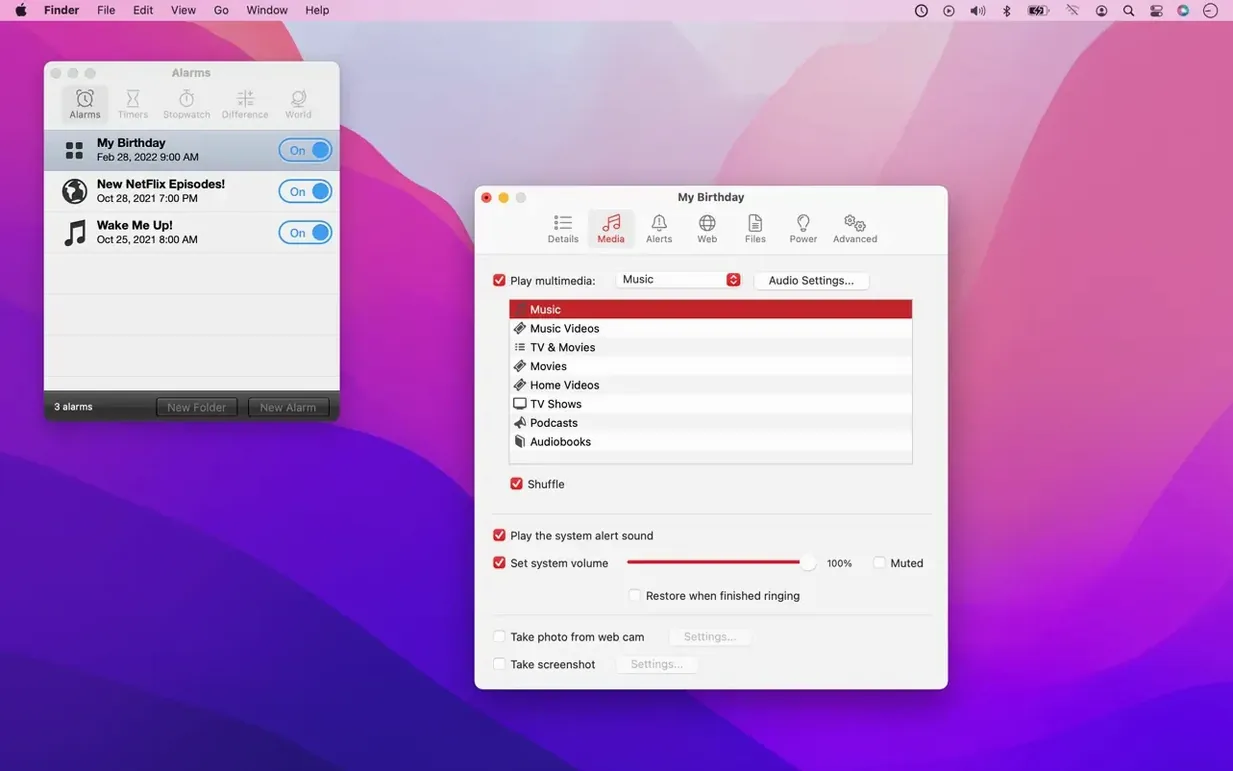
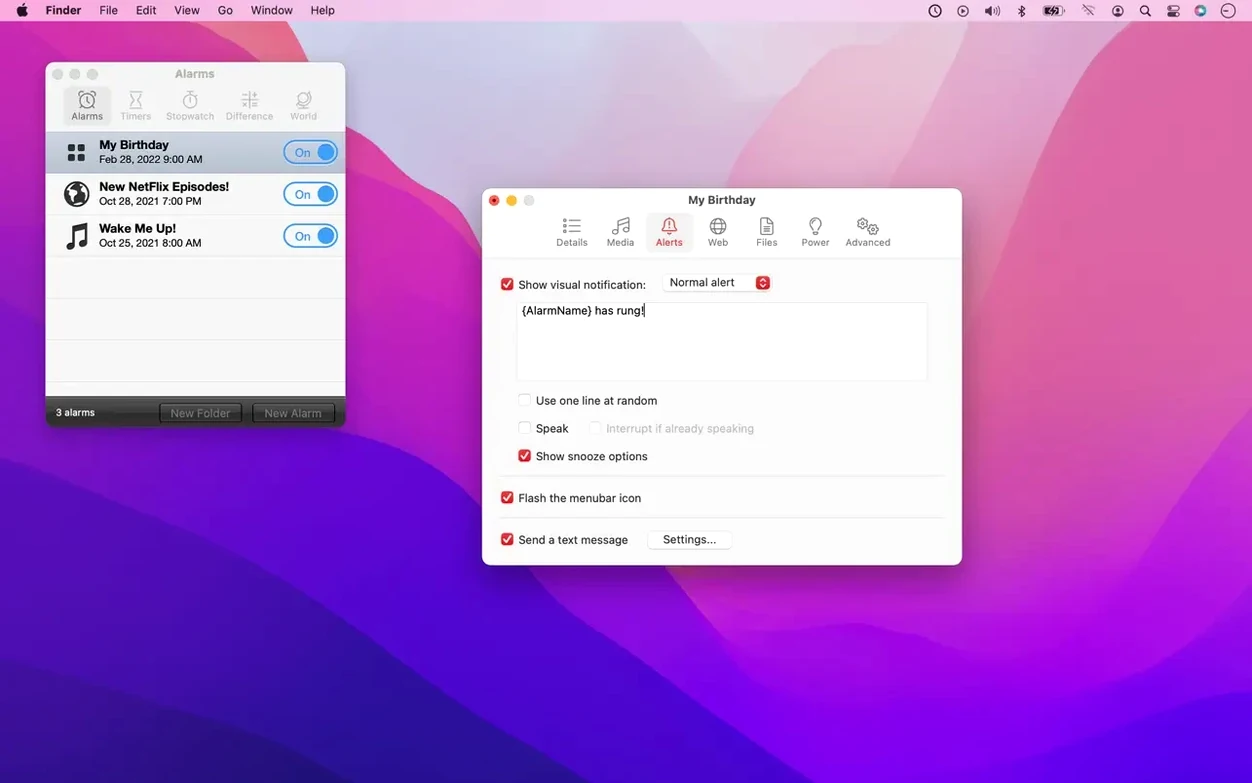
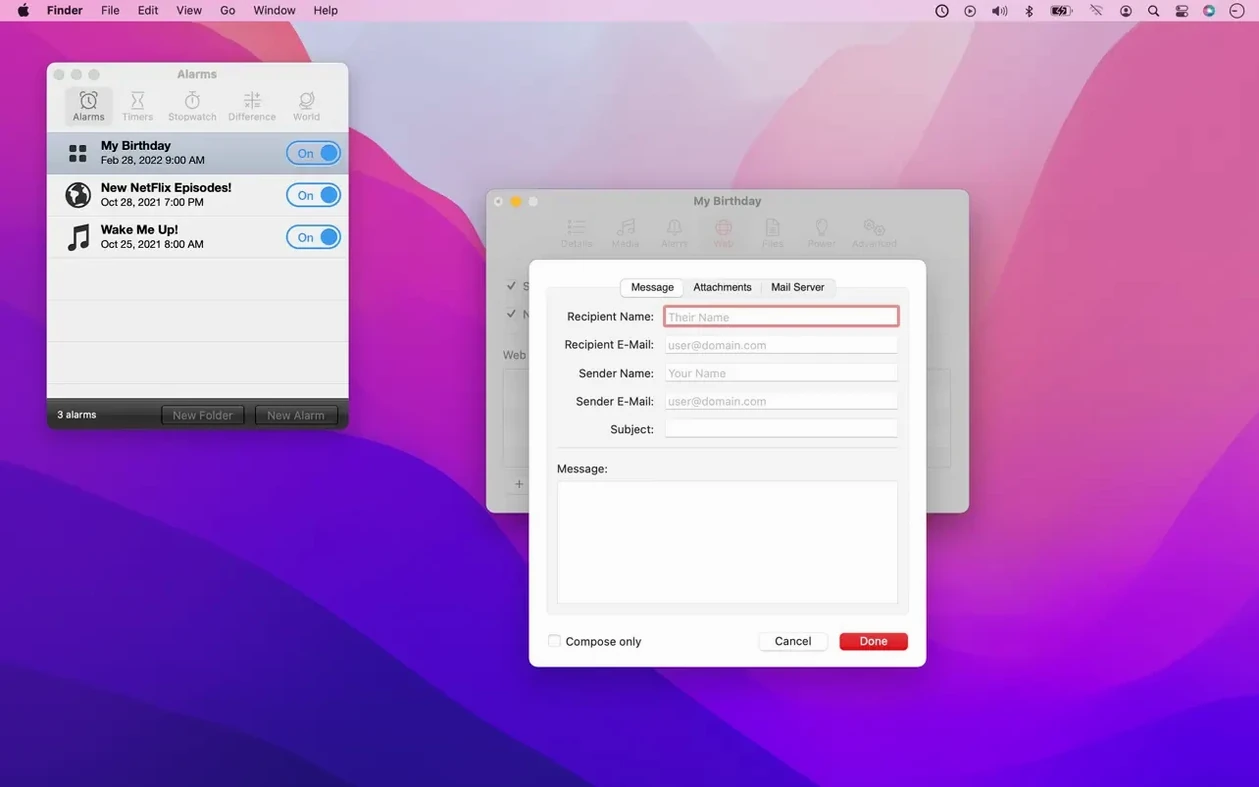
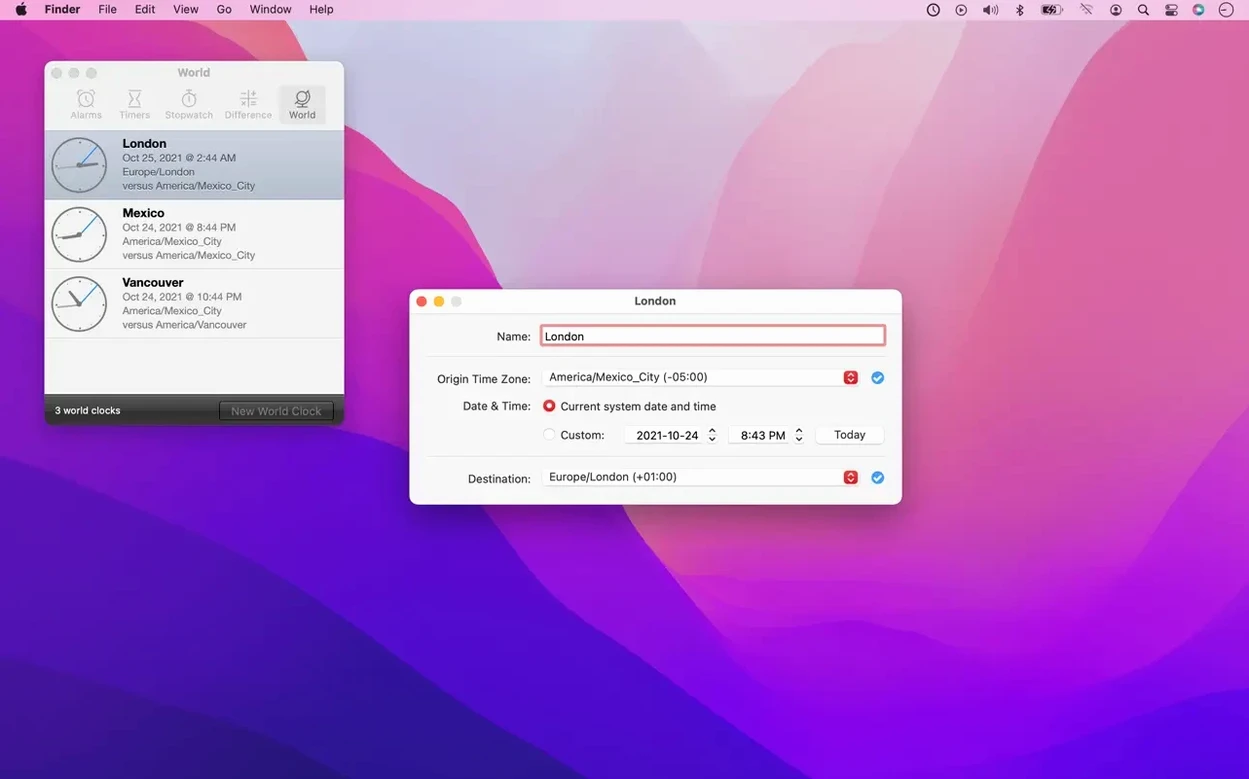
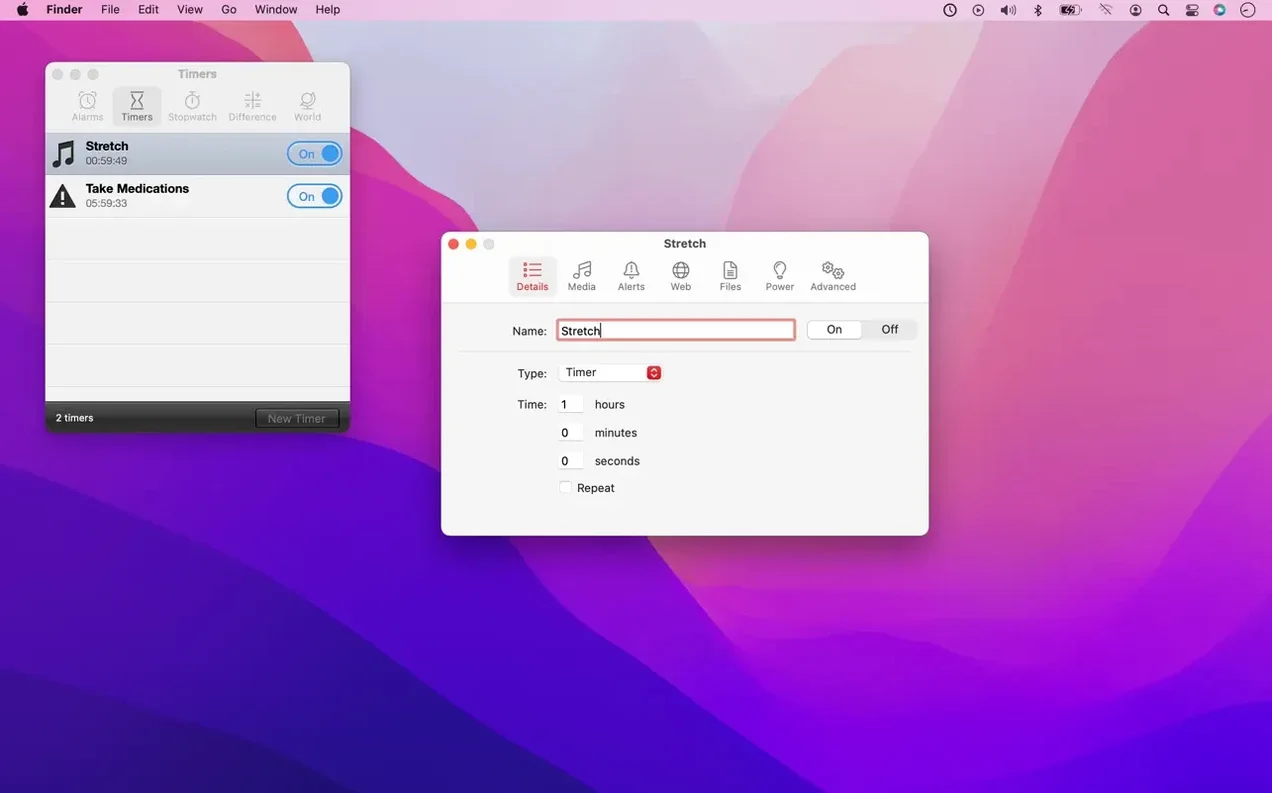
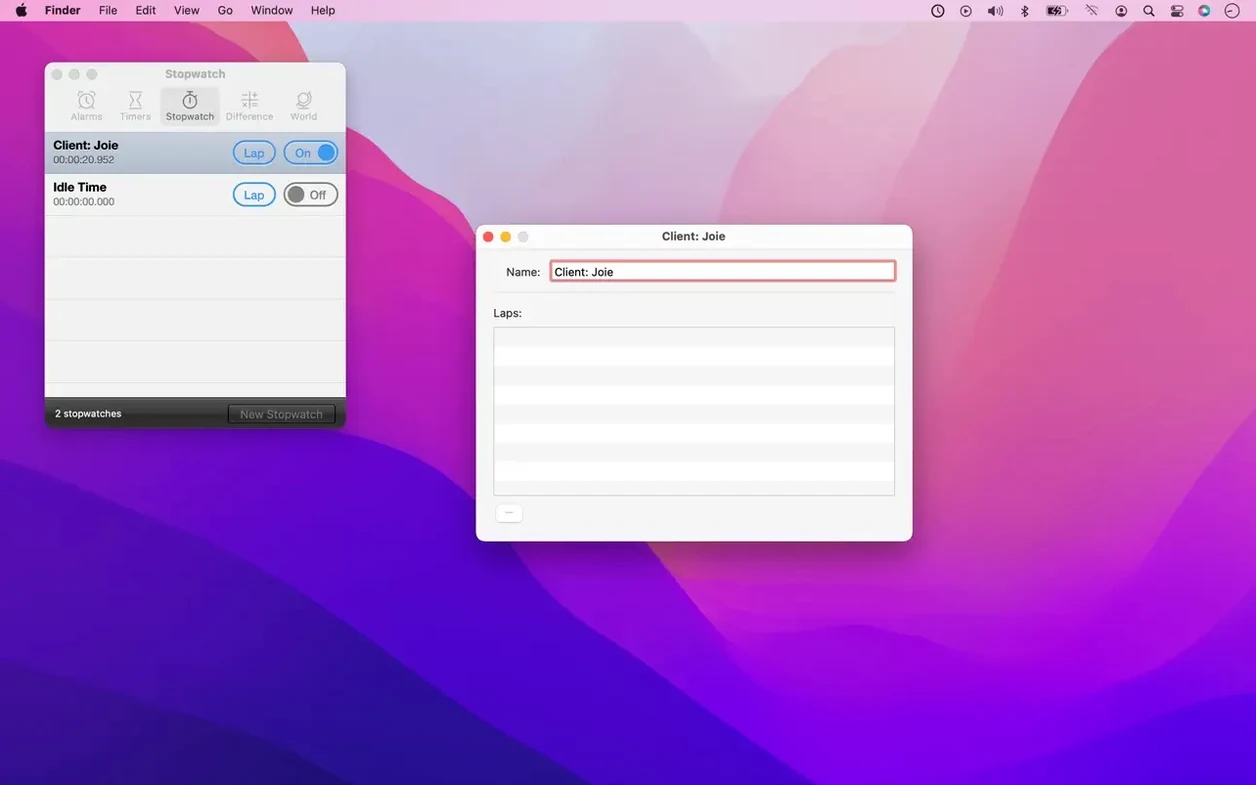
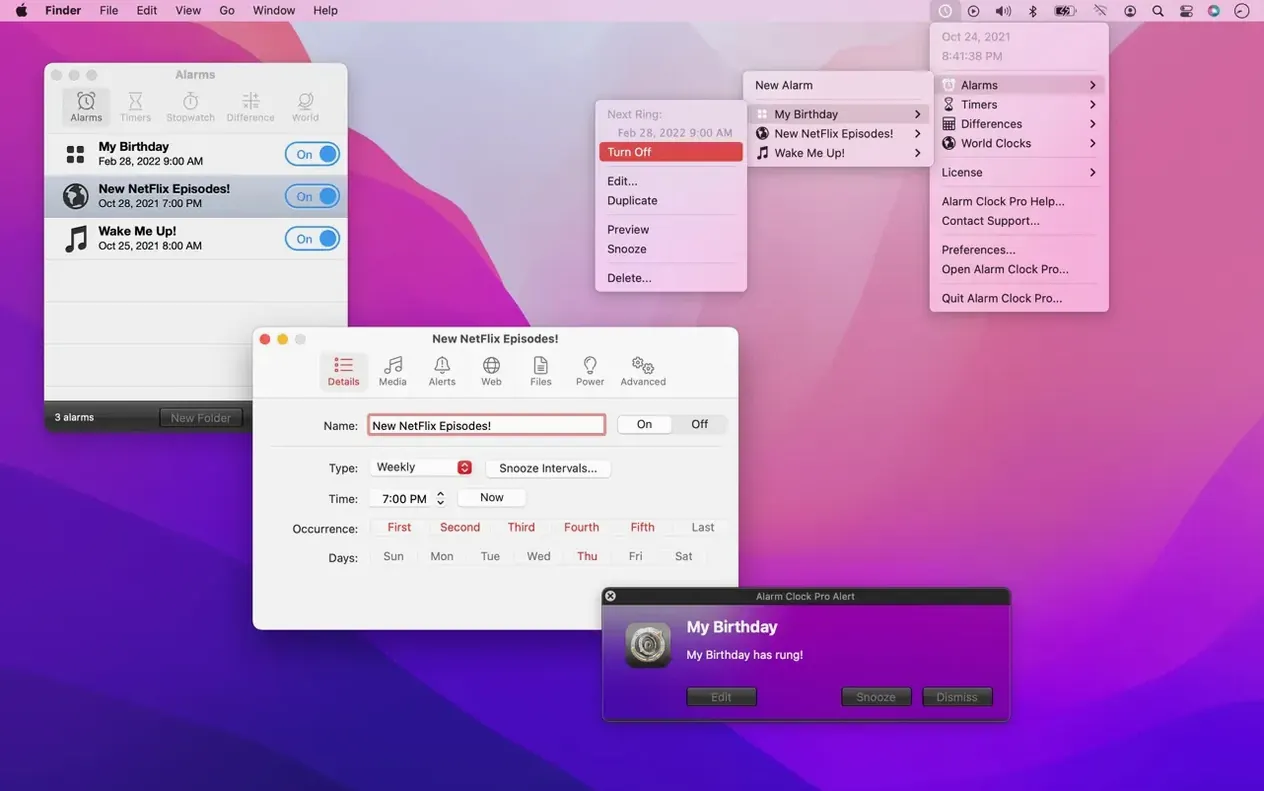
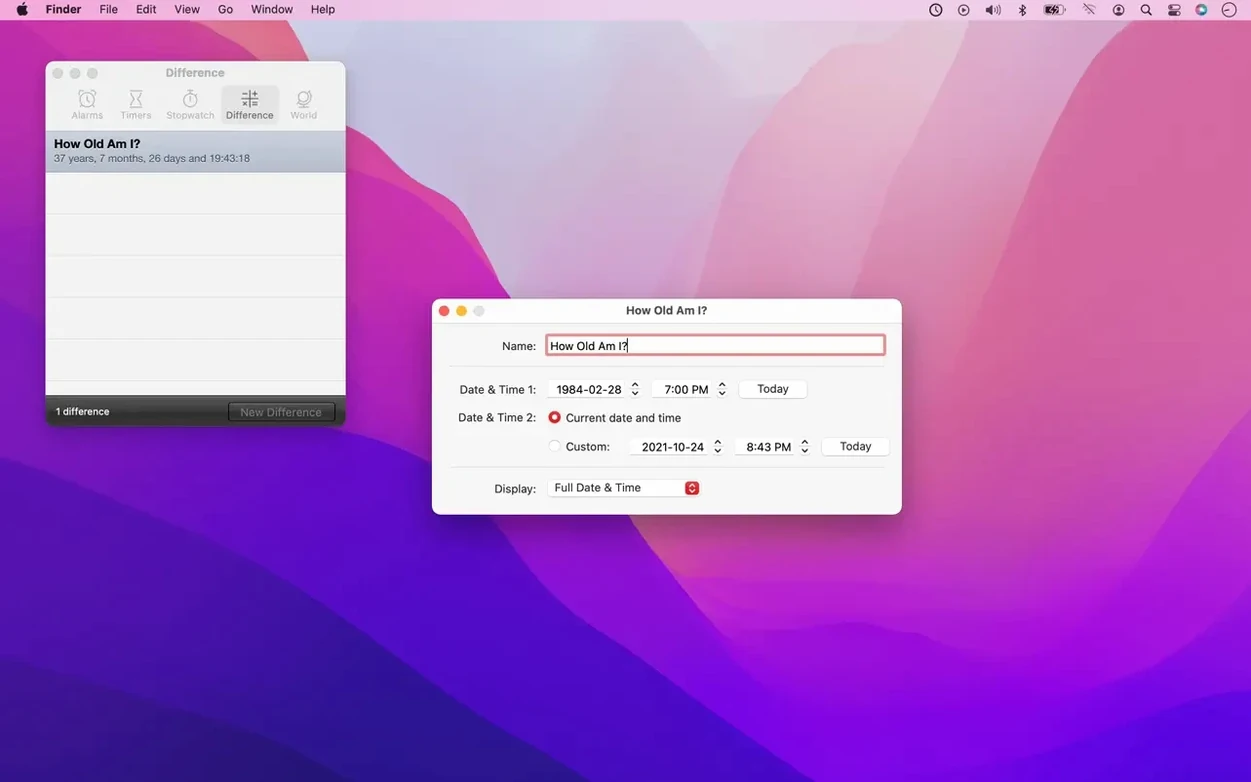
Your Mac already has a clock, a timer, and a stopwatch. But those built-in tools only go so far. Alarm Clock Pro picks up where they leave off, adding scheduled alarms, reminders, and automation without the need for a separate device.
Alarms on monthly to minutely intervals
- Setting alarms on monthly, weekly, daily, hourly, or even minutely intervals.
- Waking your Mac from sleep or powering it on so an alarm actually goes off.
- Running countdown timers based on a time interval, or starting an unlimited number of stopwatches.
- Getting passive on-screen notifications when you need a nudge.
- Launching apps, opening files, or visiting websites on a schedule.
- Capturing screenshots or webcam images and emailing them automatically.
Runs on macOS 10.14 and later under Rosetta
- It works on macOS 10.14 and later, with the current version requiring macOS 11 Big Sur.
- The app is Intel-native, so it runs on both Intel Macs and Apple Silicon under Rosetta.
- It extends the built-in Mac functions rather than replacing them.
- Version 15.9.3 fixed a corrupted binary, and the release notes mention pending approval for critical alerts that can break through Do Not Disturb.
Small features worth knowing
Alarm Clock Pro lets you pick your alarm sound from Apple Music or iTunes playlists, not just the built-in tones. You can also use an internet radio station as your wake-up signal. If you prefer silence, it can show passive on-screen reminders instead of playing anything.
The app can send email or SMS reminders for things you do not want to miss. It can also run shell commands or ping web pages on a schedule, which is handy for simple server checks or automating a script before you sit down.
Bypass Gatekeeper and set one daily alarm
After you mount the disk image and run Open Gatekeeper friendly, press Enter in the Terminal window to bypass Gatekeeper. Then drag the app into your Applications folder and open it.
Start with one recurring alarm, say a daily morning alert that plays a playlist from Apple Music. That way you test the sound, the volume, and whether your Mac wakes on time. Once that works, add a kitchen timer for cooking or a stopwatch for tracking how long you spend on a task.
If you rely on Do Not Disturb mode, keep an eye on the pending approval for critical alerts. When that feature lands, it will let alarms break through silence mode without you having to remember to turn it off.
Check the notifications permission first
Before you rely on on-screen reminders, open System Settings and confirm Alarm Clock Pro has notification access. If it does not, passive reminders will not show up, and you will miss the nudge entirely. That is one of those small steps that saves frustration later.
Try internet radio as a backup alarm
If you use a playlist from Apple Music, the track might not play if the app is closed or the library is unavailable. Set a second alarm a minute later that uses an internet radio station instead. That way you still get a wake-up call even if the music source fails.
Start simple with one shell command
Open the app and create a single automation that runs a shell command, for example making a file or echoing text to a log. It is a safe way to see how the scheduling engine works before you set anything critical. Once you see it trigger correctly, you can trust it with more important tasks.
Test the wake-from-sleep setting overnight
Set an alarm for a few minutes after you would normally wake up, put the Mac to sleep, and check in the morning whether it actually powered on. Some Mac models handle this differently, so it is worth confirming early rather than on a day when you cannot be late.
Alarm Clock Pro mac download wakes you with iTunes, Spotify, or radio, perfect for heavy sleepers.
- Fixed a corrupted binary in the release.
- Release notes mention pending approval for critical alerts that can break through Do Not Disturb mode.
- macOS 11 Big Sur or later
- Intel or Apple Silicon (via Rosetta)
Kit check at a glance
| System | macOS 10.14 or later |
| Chip | Intel 64-bit |
| Download | 50 MB |




Chat from the booth
Sign in or grab a free account to leave a comment.
Nobody has said a word in the booth yet. If you played a set with this build, tell the next person how it went.