

- Build in the crate
- 1.0.0
- Made by the team at
- FeelYourSound
- Menu languages offered
- English
- How you pay for it
- Included
- CPU it runs on
- Apple Silicon, Intel 64-bit
Screenshots
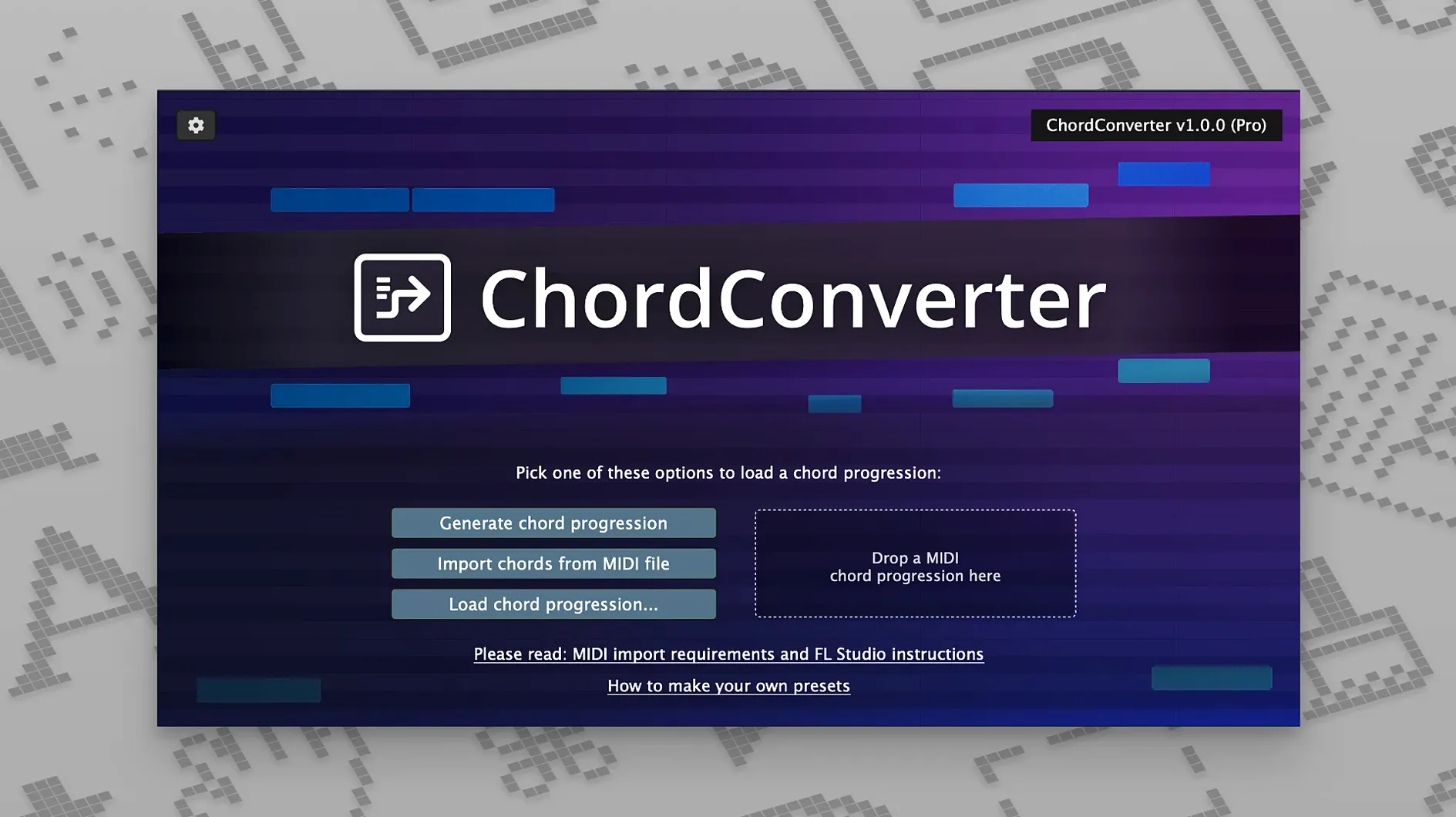
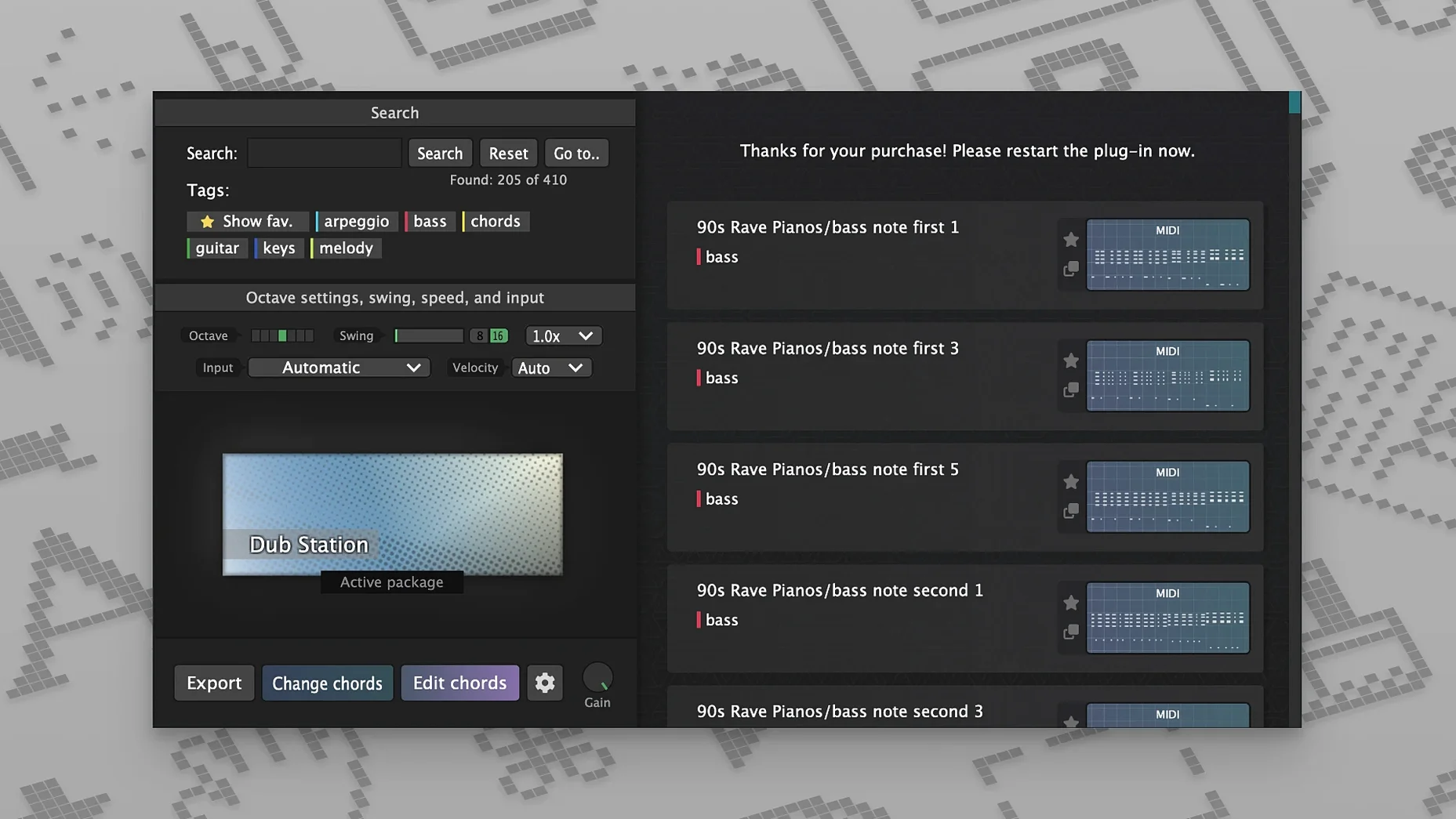
Writing a melody from a chord progression can feel like staring at a blank page. ChordConverter solves that by taking the chords you already have and turning them into playable arpeggios, basslines, or dynamic piano phrases — automatically. It works as a MIDI plug-in inside your DAW, so you feed it a chord sequence and it spits out a new performance you can edit or use as-is.
| Detail | Info |
|---|---|
| Developer | FeelYourSound |
| Version | 1.0.0 |
| Architecture | ARM & x86 (64-bit) |
| Language | English |
Inside the plug-in you get 30 chord-sequence generators, each one offering a different rhythmic or melodic feel — from straight arpeggios to rolling piano parts. Load a chord progression, pick a generator, and hear how it transforms the harmony into something playable. It integrates fully with SongEngine and is especially handy if you already use ChordPotion, though it works fine on its own too. The standalone version is no longer updated, so the plug-in is the way to go. It works on both Intel and Apple Silicon Macs.
Rescan your DAW to fix missing ChordConverter
The most frequent issue people hit is ChordConverter not showing up in their DAW's plug-in list. Usually the plug-in just needs a rescan — every DAW has a refresh or rescan button somewhere in its preferences. If that doesn't work, check that you placed the plug-in file in the correct folder for your DAW's format (AU or VST). Some DAWs only scan certain folders by default.
Another snag: the generated MIDI sounds wrong or plays notes that don't fit your track. That often means the input chord progression isn't being read correctly. Make sure your chords are in the right octave and that you're sending MIDI data on the same channel the plug-in expects. ChordConverter relies on clean chord input, so a stray note or overlapping chord can confuse it.
If the plug-in seems to do nothing when you load a chord progression, try cycling through the generators. Not every generator responds the same way to every chord type. Some are built for simple triads, others work better with extended chords.
Works standalone with any MIDI chord progression
Can I use ChordConverter without ChordPotion? Yes. It works with any MIDI chord progression you feed it. The integration with ChordPotion is a bonus, not a requirement.
Does it work on Apple Silicon? Yes. The plug-in runs natively on both ARM and Intel Macs. No Rosetta needed if your DAW is also native.
Do I need the standalone version? No. The standalone version is no longer updated, so the plug-in is the only version worth using. It does everything the standalone did and more.
How many presets are there? Over 400 factory presets plus 30 chord-sequence generators. That gives you a lot of starting points before you start tweaking your own.
Can I edit the generated MIDI after it's made? Yes. ChordConverter outputs standard MIDI data, so you can drag it onto a track and edit it like any other MIDI clip. Nothing is locked or baked in.
Pick the right generator from 30 options
Start with the generator. The default might not suit your style, so scroll through the 30 options until one clicks with your track. Each generator has its own character — some are percussive, some are flowing, some mimic a pianist's left hand.
Next, check the chord input method. Make sure you're feeding the plug-in a proper chord progression, not single notes. A simple three-note chord on each beat is enough to get something usable.
Load a ChordPotion preset into feelyoursound chordconverter mac full version to generate chord progressions from a single note. The plug-in can generate hundreds of MIDI files from a single preset, which is useful when you need variations on a theme. Then tweak the output range — shifting the generated part up or down an octave can completely change how it sits in your mix.
- macOS (version not specified)
- Intel or Apple Silicon
- Compatible DAW (VST/AU)
Kit check at a glance
| Chip | Apple Silicon, Intel 64-bit |
| Download | 73 MB |



Chat from the booth
Sign in or grab a free account to leave a comment.
Nobody has said a word in the booth yet. If you played a set with this build, tell the next person how it went.