
- Build in the crate
- 1.4.8
- Made by the team at
- Sugar Bytes
- Menu languages offered
- English
- How you pay for it
- K'ed by R2R
- macOS it plays on
- macOS 10.14 or later
- CPU it runs on
- Apple Silicon, Intel 64-bit
Screenshots
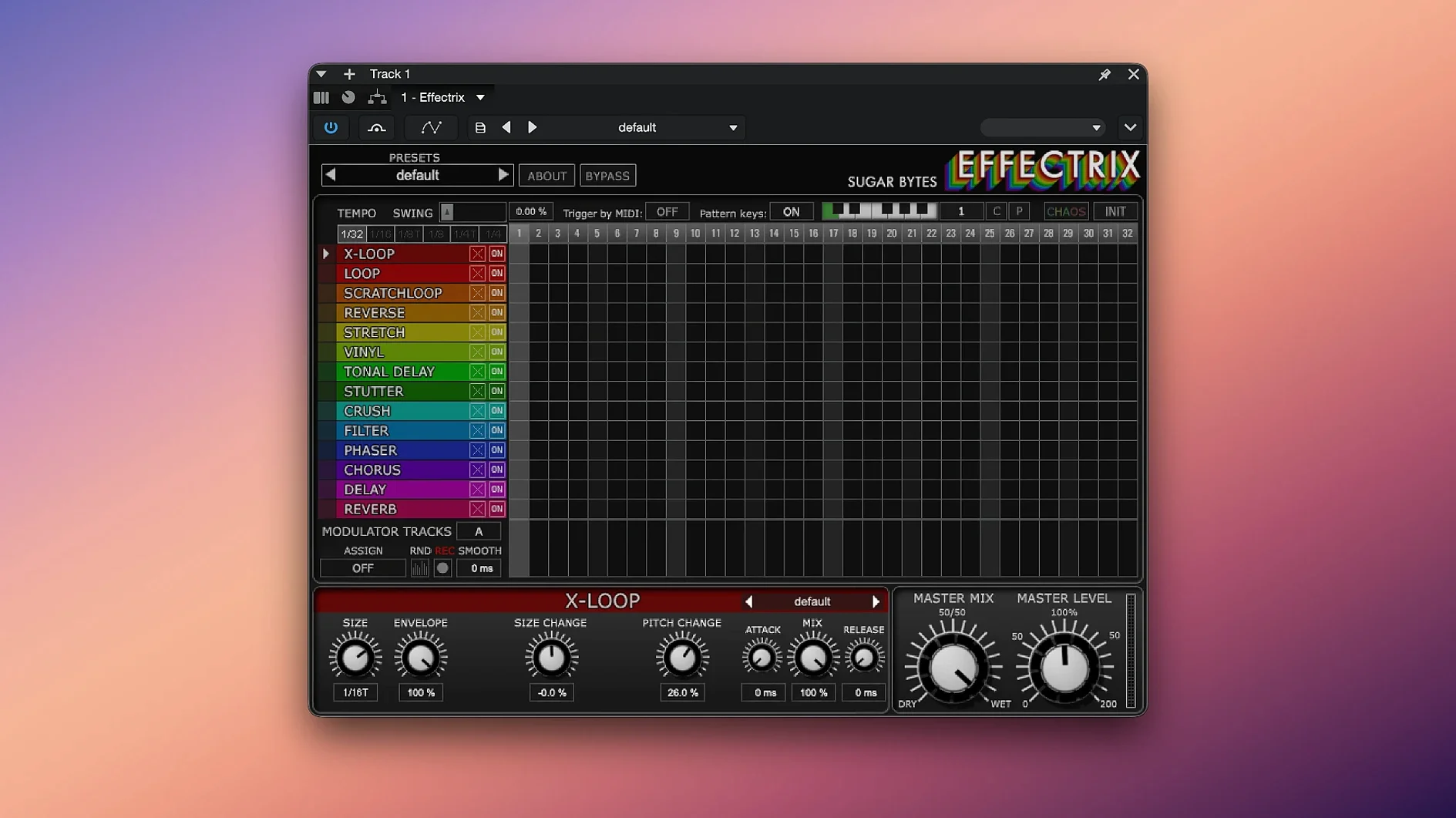
Effectrix 1.4.8 keeps the same step-based magic, and it still runs on both Intel and Apple Silicon Macs.
Formats, hosts, and setup
- Audio Unit, VST2, VST3, AAX, and Standalone
- Works in Logic, Ableton, Cubase, Pro Tools, and most other hosts
- Intel and Apple Silicon support
That list covers nearly every Mac host out there. You can also run it standalone for quick sketches without opening a DAW.
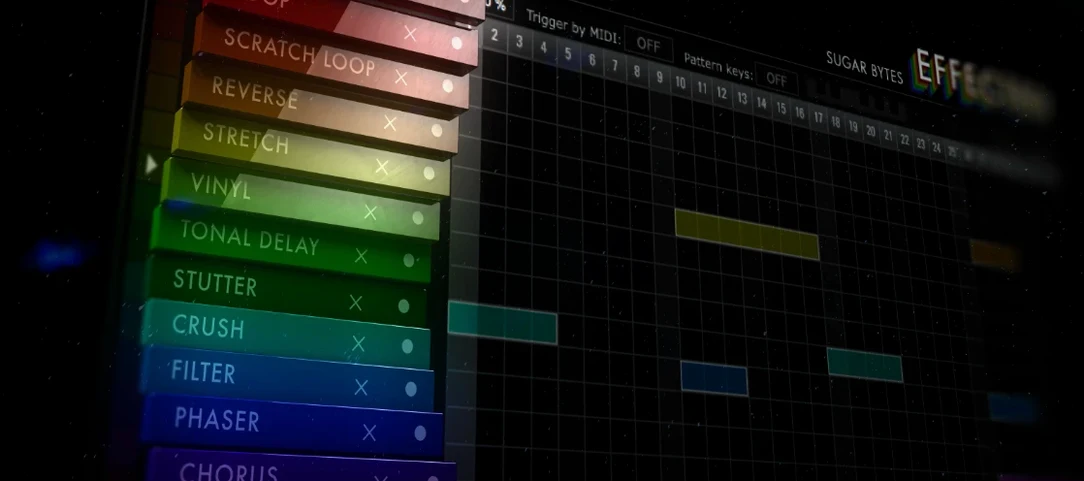
Chaos button and 14 effects on a grid
Effectrix is an effects sequencer with 14 effects, each with its own parameters. You draw steps on a grid, and effects trigger in sync with your track. The Chaos button throws in random variations when you want to break out of a loop. Swing helps humanise the rhythm, and hundreds of global presets for each effect give you a fast starting point. Copy and paste makes it easy to reuse patterns across projects.
Apple Silicon native support without Rosetta
The jump to 1.4.8 is mostly about compatibility and stability across newer macOS versions. For daily use, the main difference is that Effectrix now runs natively on Apple Silicon without Rosetta. If you're on an M-series Mac, you can load it in your host and it shows up as a native plug-in, not a translated one. That means it behaves like any other modern plug-in in your chain.
The 64-bit-only requirement means older Macs running macOS 10.13 or earlier are out, but anything on 10.14 or later is fine. For users who kept a Mac on High Sierra for legacy plug-ins, this is a cutoff worth noting. Everyone else just installs and works.
Nothing changed in the step grid or the effect list — the 14 effects, the Chaos button, the swing, the 12 pattern recall slots are all the same. The update didn't add new effects or rework the interface. What it did was make sure the plug-in keeps working as macOS moves forward.
Built for electronic music producers on loops
Effectrix suits different workflows, but some users will lean on it harder than others.
- Electronic music producers — if you make techno, house, hip-hop, or any genre built on loops and repetition, Effectrix is a quick way to add variation. A four-bar loop gets glitched, filtered, reversed, or stuttered without editing audio. You just draw steps.
- Sound designers — the 14 effects cover enough ground to transform a simple sample into something else. The two modulation tracks let you automate effect parameters over time, which opens up more complex textures.
- Live performers — the 12 pattern recall slots are the key here. You can map them to a MIDI keyboard and switch between effect sequences on the fly. The standalone mode also helps if you want to run Effectrix outside a DAW during a set.
- Remixers and beat makers — applying rhythmic effects to vocals, drums, or melodic loops saves time compared to automating effect plugins manually. Copy and paste between patterns speeds up building variations.
If you mostly record live instruments and mix with static effects, Effectrix might feel like overkill. But if you work with loops or need movement in your sound, it's one of the more direct tools for that.
Swing loosens the rigid step timing
Out of the box, Effectrix works with a default step grid and tempo sync. A few settings make a bigger difference early on.
- Swing — turn it up slightly. Even a small amount loosens the rigid step timing and makes the effects feel more natural, especially on drums or percussive loops.
- Cycle length — the default is 16 steps, but you can shorten it. Try 8 or 4 steps for faster effect changes, or extend it for longer patterns. This alone changes how Effectrix interacts with your arrangement.
- Chaos button — don't save it for later. Hit it early to hear random variations. If something sticks, you can recreate it manually or keep hitting Chaos until you land on something usable.
- Preset browsing — the hundreds of global presets per effect are worth scrolling through. Pick an effect, load a few presets, and tweak the parameters from there. It's faster than starting from zero every time.
One more thing: if you use MIDI recall, set up the 12 patterns across your keyboard early. Mapping them before you start building a track means you can switch sequences without stopping playback later.
- macOS 10.13 or higher
- Intel or Apple Silicon
Kit check at a glance
| System | macOS 10.14 or later |
| Chip | Apple Silicon, Intel 64-bit |
| Download | 20 MB |
| Older pressings | 1 in the crate |






Chat from the booth
Sign in or grab a free account to leave a comment.
Nobody has said a word in the booth yet. If you played a set with this build, tell the next person how it went.