

- Build in the crate
- 7.8.0
- Made by the team at
- GreenTree Applications SRL
- Menu languages offered
- English
- How you pay for it
- K'ed by TNT team
- macOS it plays on
- OS X 10.10 or later
- CPU it runs on
- Intel 64-bit
Screenshots
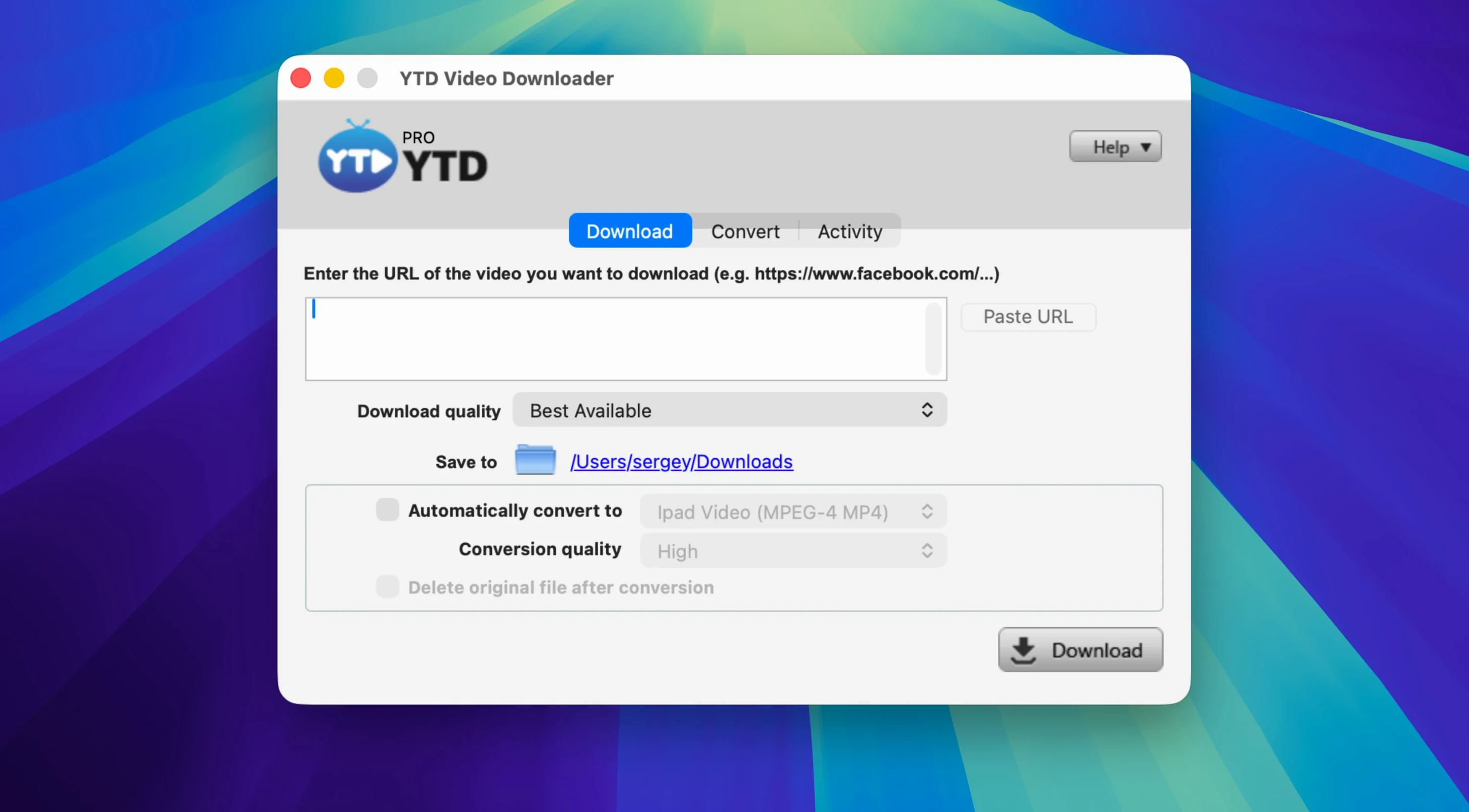
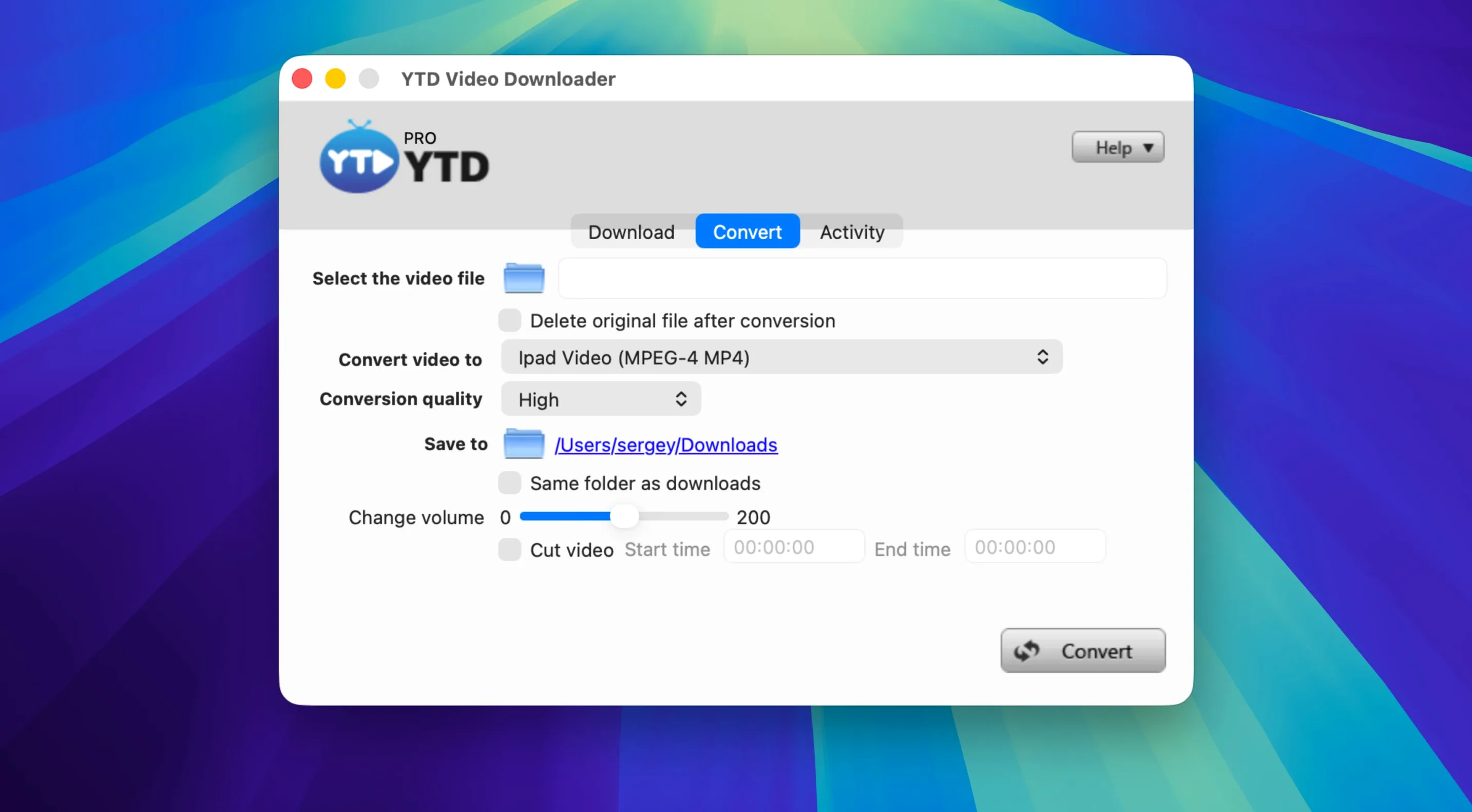
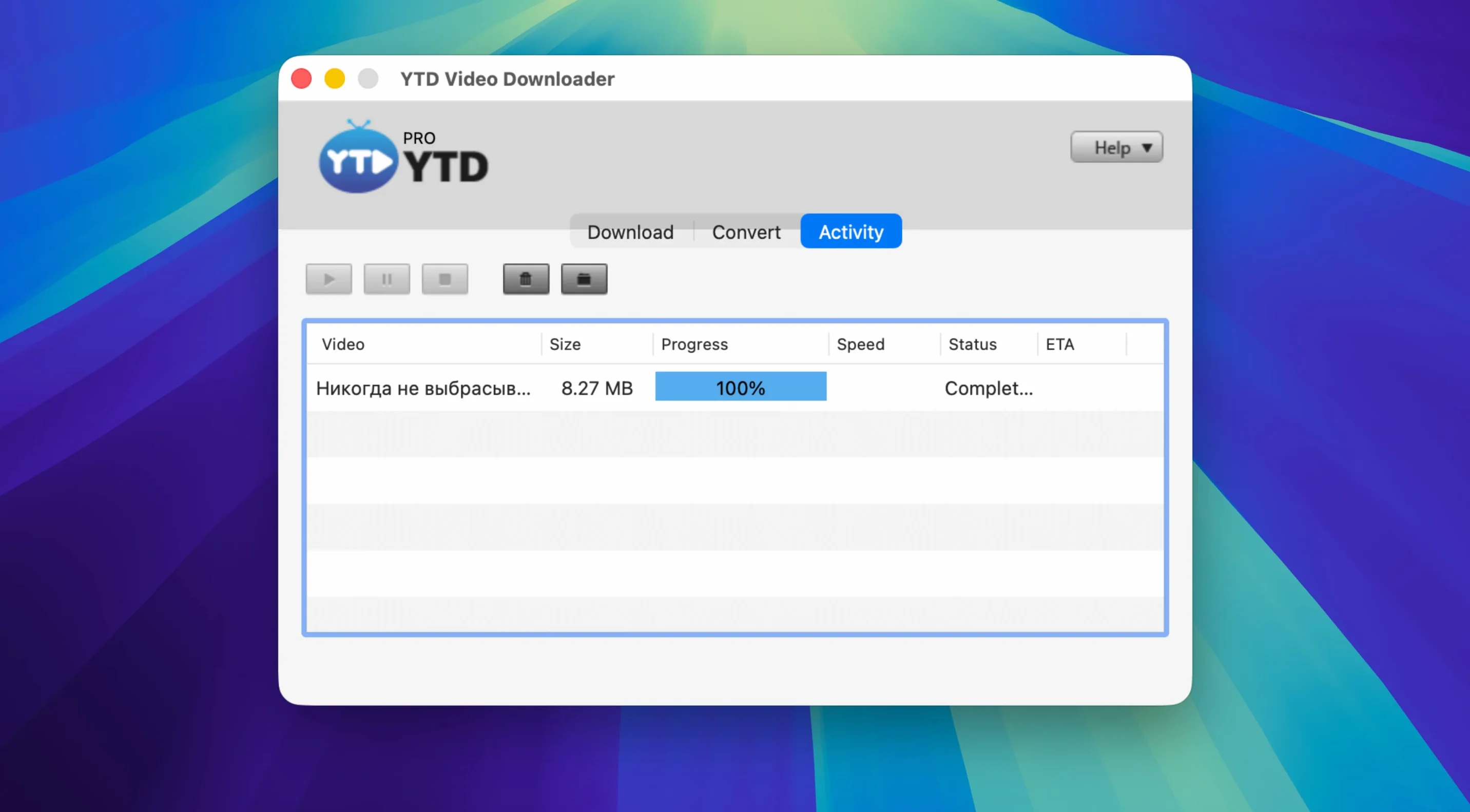
Long videos and patchy connections are a pain. You start a download, it drops halfway, and you are back to square one. YTD Video Downloader PRO sorts that out.
Paste a link, get a file
Copy a video URL from any of the 50+ supported platforms and paste it in. The app handles the rest. Playlists go the same way: one action and the whole set queues up.
Convert to audio on the fly
Want just the soundtrack? Pick MP3 or AAC output and the app converts as it downloads. Handy for pulling a podcast episode or a live session into your music library.
Set your output folder to ~/Desktop/YTD
Out of the box, YTD Video Downloader PRO runs fine. But a couple of tweaks make it feel like yours.
- Output folder. The default save location might be buried somewhere in your user folder. Set it to
~/Desktop/YTDor a dedicated~/Downloads/YTDso you always know where files land. - Default format. If you mostly grab MP3 for music, set that as the output format. That way you skip the format-selection step every time.
- Clipboard detection. Turn this on if you copy links often. The app watches your clipboard and, when it finds a video URL, fills the download field automatically. Saves one paste.
- Playlist behaviour. You can choose whether a playlist link instantly queues the whole series or asks first. For big channels, the ask-first option stops you accidentally downloading fifty videos at once.
That is it. No hidden panels, no config files. The app remembers these choices between sessions.
What to check before installing
Works with 50+ sites beyond YouTube
Yes. YouTube is the most common use, but the 50+ platform support covers Vimeo, Dailymotion, Youku, Yahoo Video, TikTok, Instagram, Facebook, Twitter/X and LinkedIn. If you regularly grab clips from a specific site, check the list first. Most mainstream video hosts are covered.
Can I download an entire channel?
Not directly. The app handles playlists and single videos, but a full channel with mixed content would need to be split into individual playlists or fetched one by one. For most people, playlist support covers the heavy lifting.
Lightweight process won't hog CPU or memory
YTD Video Downloader PRO processes the download locally, so your internet connection is the main bottleneck. The app itself is lightweight. It runs in the background without hogging CPU or memory, leaving you free to browse, edit documents or even run a DAW while a long video fetches.
Does it keep a log of what I download?
No. The developer states clearly that the app does not log activity or download history. Once the file is on your drive, the app forgets it. Good for privacy, good for keeping your download list clean.
Why does the installer ask for Terminal?
macOS Gatekeeper blocks unsigned apps by default. The Terminal step is a one-time bypass that tells macOS it is okay to let this app run. It sounds technical but it is just a single Enter press in a window that opens automatically. After that, you drag the app to Applications and you are done.
No browser extensions needed, plays nice with iTunes
YTD Video Downloader PRO lives in your Applications folder like any other macOS app. No background services, no browser extensions. That means it plays nice with how you already work.
- With iTunes and Apple Music. Set the output folder to your
~/Music/iTunes/iTunes Media/Automatically Add to iTunes.localizedfolder and any MP3 you download appears in your library automatically. No import step needed. - With Finder and Quick Look. Grab a video link, paste it, download. Finder handles the file. Use Quick Look (spacebar on the file) to preview the clip before moving it into your editing software or media player.
- With podcast apps. If you pull audio from YouTube or other platforms, save it as MP3 and drag it into your podcast app of choice. The converted file is a standard audio file – no special handling required.
- With video editors. Download clips in .mp4 or .mov and they open directly in iMovie, DaVinci Resolve or Final Cut Pro. No re-encoding needed unless you need a specific codec.
- With download managers. If you already use a browser-based download manager, YTD Video Downloader PRO replaces it for video. You can still use your regular tool for PDFs, software updates and other files. The two tools do not conflict.
- With macOS clipboard. Turn on clipboard detection and the app piggybacks on your normal copy behaviour. Copy a link in your browser, switch to YTD, and the URL is already there. It is a small thing that becomes natural fast.
The app is a standalone tool that fits into a standard macOS workflow without requiring you to change how you organise files or launch other programs.
Downloads pause and resume whenever you need. If the connection drops, the app retries automatically, so a flaky Wi-Fi signal won't ruin a long fetch.
- macOS OS X 10.10 or later
- Intel processor
- Interface language: English
Kit check at a glance
| System | OS X 10.10 or later |
| Chip | Intel 64-bit |
| Download | 93 MB |




Chat from the booth
Sign in or grab a free account to leave a comment.
Nobody has said a word in the booth yet. If you played a set with this build, tell the next person how it went.