

- Build in the crate
- 16.5.5
- Made by the team at
- Telestream
- Menu languages offered
- English, German, Spanish, Italian, Chinese (Simplified), Korean, Dutch, Portuguese, French, Czech, Swedish, Japanese
- How you pay for it
- K'ed by TNT team
- macOS it plays on
- macOS 11 or later
- CPU it runs on
- Apple Silicon, Intel 64-bit
Screenshots
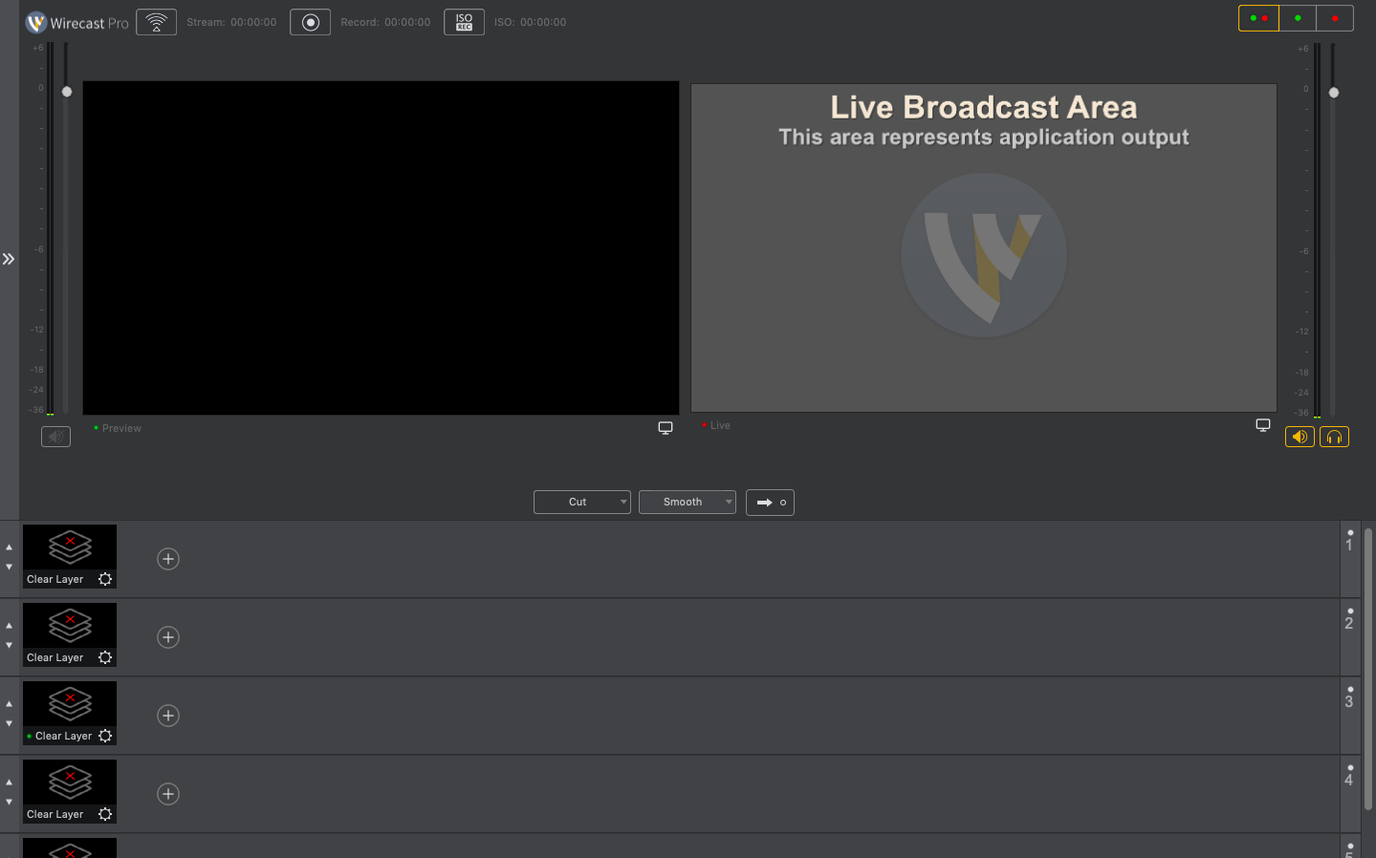
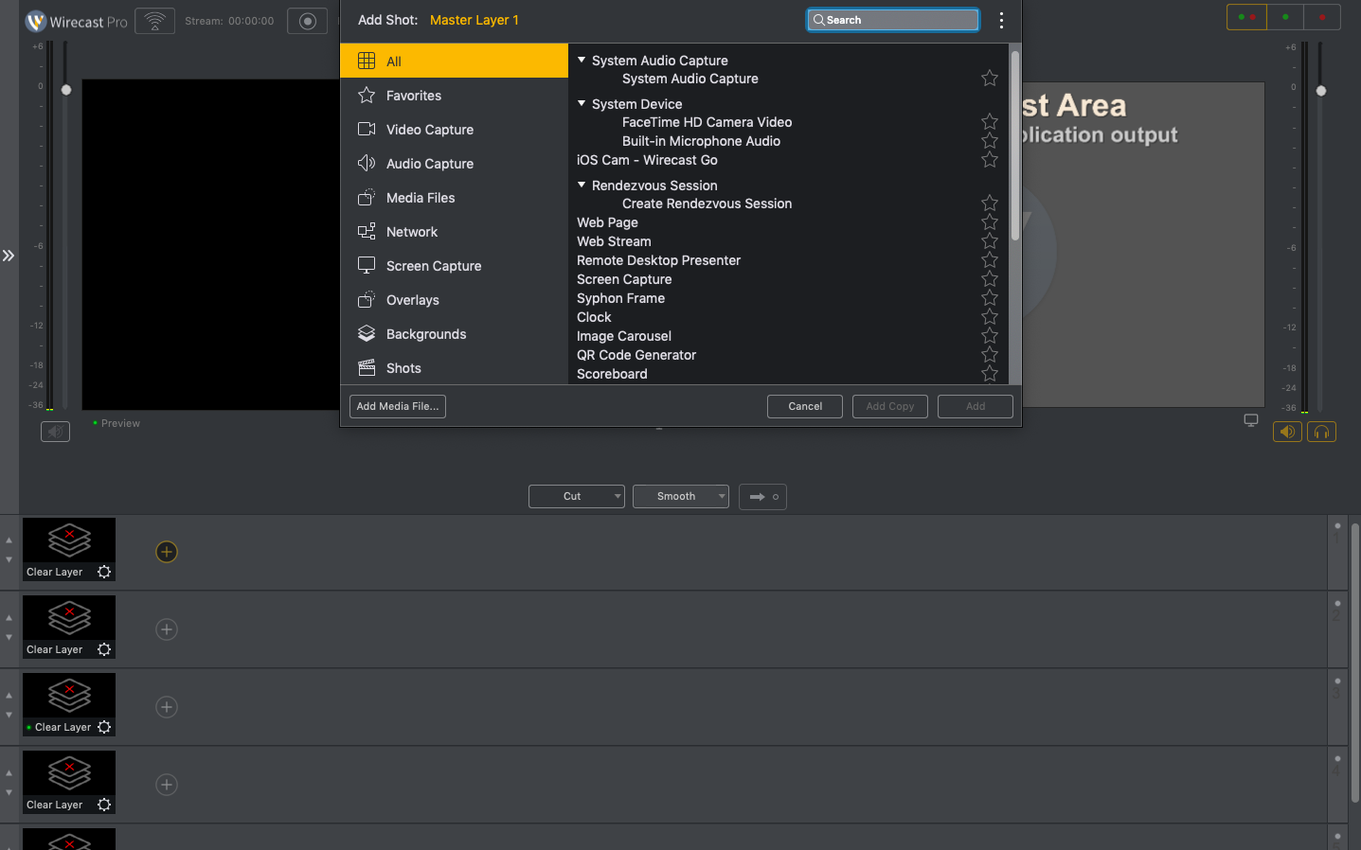
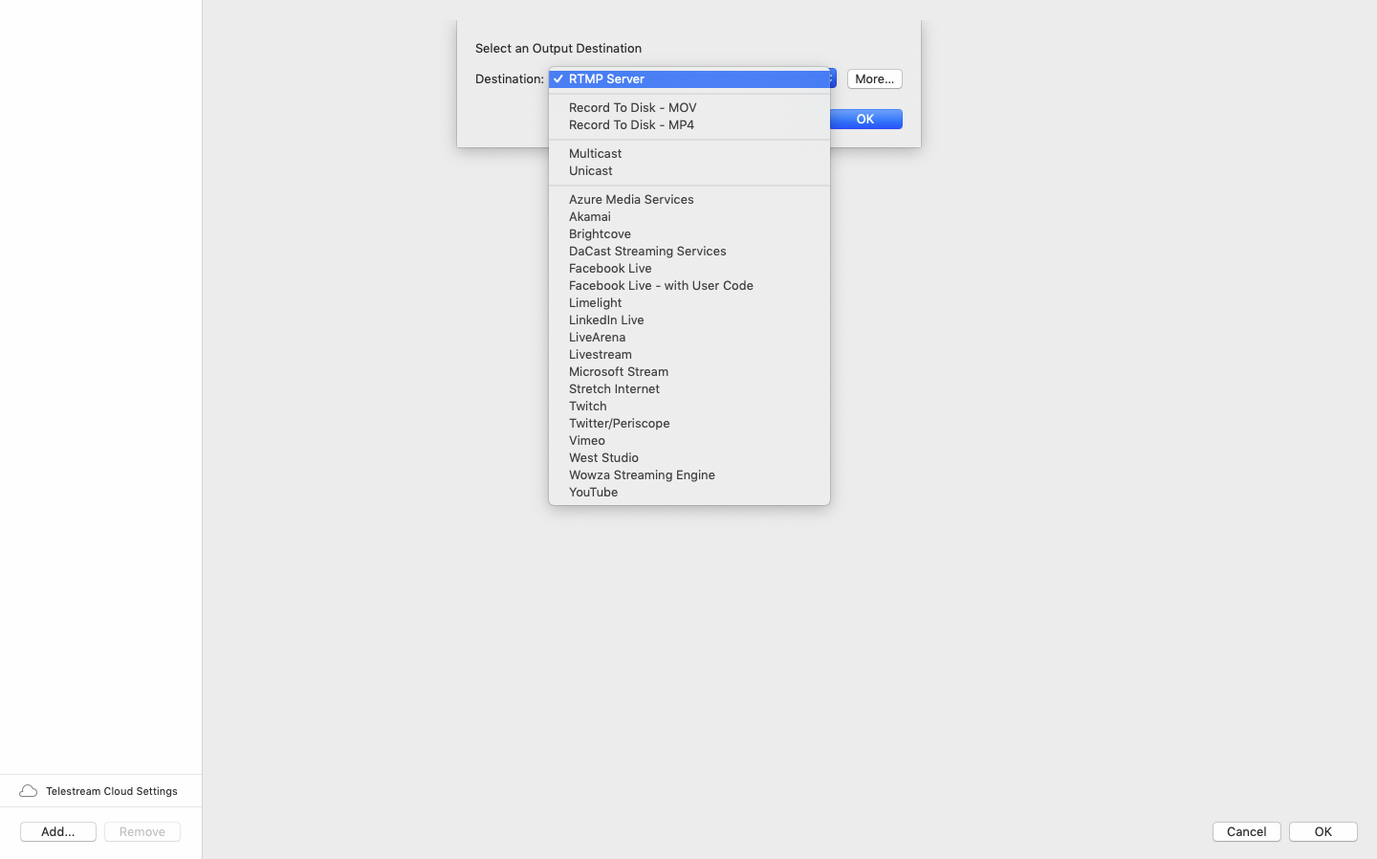
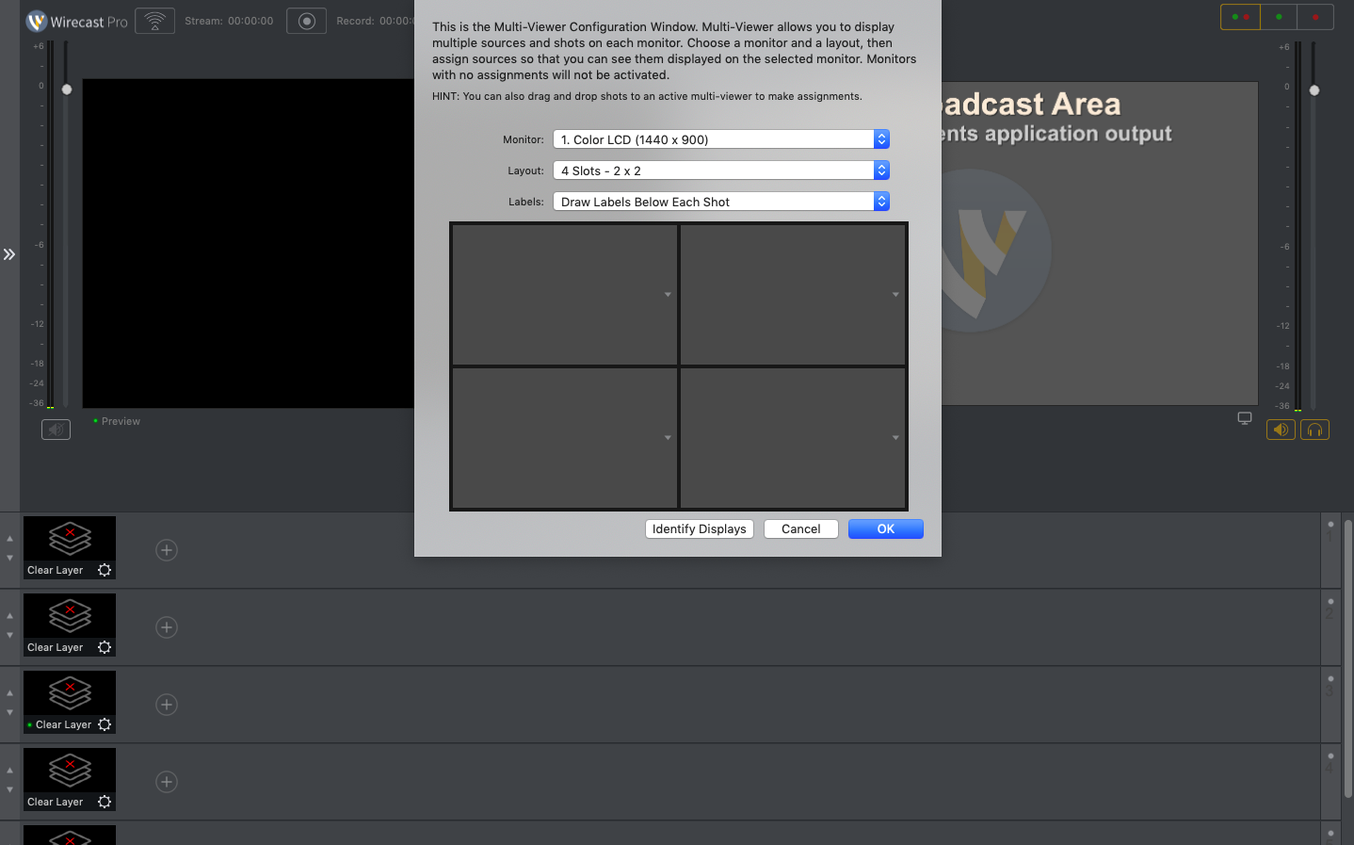
Wirecast Pro 16.5.4 is the current public version of Telestream's live streaming and recording app for macOS. It's built for small TV and production studios, but it fits fine next to the other tools on your Mac.
Wirecast Pro — Live video production software that captures, mixes, and streams camera feeds, slides, and audio.
NDI support — Native integration for NDI sources, with a new discontinuous-frame flag in 16.5.4 for cleaner handling of network video.
Virtual camera — Lets other Mac apps use Wirecast's output as a webcam source, now fixed when corporate IT blocks the virtual microphone driver.
PTZ camera detection — Fixed for certain NDI PTZ cameras on macOS, so they show up without extra fiddling.
Built-in titles — 30 title and caption styles to drop into your stream, no external graphics software needed.
Wirecast Pro works on Intel and Apple Silicon Macs running macOS 11 or later, and the interface is available in eleven languages including English, Spanish, and Japanese.
Sports score templates built in
Wirecast Pro packs a few details that don't make the headlines but save time once you know they're there. The sports score templates, for instance, are included out of the box — no need to build a scoreboard graphic from scratch if you're streaming a local match or a school tournament. You can update the numbers live while the stream keeps running.
The logo overlay works the same way: drop your PNG or graphic onto the outgoing signal and it stays on top of everything. Handy for branding a conference feed or a church service without adding a separate layer every time you switch cameras.
Quick text changes during a live broadcast are another small win. Instead of stopping the stream to edit a lower-third or a caption, you type the new text and it updates on the fly. That matters when a speaker's name changes at the last second or when you need to correct a typo without anyone noticing.
The 16.5.4 release also adds a discontinuous-frame flag for NDI sources. In plain terms, that helps Wirecast handle network video that arrives with gaps or timing hiccups — common when NDI travels over Wi-Fi or a busy local network. The flag tells the encoder not to treat every missing frame as a problem, which keeps the output cleaner.
Native performance on Intel and Apple Silicon Macs
Wirecast Pro 16.5.4 runs on macOS 11 or later, and it supports both Intel (x86 64-bit) and Apple Silicon Macs natively. That means it launches on an M-series Mac without Rosetta translation, which is standard for a professional video tool at this point. The app is a 64-bit binary, so it won't run on older macOS versions that only support 32-bit software — but macOS 11 is the minimum, so that's not a real concern for most current machines.
The interface is localised into eleven languages: English, German, Spanish, Italian, Chinese (Simplified), Korean, Dutch, Portuguese, French, Czech, Swedish, and Japanese. If you work in a multilingual team or stream to an international audience, switching the UI language is straightforward.
Mount the disk image, run the Open Gatekeeper friendly command, press Enter in Terminal to bypass Gatekeeper, drag the app to Applications, then launch. No extra background services or driver installers to worry about.
Multi-camera setup for a small venue stream
Say you're running the live stream for a small music venue. You've got two cameras on tripods, a laptop with the setlist and band photos, and an NDI feed from a PTZ camera mounted near the stage. Wirecast Pro brings all three into one timeline. You switch between the PTZ close-up and the wide shots during the performance, drop the venue logo on the corner, and overlay the band name with one of the built-in title styles.
The quick text change feature comes in handy between sets: you type the next band's name while the current one is still playing, and it updates the lower-third the moment you switch. Meanwhile, the virtual camera output feeds into your streaming platform of choice, and the whole thing records locally in case the internet drops. It's one Mac, one app, and a few cables — nothing that needs a production truck.
- Fixed detection of certain PTZ NDI cameras on macOS.
- Fixed virtual camera use when the virtual microphone driver is blocked by corporate IT policy.
- Added a discontinuous-frame flag for NDI sources.
- macOS 11 or later
- 64-bit processor (Intel or Apple Silicon)
Kit check at a glance
| System | macOS 11 or later |
| Chip | Apple Silicon, Intel 64-bit |
| Download | 820 MB |
| Older pressings | 1 in the crate |




Chat from the booth
Sign in or grab a free account to leave a comment.
Nobody has said a word in the booth yet. If you played a set with this build, tell the next person how it went.