
- Build in the crate
- 10.1.0
- Made by the team at
- Many Robots
- Menu languages offered
- English
- How you pay for it
- K'ed by TNT team
- macOS it plays on
- macOS 10.14 or later
- CPU it runs on
- Intel 64-bit
Screenshots
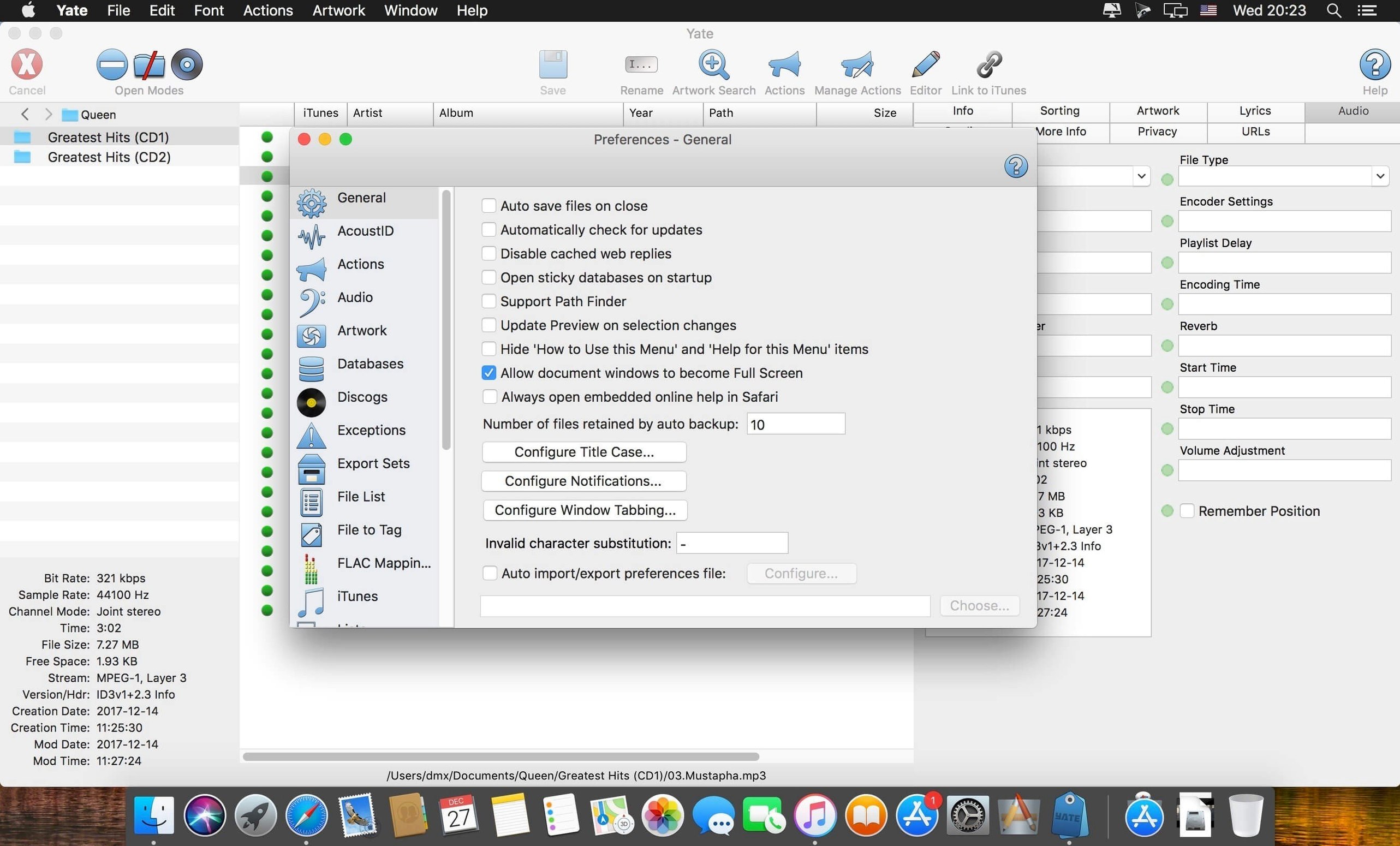
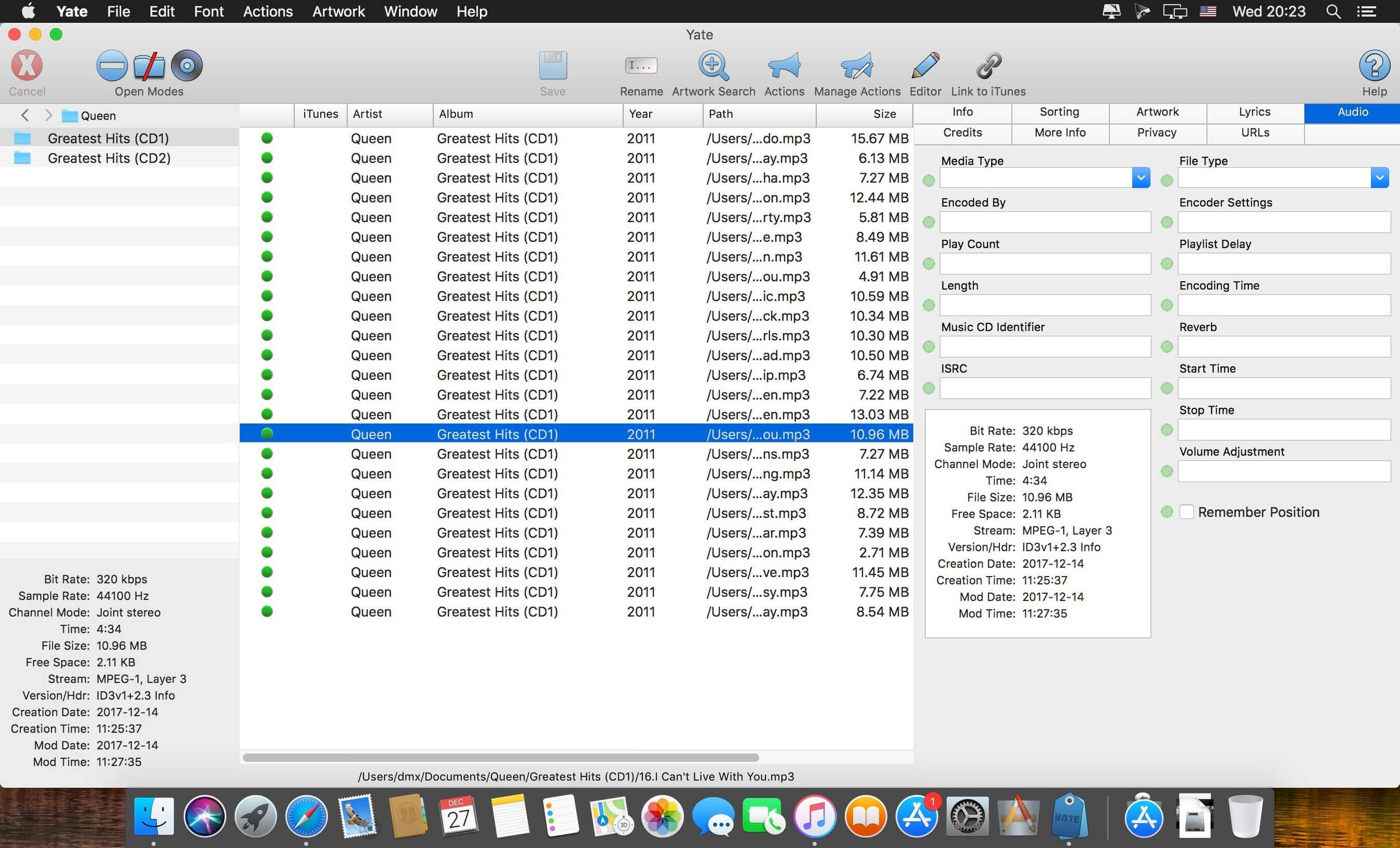
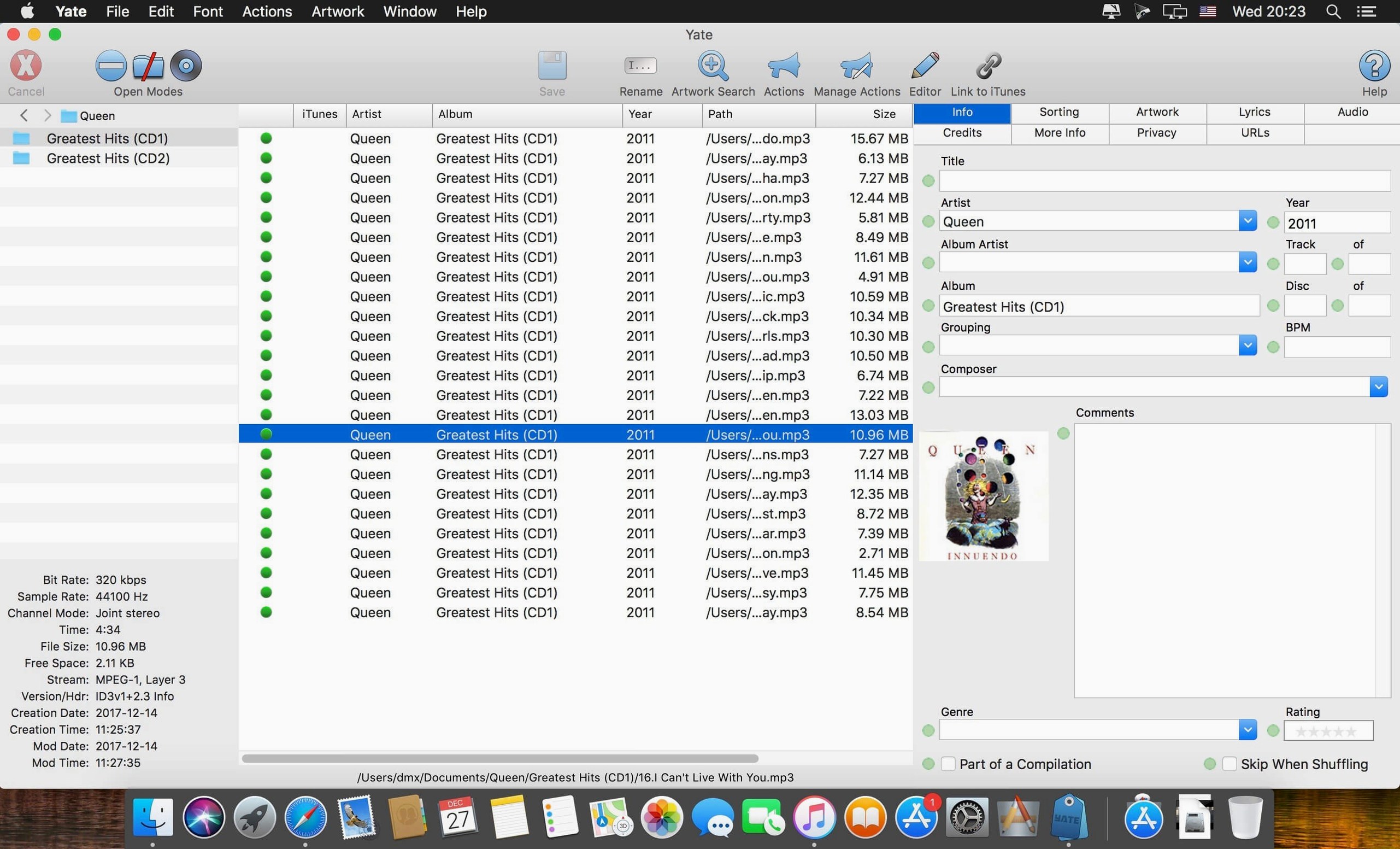
You have a library of MP3s, FLACs, and AIFFs, but the tags are a mess — wrong years, missing album art, no genre. Yate is the tool you reach for when you want to fix every detail yourself. It handles MP3 (including MP2), APE, AIFF (AIFC and AIF), M4B, OGG (single-stream Vorbis and Opus), DSF, and MP4 files in AAC, ALAC, and video formats. No other editor covers this many formats out of the box.
Where Yate stands out is its integration with Beatport and Discogs. You pull track data directly from those services and map it to your files. That saves hours of typing when you’re organising a large electronic or dance music collection. It also talks to Apple’s Music, iTunes, and TV apps, so your changes sync straight into your existing library.
How it fits with other apps and macOS features
Yate works as a hub alongside your existing tools. After you edit tags, the changes appear in Apple Music and iTunes without extra steps — the sync is built in. That means playlists, ratings, and play counts stay intact. You don’t need to re-import files or rebuild a library.
It also plays well with macOS file management. When you batch-rename files using tag data, Finder sees the new names immediately. And because Yate writes standard metadata, apps like VLC, Plex, or Roon read the results without complaint. The scripting system (called actions) lets you automate repetitive tasks. You can build an action that grabs data from MusicBrainz, writes it to a batch of FLACs, then renames the files by artist and album. Run it once, and it works the same every time.
How it compares with similar Mac apps
MusicBrainz Picard is free and great at looking up tags from the MusicBrainz database. But it only handles a handful of formats — mainly MP3, FLAC, and OGG. Yate adds AIFF, DSF, DFF, APE, WAV, and M4A/M4B/M4V, which matters if you archive in lossless formats or work with audiobook files. Picard also has no Beatport or Discogs integration, so for electronic or second-hand vinyl rips, Yate is the more complete choice.
MetaZ is another Mac-native tagger, known for its simple interface. It covers MP3, FLAC, OGG, and M4A, but skips the more niche formats like DFF, DSF, and APE. MetaZ also lacks a scripting system — every edit is manual. Yate’s actions make it faster for anyone who regularly tags large batches.
MP3tag (via CrossOver or Windows) is popular but not native to macOS. It supports many formats and has a scripting-like system, but the integration with macOS apps and Apple’s library isn’t there. Yate feels like it belongs on a Mac; you don’t fight the OS to make it work.
Real-world scenario: an electronic music archivist
Carlos collects underground techno releases from the last 20 years. He downloads a new batch of 100 FLAC files from a netlabel, but the tags are just track numbers and titles — no artists, no years, no genres. He opens Yate, selects all files, and hits the Discogs integration. Yate matches each track to its release and pulls the catalogue number, artist, year, and genre. Then he runs an action that writes the tags, embeds album art from Discogs, and renames the files to “Artist – Title.flac”. The whole job takes under ten minutes. After that, the library in Apple Music shows everything correctly sorted, and he can search by label or release year without manual cleanup.
For the next batch, he saves the same action and runs it with one click — no setup needed again.
Version 10.1.0, released in late October 2026, keeps the same focused workflow. If you want full control over your tags, this is the app.
- macOS 10.14 or later
- Intel processor
- English interface language
Kit check at a glance
| System | macOS 10.14 or later |
| Chip | Intel 64-bit |
| Download | 17 MB |
| Older pressings | 7 in the crate |



Chat from the booth
Sign in or grab a free account to leave a comment.
Nobody has said a word in the booth yet. If you played a set with this build, tell the next person how it went.