

- Build in the crate
- 5.3.0
- Made by the team at
- iTubeGo
- Menu languages offered
- English
- How you pay for it
- K'ed by TNT team
- macOS it plays on
- macOS 10.12 or later
- CPU it runs on
- Intel 64-bit
Screenshots
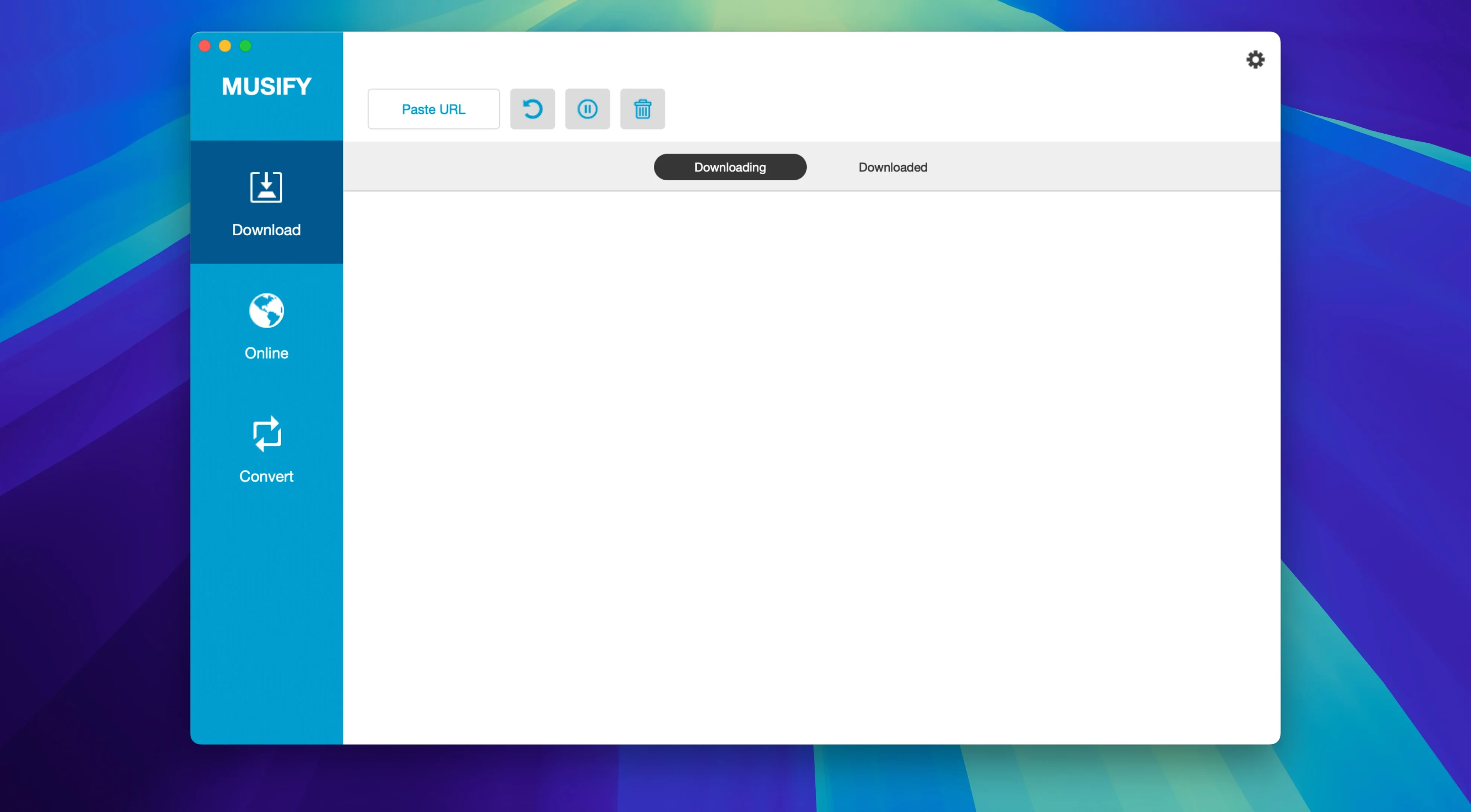
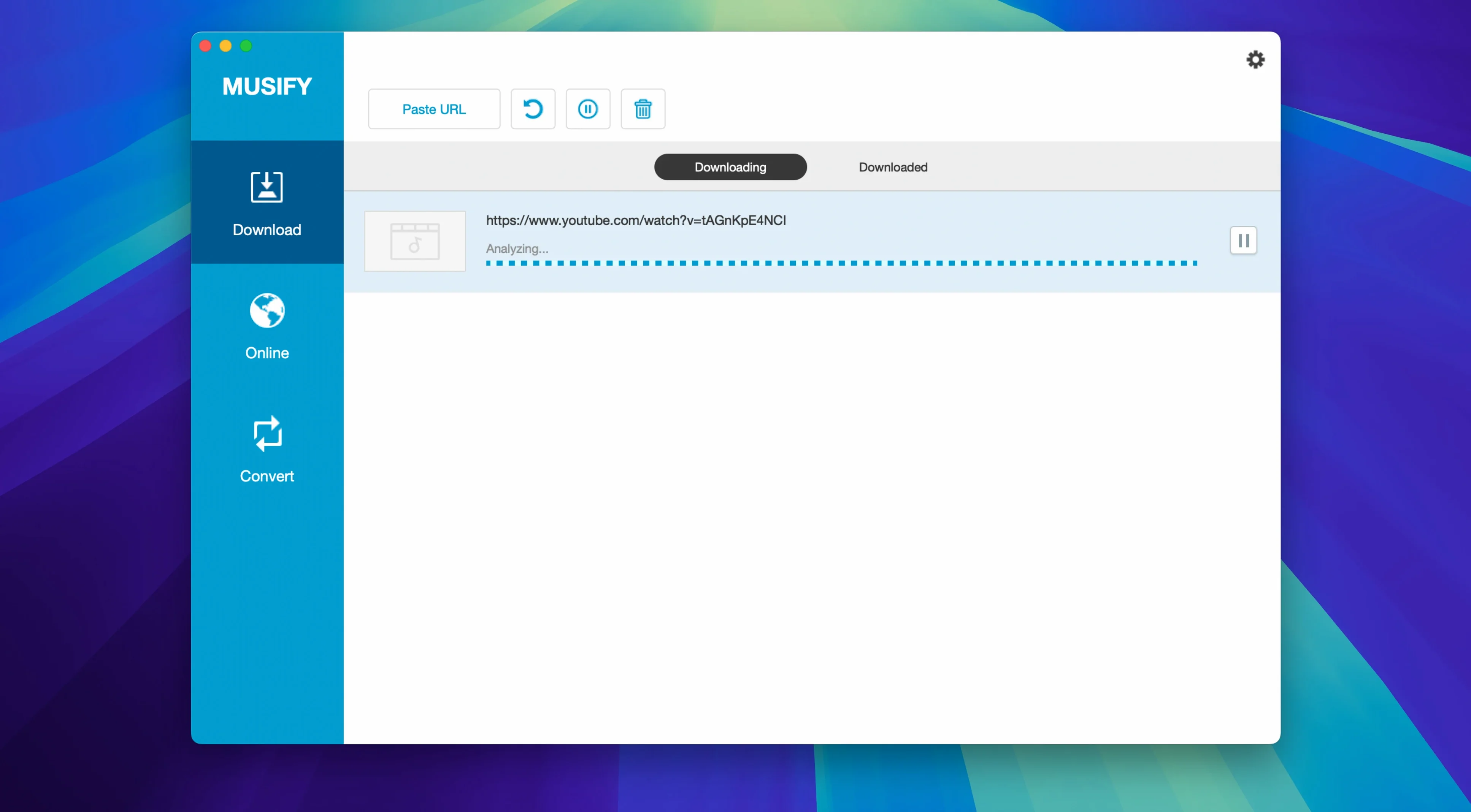
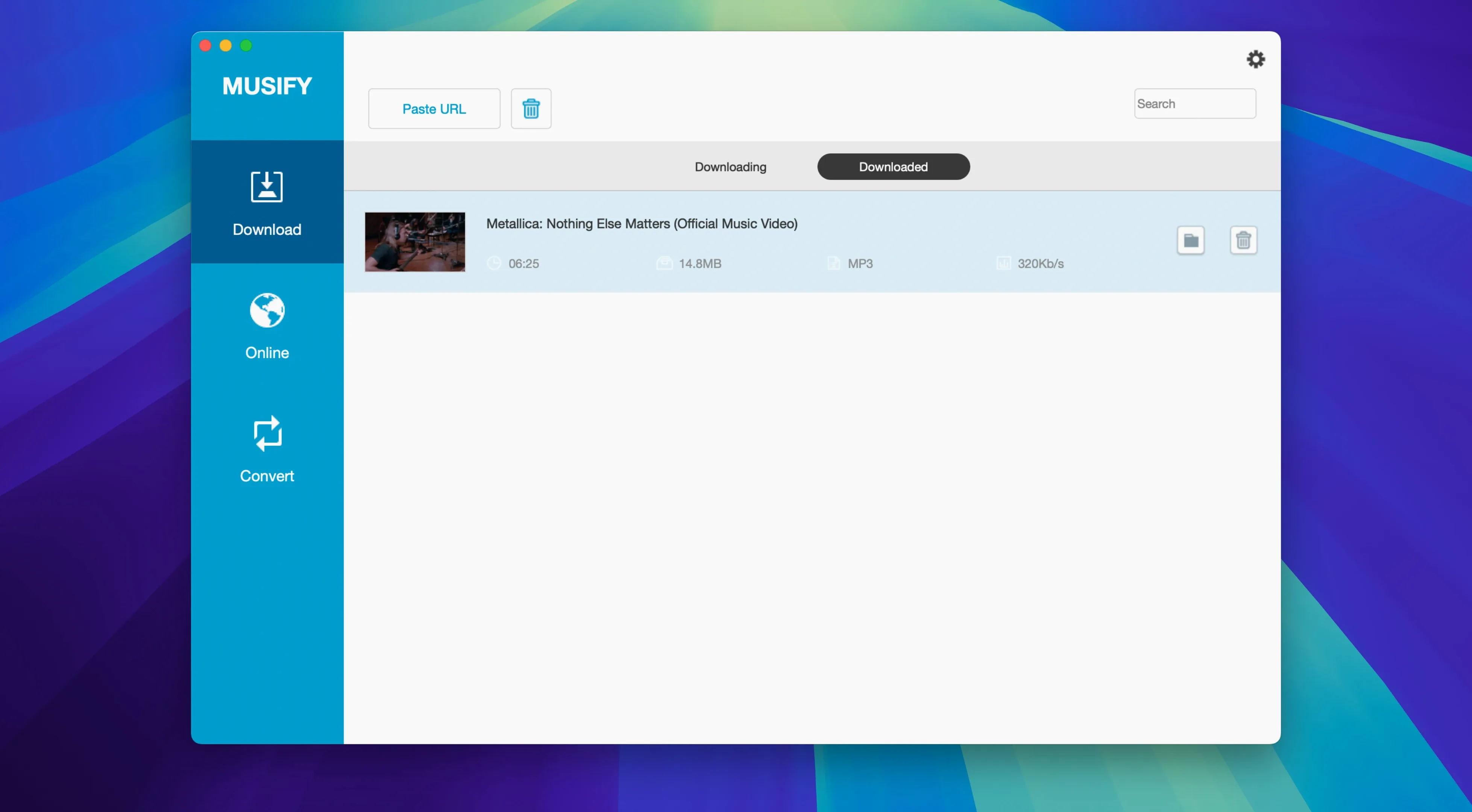
People who spend a lot of time on music sites — SoundCloud, Bandcamp, MixCloud, even Instagram and Facebook — often want to save tracks for offline listening. Musify 5.3.0 is built for that. It downloads audio from more than 1000 websites and converts YouTube content to MP3, M4A, or WAV. It also handles playlist downloads from major services and can batch-convert multiple MP3 files at once.
Here is what most people want to know before installing it:
- What sites does it work with? YouTube, Spotify, SoundCloud, Facebook, Instagram, MixCloud, Bandcamp, Freesound, Audioboom, Veojam, and thousands more.
- Can I convert YouTube videos to MP3? Yes — paste a link and choose MP3, M4A, or WAV.
- Does it download entire playlists? Yes, from major music services.
- What about batch conversion? You can convert multiple MP3 files at once.
- Is it Intel-only? Yes — requires macOS 10.12 or later and an Intel Mac.
- How do I install it? Mount the disk image, run Open Gatekeeper friendly, press Enter in Terminal to bypass Gatekeeper, drag the app to Applications, and you are ready.
If you regularly grab audio from streaming sites and want something that covers the big ones plus hundreds of smaller platforms, Musify 5.3.0 is a straightforward tool for that job.
- macOS 10.12 or later
- Intel Mac
Kit check at a glance
| System | macOS 10.12 or later |
| Chip | Intel 64-bit |
| Download | 68 MB |
| Older pressings | 2 in the crate |








Chat from the booth
Sign in or grab a free account to leave a comment.
Nobody has said a word in the booth yet. If you played a set with this build, tell the next person how it went.